
Captured Mobs
Capture mobs, automate their drops, and customize your farm with blades, lucky charms, and storage upgrades.
截图
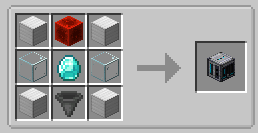
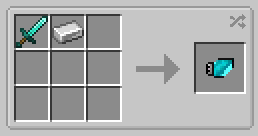
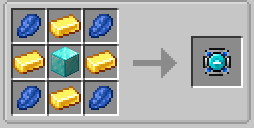
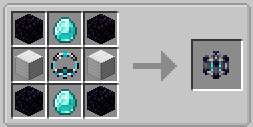
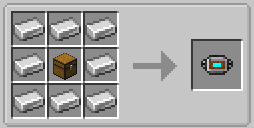
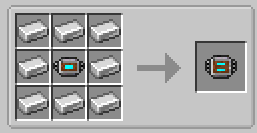
介绍
CAPTURED MOBS
Capture mobs and build your own automated mob farm! Collect creatures in Capture Balls, place them inside a farm, and upgrade its speed, loot, and storage.
Capture and release
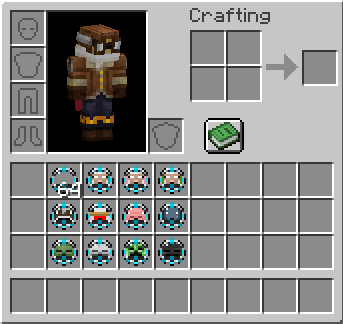
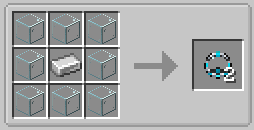
Right-click an adult mob with an empty Capture Ball to capture it instantly. Sneak-right-click the ground to release it again. Captured mobs retain their names and variants, including sheep colors. Baby mobs and bosses cannot be captured.
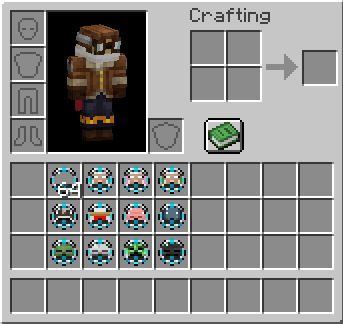
Build your farm
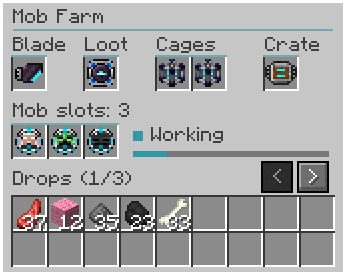
Each farm starts with one mob slot. Add Cage Expansions to unlock up to three slots—all active mobs are farmed together.
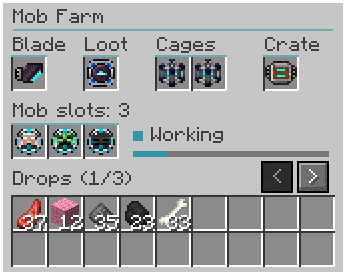
A blade is required to run the farm:
-
Wood: one cycle every 10 seconds
-
Stone: every 8 seconds
-
Iron: every 6 seconds
-
Diamond: every 4 seconds
-
Netherite: every 2 seconds
Improve your loot
Lucky Charms apply Looting levels to the farm’s drops:
-
Iron: Looting I
-
Emerald: Looting II
-
Diamond: Looting III
-
Netherite: Looting IV
Actual drops depend on the mob’s loot table.
Storage and automation
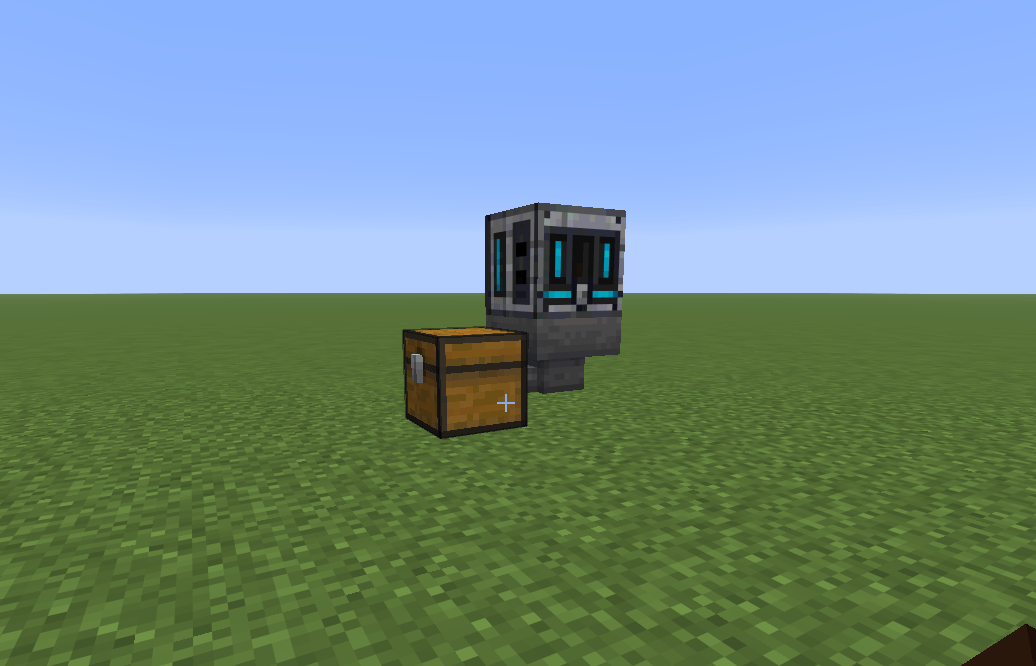
Expand the internal storage from 9 slots to 27 or 54 slots. Use hoppers from above or the sides to supply Capture Balls and blades, and extract drops from below.
Farms require no fuel and generate no experience. Blade durability is disabled by default. Enable it and adjust the wear rate through the in-game configuration. Netherite blades remain unbreakable. Farm-Time changable. Looting 4 Lucky Charm can be disabled.
For players who enjoy mob farming, automatic loot collection, mob capture, hopper automation, and upgradeable farms.
Development disclosure: Developed with AI assistance for code and artwork, with manual editing and gameplay testing. Questions, bug reports, or feature requests? Feel free to reach out to me on Twitter/X: x.com/ilawayy
常见问题
Captured Mobs 支持哪些 Minecraft 版本?
Captured Mobs 支持 Minecraft Java 版 1.21.1–26.3,共 6 个版本,可用的加载器:Fabric / NeoForge。下载时注意选择和你游戏版本一致的文件。
Captured Mobs 怎么安装?
先用 PCL2 或 HMCL 启动器安装对应版本的 Fabric / NeoForge,再把下载的 .jar 文件放进游戏目录的 mods 文件夹,重新启动游戏即可。开启了版本隔离的,mods 文件夹在 versions/版本名 下面。
5vali 的其他作品
查看全部 →
Teleport Manager
Save private and public teleport points, travel by menu or map, and keep PvP fair with warm-ups, cooldowns, and a combat lock.

Sapling Preview
Hold a sapling and press V to see where it can grow: green, yellow or red. Client-side only.
评论
登录后评论和评分