截图
介绍
Simple Toolbelt



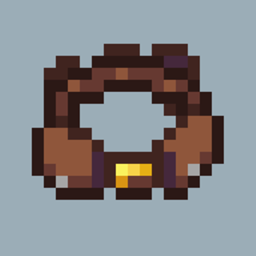
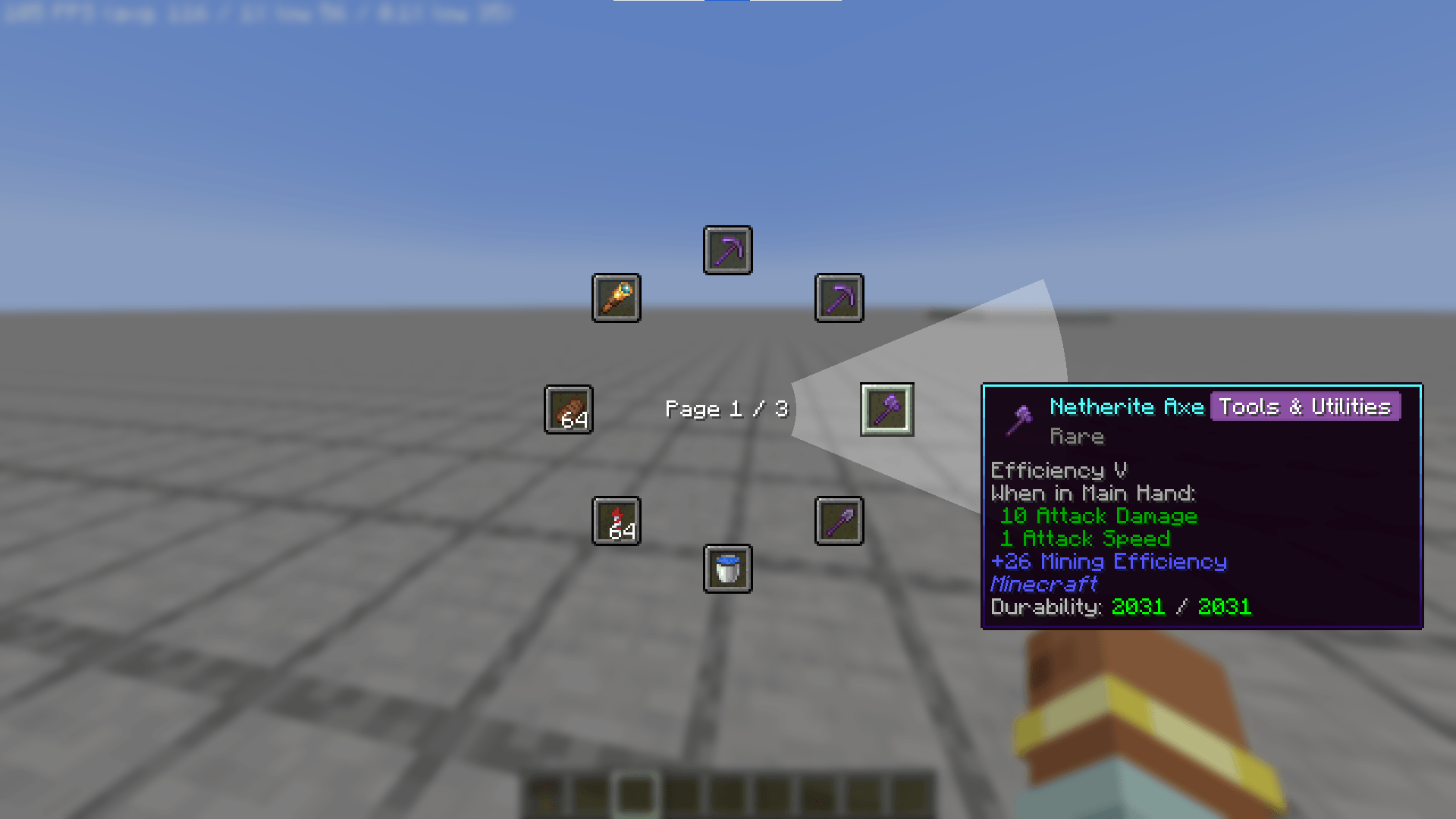
A lightweight toolbelt for NeoForge 1.21.1. Switch tools from a radial wheel, and every tool returns to its place.
Showcase(v0.1.1)
Features
Switch-type, not swap-type
The belt remembers which slot each tool came from, and returns the previous tool there when you switch. Your belt stays organized.
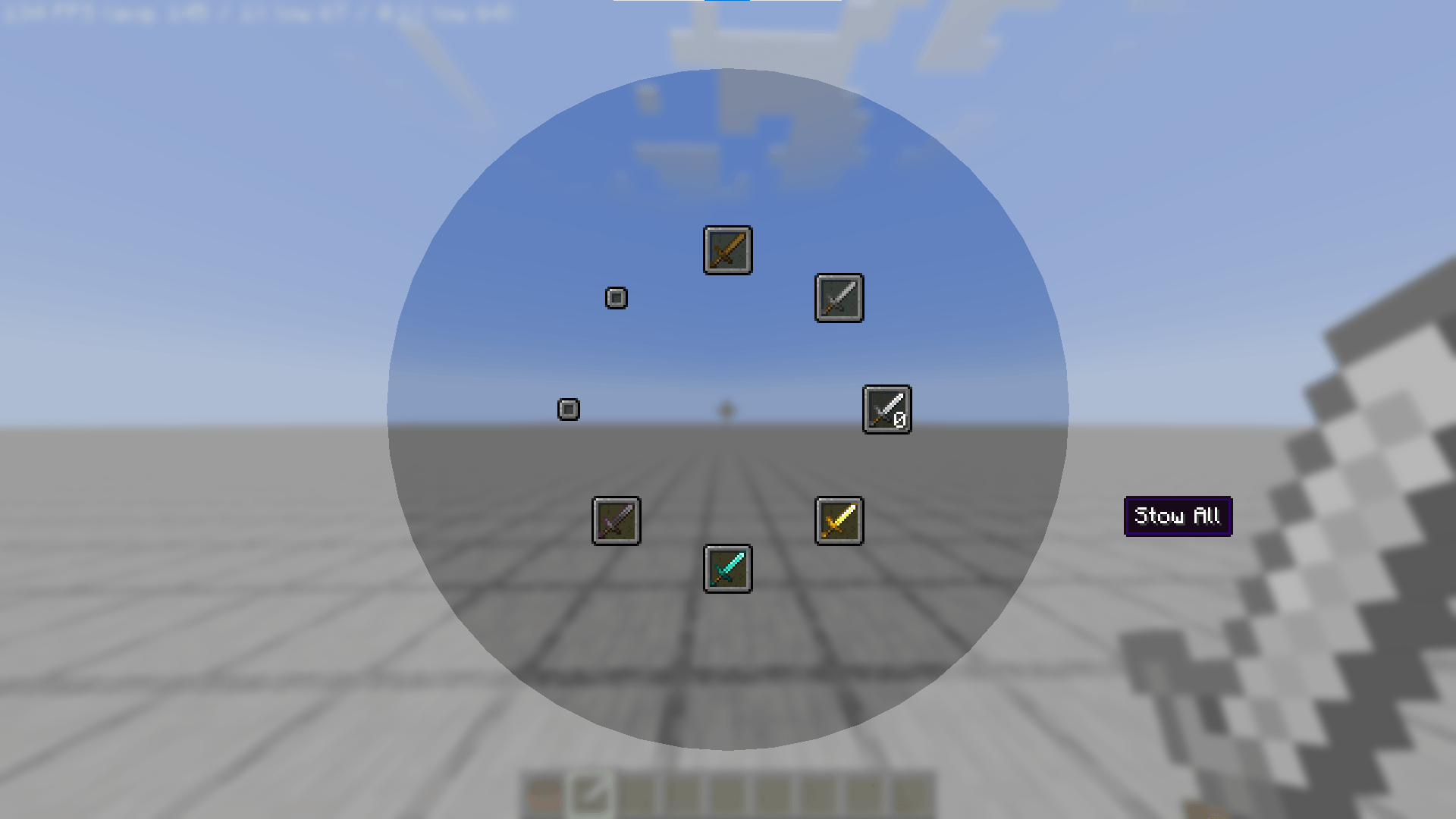
Page-Based Wheel Menu
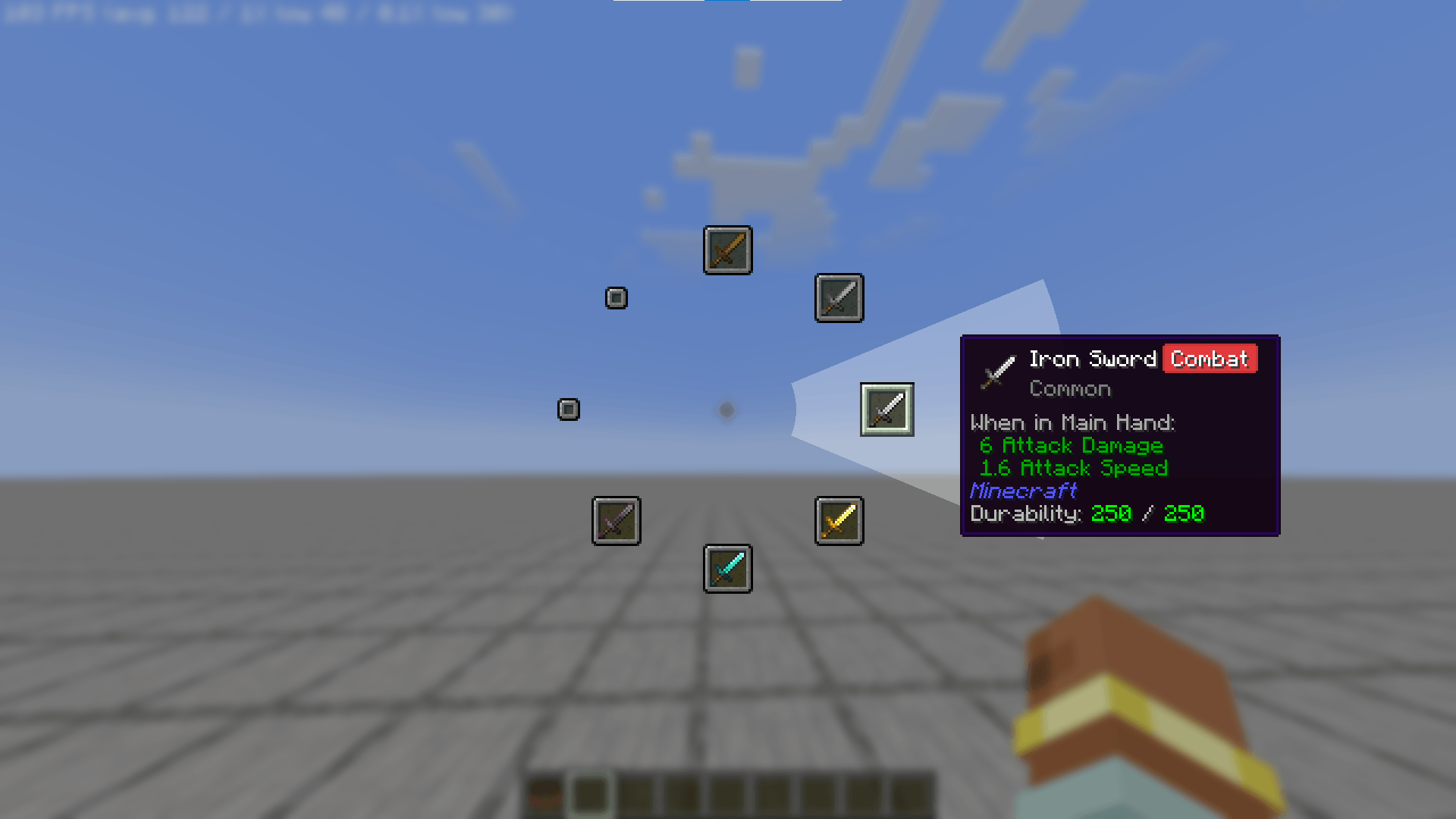
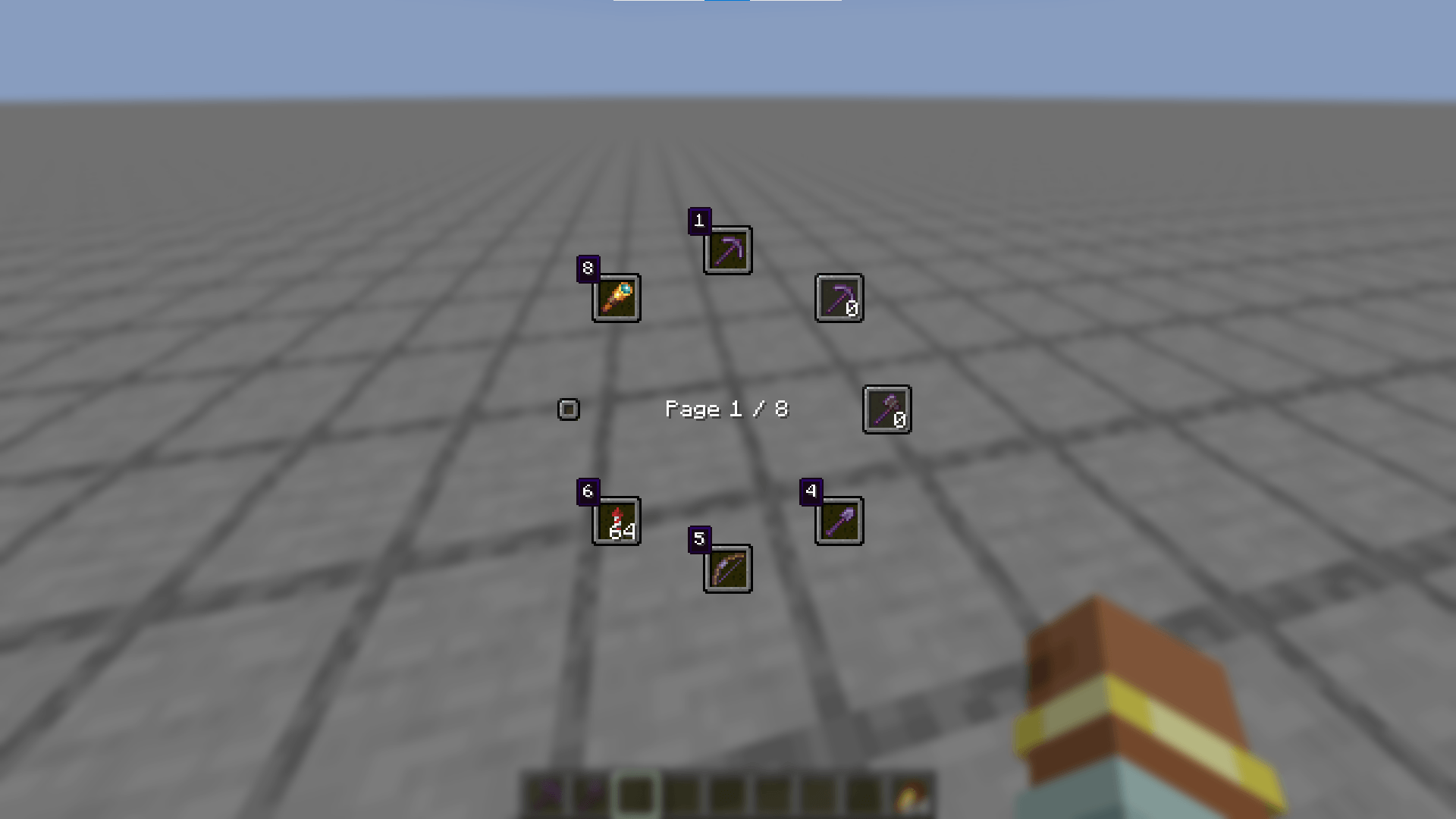
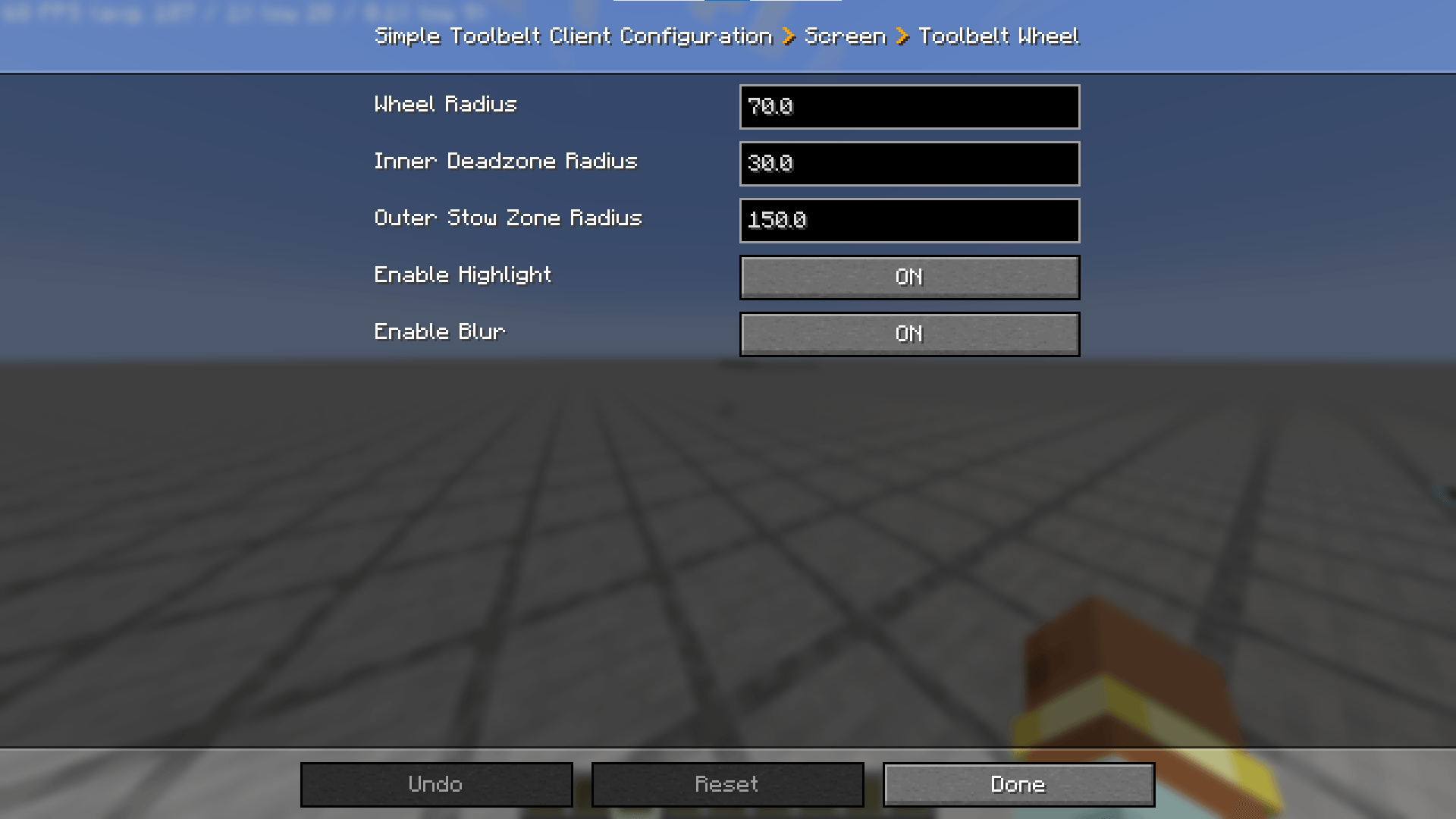
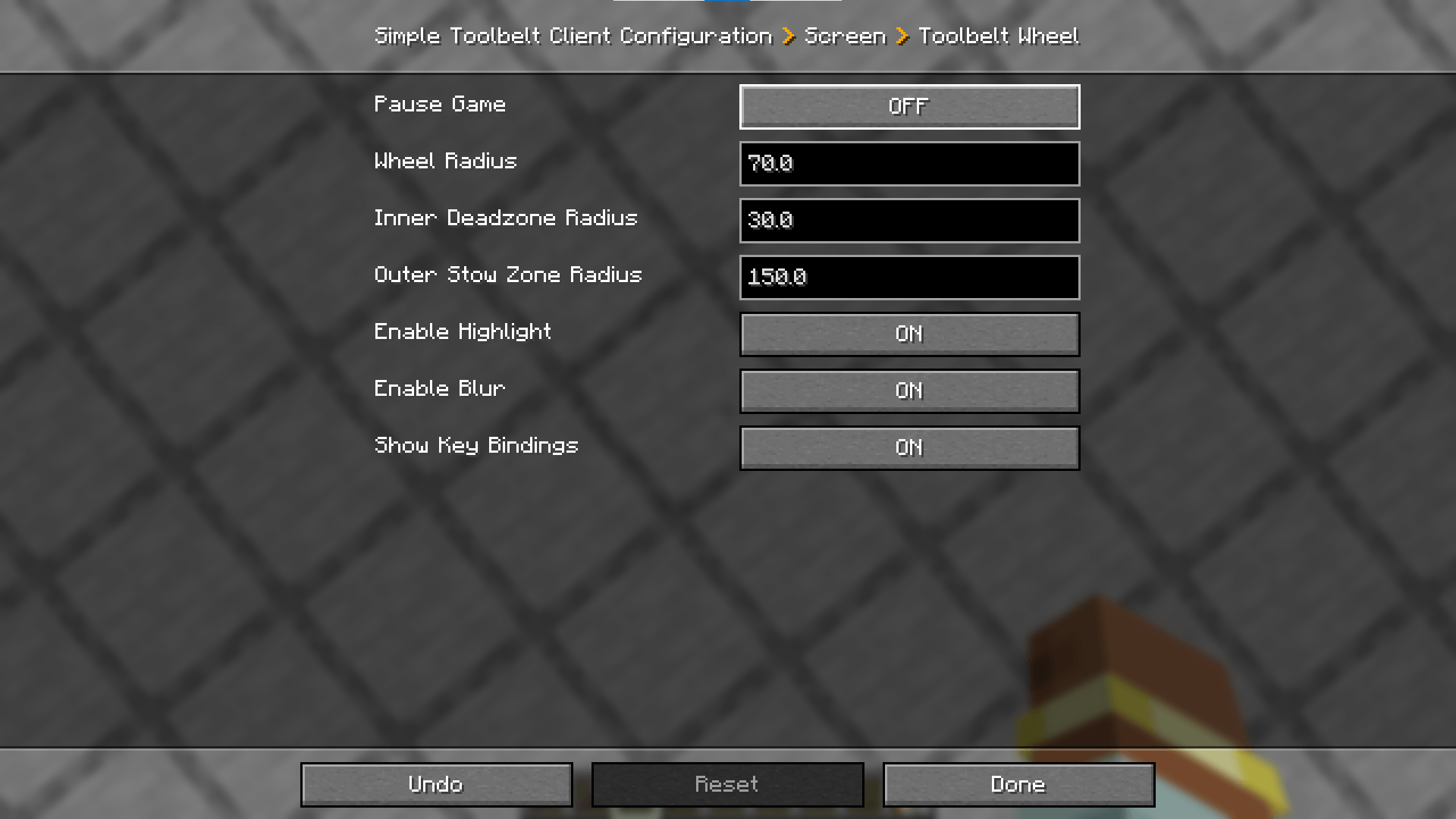
Hold R to open the wheel, move the mouse to a tool, and release to select it. Alternatively, press the key displayed beside a slot. Move the cursor outside the wheel to stow your held tool, and scroll to switch pages. Middle-click to return to page 1.
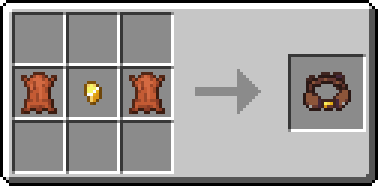
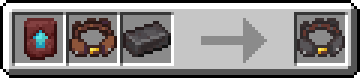
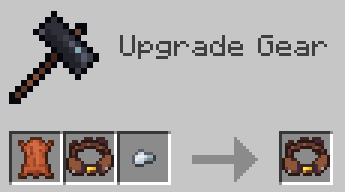
Each page holds up to 8 items. Add up to 7 pages to your belt using a leather and an iron nugget in a smithing table.
Automatic Tool Switching
Depending on the block being mined, the appropriate tool is automatically retrieved from the belt. Press Alt to toggle.
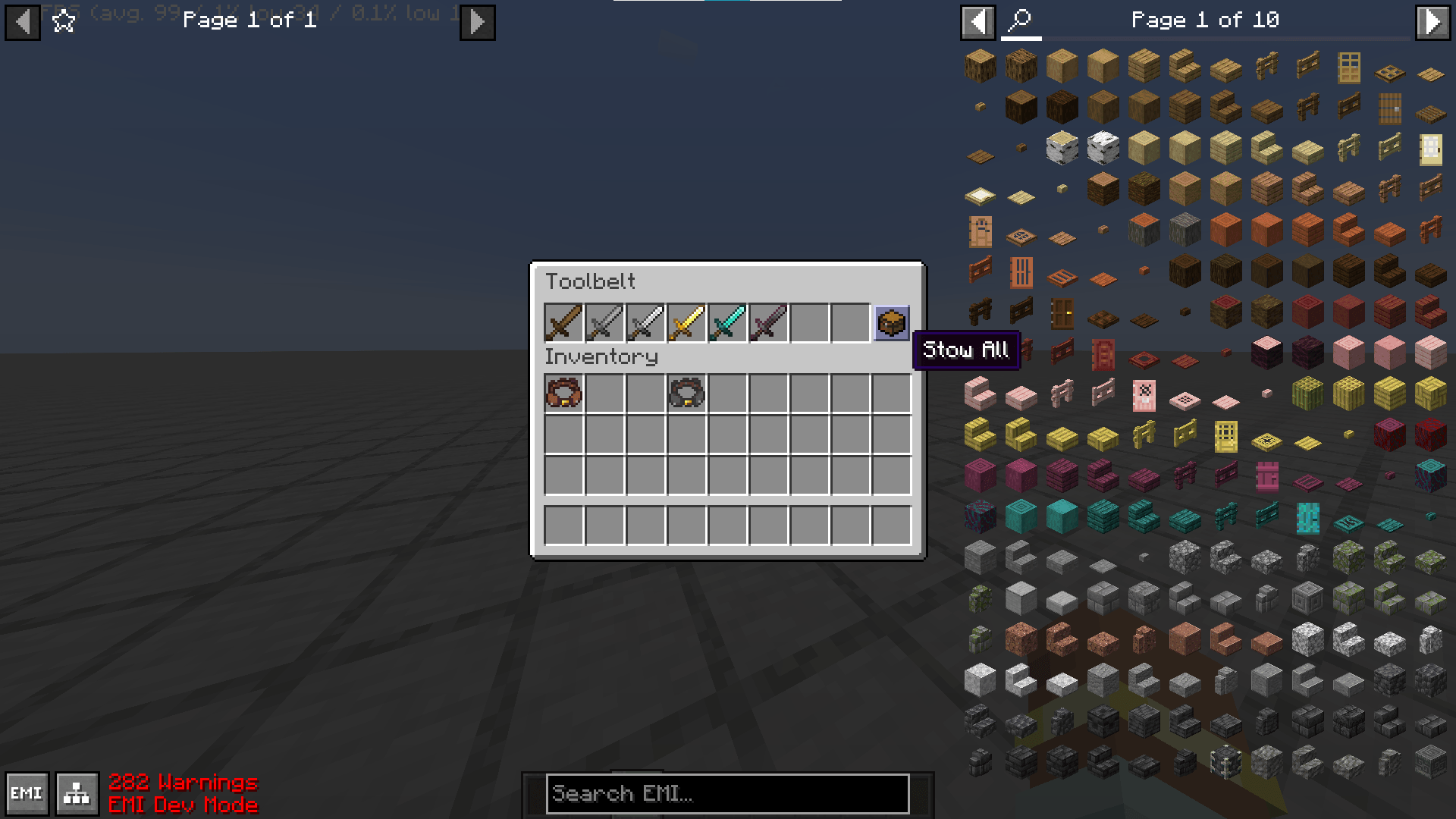
Inventory GUI
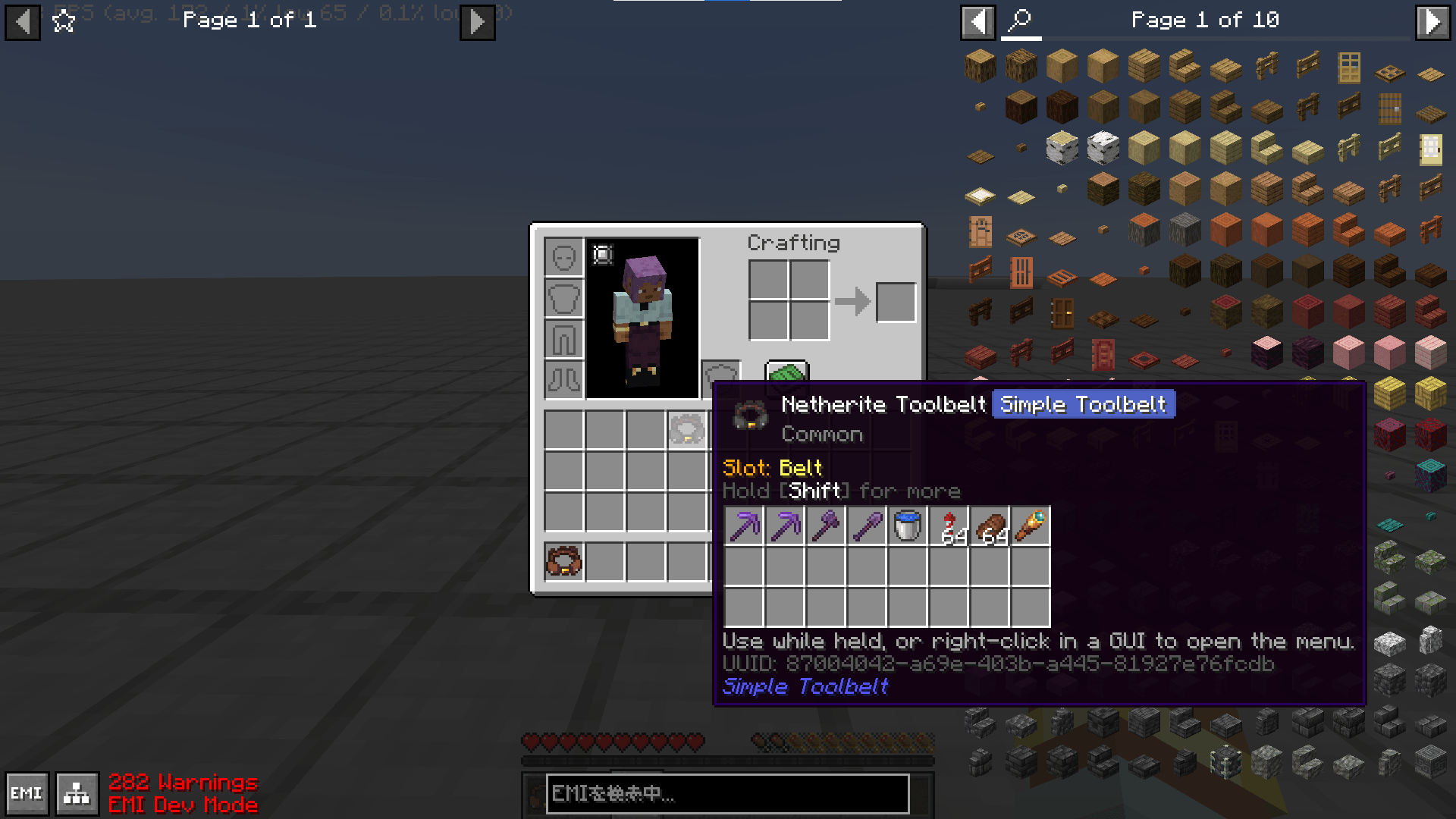
Right-click a belt to open its inventory. Hold down the Shift key and hover over a belt to preview its contents.
UUID-based data management
Belt contents are stored by UUID, which prevents item loss and duplication by design. A lost belt can be restored via command.
Compatibility
Optional Curios support.
Heavily inspired by the Toolbox from the Create mod.
常见问题
Simple Toolbelt 支持哪些 Minecraft 版本?
Simple Toolbelt 支持 Minecraft Java 版 1.21.1,可用的加载器:NeoForge。下载时注意选择和你游戏版本一致的文件。
Simple Toolbelt 怎么安装?
先用 PCL2 或 HMCL 启动器安装对应版本的 NeoForge,再把下载的 .jar 文件放进游戏目录的 mods 文件夹,重新启动游戏即可。开启了版本隔离的,mods 文件夹在 versions/版本名 下面。

评论
登录后评论和评分