
截图



介绍
Astral Enchant



What does this mod do?
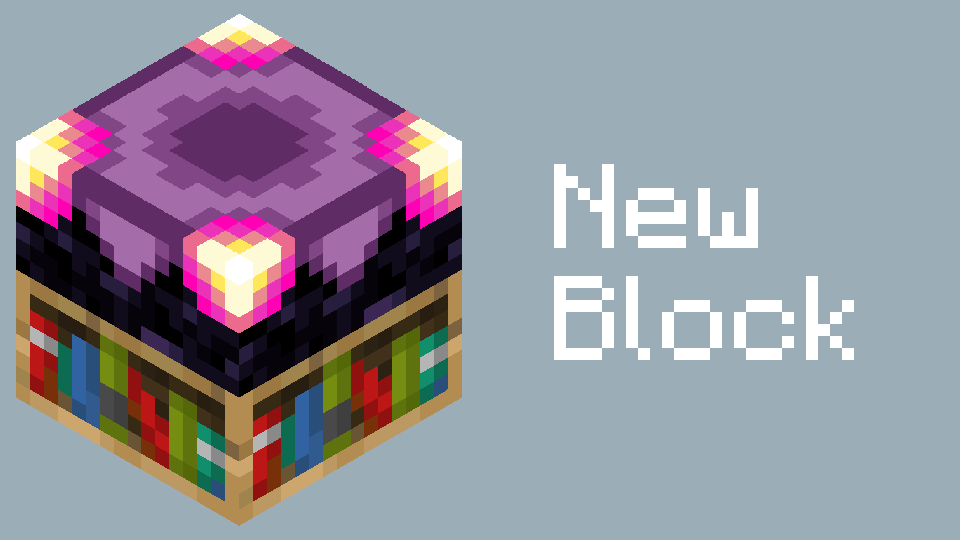
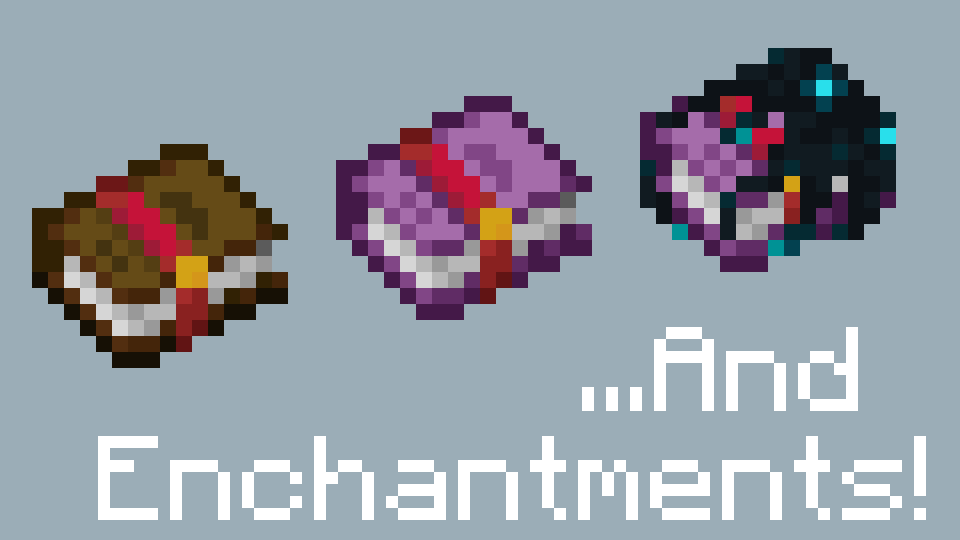
This mod adds several craftable enchantments designed for technical and heavily modded gameplay, along with some enchantment-related items. You can enable or disable each enchantment individually in the config.
Most enchantments in this mod focus on functionality rather than raw stat boosts, making them less susceptible to power inflation in heavily modded environments.
The few enchantments that modify attributes use percentage-based scaling, allowing them to remain effective even when player stats become exceptionally large.
What makes AstralEnchant different?
AstralEnchant intentionally leaves out many enchantments that are commonly found in other enchantment mods. This is by design — rather than replacing existing enchantment mods, AstralEnchant aims to provide something distinct.
Using it alongside other enchantment mods can make for even more varied and interesting combinations.
For example…
By applying the enchantments added by AstralEnchant to your tools, weapons, and armor, you can:
- Unleash attacks that completely ignore i-frames!
- Mine filled chests to pick them up with all their contents intact!
- Reduce the cooldown of item usage!
- Allow any enchantment to be applied to any item!
- Turn any tool into an effective tool for mining all blocks!
- Pass right through walls, ceilings, and floors!
- Increase your food level cap!
- Repair any item beyond its maximum durability!
…and much more.
Enchantment Descriptions is supported.
Highly recommend also installing a mod that raises the anvil’s cost cap (such as Apotheosis or Anvil Never Too Expensive).
常见问题
Astral Enchant 支持哪些 Minecraft 版本?
Astral Enchant 支持 Minecraft Java 版 1.21.1,可用的加载器:NeoForge。下载时注意选择和你游戏版本一致的文件。
Astral Enchant 怎么安装?
先用 PCL2 或 HMCL 启动器安装对应版本的 NeoForge,再把下载的 .jar 文件放进游戏目录的 mods 文件夹,重新启动游戏即可。开启了版本隔离的,mods 文件夹在 versions/版本名 下面。运行环境:客户端和服务端都要装。
评论
登录后评论和评分