
截图

介绍
MCA Expanded
An addon for MCA Reborn that adds several QoL features
- MCA Expanded
- Features
- Villager Model Presets
- Exporting Villager Models
- Disabling the Destiny Screen
- Totems of Undying
Features
- Presets for villager models
- Export villager models as skins
- Disable the destiny screen
- Villagers use totems of undying in their inventory
Villager Model Presets
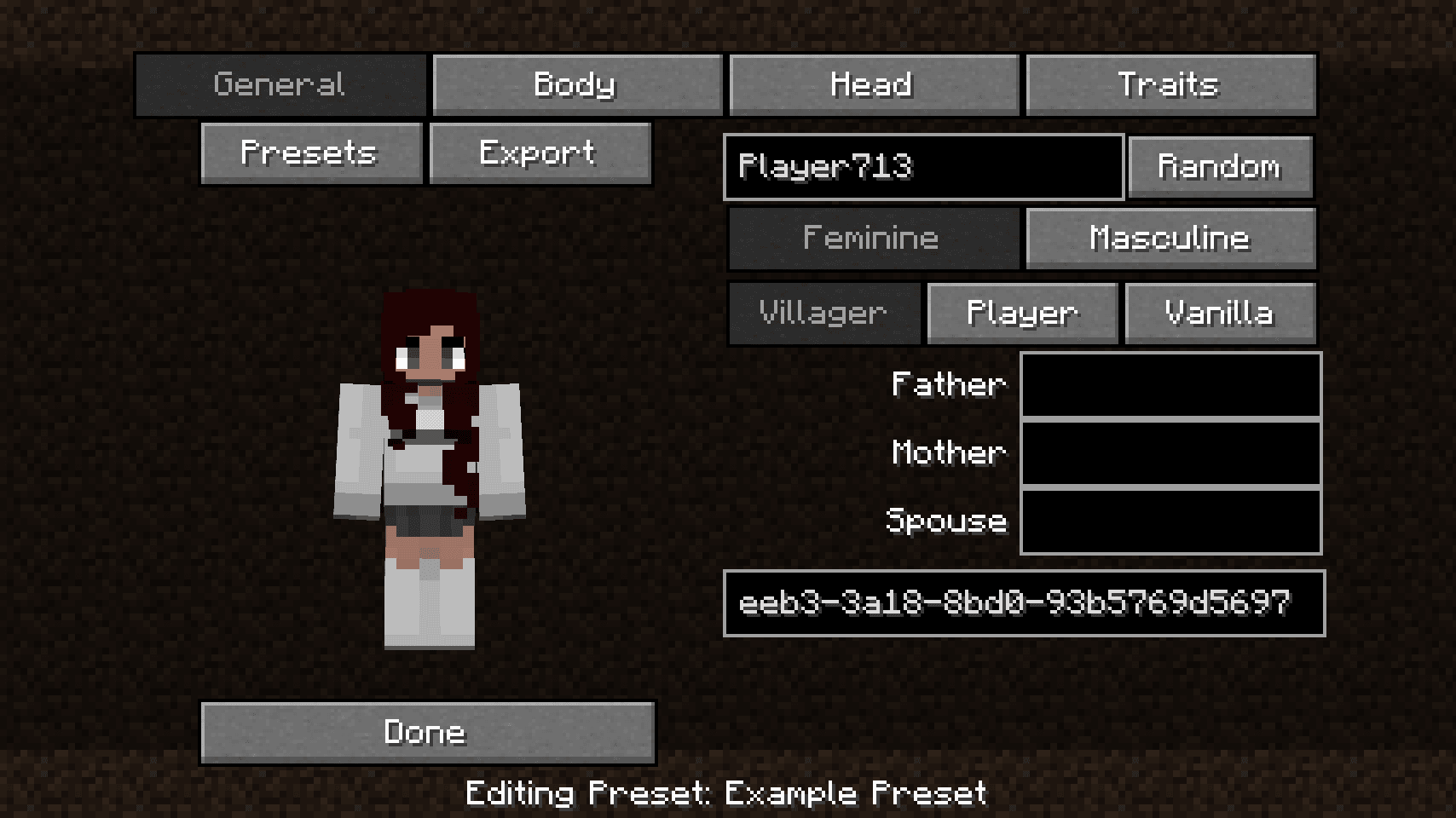
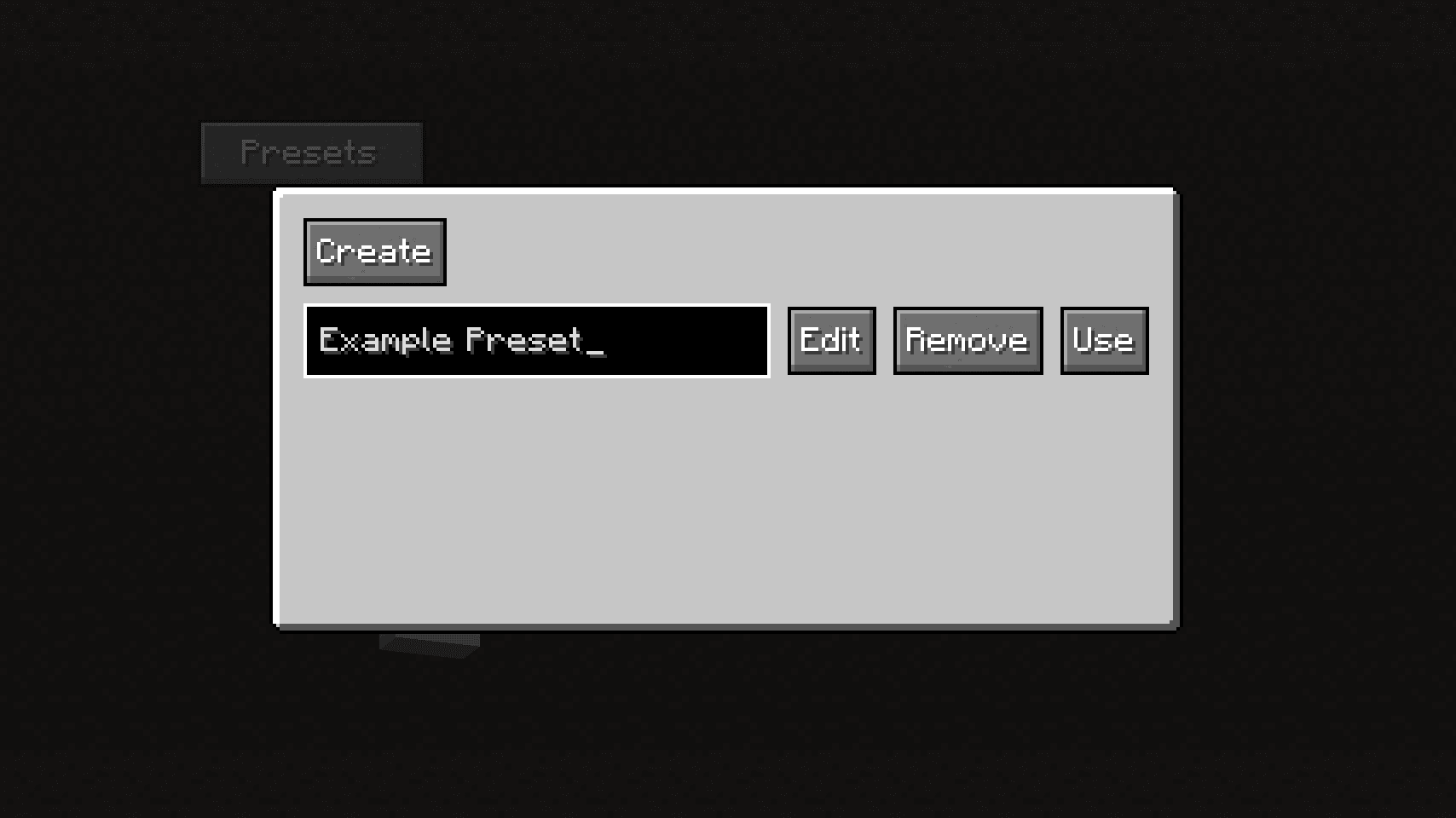
You can use or edit villager presets in the villager editor screen by clicking on the “Presets” button. Alternatively, if you have Mod Menu installed, you can edit villager presets from the Mod Menu page.

The screen that appears when the preset button is clicked

The preset editor screen
Exporting Villager Models
You can export villager models as skins by clicking on the “Export” button. It will export the model as a regular Minecraft skin that you can use.
Disabling the Destiny Screen
In the Mod Menu screen, you may disable the destiny screen that appears after the character editor when you create a world or join one for the first time.
Totems of Undying
If a villager is given a totem of undying, it will equip it right before it’s about to die.

A villager using a totem
常见问题
MCA Expanded 支持哪些 Minecraft 版本?
MCA Expanded 支持 Minecraft Java 版 1.20.1–1.20.4,共 4 个版本,可用的加载器:Fabric。下载时注意选择和你游戏版本一致的文件。
MCA Expanded 怎么安装?
先用 PCL2 或 HMCL 启动器安装对应版本的 Fabric,再把下载的 .jar 文件放进游戏目录的 mods 文件夹,重新启动游戏即可。开启了版本隔离的,mods 文件夹在 versions/版本名 下面。运行环境:客户端 / 服务端。
diacritics-owo 的其他作品
查看全部 → MCA Expanded
An addon for MCA Reborn that adds several QoL features

[Let’s Do Addon]: Photographers
A mod that adds a photographer profession for the Let's Do: Meadow camera block

Icon
A simple mod that allows the Minecraft icon to be changed via resource packs

Ensign
Banner things
评论
登录后评论和评分