截图



介绍
Ensign
Banner things
Features
Banner Rendering
If you have Mod Menu installed, Ensign allows you to customise how banners are rendered, turning animations off or making them larger. All rendering options are completely client-side.

Banner Shapes
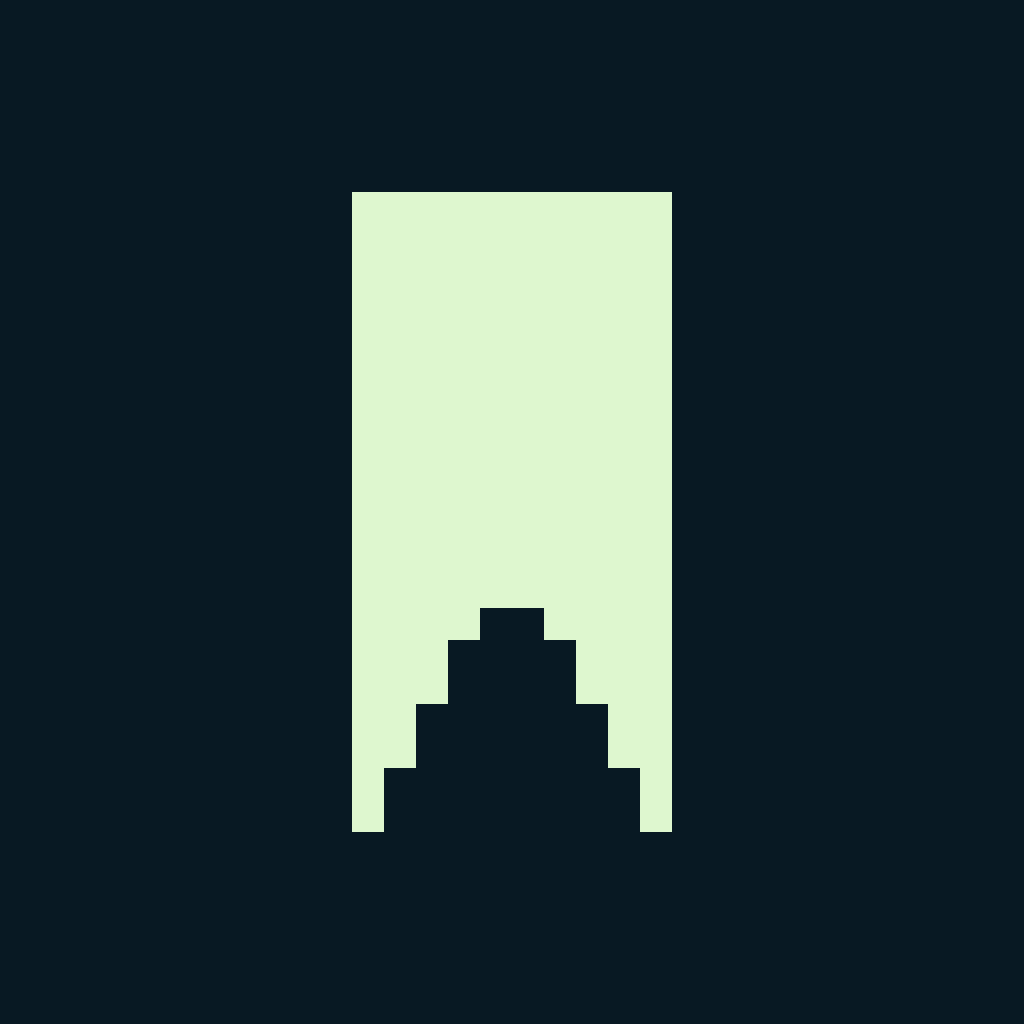
Ensign provides several new banner shapes:
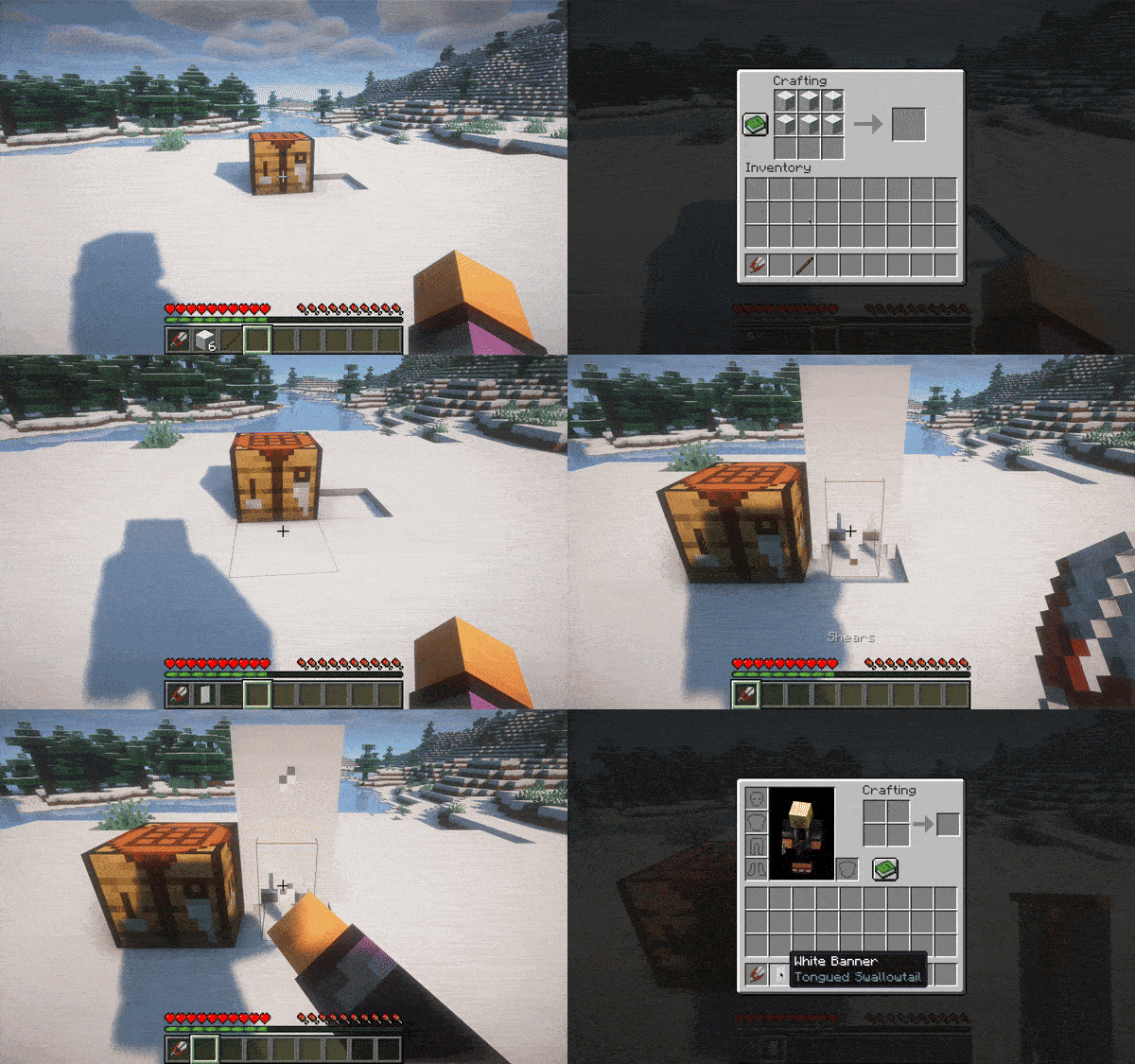
To change the shape of a banner, craft/dye it as you normally would, and place
it and right click on it with a pair of shears. These banners behave exactly
like vanilla banners and can be dyed in a loom. They retain their shape upon
breaking.
 _From left
to right: regular, swallowtail, tongued swallowtail, rounded_
 _From left
to right: the Danish, Swedish, and Finnish naval ensigns_

Custom Banner Shapes
Visit the wiki page
常见问题
Ensign 支持哪些 Minecraft 版本?
Ensign 支持 Minecraft Java 版 1.21–1.21.1,共 2 个版本,可用的加载器:Fabric / Quilt。下载时注意选择和你游戏版本一致的文件。
Ensign 怎么安装?
先用 PCL2 或 HMCL 启动器安装对应版本的 Fabric / Quilt,再把下载的 .jar 文件放进游戏目录的 mods 文件夹,重新启动游戏即可。开启了版本隔离的,mods 文件夹在 versions/版本名 下面。运行环境:客户端和服务端都要装。
diacritics-owo 的其他作品
查看全部 →
MCA Expanded
An addon for MCA Reborn that adds several QoL features
MCA Expanded
An addon for MCA Reborn that adds several QoL features

[Let’s Do Addon]: Photographers
A mod that adds a photographer profession for the Let's Do: Meadow camera block

Icon
A simple mod that allows the Minecraft icon to be changed via resource packs
评论
登录后评论和评分