
Fullbright F9
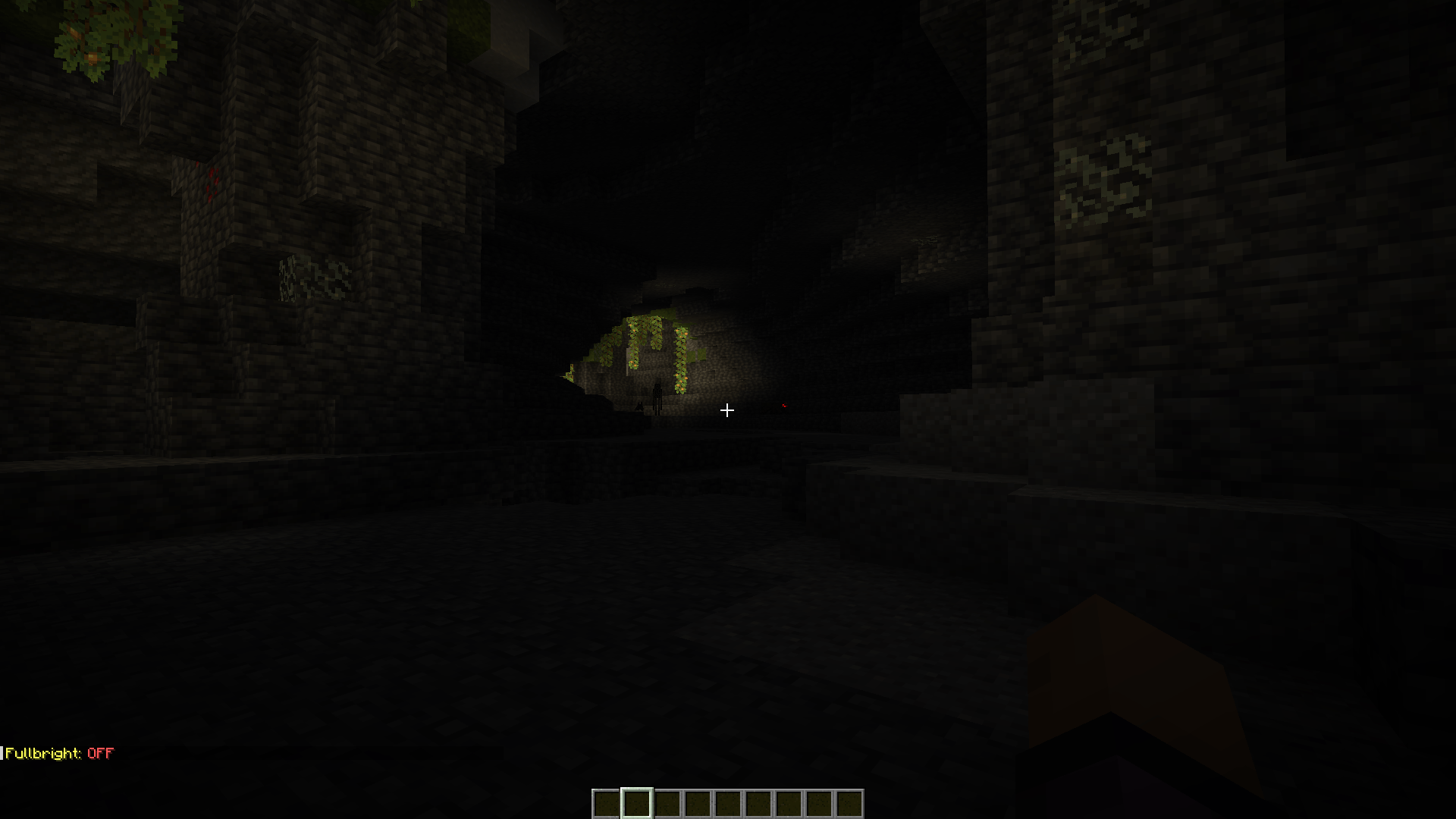
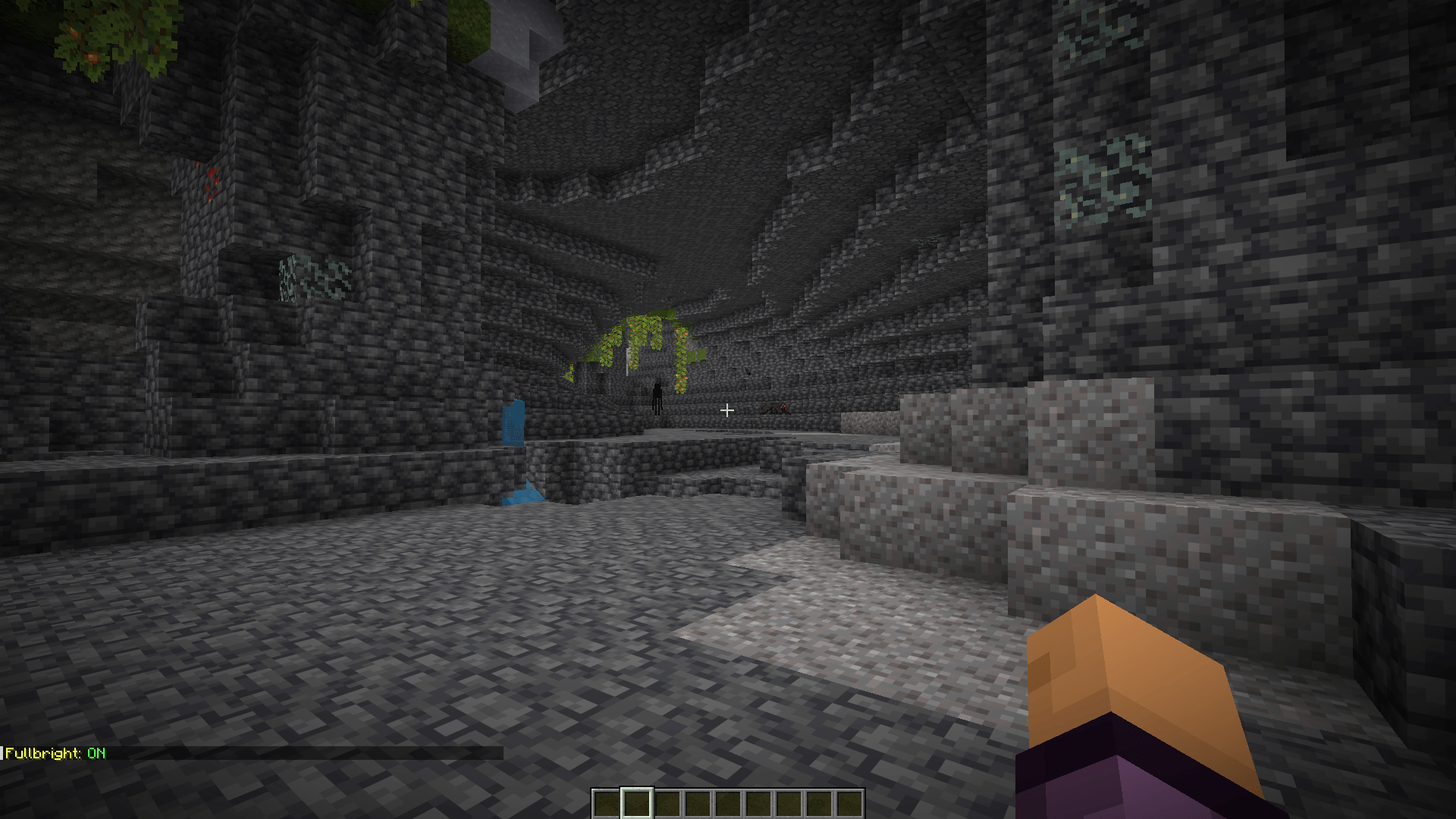
Toggle fullbright with a keybind to see clearly in caves, at night, and in the Nether.
截图
介绍
Full Description:
Fullbright gives you an instant keybind to light up the entire world — no more fumbling for torches in dark caves or squinting through nights and the Nether.
Press F9 to toggle fullbright on and off. When it’s on, everything is fully lit, letting you spot ores, mobs, and terrain clearly no matter how dark the area actually is. Press it again to instantly return to normal lighting.
Features:
One-key toggle, no menus or commands needed
Fully client-side — safe for singleplayer, works on any server that allows client-side visual mods
Rebindable keybind (Options → Controls → Fullbright)
Lightweight, does nothing else — just brightness control
Perfect for exploring caves, building at night, or navigating the Nether without constantly placing light sources.
How to Use (in points, if the form has a separate field for it):
Press F9 to turn fullbright on — the world instantly lights up
Press F9 again to turn it off and return to normal lighting
A small on-screen message confirms when it’s toggled on/off
Rebind the key anytime in Options → Controls → Fullbright category
What This Mod Includes:
A single toggle keybind (default F9)
Fully client-side implementation — no server component, no server-side installation needed
No configuration required — works immediately after installing
常见问题
Fullbright F9 支持哪些 Minecraft 版本?
Fullbright F9 支持 Minecraft Java 版 26.1.2–26.3,共 3 个版本,可用的加载器:NeoForge。下载时注意选择和你游戏版本一致的文件。
Fullbright F9 怎么安装?
先用 PCL2 或 HMCL 启动器安装对应版本的 NeoForge,再把下载的 .jar 文件放进游戏目录的 mods 文件夹,重新启动游戏即可。开启了版本隔离的,mods 文件夹在 versions/版本名 下面。
user_5r3ht2xu88btoe3x 的其他作品
查看全部 →
no fog
Removes rendering fog from the game world for clearer, longer-distance visibility. The effect is fully toggleable — press F8 at any time to switch fog on or off, so you can quickly compare views or restore vanilla fog if needed.
low on fire
Reduces the visual intensity/size of fire and flame effects in-game. Unlike the No Fog mod, this one is always active with no toggle — fire will render at a lower intensity by default whenever the mod is installed.
评论
登录后评论和评分