AE2 Fluid Terminals Rework
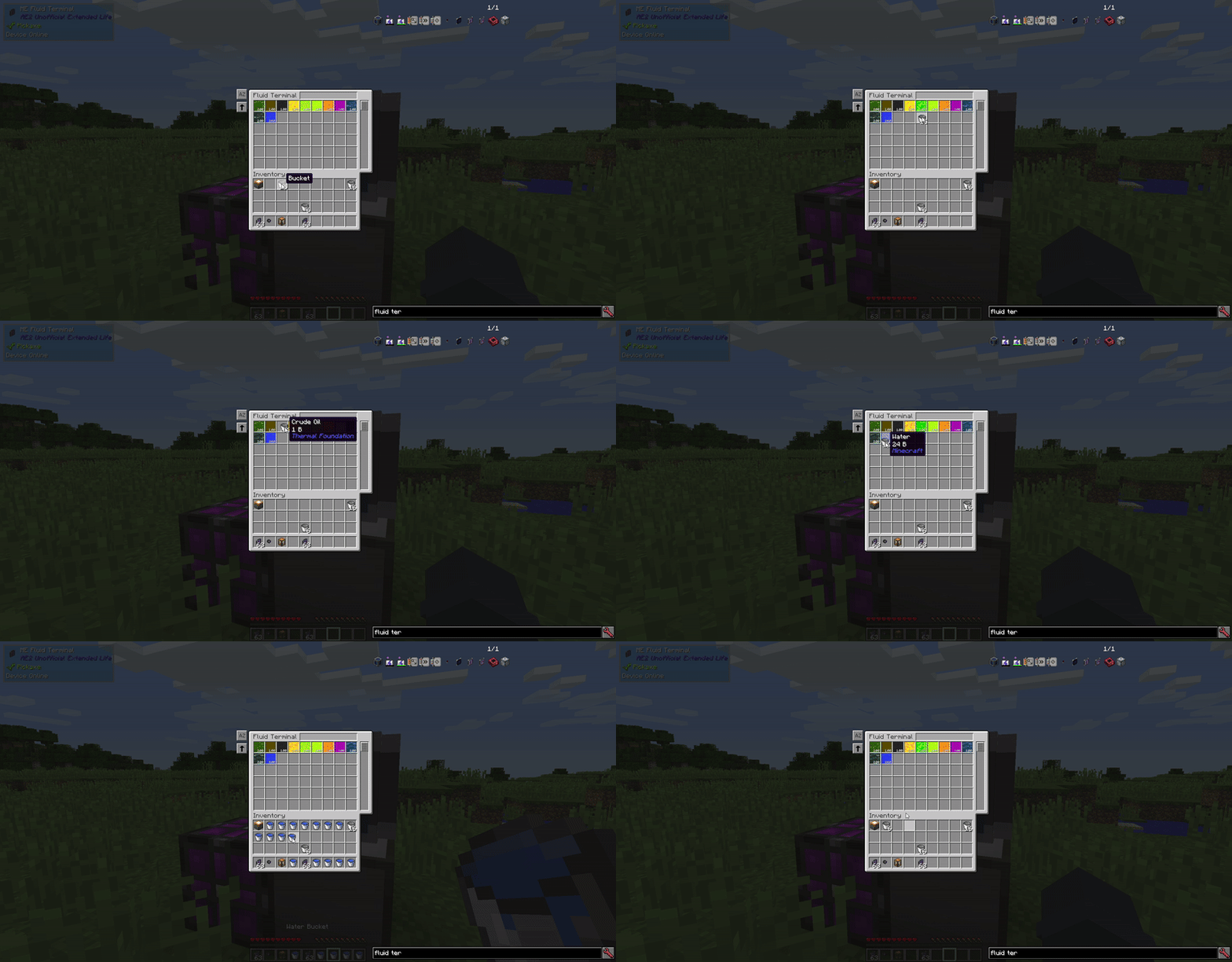
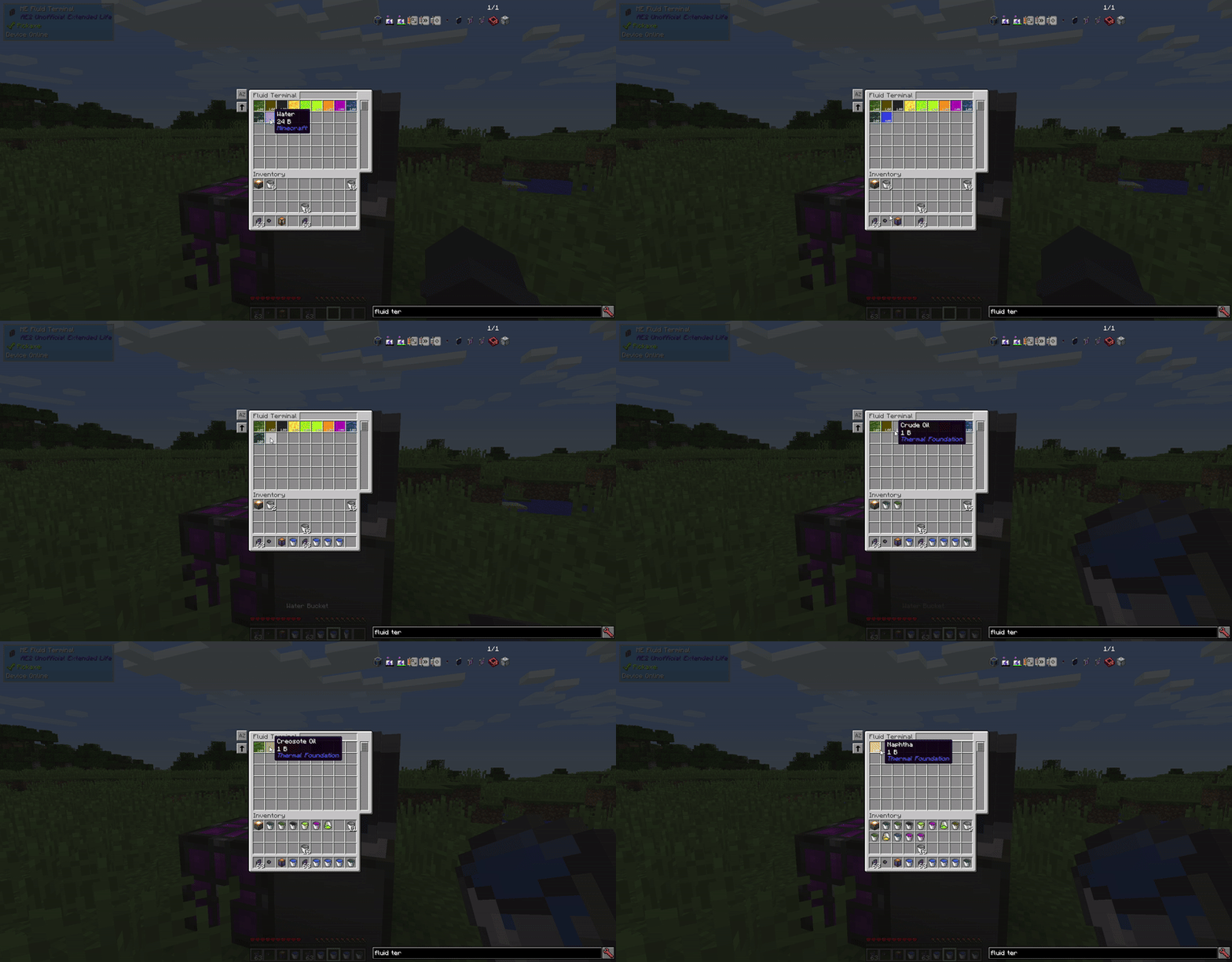
Improves AE2 fluid terminals: FILL works with an empty cursor by auto-selecting the first compatible fluid container in your inventory (hotbar first). Normal cursor behavior and EMPTY are unchanged.
截图
介绍
AE2 Fluid Terminals Rework
AE2 Fluid Terminals Rework improves the fluid terminal experience by reducing clicks and making common actions work more smoothly.
What it changes
Fill a container by clicking a fluid in the terminal (even with an empty cursor):
When you click a fluid in the AE2 Fluid Terminal to fill a container, the mod can do it even if you are not holding a container on your cursor. It automatically finds the first compatible fluid container in your inventory and fills it with the selected fluid.
Search order: hotbar (left → right), then main inventory (top-left → bottom-right).
If you are already holding a container, behavior is unchanged:
Normal AE2 cursor-based filling works exactly the same as before.
Bucket-style pickup for the Wireless Fluid Terminal:
Shift + Right Click a fluid source block to store 1 bucket (1000 mB) directly into the ME network.
Why
- AE2’s fluid terminal normally requires you to pick up a fluid container onto the cursor before you can fill it. This mod adds quality-of-life shortcuts so you can fill containers straight from your inventory and handle common fluid actions with fewer clicks.
Compatibility
- Compatible with AE2UEL Wireless Universal Terminal (WUT).
Bucket-style fluid pickup works on the WUT as long as it includes the Wireless Fluid Terminal mode installed/unlocked, regardless of which WUT mode you’re currently using.
常见问题
AE2 Fluid Terminals Rework 支持哪些 Minecraft 版本?
AE2 Fluid Terminals Rework 支持 Minecraft Java 版 1.12.2,可用的加载器:Forge。下载时注意选择和你游戏版本一致的文件。
AE2 Fluid Terminals Rework 怎么安装?
先用 PCL2 或 HMCL 启动器安装对应版本的 Forge,再把下载的 .jar 文件放进游戏目录的 mods 文件夹,重新启动游戏即可。开启了版本隔离的,mods 文件夹在 versions/版本名 下面。
NuanKi 的其他作品
查看全部 →
AE2 Better Magnet Card
AE2 Better Magnet Card 可以让安装在 AE2 无线终端或便携式终端中的磁力卡,将拾取的物品直接送入 ME 网络,而不是放进你的物品栏。

AE2 Mod ID View Cell
为 AE2 添加一种视图元件,可按模组 ID 过滤终端列表,而非逐个筛选物品。潜行并右键即可配置白名单或黑名单,还支持自动补全、多选和快速转移。
AE2 Toggleable View Cells
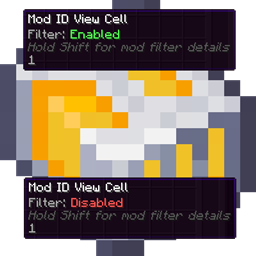
右键即可切换 AE2 视元件的启用状态。停用后,元件将不再过滤终端内容,并显示清晰的停用图标。兼容标准 AE2 视元件及支持的模组变体。

AE2 Improved Search
Adds powerful search syntax to AE2 terminals, including OR groups, negation, quoted phrases, and prefixes for mod, tooltip, OreDictionary, and registry searches.
评论
登录后评论和评分