
Tool Tooltips: Mining Speed & Break Time
See a tool's mining speed (with Efficiency) and how long it takes to break the block you're looking at. Client-side.
截图
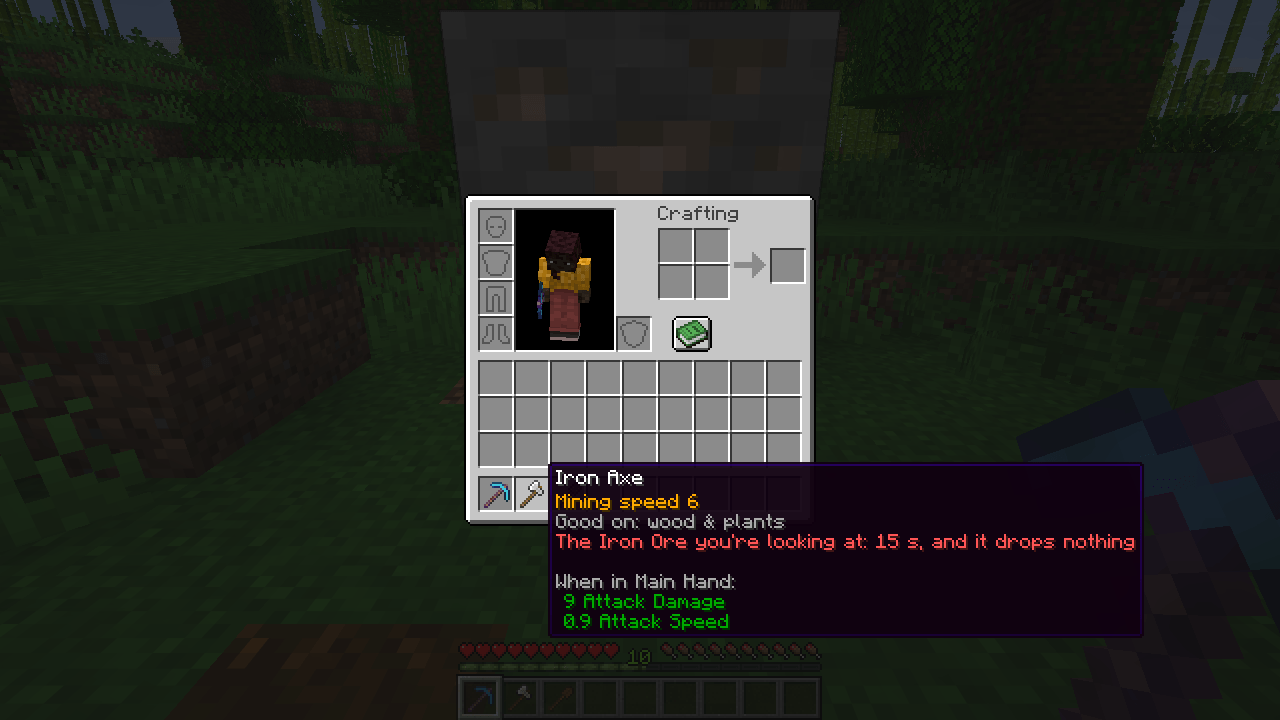
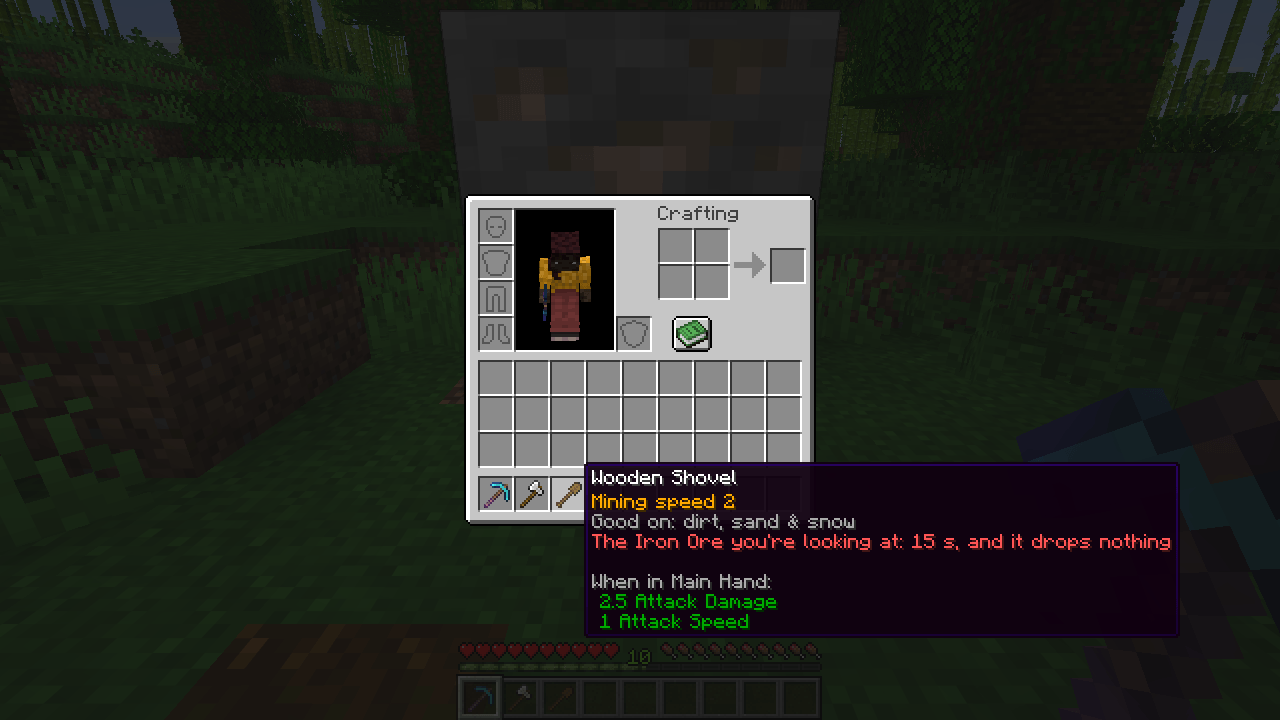
介绍
Which tool is faster? Now the tooltip tells you.
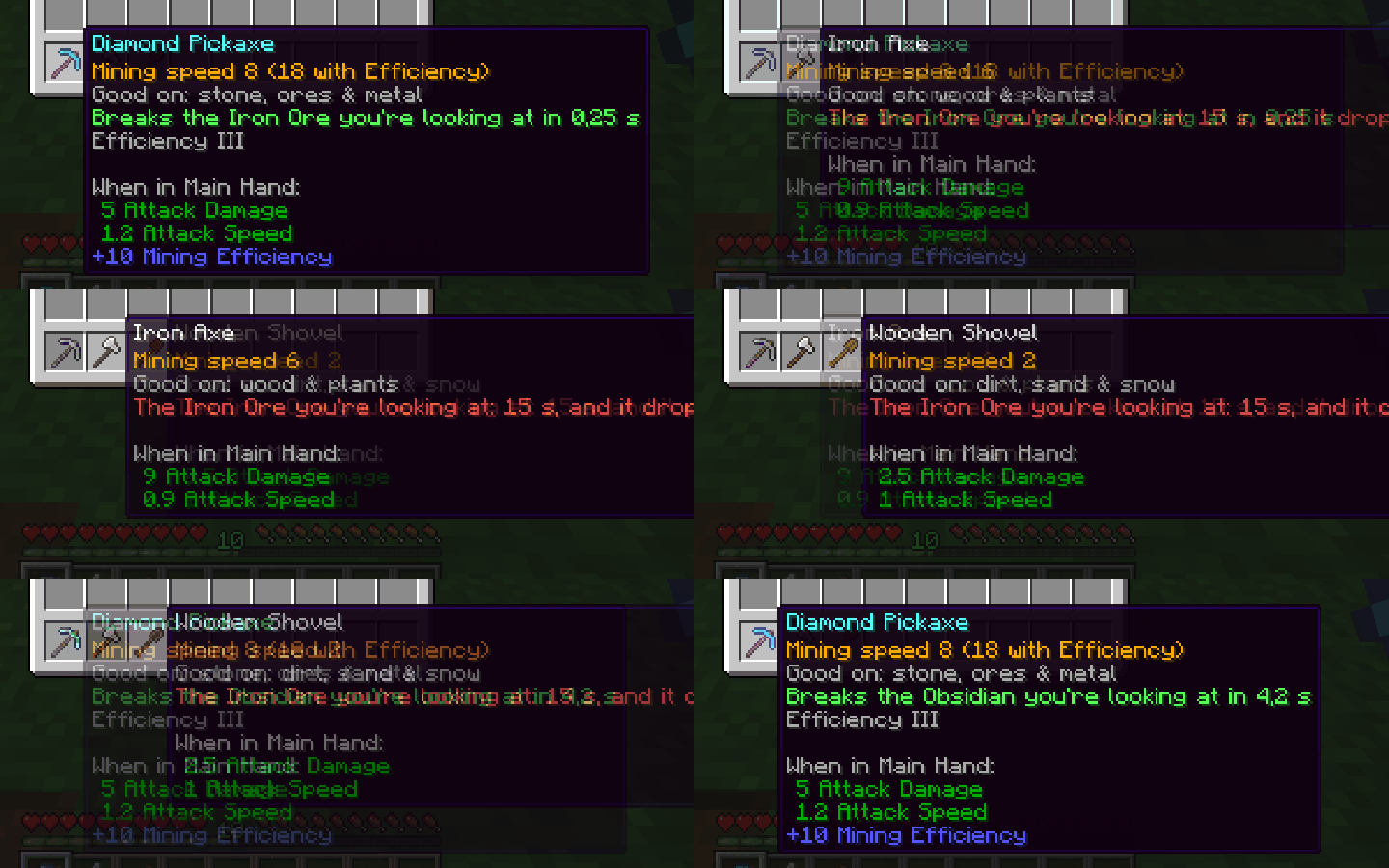
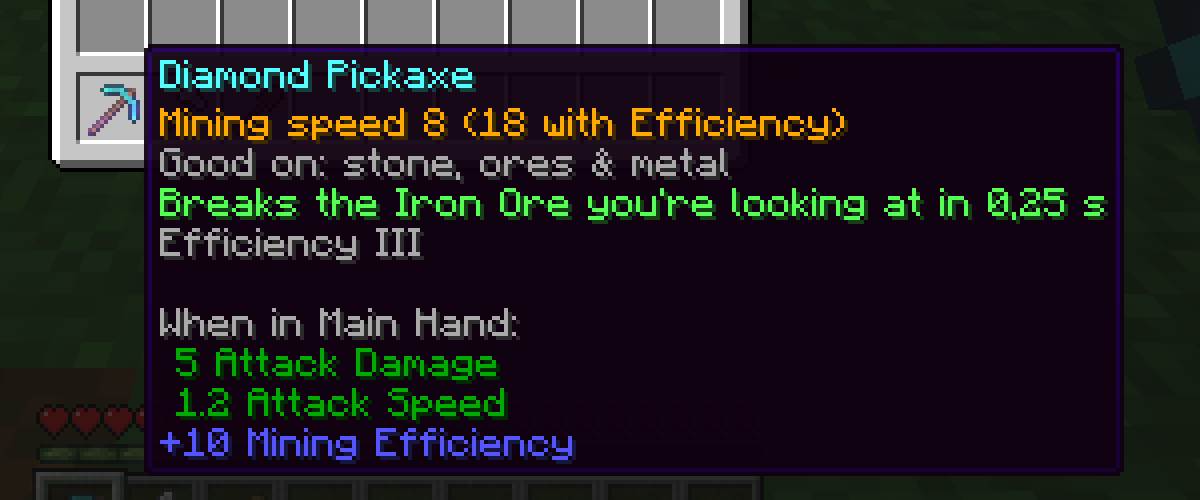
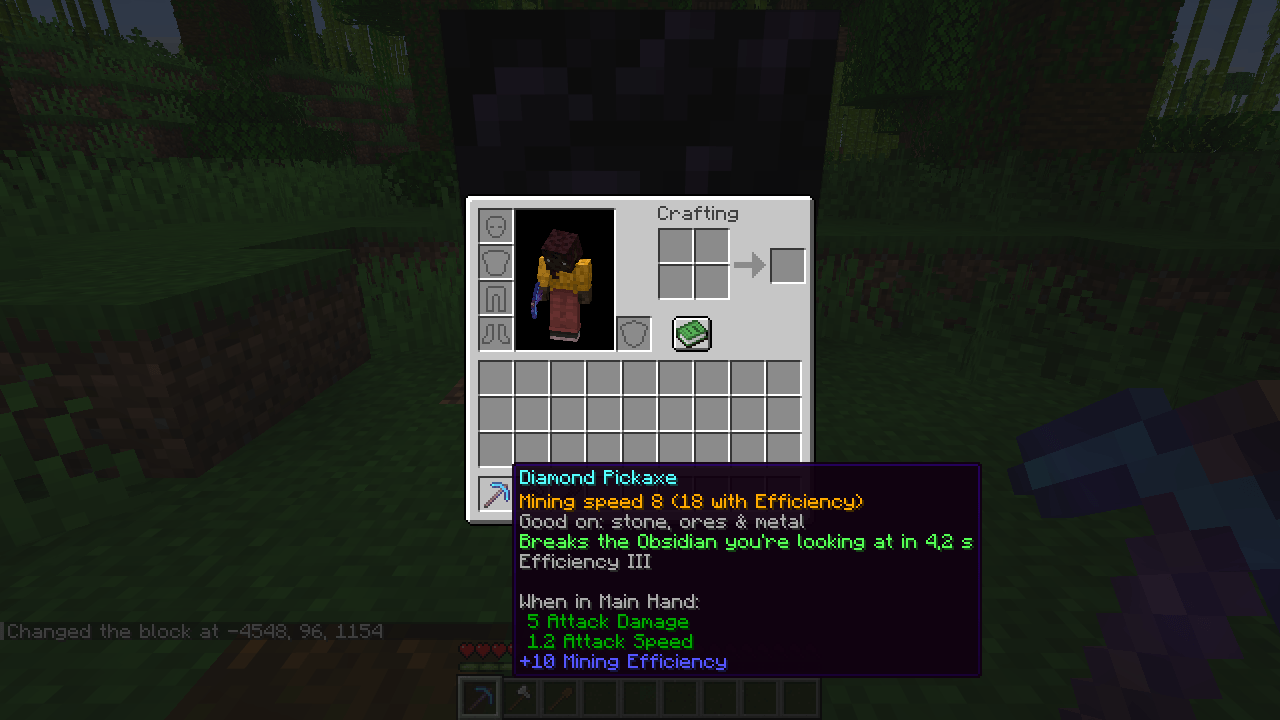
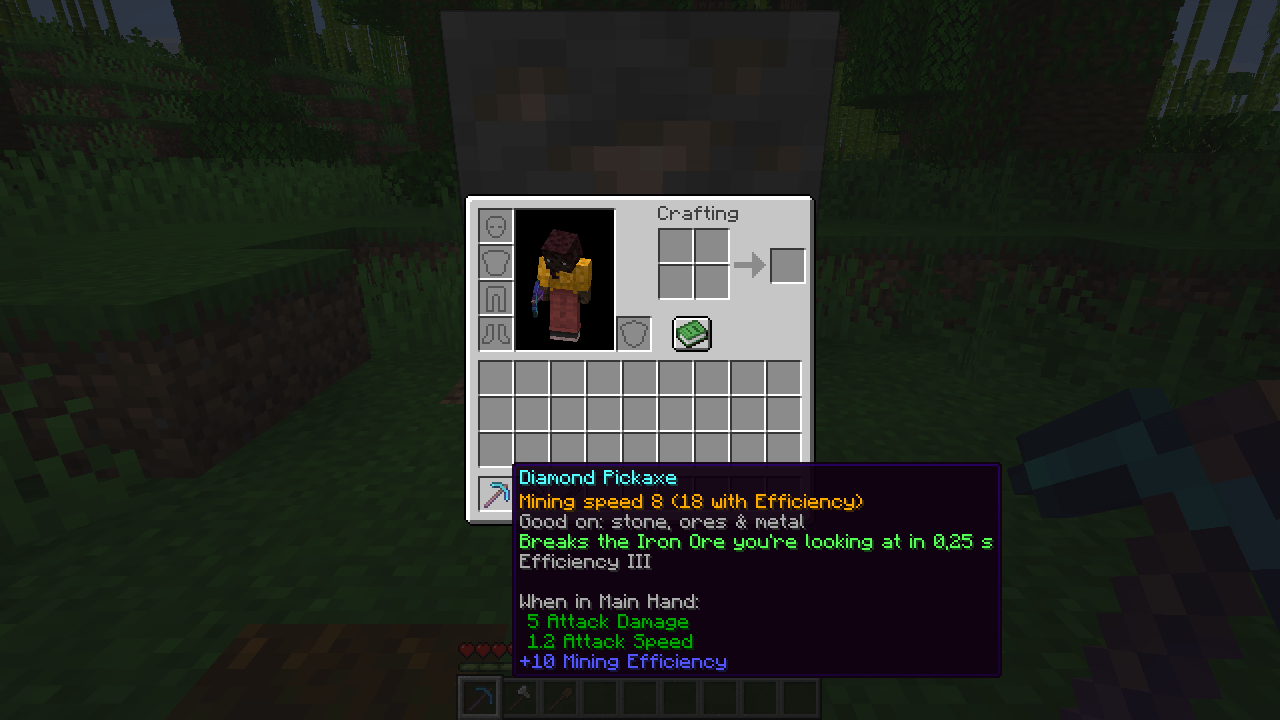
Every tool’s tooltip gets three lines:
- Mining speed, with Efficiency already added: "Mining speed 8 (18 with Efficiency)".
- Good on: stone, ores & metal – wood & plants – dirt, sand & snow…
- Break time for the block you’re looking at: "Breaks the Obsidian you’re looking at in 4.2 s" – or, in red, that the tool won’t drop anything from it.
Read from the tool’s own data, so modded tools work too. The time uses the game’s own rule.
Client-side
Nothing to install on the server. Works on any server, in single player and on Realms.
English and Portuguese.
Tested in game
- Fabric 26.3 and 26.2: a scripted run inside the game – looking at iron ore and obsidian with different tools, the three lines show the right speed and break time.
- NeoForge 26.2: loads cleanly to the main menu.
Made by an indie dev with help from AI tools; every version is tested in game.
Like the mod? You can support future updates and new mods on Ko-fi. Totally optional, everything stays free.
常见问题
Tool Tooltips: Mining Speed & Break Time 支持哪些 Minecraft 版本?
Tool Tooltips: Mining Speed & Break Time 支持 Minecraft Java 版 26.2–26.3,共 2 个版本,可用的加载器:Fabric / NeoForge。下载时注意选择和你游戏版本一致的文件。
Tool Tooltips: Mining Speed & Break Time 怎么安装?
先用 PCL2 或 HMCL 启动器安装对应版本的 Fabric / NeoForge,再把下载的 .jar 文件放进游戏目录的 mods 文件夹,重新启动游戏即可。开启了版本隔离的,mods 文件夹在 versions/版本名 下面。
Vitral 的其他作品
查看全部 →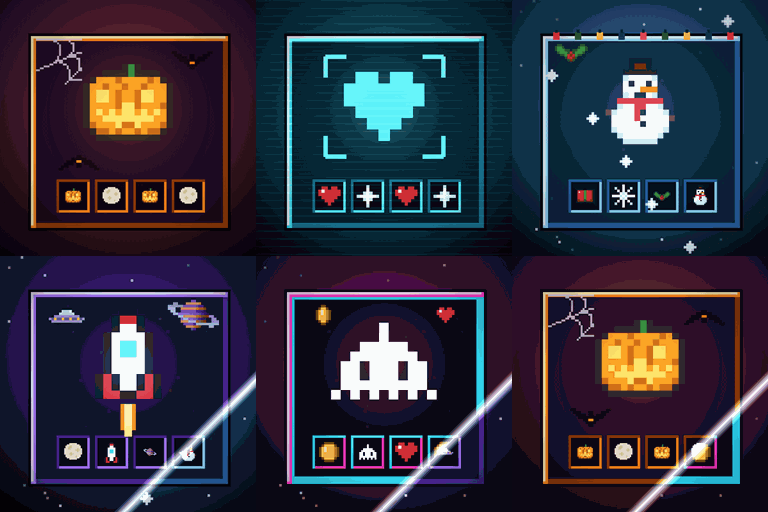
Immersive Screens: Animated Halloween & Hologram GUI
为每个界面提供动态主题:万圣节、全息、冬季/圣诞、太空和复古街机。箱子面板会升起,边框会发光,熔炉会燃烧。物品保留原本的颜色。仅限客户端。
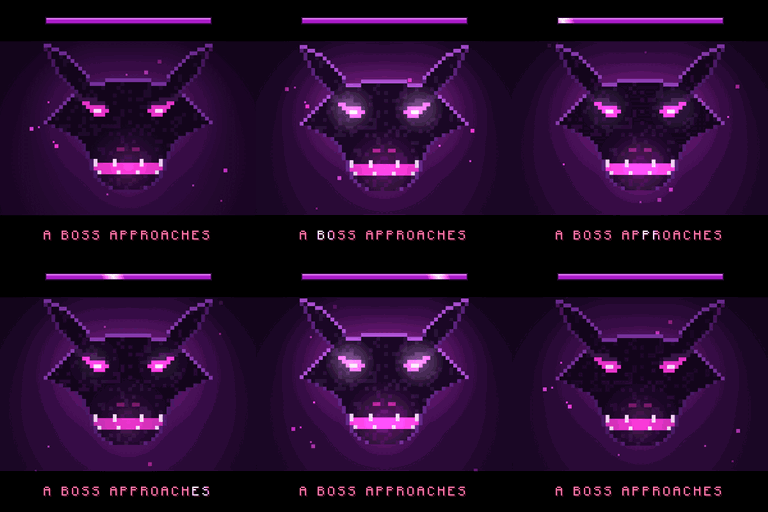
Boss Intros: Cinematic Boss Titles & Entrances
Cinematic boss titles: when any boss appears, black bars slide in and its name comes up in big letters - and a victory card plays when you win. Works with modded and server bosses. Client-side.
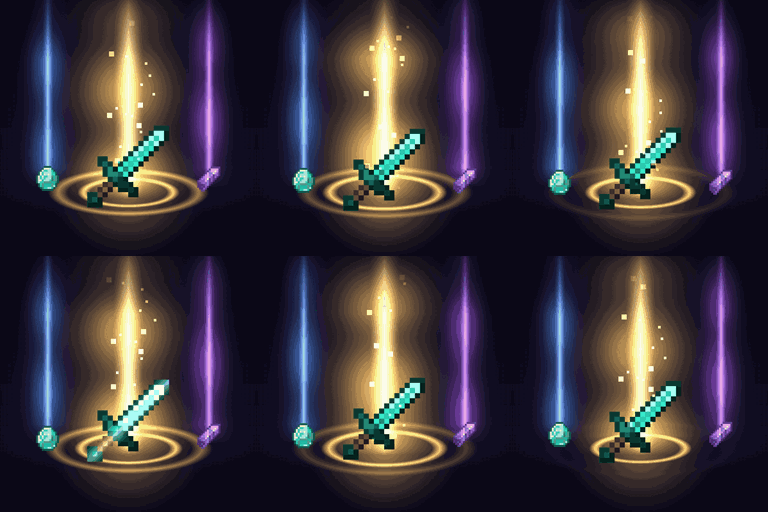
Loot Beams – Rarity Light Beams for Dropped Items
Valuable drops glow with a beam coloured by tier or by the item's own colour. In-game config, ItemPhysic support. Client-side.
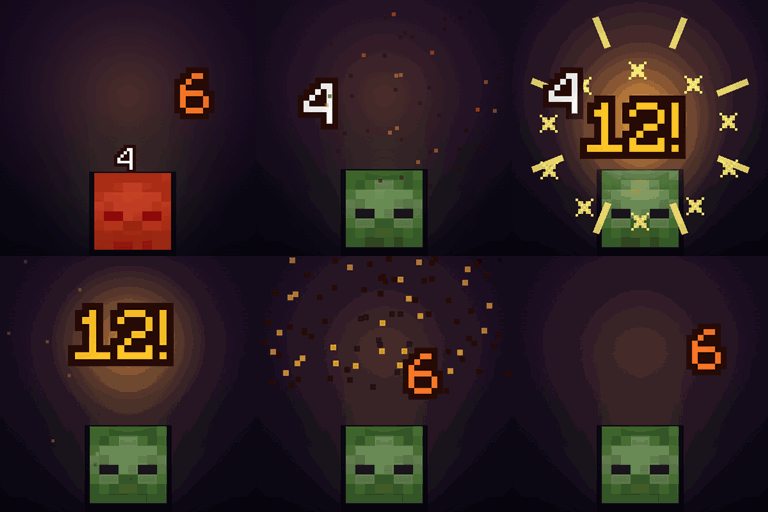
Damage Numbers: Floating Damage Indicators & Crits
Floating damage numbers pop off every mob you hit and break into pixels. Gold crits with a hit marker, a colour for each kind of damage, green healing, red killing blows and combos. Client-side.
评论
登录后评论和评分