
截图
介绍
Foundation
Basic universal modpack for Minecraft.
Include a lot of QOL and optimization mods.
“Element Stack”
Using Sodium Sodium Extra Indium to optimize your game performace. This modpack should work on any machine if you don’t use shaders.
Shaders and Resource Packs
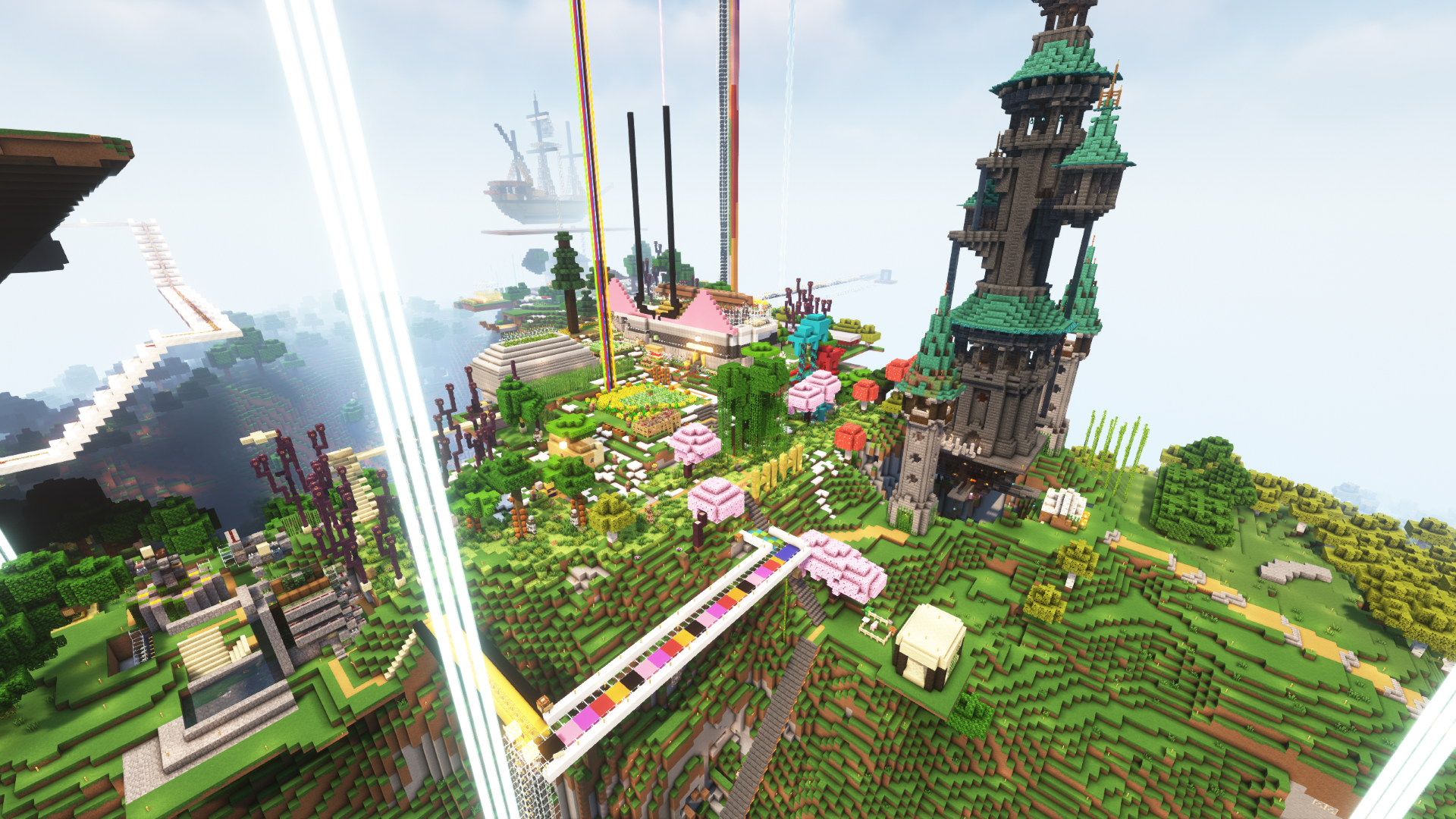
Modpack come with Iris mod and some great Shader Packs. The shader is disabled by default, you need to enable it manully in Options->Video Settings->Shader Packs.
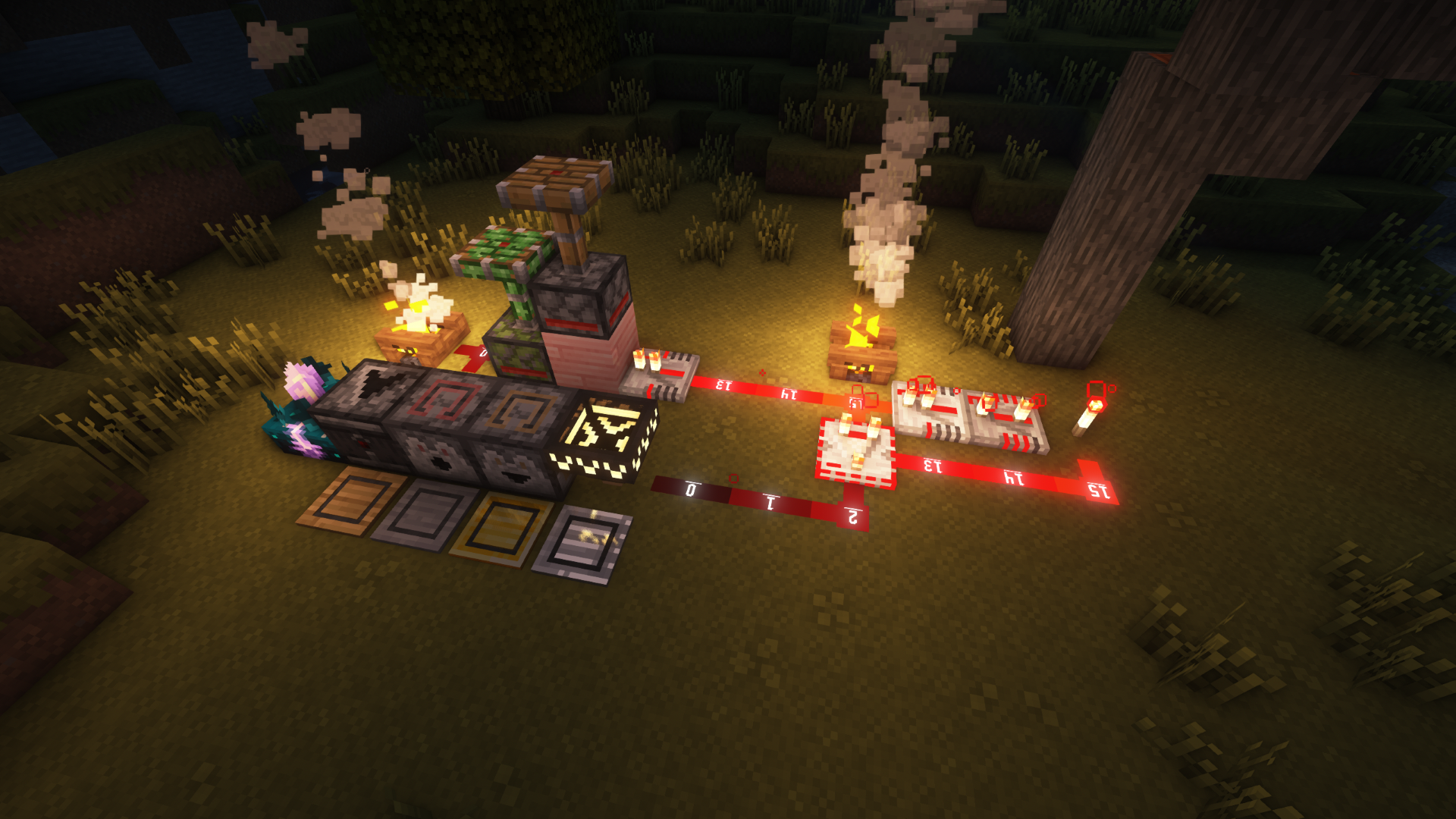
If you are a Redstone player, you definitely want to enable the XeKr's Redstone Display resource pack which gives you a lot of extra information like the status of a block, the power level of redstone dust and so on.
Shader are enabled by default
“MASA Stack”
Althought MASA mods like Litematica MiniHUD Tweakeroo and etc have not beed update to 1.20 yet. So the community compiled version of those mods have been added and provide you with the same functions as you expected. Also some extra mods based on “MASA Stack” have been added too.
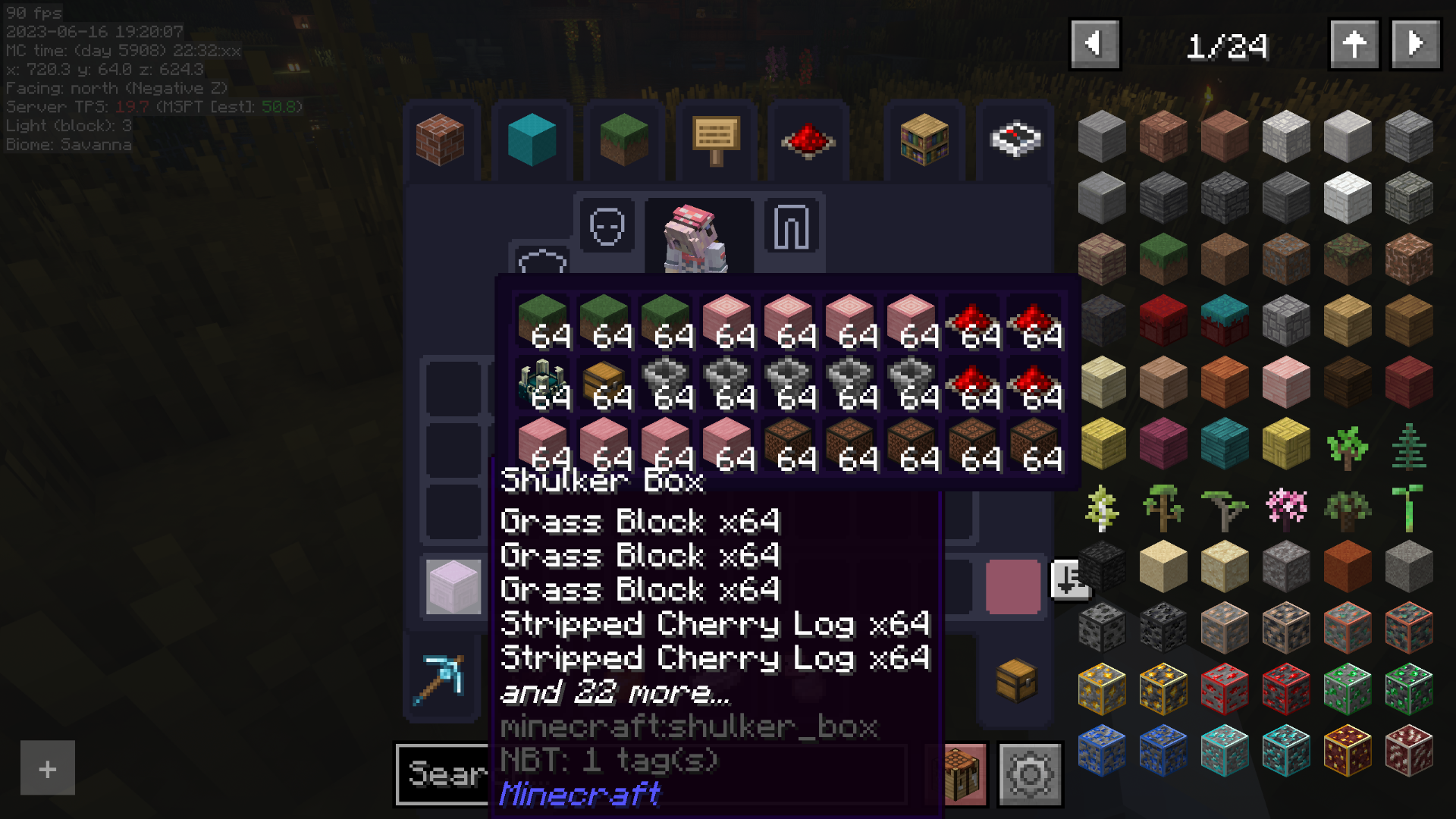
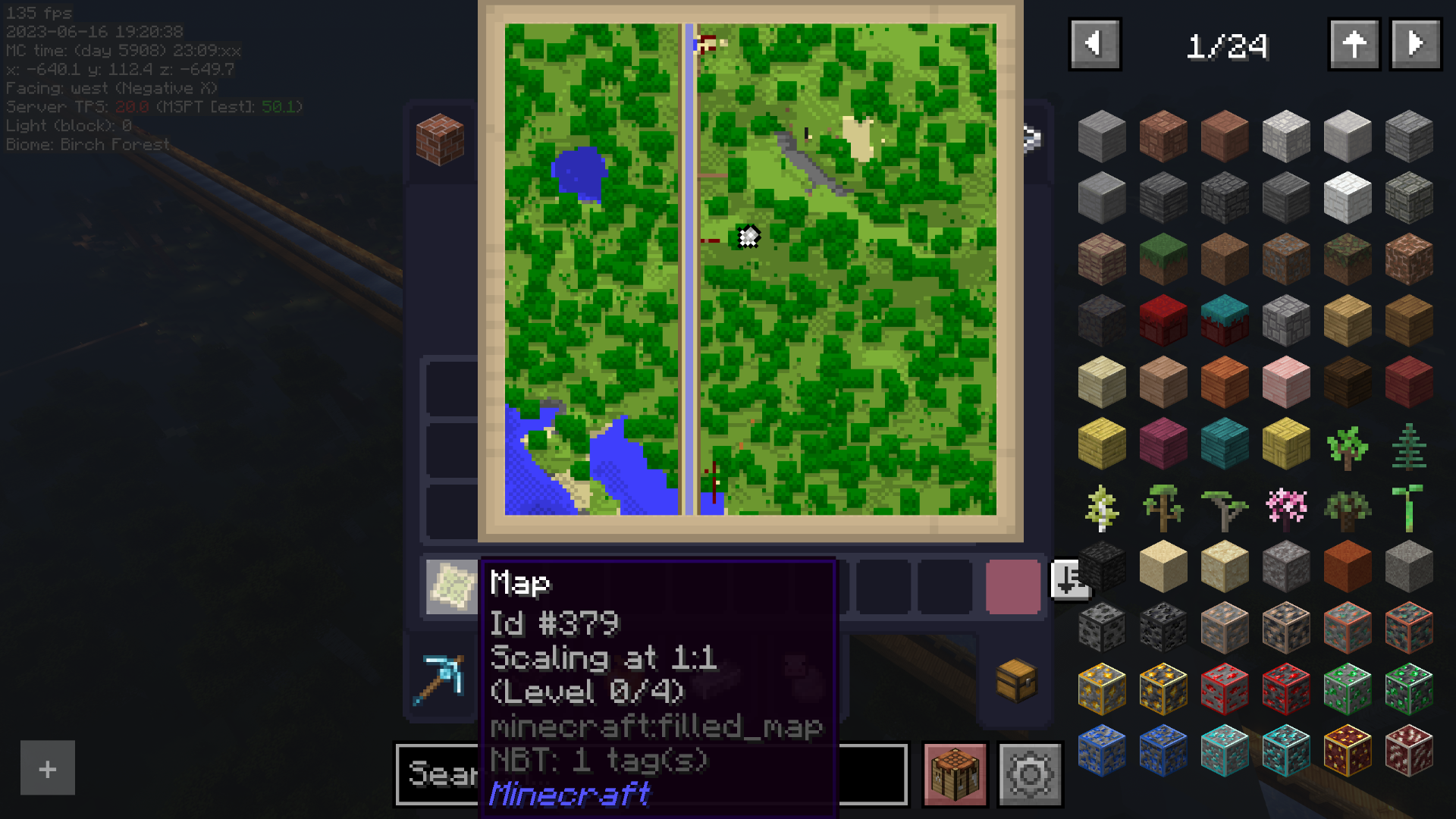
Enabled tweaks by default:
- Map Preview
- Inventory Preview (
ALTorOptionkey) - Shulker Box Preview
Tips 1: Some of the functions of MASA Stack mods require Carpet mod to work on your server if you want to play in multiplayer.
Tips 2: Because of key conflict, some key bindings have been changed. You can go to Options->Controls->Key Bind to check it out. Note that the MASA Stack mods’ key bind are not listed. The default key to open the world map has been changed to G.
Key binds:
Y: (Tweakeroo) Free CameraB: (Tweakeroo) Fake SneakingC: (Tweakeroo) Fast Right ClickN: (Litematica) Easy Placement ModeH: (MiniHUD) Light LevelG: (Xaeros World Map) World MapP: (Xaeros Mini Map) New WaypointL: (Do a Barrel Roll) Enable/Disable Do a Barrel RollJ: (Do a Barrel Roll) Enable/Disable Thrust
About server-side
This modpack contains some mods that could work on a server. If you want to start a new Minecraft server and play with this modpack, considering add those mods too. Don’t worry, vanilla Minecraft client could join the modded server.
Mods that are recommended to install on a server:
- Carpet
- Carpet Extra
- Carpet TIS Addition
- Plusls Carpet Addition
- Do a Barrel Roll
- Inventory Management
- Jade
- No Chat Report
Have fun!
包含的模组 55 个,另有 8 个其他文件
 3D皮肤层
 苹果皮
 Architectury API
 AstraLex Shaders
 Aurora's Shaders
 Auth Me
 Balm
 BSL Shaders
 Carpet AMS Addition
 Carpet Extra
 Carpet Org Addition
 Carpet TIS Addition
 Chat Heads
 Chunky
 Cloth Config API
 Complementary Shaders - Reimagined
 Complementary Shaders - Unbound
 Continuity
 Dark Loading Screen
 Default Dark Mode
 Default HD 128x
 Detail Armor Bar
 Enchant Icons
 Euphoria Patches
 Fabric API
 FerriteCore
 Highlight
 Indium
 Inventive Inventory
 Iris Shaders
 Jade 🔍
 KleeSlabs
 Krypton
 锂
 MacOS Input Fixes
 模组菜单
 鼠标微调
 No Chat Reports
 Nvidium
 OffersHUD
展开全部 55 个







绿色边框的模组本站有收录,点进去看中文介绍;其余跳转到 Modrinth。
常见问题
Foundation 支持哪些 Minecraft 版本?
Foundation 基于 Minecraft Java 版 1.21、1.20.2、1.20,使用 Fabric 加载器。
Foundation 怎么安装?
点本页「前往下载」拿到整合包文件(Modrinth 的是 .mrpack,CurseForge 的是 .zip),在 PCL2 或 HMCL 启动器里选择「导入整合包」,启动器会自动装好 Minecraft、加载器和全部模组。这个整合包有 55 个模组,建议在启动器里给游戏分配 4–6 GB 内存。
Foundation 开服需要多大内存?
推荐服务器内存 12 GB。在线人数多、或者建了大量机器和区块加载器时,可以再加 2–4 GB。
怎么和朋友一起玩 Foundation?
点本页的「一键开服」,选好配置后会自动安装 Foundation 的服务端,几分钟就能开好。把服务器地址发给朋友,大家用同一个版本的整合包连进去就行。
评论
登录后评论和评分