
Alchemia: Potion Crafting
A rough replication of Potion Craft: Alchemist Simulator, rebuilt for Minecraft and stripped down a bit.
截图
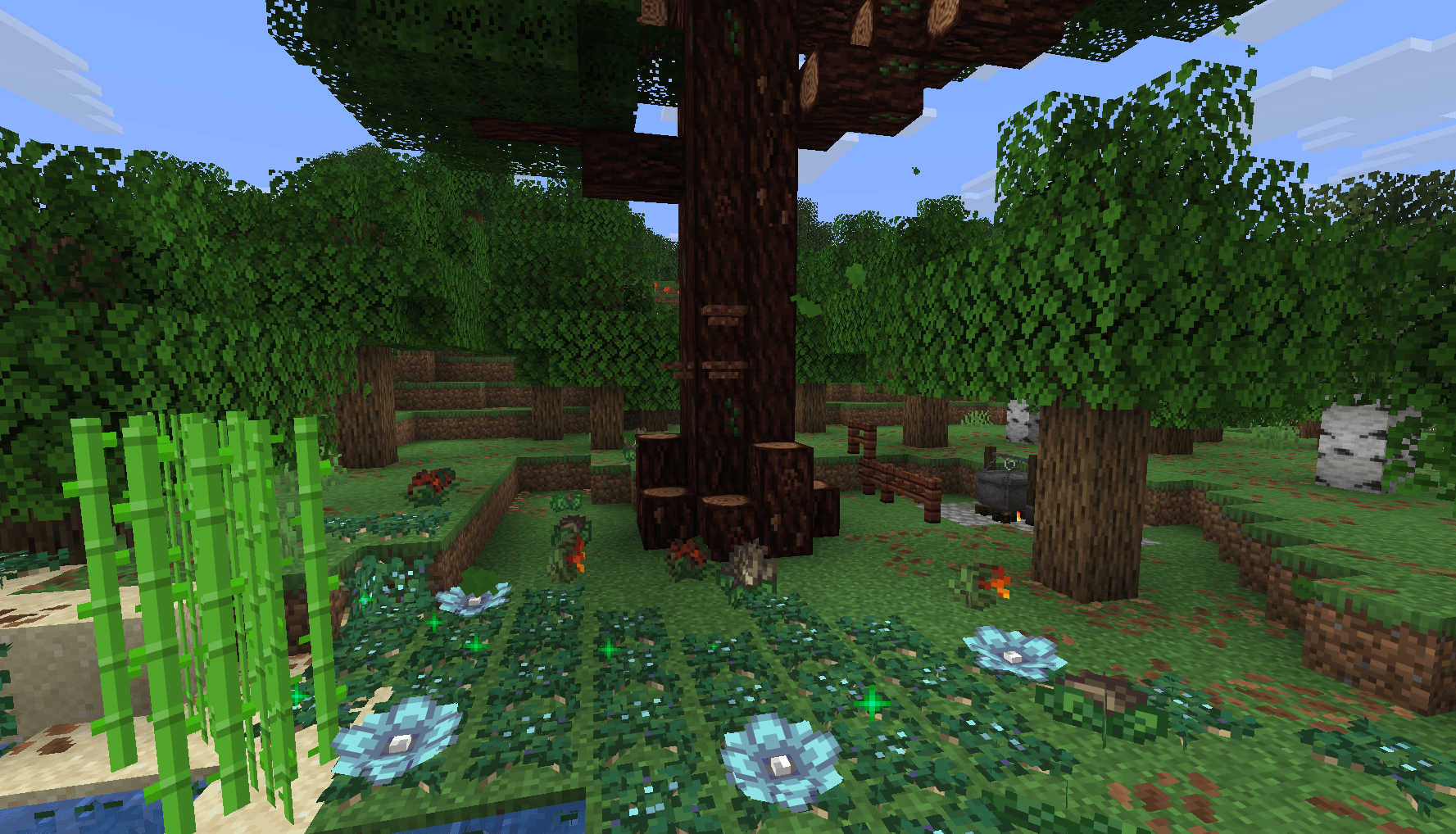
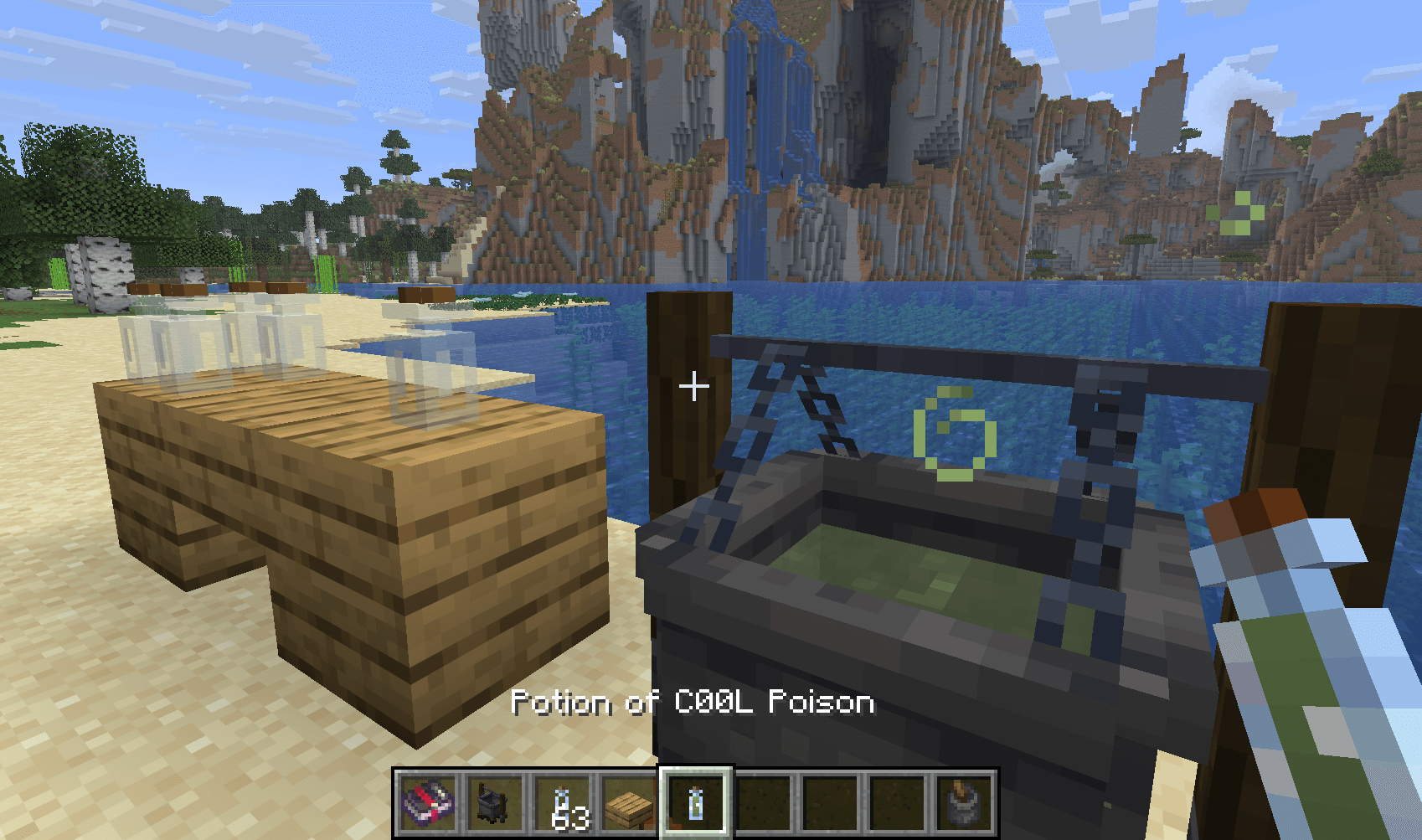
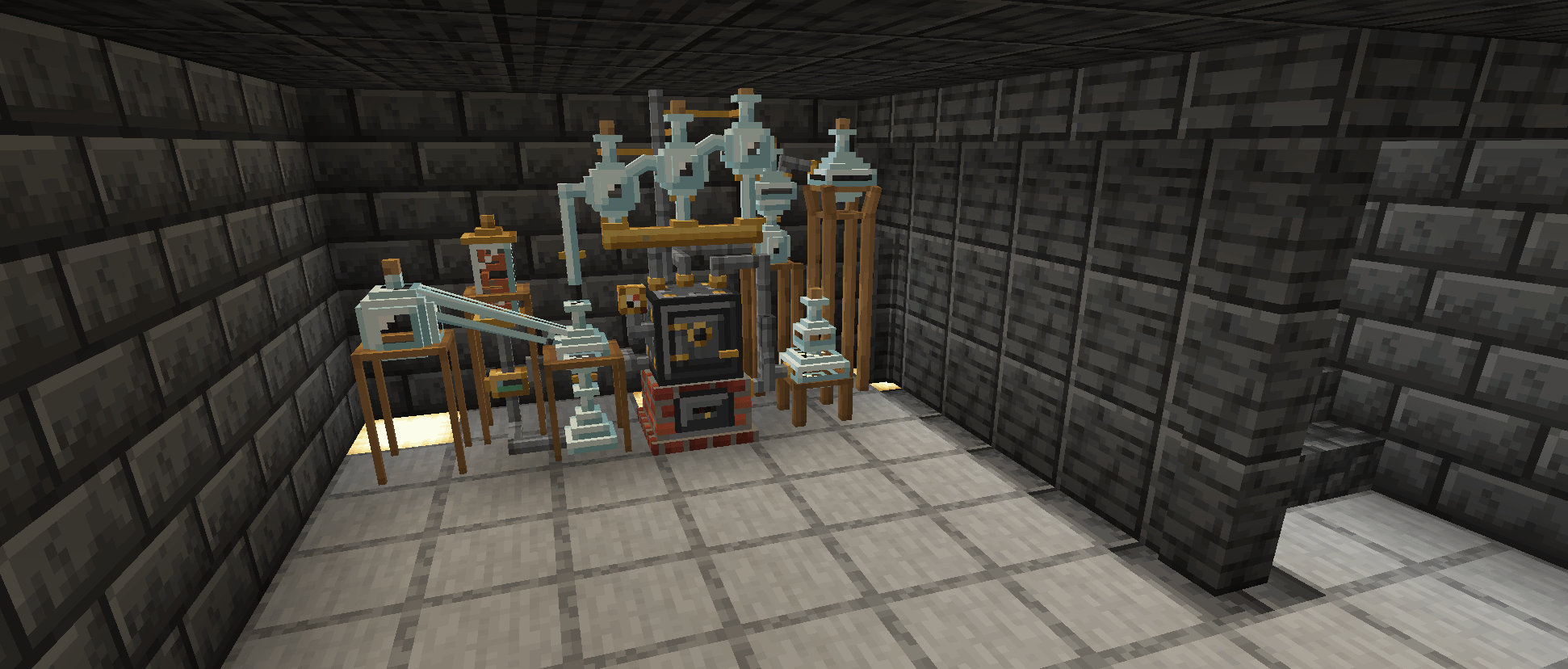
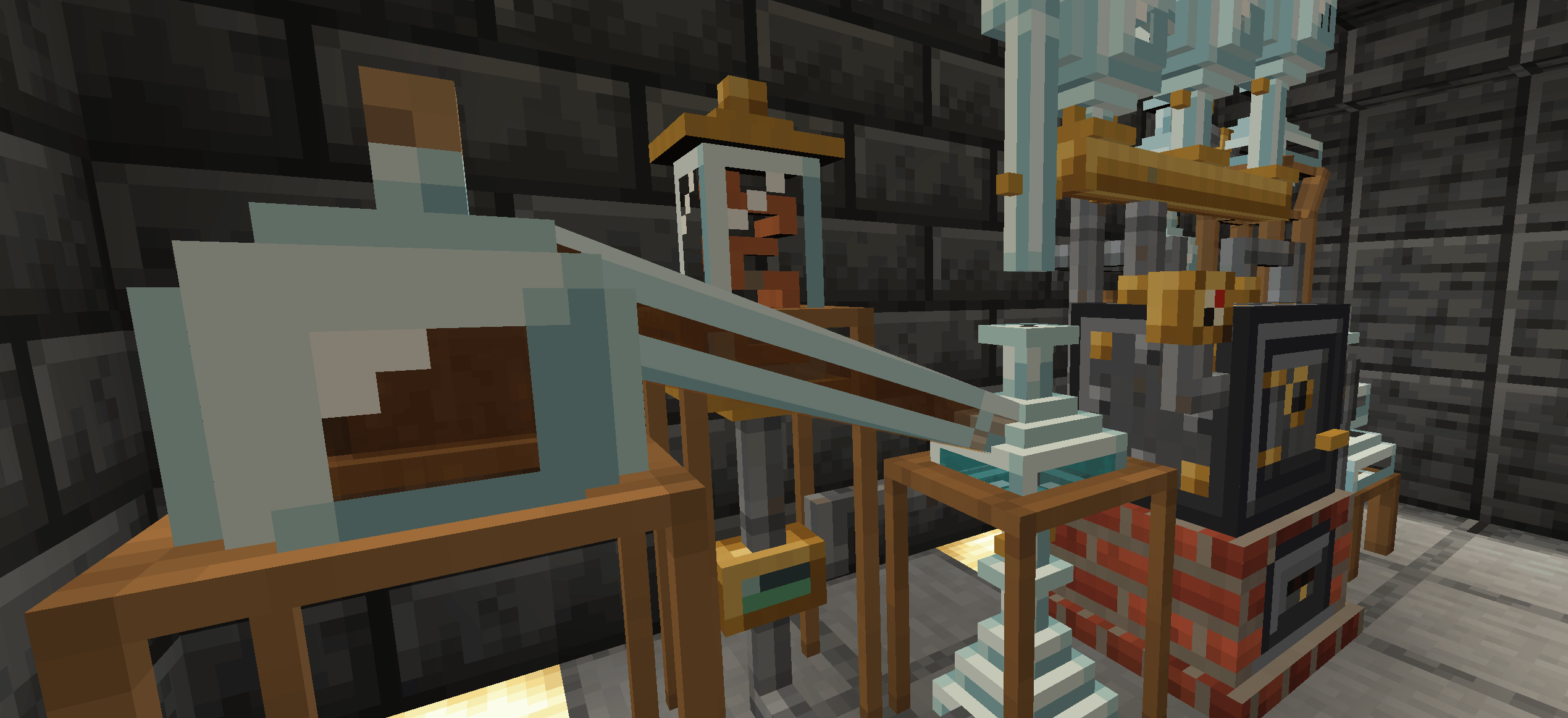

介绍
Alchemia
Essentially a rough replication of Potion Craft: Alchemist Simulator, rebuilt for Minecraft and stripped down a bit.
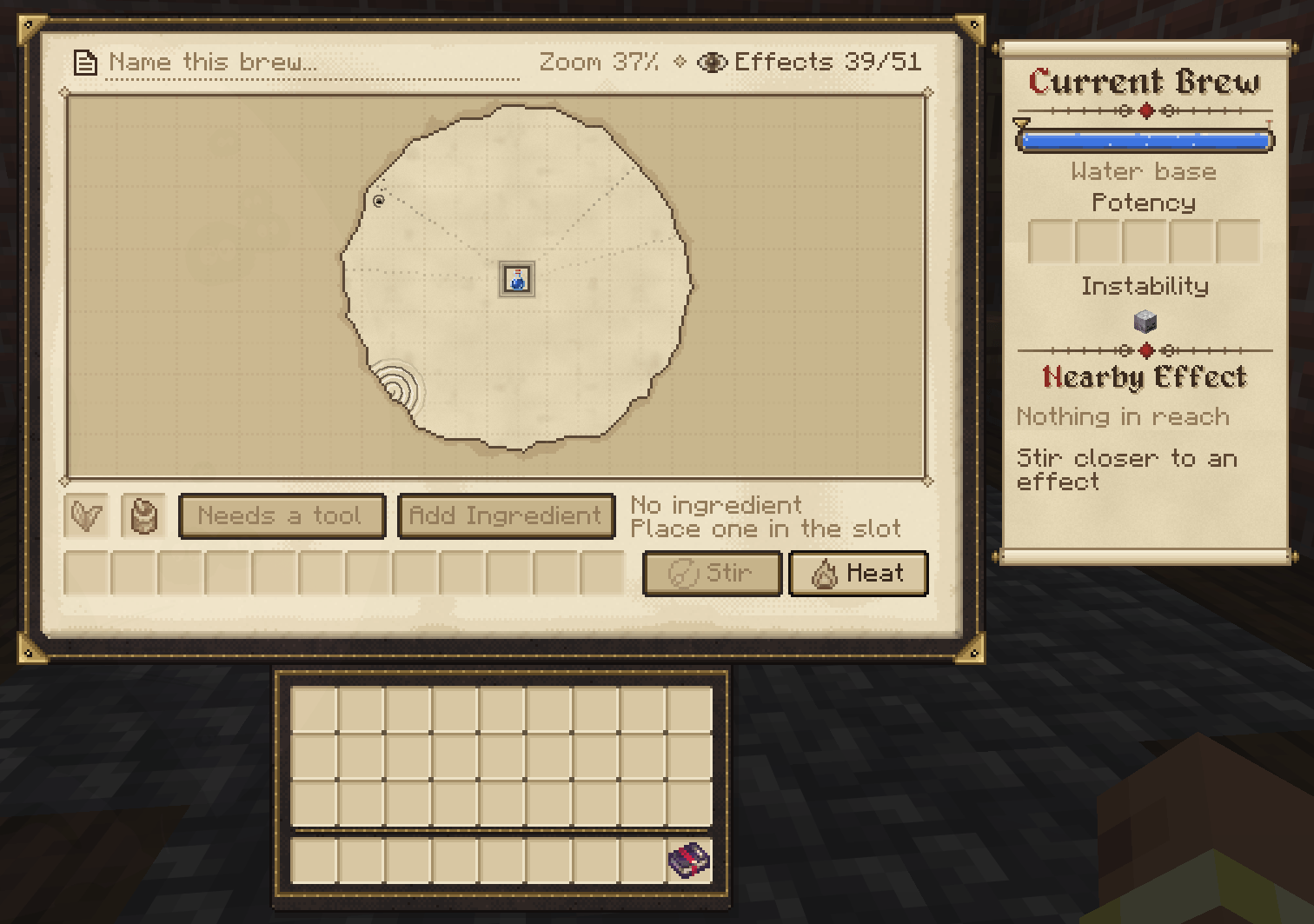
This allows you to brew potions by moving a potion icon around a map of effects. Every ingredient pushes the potion along a fixed path. Land on or near an effect and the potion will now have said effect, potency of the effect depends on how close to the centre of the effect you land, The map is generated per world, so recipes aren’t the same between saves.
Getting started
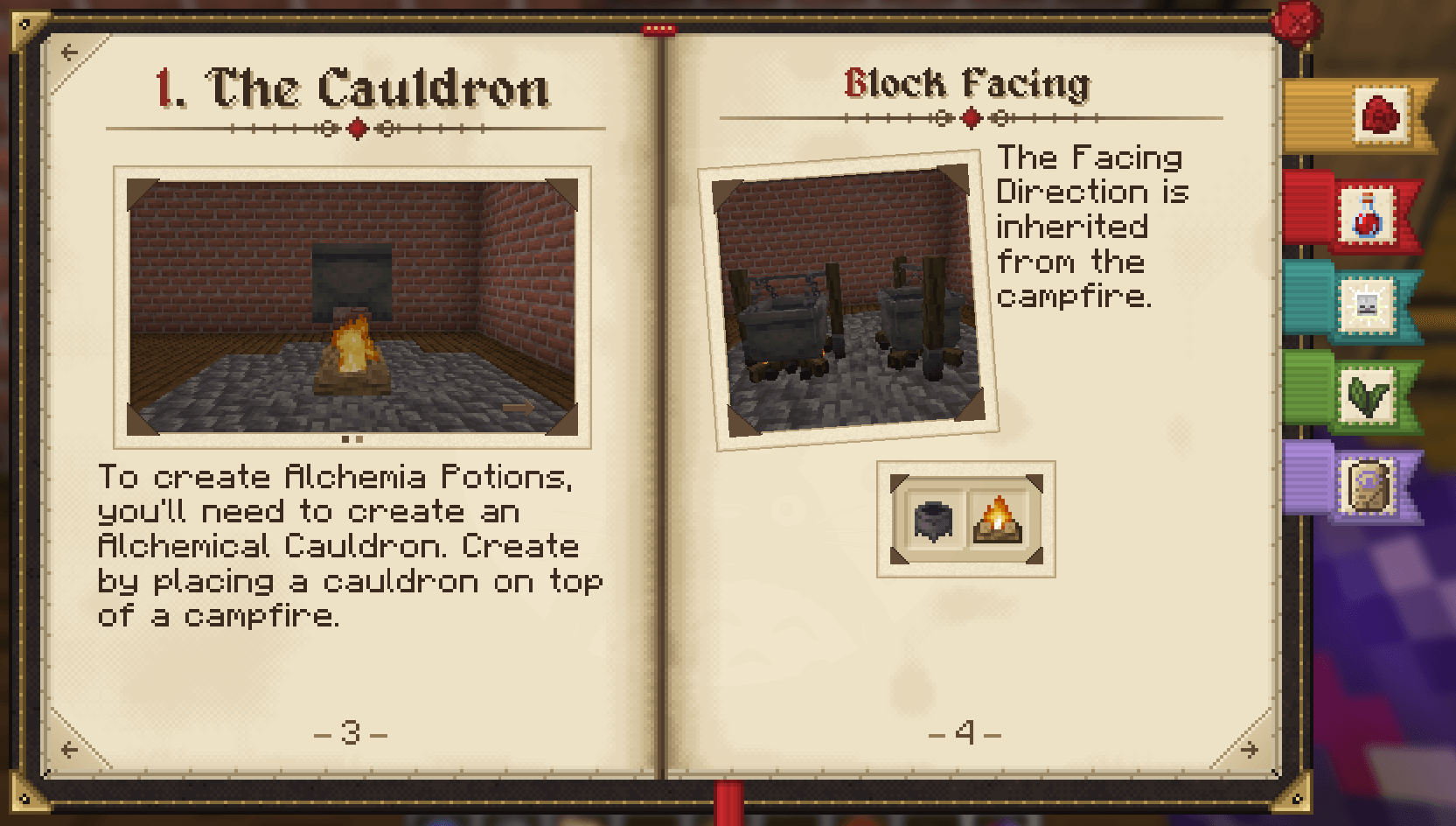
Place a vanilla cauldron on a lit campfire. That turns it into an Alchemical Cauldron. Break it and you get the cauldron and campfire back.
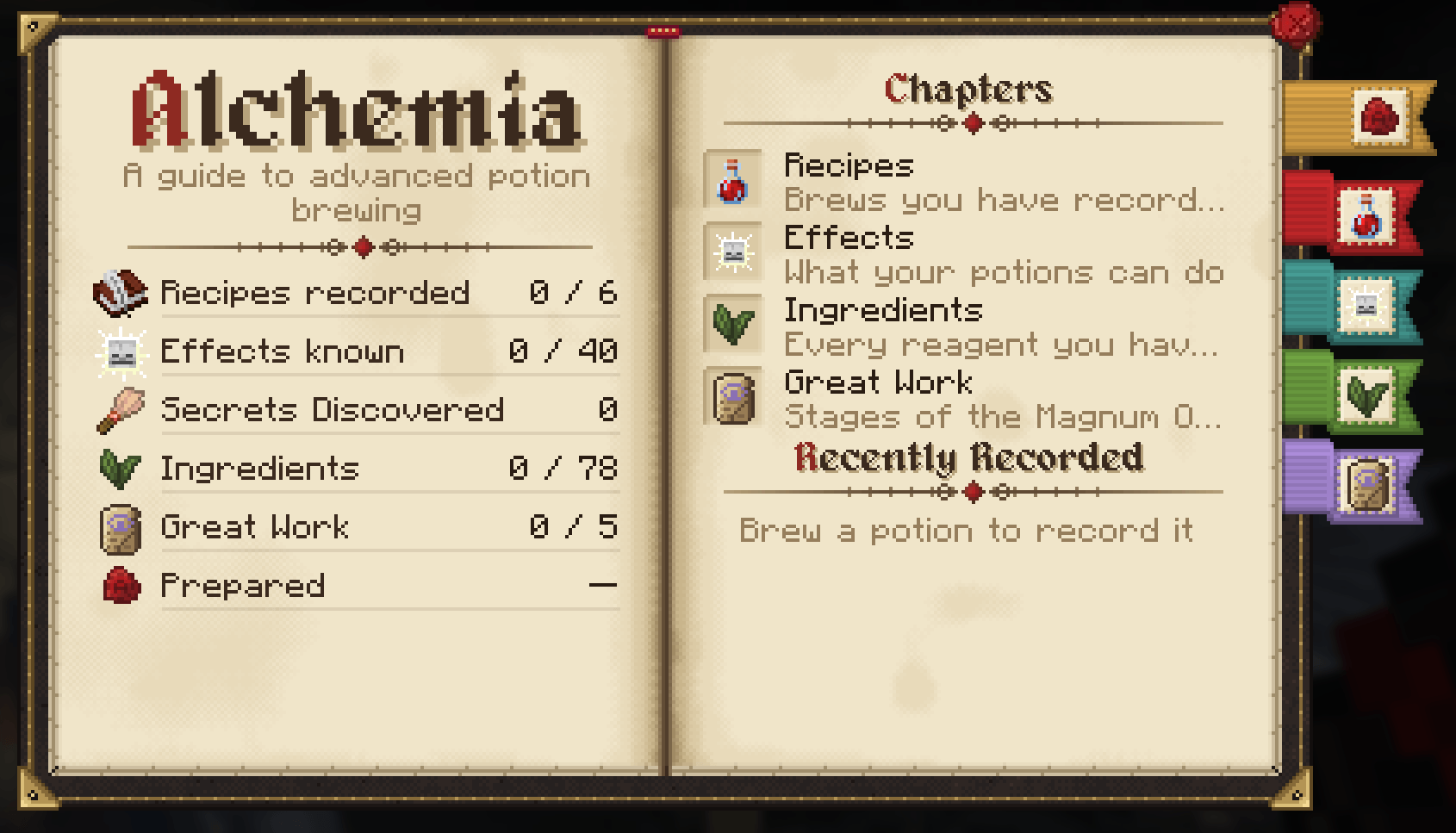
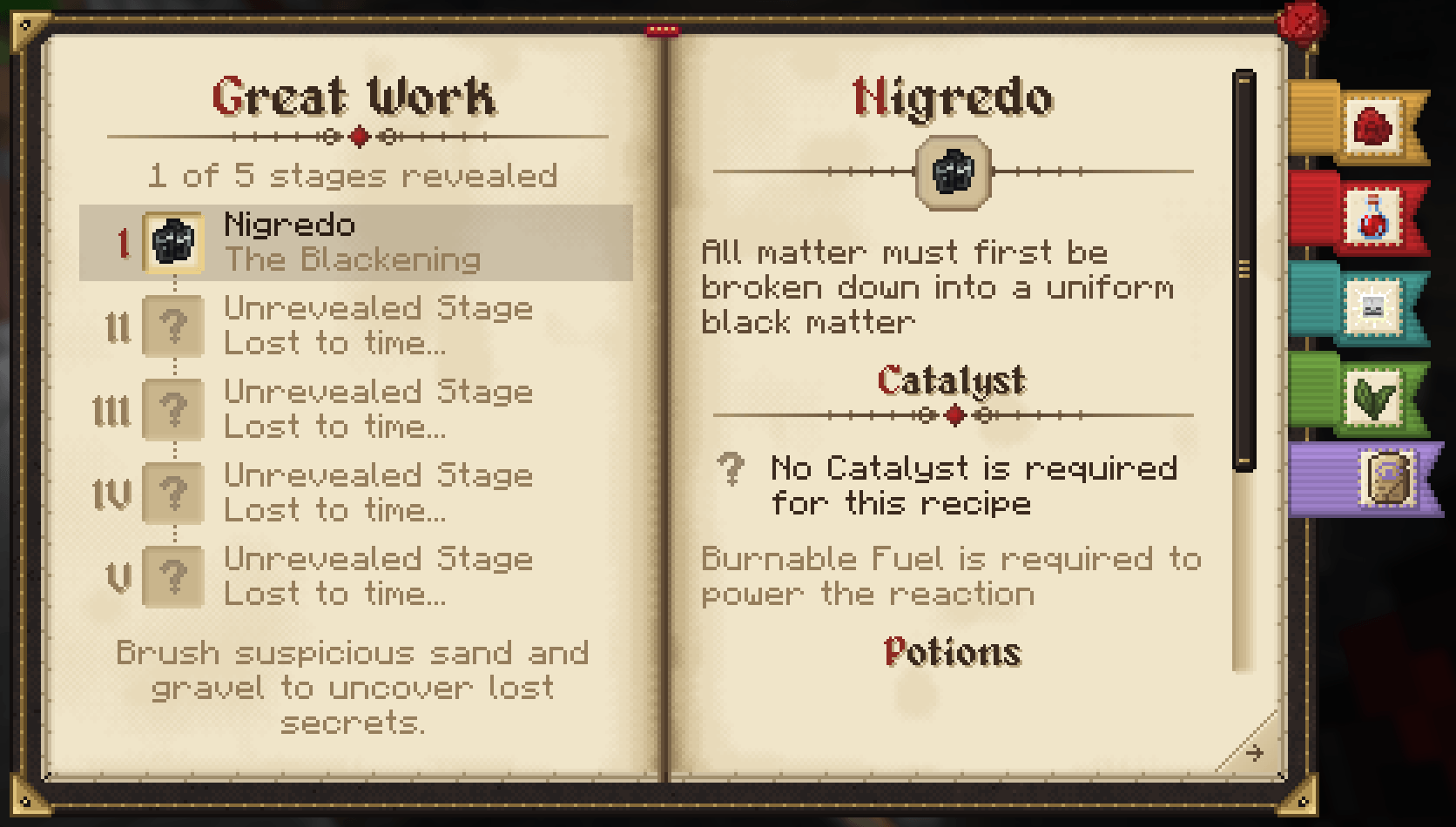
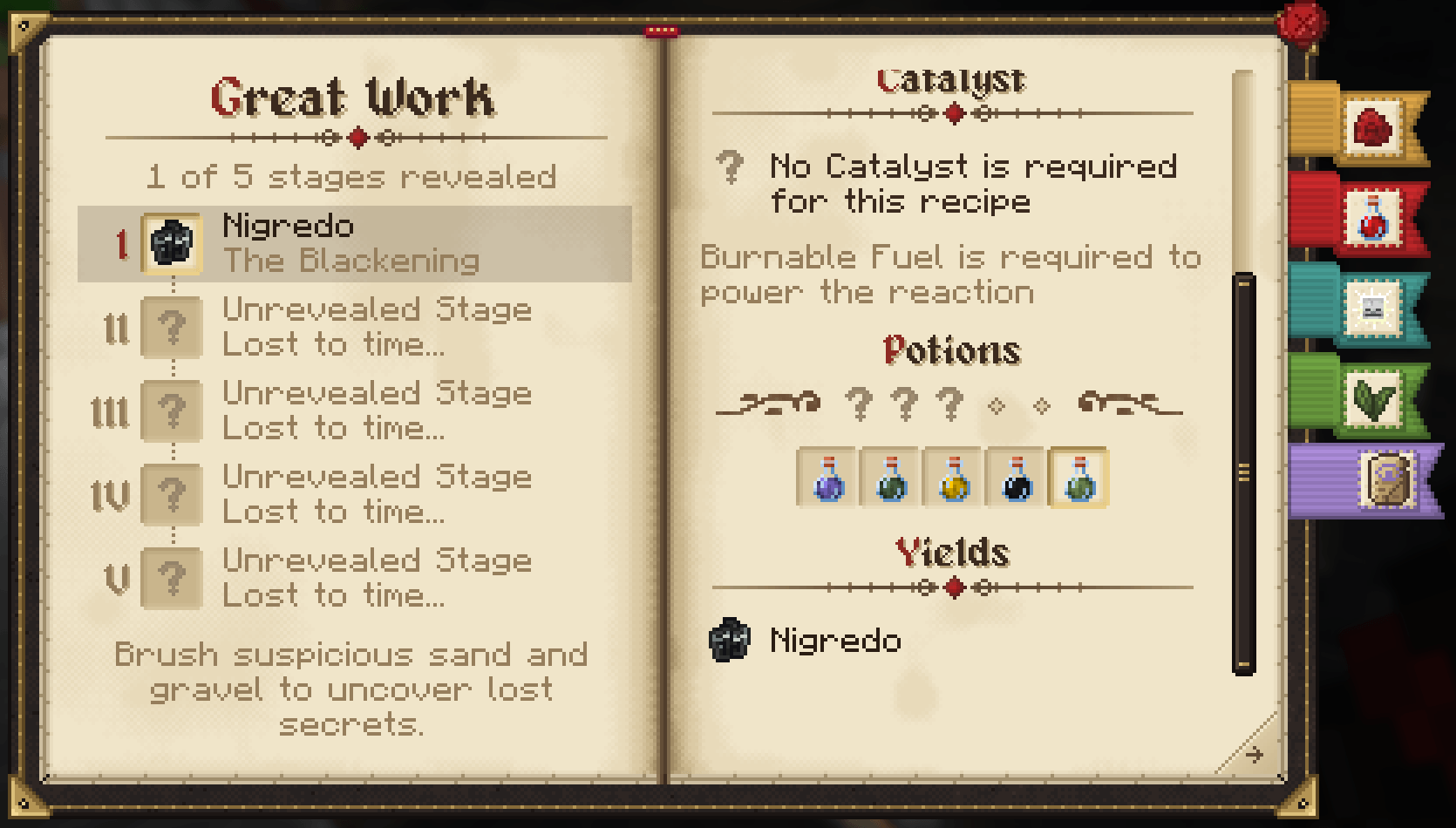
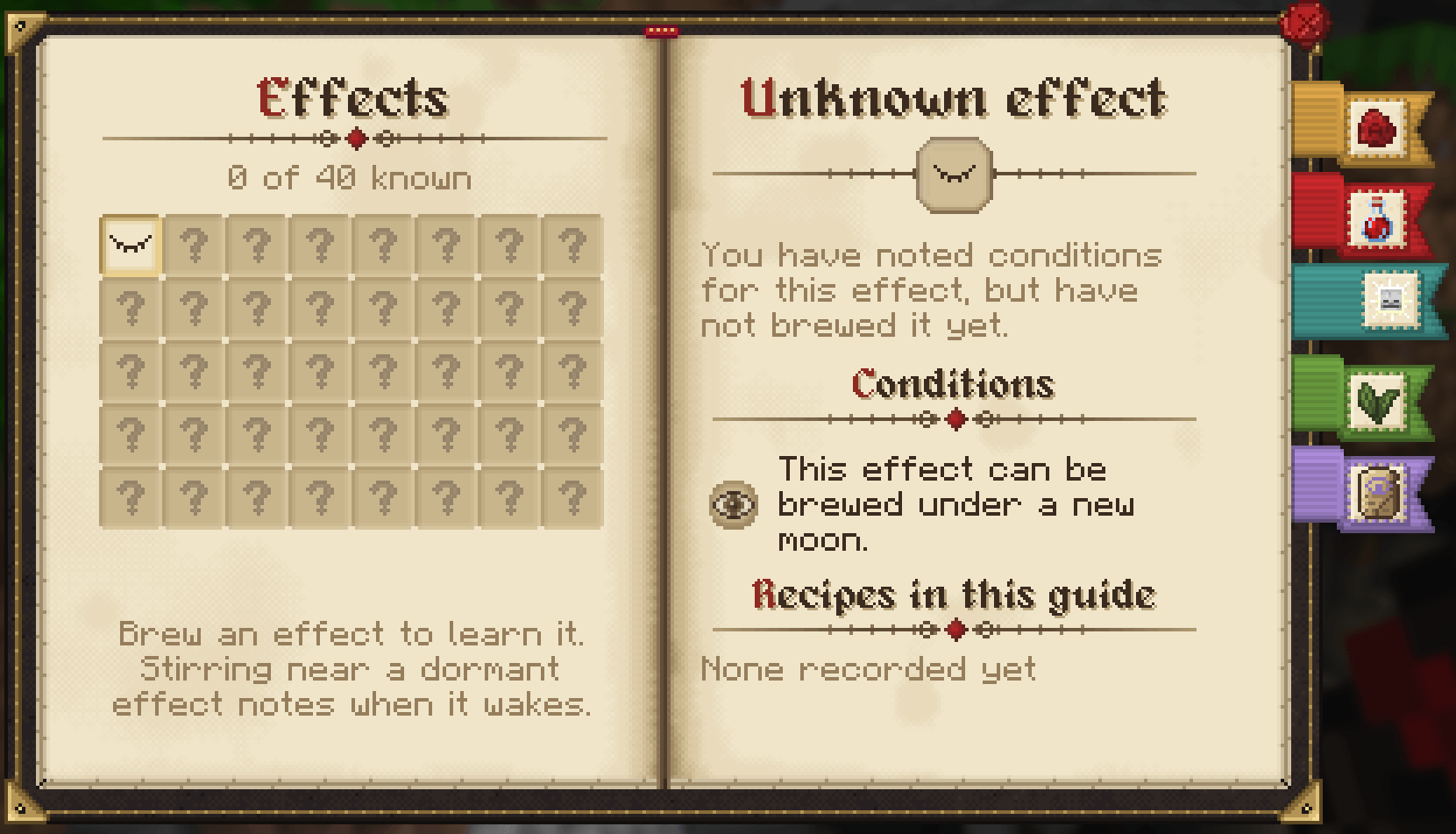
Craft an Alchemist’s Guide with a book and any ingredient. It records every potion you make, tracks the effects you’ve discovered, and lists the ingredients you’ve used along with the ingredients path.
You can pick a saved recipe and sneak + right-click the cauldron to brew it again.
Alchemia FAQ
Does Alchemia support custom potion effects?
Yes, with no code.
Brewable effects are listed in config/alchemia-effects.json, and an entry can point at any registered mob effect, including ones added by other mods.
To add an entry to the effects list, use the following template:
{
  "id": "Example_Effect",
  "effect": "examplemod:example_effect",
  "max_level": 3,
  "rarity": "rare",
  "primary": "fire",
  "secondary": "air",
  "duration": 120
}
id: the name the effect is saved under in guides, recipes and the other Alchemia configs (letters, digits and underscores only). Renaming an id will cause existing guides to forget it.effect: the mob effect that’s added. Each mob effect can only appear once.max_level: the highest level that can be brewed from 1 up to the mod’s limit.rarity:common,uncommon,rareorepic. Rarer effects are further from the centre of the map.primaryandsecondary: the elements the effect leans towards (fire,water,earth,airorvoid), this will influence which side of the map it spawns on.- Other options are duration, icon, description and bases.
- Removing effects: delete an entry to take that effect out of the game. Entries whose mob effect isn’t installed are skipped, so one file works across modpacks.
- Conditions: effects can be held dormant by id under
[world_effects]in the server config (see below).
Every entry is placed on each brew base’s map if it’s listed (see below), it will also be added to the guide and announced with a toast when discovered. A base that has an effects list in alchemia-brew-bases.json only reaches the effects named, unless the entry lists that base under bases.
Can you add new potion bases?
Yes, with no code. in versions 2.1 and up.
Bases are defined in config/alchemia-brew-bases.json, which by default have a Water and Honey base.
To add an entry to the bases list, use the following template:
{
  "id": "milk",
  "fills": [
    { "item": "minecraft:milk_bucket", "levels": 4, "remainder": "minecraft:bucket" }
  ],
  "tint": "#F2F2F2",
  "texture": "minecraft:block/white_concrete",
  "instability_cap": 3,
  "effects": ["Regeneration", "Healing", "Saturation"],
  "dead_space": "field"
}fills: what item adds the base into the cauldron. Use either anitem(with an optionalremainderhanded back) or afluid(with an optionalamountin millibuckets).levelsis how much it fills by valid range is 1 to 4.effects: which effects can appear on this base’s map. If blank it will attempt to add all effects (not recommended, but possible)dead_space: The type of noise that creates the"rings"(layered walls with gaps) or"field"(scattered patches).- Other options are tint, biome tint, texture, instability cap and unbrewed result.
- Map layout: each base has its own potion map, so effects are in different places on each one.
- Display name: add a translation for
alchemia.base.<id>(for example in a resource pack). Without one the name shows as the raw key.
Can you remove or add conditions for potion effects?
Yes. Conditions are set via the server config alchemia-server.toml under [world_effects], in the conditions list. Each entry is set as Effect = condition, condition, ....
[world_effects]
conditions = [
  "Dolphins_Grace = rain",
  "Levitation@2 = above:90",
  "Levitation@3 = above:90, night",
  "Darkness = biome:minecraft:deep_dark",
  "Fire_Protection = biome:#minecraft:is_nether|minecraft:desert"
]- Effect: an Alchemia effect name (
Dolphins_Grace) or an effect id (minecraft:dolphins_grace). @level: with this suffix (Levitation@2), the effect can always be brewed, but that level and every level above it need the listed conditions.- Conditions:
- Weather and time:
rain,thunder,clear,day,night. - Moon phase:
full_moon,new_moon,moonlight:<0-1>(0.5is a half moon). Moon conditions also need night. - Cauldron height:
above:<y>,below:<y>. - Biome:
biome:<id or #tag>|..., which allows the effect if the cauldron’s biome matches any of the listed ids or tags.
- Weather and time:
To remove a condition, delete its line. To make every effect always brewable, empty the list (conditions = []).
Imbuements still apply. A brew imbued with bark or a biome item counts as being in that biome or at that altitude, so it can still activate biome- and height-locked effects. These items are configured separately in config/alchemia-imbuements.json.
Existing worlds have the condition list in the config file created with the world itself. You’ll just need to edit the file in that world’s serverconfig folder to change them.
The new Art is by Azlan (SomeAngryMinter), whose been a huge help with refining the artstyle and some ideas work.
常见问题
Alchemia: Potion Crafting 支持哪些 Minecraft 版本?
Alchemia: Potion Crafting 支持 Minecraft Java 版 1.18.2–26.3,共 6 个版本,可用的加载器:Forge / NeoForge。下载时注意选择和你游戏版本一致的文件。
Alchemia: Potion Crafting 怎么安装?
先用 PCL2 或 HMCL 启动器安装对应版本的 Forge / NeoForge,再把下载的 .jar 文件放进游戏目录的 mods 文件夹,重新启动游戏即可。开启了版本隔离的,mods 文件夹在 versions/版本名 下面。
muddykat 的其他作品
查看全部 →
Engineered Schematics
一款为简化多方块结构建造而设计的沉浸工程附属模组。

Immersive Geology
使用沉浸工程风格的多方块机器,按真实工艺处理矿石(沉浸工程附属模组)

Immersive Convergence
沉浸工程附属模组的前置库

Immersive Geology
这是 Immersive Engineering 的附属模组,新增了多种矿石和多方块机器。模组的核心是以有趣的方式还原现实中的矿石加工流程。
评论
登录后评论和评分