Engineered Schematics
An Immersive Engineering add-on designed to make multiblock creation easier.
截图
介绍
Engineered Schematics
Overview
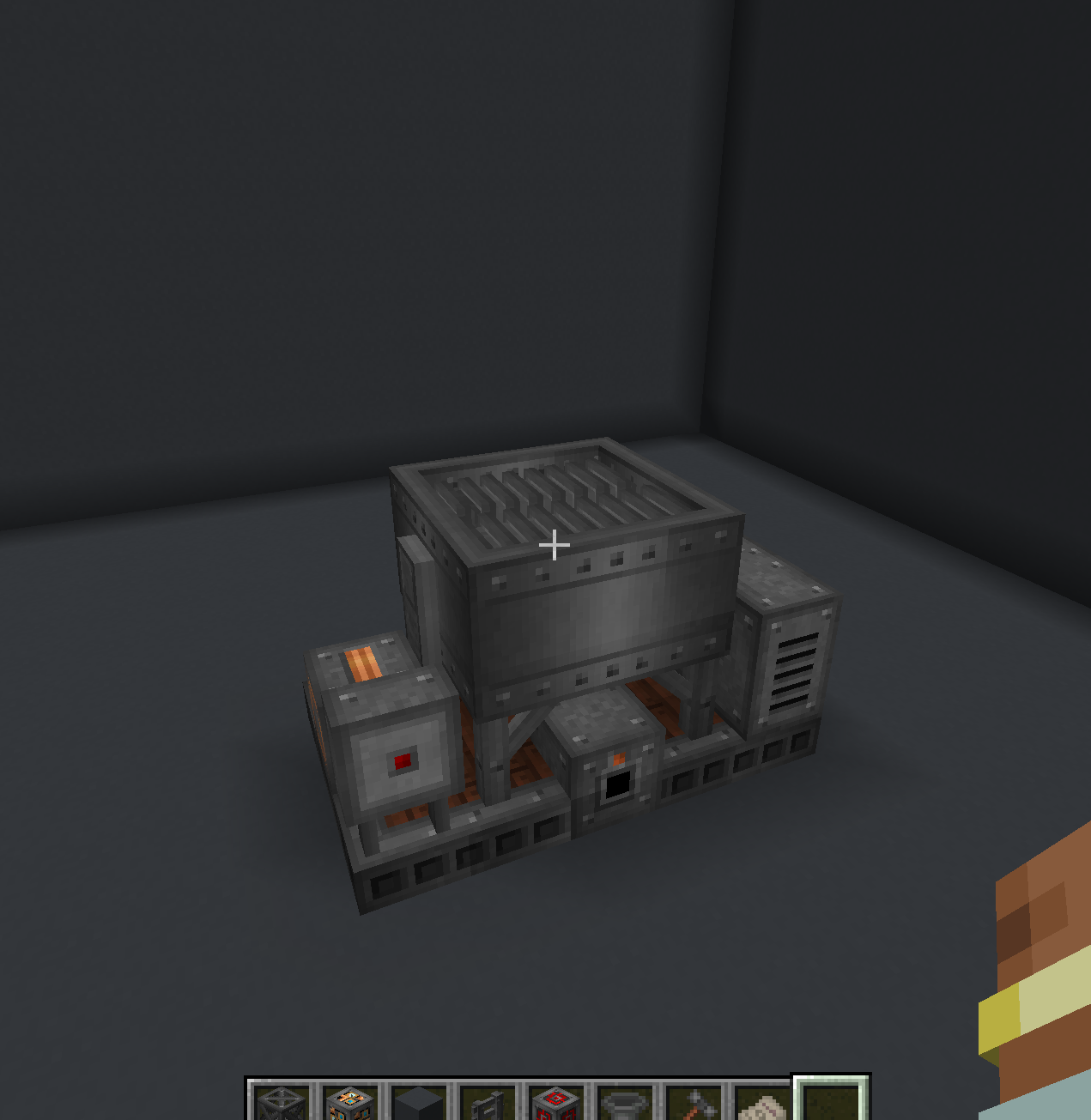
Engineered Schematics is an add-on for Immersive Engineering that enhances the multiblock building experience in Minecraft. It introduces Multiblock Schematics, these schematics provides an interactive guide when building complex multiblock structures.
This entire mod is based on a feature implemented in Immersive Geology a massive add-on for Immersive Engineering that overhauls Ore Processing that I’ve been working on for the past few years.
Showcase Video Link
Features
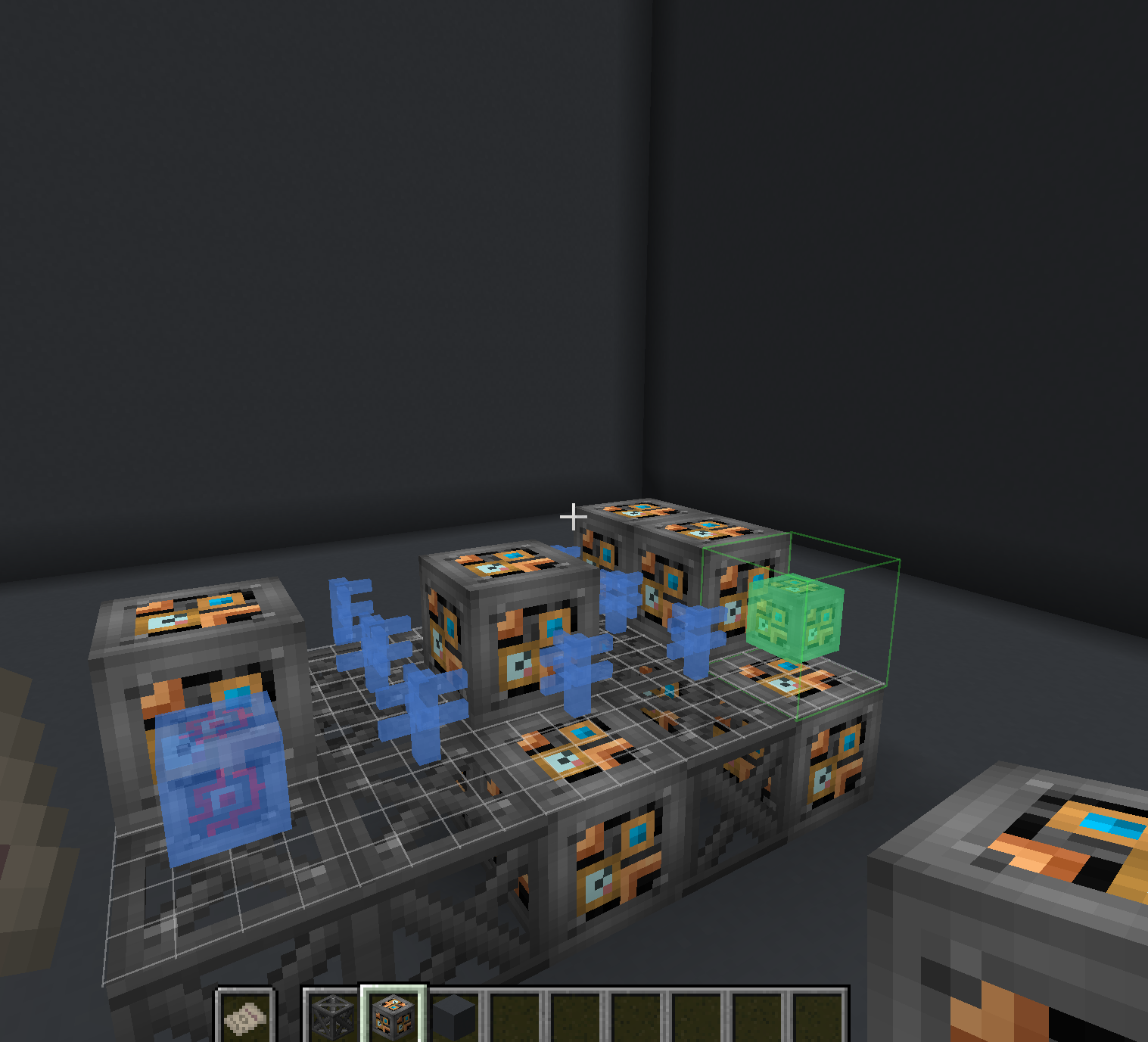
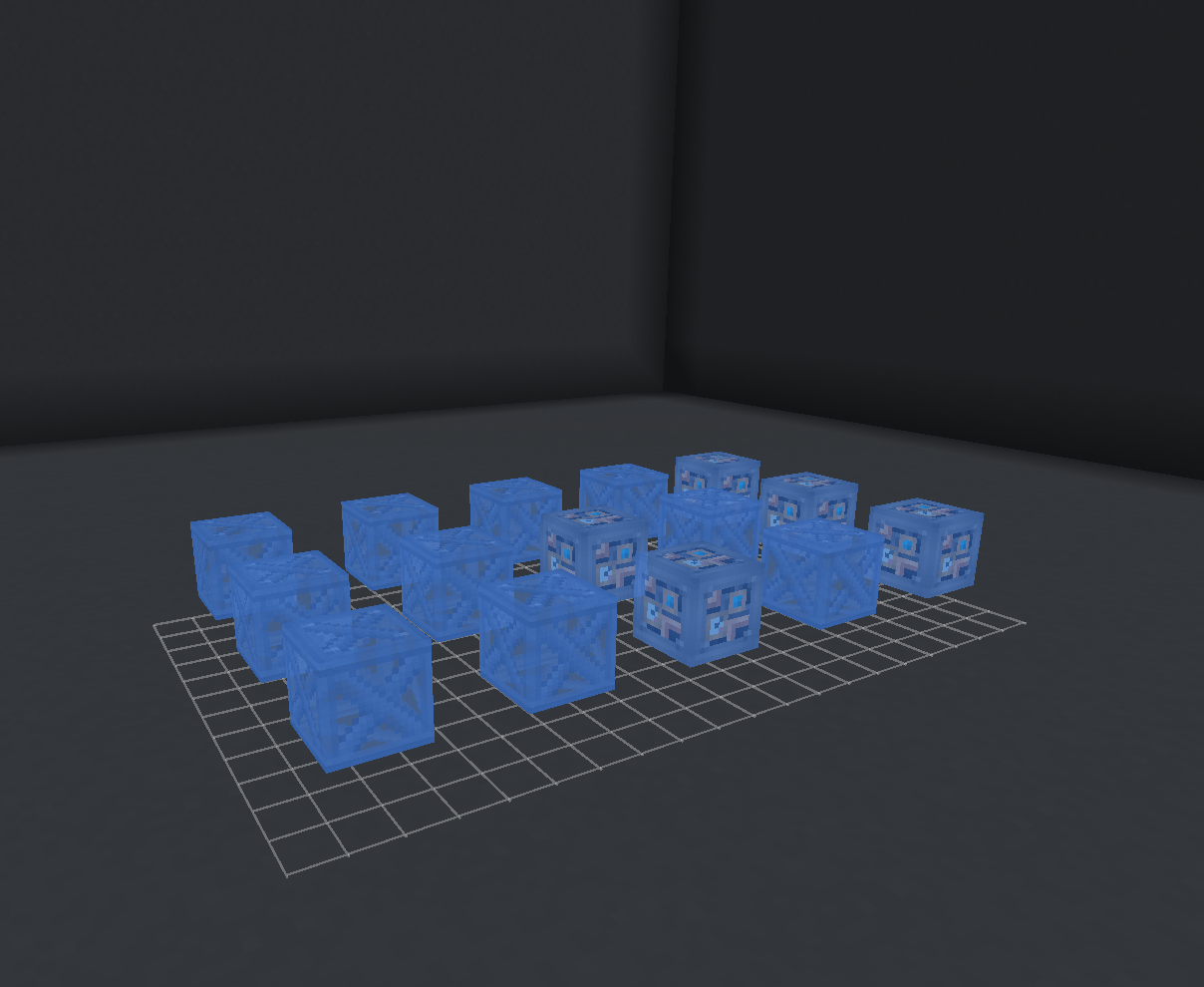
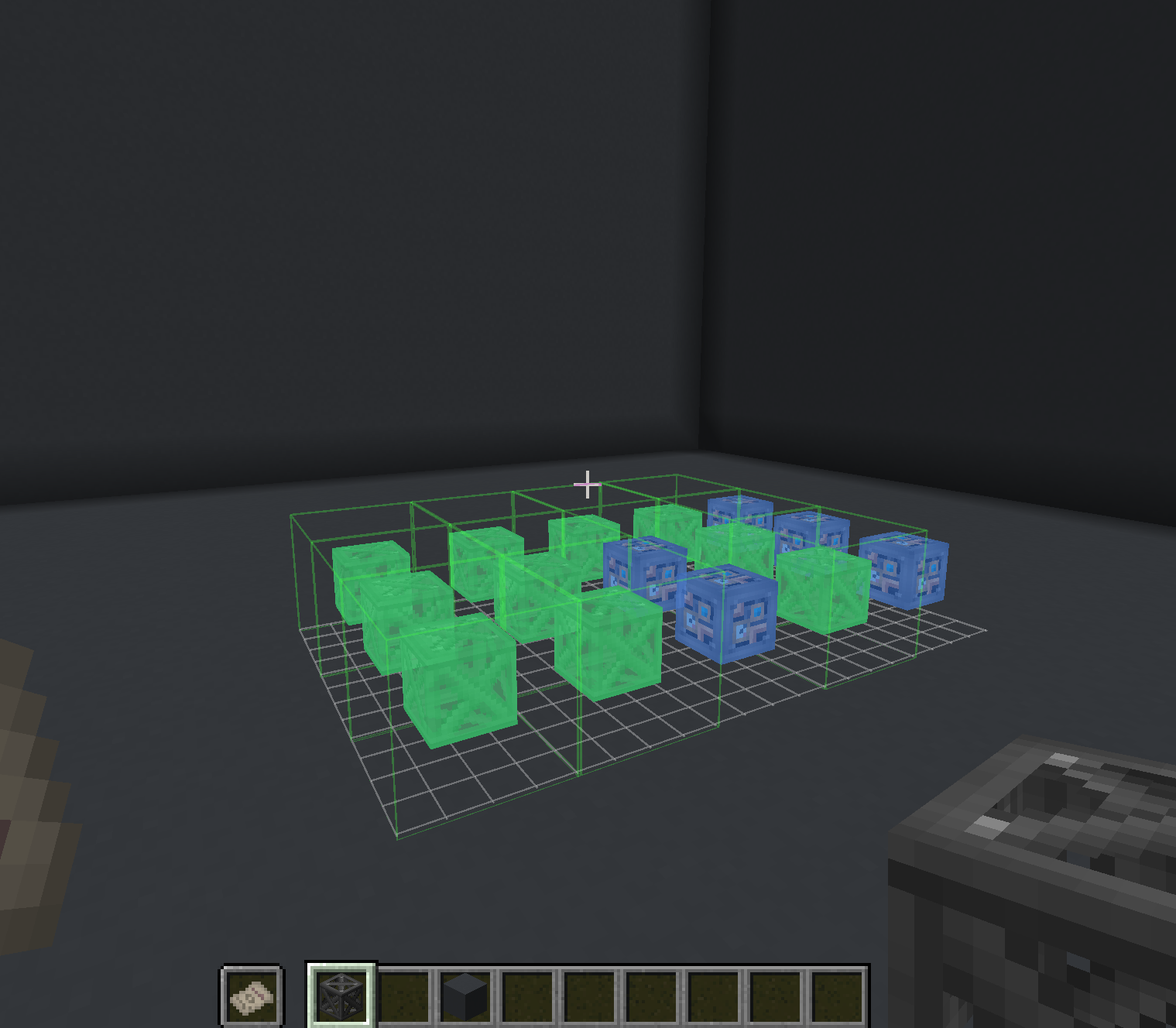
Interactive Holographic Projection
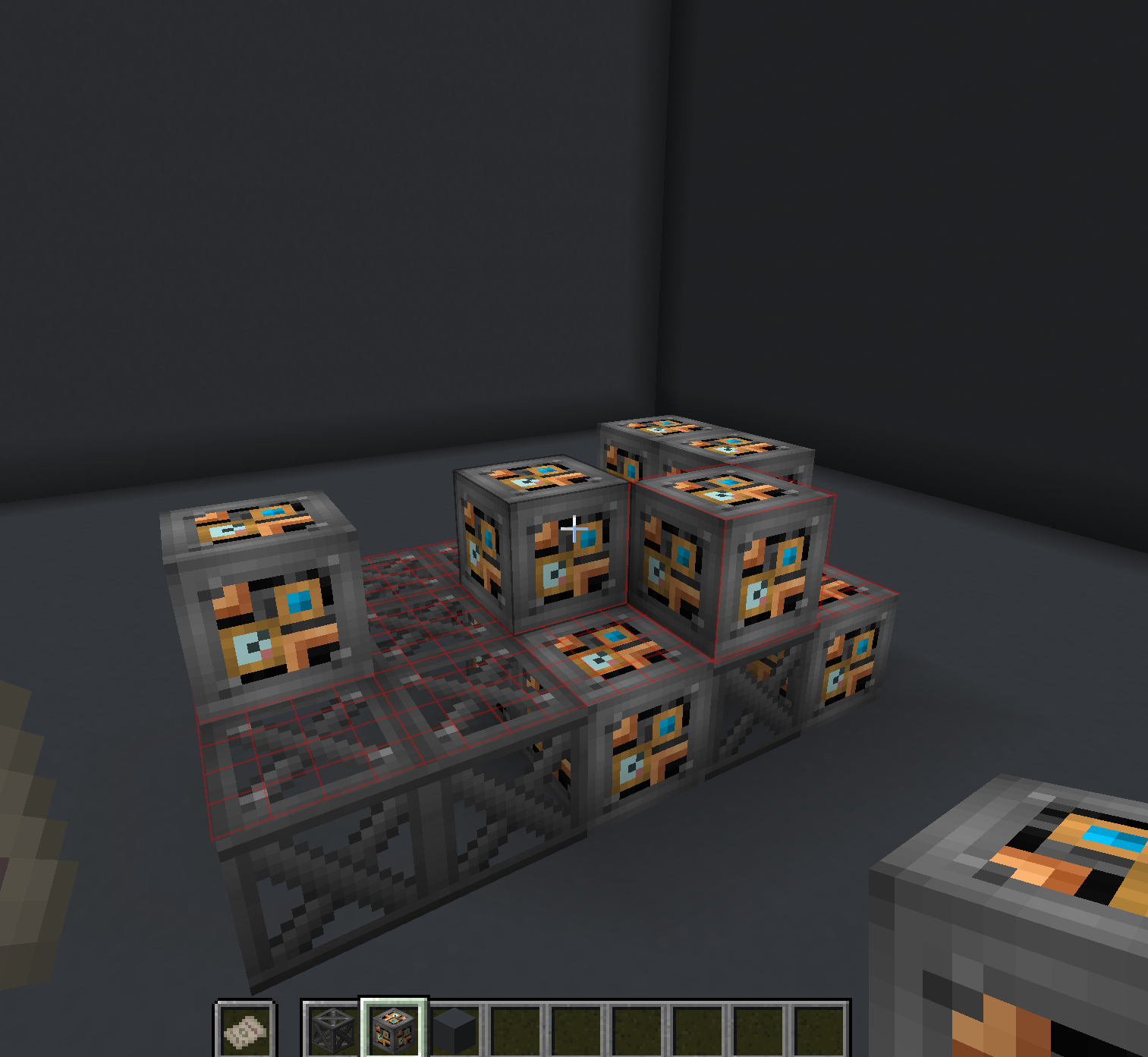
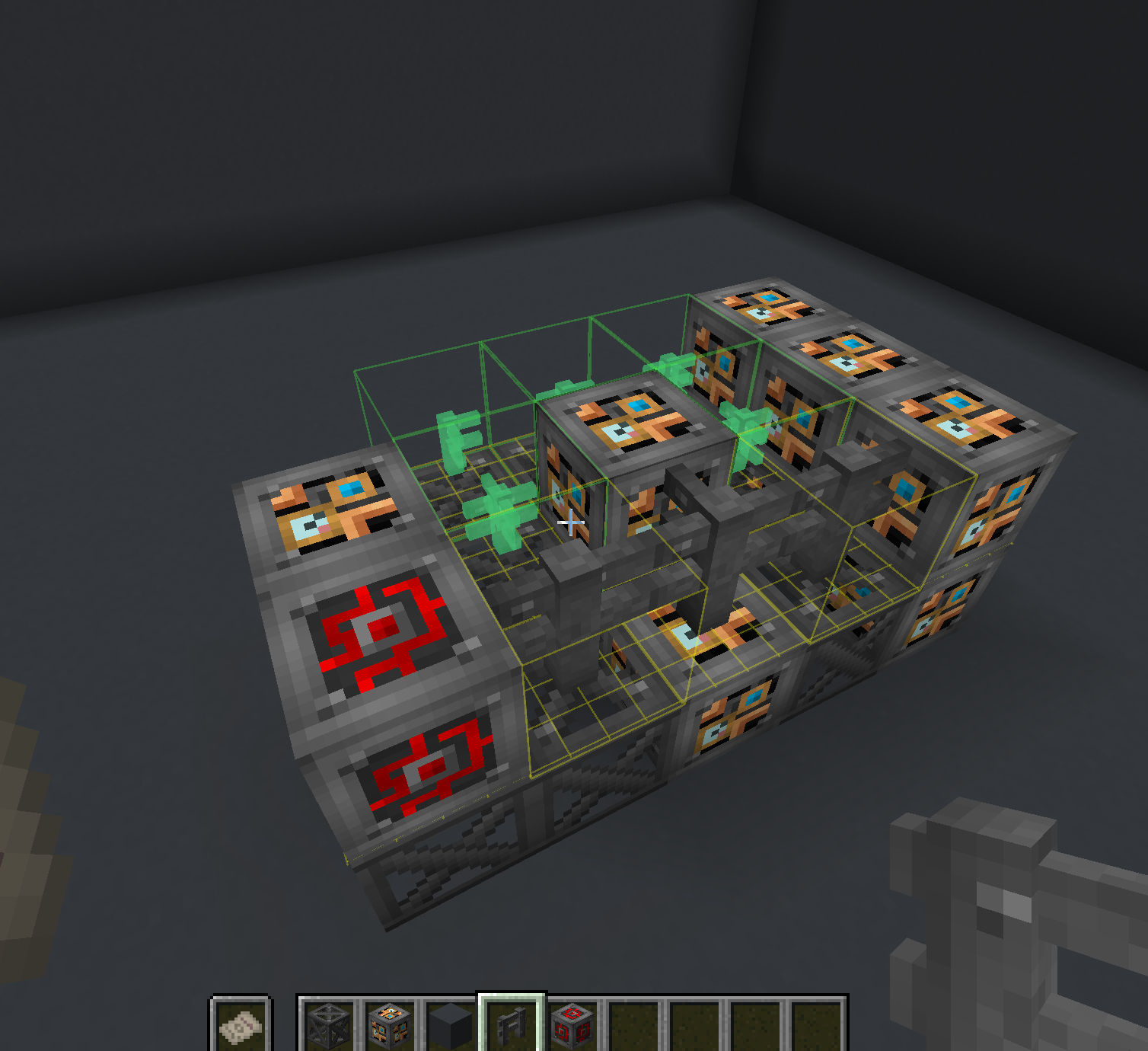
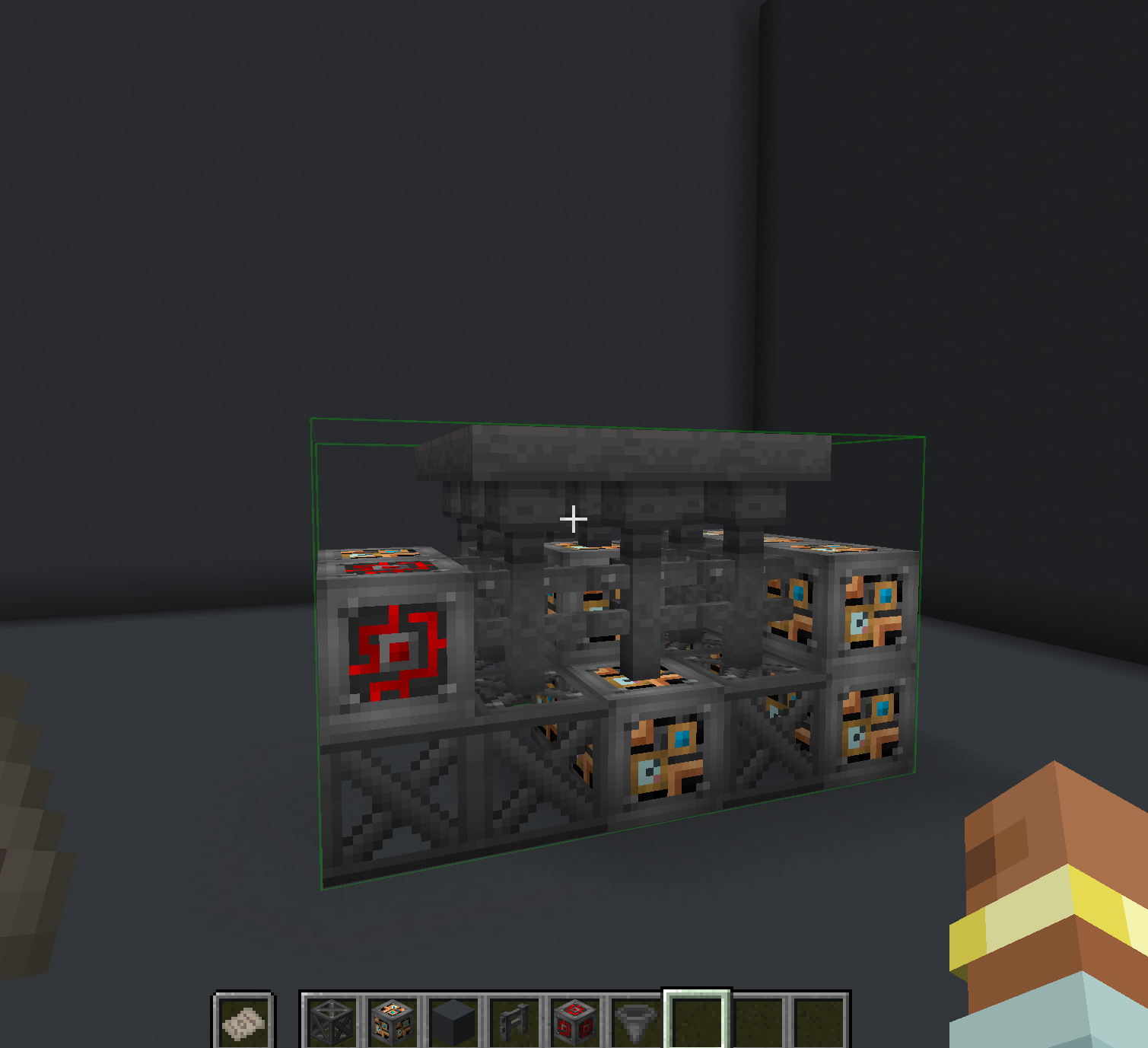
- Green Highlights: When holding the correct block for placement, the hologram shows green highlighting, indicating where to place it
- Red Highlights: Incorrectly placed blocks are highlighted in red, showing errors in the structure
- Yellow Highlights: Blocks with incorrect orientation (such as stairs facing the wrong direction) are highlighted in yellow
- Automatic Schematic Generation: The mod automatically adds new schematics when multiblocks are registered by Immersive Engineering or other compatible add-ons
Schematic Table
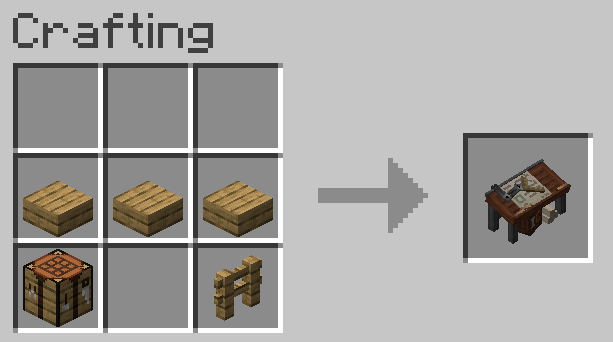
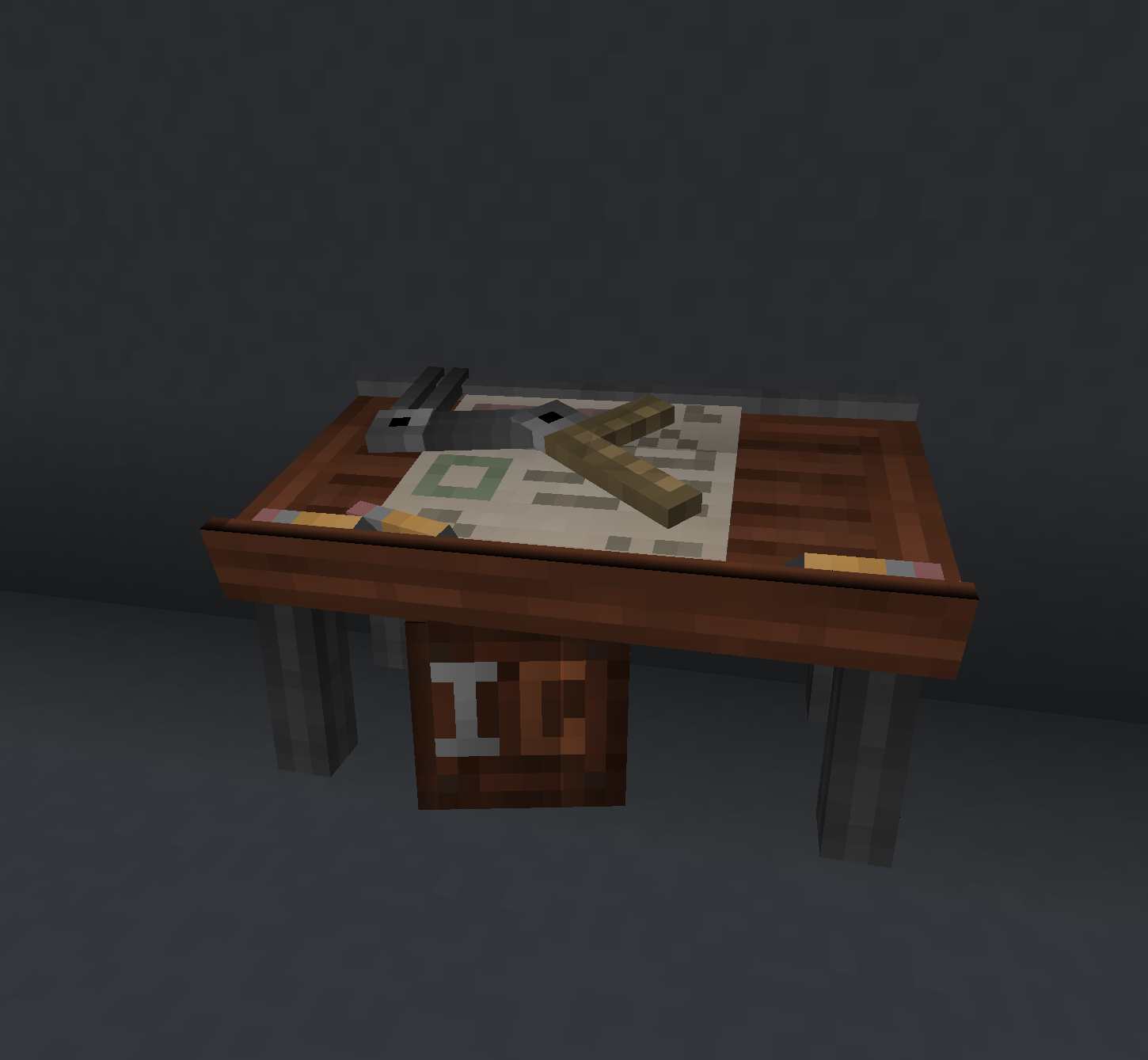
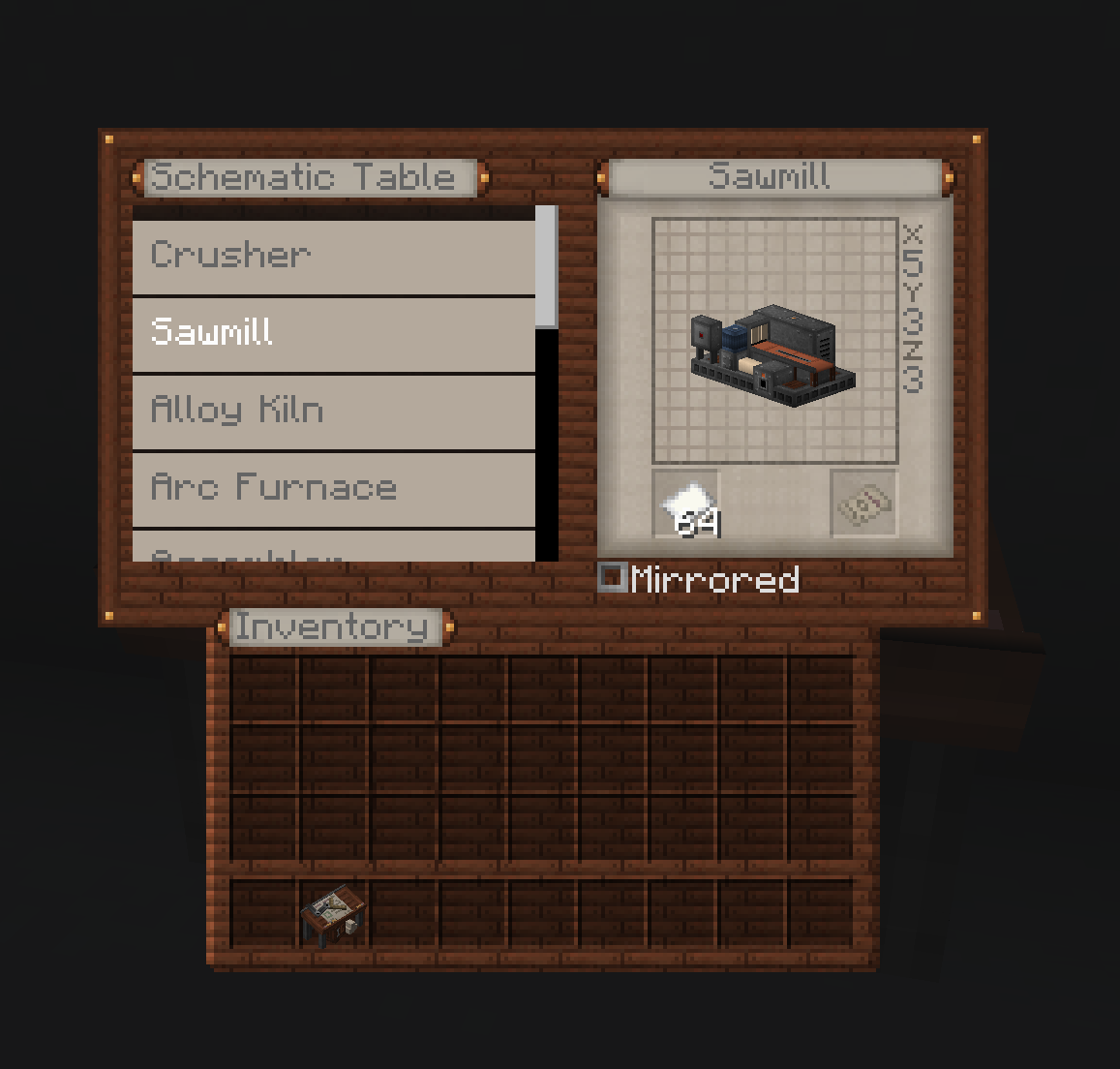
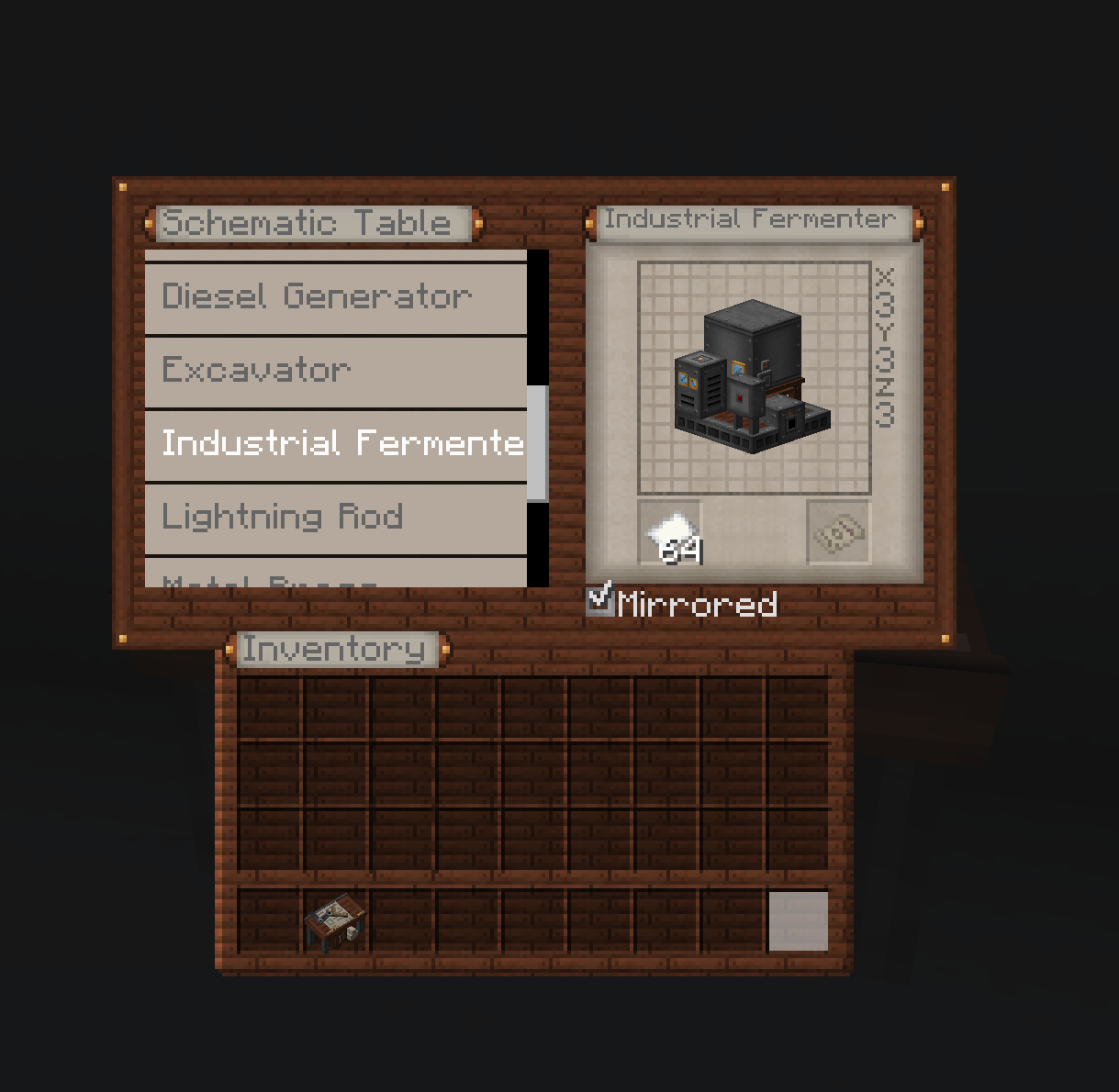
The central component of the mod is the Schematic Table. This block allows players to select and project holograms of multiblock structures they wish to build.
Using the Schematic Table
- Place the Schematic Table near where you plan to build your multiblock
- Right-click the table to open its interface
- Select a multiblock schematic from the available options
- Add Paper, and Craft a Schematic
- Right Click with Schematic to place the projection grid
- Put the Schematic in your Off Hand to see Block Projection
- Follow the color-coded guidance to complete your structure
Compatibility
Engineered Schematics is designed to work with:
- Minecraft 1.20.4 or 1.20.1
- Neoforge
- Immersive Engineering
- Compatible with other Immersive Engineering add-ons that register multiblocks.
Installation
- Ensure you have Neoforge for Minecraft 1.20.4 installed
- Install Immersive Engineering
- Download Engineered Schematics from CurseForge or Modrinth
- Place the mod file in your
modsfolder - Launch Minecraft and enjoy easier multiblock construction!
Credits
- Mod Author: Muddykat
- Schematic Table Model: Peter
Feedback and Issues
Found a bug or have a suggestion? Visit our GitHub repository to:
- Report issues
- Suggest features
- Contribute to development
_”Building complex multiblocks has never been easier!”_
常见问题
Engineered Schematics 支持哪些 Minecraft 版本?
Engineered Schematics 支持 Minecraft Java 版 1.12.2–1.21.1,共 4 个版本,可用的加载器:Forge / NeoForge。下载时注意选择和你游戏版本一致的文件。
Engineered Schematics 怎么安装?
先用 PCL2 或 HMCL 启动器安装对应版本的 Forge / NeoForge,再把下载的 .jar 文件放进游戏目录的 mods 文件夹,重新启动游戏即可。开启了版本隔离的,mods 文件夹在 versions/版本名 下面。运行环境:客户端和服务端都要装。
muddykat 的其他作品
查看全部 →
Engineered Schematics
A Mod desgined to make building multiblocks more clear.

Immersive Geology
An add-on for Immersive Engineering that implements many new ores and multi-block machines, the core of this mod is to implement real world ore processing in a fun way.
Immersive Geology
An add-on for Immersive Engineering that implements many new ores and multi-block machines, the core of this mod is to implement real world ore processing in a fun way.

Immersive Convergence
API for Immersive Engineering addons
评论
登录后评论和评分