
Satisfying UI: Buttons with Hover Animations & Sounds
Satisfying buttons for every menu: they rise and glow on hover with a soft tick, sink when clicked, and sliders click in rising notes as you drag. Works on other mods' screens too. Client-side, nothing to configure.
截图
介绍
Menus that feel good to use.
Every button in the game answers the mouse, and sliders click as they move. Nothing to configure.
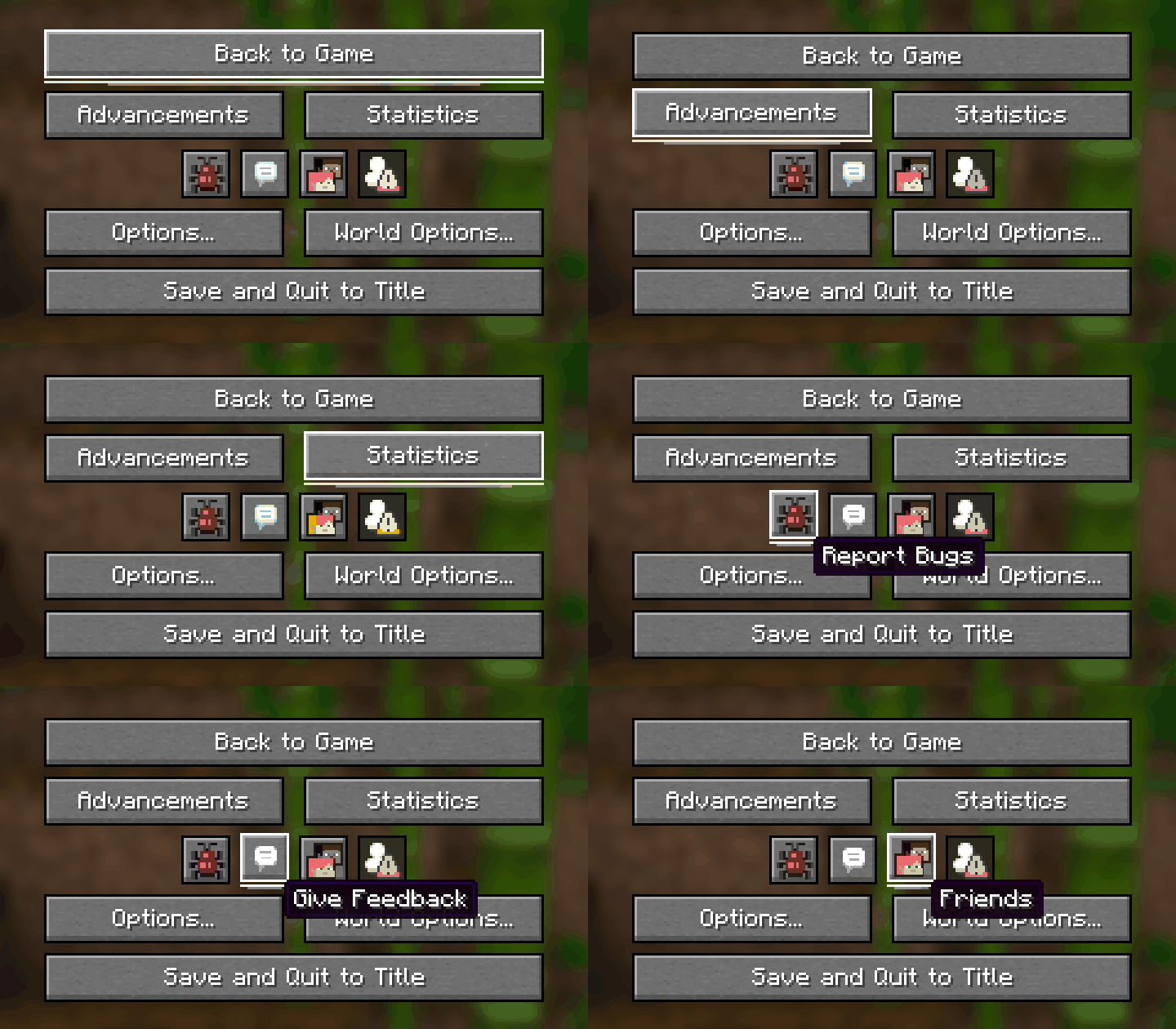
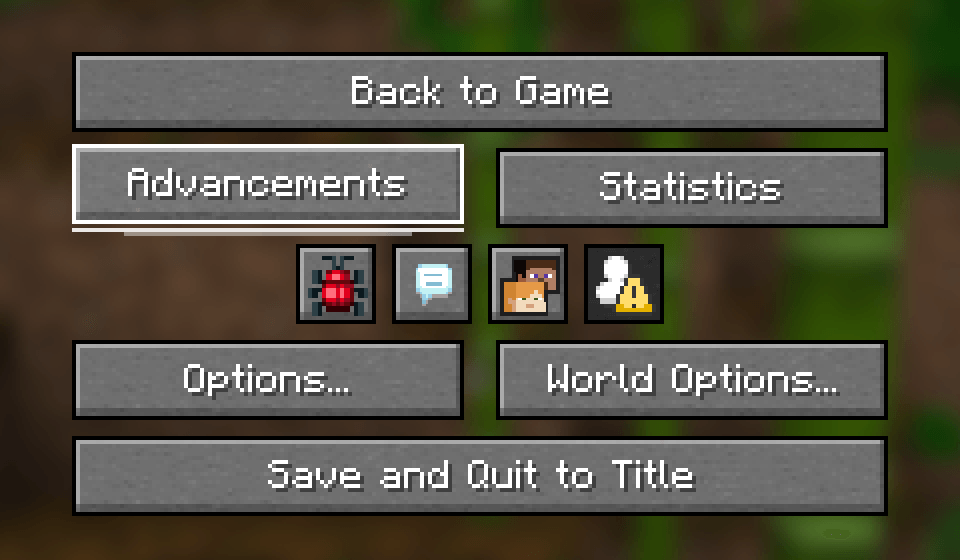
- Hover: the button rises a pixel in a quick, smooth motion, and a line of light grows out from its centre underneath.
- A very quiet tick when the mouse arrives on a button – once, not while you stay on it. It is the game’s own click sound, pitched up and turned right down.
- Click: the button sinks for a moment, like a real key.
- Sliders (volume, FOV, brightness…): a soft click every 5% as you drag, higher as the value goes up, spaced so a fast drag never rattles.
- Keyboard too: a button picked with Tab or the arrow keys gets the same lift and light, without the tick.
- Disabled buttons stay still, so you can see at a glance what you can’t press.
- Every screen: it is done on the game’s own button and slider, so the title screen, the options, the world list and other mods’ screens get it too.
Tested in game
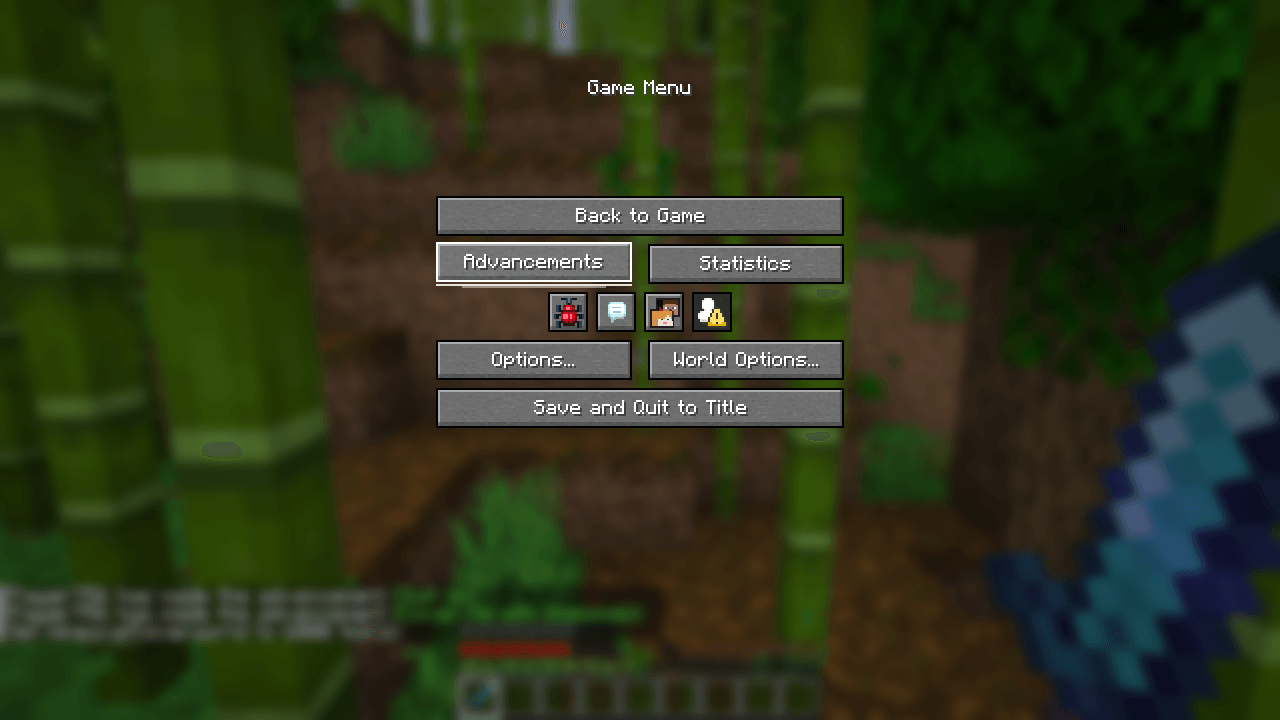
- Fabric 26.3 and 26.2: the pointer run down the pause menu – each button rises and its line of light grows, with nothing out of place.
- NeoForge 26.2: loads cleanly to the main menu.
Client-side
Nothing to install on the server. Works on any server, in single player and on Realms. It adds no text of its own, so it works in any language.
Made by an indie dev with help from AI tools; every version is tested in game.
Like the mod? You can support future updates and new mods on Ko-fi. Totally optional, everything stays free.
常见问题
Satisfying UI: Buttons with Hover Animations & Sounds 支持哪些 Minecraft 版本?
Satisfying UI: Buttons with Hover Animations & Sounds 支持 Minecraft Java 版 26.2–26.3,共 2 个版本,可用的加载器:Fabric / NeoForge。下载时注意选择和你游戏版本一致的文件。
Satisfying UI: Buttons with Hover Animations & Sounds 怎么安装?
先用 PCL2 或 HMCL 启动器安装对应版本的 Fabric / NeoForge,再把下载的 .jar 文件放进游戏目录的 mods 文件夹,重新启动游戏即可。开启了版本隔离的,mods 文件夹在 versions/版本名 下面。
Vitral 的其他作品
查看全部 →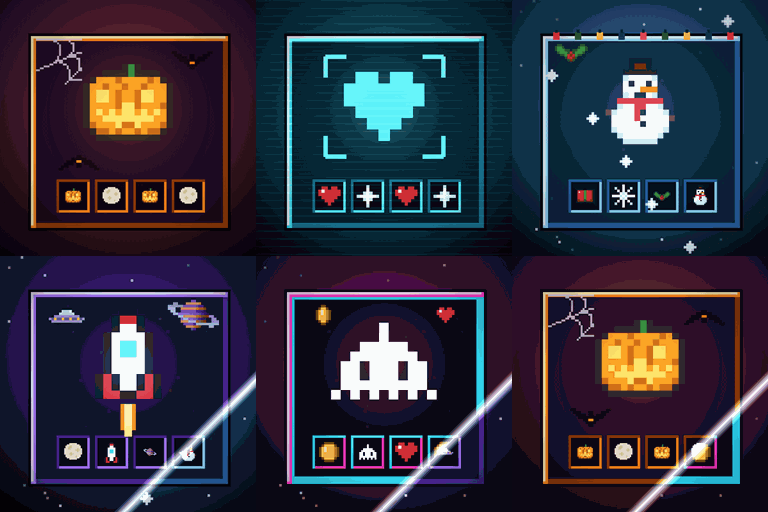
Immersive Screens: Animated Halloween & Hologram GUI
为每个界面提供动态主题:万圣节、全息、冬季/圣诞、太空和复古街机。箱子面板会升起,边框会发光,熔炉会燃烧。物品保留原本的颜色。仅限客户端。
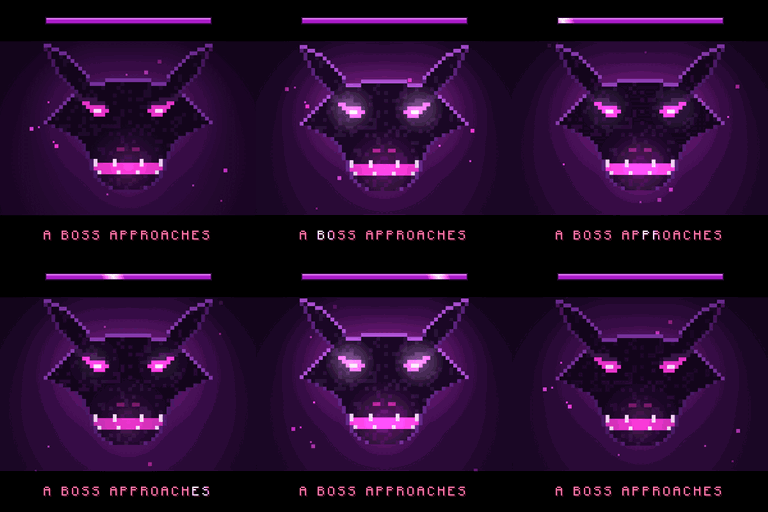
Boss Intros: Cinematic Boss Titles & Entrances
电影感 Boss 登场提示:Boss 出现时,黑边滑入,名称以大字呈现;获胜后还会播放胜利卡片。支持模组和服务器中的 Boss。仅客户端生效。
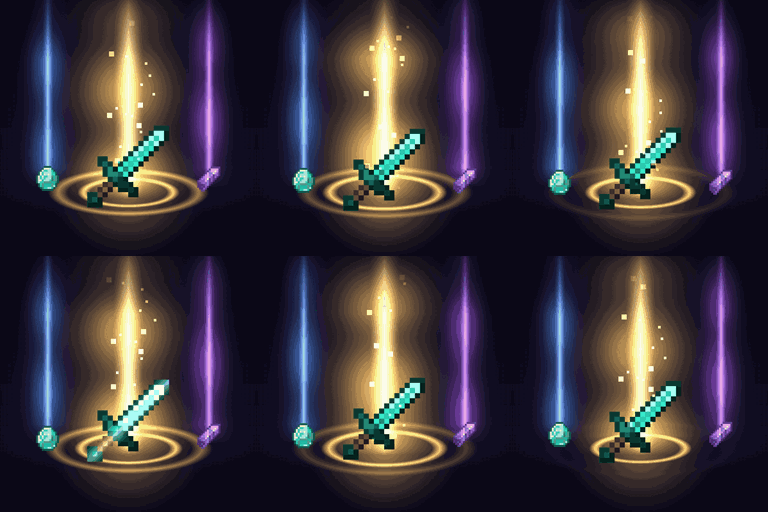
Loot Beams – Rarity Light Beams for Dropped Items
珍贵掉落物会发出光柱,颜色取决于物品等级或物品本身的颜色。支持游戏内配置和 ItemPhysic。仅客户端。
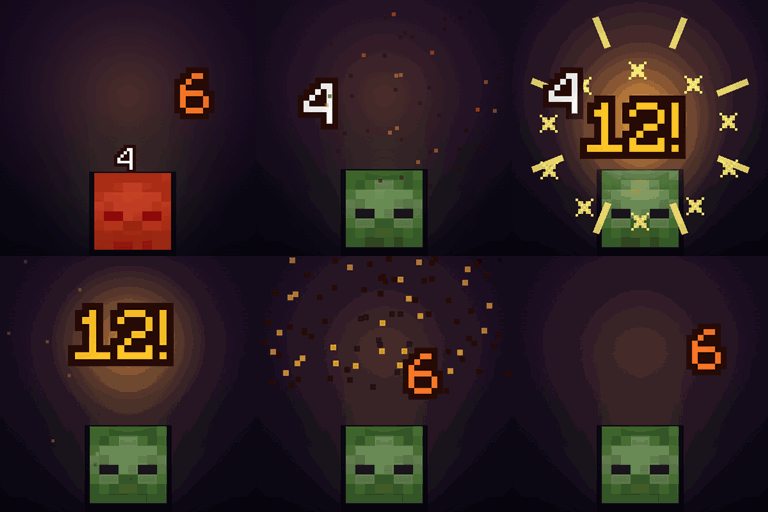
Damage Numbers: Floating Damage Indicators & Crits
每次击中生物都会弹出漂浮的伤害数字并碎裂成像素。金色暴击带有命中标记,每种伤害类型有专属颜色,绿色代表治疗,红色代表击杀和连击。客户端模组。
评论
登录后评论和评分