
截图
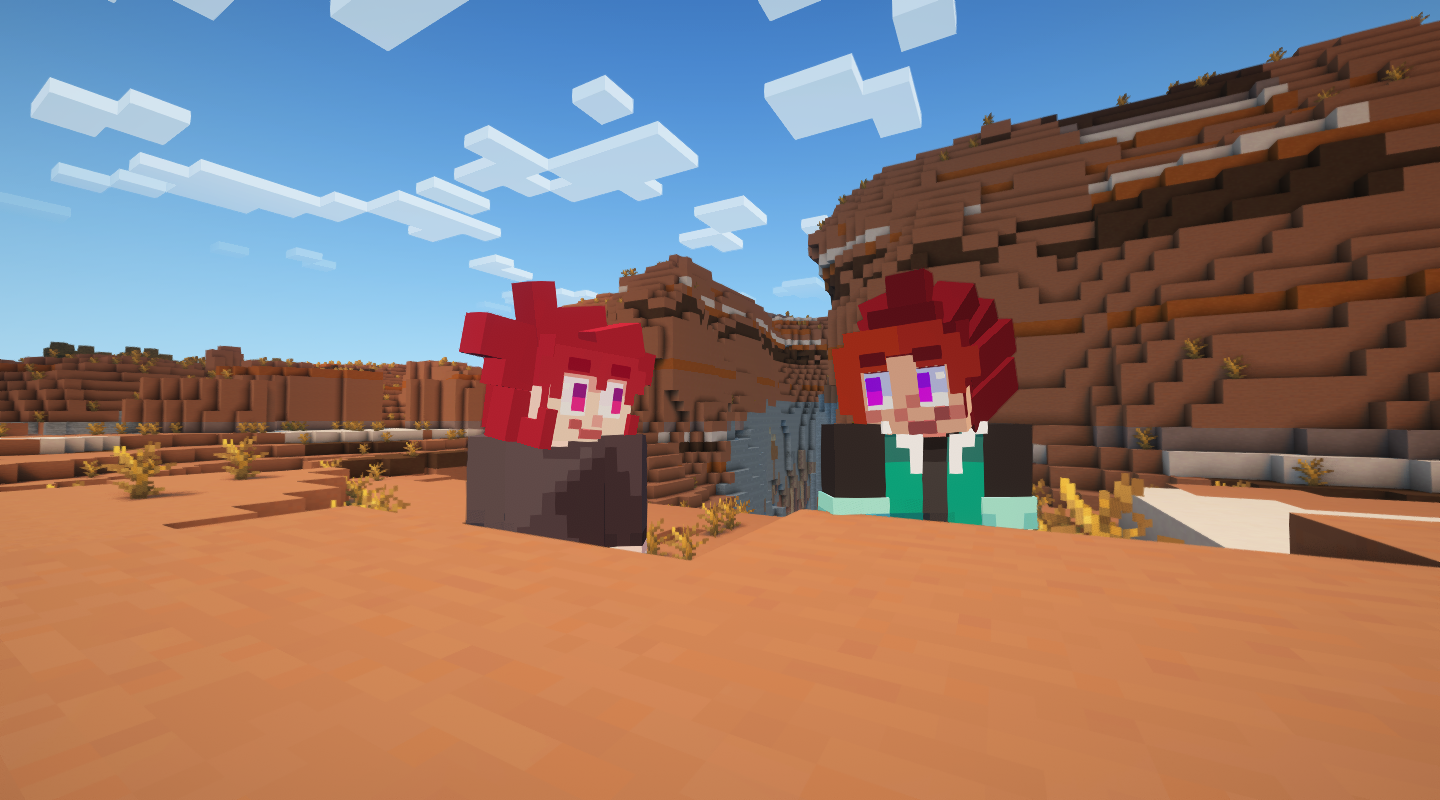
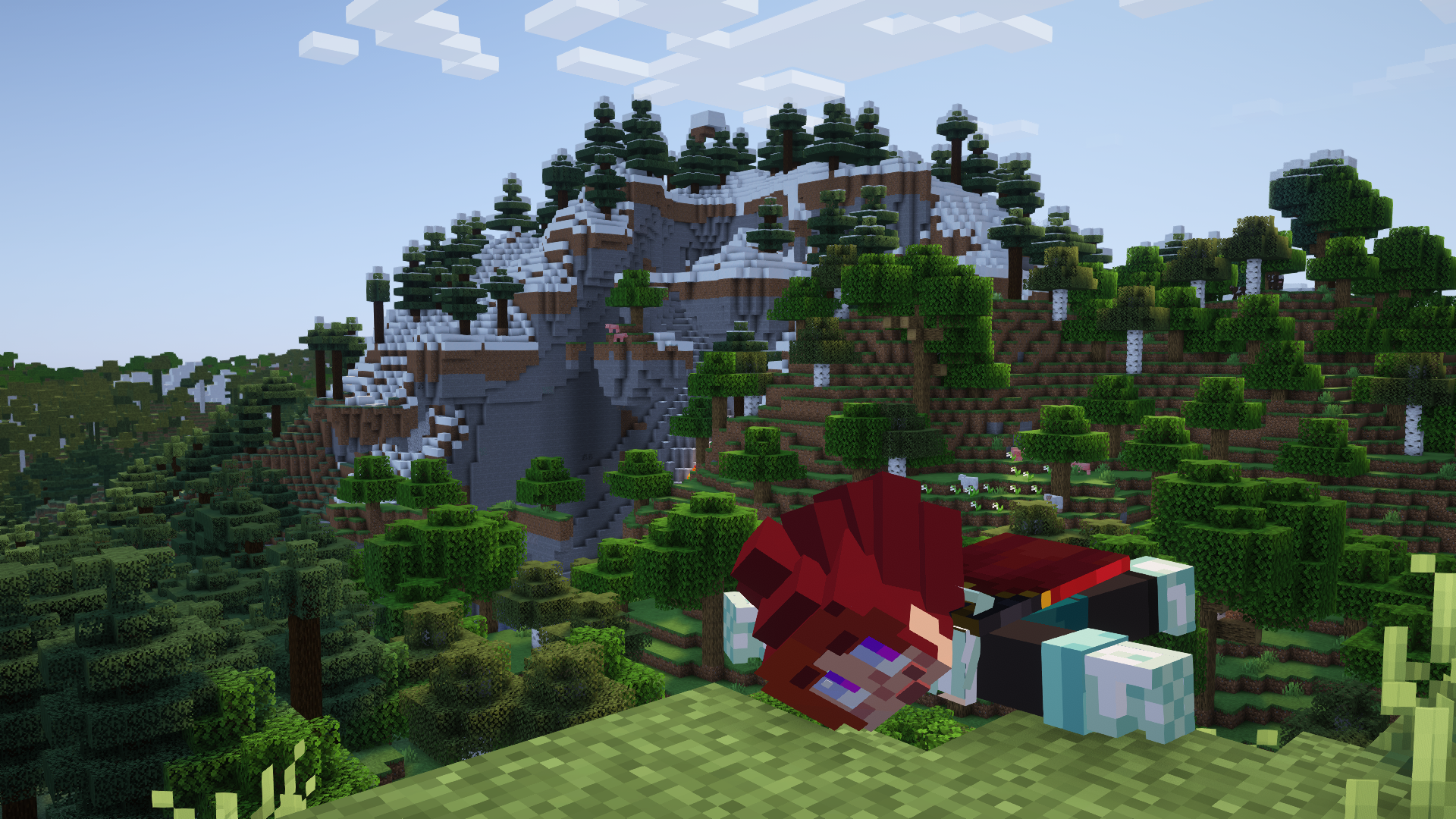
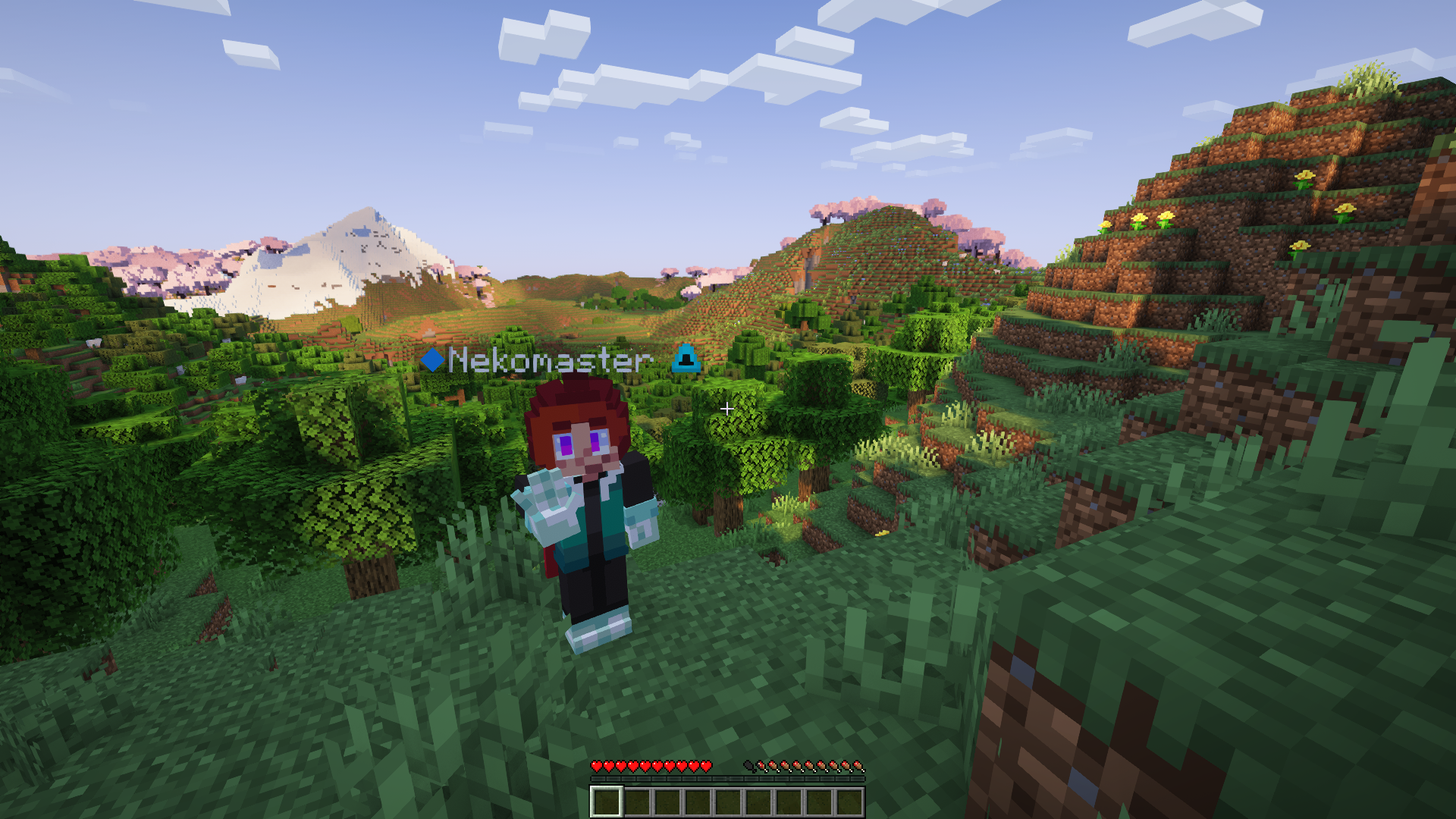
介绍

Kinography
/ˈkɪnəɡrəfi/
noun
a cinematic work or visual sequence considered to be exceptionally crafted, often evoking admiration for its artistic execution.
Kinography is the modpack I curated for myself to make YouTube videos about Minecraft!
Since I find it very useful, and for both archival and sharing sake, I thought I’d polish it up and publish it!
It’s got…
- CMDCam, for setting up panning shots
- Freecam, for quickly capturing cool angles
- Figura, for custom player models
- Distant Horizons, for a wider view of the world without melting your GPU on chunk loading
- A highly configured Complementary Reimagined shader setup, enabled by default
- Essential, for easy screenshots and quickly nabbing friends to help record gameplay
- Wall-Jump, Combat Roll and Personality for greater in-world player expression
- And a ton of QoL and optimization mods to make the game load and save surprisingly quickly!
Along with a load of bells and whistles like custom main menu layout and resource pack thrown on top to make it presentable as a modpack 🙂
Default Keybinds
—
NUMPAD
numlock Captures a CMDCam position
/ moves the camera to that position
* resets all points
NUM 8 ⬆️ Zooms in
NUM 2 ⬇️ Zooms Out
NUM 4 ⬅️ Tilts Left
NUM 6 ➡️Tilts Right
NUM 5 ⏹️Resets Everything
—
ARROW KEYS
In third person:
Left, Right, Up and Down move the camera in those corresponding directions
NUM 5 Will reset the position back to normal
—
SHADERS
K to toggle shaders off/on
L to open the shader settings screen
—
OTHER KEYS
F3 Toggles Third Person, which is now no longer bound to the player’s look-angle
F6 takes a Panoramic screenshot
TAB Toggles Free Roam for quick shot setups
Left Alt lets you move whilst in Free Roam
ENTER enables/disables Jade
V Zooms in temporarily whilst held – Can be furthered or lessened with the scroll wheel
Other Notes
Modernfix has a toggle to disable spawn chunks, which makes creating new worlds WAY faster.
fml.toml’s earlyWindowControl boolean being set to false disables the Forge loading screen.
The default window size is changed in option.txt, used here to make the default window size 1280×720.
I do not know how to use BBS to the fullest, but it seems really valuable, so I threw it in here anyways 🙂
If you want to make this pack even more vanilla than it already is to make use of as an optimization/multiplayer modpack, feel free to remove Global Packs, FancyMenu and their associated folders, and the game will look totally normal when you launch and play it. I highly encourage using this pack as a basis to warp and meld for your own purposes.
Let me know if there are any other mods you think I should add to this that you think would be useful for making videos!
Hope you find this useful! 😀
常见问题
Kinography 支持哪些 Minecraft 版本?
Kinography 基于 Minecraft Java 版 1.21.1、1.20.1,使用 Forge / NeoForge 加载器。
Kinography 怎么安装?
点本页「前往下载」拿到整合包文件(Modrinth 的是 .mrpack,CurseForge 的是 .zip),在 PCL2 或 HMCL 启动器里选择「导入整合包」,启动器会自动装好 Minecraft、加载器和全部模组。建议在启动器里给游戏分配 4–6 GB 内存。
Kinography 开服需要多大内存?
推荐服务器内存 12 GB。在线人数多、或者建了大量机器和区块加载器时,可以再加 2–4 GB。
怎么和朋友一起玩 Kinography?
点本页的「一键开服」,选好配置后会自动安装 Kinography 的服务端,几分钟就能开好。把服务器地址发给朋友,大家用同一个版本的整合包连进去就行。
Nekomaster1000 的其他作品
查看全部 →
Infernal Expansion
在官方更新之外扩展下界,加入大量新生物和方块,同时保持原版风格!

Enemy Expansion
为 Minecraft 的战斗遭遇增添更多变化!

Reinforced Leather Armor
给皮革盔甲刷上一层全新的清漆!

Neko’s Enhanced Tools and Armor (NETA)
更好的工具和盔甲材质!
评论
登录后评论和评分