截图
介绍
中文介绍正在准备中,下面暂时显示原文。
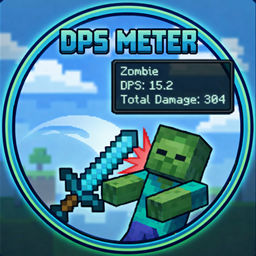
DPS Meter
DPS Meter is a lightweight, highly customizable combat analysis tool for
Minecraft 1.20.1 on Forge. It gives you real-time feedback on your damage
output, survivability, and pacing so you can optimize gear, compare builds, and
understand what is actually happening mid-fight.
Features
Real-Time Combat Stats
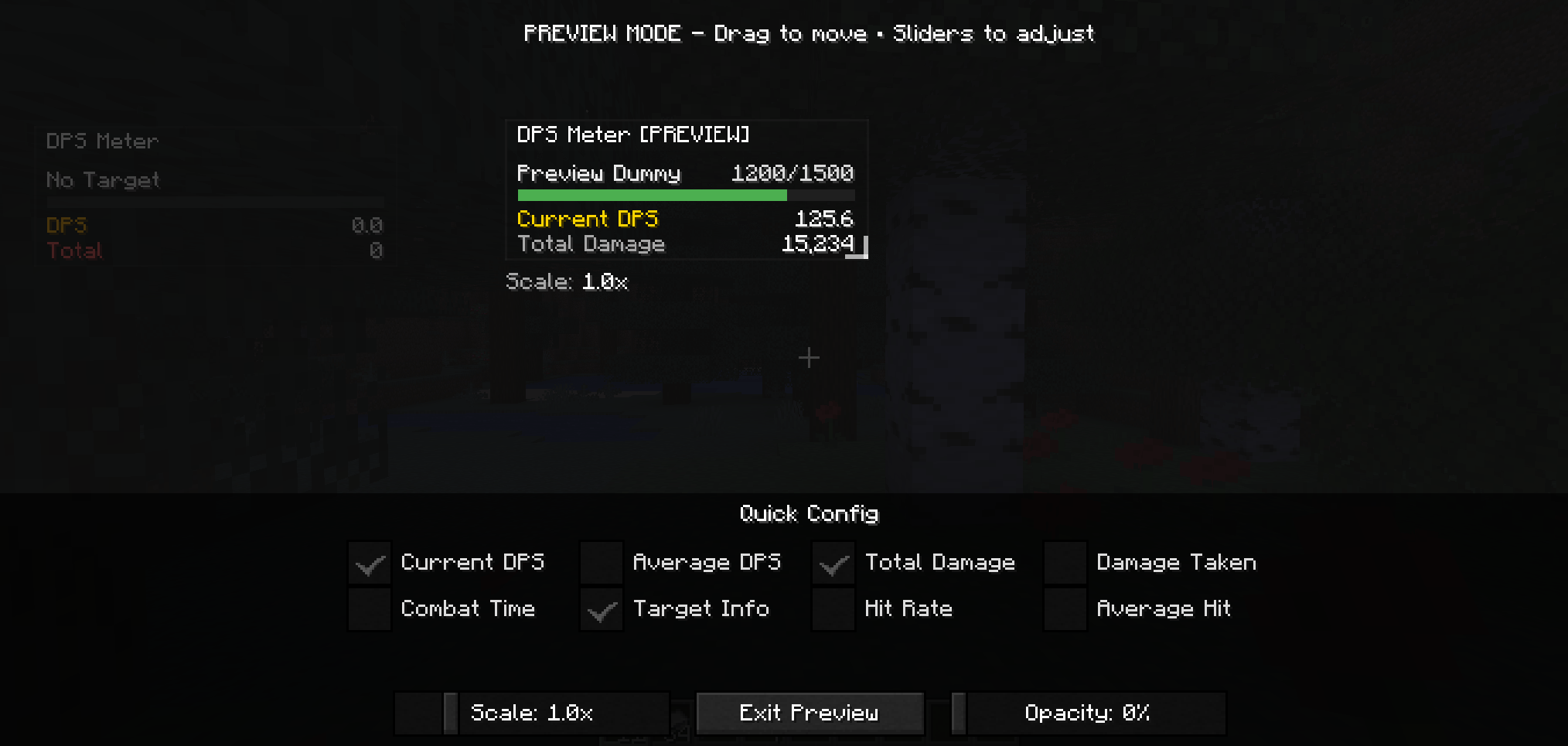
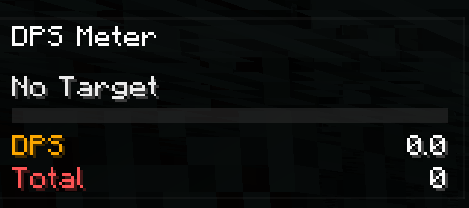
- Current DPS and average DPS for burst and sustained damage tracking.
- Total damage, damage taken, hit rate, average hit, and combat timer.
- Target name and target health integrated directly into the overlay.
Floating Combat Text
- Floating damage numbers for outgoing hits.
- Optional floating numbers for incoming damage.
- Critical hits stand out with brighter styling and stronger animation.
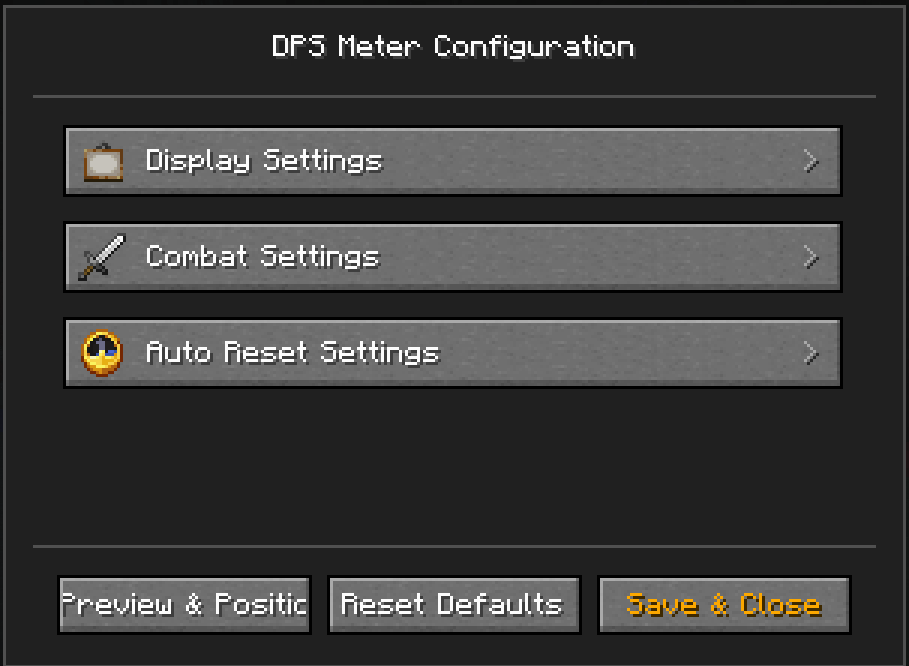
Full In-Game Customization
- Overlay preview for position, scale, opacity, and visible metrics.
- HUD dragging for quick placement.
- Floating number size and intensity controls.
- Pet and summon damage tracking options.
- Auto-reset controls for inactivity, death, and dimension changes.
Requirements
- Minecraft
1.20.1 - Forge
47.4.0or newer in the47.xline - Java
17
Installation
- Place the mod jar in your
modsfolder. - For singleplayer, install it on the client.
- For multiplayer, install it on both client and server for the best tracking
accuracy.
Default Keys
F9: Toggle overlayF10: Reset DPS statsO: Open config
Quick Usage
- Start fighting and the meter will begin tracking automatically.
- Let it reset on its own after inactivity, death, or dimension changes, or
useF10when you want a clean comparison. - Open the config with
Oand use the overlay preview as the main place to
tune how the HUD looks.
Community
Questions, feedback, or ideas for the mod? Join the community on Discord:

常见问题
DPS Meter 支持哪些 Minecraft 版本?
DPS Meter 支持 Minecraft Java 版 1.20.1,可用的加载器:Forge。下载时注意选择和你游戏版本一致的文件。
DPS Meter 怎么安装?
先用 PCL2 或 HMCL 启动器安装对应版本的 Forge,再把下载的 .jar 文件放进游戏目录的 mods 文件夹,重新启动游戏即可。开启了版本隔离的,mods 文件夹在 versions/版本名 下面。
Etema 的其他作品
查看全部 →
Attribute Modify
by Etema
这个模组可以修改原版物品和 Curios 饰品的属性。想增强或削弱武器或饰品?只需制作一个数据包即可。
49.7万
2 个月前
CurseForge

Daily Boss – More Bosses
by Etema
为 Daily Boss 添加更多 Boss 和配置项
6.2万
8 个月前
CurseForge

Daily Boss – More Boss Config
by Etema
Add more config for Daily Boss
9,112
9 个月前
CurseForge

Daily Boss X Mowzie’s Mob
by Etema
Compat Daily Boss with Mowzie Mob
4,979
1 年前
CurseForge
评论
登录后评论和评分