
Colorly
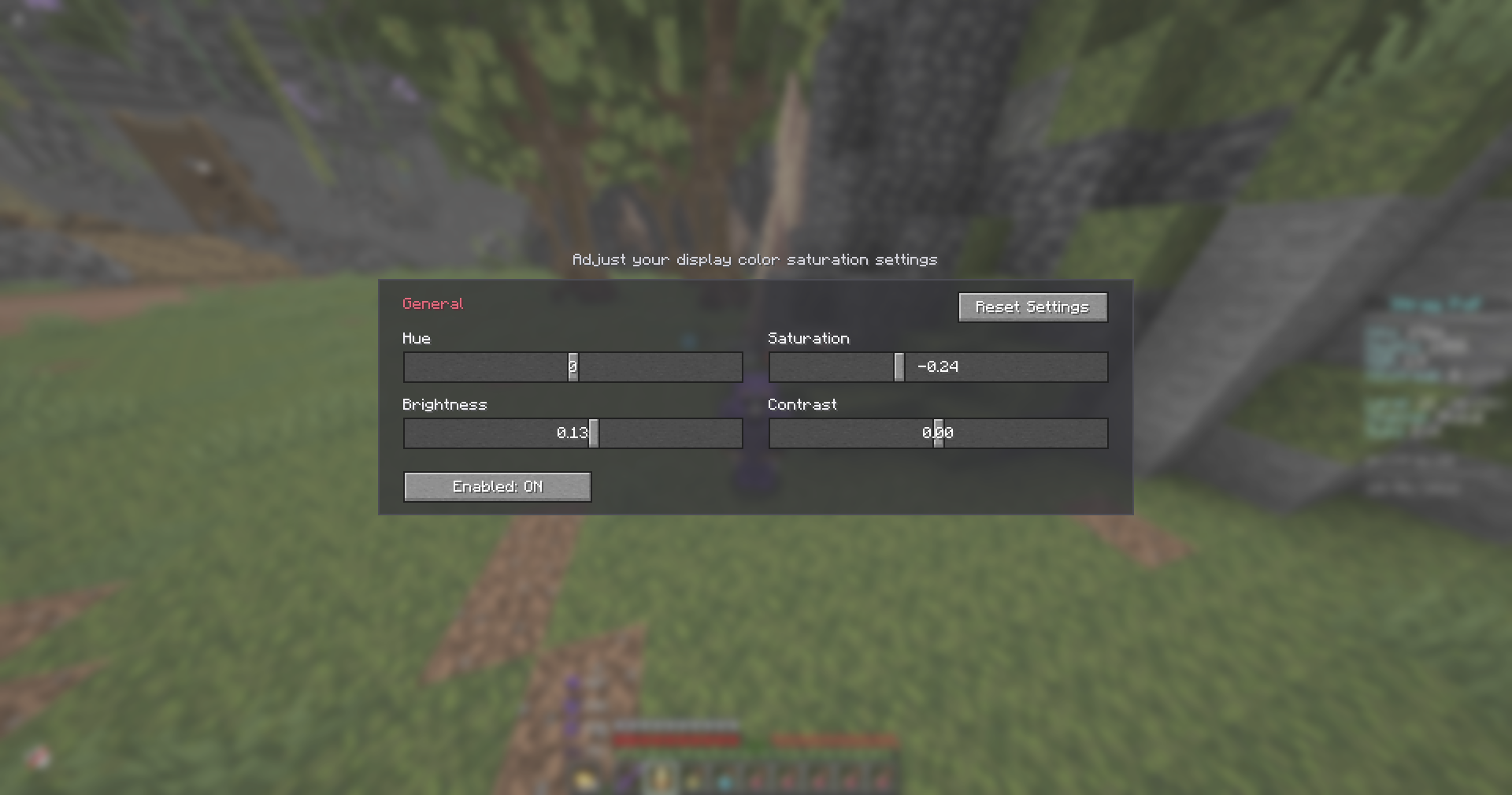
Real-time display color grading — tune Hue, Saturation, Brightness & Contrast for the whole game.
截图
介绍
Colorly
Colorly gives you a clean, real-time color-grading panel for Minecraft — adjust the look of the entire game on the fly, the same way you would in a video editor.
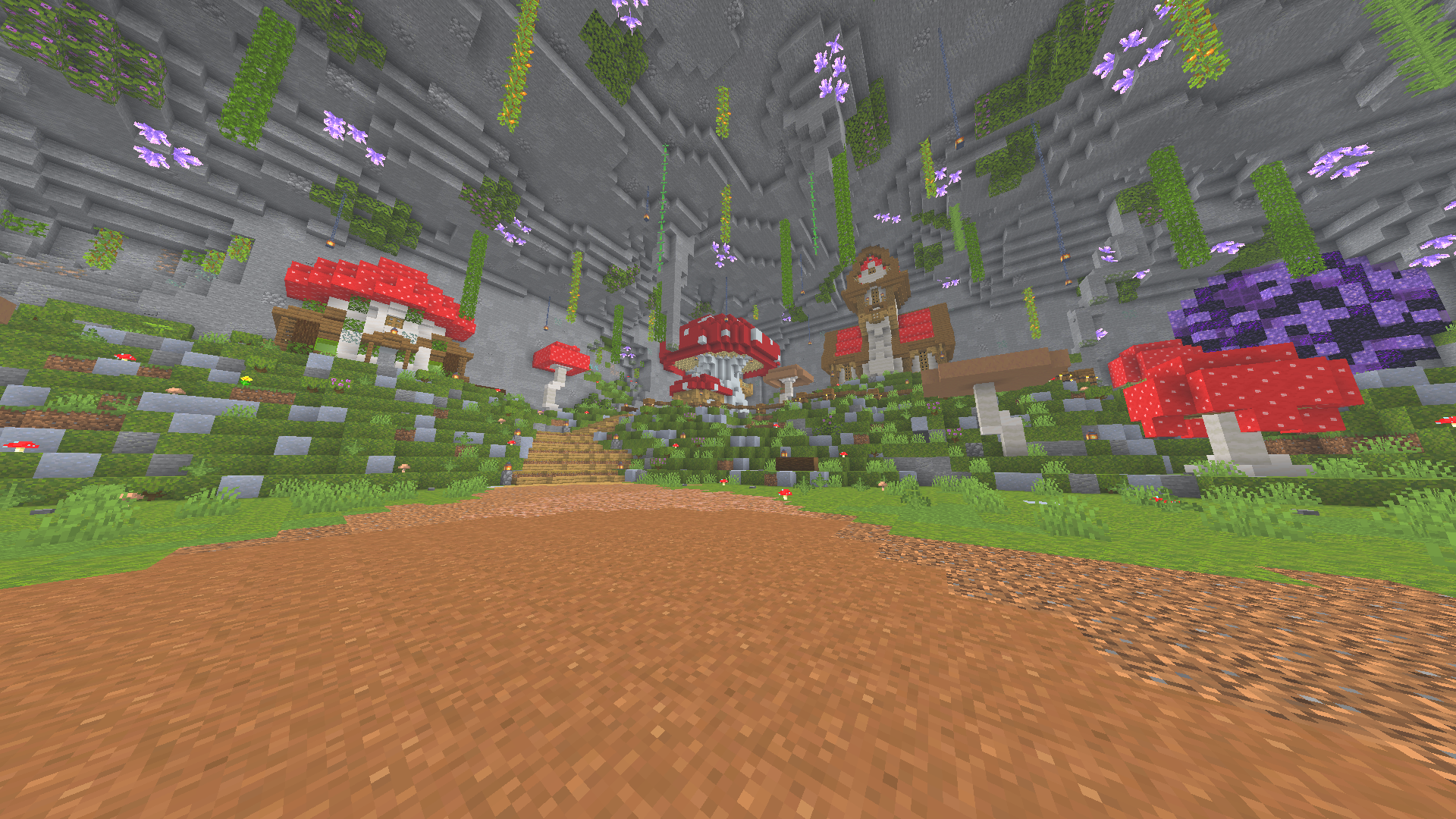
Tweak Hue, Saturation, Brightness and Contrast and watch the whole screen update instantly. Warm up your world, cool it down, crank the saturation for a vivid look, or pull it back for a cinematic, washed-out feel — it’s all up to you.
✨ Features
- 🎨 Four live sliders — Hue, Saturation, Brightness, Contrast
- ⚡ Instant preview — every change is applied to the screen in real time
- 🖥️ Whole-game grading — affects the world, not just one element
- 🪶 Lightweight & client-side — a single full-screen shader pass, no performance baggage
- 🔄 One-click reset — back to neutral whenever you want
- 💾 Saved automatically — your look is remembered between sessions
🎛️ How to use
Open the settings panel through Mod Menu, or bind a key in Options → Controls → Colormatic. Drag the sliders, enjoy the live preview, and hit Reset Settings to start over.
📦 Requirements
- Fabric Loader + Fabric API
- Mod Menu (optional, recommended — adds a config button)
Client-side only — safe to use on any server.
Made with ♥ by x1eqn.
常见问题
Colorly 支持哪些 Minecraft 版本?
Colorly 支持 Minecraft Java 版 1.21–26.1.2,共 8 个版本,可用的加载器:Fabric。下载时注意选择和你游戏版本一致的文件。
Colorly 怎么安装?
先用 PCL2 或 HMCL 启动器安装对应版本的 Fabric,再把下载的 .jar 文件放进游戏目录的 mods 文件夹,重新启动游戏即可。开启了版本隔离的,mods 文件夹在 versions/版本名 下面。运行环境:仅客户端。
x1eqn 的其他作品
查看全部 →
Fullbright+Lowfire+Lowshield
Three classic PvP/visibility tweaks in one: Fullbright, Low Fire and Low Shield.

Better CPS
A customizable CPS counter with an optional WASD + mouse keystrokes overlay.

Spotify Displayer
Show the song currently playing in your Spotify desktop app as a sleek, movable in-game HUD — with real album art. No account or login needed.

Better Crosshair
Draw your own crosshair and recolour or reveal it when you aim at an entity.
评论
登录后评论和评分