
Litematica Zone Focus
Splits a Litematica schematic into zones, renders only the zone you are building, tracks its progress and checks it against the schematic.
截图
介绍
Splits a Litematica schematic into zones so you render, count and verify only the part you are building.
What it can do
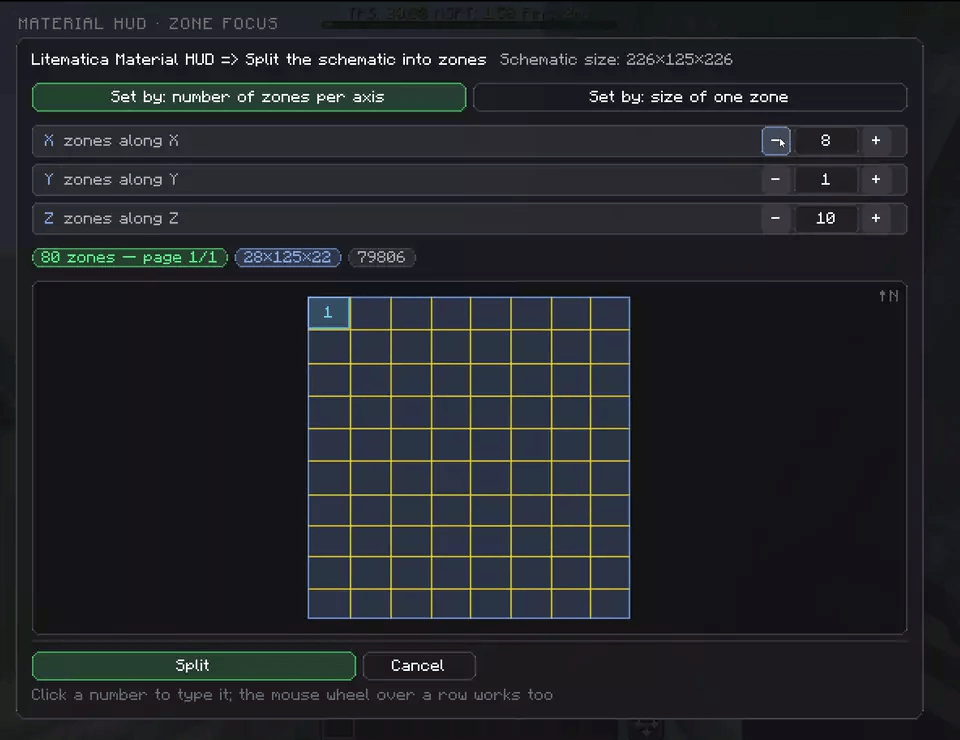
- Split a placement into a grid of zones or drag out a zone with the mouse.
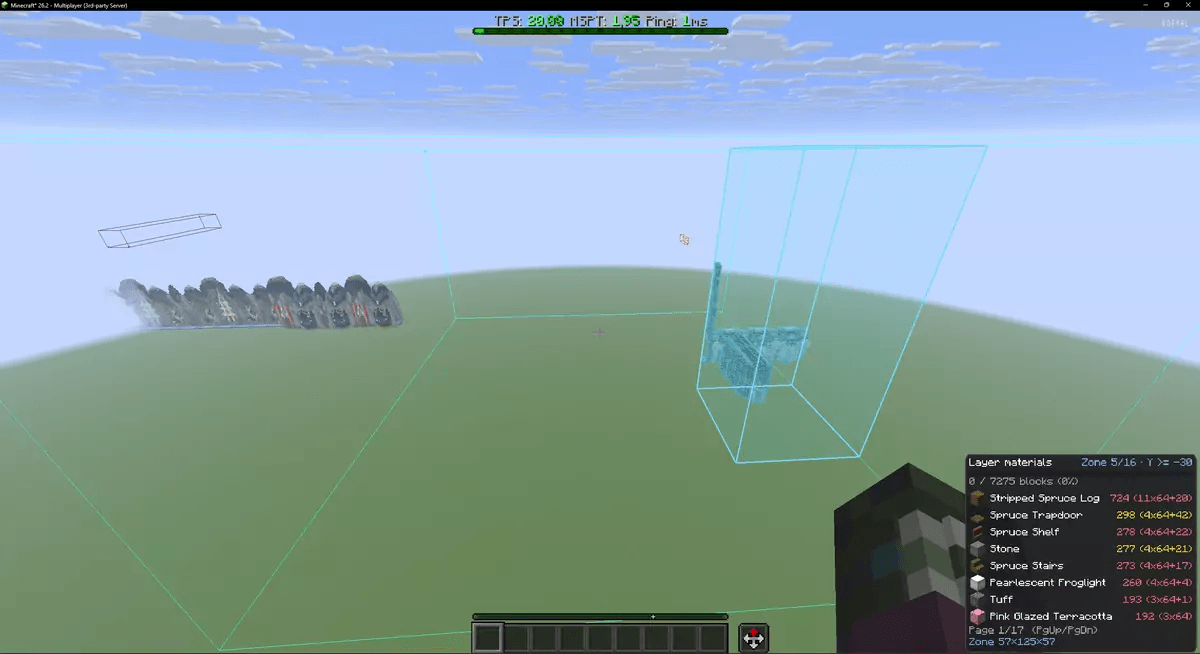
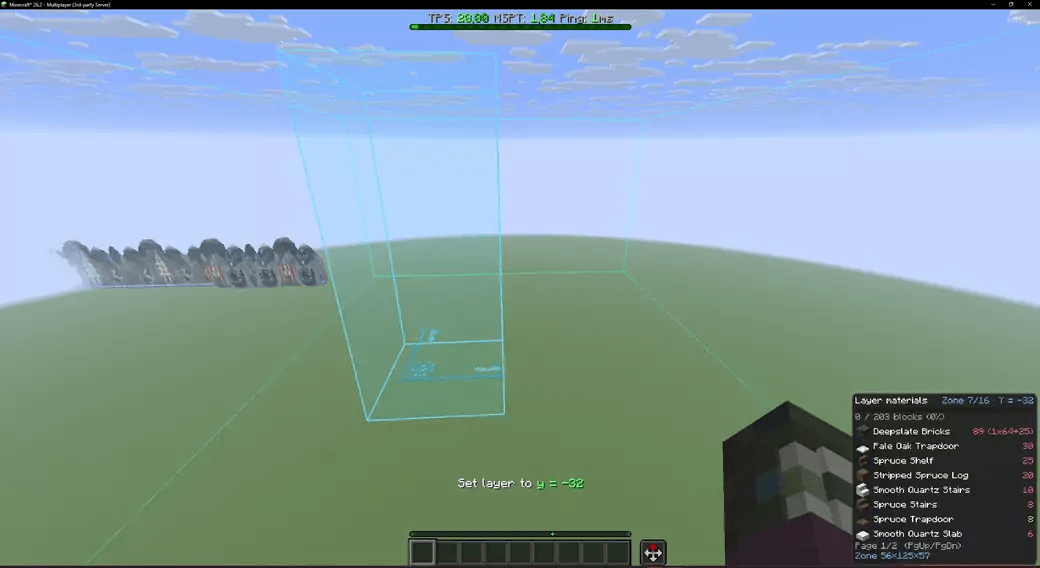
- Rendering, layers, misplaced-block checks and material counts work only inside the active zone.
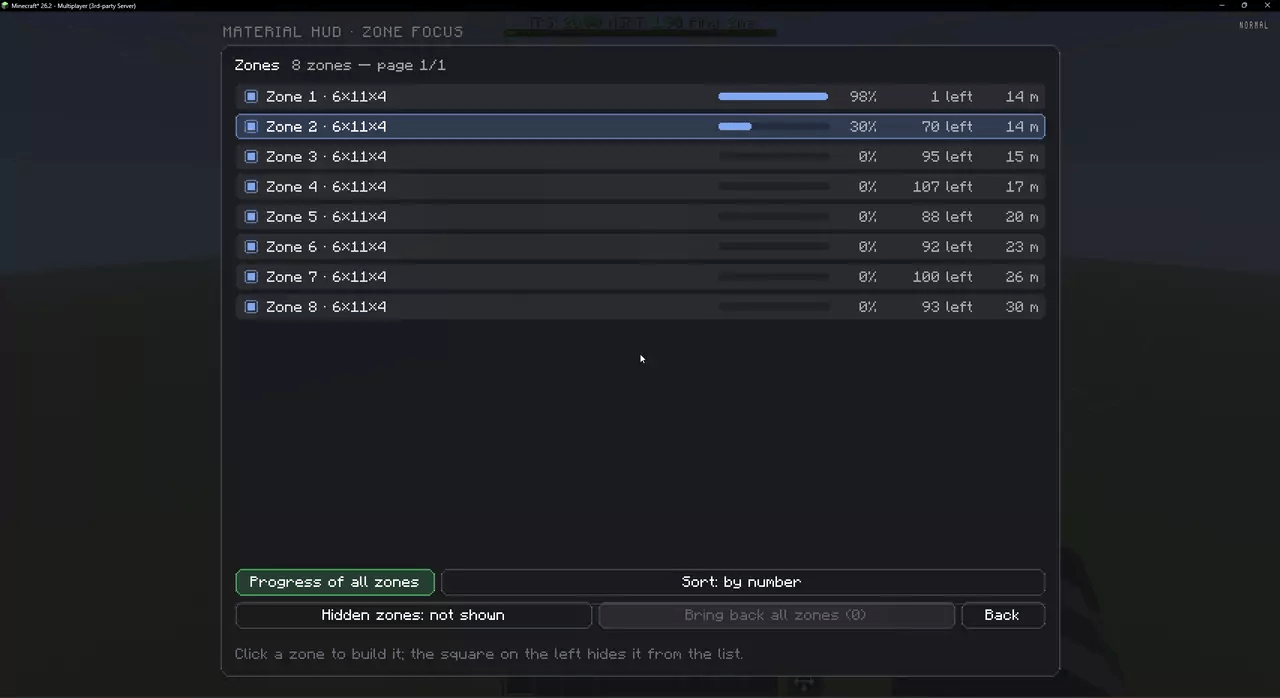
- Progress for every zone: percent, blocks left, distance; sort by any of them.
- Zone verification: missing, wrong block, wrong state and extra blocks, drawn through walls.
- Auto-select the zone you stand in and move to the next one when it is done.
- Less geometry to build on huge schematics, zones are remembered per world.
Settings: <kbd>Ctrl</kbd> + <kbd>J</kbd>. Works together with Litematica Material HUD.
Requirements: Fabric Loader, Fabric API, Litematica, MaLiLib · Minecraft 26.3 (26.2 build in Files) · client-side only.
Discord: discord.gg/jTU2yawThv
常见问题
Litematica Zone Focus 支持哪些 Minecraft 版本?
Litematica Zone Focus 支持 Minecraft Java 版 26.2–26.3,共 2 个版本,可用的加载器:Fabric。下载时注意选择和你游戏版本一致的文件。
Litematica Zone Focus 怎么安装?
先用 PCL2 或 HMCL 启动器安装对应版本的 Fabric,再把下载的 .jar 文件放进游戏目录的 mods 文件夹,重新启动游戏即可。开启了版本隔离的,mods 文件夹在 versions/版本名 下面。
AellCom 的其他作品
查看全部 →
Litematica Material HUD & Chest Finder
Shows the Litematica material list for the current layer as a HUD and marks the chests, barrels and shulker boxes that hold the needed blocks. Includes the Ghost Alpha and Easy Place modules.

Litematica EasyPlaceFixPlus
Fixes block placement in Litematica's Easy Place: slabs, stairs, logs, rails, double chests and levers are placed in the state shown in the schematic, wrong placements are skipped.
评论
登录后评论和评分