
GradleMC
🐘 In-game diagnostics, stability checks, and exportable troubleshooting reports for modded Minecraft like never before.
截图
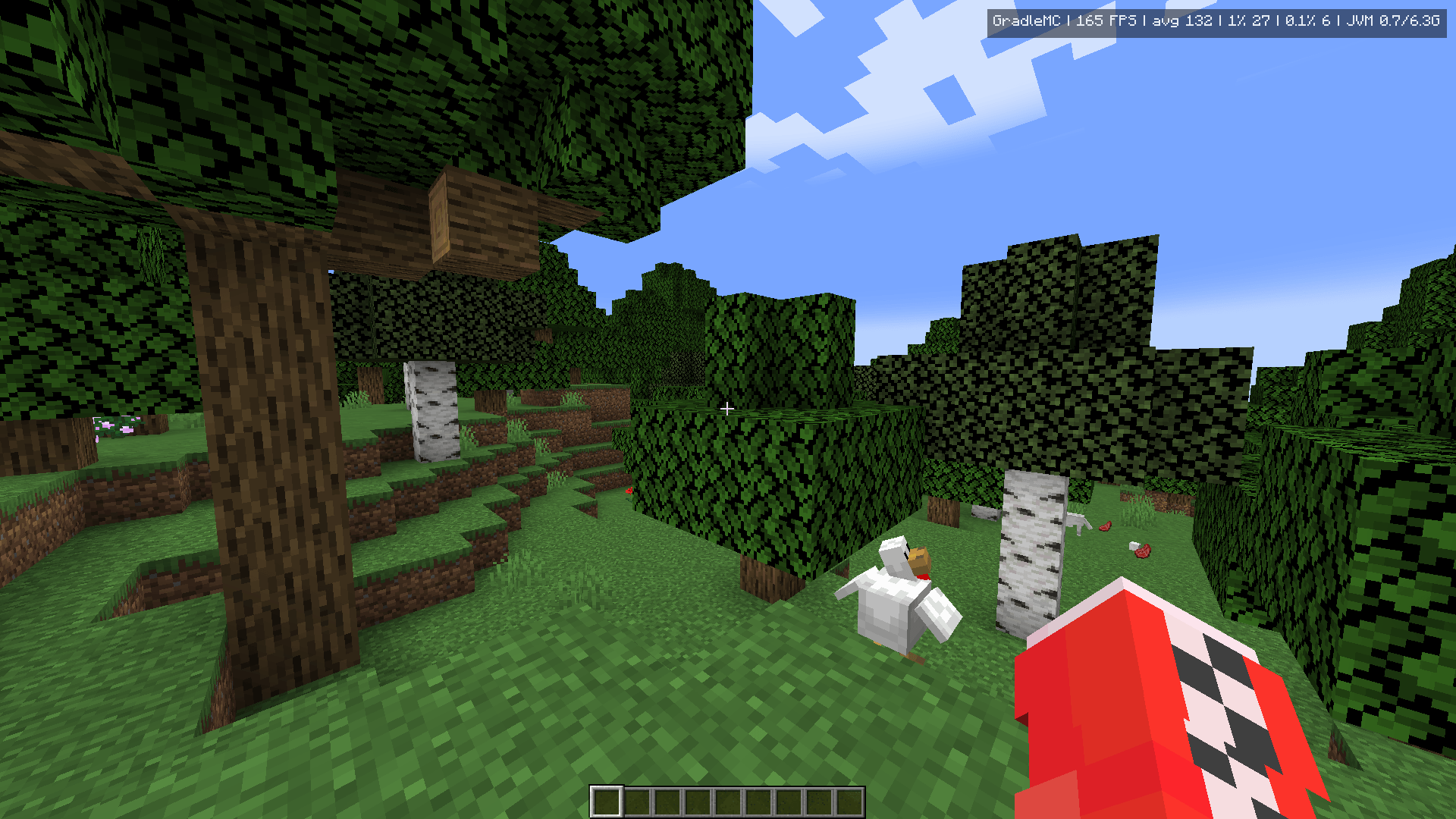
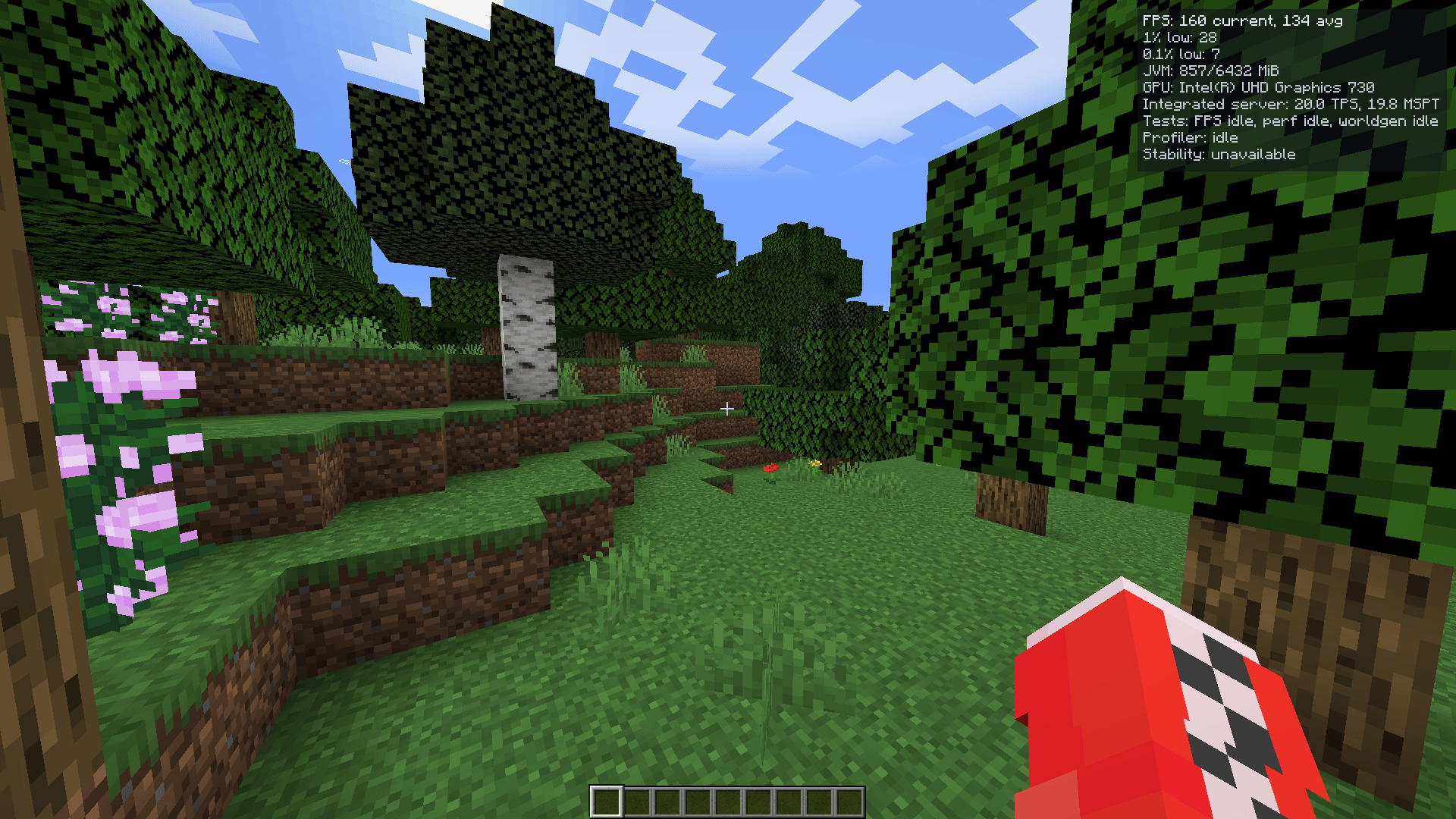
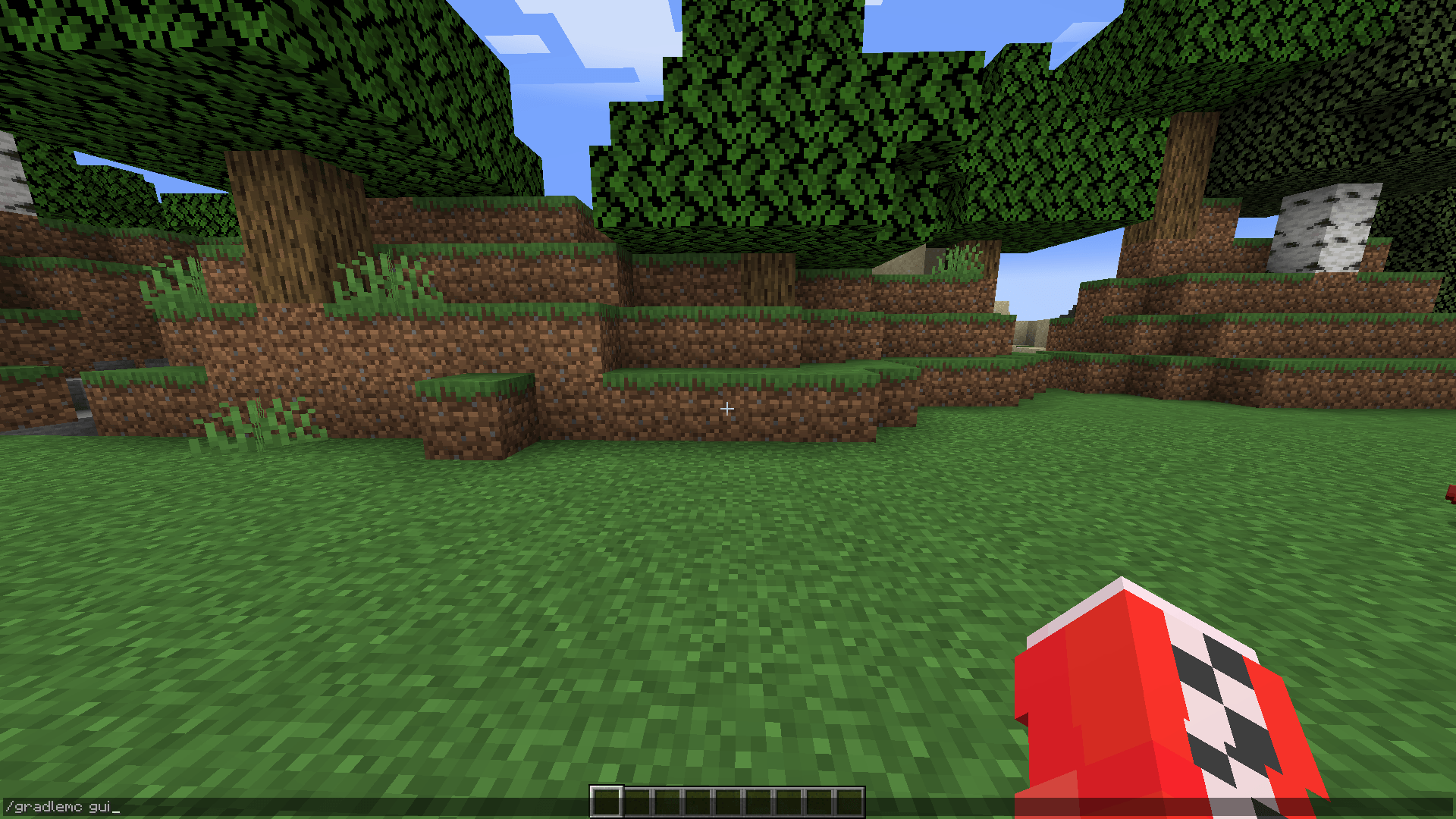
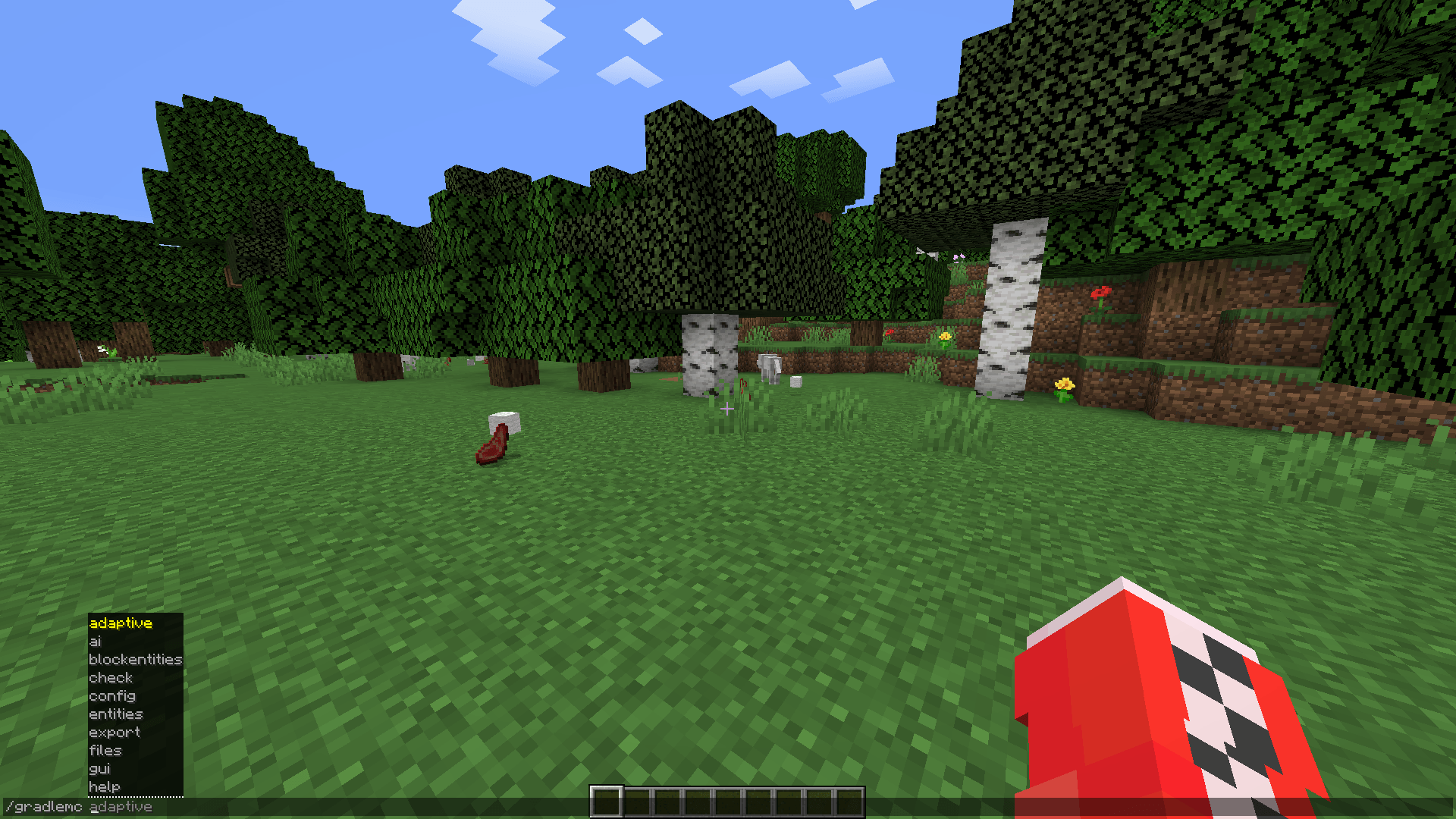
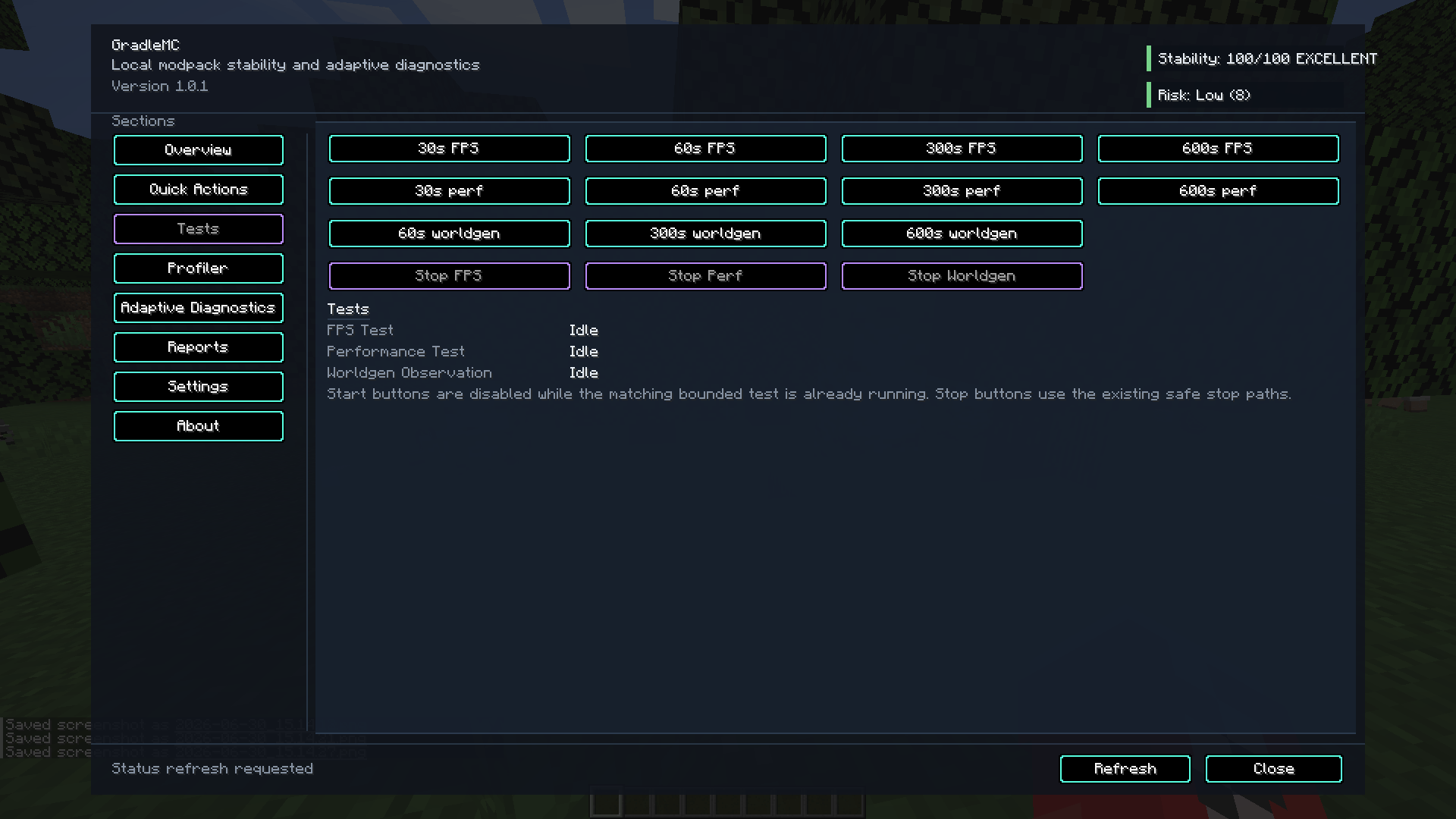
介绍

Minecraft Java Edition • Diagnostics and troubleshooting
GRADLEMC
Stop guessing.
Start diagnosing.
Know your environment. Understand performance issues. Collect real evidence.
GradleMC brings local diagnostics, intelligent rule-based checks, and exportable troubleshooting reports to modded Minecraft.
Local-first • No telemetry • No cloud AI • Client and server tools
01 / INSPECT
Environment and memory
02 / ANALYSE
Performance and stability
03 / EXPORT
Actionable local reports
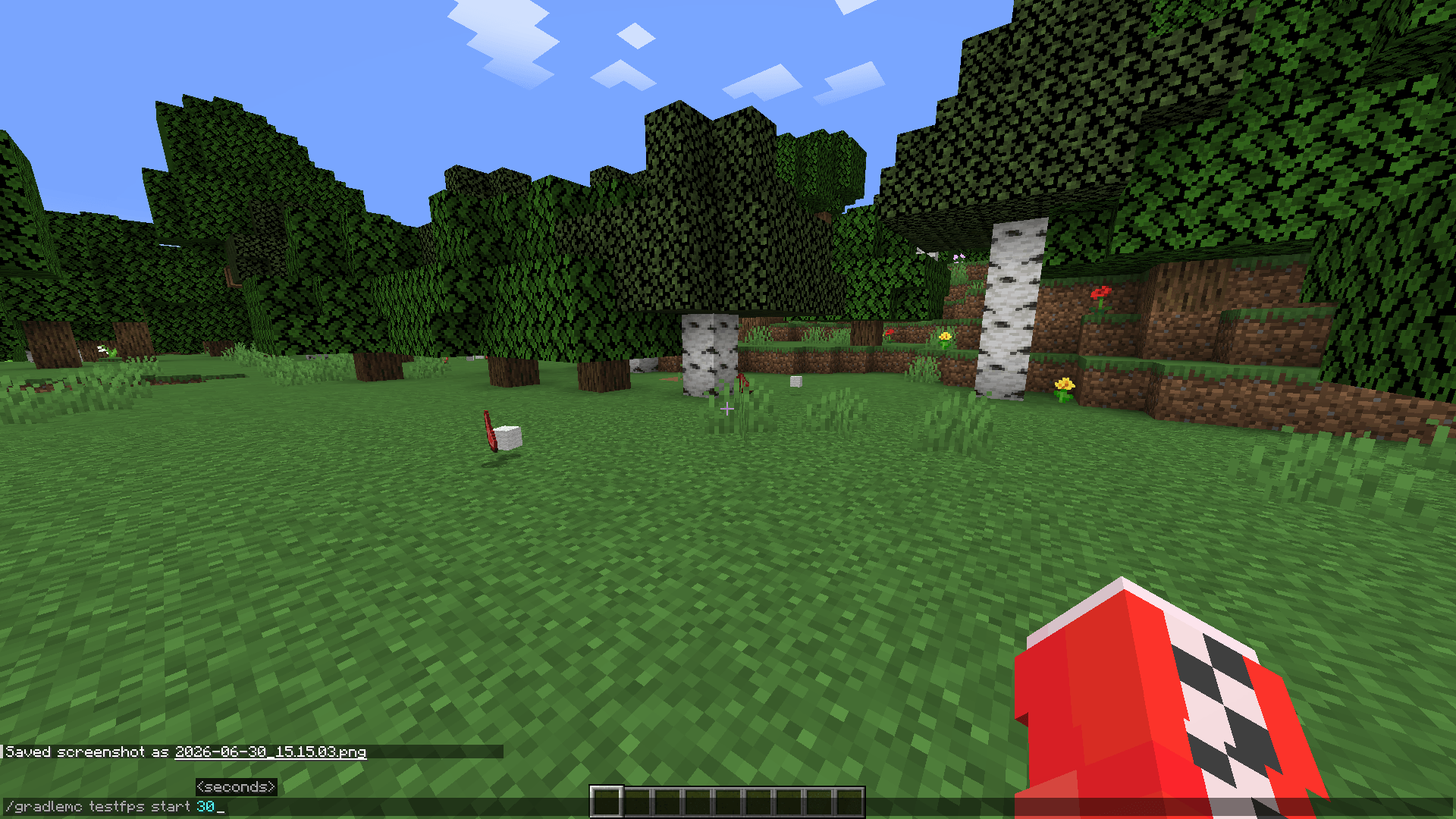
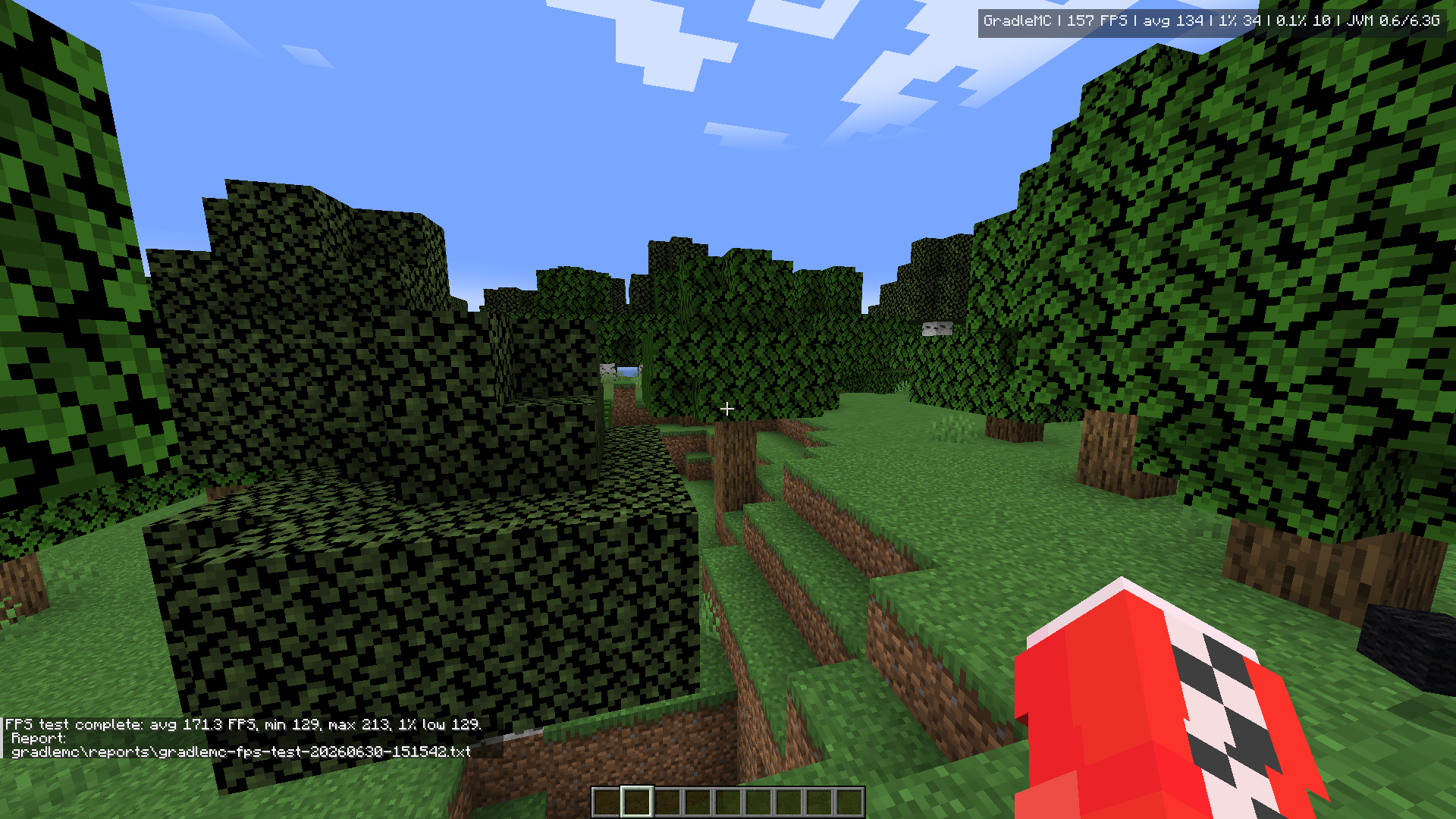
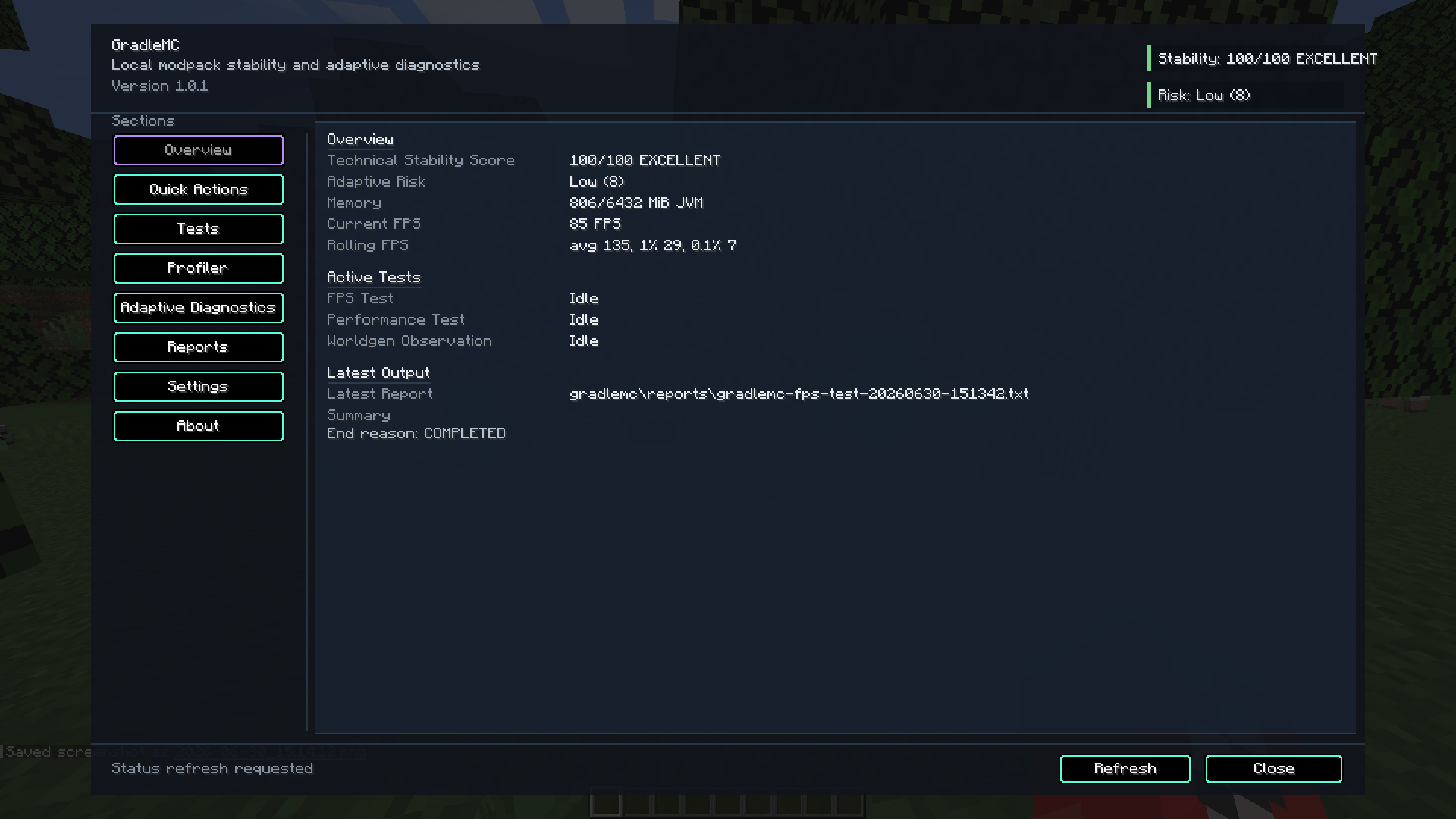
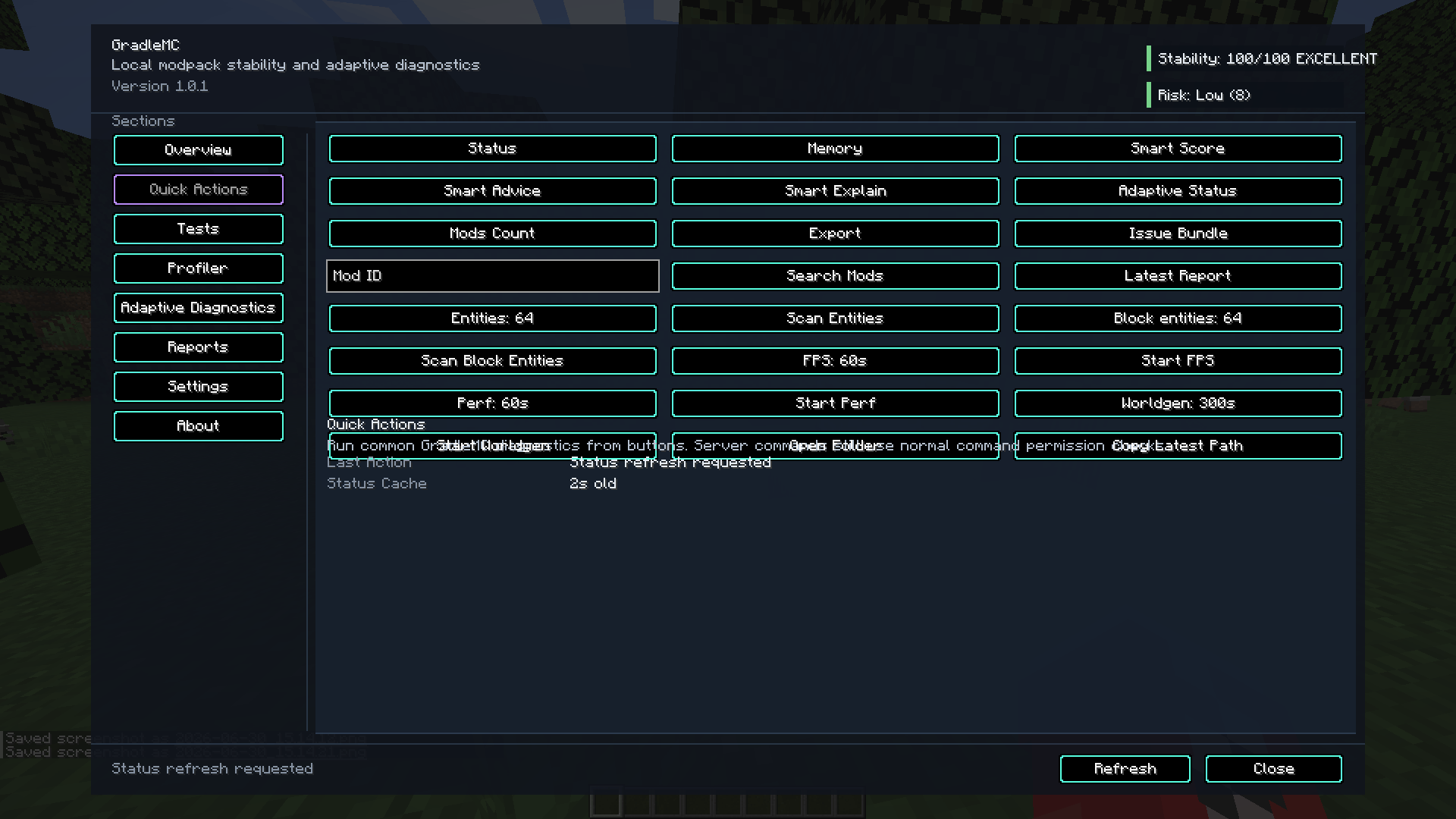
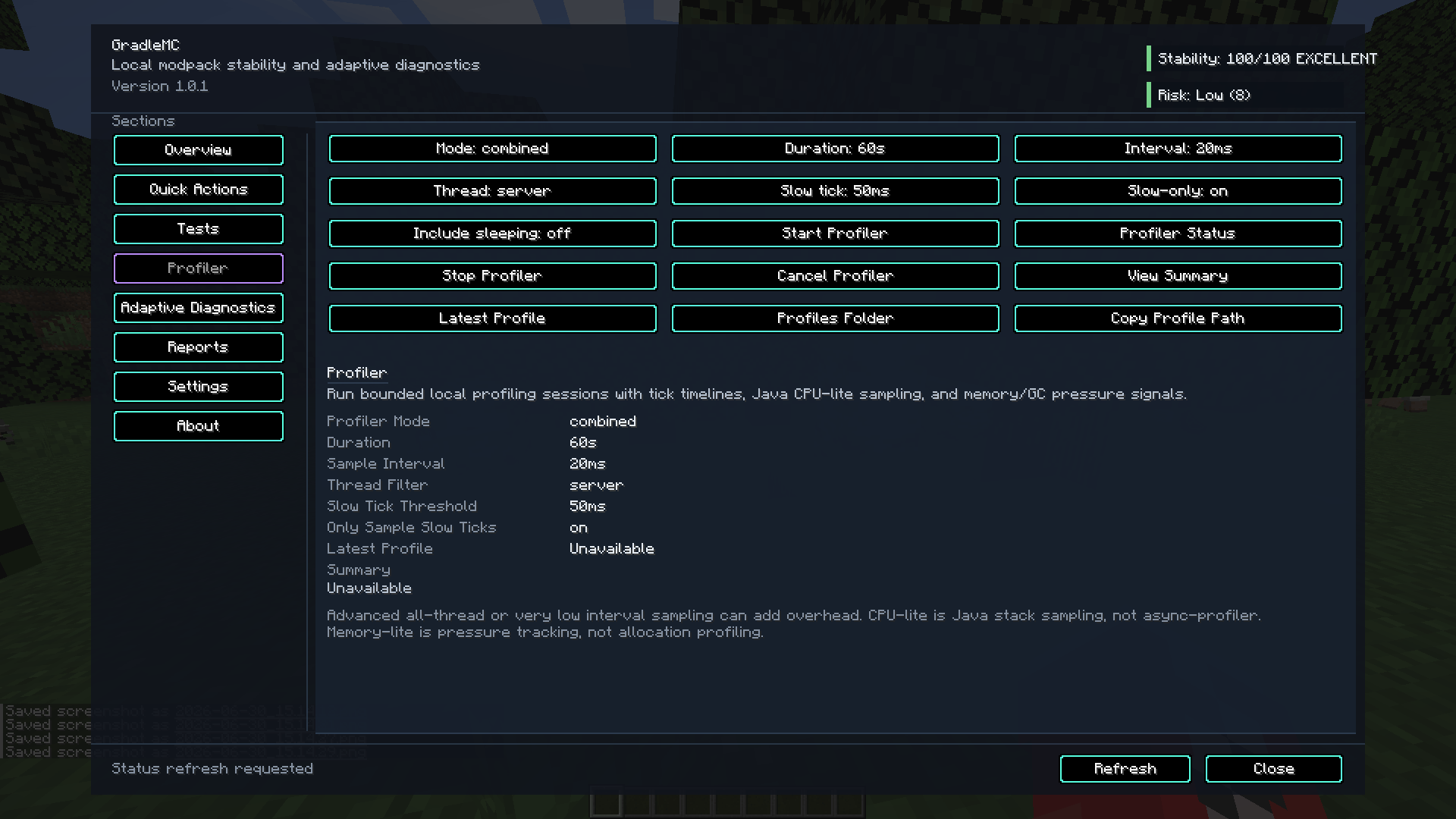
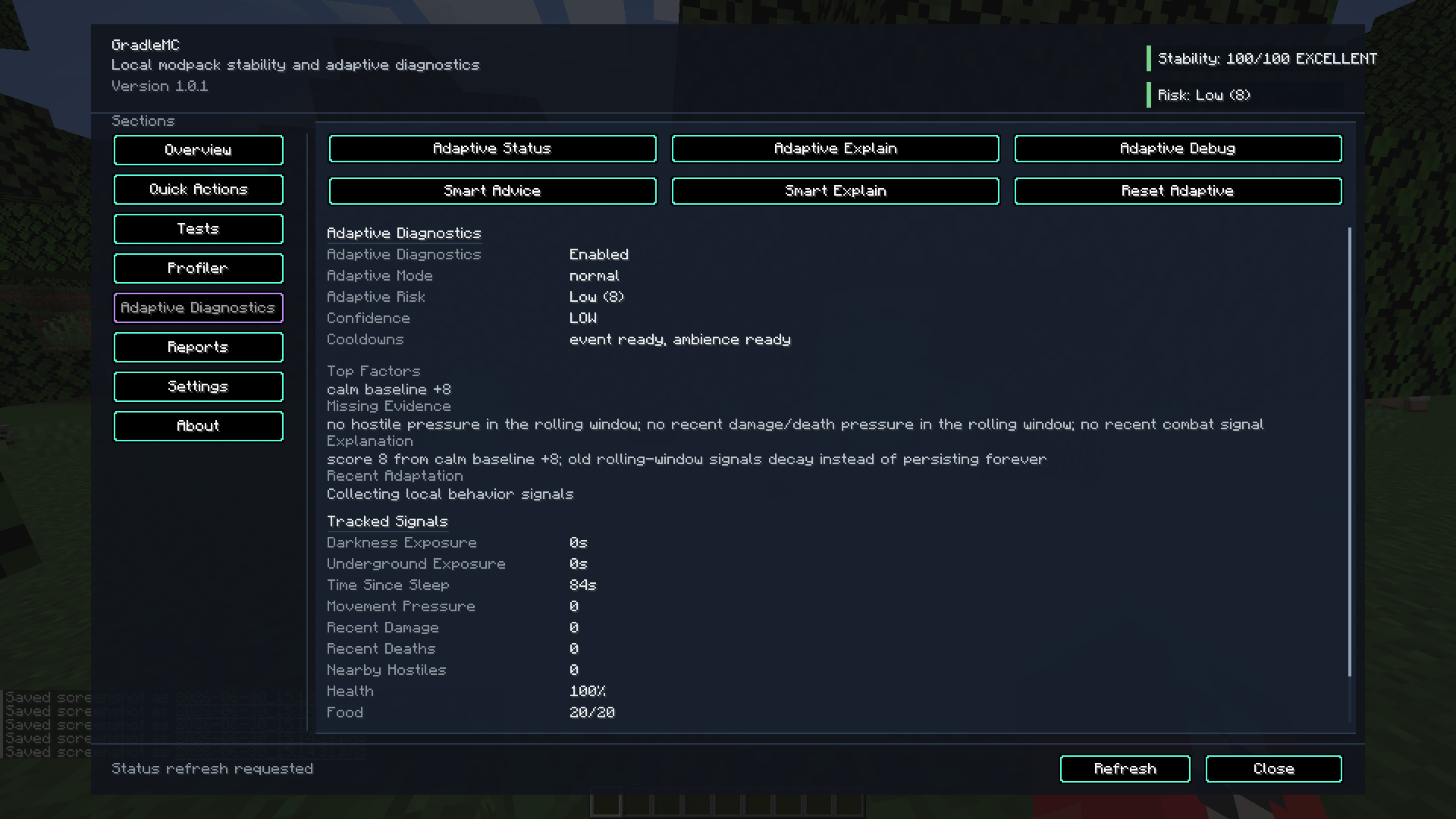
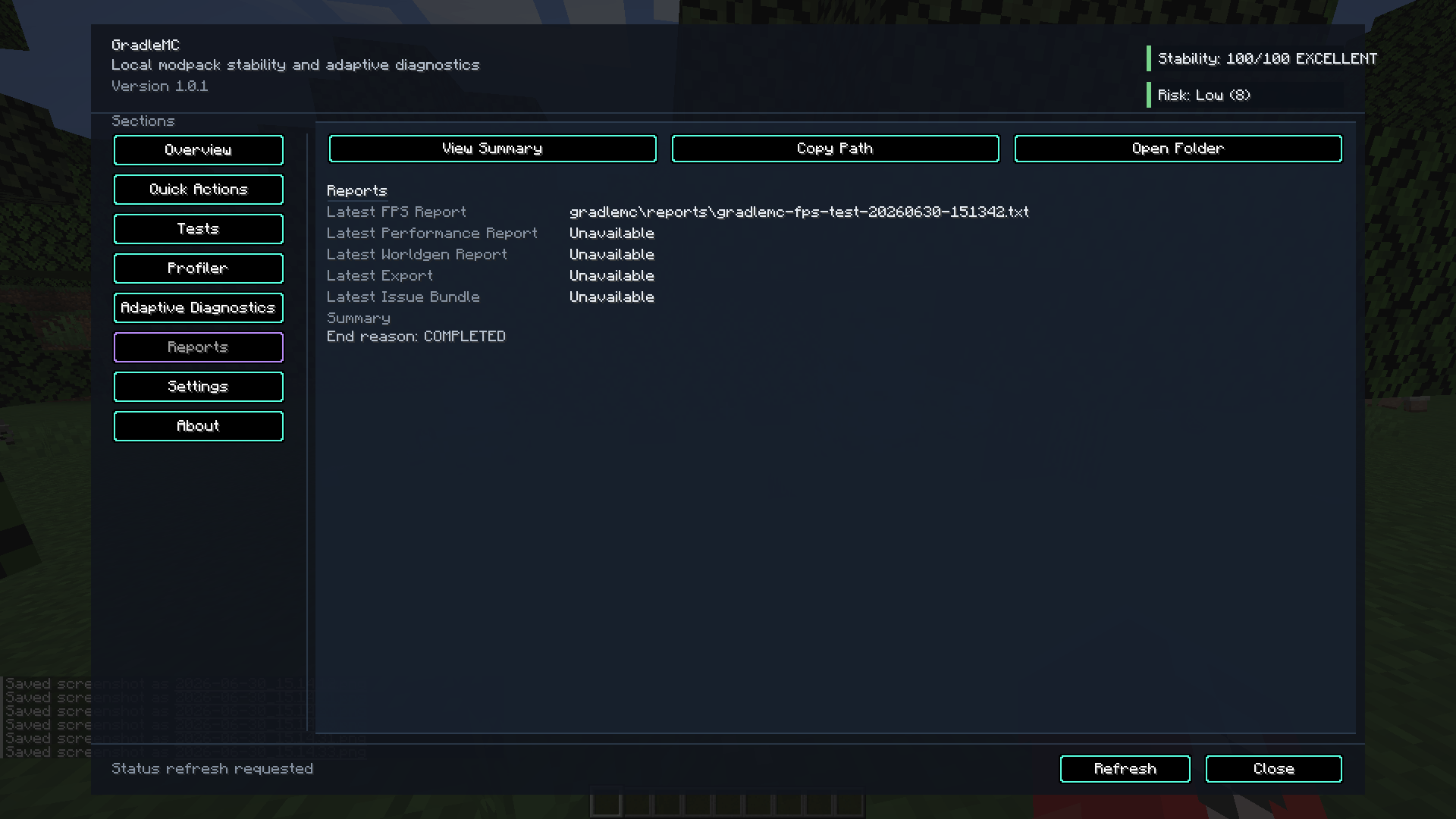
An in-game overview of diagnostic signals. Screenshots may show an earlier release; the exact interface varies by build.
Built for evidence, not guesswork
When Minecraft feels wrong, find out why.
Stuttering, low FPS, memory pressure, overloaded servers, mod conflicts and bad configurations can look remarkably similar. GradleMC helps players, modpack creators, testers and server administrators understand what is running and gather useful data before changing things at random.
Environment / 01
Know your setup
Inspect supported Minecraft, loader, GradleMC, JVM, operating-system, mod and memory information. Verify the environment you are actually troubleshooting.
Performance / 02
Measure, don’t assume
Capture bounded FPS or performance samples where supported. Review available memory, TPS/MSPT, entity, block-entity and world-generation signals.
Smart Diagnostics / 03
Understand the signals
Use local rules, scoring and prioritised advice to highlight suspicious conditions and explain where more evidence is needed. No cloud inference.
Reports / 04
Keep usable evidence
Export local troubleshooting reports for comparisons, support requests and bug reports. TXT and JSON outputs are available in supported releases.
The workflow
From “it lags” to a useful diagnosis.
01
INSPECT
Check versions, mods and system context.
02
MEASURE
Collect bounded, relevant runtime data.
03
DIAGNOSE
Review rule-based findings and context.
04
EXPORT
Keep reports for controlled comparisons.
Inside the toolkit
Useful tools, one diagnostic home.
Use the in-game diagnostics screen, client keybind and supported /gradlemc commands to inspect the environment, run checks, review reports and access available performance tools. Client FPS and overlay features require a supported graphical client; dedicated servers expose applicable server-side capabilities.
Bounded profiling and runtime sampling controls, where available.
Local reports make investigations easier to review and share deliberately.
Smart Diagnostics • Local by design
Guidance based on evidence, not a chatbot.
GradleMC’s Smart Diagnostics applies local rules and scoring to available diagnostic information. It can flag possible issues, prioritise advice and identify gaps in the evidence. It does not send data to an AI service, perform LLM inference or guarantee a definitive root cause.
Compatibility and download
One project. Different builds.
Match the Minecraft version and loader exactly. Forge, Fabric, NeoForge and Quilt releases are not interchangeable, and features may differ between the releases listed below. Always choose an actually published file on CurseForge Files.
Current 1.20.1 line
Minecraft 1.20.1
GradleMC v1.1.0
Forge • Fabric
Java 17 • Kotlin implementation
Published
Minecraft 1.21.11
GradleMC v1.0.0
Forge • Fabric • NeoForge
Java 21
Published
Minecraft 26.1.2
GradleMC v1.0.0
Forge • Fabric • NeoForge
Java 25
Legacy • Discontinued
Quilt 1.20.1
GradleMC v1.0.0
Java 17
No further Quilt releases planned.
Quick start • v1.1.0 for Minecraft 1.20.1
Install the right dependencies.
Forge • Java 17
Forge installation
- Set up Minecraft 1.20.1 with compatible Forge and Java 17.
- Install Kotlin for Forge.
- Add the GradleMC Forge jar to your
modsfolder. - Start Minecraft and run
/gradlemc.
Jar: gradlemc-1.1.0-forge-1.20.1.jar
Fabric • Java 17
Fabric installation
- Set up Minecraft 1.20.1 with compatible Fabric Loader and Java 17.
- Install Fabric API and Fabric Language Kotlin.
- Add the GradleMC Fabric jar to your
modsfolder. - Start Minecraft and run
/gradlemc.
Jar: gradlemc-1.1.0-fabric-1.20.1.jar
Important: Kotlin does not replace Minecraft’s Java runtime. The two 1.20.1 v1.1.0 builds require Java 17 and their listed loader-specific dependencies. For 1.21.11 and 26.1.2, follow the dependencies of the exact selected file.
Control and commands
Diagnostics at your fingertips.
Use the diagnostics GUI where supported, or run lowercase /gradlemc commands. The installed build’s command tree is authoritative: commands and permissions vary by Minecraft version, loader and client/server side.
/gradlemc gui
Open the diagnostic interface where supported.
/gradlemc status
Get a compact current status summary.
/gradlemc version
Inspect version and environment context.
/gradlemc memory
Review JVM memory information.
/gradlemc check
Run available diagnostics.
/gradlemc export
Export local evidence.
/gradlemc reports latest
Find the newest report.
/gradlemc smart advice
Review rule-based suggestions.
Additional supported commands include timed FPS tests, performance sampling, and Smart Diagnostics scoring. Client-only tools do not run on headless dedicated servers.
Privacy first
Your diagnostics stay yours.
No behavioural telemetry. No analytics tracking. No cloud AI or LLM service. No automatic report uploads.
GradleMC generates diagnostic information locally and does not automatically transmit your exported troubleshooting evidence. Generated output is stored beneath <gameDir>/gradlemc/ where supported.
Before you share: review reports for local paths, mod names, JVM details and other instance or system information.
What GradleMC is — and isn’t
A diagnostics utility, not an FPS booster. It gathers clues and measurements; it does not automatically optimise your GPU or repair every broken modpack.
A practical first stop, not a replacement for deep profilers. Investigations may still require tools such as Spark, Java Flight Recorder or async-profiler.
For Minecraft Java Edition, not Bedrock. Only listed, published loader/version combinations are supported.
An optional client-side runtime overlay in a supported build; available fields vary by release.
Support and development
Found a bug? Bring the evidence.
For reproducible GradleMC issues, include your Minecraft version, loader and loader version, GradleMC jar, Java version, dependency versions, reproduction steps, expected versus actual behaviour, and relevant reviewed logs or reports. Screenshots are helpful for interface bugs.
常见问题
GradleMC 支持哪些 Minecraft 版本?
GradleMC 支持 Minecraft Java 版 1.20.1–26.1.2,共 3 个版本,可用的加载器:Fabric / Forge / NeoForge / Quilt。下载时注意选择和你游戏版本一致的文件。
GradleMC 怎么安装?
先用 PCL2 或 HMCL 启动器安装对应版本的 Fabric / Forge / NeoForge / Quilt,再把下载的 .jar 文件放进游戏目录的 mods 文件夹,重新启动游戏即可。开启了版本隔离的,mods 文件夹在 versions/版本名 下面。
Soumyajit 的其他作品
查看全部 →
Zepholume Shaders
⚡ A performance-conscious Minecraft shader pack bringing atmospheric lighting, polished visuals and richer environments without blindly sacrificing FPS.

Still Watching
🩸Forge 1.20.1 horror survival built around fog, sound cues, stalking entities, and tense exploration.
评论
登录后评论和评分