
Still Watching
🩸Forge 1.20.1 horror survival built around fog, sound cues, stalking entities, and tense exploration.
截图


介绍

MINECRAFT JAVA EDITION • HORROR SURVIVAL • FORGE
STILL WATCHING
The world is larger. The silence is worse.
An atmospheric Minecraft horror-survival modpack where distant noises, fog-covered terrain, relentless encounters and dangerous exploration turn familiar survival into a constant test of nerve.
THE FOG IS NOT EMPTY. THE SILENCE IS NOT SAFETY.
LATEST RELEASE
V2.0.0
MINECRAFT
1.20.1
MOD LOADER
FORGE
PREFERRED RAM
6–8 GB
IMPORTANT • UPGRADING FROM V1.1.2?
V2.0.0 substantially changes Overworld, Nether, End, structures and mapping. Back up old worlds, install to a fresh profile and create a new world for the intended experience. Migrating a world without testing can leave terrain seams, removed-mod remnants and changed generation.
01 / THE EXPERIENCE
The rules are familiar. The world isn’t.
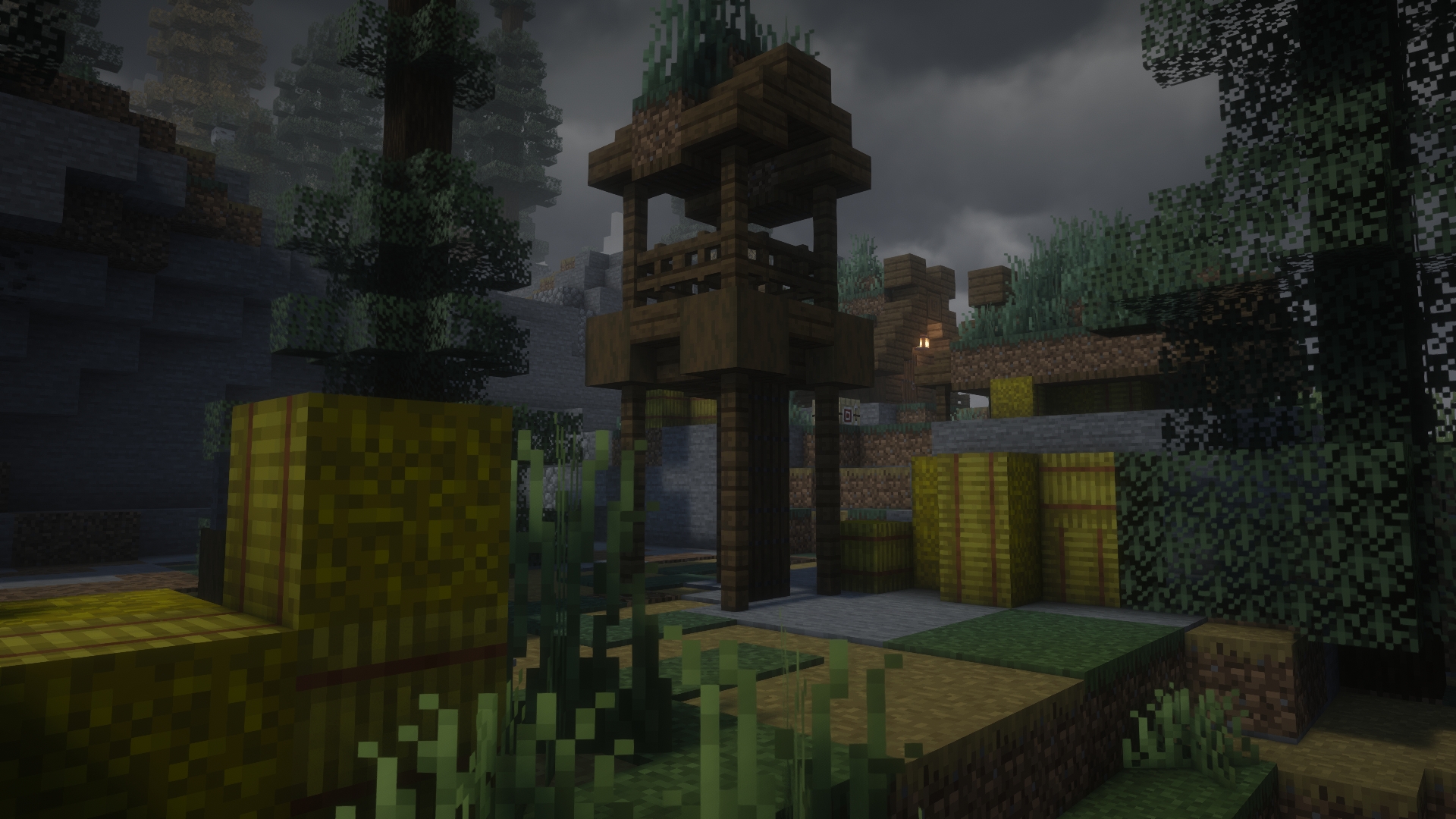
You still mine, craft, build, explore, fight and try to make it home. But in Still Watching, an ordinary journey can become a terrible idea. The weather closes in. Your footsteps echo. Something moves beyond your view distance. A reassuring light may be farther away than it looks.
This pack builds fear through atmosphere, stalking threats, sound design and exploration—not simply through the number of monsters it can fit into a cave.
HEAR THE DANGER
Ambient sound, footsteps and spatial audio make enclosed spaces and distant movement matter.
FEAR THE UNKNOWN
Fog, darkness and hostile encounters turn routine travel into calculated risk.
SURVIVE TOGETHER
Maps, equipment, quests and voice chat support tense private multiplayer sessions.
02 / HORROR & ATMOSPHERE
You may hear it before you see it.
AmbientSounds 6, Sound Physics Remastered, Presence Footsteps and Cave Dweller Sound Overhaul give the landscape an uneasy soundtrack. EnhancedVisuals, Fresh Animations and other visual resources strengthen the sense that Minecraft is not behaving as it should.
The threat roster includes The One Who Watches, The Anomaly, The Man From The Fog, From The Fog, Cave Dweller Reimagined, The Knocker, The Mimicer, The Midnight Lurker, GoatMan, Siren Head and more. Their encounters create different reasons to question a noise, a shadow or an apparently empty path.
“A closed door is not the same thing as safety.”
Headphones are recommended. Directional sound is part of the experience.

03 / WORLD & EXPLORATION
There is more out there. That’s the problem.
V2.0.0 rebuilds world generation around a more deliberate exploration experience: dramatic landscapes, unfamiliar horizons, reworked dimensions and destinations worth taking risks for.
OVERWORLD / WILDER
Terralith + Tectonic reshape biomes, mountains, valleys, coastlines and the scale of journeys.
NETHER / HOSTILE
Incendium expands Nether generation and its reasons to venture beyond the portal.
END / UNFAMILIAR
Nullscape brings more dramatic void terrain to the End.
STRUCTURES / UNCERTAIN
Dungeons and Taverns, Explorify and Towns and Towers fill exploration with tempting destinations.
04 / TOOLS, SURVIVAL & FRIENDS
Preparation helps. It does not guarantee a return.
The pack adds useful ways to travel, defend yourself, recover from mistakes and coordinate with friends. These systems support the survival loop without removing the reason to fear the dark.
- Navigate: Xaero’s Minimap and Xaero’s World Map help keep track of the world.
- Fight: Timeless and Classics Zero Guns expands weapon options; TACZ: Durability introduces wear and upkeep.
- Recover and defend: Traveler’s Backpack, Corpse and Security Craft provide practical survival tools.
- Play as a group: Simple Voice Chat, FTB Teams and FTB Quests support communication and shared progression.
For dedicated servers, use the exact matching pack release, Forge build, required configuration and world-generation files. See the server setup guide before attempting manual deployment.
05 / VISUALS & PERFORMANCE
Atmosphere is essential. Shaders aren’t.
FIVE SHADER CHOICES
Complementary Reimagined, Complementary Unbound, Hysteria, Insanity and Spooklementary offer different ways to shape the atmosphere.
They are included, not required.
PRACTICAL FOUNDATIONS
Embeddium, Chloride, ImmediatelyFast, FerriteCore, ModernFix and FPS Reducer form the pack’s rendering and resource-efficiency foundation.
No universal FPS promise: hardware, shaders, view distance and new terrain generation still matter.
Recommended starting point: 5 GB allocated RAM minimum, 6–8 GB preferred where system memory permits; Java 17 when needed; 8–10 render-distance chunks if performance is uncertain. Lower or disable shaders first when troubleshooting frame rate.
06 / START PLAYING
Go in prepared.
- Open the official Still Watching CurseForge page or find the pack in the CurseForge App.
- Confirm the creator is Soumyajit and select the intended Minecraft 1.20.1 / Forge release.
- Install to a clean profile. Allocate at least 5 GB RAM, or 6–8 GB where appropriate.
- Launch without extra mods, shaders, resource packs or copied old configurations.
- Create a new test world. Check world generation, controls, sound, maps and performance before investing in a long-term save.
Important: The GitHub repository ZIP is source/documentation material, not the playable CurseForge installer.
07 / WORLD SAFETY
Do not gamble your old world.
V2.0.0 is a major generation and mapping overhaul, not a drop-in update to V1.1.2.
- Back up the entire old instance and every important world.
- Install V2.0.0 in a fresh CurseForge profile and make a new world.
- Do not copy the entire V1.1.2
config/folder over the new installation. - Preserve legacy JourneyMap data separately. It does not automatically transfer to Xaero’s maps.
- If an existing save must be tested, work from a disposable copy.
08 / GUIDES, UPDATES & SUPPORT
Everything you need, without the guesswork.
Playable releases are hosted on CurseForge. The repository contains project documentation, the maintained content list, support information and issue tracking.
- Official downloads and release history — CurseForge files.
- Changelog — V2.0.0 changes and migration details.
- Content list — documented mods, shaders, libraries and resource packs.
- Installation and troubleshooting — clean setup, performance and backups.
- Server guide — safe multiplayer deployment.
- Report an issue — reproducible problems with logs.
For bug reports, include the pack and Forge versions, a clear reproduction path, whether the save is new or migrated, additional modifications and latest.log or the crash report. Test a clean profile first when possible.
09 / CREDITS
Made possible by the modding community.
Still Watching is created and published by Soumyajit. The mod creators, shader authors, resource artists, audio designers, library maintainers and tool developers whose work is included deserve the credit for their own projects.
Apache-2.0 applies to original repository files only. Third-party mods, assets, shaders, sounds, textures and libraries retain their own licenses and redistribution terms.

常见问题
Still Watching 支持哪些 Minecraft 版本?
Still Watching 基于 Minecraft Java 版 1.20.1,使用 Forge 加载器。
Still Watching 怎么安装?
点本页「前往下载」拿到整合包文件(Modrinth 的是 .mrpack,CurseForge 的是 .zip),在 PCL2 或 HMCL 启动器里选择「导入整合包」,启动器会自动装好 Minecraft、加载器和全部模组。建议在启动器里给游戏分配 4–6 GB 内存。
Still Watching 开服需要多大内存?
推荐服务器内存 12 GB。在线人数多、或者建了大量机器和区块加载器时,可以再加 2–4 GB。
怎么和朋友一起玩 Still Watching?
点本页的「一键开服」,选好配置后会自动安装 Still Watching 的服务端,几分钟就能开好。把服务器地址发给朋友,大家用同一个版本的整合包连进去就行。
评论
登录后评论和评分