
截图


介绍
Simple Voice Animations
Animates player heads using Simple Voice Chat.
Each player chooses their own animation style.
If the mod is installed on the server, everyone’s animation settings are synced to all other players.
Players without the mod on their client use the style set in the default_head_animation_style server config option.
On servers without the mod, your own animation settings are applied to all other players instead (can be disabled with the fallback_to_own_animations config option).
Animation Styles
Squish – The head squishes while talking.
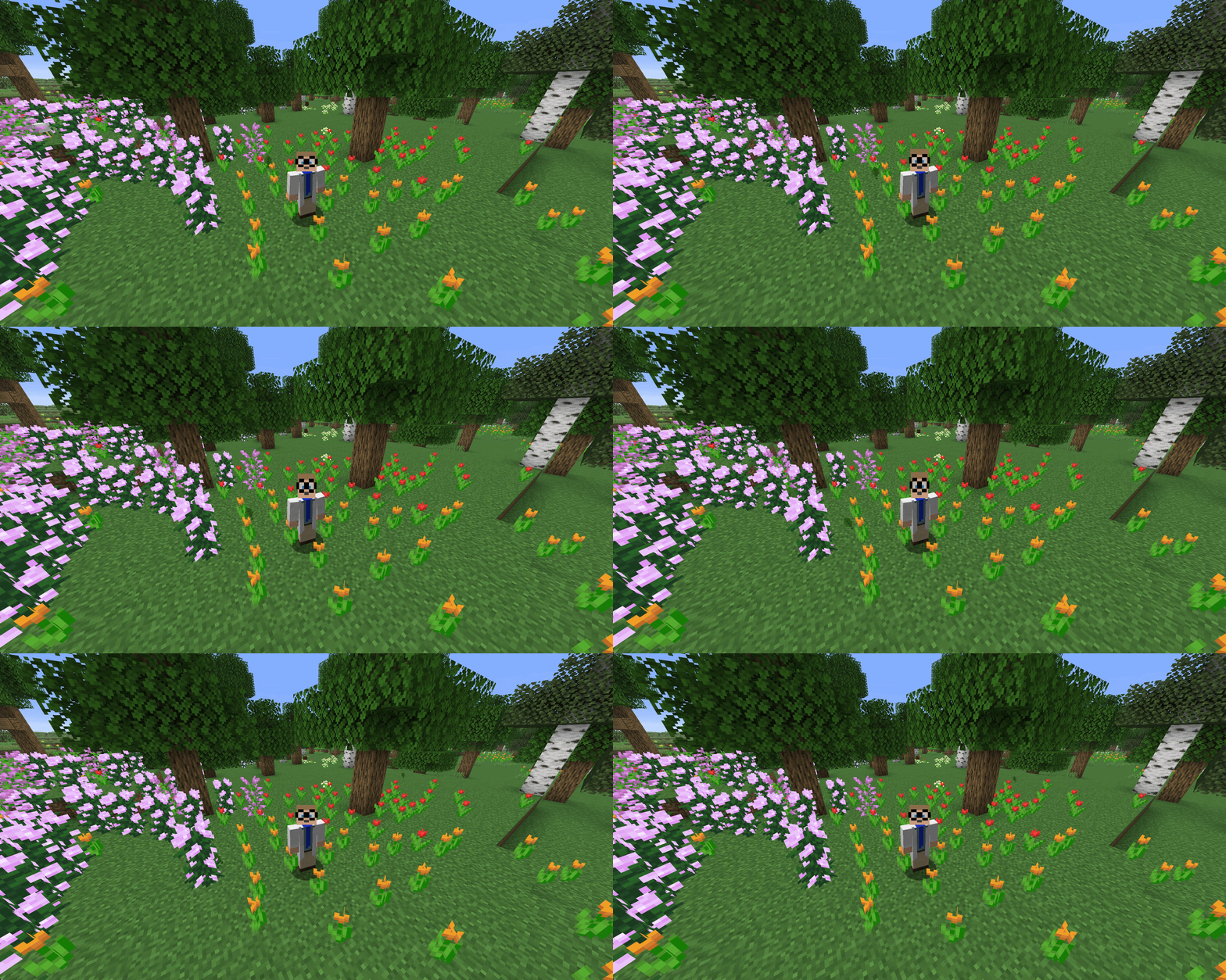
Scale Height – The head stretches vertically while talking.
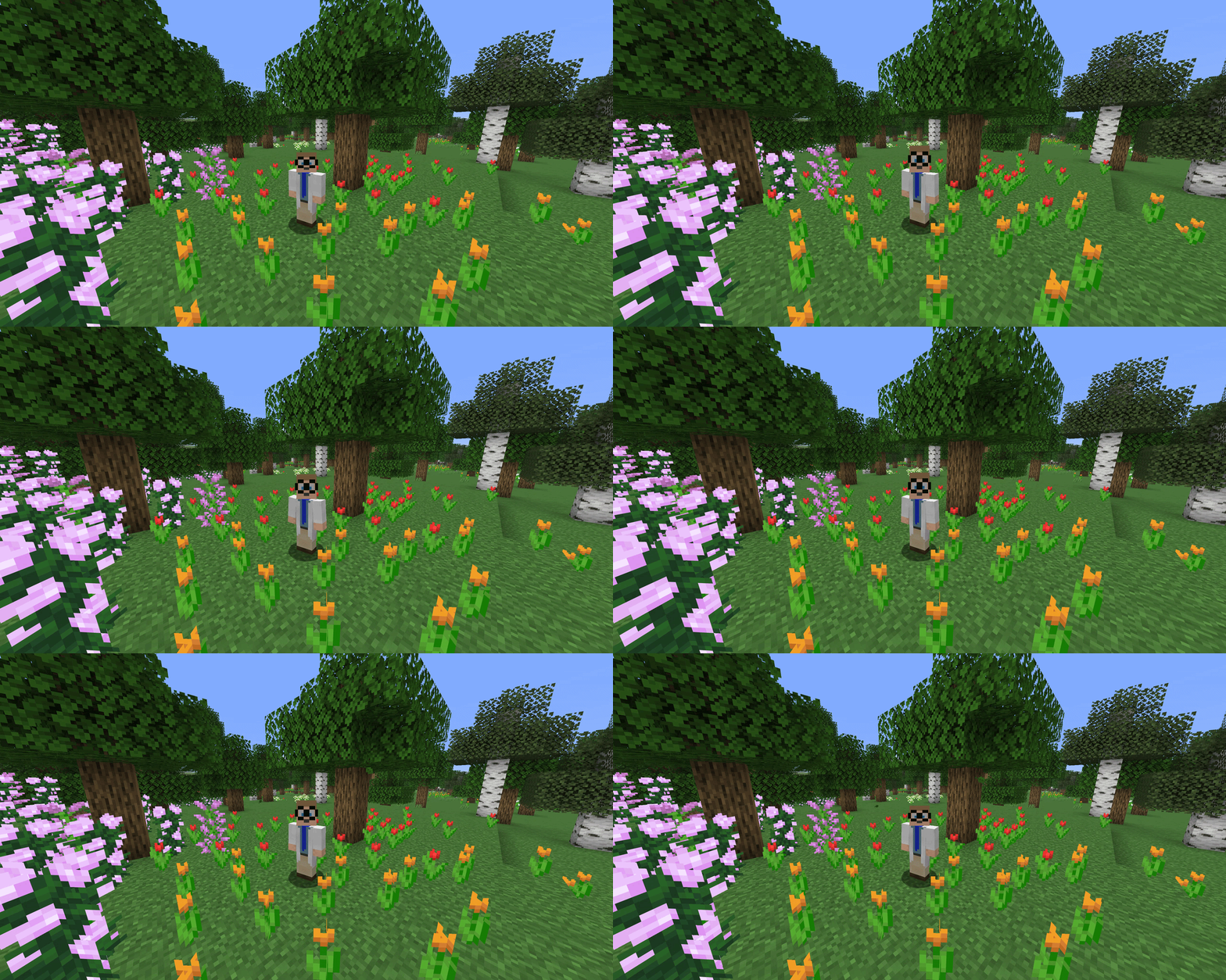
Scale – The whole head scales up and down while talking.
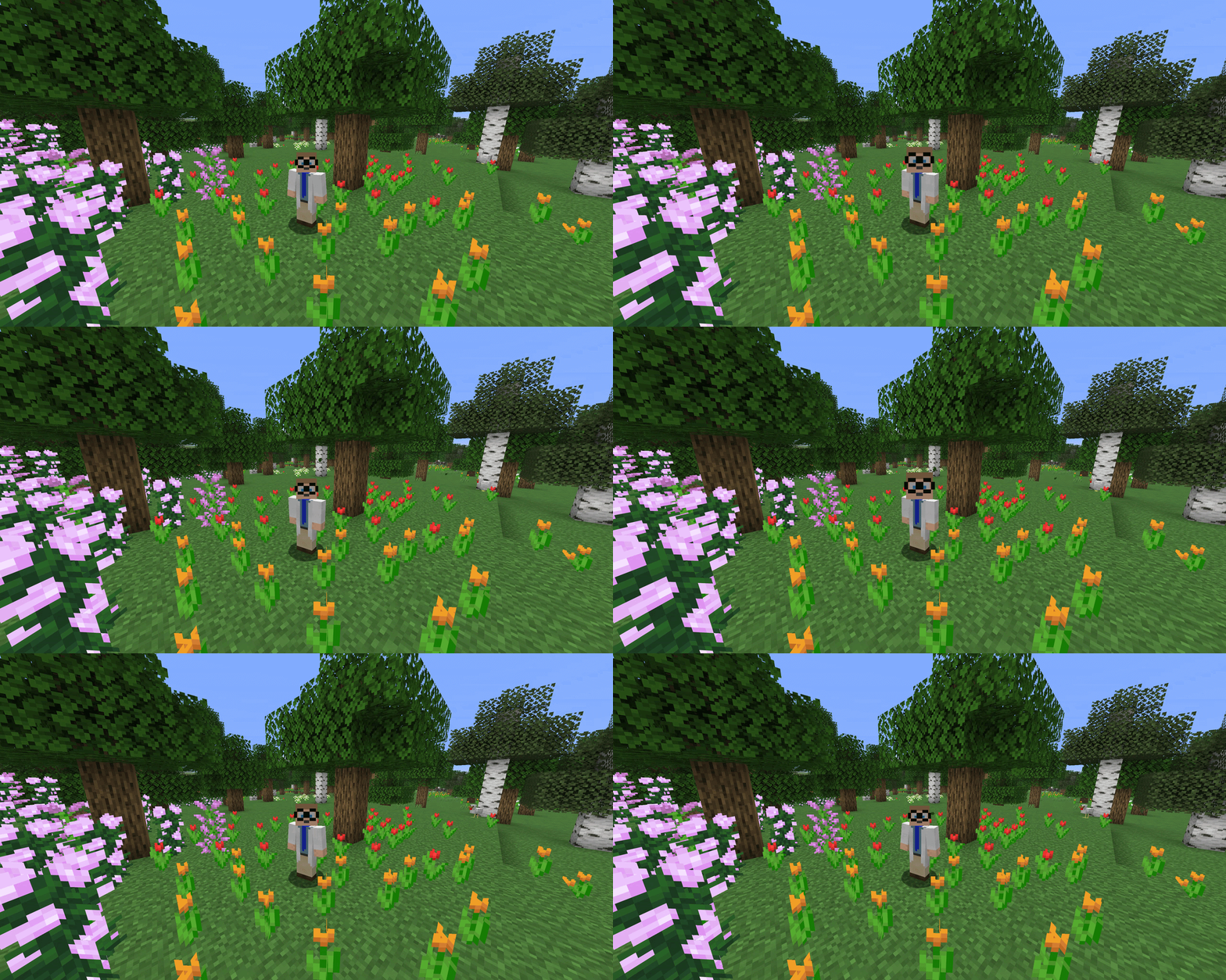
Split Head (Hinge) – The head splits open like a jaw.
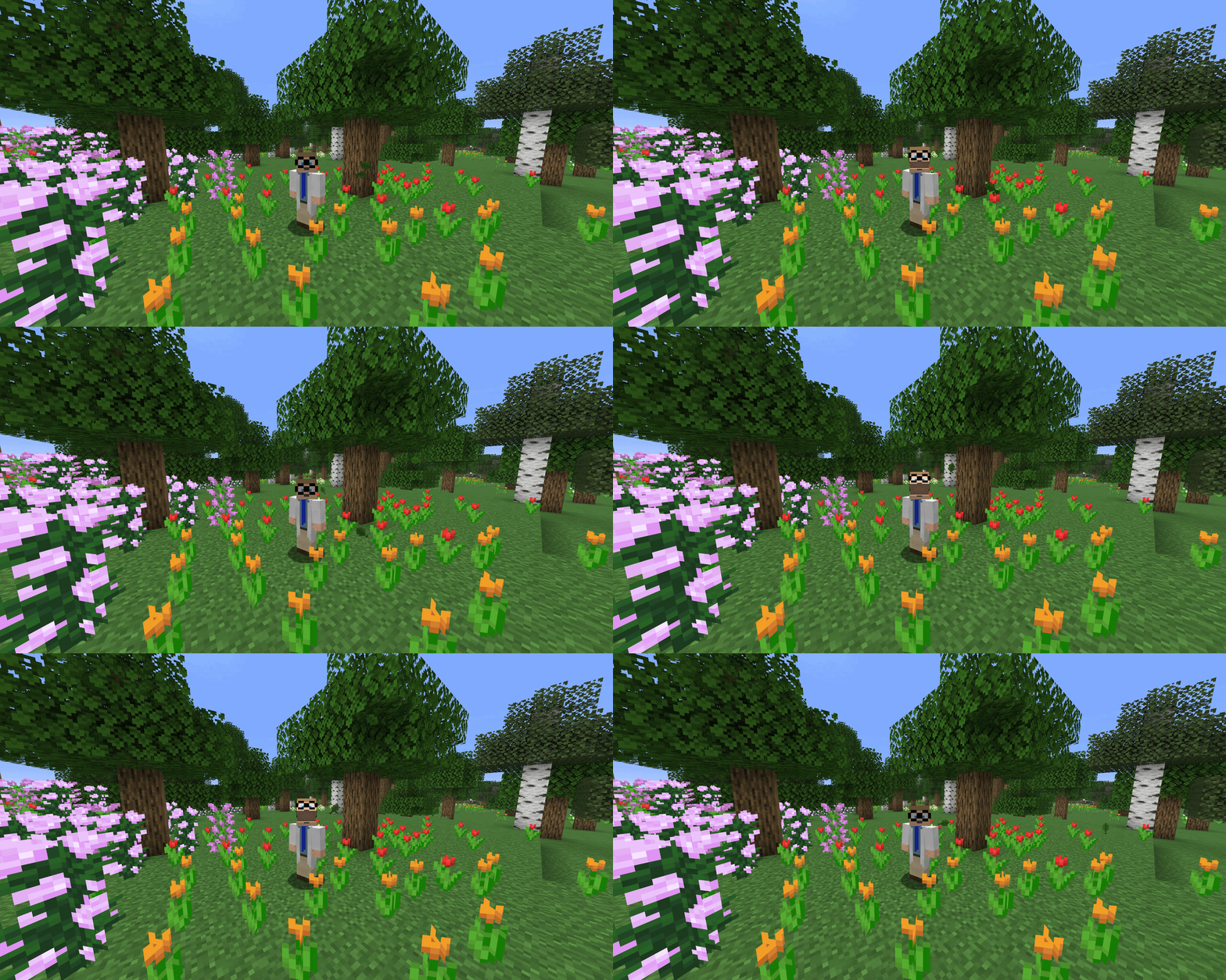
Split Head (Vertical) – The upper part of the head lifts straight up.
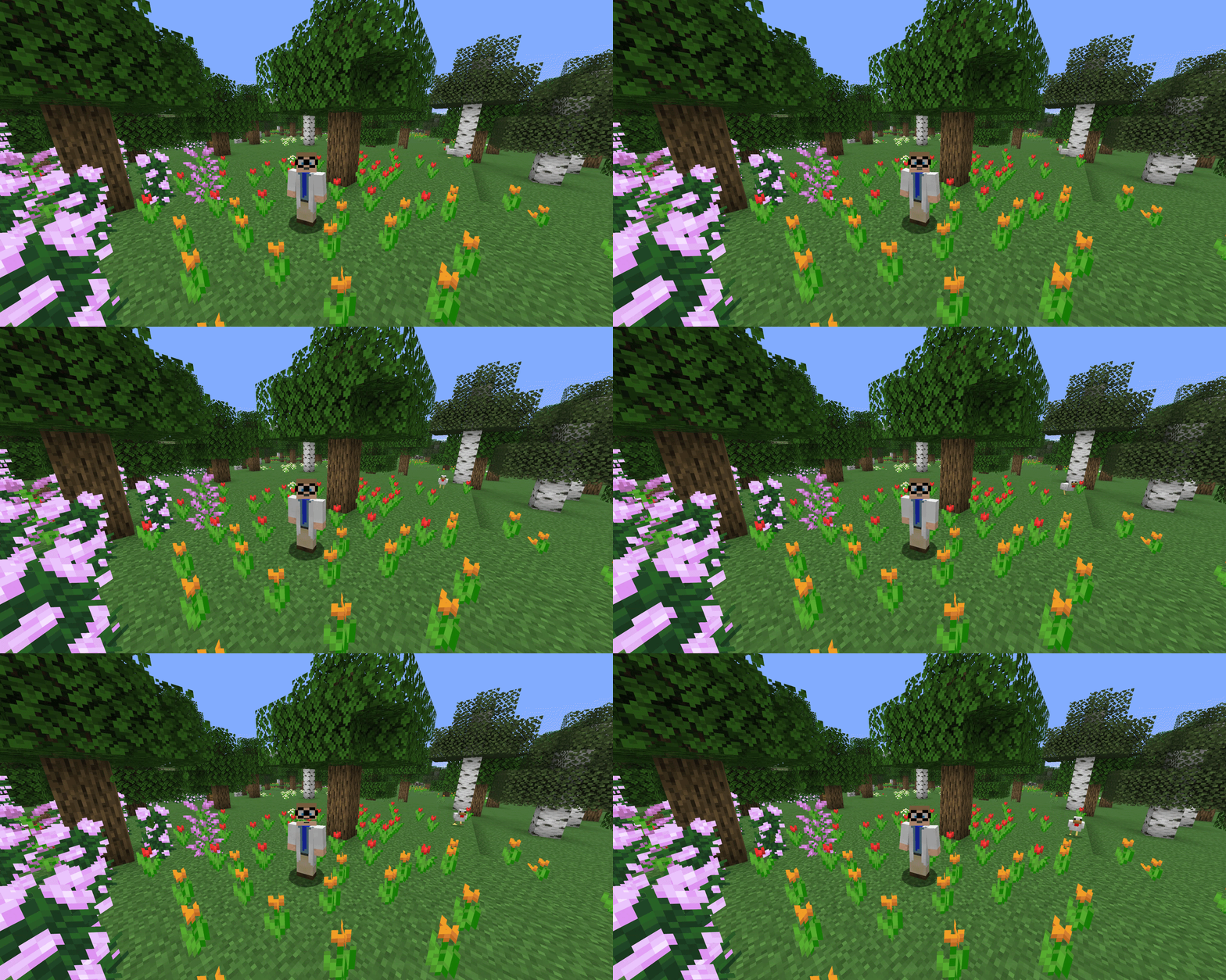
The split height is configurable for both split styles.
Nod – The head nods while talking.
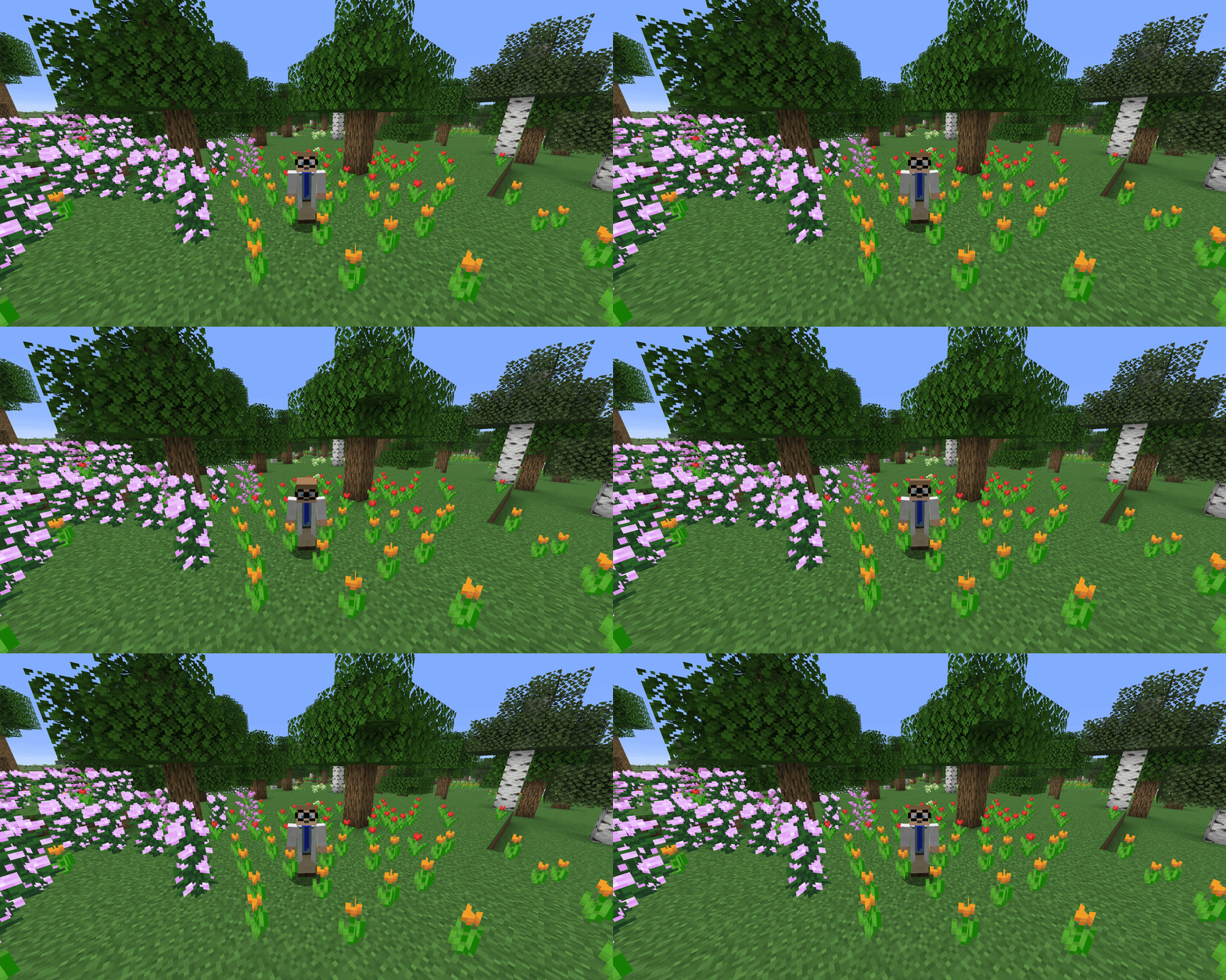
Usage
Press J (configurable in the Minecraft key bindings) to open the settings screen.
Choose your animation style and drag the bar in the preview to set where your head splits.
Requirements
- Simple Voice Chat
- ModMenu (Optional)
常见问题
Simple Voice Animations 支持哪些 Minecraft 版本?
Simple Voice Animations 支持 Minecraft Java 版 26.2–26.3,共 2 个版本,可用的加载器:Fabric / Quilt。下载时注意选择和你游戏版本一致的文件。
Simple Voice Animations 怎么安装?
先用 PCL2 或 HMCL 启动器安装对应版本的 Fabric / Quilt,再把下载的 .jar 文件放进游戏目录的 mods 文件夹,重新启动游戏即可。开启了版本隔离的,mods 文件夹在 versions/版本名 下面。运行环境:客户端 / 服务端。
henkelmax 的其他作品
查看全部 →
Sound Physics Remastered
一个通过方块实现逼真声音衰减、混响和吸收效果的 Minecraft 模组。

Simple Voice Chat
Minecraft里能用的语音聊天!
Corpse
再也不怕丢物品了!

GraveStone Mod
死亡时会放置一块墓碑,里面存放你的物品栏物品。
评论
登录后评论和评分