
Real Time Mod
Set's the world time to be the same as the computer time of the host and some other features.
截图
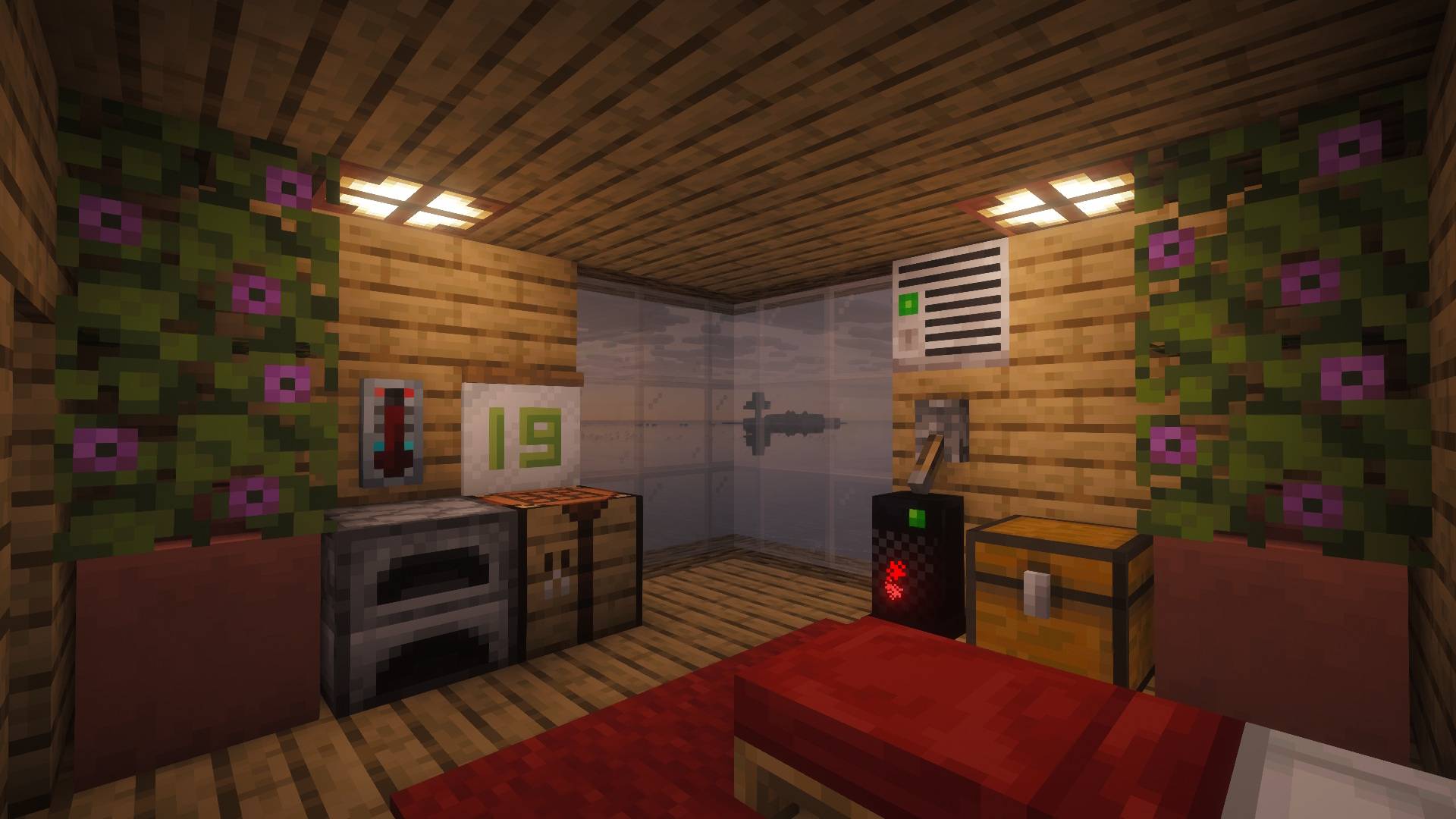
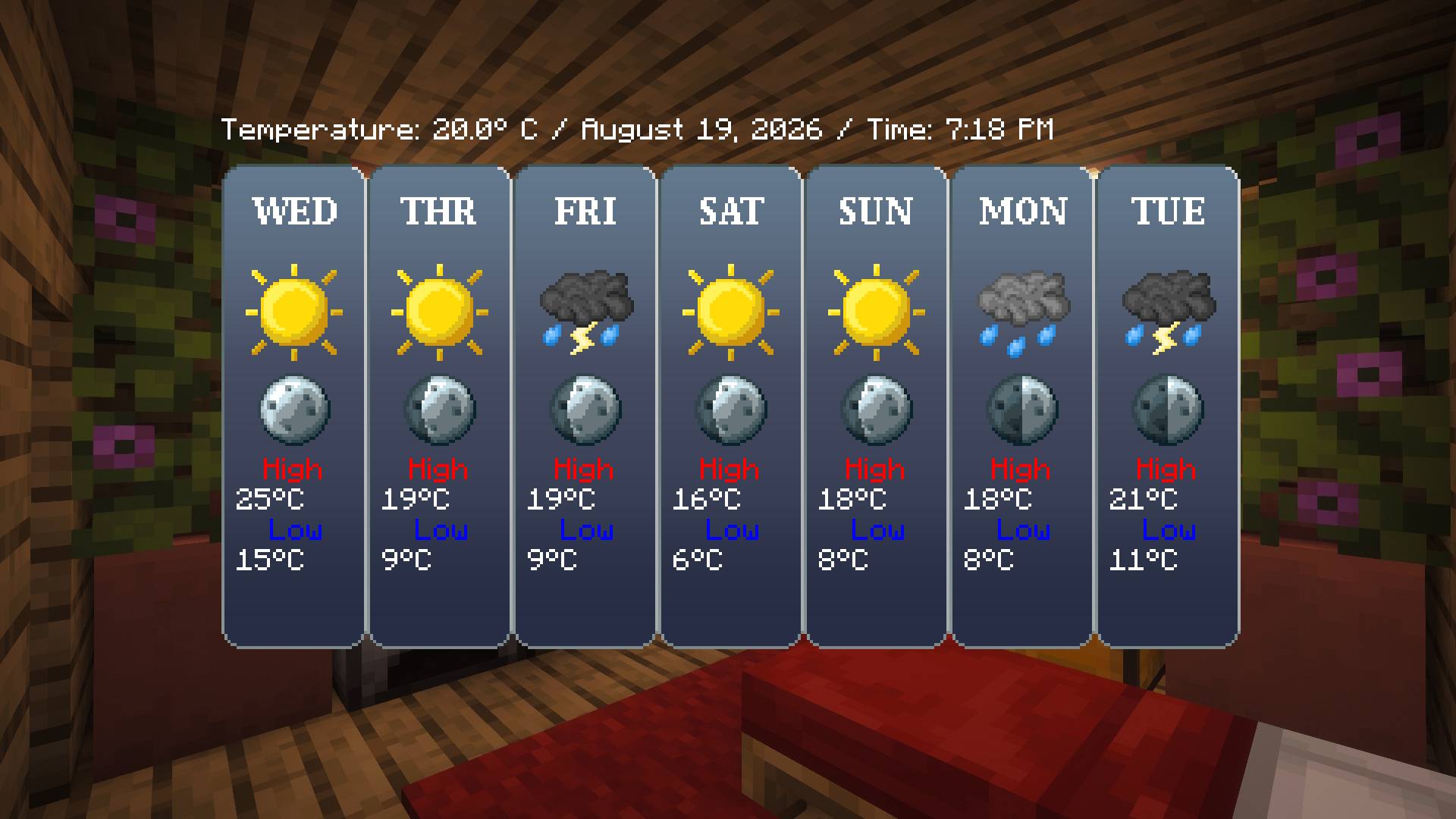
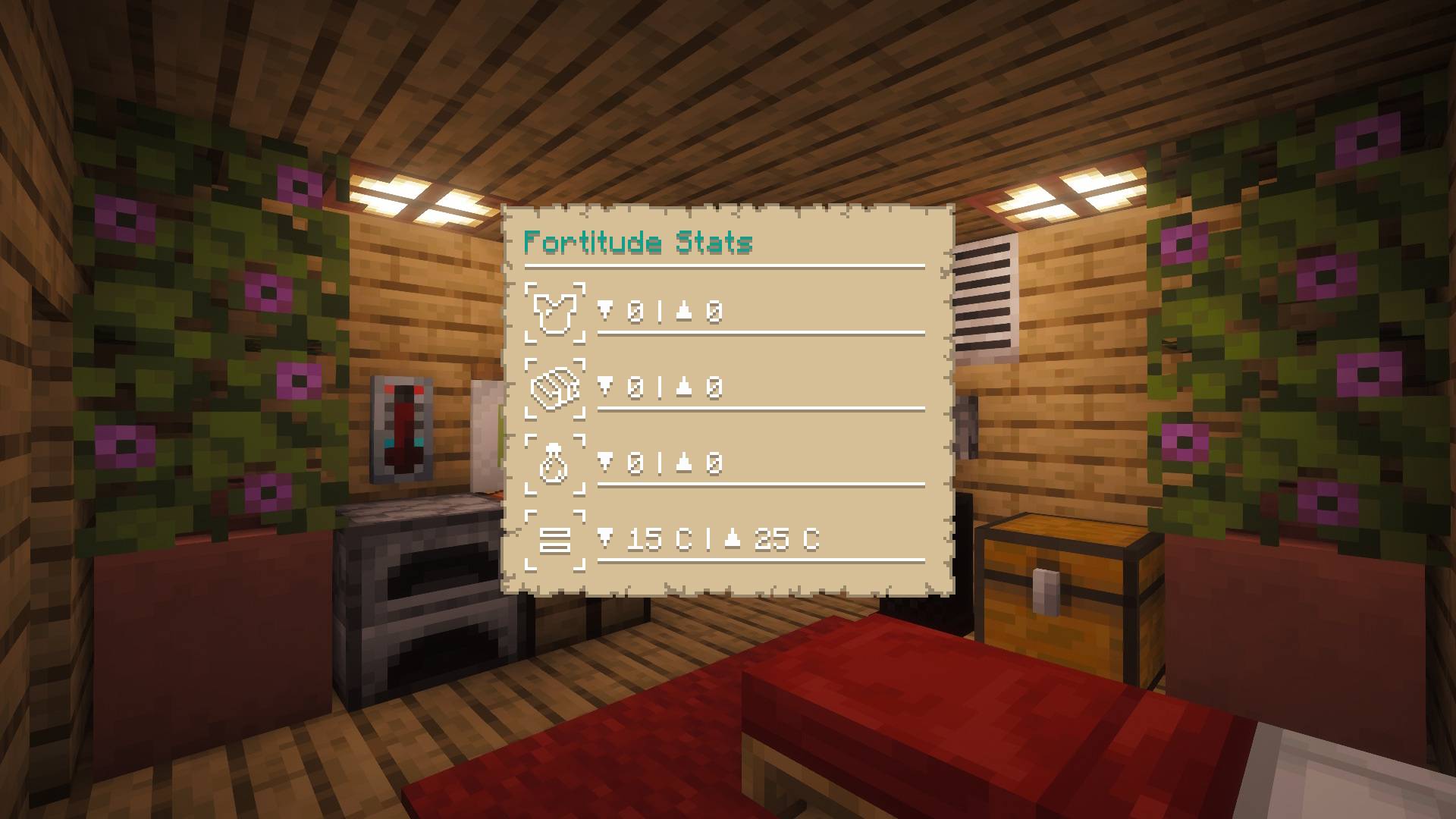
介绍

About The Mod
RealTimeMod syncs your in-game time with your computer’s real-world clock—bringing a new layer of realism to your gameplay. But it doesn’t stop there! The mod now adds dynamic temperature, weather forecasting, and moon phase adjustments to enhance your survival experience. It’s highly customizable, lightweight, and easy to use, giving you full control over how immersive your world feels.

Features
- Customizable features
- Calendar item and block.
- Game time matches computer time.
- Seven day forecast
- Emissive temperature system.
- Serene Season support
- Season support
- Per player format support, set the time, temperature and weather icons.
- Hemisphere support.
- Moon phase duration support.
- Regional difficulty support.
- Game rules for easy customizability.
- Enchantments, Potions, and attributes for temperature fortitude.
- Cooler, Heater and Thermostat blocks.
- Well documented wiki
Official Mod Sites
Our GitHub has the official wiki and documentation for the mod updated to the latest version!
Credits
Huge thanks to Maple for the time and work on the textures and assets for the mod.
- Artist – MapleSyrupBoy
Made With
Below is the list of software we used to make the mod.
- Aseprite
- MCreator
- Notepad ++
- Paint Dot Net
Localization
If there is a problem with localization please let us know on our issue tracker.
- English: US_EN
- Arabic: AR_SA
- Dutch: NL_NL
- French: FR_FR
- German: DE_DE
- Portuguese: PT_PT
- Spanish: ES_ES
FAQ
Q: Can I use this in my mod pack?
A: Yes mod packs are fine please link to the curse forge page through.
Q: The mod lags a lot why?
A: The mod requires a fair bit of memory, and CPU power to run. It’s not designed for lower grade computers.
Q: The time does not match the current time why?
A: This could be of one of two reasons, first Minecraft shifts the time over by 6 hours the mod takes this into account already but if your looking at the ticks this would be the reason. The other reason could be if your playing on a server, the server time could be hosted elsewhere which the computer time would be a different time. We have a game rule that can offset this time in that case.
Q: Can you add support for X mod?
A: Most features if not all features should work with all mods automatically without adding support. We will leave it up to other mods to add support as most things are data driven using tags.
Q: Can you add X feature?
A: If you share your suggestion on our discussions page on GitHub we may add it in the future.
Q: Is the mod laggy because of MCreator?
A: No, this is due to having to run much of the system on tick updates which requires more memory to do. MCreator does not have any responsibility over this directly.
Q: Can I repost this mod?
A: No, it’s all rights reserved, we don’t consent to this.
Q: Will you support NeoForge X.X.X?
A: This depends what MCreator ports to mod creators have no control but we do plan on porting this mod.
Q: Will you add support for Forge X.X.X?
A: No, forge is a dying platform, most mods do support NeoForge these days and MCreator dropped support a few updates ago so we won’t support this in future versions.
常见问题
Real Time Mod 支持哪些 Minecraft 版本?
Real Time Mod 支持 Minecraft Java 版 1.16.5–1.21.8,共 10 个版本,可用的加载器:Forge / NeoForge。下载时注意选择和你游戏版本一致的文件。
Real Time Mod 怎么安装?
先用 PCL2 或 HMCL 启动器安装对应版本的 Forge / NeoForge,再把下载的 .jar 文件放进游戏目录的 mods 文件夹,重新启动游戏即可。开启了版本隔离的,mods 文件夹在 versions/版本名 下面。
NorthWestTreesGaming 的其他作品
查看全部 →
CCTVCraft
为游戏添加了新的机制和方块。

MoreBlox
The modification focuses on medieval things such as foods, crops, animals and mechanics.

Portal Gates
Portal gates allow you to make blocks that can teleport you between worlds or other locations in your Minecraft save.

Norths Schematics
A modification that can save and load structures for general gameplay.
评论
登录后评论和评分