
截图
介绍

━◦○◦━◦○◦━◦○◦━◦○◦━◦○◦━◦○◦━
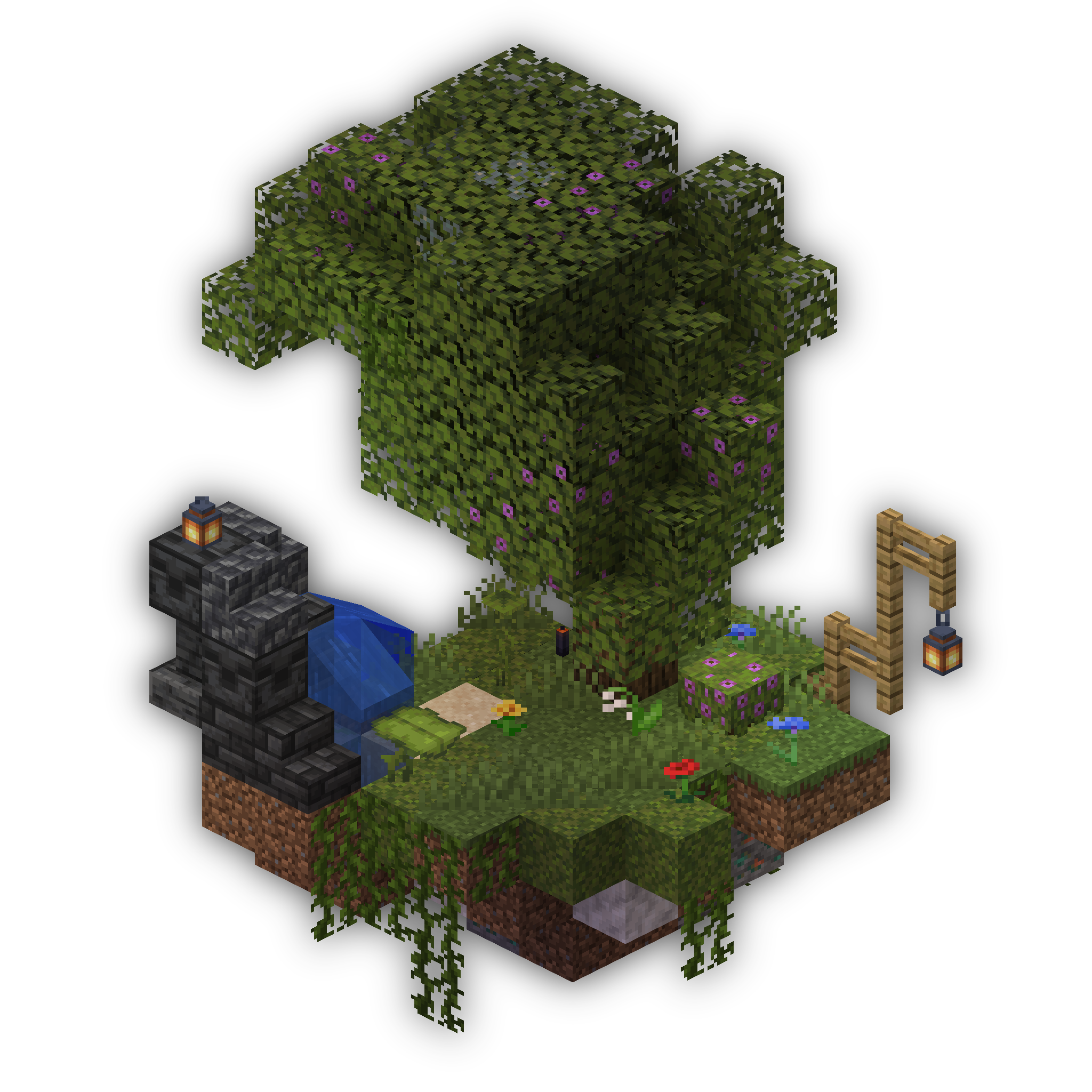
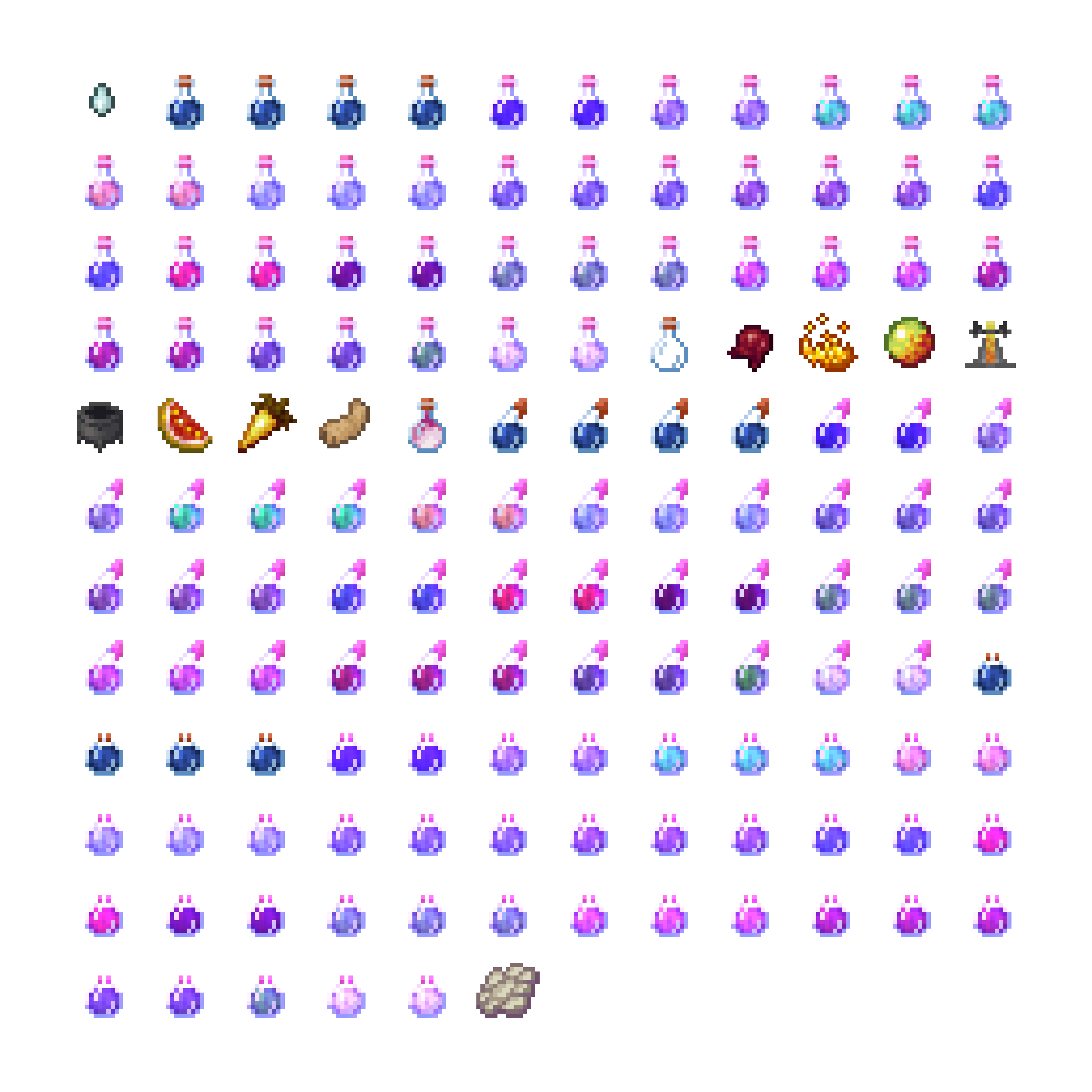
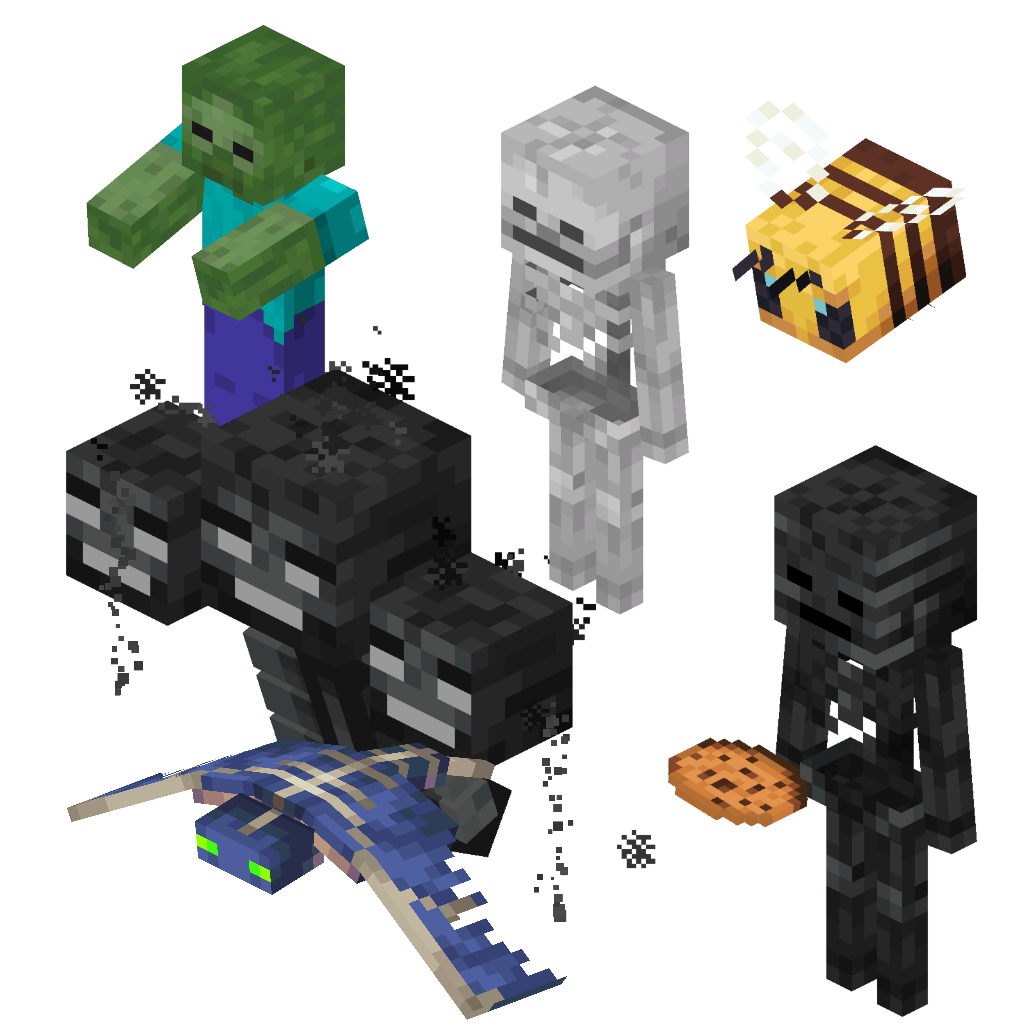
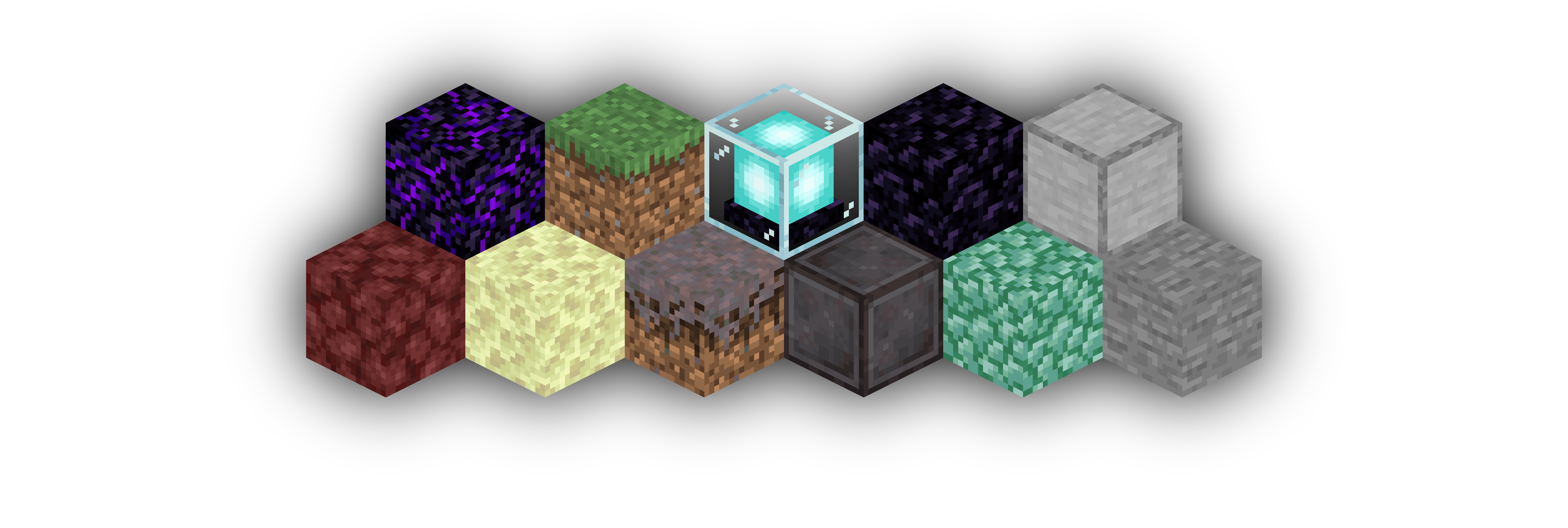
Isometric Renders allows you to take isometric screenshots, or rather, create renders of game objects like parts of world, blocks, items and entities.
These are automatically keyed to have a transparent background and you can adjust scale, positioning and many more options right in-game in a fancy gui.
This was designed with modded wikis or similar documentation in mind, should be easy to use and mostly pretty performant.
In-Depth documentation is available on https://docs.wispforest.io/isometric-renders/home/
🌟 Currently Supported Rendering Targets 🌟
Items
Blocks
Entities
Areas of the world
Batch export of multiple blocks or items
Item Atlases (Overviews)
Have a look at Images to see what Isometric Renders is capable of
The basic command is /isorender
━◦○◦━◦○◦━◦○◦━◦○◦━◦○◦━◦○◦━

Join the Wisp Forest Discord if you have any questions, issues or other remarks – we’ll be happy to help

常见问题
Isometric Renders 支持哪些 Minecraft 版本?
Isometric Renders 支持 Minecraft Java 版 1.16.2–1.21.4,共 25 个版本,可用的加载器:Fabric / Quilt。下载时注意选择和你游戏版本一致的文件。
Isometric Renders 怎么安装?
先用 PCL2 或 HMCL 启动器安装对应版本的 Fabric / Quilt,再把下载的 .jar 文件放进游戏目录的 mods 文件夹,重新启动游戏即可。开启了版本隔离的,mods 文件夹在 versions/版本名 下面。



评论
登录后评论和评分