
截图
介绍
Screenshot Gallery






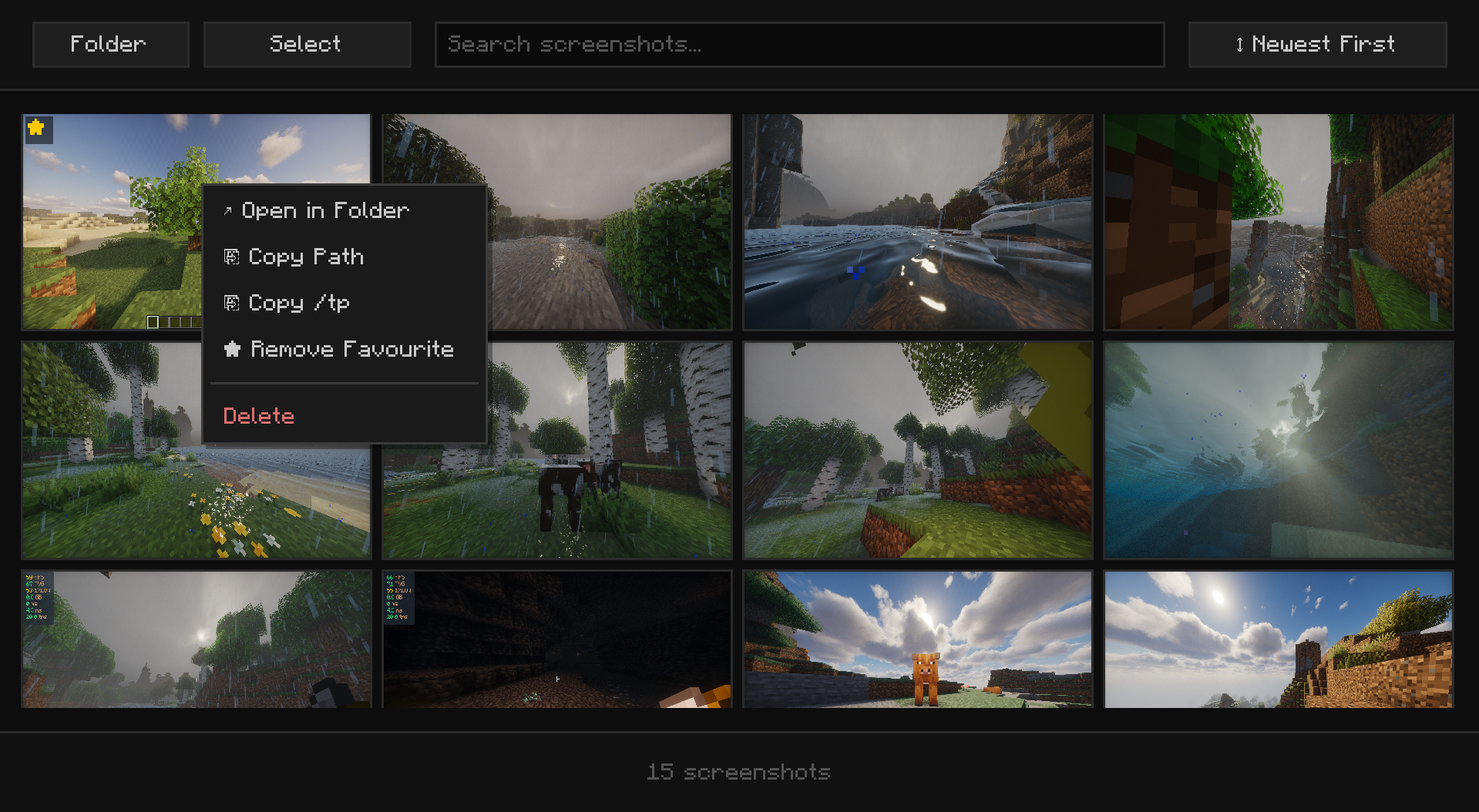
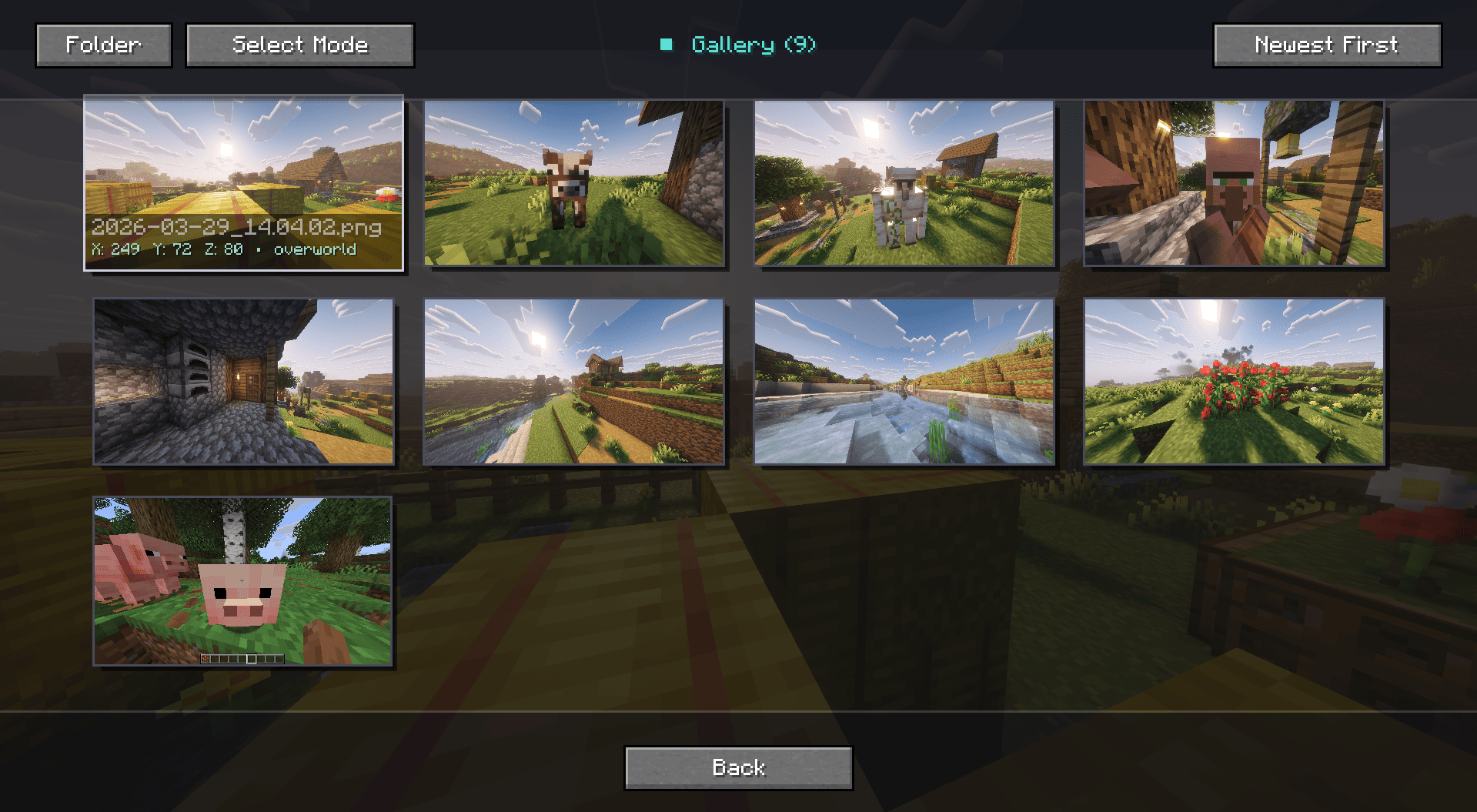
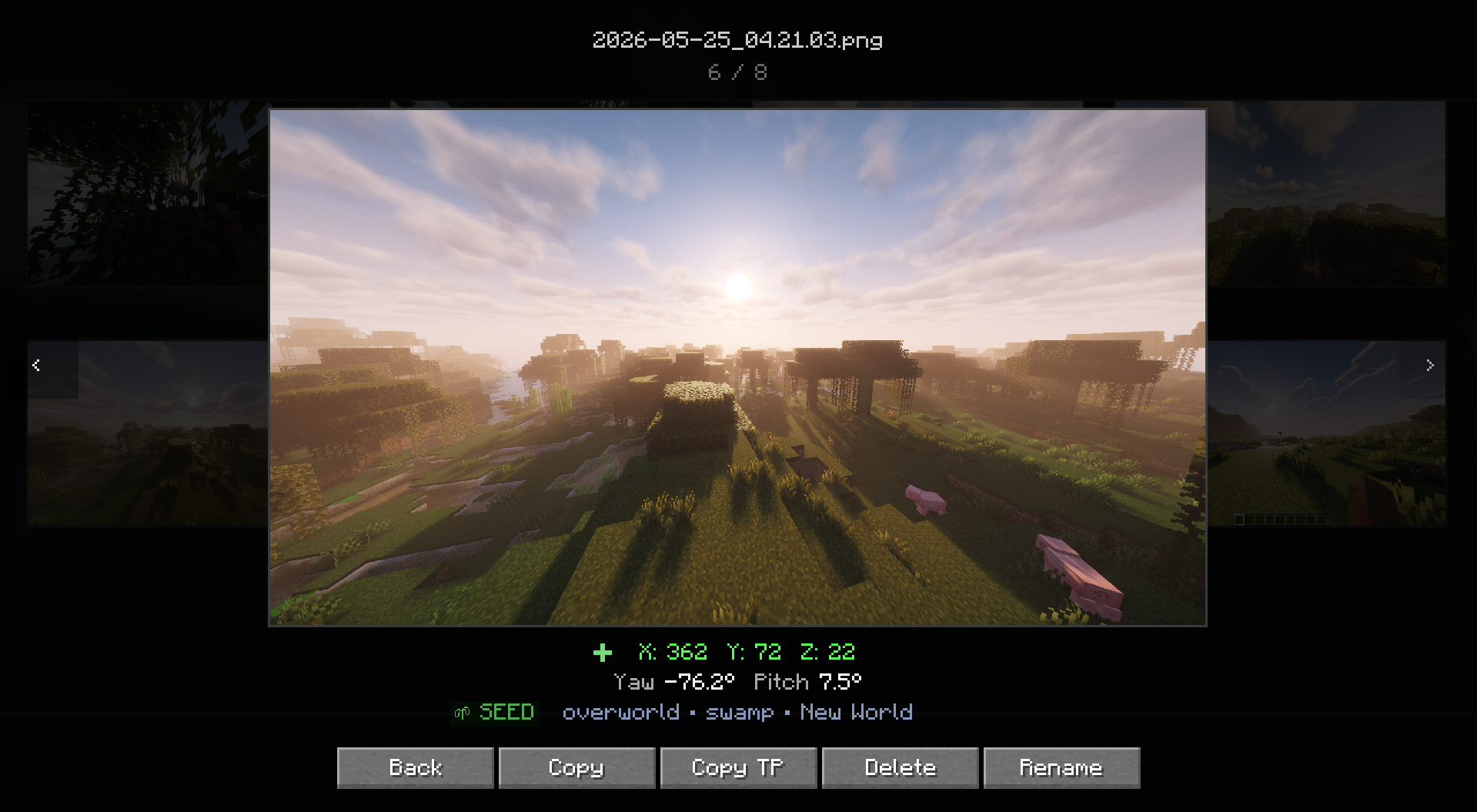
Adds a gallery screen to your pause menu so you can browse, delete, and locate screenshots without ever alt-tabbing out.
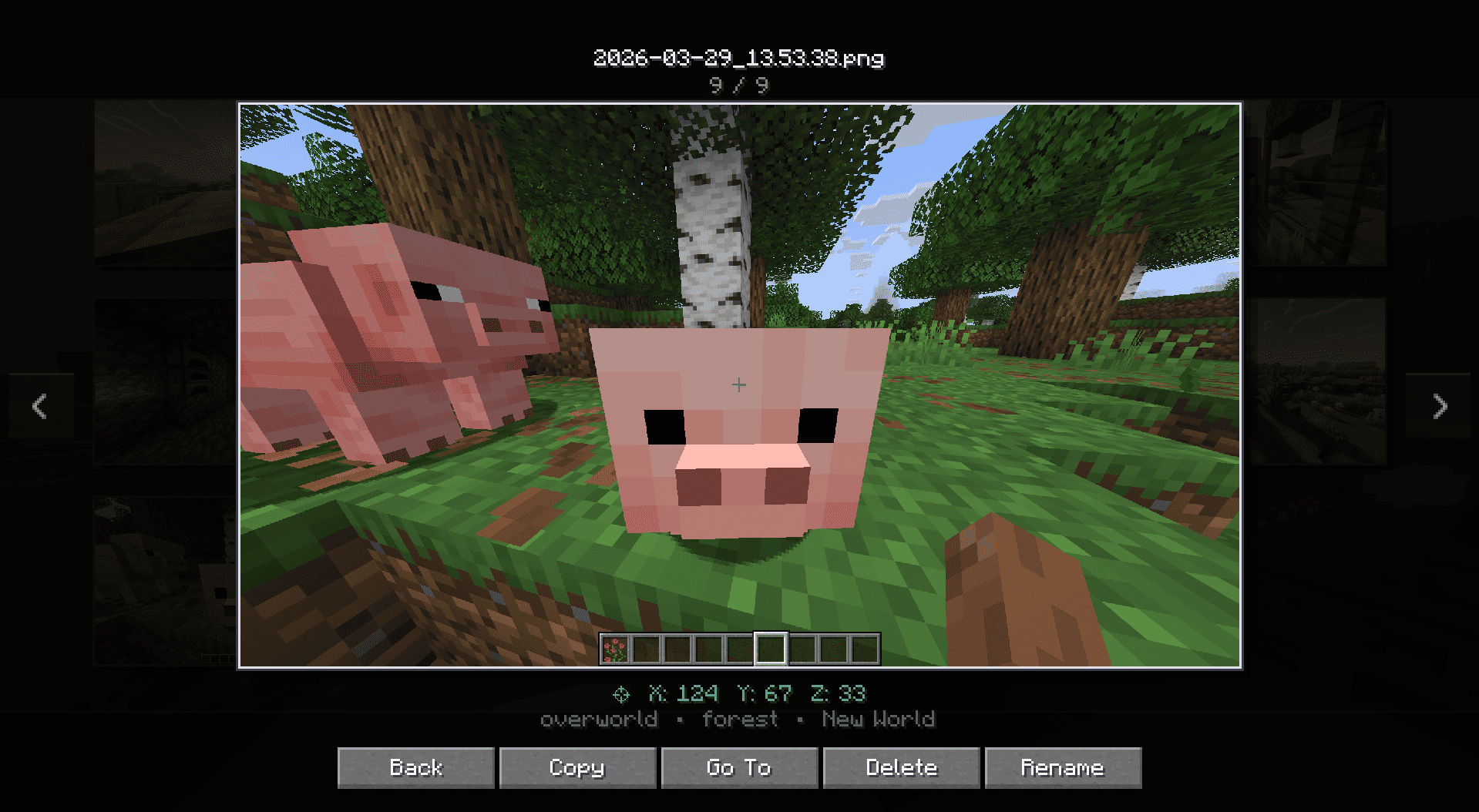
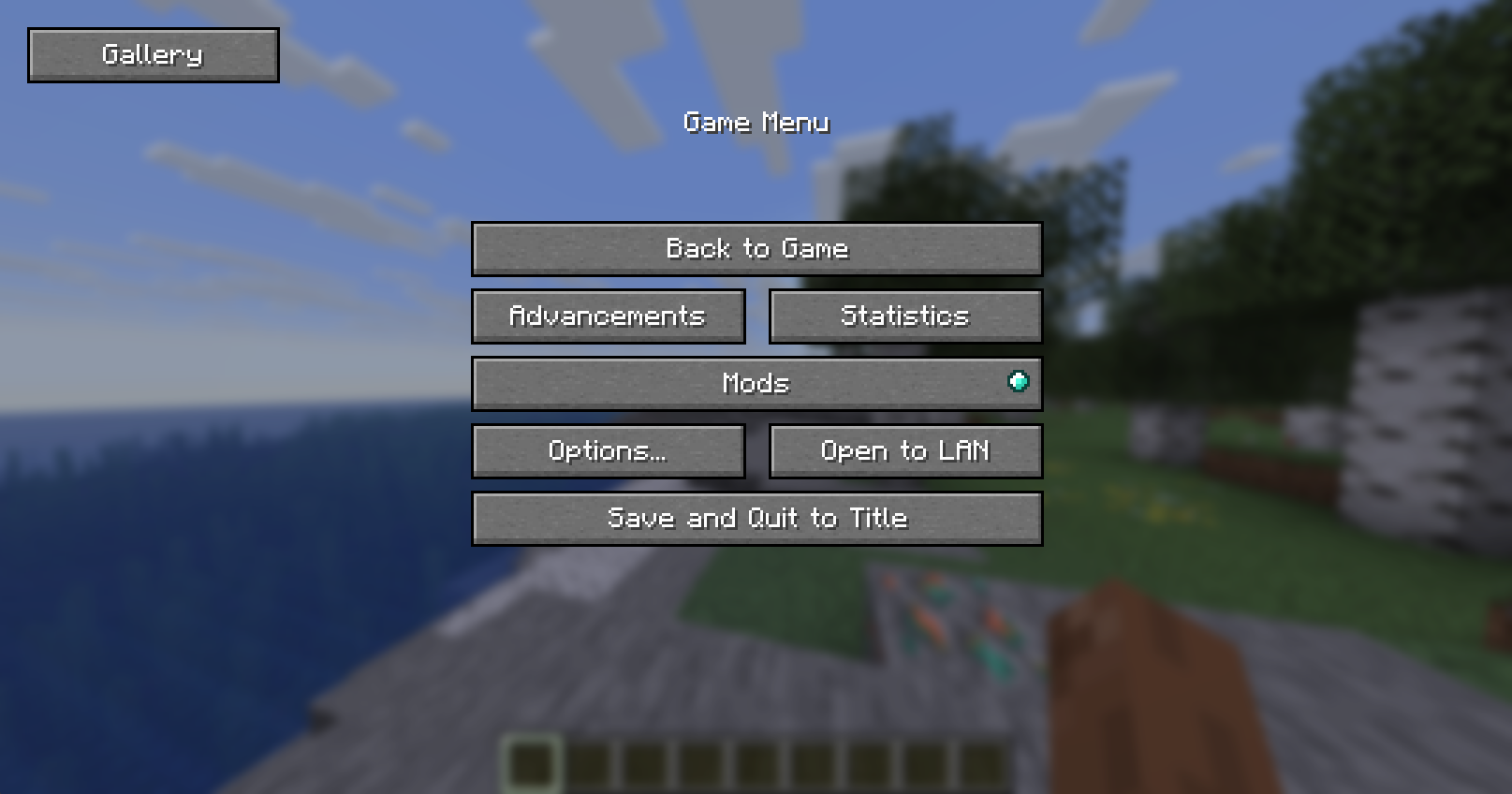
Hit Escape, click Gallery, and you’re in. From there you can view shots fullscreen, delete the ones you don’t want, or hit “Go To” to open File Explorer with the exact file already highlighted useful when you want to drag it into Discord or post it somewhere.
Features
- Gallery button in the pause menu (Esc)
- Fullscreen viewer
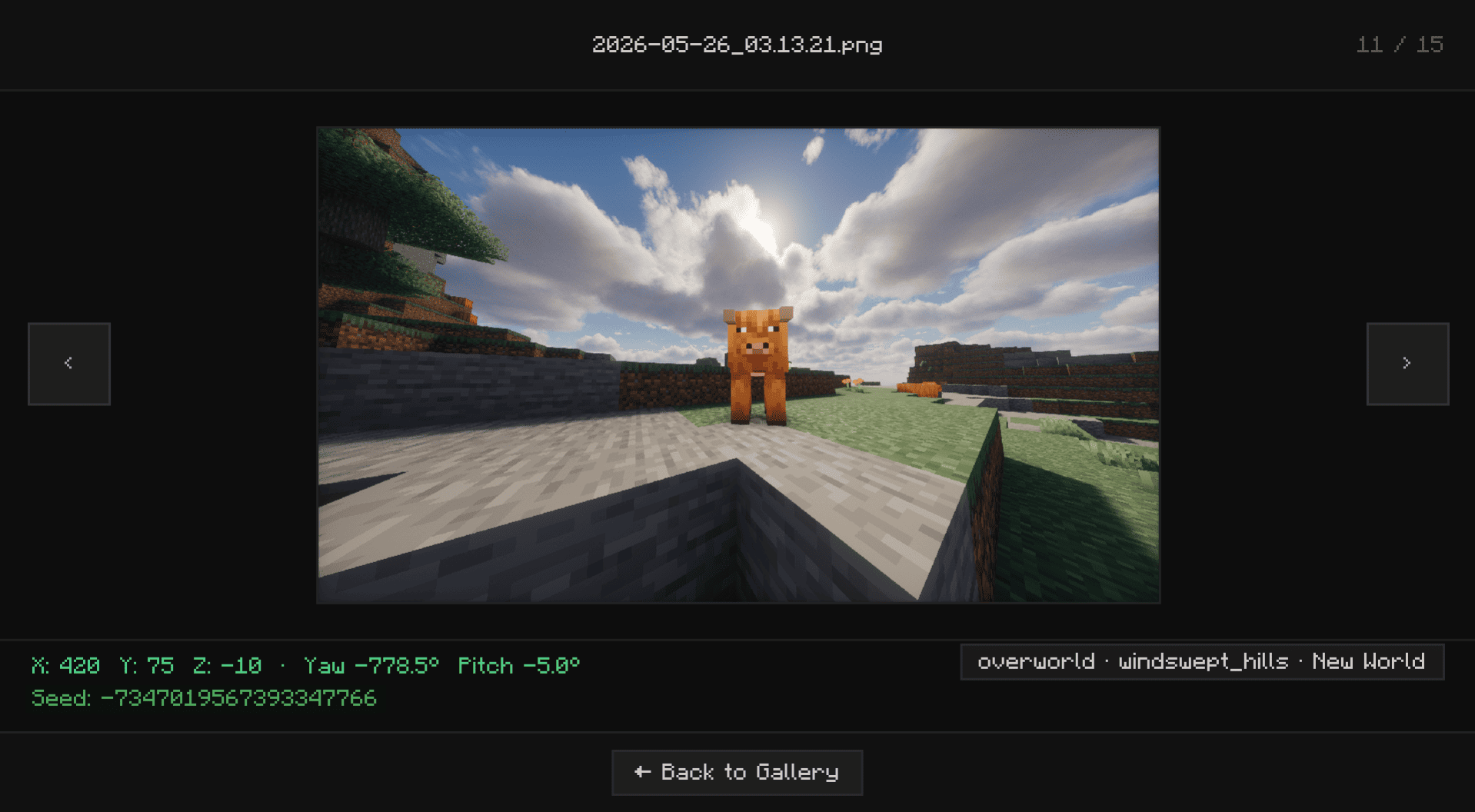
- Delete screenshots directly from the UI without touching your folders
- “Open Folder” opens File Explorer with the screenshot selected and ready to grab
- Lazy-loads images holds up fine even with large screenshot folders
Installation
Supports Fabric, Forge, and NeoForge.
Fabric: Grab the mod and Fabric API, then drop both into .minecraft/mods.
Forge / NeoForge: Download the version that matches your loader and drop it into .minecraft/mods. No extra mods needed.
常见问题
Screenshot Gallery 支持哪些 Minecraft 版本?
Screenshot Gallery 支持 Minecraft Java 版 1.20.1–26.3,共 11 个版本,可用的加载器:Fabric / Forge / NeoForge。下载时注意选择和你游戏版本一致的文件。
Screenshot Gallery 怎么安装?
先用 PCL2 或 HMCL 启动器安装对应版本的 Fabric / Forge / NeoForge,再把下载的 .jar 文件放进游戏目录的 mods 文件夹,重新启动游戏即可。开启了版本隔离的,mods 文件夹在 versions/版本名 下面。运行环境:仅客户端。
Hicham 的其他作品
查看全部 →
FPS Overlay
A fully customizable, zero-bloat overlay. Tweak the layout to show exactly what you need to see for PvP and performance testing: FPS, 1% lows, ping, server TPS, and MSPT.

Ores Aura
这个整合包能让你在挖矿时更容易、更快速地发现矿石,尤其是在黑暗的洞穴中。

Elytra End
A Better and More Stylish Elytra end theme

Biome notifier
mod that shows a clean biome notification whenever you enter a new biome
评论
登录后评论和评分