
截图
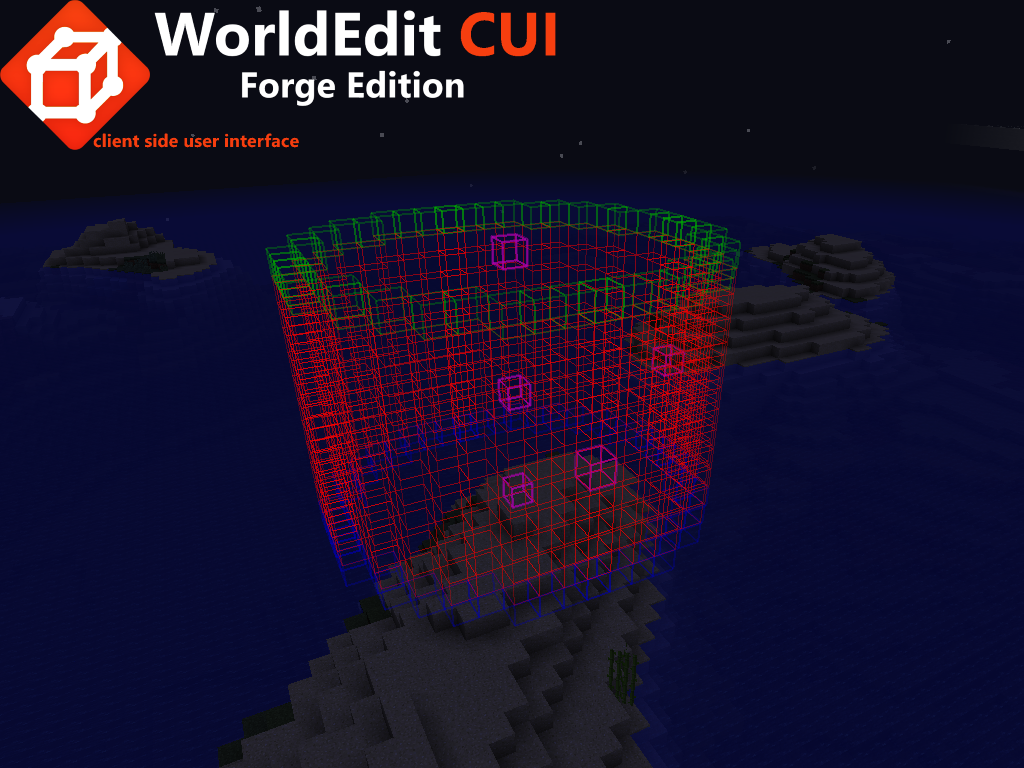

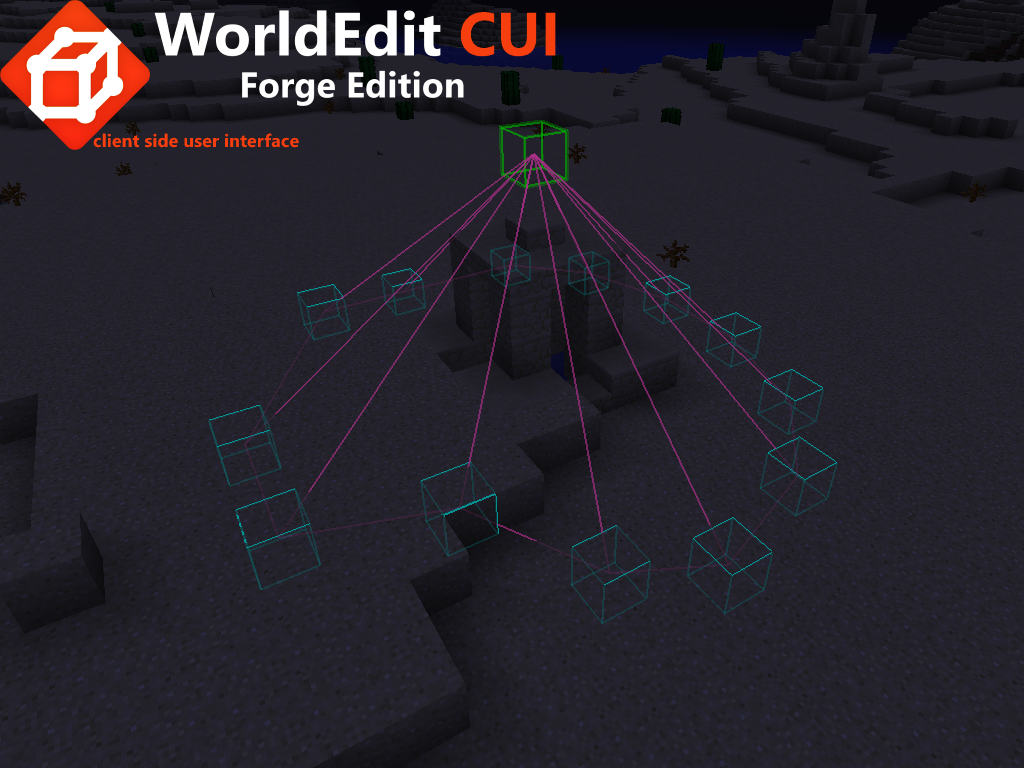
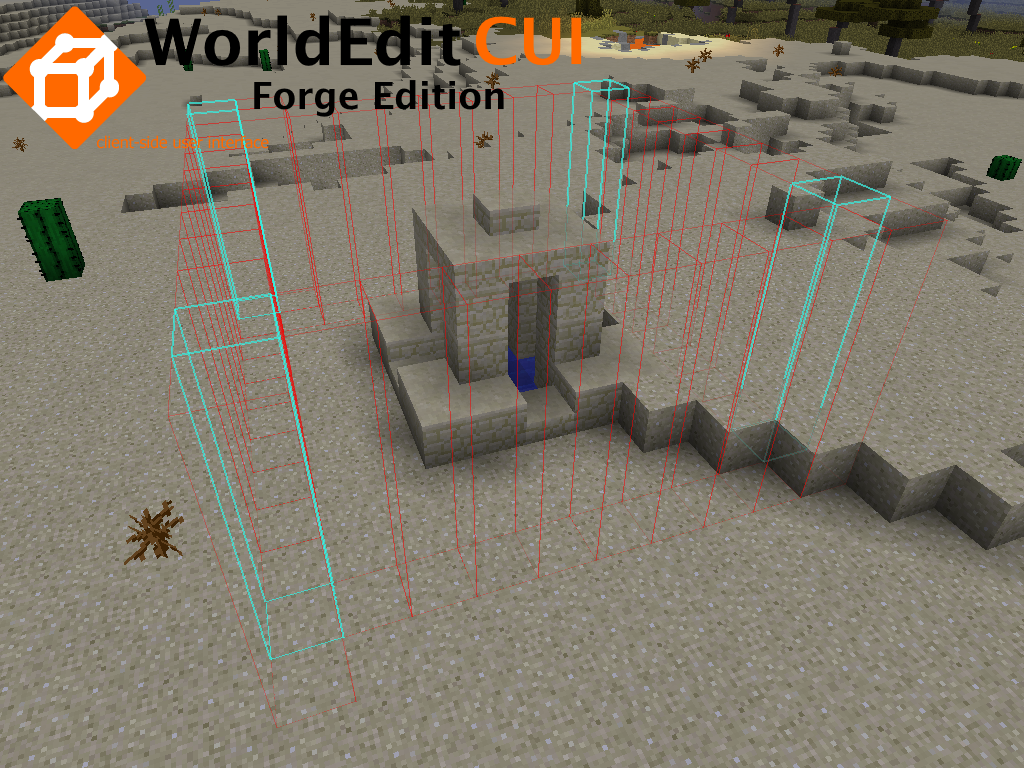

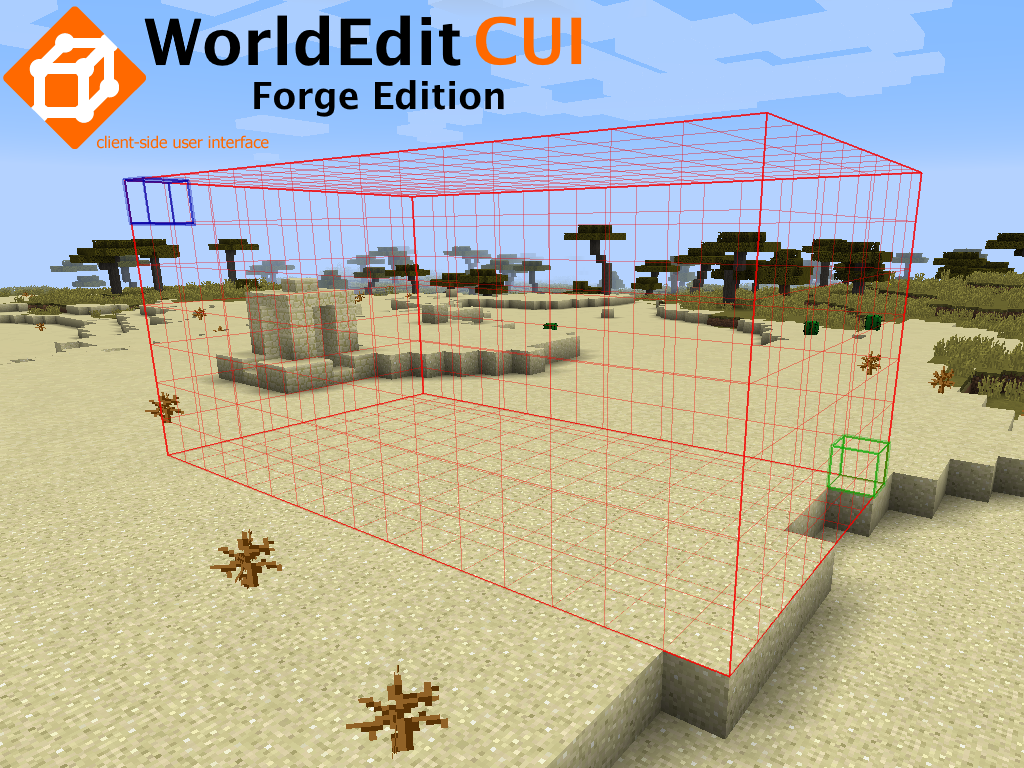
介绍
查看新版本:适用于 forge 1.9.4 至 1.16.5 的 WorldEditCUI Forge Edition 3

本模组为 WorldEdit 插件提供了一个客户端用户界面,让你能在游戏中实时查看所选区域。它让你能更快速、更准确地使用 WorldEdit 选区,在处理多边形、凸包和圆柱选区时尤其有用。
这是 WorldEditCUI Forge Edition 的完全重制与重新编码版本,改进巨大。不过,WorldEditCUI Forge Edition 2 仅兼容 Minecraft 1.11.2 及更高版本。如果你使用的是更旧的版本,请考虑使用 WorldEditCUI Forge Edition(第一个 forge 版本)。

在游戏中即时显示你的 WorldEdit 选区

这个新版本经过了高度改进。
现在可以通过全新风格的选项界面更改每一种颜色。
选择符合你感觉的颜色。
你不再局限于 Minecraft 的颜色。
见下方截图。

安装模组:
下载适用于你的 forge 版本的 WorldEdit CUI Forge Edition 2 最新版本,并将其复制到你的 mods 文件夹中。


要使用 WorldEditCUI Forge Edition 2,只需在装有 WorldEdit 的服务器上进行选区,你的选区就会立即显示在屏幕上。要清除当前选区,请执行命令 //sel

WorldEditCUI Forge Edition 2 包含以下新功能:
- 区块渲染器:类似于 Forge 区块渲染器,但你可以自定义各种颜色
- 距离测量器:类似于 Zyin’s HUD 中的距离测量器
捐赠
如果你想为这个模组捐款,只需点击下面的按钮:
当然,你会被列为捐赠者。
常见问题
WorldEditCUI Forge Edition 2 支持哪些 Minecraft 版本?
WorldEditCUI Forge Edition 2 支持 Minecraft Java 版 1.11.2–1.12.2,共 4 个版本,可用的加载器:Forge。下载时注意选择和你游戏版本一致的文件。
WorldEditCUI Forge Edition 2 怎么安装?
先用 PCL2 或 HMCL 启动器安装对应版本的 Forge,再把下载的 .jar 文件放进游戏目录的 mods 文件夹,重新启动游戏即可。开启了版本隔离的,mods 文件夹在 versions/版本名 下面。
hexosse 的其他作品
查看全部 →
WorldEditCUI Forge Edition 3
这个模组为WorldEdit插件提供了客户端用户界面,让你能在游戏中实时查看所选区域。

WorldEditCUI Forge Edition
此模组为WorldEdit插件提供了客户端用户界面,让你能在游戏中实时查看所选区域。

Chest locator
Chest Locator help find chests (containers) around you by adding an overlay of the color of your choice

Spawner locator
Locate spawners arround the world
评论
登录后评论和评分