
Bundles Beyond
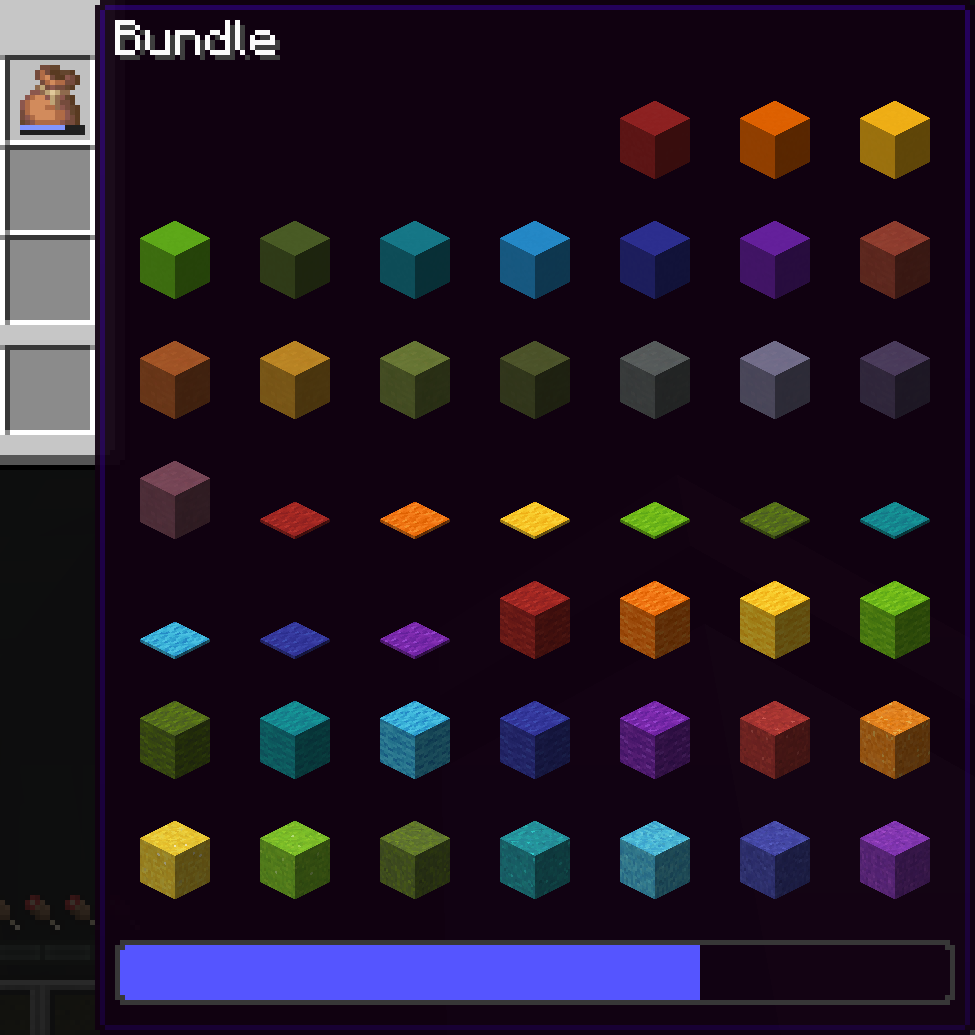
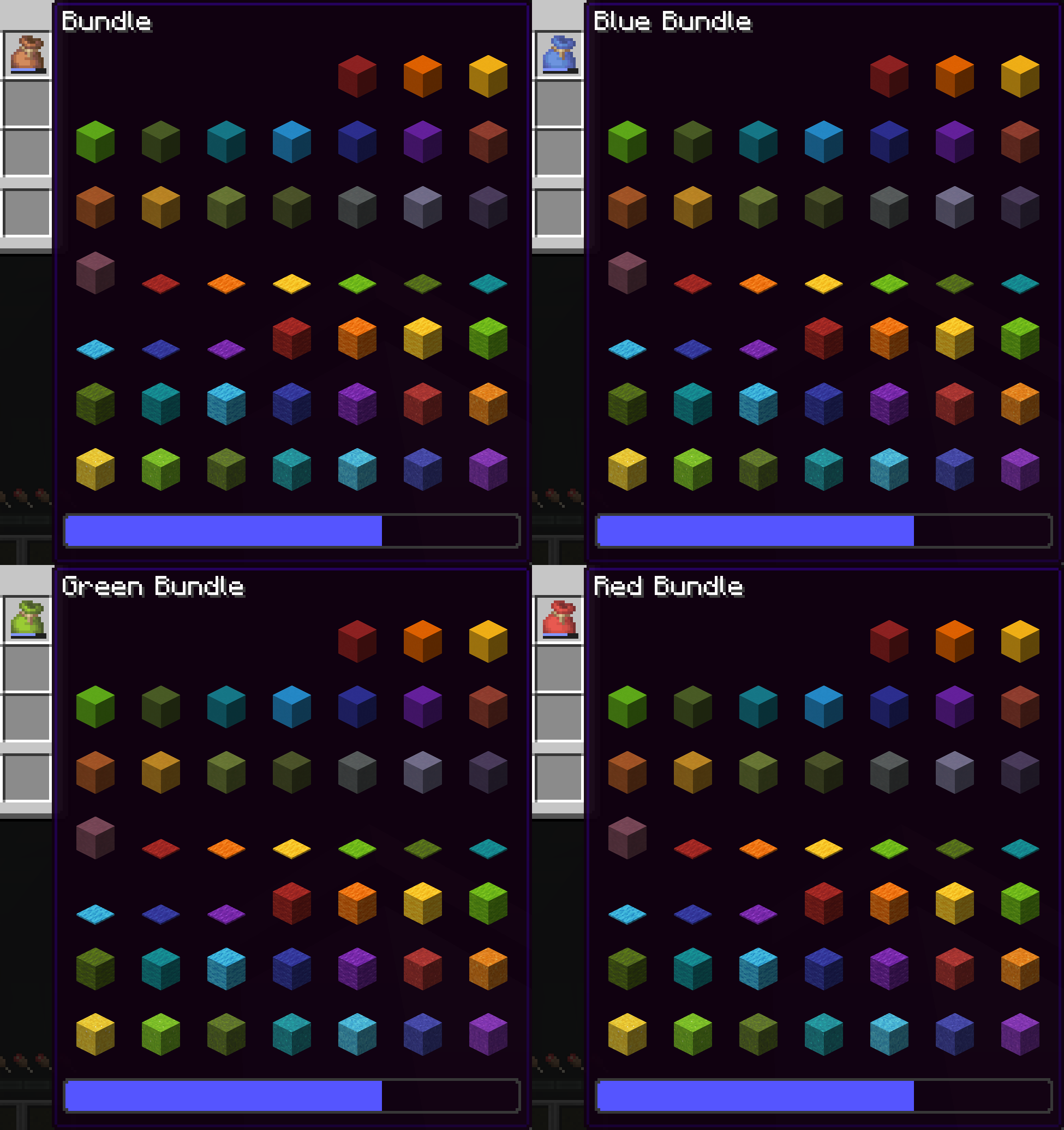
Allows you to access every item in the bundle beyond the vanilla 12 item limit.
截图


介绍
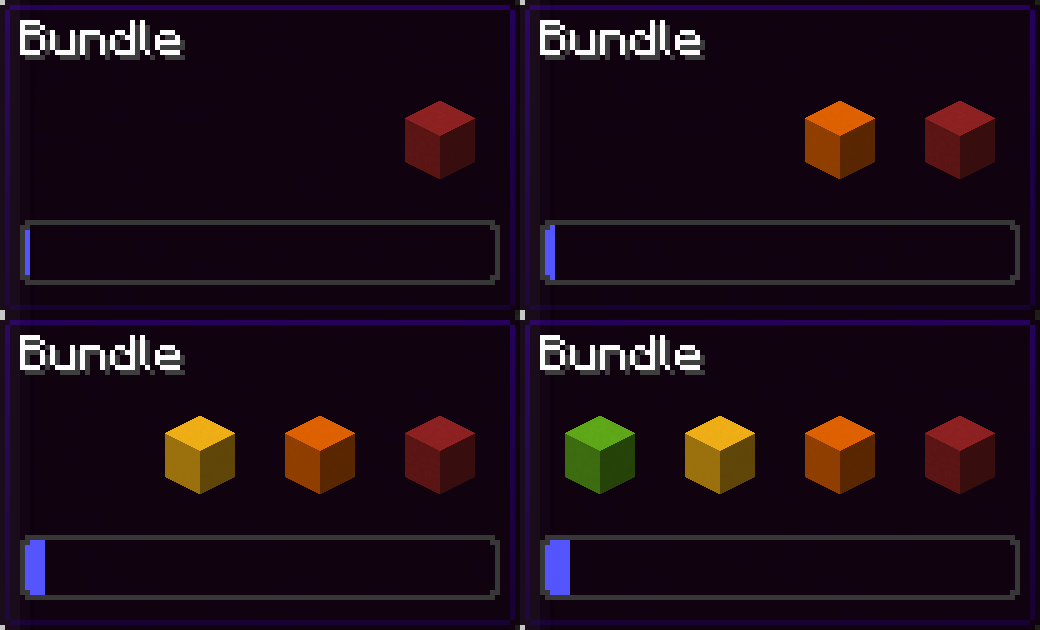
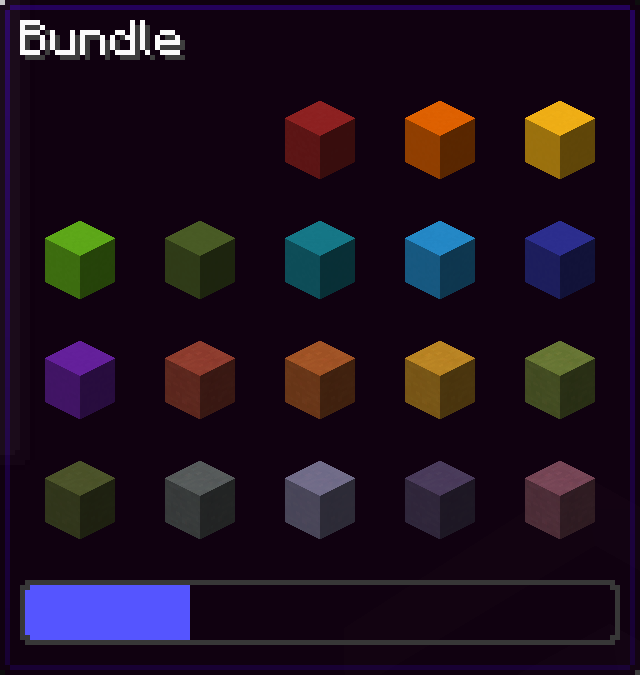
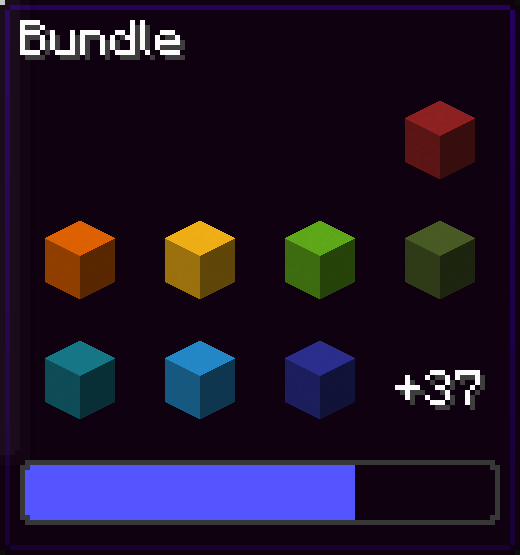
Since bundles were officially released, only up to 12 items from the bundle are accessible from the inventory without taking out other items first.
This mod removes this limit of 12 items allowing all items inside the bundle to be viewed and extracted
This Modrinth page is the only official source of the mod!
26.3 version soon (up to a few days)
Using this mod:
Vanilla:
You can navigate in the bundle’s gui with the movement or arrow keys.
Press space while hovering over a bundle to put an item or take an item from the bundle!
Config screen
Open the config screen from Mod Menu in Fabric, from the Mods menu in NeoForge, or with /bundlesbeyond
Image coming here Soon™
Keybinds
There are 2 keybinds that you can find in Options > Controls:
Mod Enabled keybind
If the mod is On or Off, pressing this keybind will toggle it.
If the mod is on Hold key, holding this keybind will enable the mod.
Scroll Axis keybind
If the scroll mode is Horizontal or Vertical, pressing this keybind will toggle it.
If the scroll mode is on Hold for horizontal, holding this keybind will make the scrolling horizontal, releasing the button will make it vertical.
Same for Hold for vertical, but opposite.
Other Stuff
This mod is client side only.
In the Fabric version, this mod requires Fabric API.
Bundles Beyond is licensed under the CC-BY-NC-SA 4.0 license.
常见问题
Bundles Beyond 支持哪些 Minecraft 版本?
Bundles Beyond 支持 Minecraft Java 版 1.21.2–26.3,共 15 个版本,可用的加载器:Fabric / NeoForge / Quilt。下载时注意选择和你游戏版本一致的文件。
Bundles Beyond 怎么安装?
先用 PCL2 或 HMCL 启动器安装对应版本的 Fabric / NeoForge / Quilt,再把下载的 .jar 文件放进游戏目录的 mods 文件夹,重新启动游戏即可。开启了版本隔离的,mods 文件夹在 versions/版本名 下面。运行环境:仅客户端。
7410 的其他作品
查看全部 →
Collision Entity
Adds an invisible entity with a collision box controlled by nbt!

Ambient Discs
Adding Minecraft's ambient soundtracks in Music Disc form

Contentified
A mod all about adding new content to enhance the Minecraft experience!

Don’t Break My Lead!
Prevents boosting with a firework while gliding immediately breaking all of your leads in 1.21.6+.
评论
登录后评论和评分