
截图

介绍
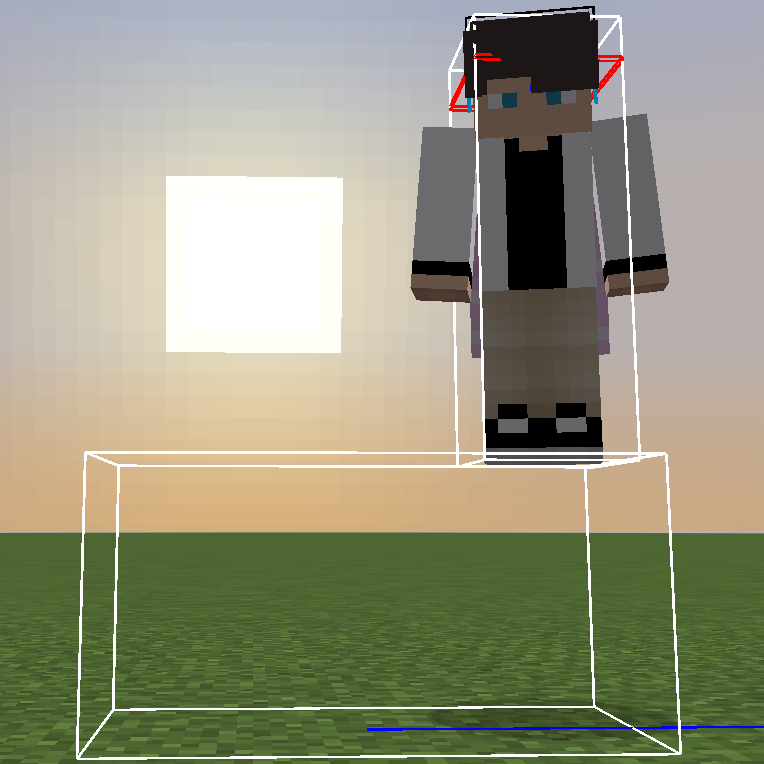
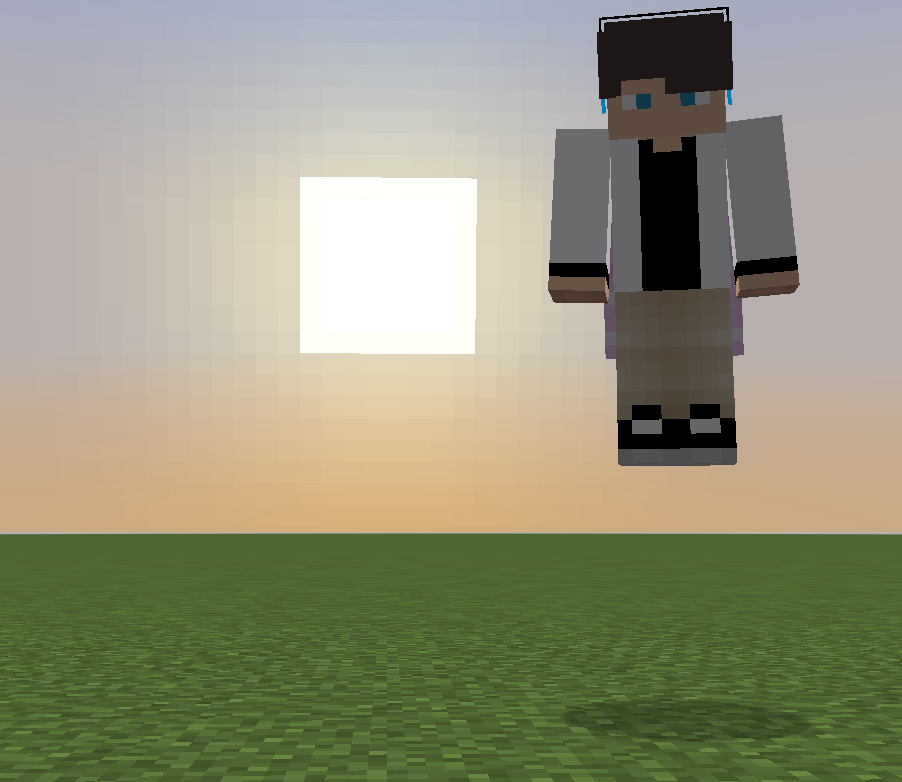
This mod adds a completely invisible collision box with customizable size!
The hitbox doesn’t have to align with the block grid!
You can use this in maps or in singleplayer creative worlds!
This mod is made for creative mode and commands.
Why not use shulkers or boats?
There is no way to make them fully invisible, and if you make shulkers invulnerable, they still make an attack sound.
Example usage:
/summon collision-entity:collision ~ ~ ~ {size:[1,2,3]}
This will create a collision entity at your position with size X: 1 Y: 2 Z: 3
Note: If you want to have a fraction in the size, you need to add .0 to every number.
X: 1 Y: 2 Z: 3.4 -> size:[1.0,2.0,3.4]
To see the entity hitbox, use F3+B.
You can still break and place blocks through and in the collision entity.
If you want to prevent interacting through the entity, you can summon an interaction entity (minecraft:interaction) in the same exact location with the same size.
If you want to prevent placing blocks in the entity, you can replace the blocks you want to stay empty with minecraft:piston_head (aka block 36).
常见问题
Collision Entity 支持哪些 Minecraft 版本?
Collision Entity 支持 Minecraft Java 版 1.21.1–1.21.4,共 3 个版本,可用的加载器:Fabric。下载时注意选择和你游戏版本一致的文件。
Collision Entity 怎么安装?
先用 PCL2 或 HMCL 启动器安装对应版本的 Fabric,再把下载的 .jar 文件放进游戏目录的 mods 文件夹,重新启动游戏即可。开启了版本隔离的,mods 文件夹在 versions/版本名 下面。运行环境:客户端和服务端都要装。
7410 的其他作品
查看全部 →
Bundles Beyond
Allows you to access every item in the bundle beyond the vanilla 12 item limit.

Ambient Discs
Adding Minecraft's ambient soundtracks in Music Disc form

Contentified
A mod all about adding new content to enhance the Minecraft experience!

Don’t Break My Lead!
Prevents boosting with a firework while gliding immediately breaking all of your leads in 1.21.6+.
评论
登录后评论和评分