
Particoid (Unofficial)
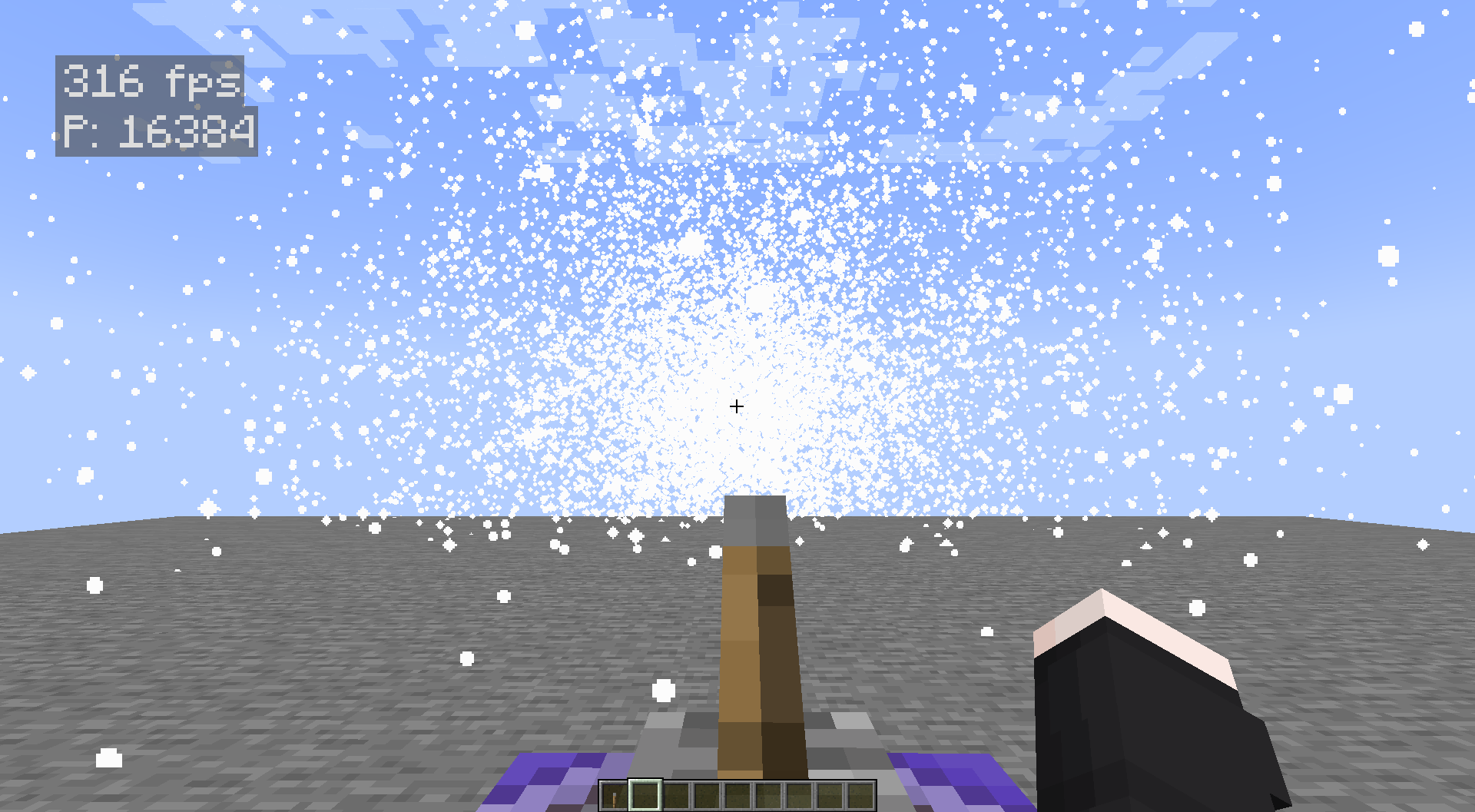
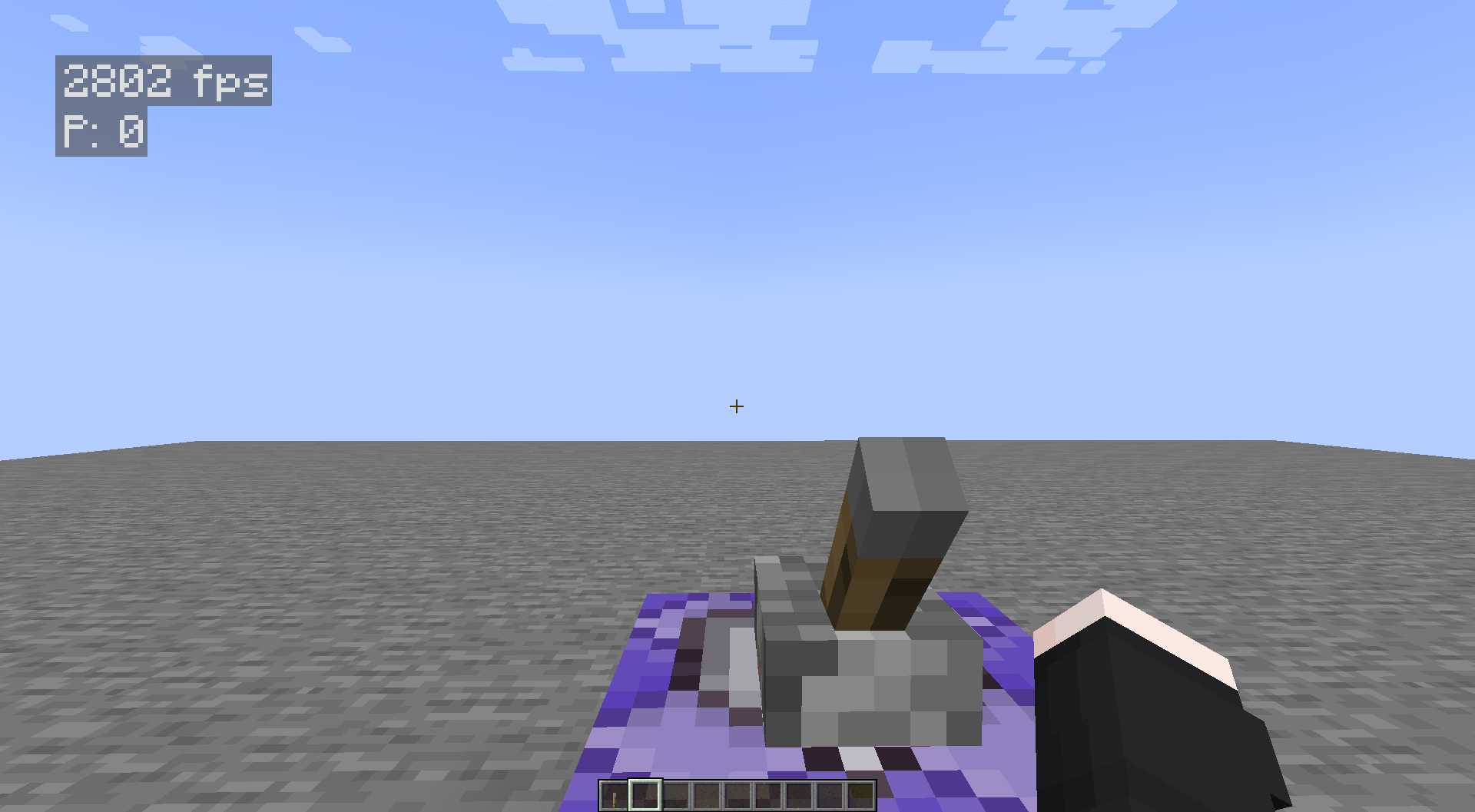
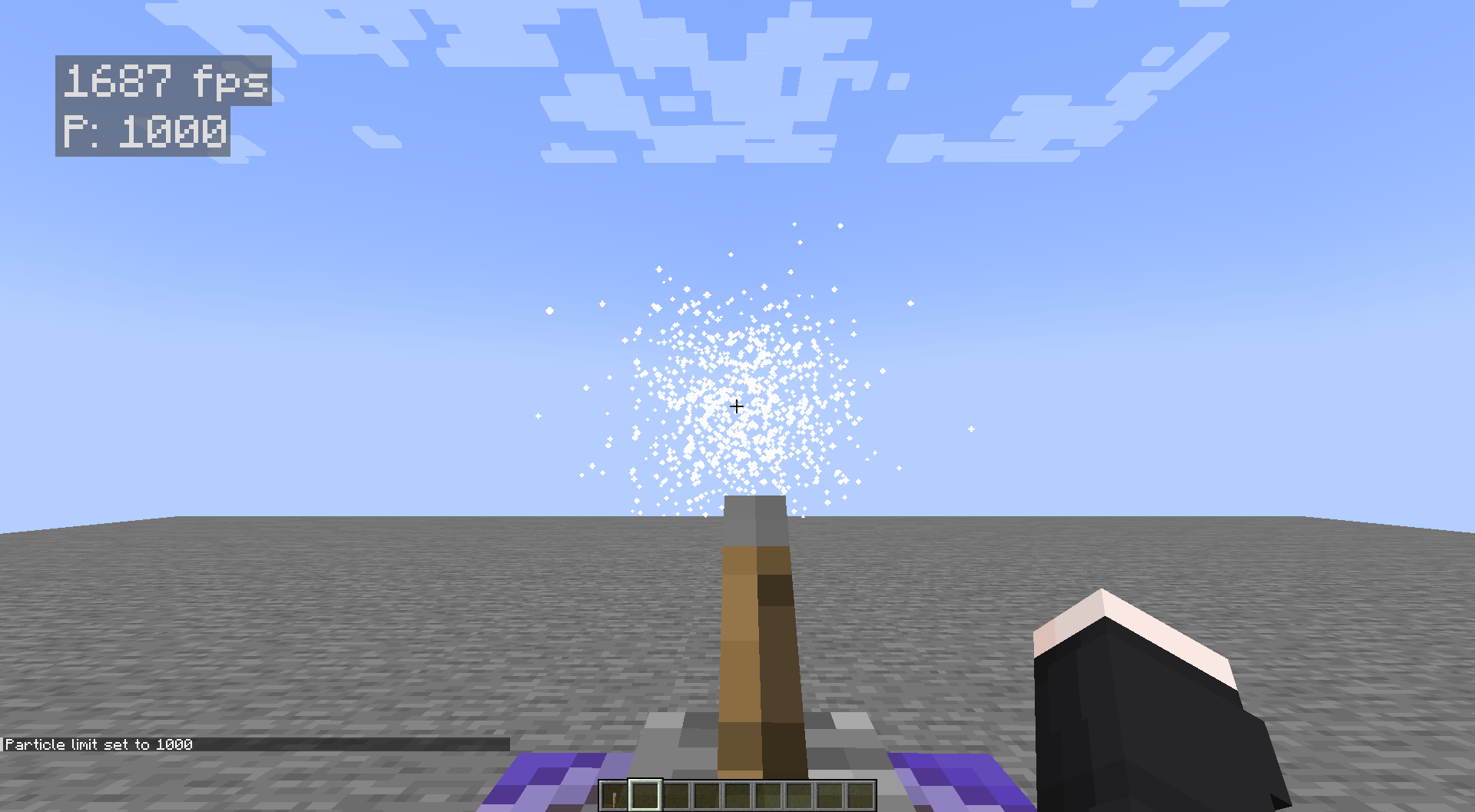
Allows you to freely adjust the maximum particle count in Minecraft on the client side.
截图
介绍
✨ Particoid
Take Control of Minecraft’s Particle Effects! ✨
📜 Overview
Particoid is a lightweight, performance-focused mod that gives players full control over Minecraft’s particle effects. You can set a custom maximum particle limit to reduce visual clutter and improve performance-especially useful for low-end PCs or situations with heavy particle usage.
⚡ Features
- 🎯 Adjustable Particle Limits: Set your own maximum particle count.
- 🔄 Dynamic Control: Change settings instantly without restarting the game.
- 🚀 Performance Boost: Reduce lag caused by excessive particles.
- 💡 Simple Commands: No configuration files required.
- 🤝 Mod-Friendly: Works well with most mods and modpacks.
💻 How It Works
📋 Commands
Reset to Default
/particoid defaultResets the particle limit to Minecraft’s default.
Set Maximum Particles
/particoid set <value>Replace <value> with any number you prefer.
Example:
/particoid set 300This limits particle effects to 300, helping reduce potential lag.
Get Current Setting
/particoid getShows the current maximum particle limit.
🎮 Why Use Particoid?
- Improve performance during particle-heavy situations
- Customize your game experience the way you like it
- Great for lightweight or performance-focused modpacks
- Extremely small and efficient – minimal resource usage
✅ Important Notes
- Compatibility: Works with most Minecraft mods
- Dependencies: None
- Supported Versions: Minecraft 1.20.1-1.21.4
- Loader Required: Fabric 0.16.12+
- Fabric Only: Not compatible with Forge or other loaders
📎 Official Information & License
- Modrinth: https://modrinth.com/mod/particoid
- Original Developer: Novaritia001
- Modrinth Profile: https://modrinth.com/user/Novaritia001
- GitHub: https://github.com/Novaritia
- Website: https://novaovalist.dev/
⚠️ This is an unofficial modified version of Particoid.
Original work © Novaritia001
Modifications © PPekKunGzDev, 2025
常见问题
Particoid (Unofficial) 支持哪些 Minecraft 版本?
Particoid (Unofficial) 支持 Minecraft Java 版 1.20.1–1.21.11,共 18 个版本,可用的加载器:Fabric / Forge / NeoForge。下载时注意选择和你游戏版本一致的文件。
Particoid (Unofficial) 怎么安装?
先用 PCL2 或 HMCL 启动器安装对应版本的 Fabric / Forge / NeoForge,再把下载的 .jar 文件放进游戏目录的 mods 文件夹,重新启动游戏即可。开启了版本隔离的,mods 文件夹在 versions/版本名 下面。运行环境:仅客户端。
PPekKunGz 的其他作品
查看全部 →
DynamicSkins
支持服务器同步的自定义玩家皮肤,分辨率可达 64–4096 像素,并支持张嘴和闭嘴效果。

Carry On Throw Addon
为 Carry On 模组添加完整的投掷机制:玩家可以投掷搬起的实体,并支持基于物理的速度、蓄力时间、障碍检测、客户端开关、可配置冷却时间等功能。

ChestLocker
🗝️ 添加基于 UUID 的安全密钥系统,可通过密码保护来锁定、解锁和共享箱子。

SSkins Mouth
🎨 自定义皮肤服务器——支持 64–2048px! 现已支持自定义嘴部,打造真正独一无二的面孔!
评论
登录后评论和评分