
LevelZ – MT Inventory Weight
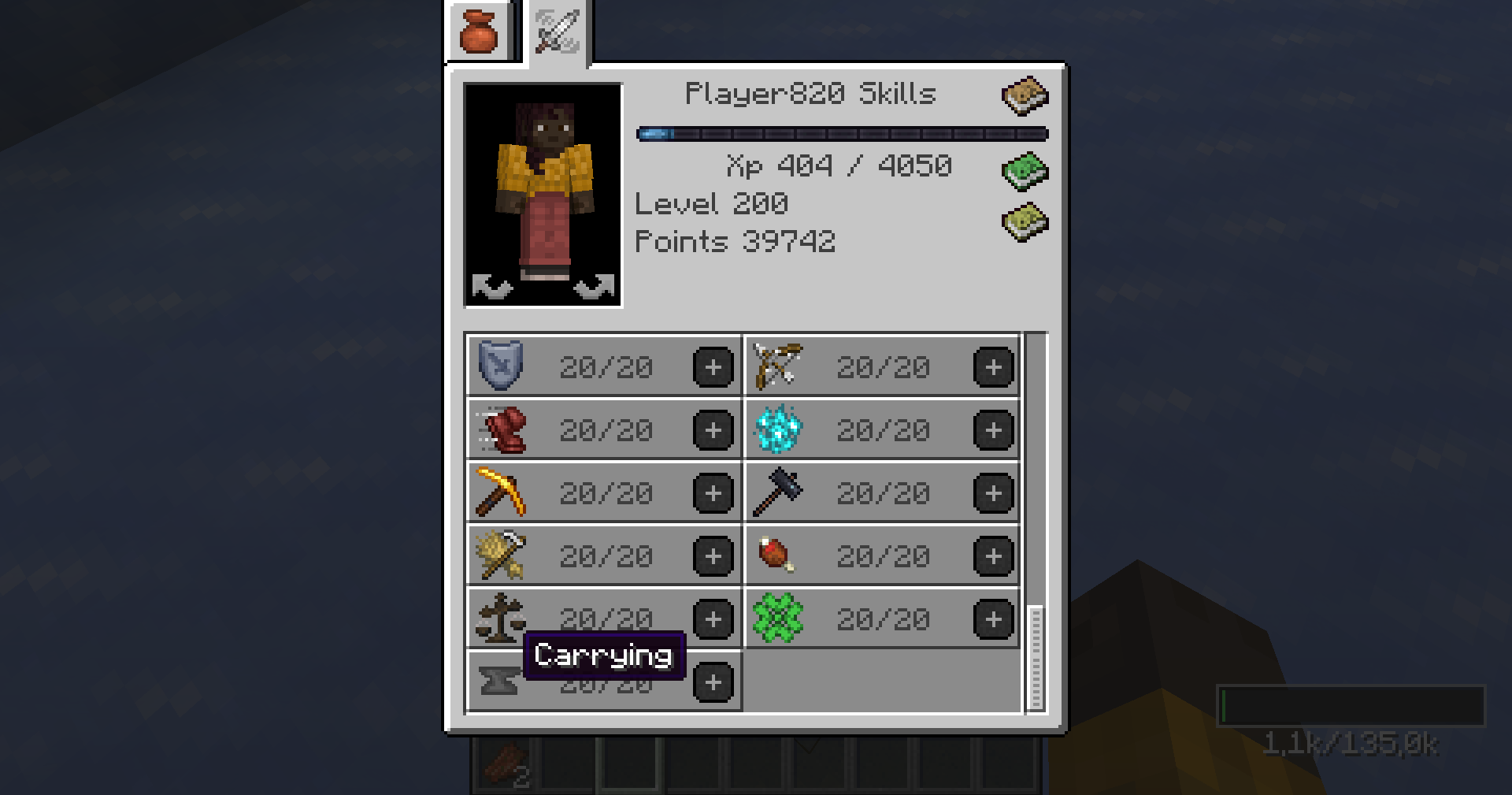
Connects LevelZ progression with inventory weight capacity, allowing a player's overall LevelZ character level and/or a configured LevelZ skill to increase maximum inventory weight.
截图
介绍
LevelZ Inventory Weight
LevelZ Inventory Weight is an add-on for MT Inventory Weight and LevelZ.
It connects LevelZ progression with inventory weight capacity, allowing a player’s overall LevelZ character level and/or a configured LevelZ skill to increase maximum inventory weight.
This mod is not standalone.
Features
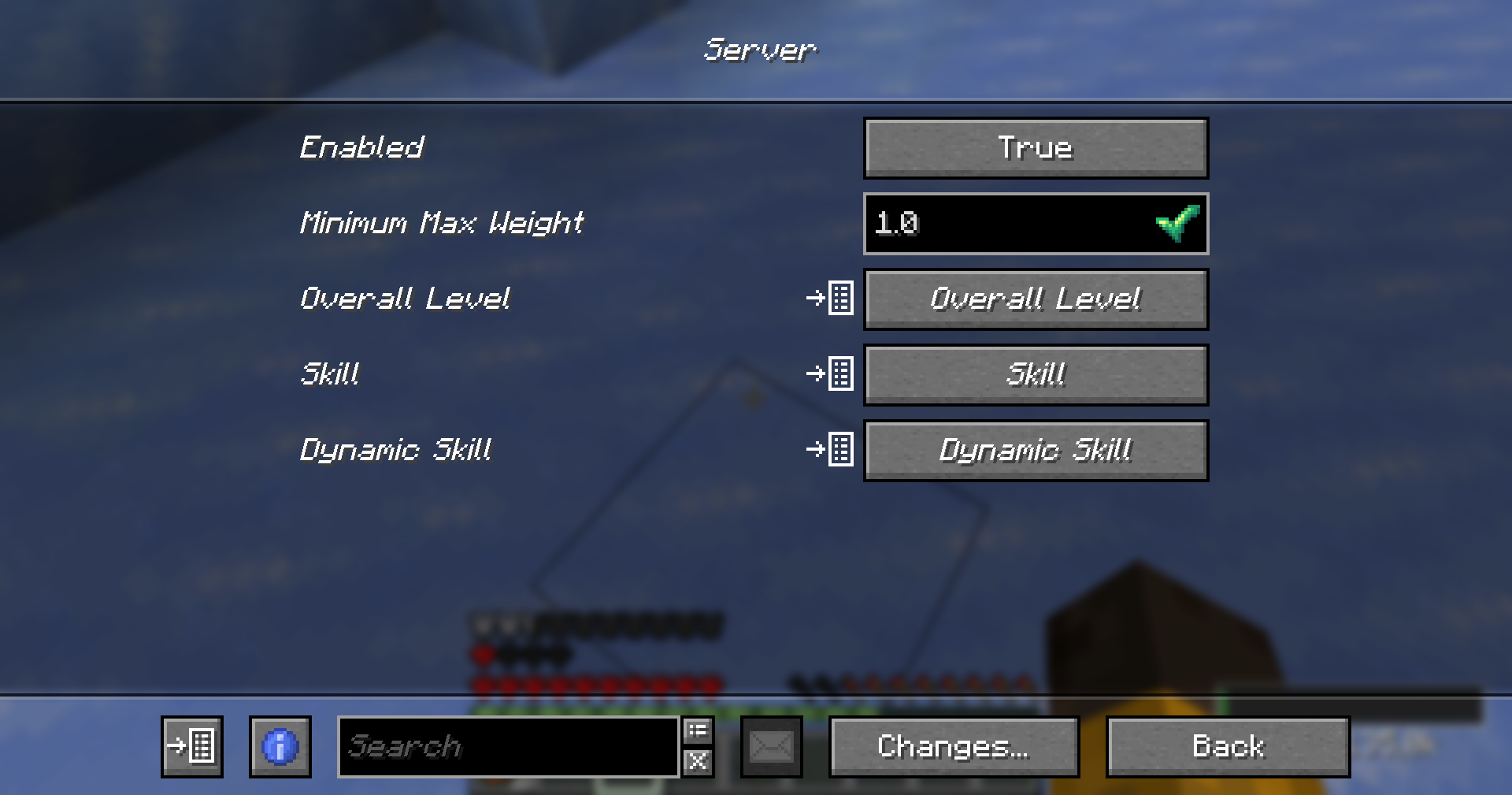
- Fully Customizable via Fzzy Config — Every setting can be adjusted to fit your server’s needs
- Adds integration between LevelZ and MT Inventory Weight
- Uses the player’s overall LevelZ level to modify max inventory weight
- Uses a configurable LevelZ skill to modify max inventory weight
- Includes support for a custom
carryingskill - Server-side synced config
- Supports both flat and multiplier-based capacity scaling
- Can optionally hide the configured skill from the LevelZ skill screen
- Can dynamically create the configured LevelZ skill if it does not already exist
- Supports two capacity modes:
EVENT_MODIFIERLEVELZ_ATTRIBUTE
Documentation
Full documentation for this add-on is available here:
https://megatrex4.github.io/inventory-weight/guide/addons/levelz
常见问题
LevelZ – MT Inventory Weight 支持哪些 Minecraft 版本?
LevelZ – MT Inventory Weight 支持 Minecraft Java 版 1.20.1–1.21.1,共 2 个版本,可用的加载器:Fabric。下载时注意选择和你游戏版本一致的文件。
LevelZ – MT Inventory Weight 怎么安装?
先用 PCL2 或 HMCL 启动器安装对应版本的 Fabric,再把下载的 .jar 文件放进游戏目录的 mods 文件夹,重新启动游戏即可。开启了版本隔离的,mods 文件夹在 versions/版本名 下面。运行环境:客户端和服务端都要装。
MEGATREX4 的其他作品
查看全部 →
MT Created Applied Energistics
Changing AE2 blocks and items to Created-like

MT Random Block Placement
Simple placement of random blocks from hotbar

MT Random Block Placement
Simple placement of random blocks from hotbar

MT Inventory Weight
Weight mechanics! Manage your load, balance inventory, and enhance survival or RPG-like gameplay.
评论
登录后评论和评分