
MT Inventory Weight
Weight mechanics! Manage your load, balance inventory, and enhance survival or RPG-like gameplay.
截图
介绍

MT Inventory Weight
MT Inventory Weight adds a configurable weight system to Minecraft. Your inventory is no longer just limited by slots — every item has weight, and carrying too much can slow you down, weaken combat, and apply the Overload effect.
The mod is made for survival, RPG, and modpack gameplay where choosing what to carry actually matters.
Features
- Automatic item weights Most vanilla and modded items receive calculated weights automatically.
- Datapack custom weights Item weights and armor pocket values are now data-driven through datapacks.
- fzzy_config support Configure server and client settings in-game. Server settings can update live.
- Mod Menu support Optional easy access to config screens through Mod Menu.
- Armor pockets Armor can increase max carry weight through pockets.
- Overload effect Carrying too much weight applies penalties. Strength and Haste can reduce overload severity.
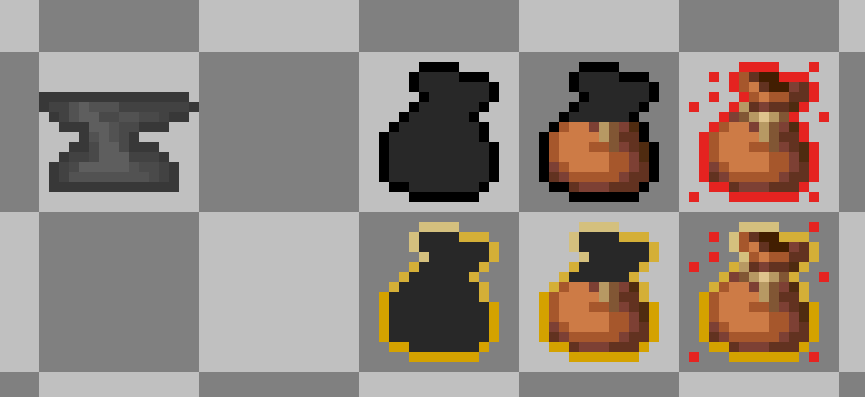
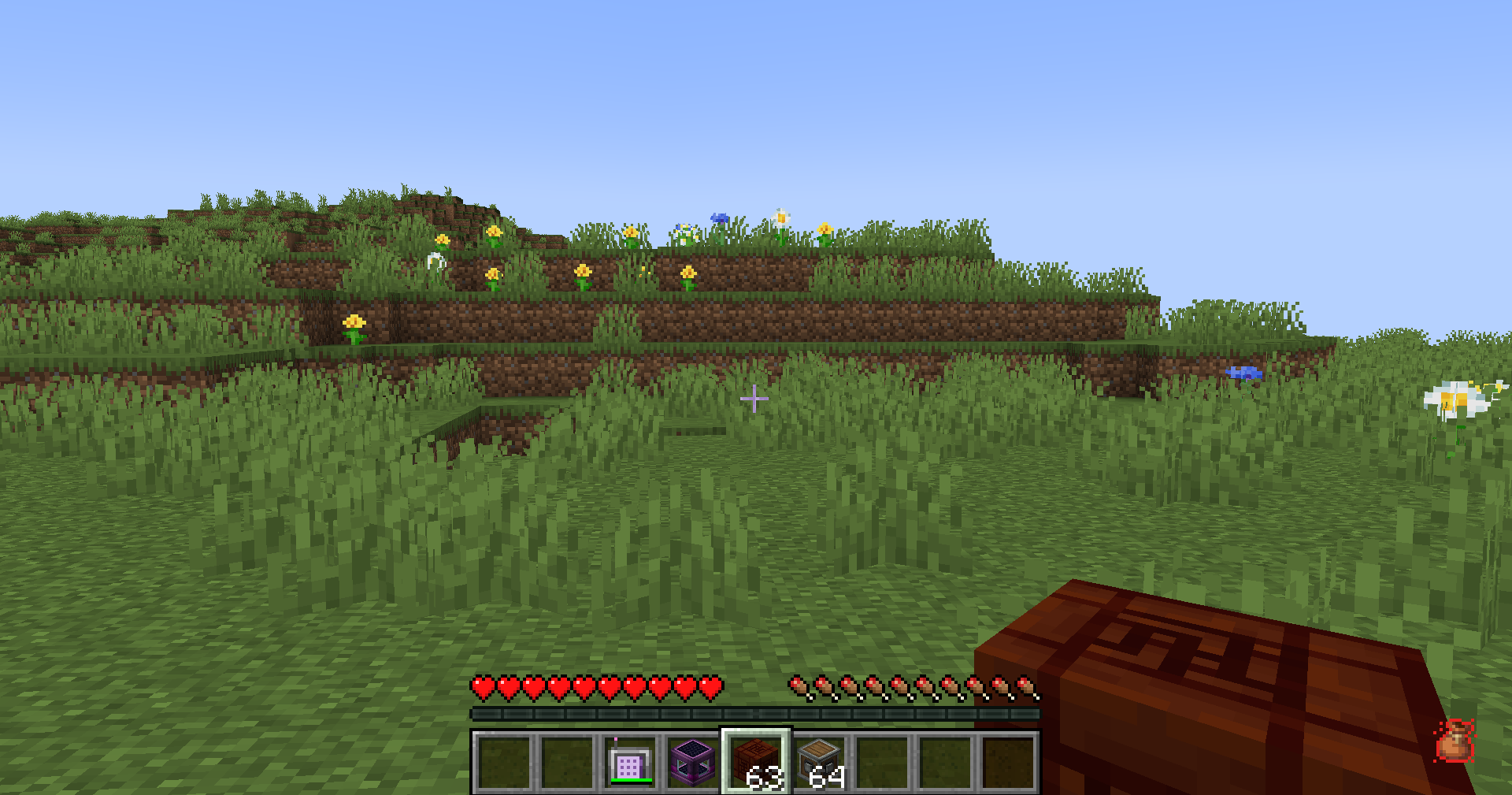
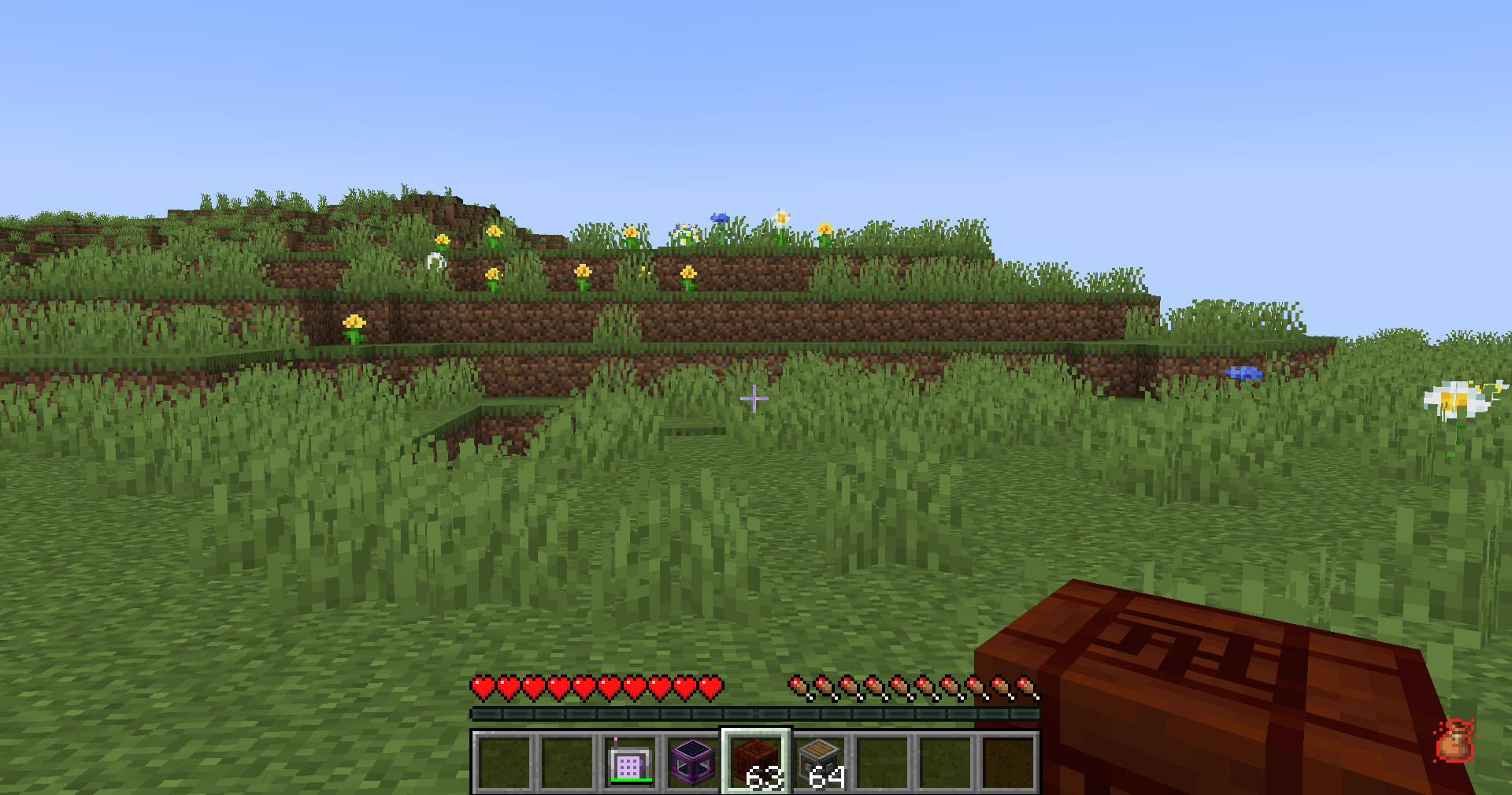
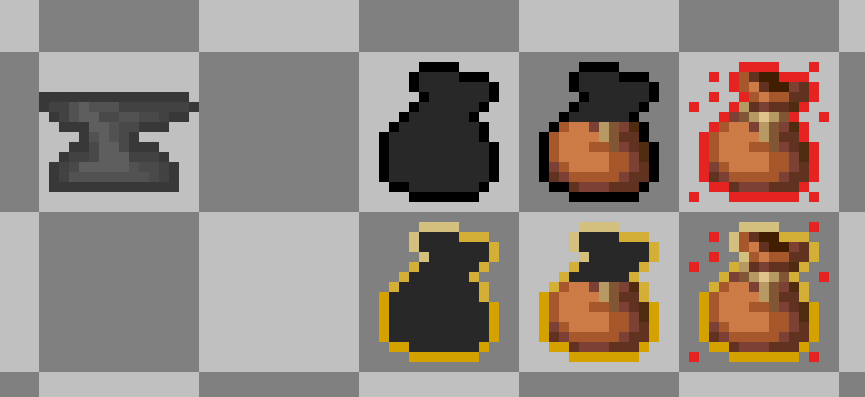
- HUD display Choose between the classic sprite HUD or a simple bar HUD.
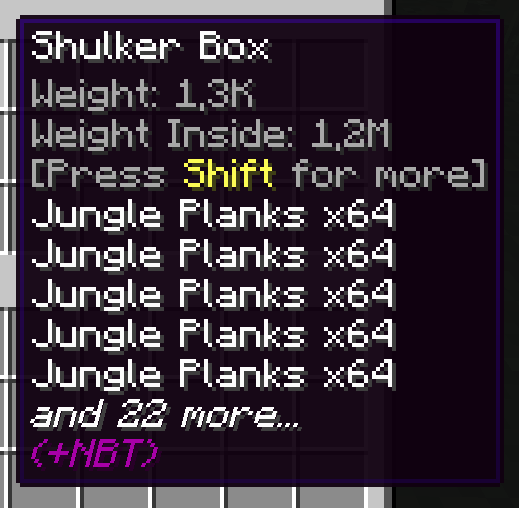
- Item tooltips Tooltips show item weight, stack weight, armor pockets, and container contents weight.
- Backpack and shulker support Supported containers count stored items with reduced effective weight.
- Trinkets compatibility Equipped Trinkets items can count toward carried weight when Trinkets is installed.
- Multiplayer support Works in singleplayer, LAN, and dedicated servers with synced server values.
- Add-on API Developers can add compatibility through the public
com.megatrex4.api.v1API.
HUD preview
Configuration
MT Inventory Weight uses fzzy_config.
You can configure:
- max carry weight
- item category weights
- pocket capacity
- overload penalty strength
- realistic mode
- HUD style and position
- tooltip visibility
Specific item weights are configured with datapacks:
data/<namespace>/inventory_weight/items/*.jsonPocket values are configured with datapacks:
data/<namespace>/inventory_weight/pockets/*.jsonCloth Config is no longer required.
Useful Links
Thank you for your support and interest in MT Inventory Weight!
常见问题
MT Inventory Weight 支持哪些 Minecraft 版本?
MT Inventory Weight 支持 Minecraft Java 版 1.20–26.1.2,共 22 个版本,可用的加载器:Fabric / Forge / NeoForge。下载时注意选择和你游戏版本一致的文件。
MT Inventory Weight 怎么安装?
先用 PCL2 或 HMCL 启动器安装对应版本的 Fabric / Forge / NeoForge,再把下载的 .jar 文件放进游戏目录的 mods 文件夹,重新启动游戏即可。开启了版本隔离的,mods 文件夹在 versions/版本名 下面。运行环境:客户端和服务端都要装。
MEGATREX4 的其他作品
查看全部 →
MT Created Applied Energistics
Changing AE2 blocks and items to Created-like

MT Random Block Placement
Simple placement of random blocks from hotbar

MT Industrialization de Astra
Bridges the gap between Modern Industrialization, TechReborn, and Ad Astra, providing enhanced compatibility and refined gameplay for space exploration enthusiasts.

MT Ukrainian Delight
Addon for Farmer's Delight with Ukrainian national cuisine
评论
登录后评论和评分