截图
介绍
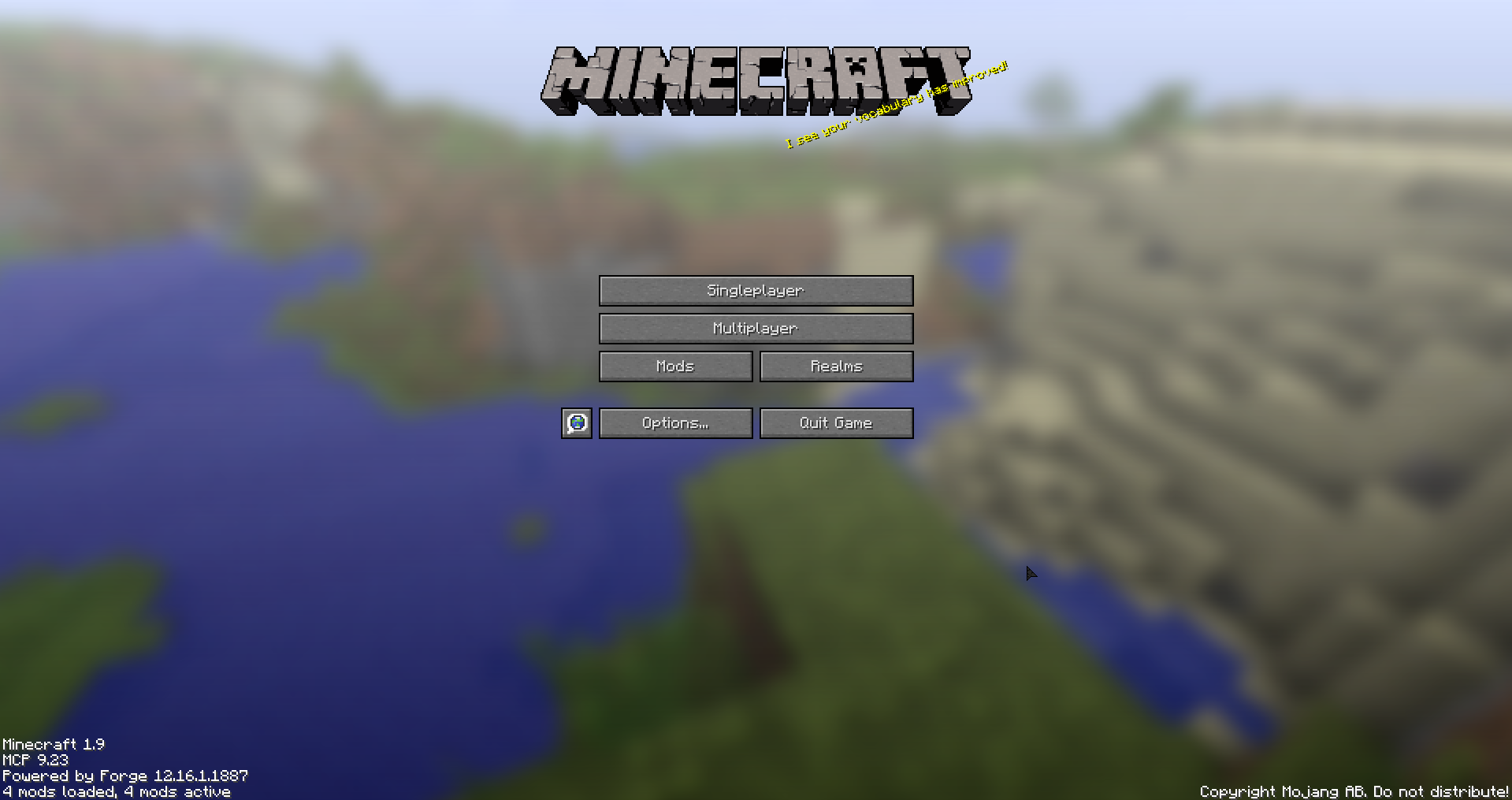
游戏重新加载时更改游戏内光标,
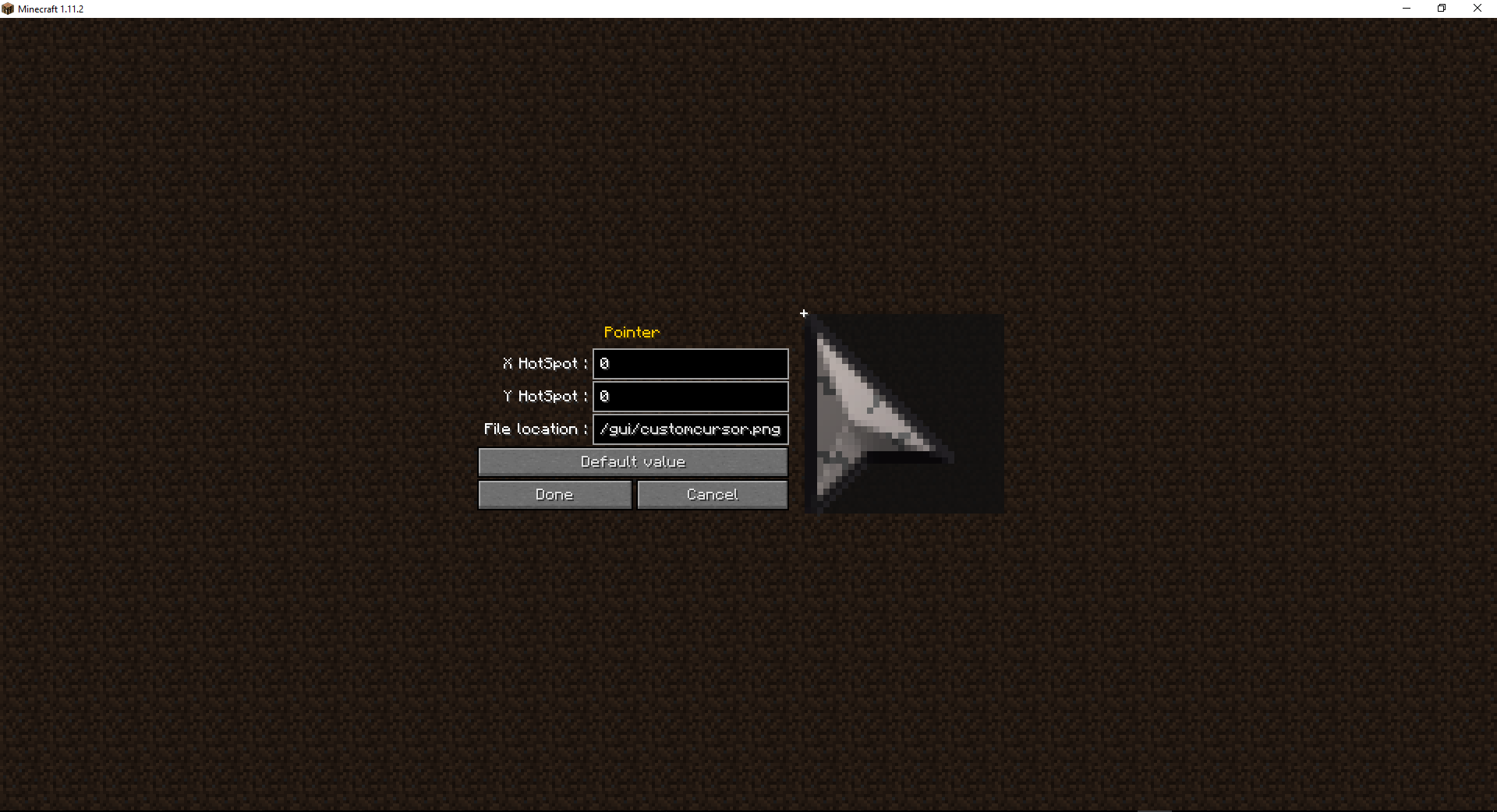
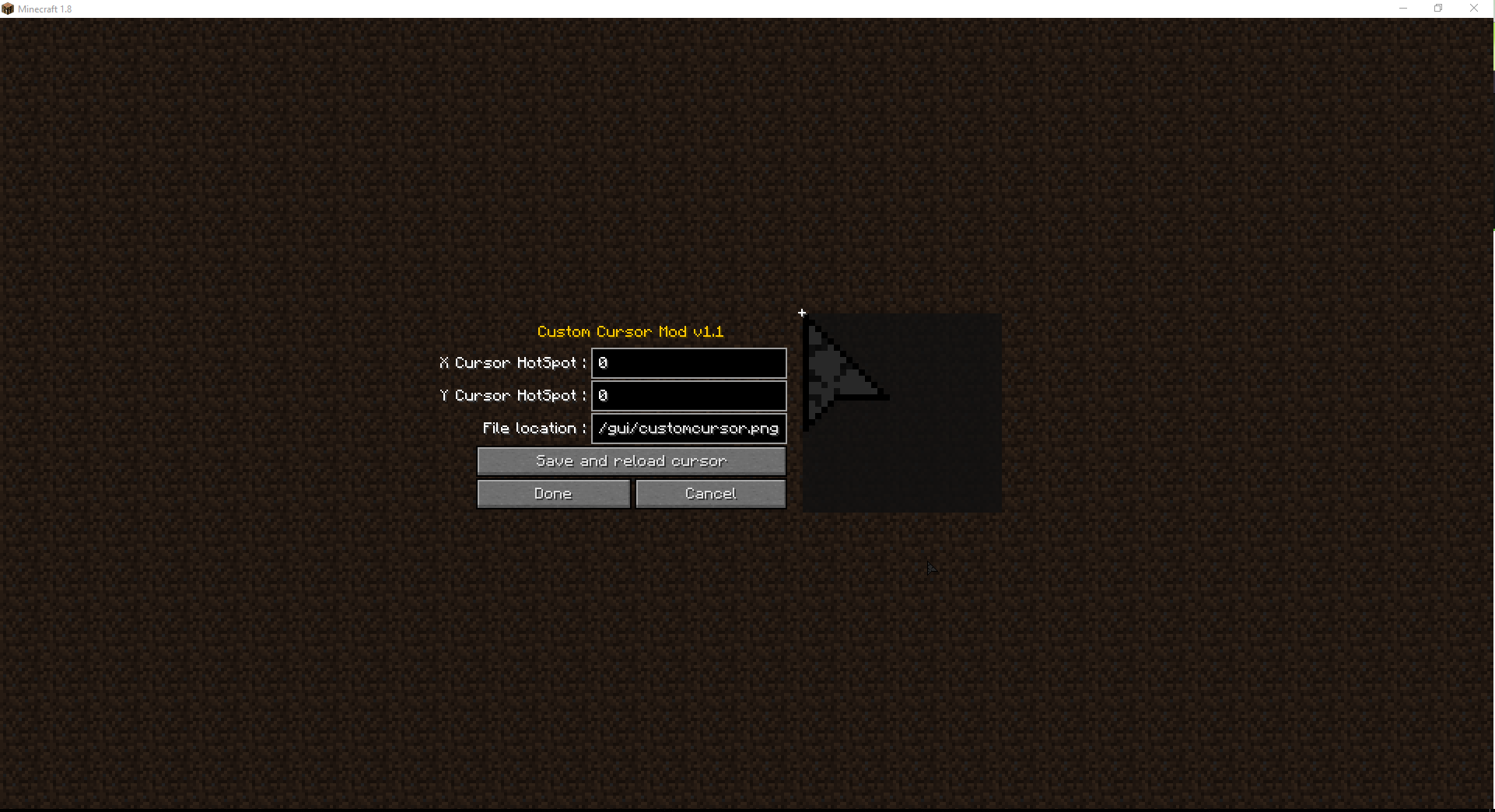
要更改光标,请添加一个资源包,并将光标以 PNG 格式放入 assets/minecraft/textures/gui/(可通过配置项 “cursorLocation” 更改路径),然后在配置中添加热点位置
动态光标示例
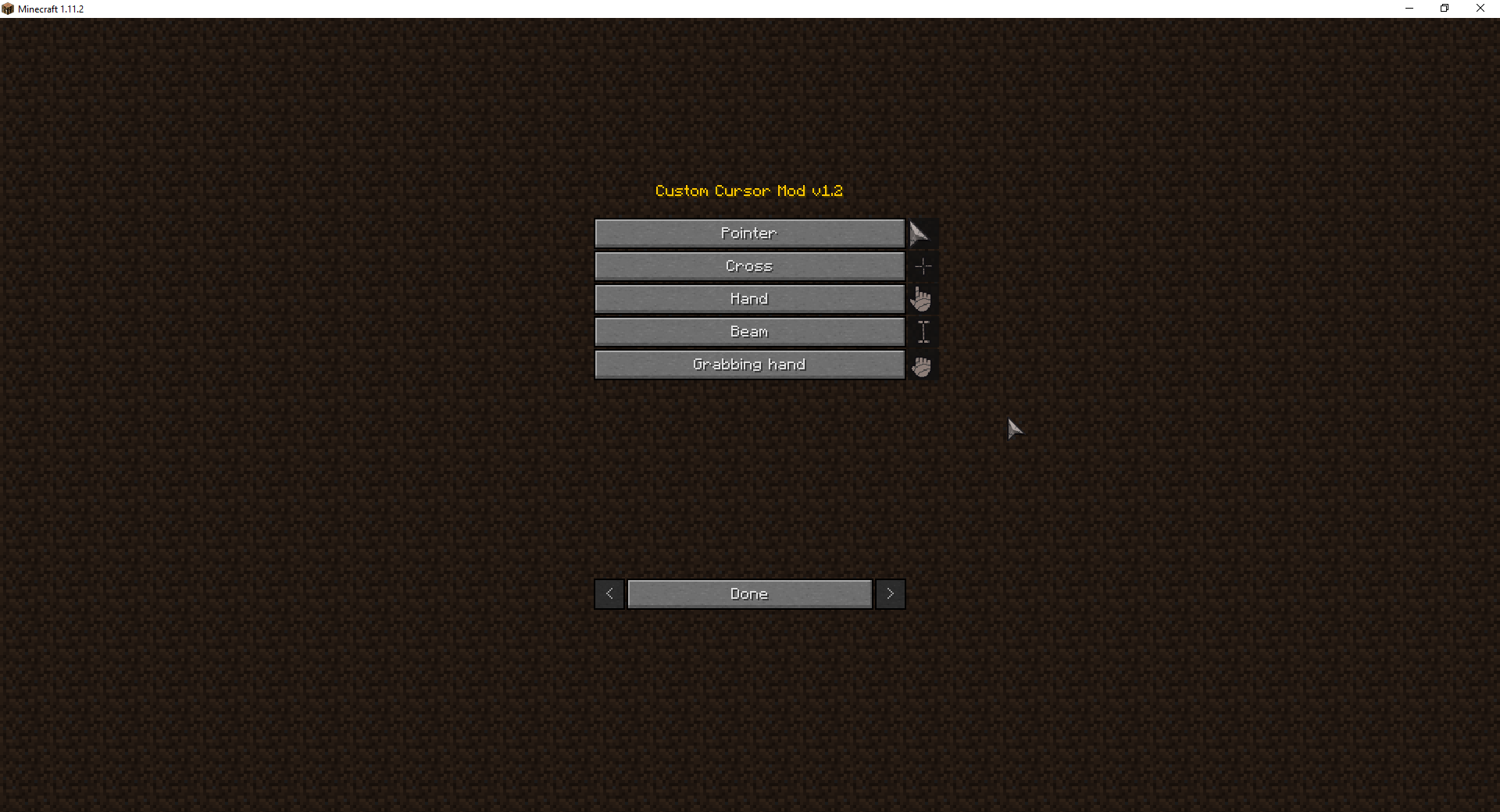
光标配置菜单(1.2)
Forge:在主菜单中选择 模组/Custom Cursor Mod/配置
Fabric:在聊天框中输入 /cursormod
点击各个光标对应的按钮即可进行编辑
贡献
由 KevinFernandezDominguez 提出建议: https://minecraft.curseforge.com/forums/modding-discussions/ideas/229051-mod-idea-custom-cursors
Delekson 提出的热点更改请求: https://minecraft.curseforge.com/projects/cursor-mod?comment=6
xLastt 提出的交互式光标请求: https://minecraft.curseforge.com/projects/cursor-mod?comment=8
常见问题
Cursor Mod (Fabric/Forge) 支持哪些 Minecraft 版本?
Cursor Mod (Fabric/Forge) 支持 Minecraft Java 版 1.7.10–1.19.3,共 33 个版本,可用的加载器:Fabric / Forge。下载时注意选择和你游戏版本一致的文件。
Cursor Mod (Fabric/Forge) 怎么安装?
先用 PCL2 或 HMCL 启动器安装对应版本的 Fabric / Forge,再把下载的 .jar 文件放进游戏目录的 mods 文件夹,重新启动游戏即可。开启了版本隔离的,mods 文件夹在 versions/版本名 下面。
ate48 的其他作品
查看全部 →
Xray Mod (Fabric/Forge)
厌倦了老老实实找钻石?这个模组就是为你准备的!(X光/追踪/透视)

Horse Debug Info (Fabric/Forge)
(Client side) Show Speed / Jump / Max health of horses !

Advanced Creative Tab (Forge)
(Client side) Creative mode item modifier, Survival mode information, shulker explorer and more!

Cursor Mod
Change your ingame cursor
评论
登录后评论和评分