
介绍
Change your ingame cursor when game reload,
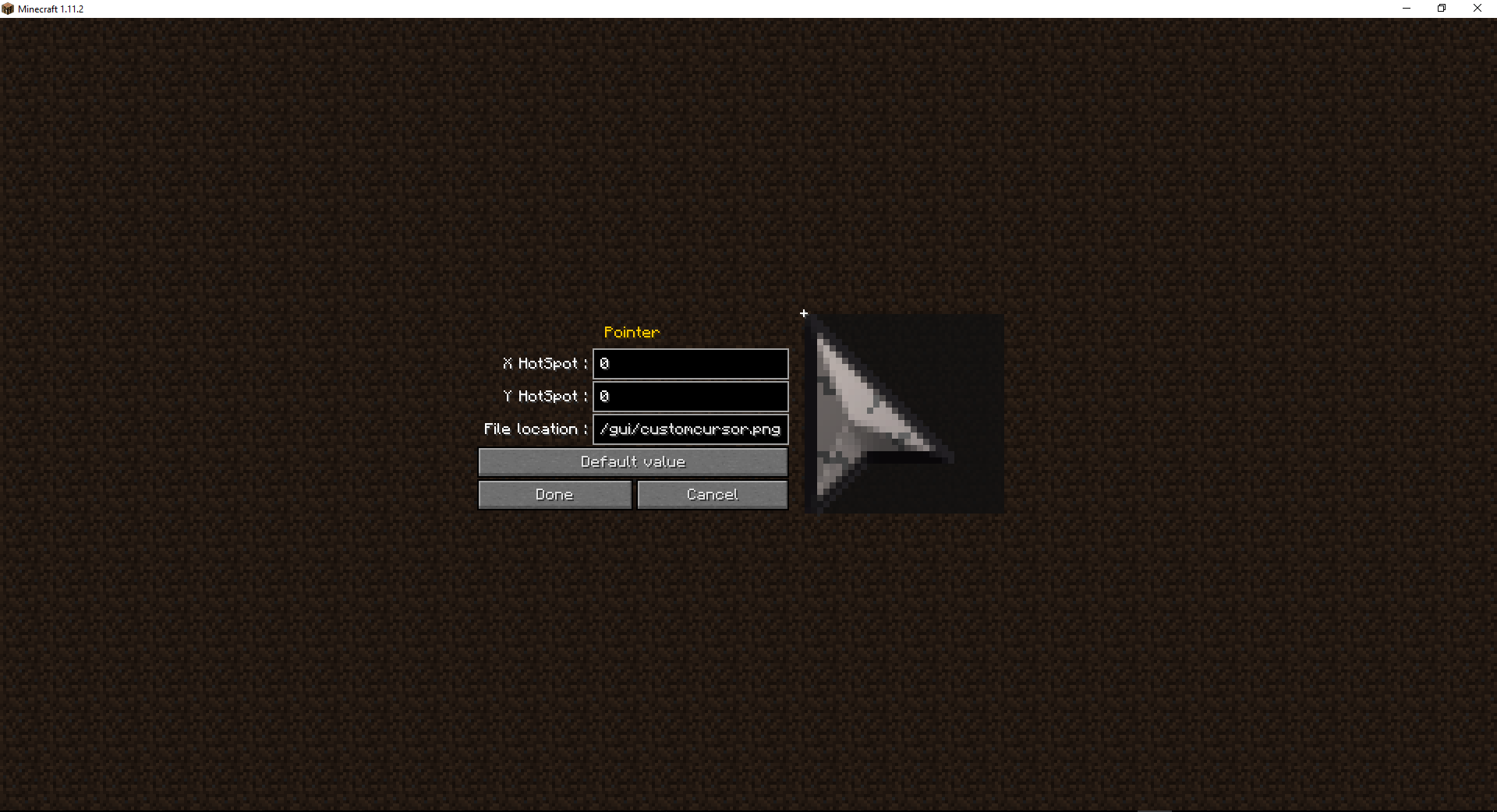
To change your cursor add a resource pack with your cursor in a PNG format in assets/minecraft/textures/gui/ (can be change with the config “cursorLocation”) and add in config the hotspot location
The Cursors Config Menu (1.2)
In Forge: from the main menu mods/Custom Cursor Mod/Config
In Fabric: type /cursormod into the chat
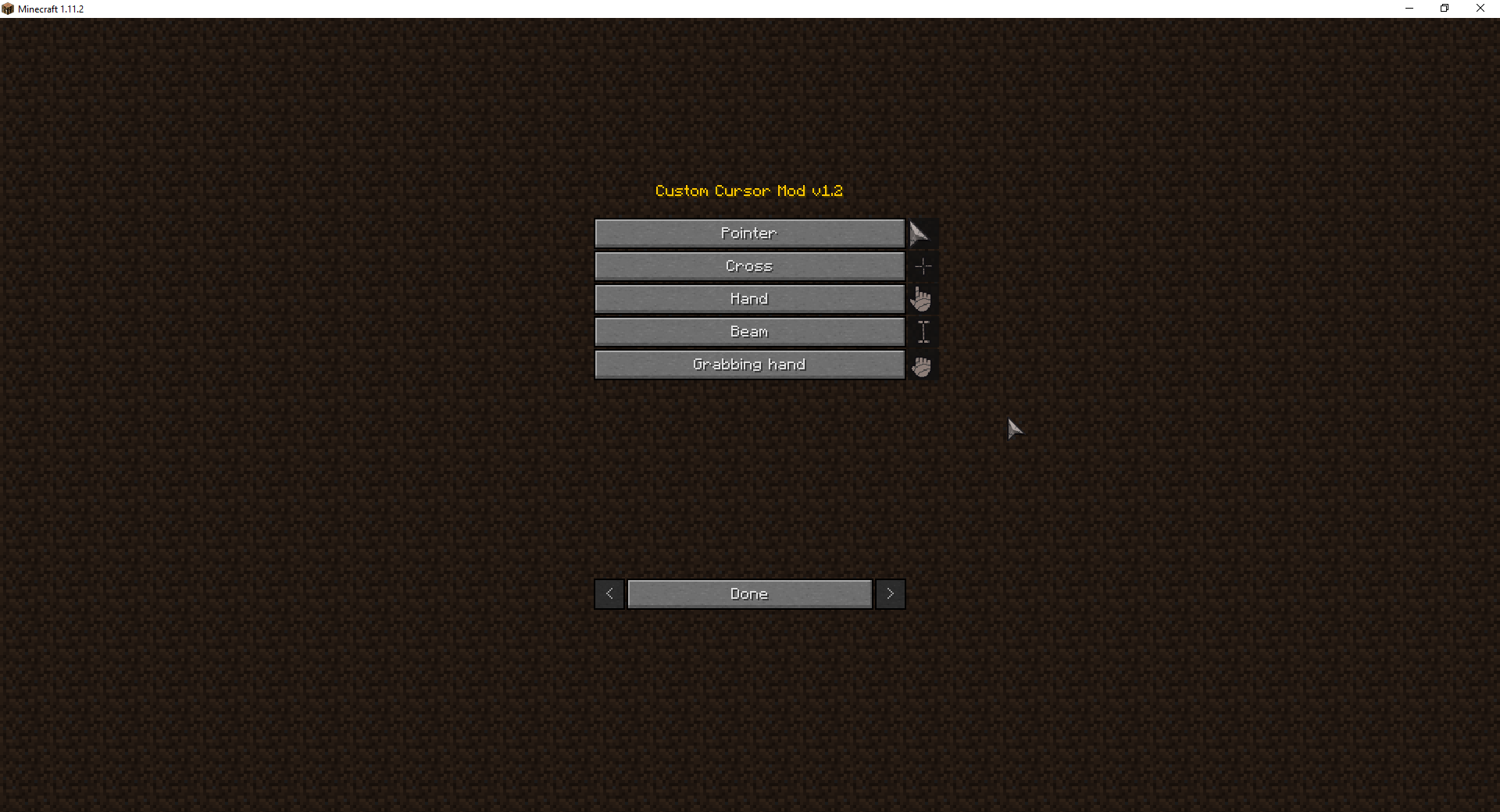
You can edit by clicking on the buttons every cursors
常见问题
Cursor Mod 支持哪些 Minecraft 版本?
Cursor Mod 支持 Minecraft Java 版 1.7.10–1.19,共 47 个版本,可用的加载器:Fabric / Forge。下载时注意选择和你游戏版本一致的文件。
Cursor Mod 怎么安装?
先用 PCL2 或 HMCL 启动器安装对应版本的 Fabric / Forge,再把下载的 .jar 文件放进游戏目录的 mods 文件夹,重新启动游戏即可。开启了版本隔离的,mods 文件夹在 versions/版本名 下面。运行环境:仅客户端。
ate48 的其他作品
查看全部 →
Cursor Mod (Fabric/Forge)
(Client side) Change your ingame cursor

Xray Mod (Fabric/Forge)
Bored by finding your diamonds legitimately? This mod is for you! (Xray/Tracer/ESP)

Horse Debug Info (Fabric/Forge)
(Client side) Show Speed / Jump / Max health of horses !

Horse Debug Info
Show Speed / Jump / Max health of horses !
评论
登录后评论和评分