
Fabroxy
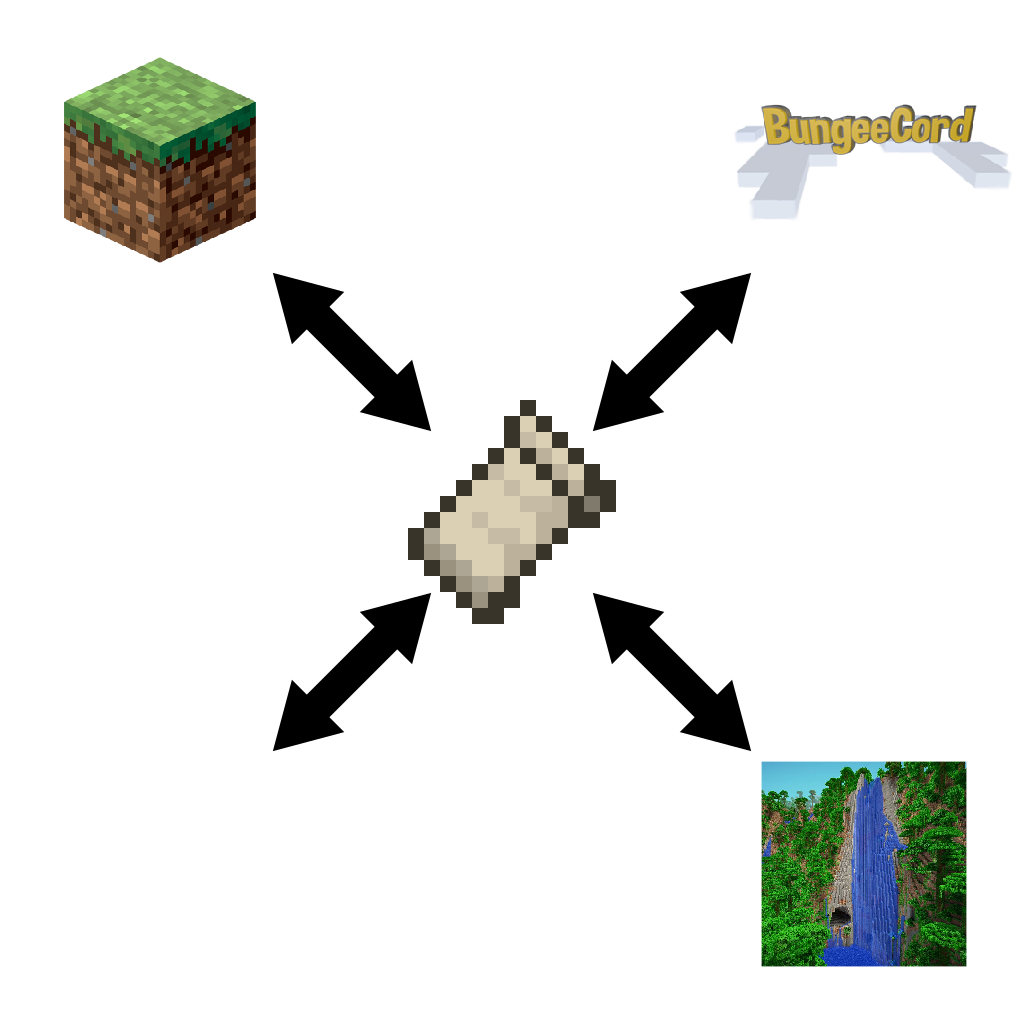
The Fabric mod for forwarding to Minecraft server proxy like Velocity, BungeeCord and Waterfall
截图
介绍
Fabroxy
The Fabric mod for forwarding to Minecraft server proxy like Velocity
Requirements
A version that fits each requirement is written together in the Changelog.
Supports
- Velocity
BungeeCord(not supported yet)Waterfall(not supported yet)
Setting up
Setting up with Velocity
The common usage is almost the same as setting up a proxy on Paper.
Velocity Server
- Open
velocity.toml. - Change the value of
player-info-forwarding-modeto"modern"and save it. - Open
forwarding.secretand remember its value.
Fabric Server
- Start your server to create a new Fabroxy config.
- Open
server.propertiesin your server directory. - Change the value of
online-modetofalseand save it. - Open
config/fabroxy.json. - Change the value
enabledtotrueandsecretto the valueforwarding.secretyou just rememered. - Save it and enter
proxy reloadin your Fabric server console.
Configuration
| Name | Type | Default
Value | Description |
|—|—|—|—|
| enabled | boolean | false | Enable Fabroxy’s Velocity proxy features. |
| secret | string | "" | A HMacSHA256 encryption key to communicate with the Velocity proxy. It should be match the contents of the file forwarding.secret on the Velocity proxy server. |
| direct_connection | boolean | false | Allow clients to connect to the Fabric server without connecting the Velocity server. |
Notes
The mod file name indicates the mod name, loader and version: \
Fabroxy-mod loader–MC version–mod version.jar
For example: \
Fabroxy-fabric-1.19.3-1.0.0.jar
常见问题
Fabroxy 支持哪些 Minecraft 版本?
Fabroxy 支持 Minecraft Java 版 1.19–1.19.4,共 5 个版本,可用的加载器:Fabric。下载时注意选择和你游戏版本一致的文件。
Fabroxy 怎么安装?
先用 PCL2 或 HMCL 启动器安装对应版本的 Fabric,再把下载的 .jar 文件放进游戏目录的 mods 文件夹,重新启动游戏即可。开启了版本隔离的,mods 文件夹在 versions/版本名 下面。运行环境:仅服务端。
NoEul 的其他作品
查看全部 →
Slyde More
A Fabric mod that allows dragging sliders further without screen width limit when used with Slyde mod
Revert Stackable Curing Discount
Revert the villager curing discount system to before MC-181190 fix

Crash Command
You just lost the game - Make a crash the game and JVM using the command
Crash Command
You just lost the game - Make a crash the game and JVM using the command
评论
登录后评论和评分