
截图
介绍
中文介绍正在准备中,下面暂时显示原文。
Minecraft-Custom-Daylight-Cycle
Runable and tested in V1.21.11, V26.1.x, V26.2.x
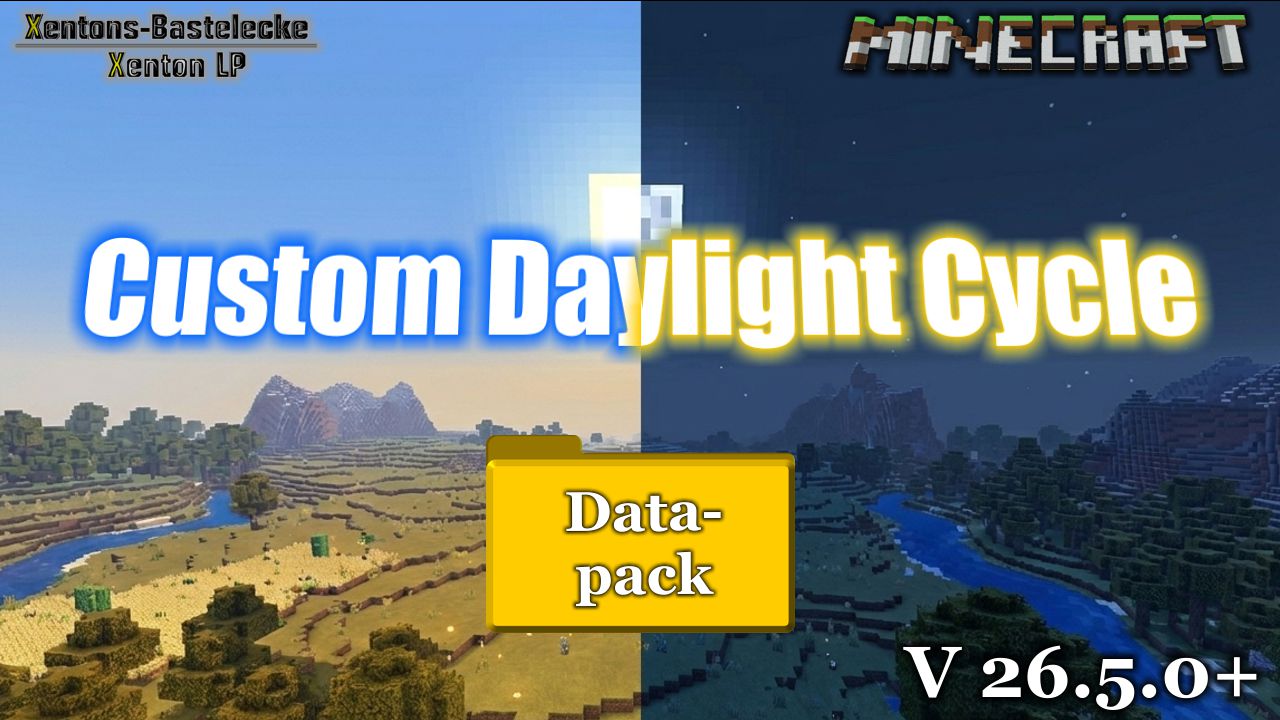
Datapack for Minecraft to override the ingame daylight cycle, to make it possible, to have own time for night and day. Example: 30min day and 5min night
Installation:
- Put this datapack in your savegame, in the folder datapacks
- – Example: .minecraft – saves – YourWorld – datapacks – Custom_Daylight_Cycle_26-x.x.zip
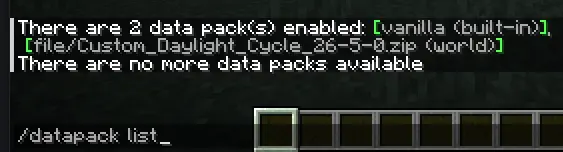
- After reload with command “/reload” your world, you can check is the datapack available with the command “/datapack list”. When you find in green brackets: [file/Daylight_Cycle_26-x-x (world)], than the datapack is correct installed
- You don’t need to do anything to initalise this datapack, it will be run automaticly after correct install.
Run:
- The gamerule advance_time will be not changed, only the position off the sun and moon, will be overitten by the datapack.
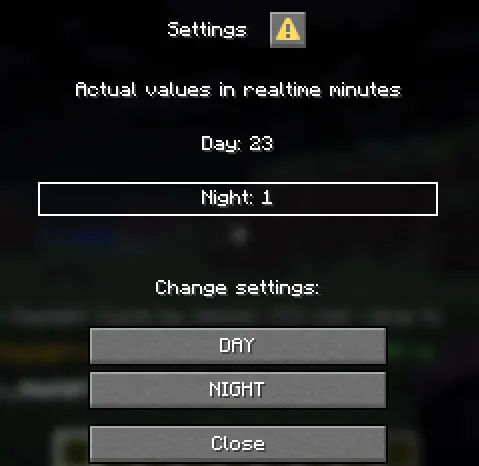
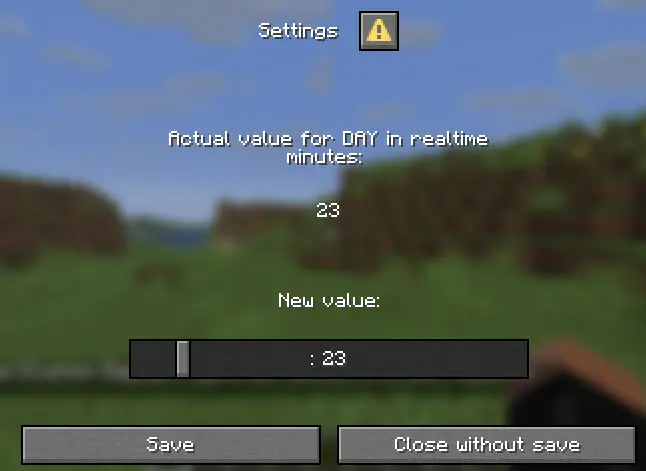
- For settings, you have 3 options: set datapack pause, set datapack resume and for settings window
- – Commands:
- – – /function x_daylight_cycle:x_dl_c__settings — Settingwindow (Since 26.5.0)
- – – /function x_daylight_cycle:x_dl_c__pause — Paused the calculation from the sun/moon position. The ingame calculation overtaken, when is not disabled
- – – /function x_daylight_cycle:x_dl_c__resume — Restart the calculation from the sun/moon position. The ingame calculation will overitten by datapack again
- There are predefined positions for sun and moon
- – Commands:
- – – /function x_daylight_cycle:x_dl_c__set_day — Set the sun on position after sunrise (Tick: 0)
- – – /function x_daylight_cycle:x_dl_c__set_night — Set the moon on the position after sundown (Tick: 13000)
- – – /function x_daylight_cycle:x_dl_c__set_sunrise — Set the sun, before the sun is rising (Tick: 22900)
- – – /function x_daylight_cycle:x_dl_c__set_sundown — Set the sun, before the sun go down and the moon is rising (Tick: 12000)
常见问题
Custom Daylight Cycle 支持哪些 Minecraft 版本?
Custom Daylight Cycle 支持 Minecraft Java 版 26.1–26.3,共 5 个版本。下载时注意选择和你游戏版本一致的文件。
Custom Daylight Cycle 怎么安装?
新建世界时在「数据包」里把下载的 .zip 拖进去;已有的存档,把文件放进存档目录下的 datapacks 文件夹,进游戏输入 /reload 即可生效。服务器同样放在世界目录的 datapacks 里。
Xenton_DE 的其他作品
查看全部 →
Teleport Stone
by Xenton_DE
Place with an item a teleport stone in the world. Set you own Teleport Stone Network. You can teleport between the stones. No knowlage needed over commands.
500
1 个月前
Modrinth · CurseForge

No more Thunder – Weather Control
by Xenton_DE
Remove thunder and override ingame weather control. No thunderstorm, customable timerange for Clear and Rain
455
17 天前
Modrinth · CurseForge

Gamerules Control
by Xenton_DE
Control all your world gamerules after create the world, with this data pack
102
2 个月前
Modrinth · CurseForge
评论
登录后评论和评分