
Teleport Stone
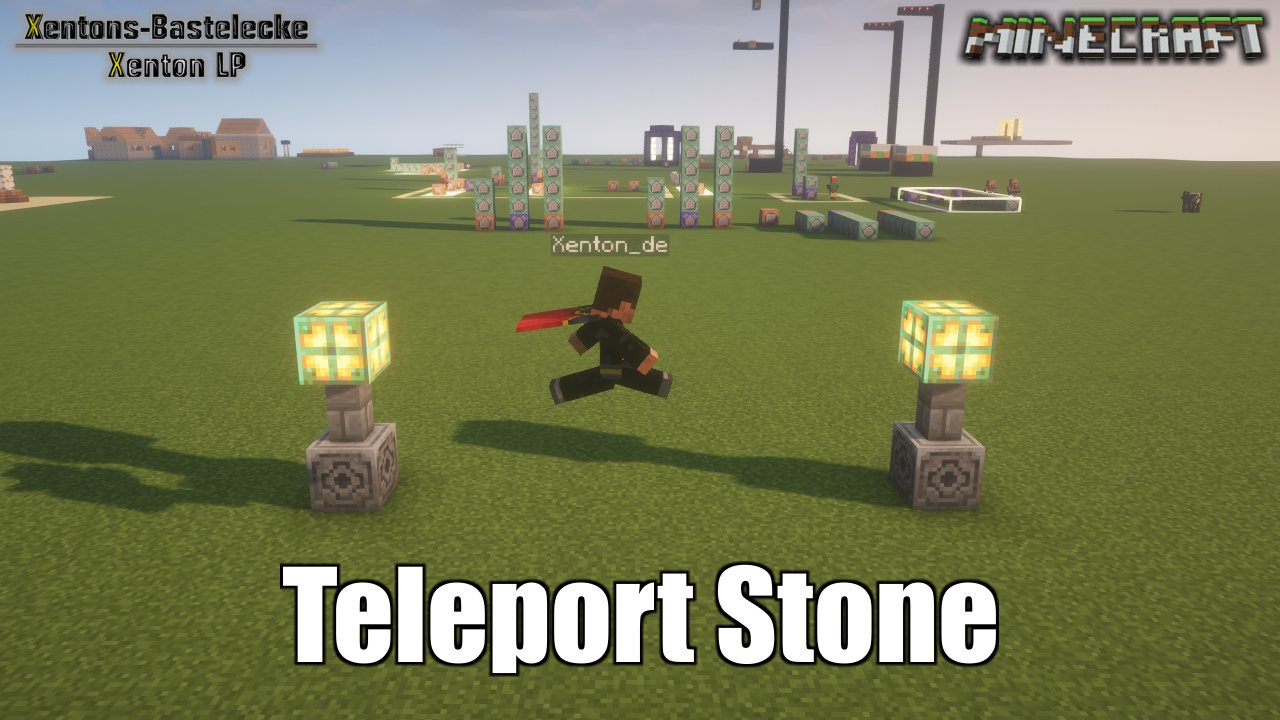
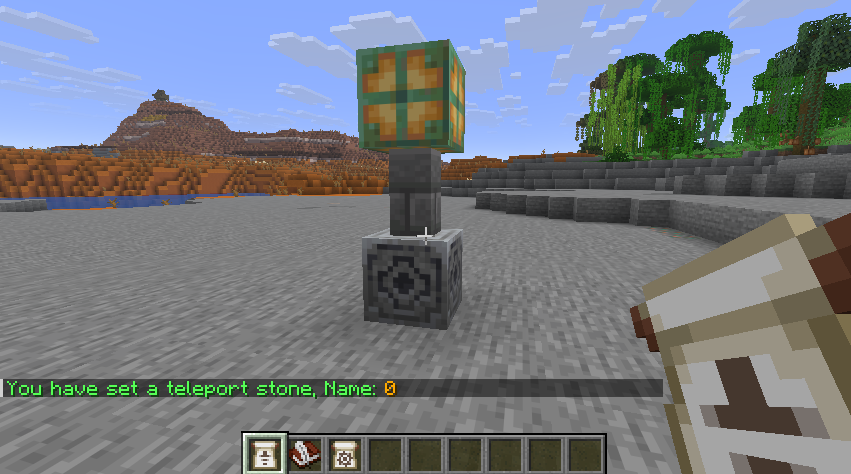
Place with an item a teleport stone in the world. Set you own Teleport Stone Network. You can teleport between the stones. No knowlage needed over commands.
截图

介绍
Place with an item a teleport stone in the world, for your Teleport Stone Network
With a right click, you can teleport between the stones.
No knowlage needed over commands. All needed commands are in this description
Installation (update):
- Remove the old version from datapack folder
Installation (New):
- Download it from your favorit portal
- – Note to Github, it is possible you have to extract the datapack in your Datapack folder
- Put this datapack in your savegame, in the folder datapacks
- – Example: .minecraft – saves – YourWorld – datapacks – Teleport_Stone_by_Xenton_V26_x_x(.zip)
- After start your world, you can check is the datapack available with the command “/datapack list”.
- – From Github as folder:
- – – When you find in green brackets: [file/Teleport_Stone_by_Xenton (world)], than the datapack is correct installed
- – From Curseforge/Modrinth as ZIP:
- – – When you find in green brackets: [file/Teleport_Stone_by_Xenton_V26_x_x.zip (world)], than the datapack is correct installed.
- You don’t need to do anything to initalise this datapack, it will be run automaticly after correct install.
Run:
- To get Config/Admin items
- – /function x_ts__teleport_stone:give_items
- Using the Admin Items:
- – Item: “Place Teleportstone”, you can with a right click on a block, place the teleport stone over the highest block
- – – When the block is to far away, you get the message in chat “Zu weit weg”, and no teleport stone will be set
- – Item: “Edit Teleportstone”, you can with a right click on a teleport stone, the open the admin dialog
- – – Button: Set name, here you can change the name from the stone
- – – Button: Delete – Delete this teleport stone, and remove it from the teleporatation list
- – Item: Set Teleportpoint, you can see and set in the near from a Teleport stone the target from teleport
- – – Hold in Mainhand, you can see a cloud on target from teleportpoint, when you in the distance to 10 Block around from Teleport Stone
- – – Rightclick: You can set an new target point, when you in the distance to 10 Block around from Teleport Stone
常见问题
Teleport Stone 支持哪些 Minecraft 版本?
Teleport Stone 支持 Minecraft Java 版 1.21.11–26.3,共 6 个版本。下载时注意选择和你游戏版本一致的文件。
Teleport Stone 怎么安装?
新建世界时在「数据包」里把下载的 .zip 拖进去;已有的存档,把文件放进存档目录下的 datapacks 文件夹,进游戏输入 /reload 即可生效。服务器同样放在世界目录的 datapacks 里。
Xenton_DE 的其他作品
查看全部 →
Custom Daylight Cycle
Set your own time between night - day and day - night

No more Thunder – Weather Control
Remove thunder and override ingame weather control. No thunderstorm, customable timerange for Clear and Rain

Gamerules Control
Control all your world gamerules after create the world, with this data pack
评论
登录后评论和评分