
Screenshot+
Screenshot+ is a lightweight client-side Fabric mod that transforms Minecraft's basic screenshot folder into a polished, in-game screenshot manager.
截图
介绍
📸 Screenshot+
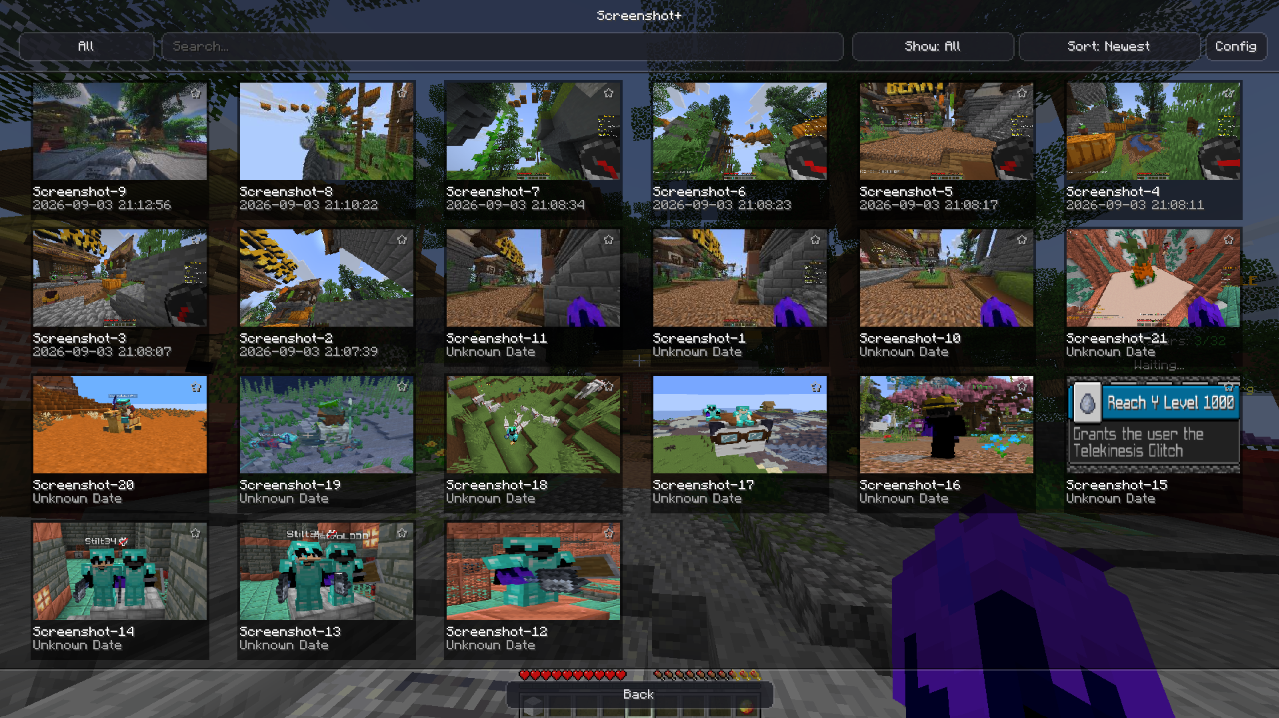
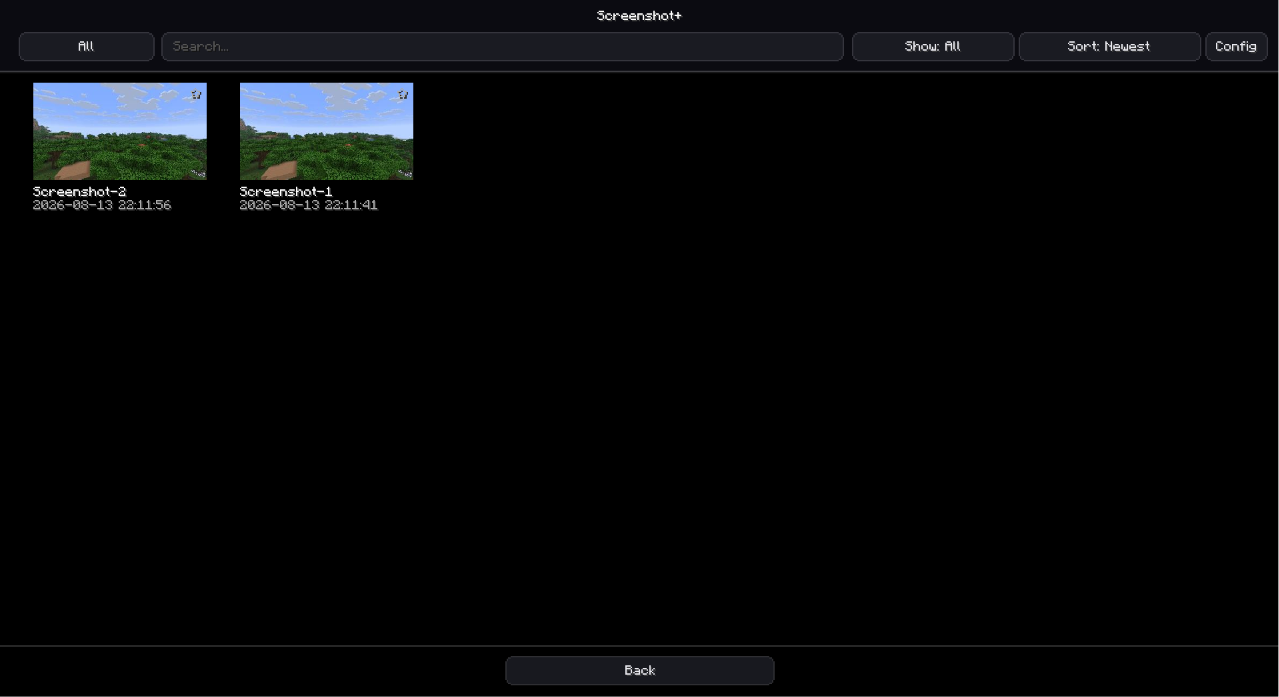
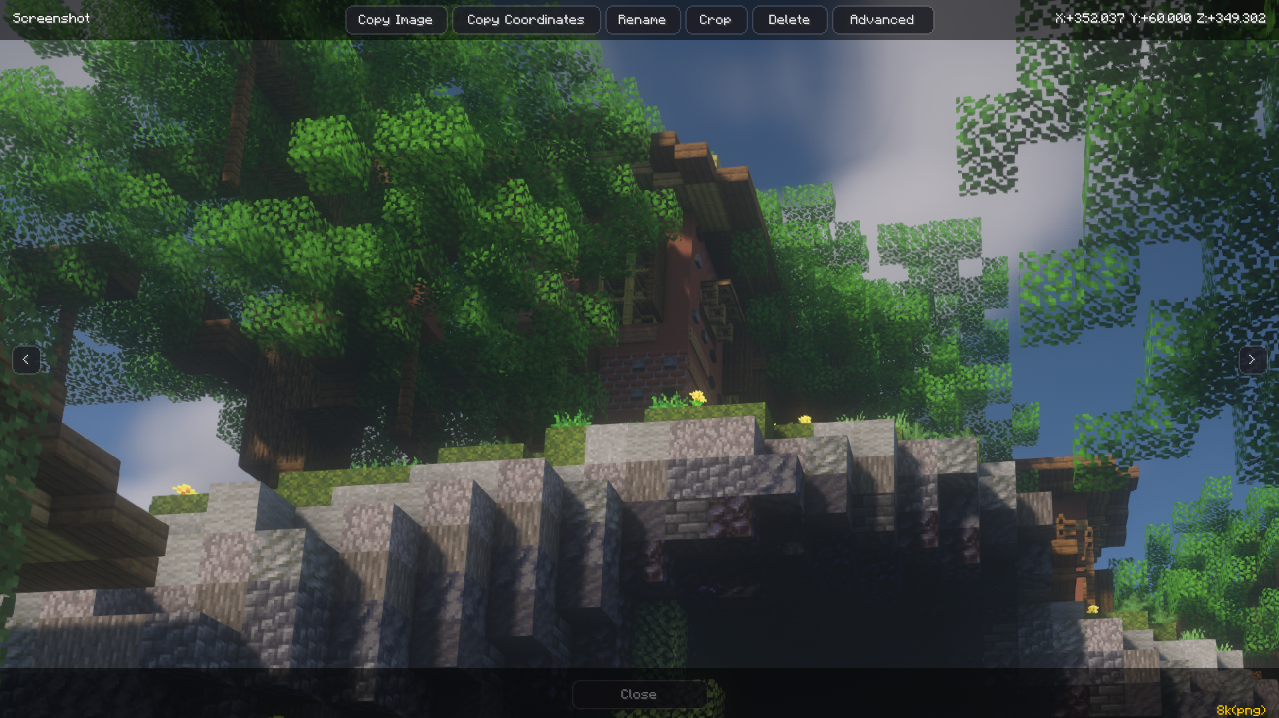
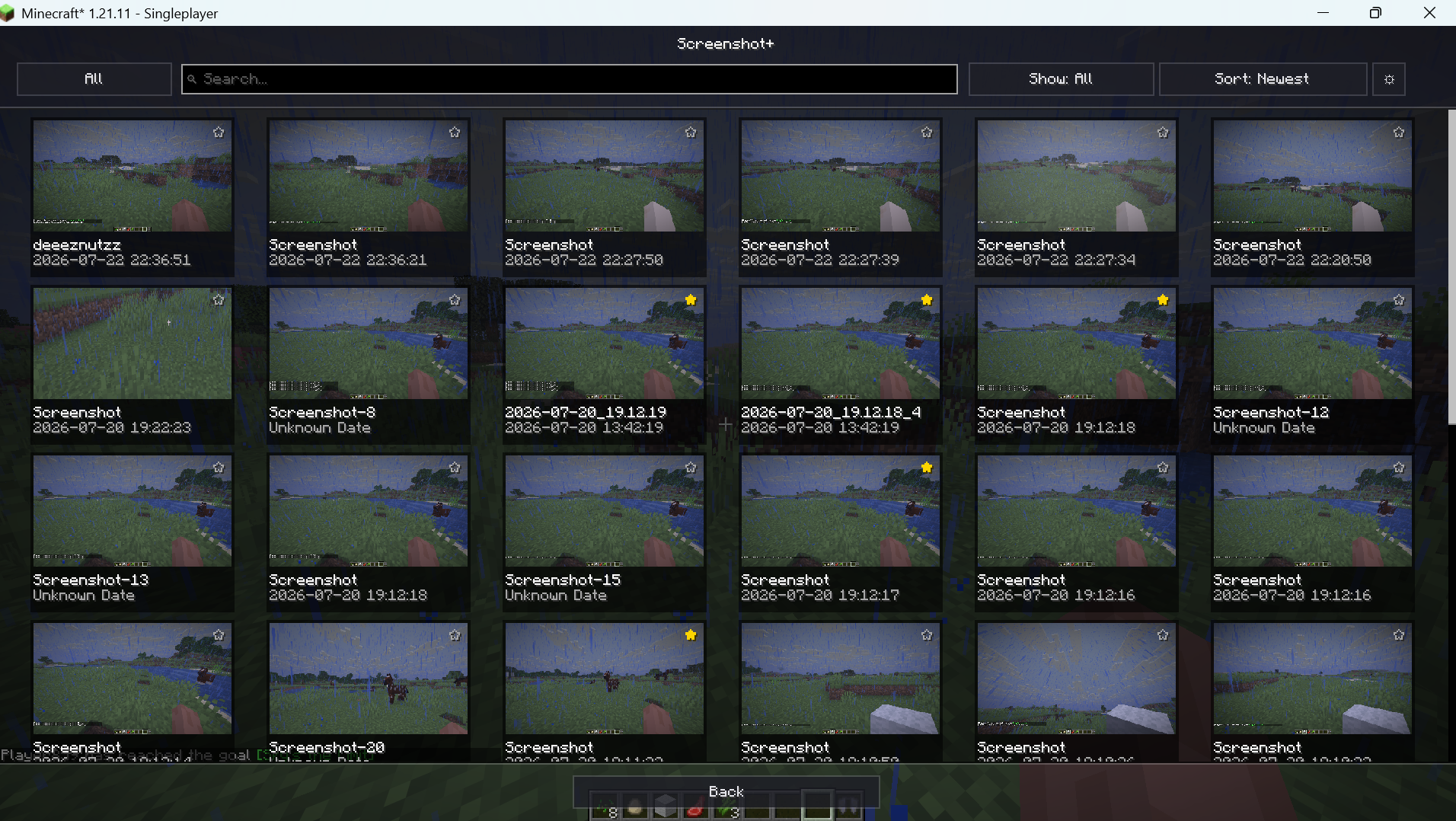
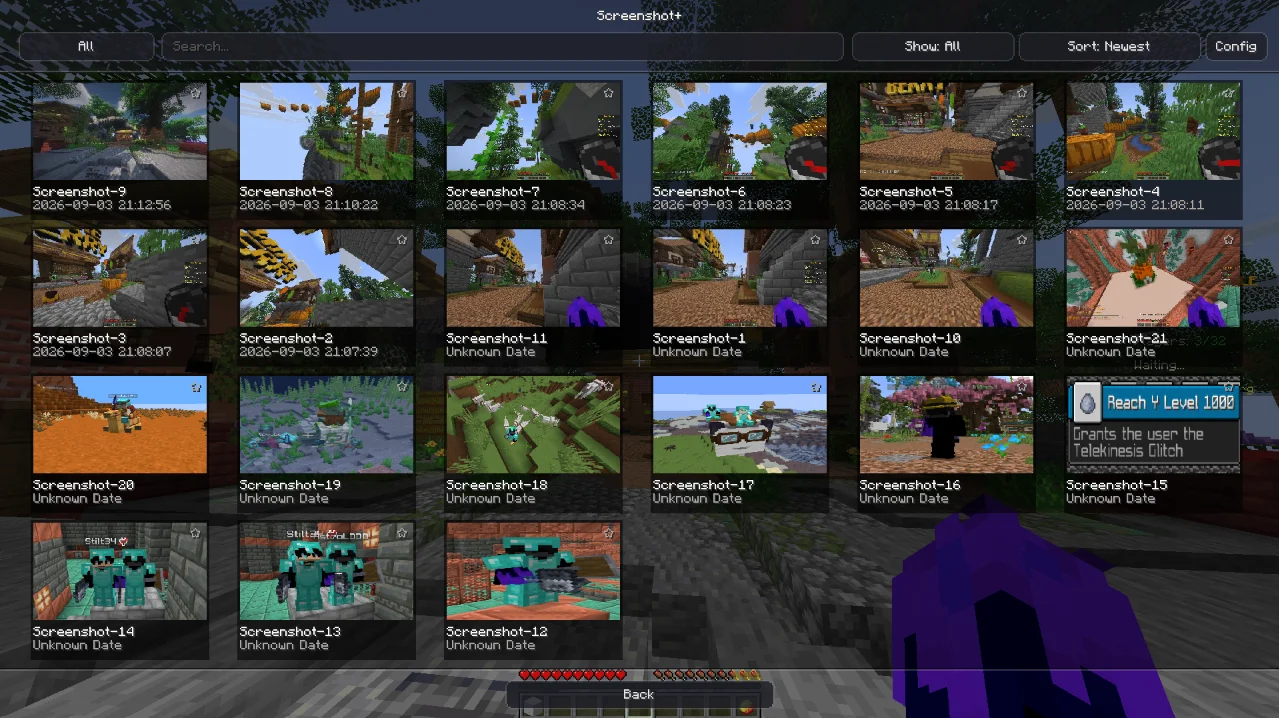
Screenshot+ is a client-side Fabric mod that adds an in-game gallery for the purpose of storing your screenshots. You can use the gallery/mod to view, edit and manage your screenshots and take very high resolution screenshots in the same mod.
✨ Features
- In-Game Gallery
- Favorites & Filtering
- Advanced Metadata Tracking
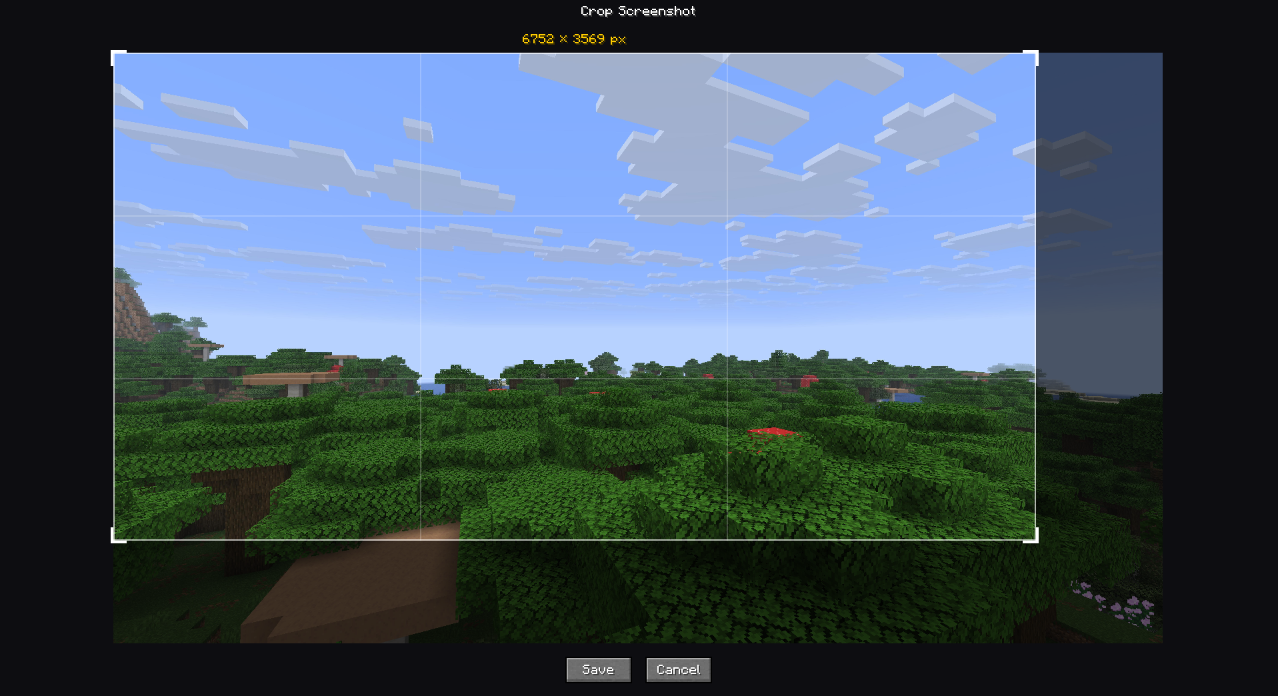
- In-Game Cropping & Editing
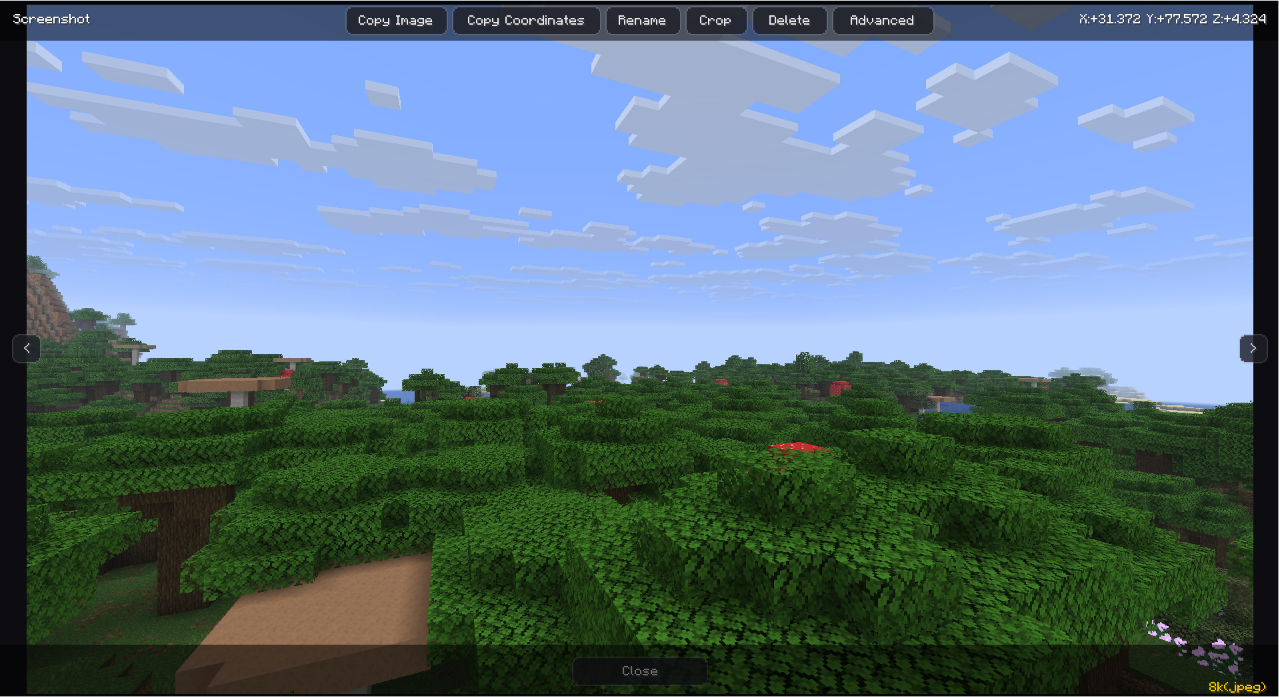
- Quick Actions
- Enhanced UI Integration
- default/4k/8k high resolution pictures
- and a lot more…
Usage
- When in-game press O or press the Screenshot+ button i
- Left click the screenshot you want you view.
- Or search the name/date/time of the screenshot.
- Right click the screenshot for options like- opening Screenshot in folder/teleporting to the place of the ss.
- Zoom in or move the picture around to check it out.
- Use the features to your liking.
important things to know-
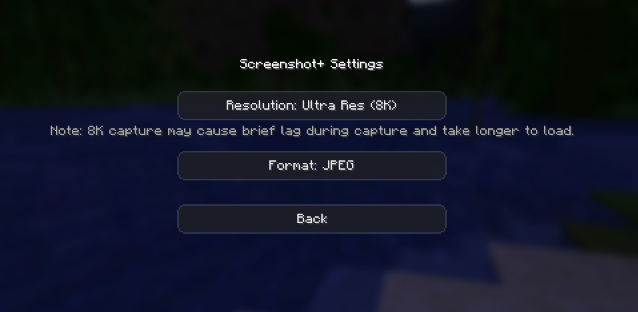
- When selecting the picture quality from the setings, keep in mind that 8k and 4k cause brief lag while capturing and while loading in the menu.
- If you select 8k or 4k with png the screenshot size or the file size will be high so jpg is recommended .
- anddd make sure to enjoy it
If there is any problem with the mod or any problem you are facing related to the mod please get back to me through discord.❤️
常见问题
Screenshot+ 支持哪些 Minecraft 版本?
Screenshot+ 支持 Minecraft Java 版 1.21.4–26.3,共 7 个版本,可用的加载器:Fabric。下载时注意选择和你游戏版本一致的文件。
Screenshot+ 怎么安装?
先用 PCL2 或 HMCL 启动器安装对应版本的 Fabric,再把下载的 .jar 文件放进游戏目录的 mods 文件夹,重新启动游戏即可。开启了版本隔离的,mods 文件夹在 versions/版本名 下面。运行环境:仅客户端。
astrolddd 的其他作品
查看全部 →
Clean Armor HUD
A clean/simple armour hud which is made in a modern style and can be used easily.

Simple Crosshair Editor
Custom crosshair editor with a drawble grid provided in a simple, easily understandable and modern fashon and many other utility features.

Clean Armor HUD
A clean armour hud mod which provides a vareity of options to choose from.
Time Weather Biome Changer
A Minecraft Fabric client-side mod that lets the player locally fake time, weather, and biome ambience.
评论
登录后评论和评分