Shader 8-BIT
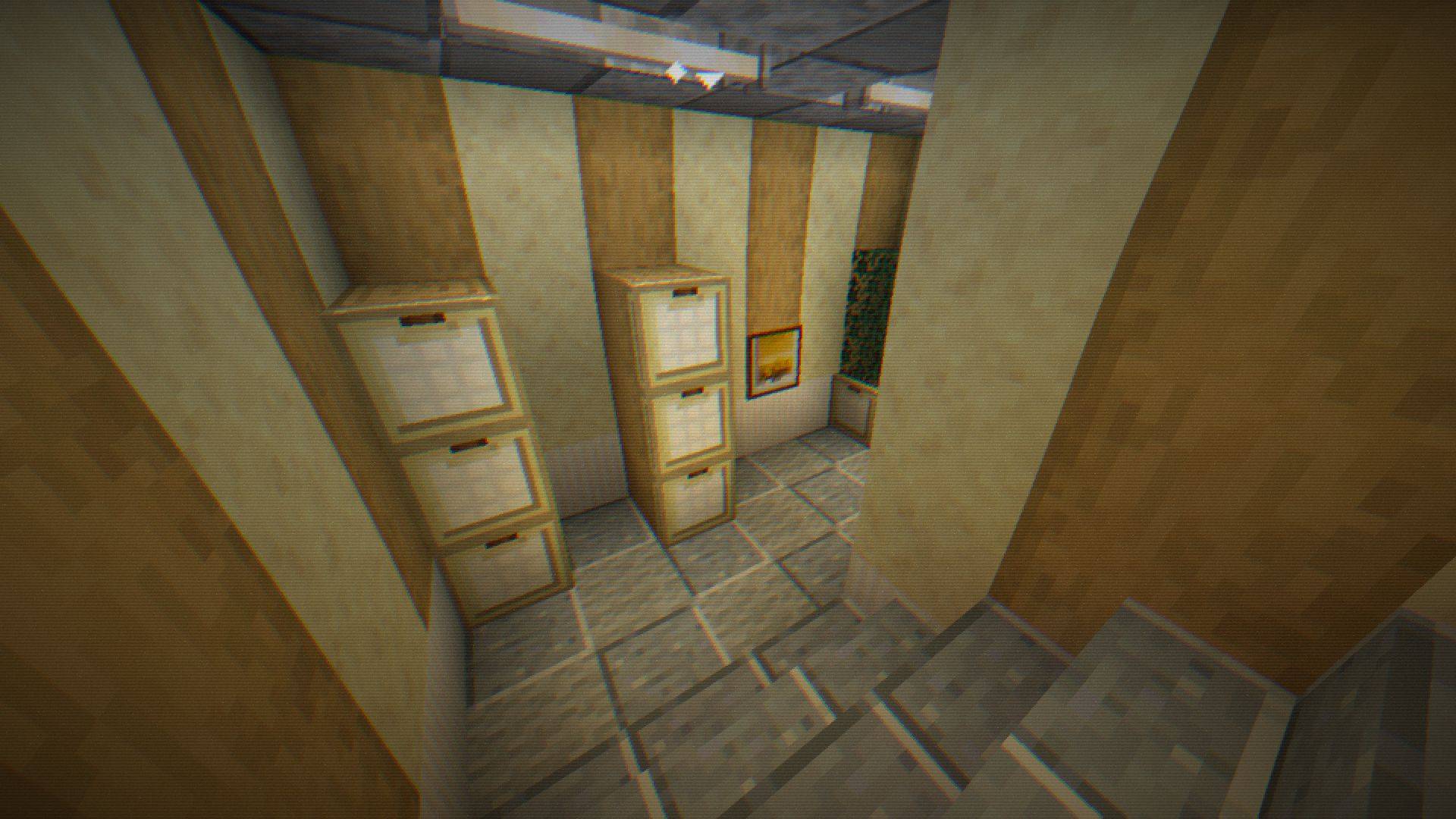
Step into retro nights with 8-BIT Shader - pixelated visuals, dynamic colors, subtle glint, and scanlines bring classic 8-bit vibes to your Minecraft world!
截图
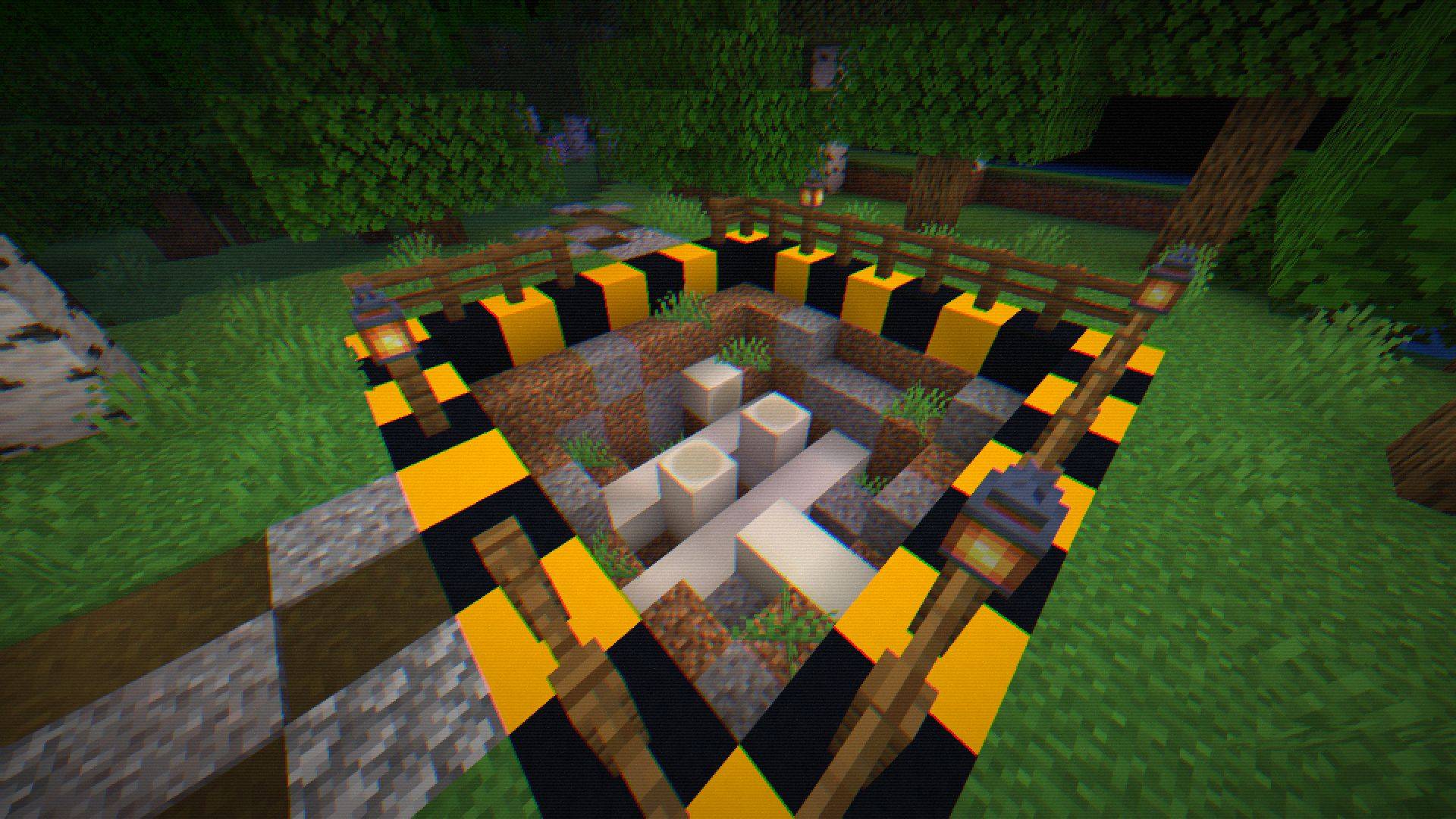
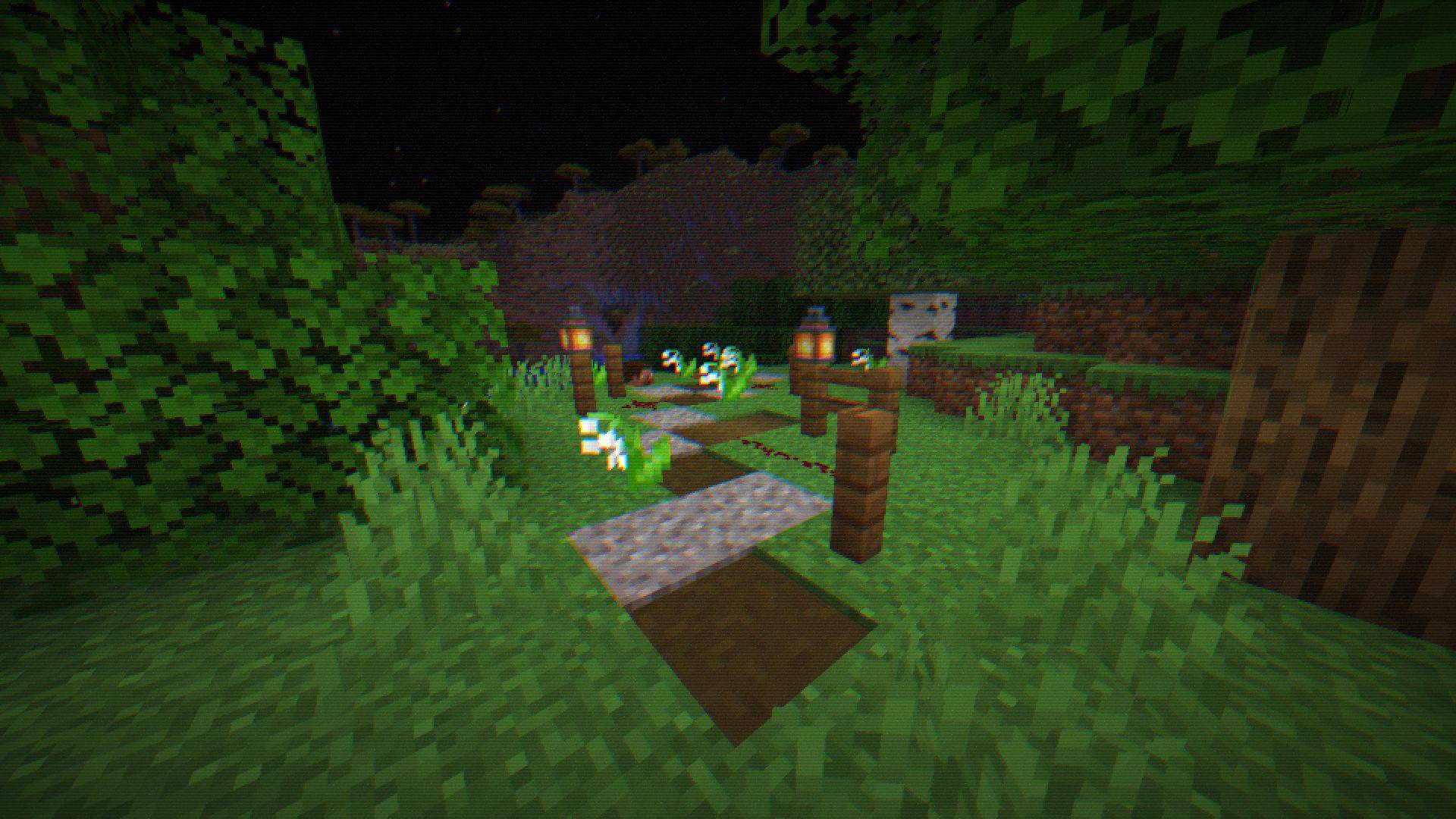
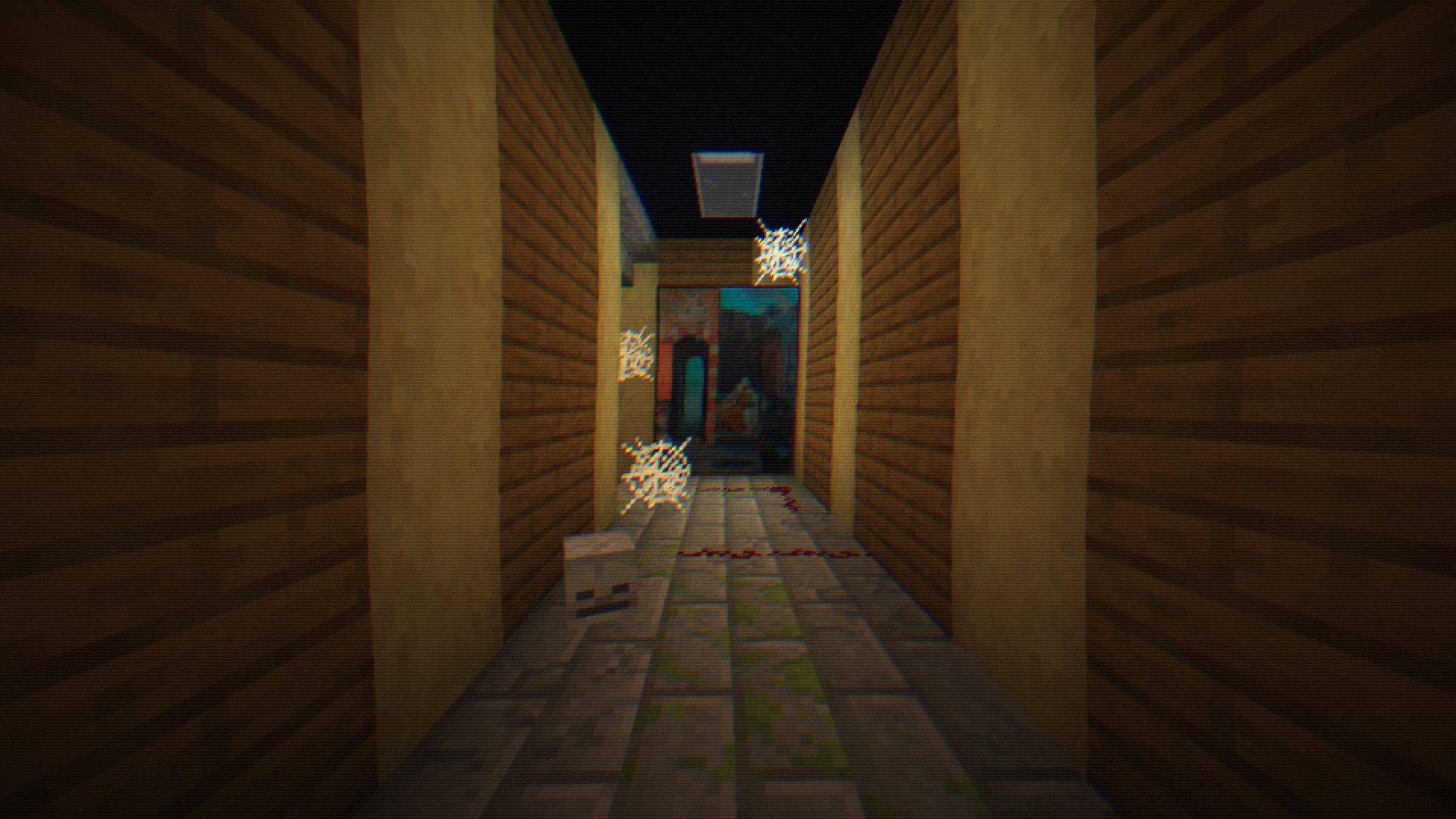
介绍
💻 8-BIT Shader – Retro Night Vision for Minecraft
Step into a classic 8-bit world with a modern twist! The 8-BIT Shader transforms your Minecraft nights into an immersive pixelated experience reminiscent of retro video games—perfect for survival, horror maps, or stealth adventures.
✨ Key Features
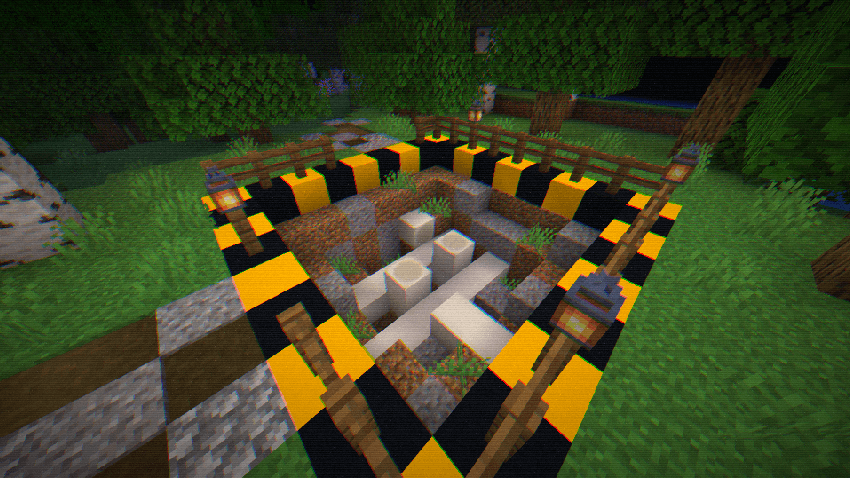
- Retro Pixelation – Blocky pixels bring a nostalgic arcade vibe.
- Dynamic RGB Effects – Pulsing color shifts for a vibrant, lively screen.
- Night Vision Glint – Sparkling highlights simulate tactical optics.
- Realistic Grain & Noise – Subtle flickering and static add immersion.
- Retro Scanlines – Classic scanline overlays for old-school visuals.
- Customizable Vignette & Warp – Control screen edges and pixel distortion.
- Full Shader Customization – Fine-tune pixel size, color intensity, glint thresholds, scanline frequency, and more.
⚙️ Settings & Compatibility
- Fully compatible with Minecraft 1.18+ Optifine/Iris (Forge and Fabric).
- Adjustable via in-game shader settings.
- Light on performance: optimized for smooth gameplay.
- Includes switches and sliders for pixelation, RGB shift, glint, grain, scanlines, vignette, and pixel warp.
💡 Tips
- Combine with dark survival maps for a truly immersive experience.
- Use subtle grain and glint settings for the classic 8-BIT look.
- Adjust pixel size for more blocky retro aesthetics or finer detail.
常见问题
Shader 8-BIT 支持哪些 Minecraft 版本?
Shader 8-BIT 支持 Minecraft Java 版 1.16.5–1.21.10,共 29 个版本,可用的加载器:Iris / OptiFine。下载时注意选择和你游戏版本一致的文件。
Shader 8-BIT 怎么安装?
光影需要先装 Iris / OptiFine。把下载的 .zip 文件(不用解压)放进游戏目录的 shaderpacks 文件夹,进游戏后在「选项 → 视频设置 → 光影包」里选中它。光影对显卡要求较高,卡顿可以调低光影设置或渲染距离。
Bartus131313 的其他作品
查看全部 →
Vintage shader
Mimics the aesthetic limitations of vintage hardware, such as limited color palettes and analog signal interference.

Night Vision Shader
A night vision shader with vignette, noise, flicker effects, and customizable options.
CelShade Shader
A lightweight, highly customizable shader that transforms Minecraft into a vibrant, retro comic book using crisp outlines and color posterization.
Nomad’s Finds
Adds small and medium tents, wells, and other wilderness structures like wheat fields and fishing spots to enhance world generation with immersive, survival-friendly details.
评论
登录后评论和评分