Vintage shader
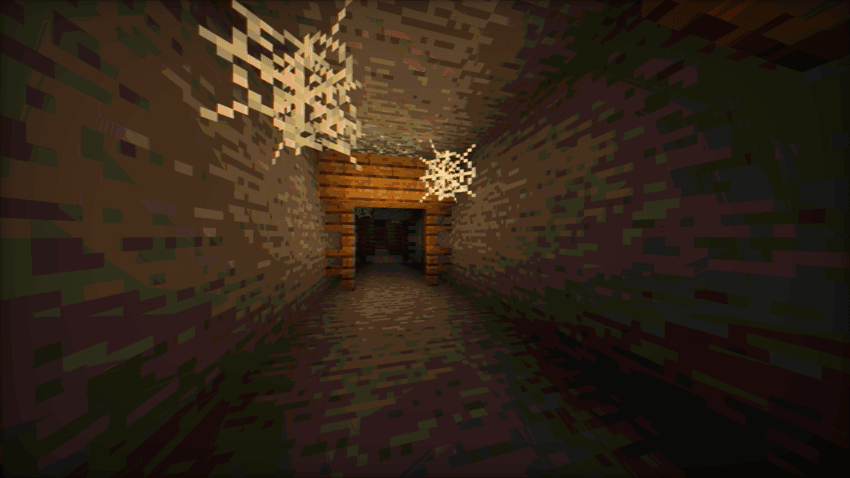
Mimics the aesthetic limitations of vintage hardware, such as limited color palettes and analog signal interference.
截图
介绍
Relive the Analog Era in Minecraft.
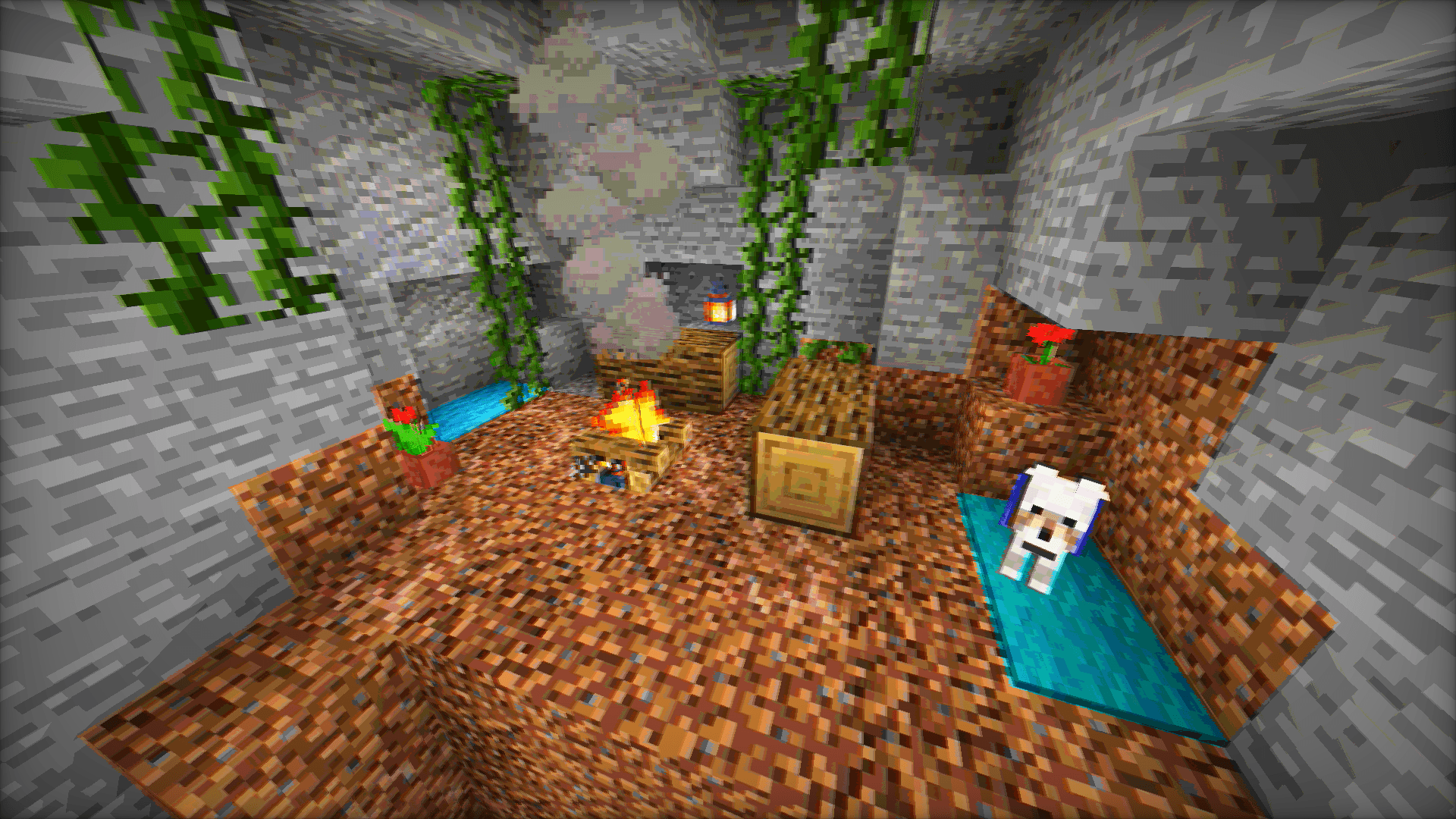
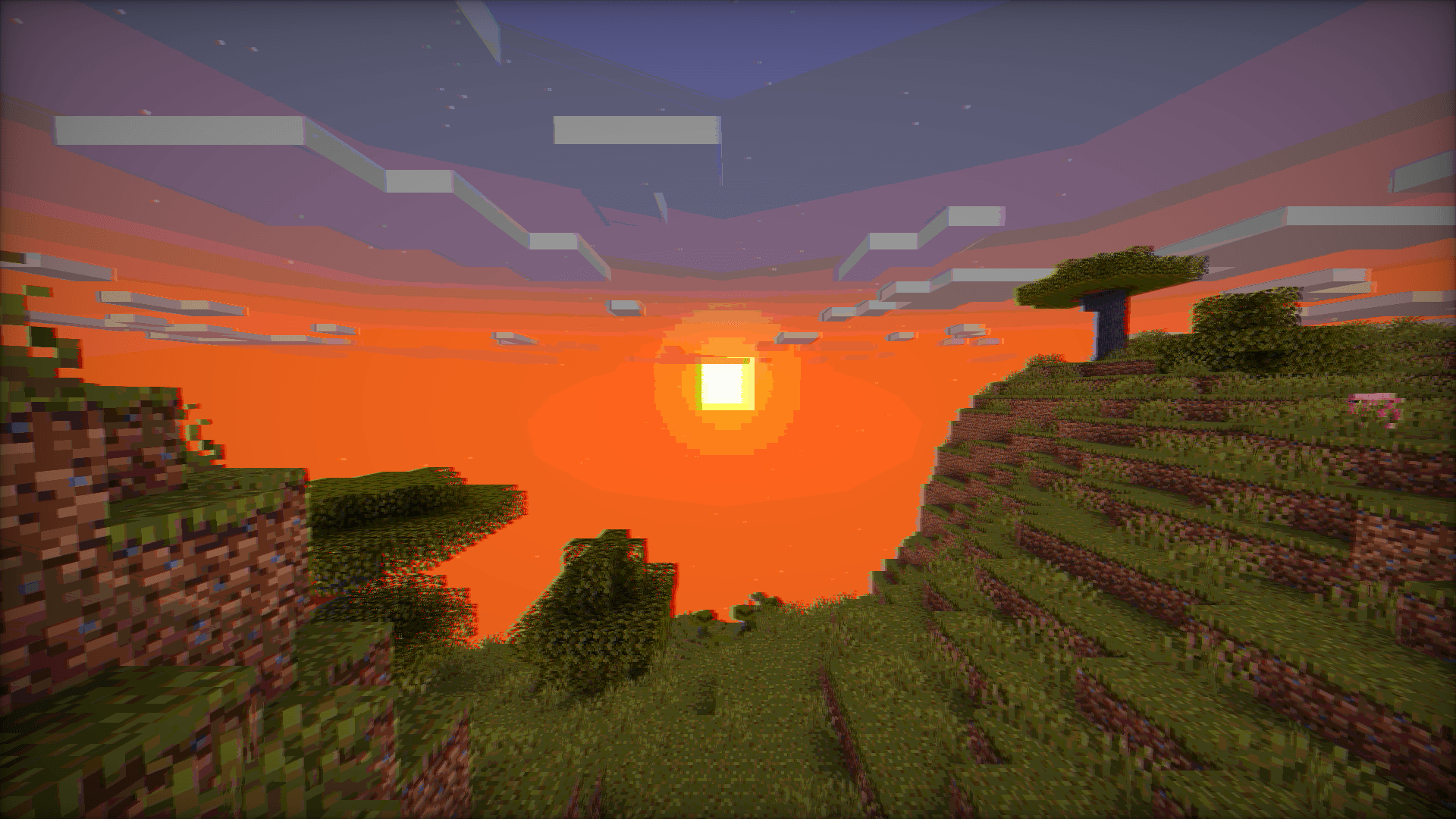
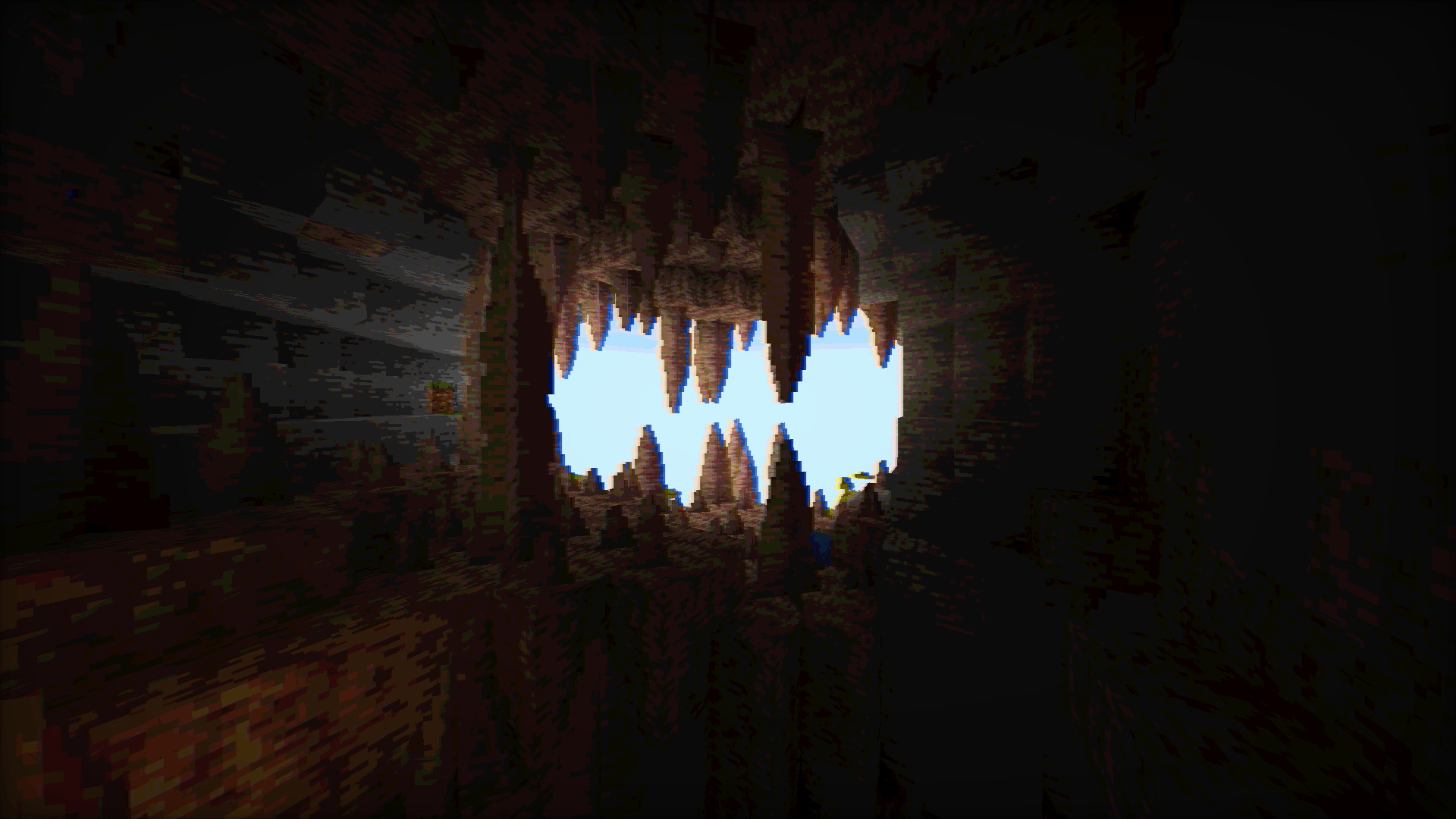
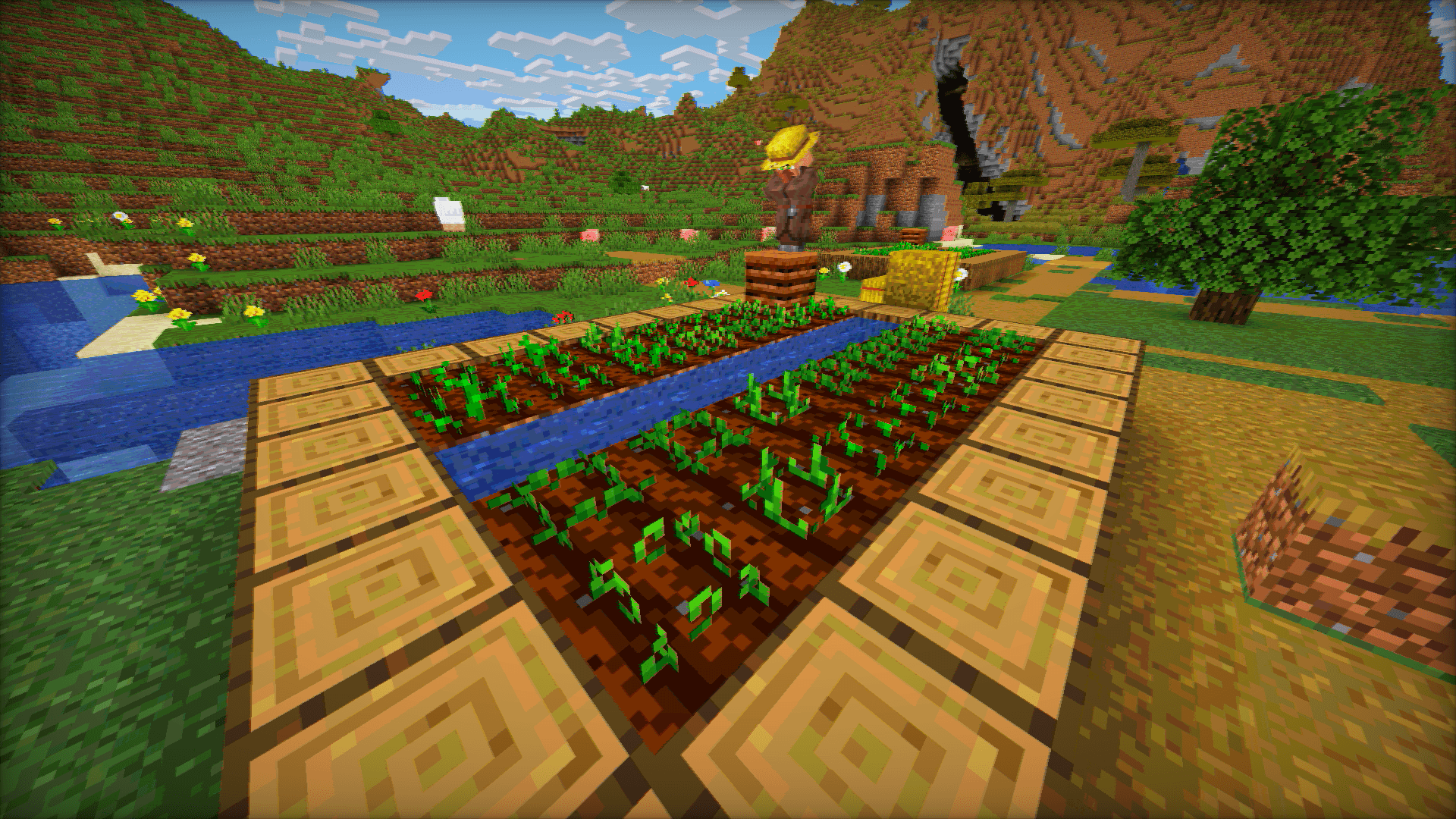
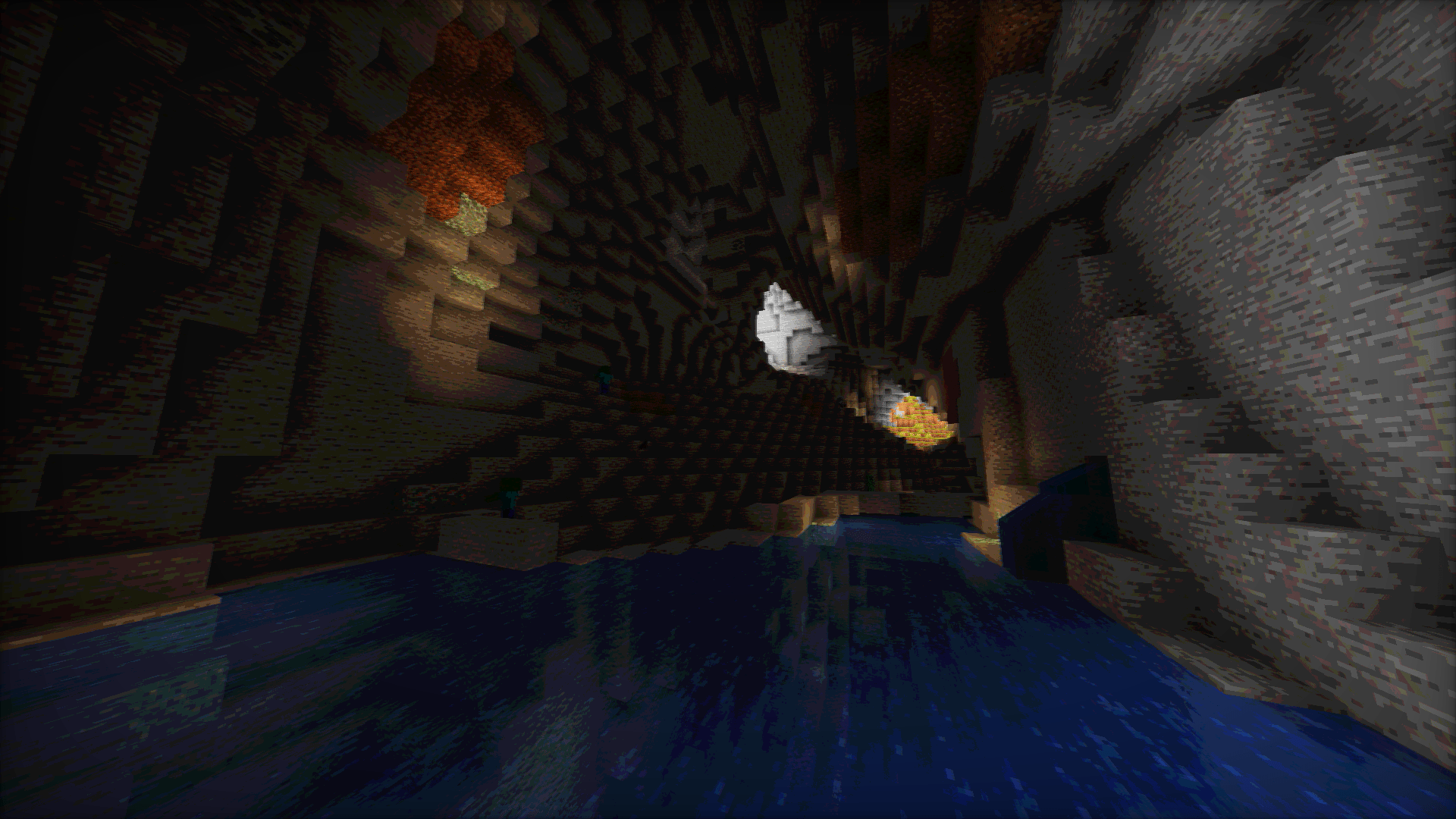
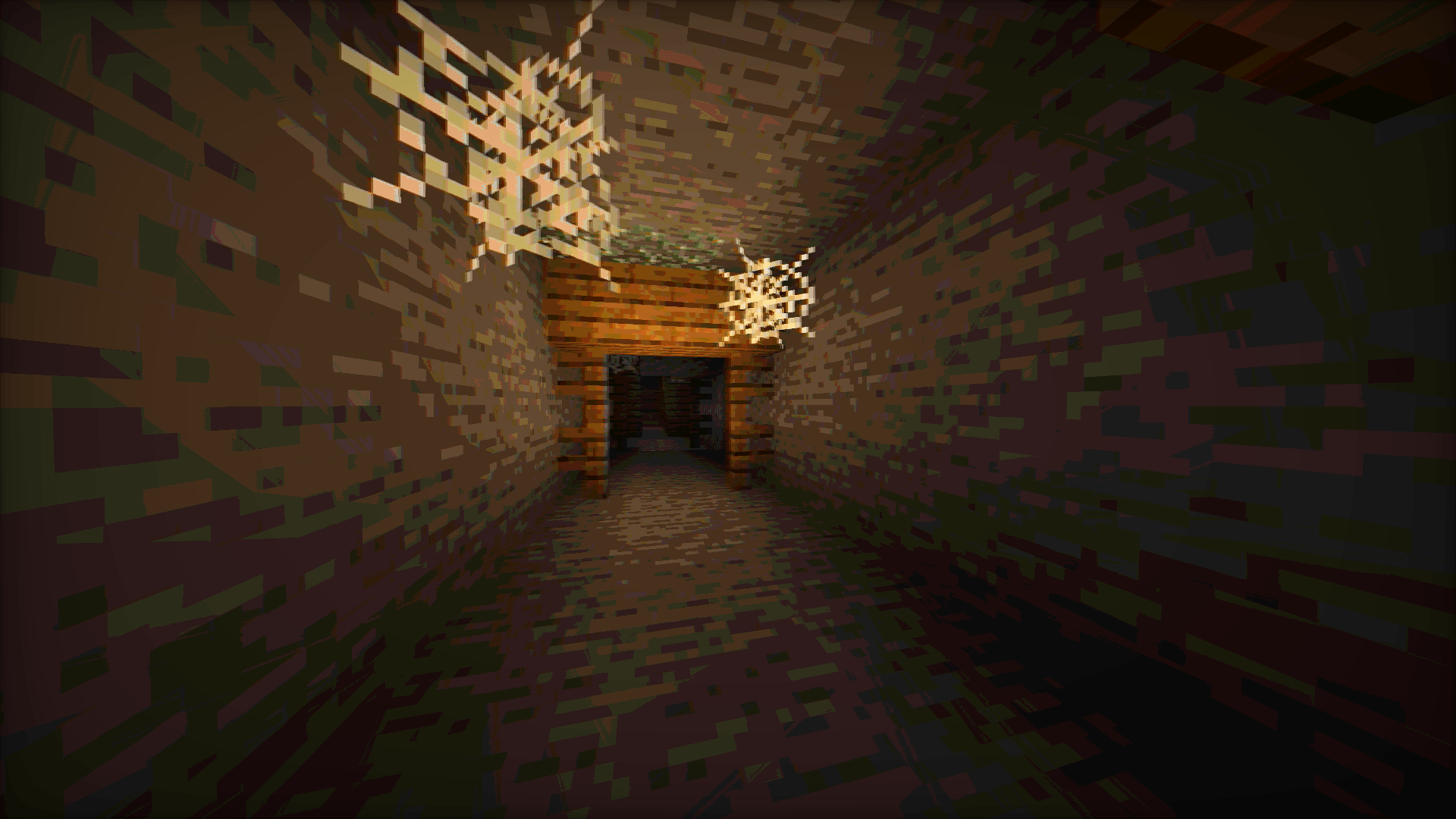
Vintage Shader is a lightweight aesthetic overhaul designed to strip away the “perfect” look of modern graphics. It replaces them with the nostalgic imperfections of 90s hardware, cathode-ray tubes (CRT), and analog signal interference.
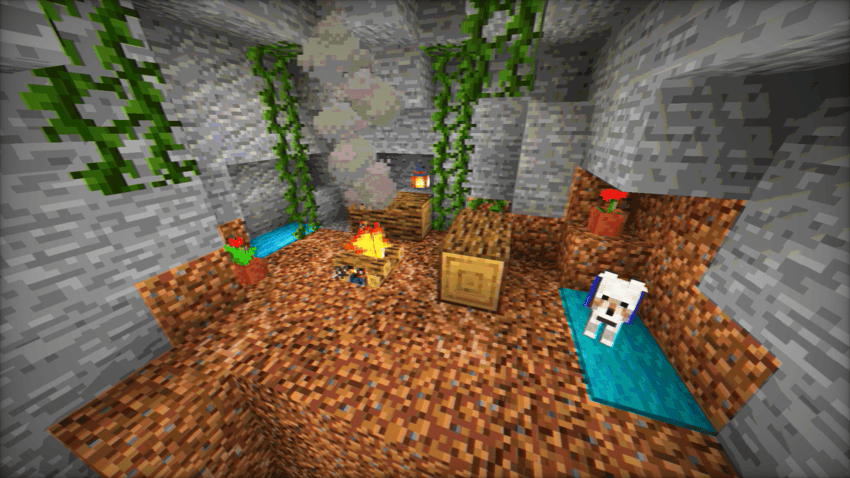
Whether you want to play in a crunchy 8-bit world or a “found footage” VHS style, Vintage Shader gives you the tools to travel back in time.
Key Features
- Color Quantization: Limit the color palette to achieve that iconic “Posterized” look from the 8-bit and 16-bit console eras.
- Analog Artifacts: Dial in Chromatic Aberration and Color Offsets to simulate lens distortion and misaligned RGB signals.
- Lo-Fi Visuals: Use the Blur and Saturation sliders to soften the image and create a warm, retro atmosphere.
- High Performance: Optimized to run on almost anything without sacrificing the vibe.
Loader Compatibility
- OptiFine: Fully compatible (All versions supporting shaders).
- Iris / Oculus: Fully compatible (v1.0+).
- Hardware: Runs on any GPU supporting OpenGL 3.0 / GLSL 1.30 or higher. This includes older Intel HD Graphics, AMD Integrated chips, and legacy Nvidia cards.
Requirements
- Minimum Requirement: Hardware supporting OpenGL shader version 130 or higher.
- Performance: Extremely lightweight. Ideal for integrated graphics, older laptops, and “potato” PCs.
常见问题
Vintage shader 支持哪些 Minecraft 版本?
Vintage shader 支持 Minecraft Java 版 1.16.5–26.2,共 34 个版本,可用的加载器:Iris / OptiFine。下载时注意选择和你游戏版本一致的文件。
Vintage shader 怎么安装?
光影需要先装 Iris / OptiFine。把下载的 .zip 文件(不用解压)放进游戏目录的 shaderpacks 文件夹,进游戏后在「选项 → 视频设置 → 光影包」里选中它。光影对显卡要求较高,卡顿可以调低光影设置或渲染距离。
Bartus131313 的其他作品
查看全部 →
Shader 8-BIT
Step into retro nights with 8-BIT Shader - pixelated visuals, dynamic colors, subtle glint, and scanlines bring classic 8-bit vibes to your Minecraft world!

Night Vision Shader
A night vision shader with vignette, noise, flicker effects, and customizable options.
CelShade Shader
A lightweight, highly customizable shader that transforms Minecraft into a vibrant, retro comic book using crisp outlines and color posterization.
评论
登录后评论和评分