
截图
介绍
QCommand (+Macro/Keybind)
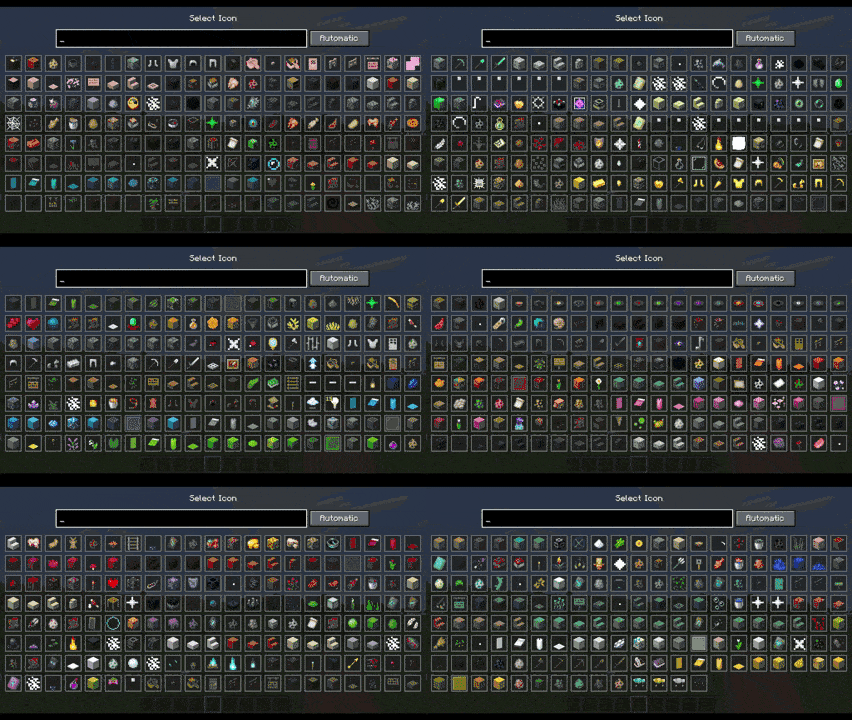
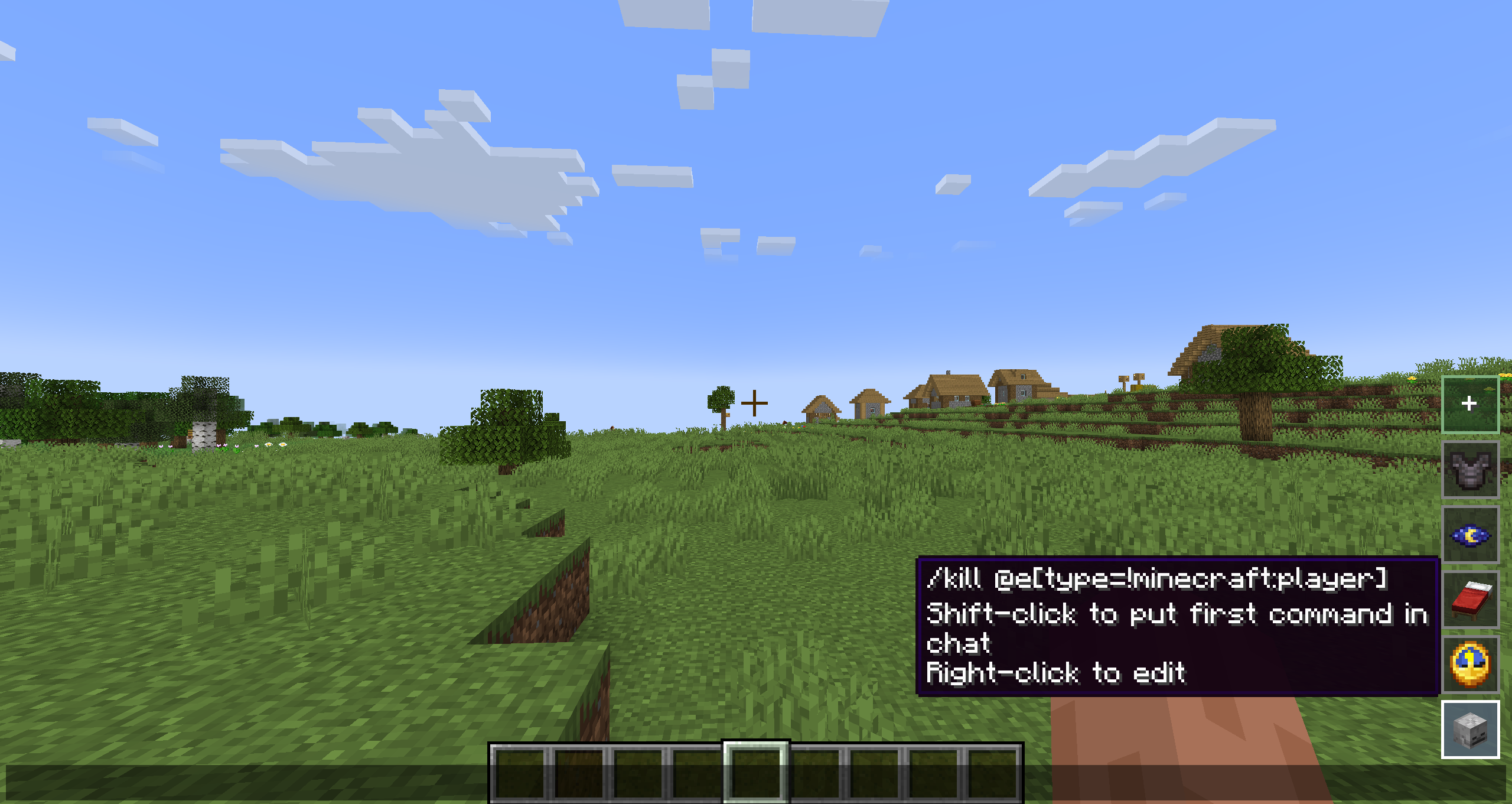
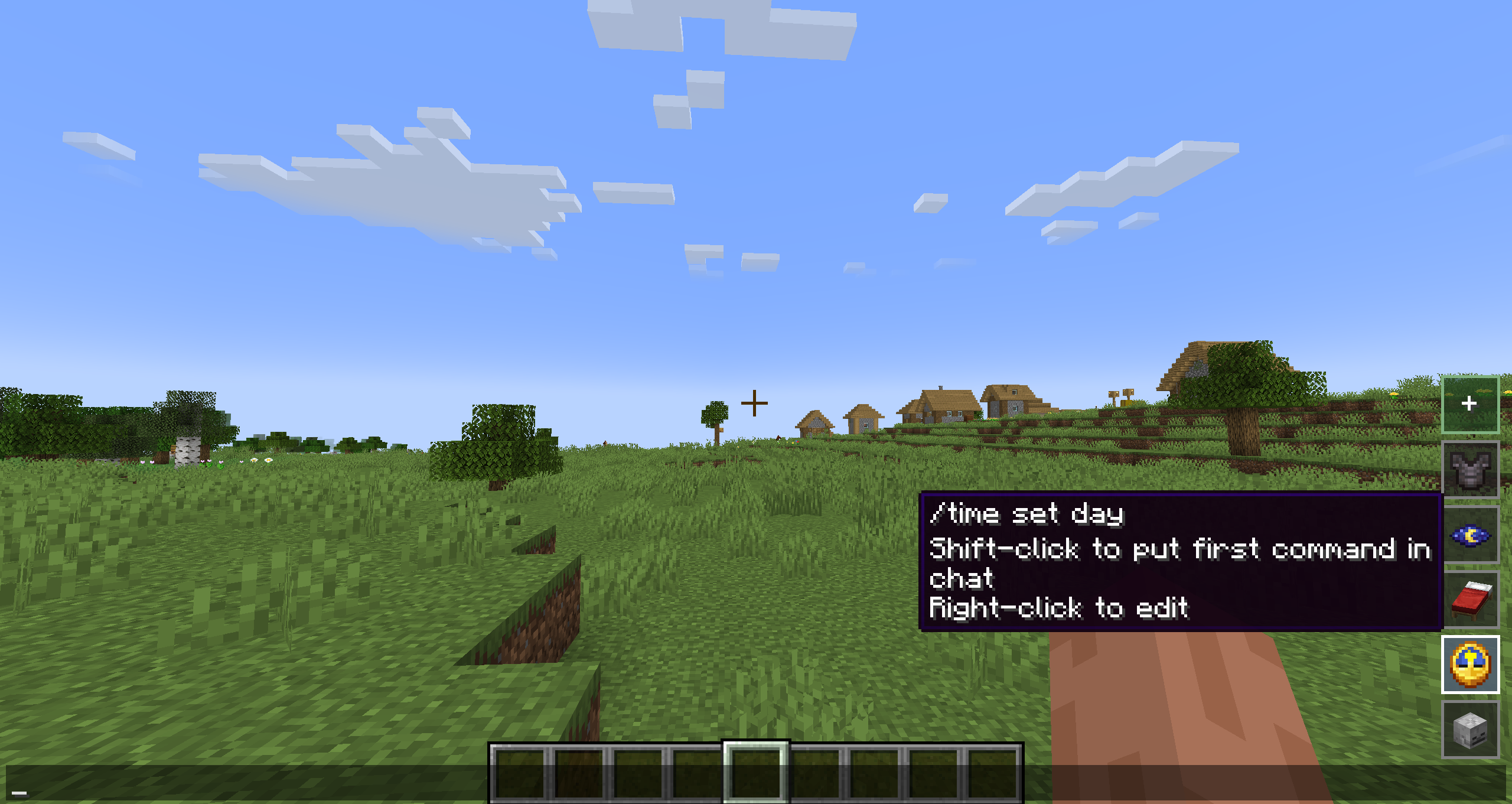
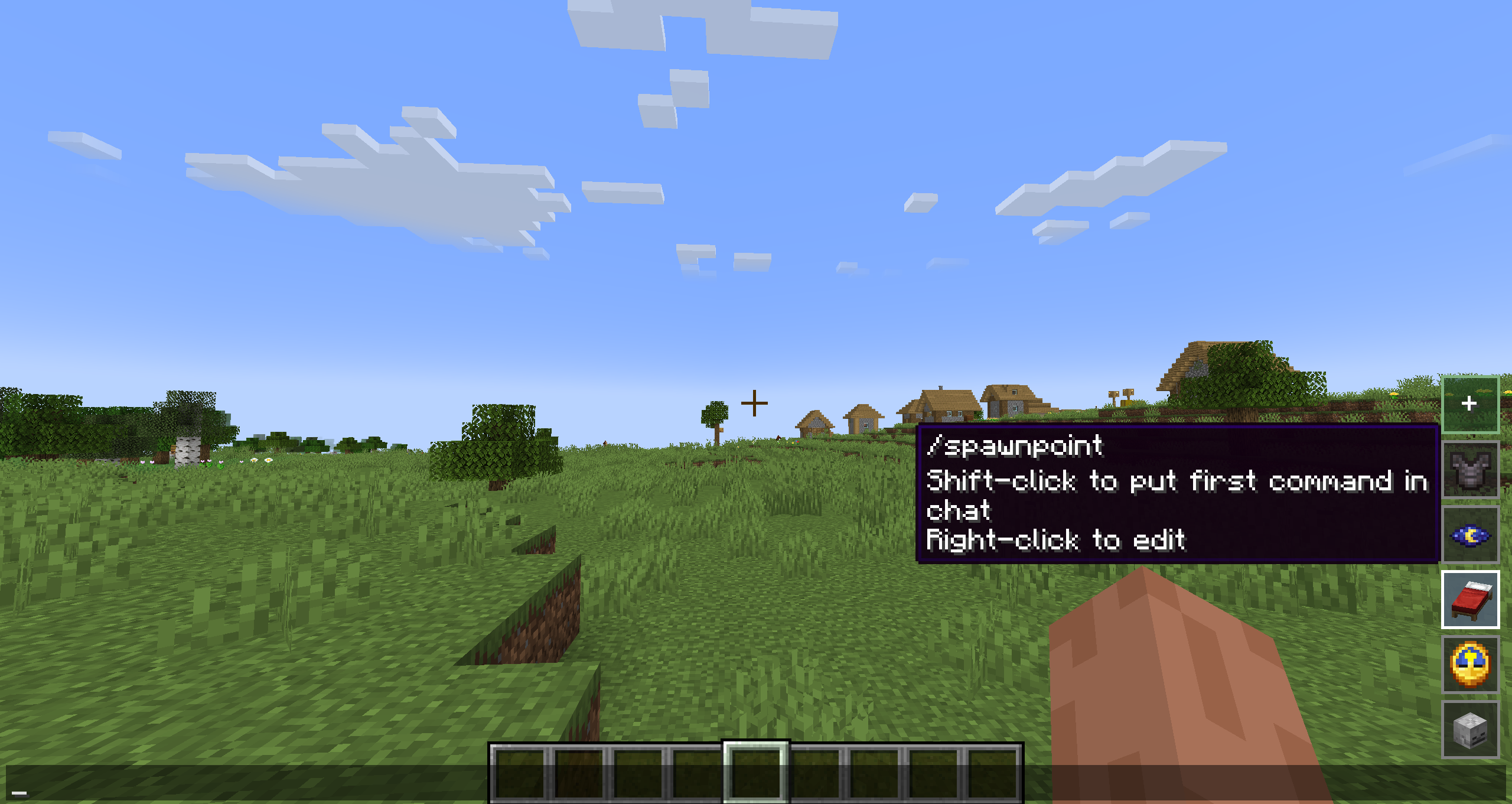
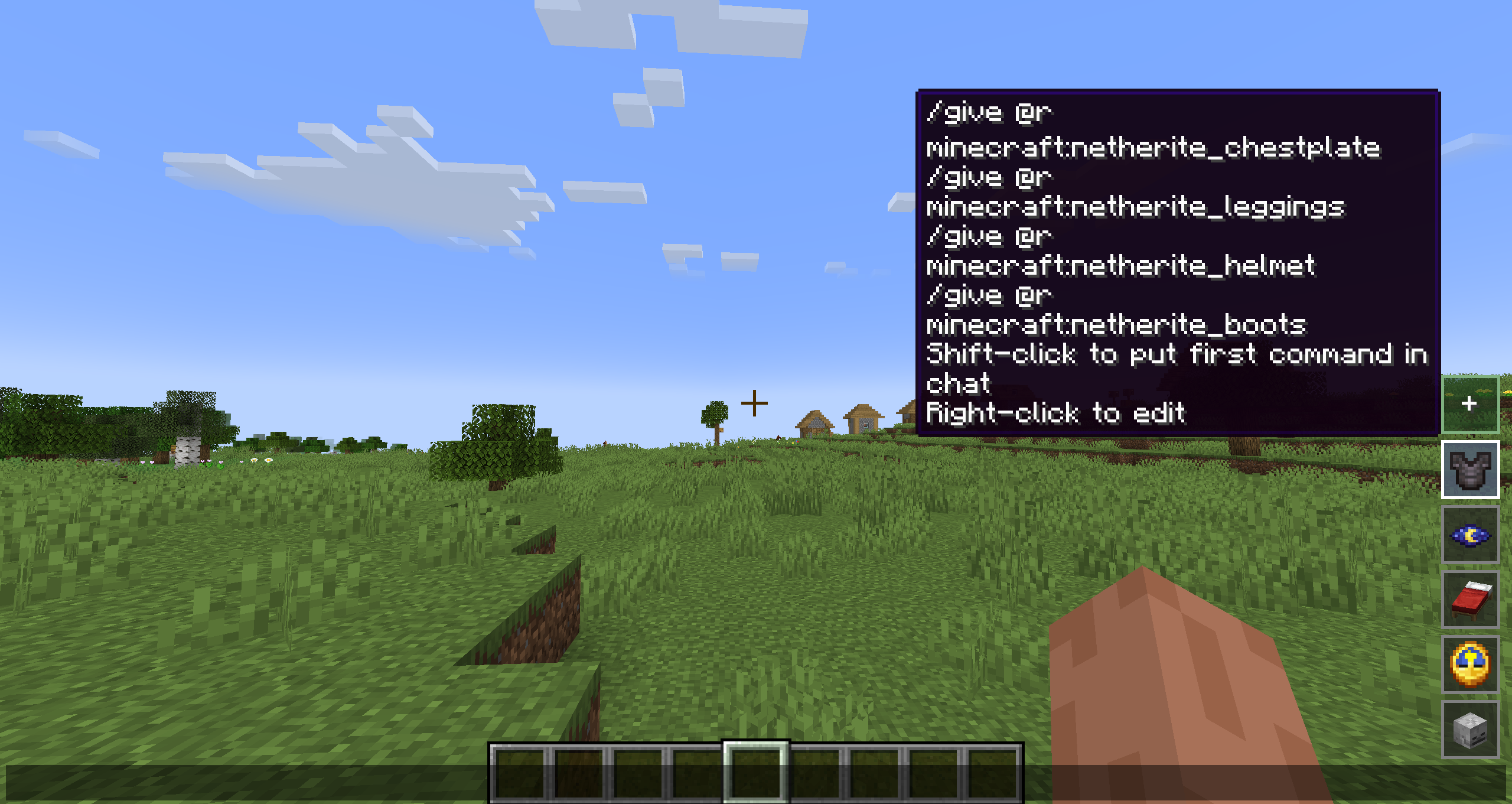
QCommand is a client-side Minecraft Forge mod that adds quick command buttons to the chat screen. It lets players save one or more commands behind small clickable buttons, choose an icon for each button, assign optional keybinds, and quickly run repeated commands without retyping them.
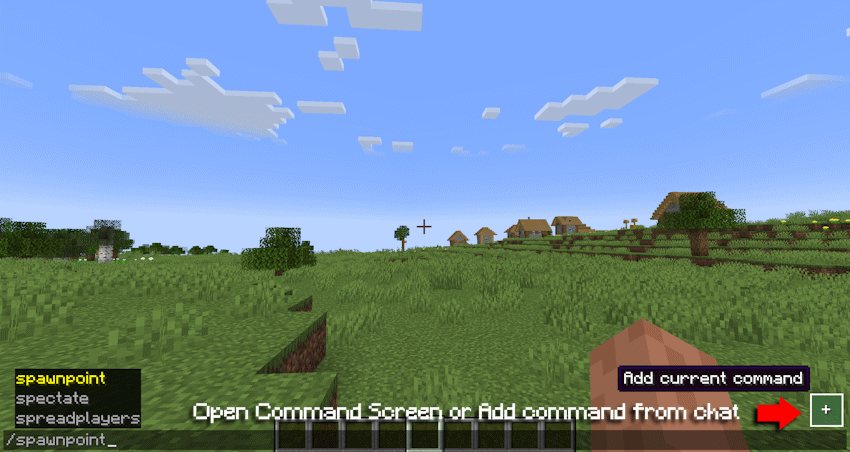
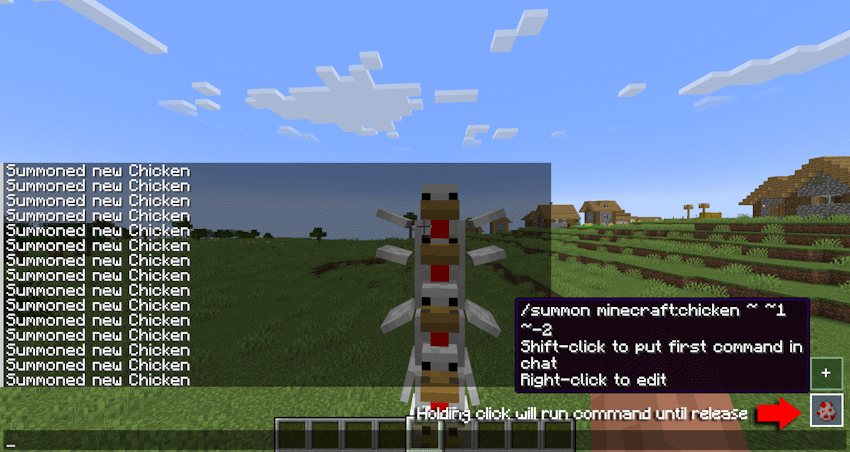
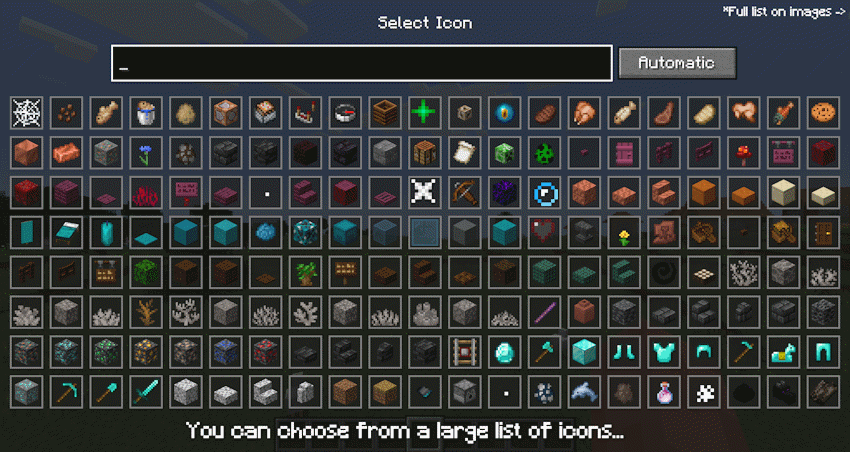
The mod is designed for players who frequently use commands, server utilities, testing commands, admin tools, teleport commands, gamemode switches, or custom datapack/plugin commands.
Main features:
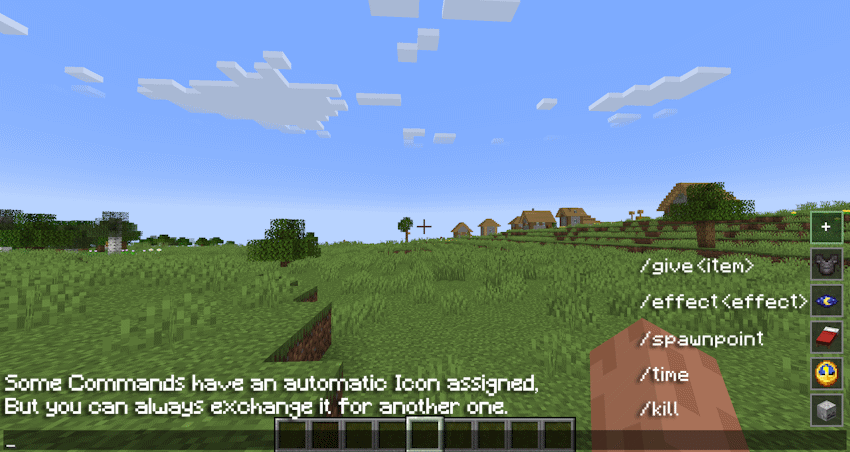
•Adds quick command buttons directly to the chat screen.
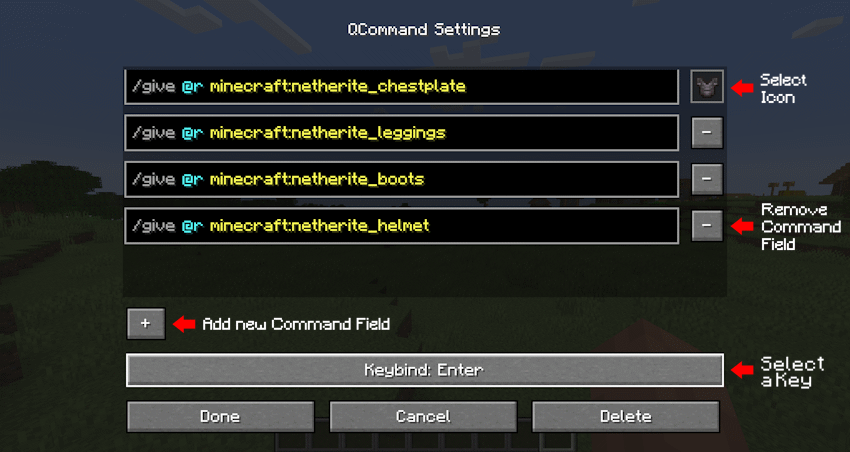
•Lets you create, edit, delete, and store custom command entries.
•Supports multiple command lines per saved button.
•Executes saved commands quickly from the chat UI.
•Allows choosing custom visual icons from items, effects, or particles.
•Supports optional keybinds for saved commands.
•Includes command autocomplete while editing command fields.
•Supports repeat behavior while holding a command button.
•Stores commands locally on the client.
•Does not require the server to install the mod.
Example uses:
•Save /home, /spawn, /warp, or /back.
•Save admin commands like /gamemode creative, /time set day, or /weather clear.
•Save testing commands for modpacks, datapacks, maps, or servers.
•Group several related commands into one command entry.
•Use icons to visually recognize each command quickly.
In short: QCommand makes Minecraft command usage faster by turning repeated commands into customizable chat-screen buttons.
常见问题
QCommand 支持哪些 Minecraft 版本?
QCommand 支持 Minecraft Java 版 1.20.1–26.3,共 7 个版本,可用的加载器:Fabric / Forge / NeoForge。下载时注意选择和你游戏版本一致的文件。
QCommand 怎么安装?
先用 PCL2 或 HMCL 启动器安装对应版本的 Fabric / Forge / NeoForge,再把下载的 .jar 文件放进游戏目录的 mods 文件夹,重新启动游戏即可。开启了版本隔离的,mods 文件夹在 versions/版本名 下面。运行环境:仅客户端。
exoenrgy 的其他作品
查看全部 →
Face of Horror
You never know who's watching you from the shadows...

HideHUD
HideHUD allows you to selectively hide user interface elements and some screens (HUD & GUI)

The Spirit Of The Harvest Moon
Are you a true farmer?...

Pet Overhaul
More useful pets!
评论
登录后评论和评分