介绍
Zenith’s LUT Shader
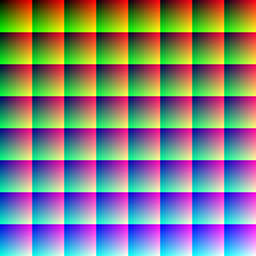
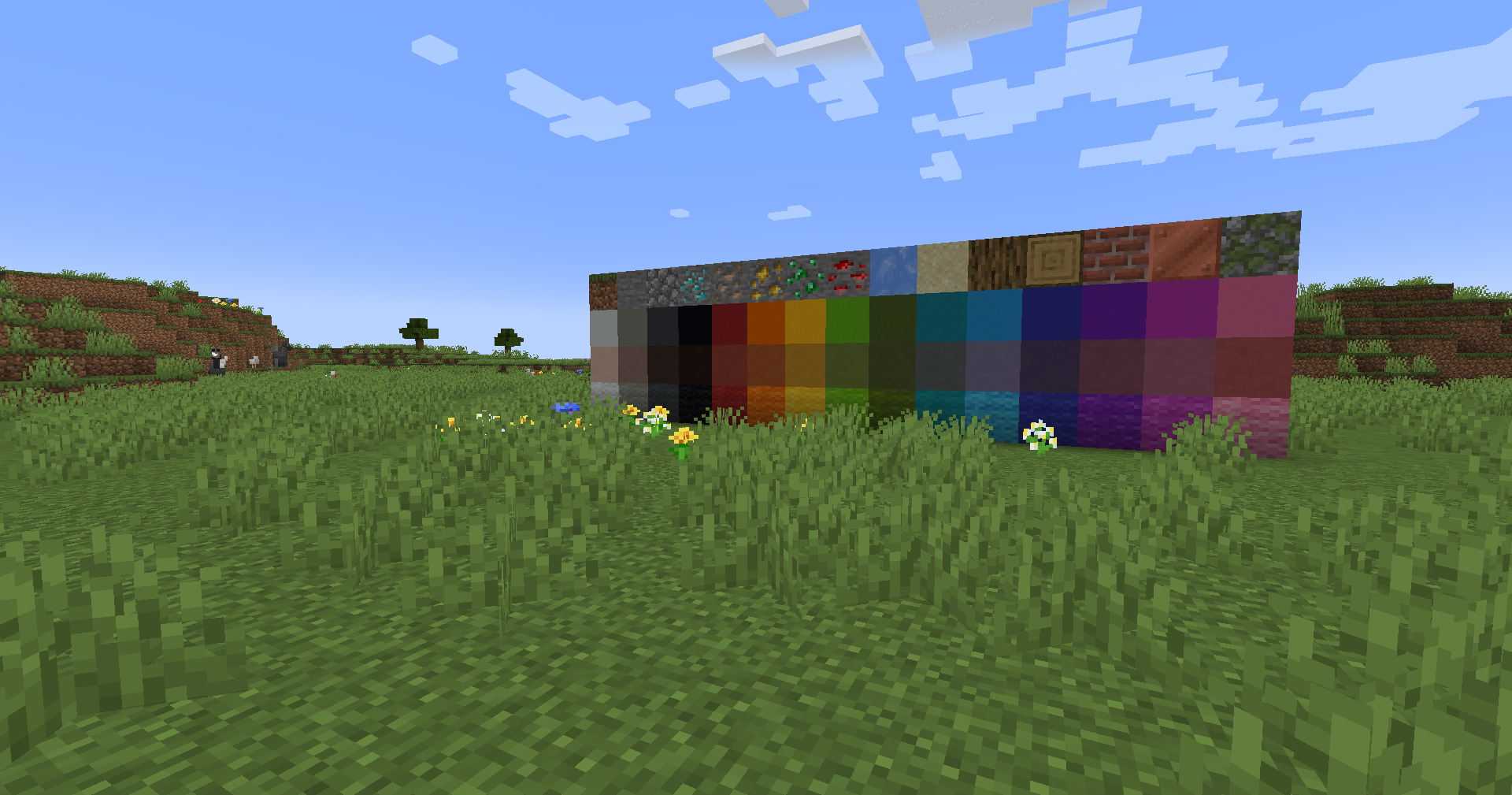
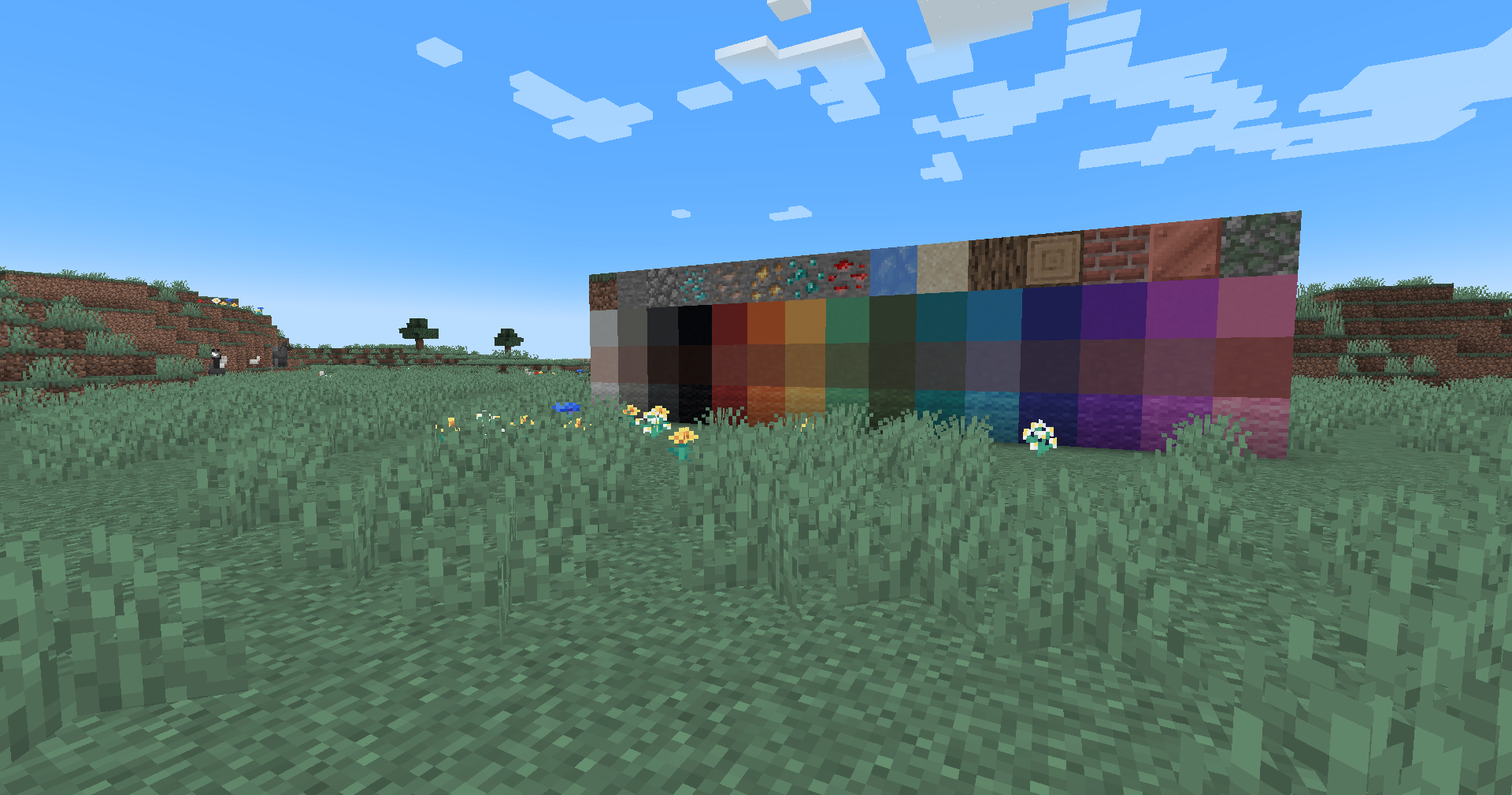
This simple vanilla shader allows you to customize the colors of your game by use of color lookup tables or LUTs
Vanilla Colors |
Custom LUT |
|---|---|
 |
 |
Installation
Vanilla
- Download the vanilla version of this shader
- Add to
.minecraft/resourcepacks - DO NOT UNZIP
- Set graphics to
Fabulous - Activate Resource Pack
OptiFine/Iris
- download the Iris/OptiFine version of this shader
- add to
.minecraft/shaderpacks - DO NOT UNZIP
- Select shader in Shaders Menu
Customization
Provided within the pack zip, you may find a file called init_LUT.psd, which will allow you to customize the look and feel of this shader.
Customization Instructions
- Open
init_LUT.psdinto your favorite photo editor (IE GIMP, Photoshop, Affinity Photo) - I personally use the free online Photoshop alternative Photopea
- You can also just use the unmoddified
init_LUT.pngwhich is also provided in the zip - Apply as many adjustment layers, or edit the ones I have pre-selected, to achieve the look you desire
- These can be found under
Layer > Add New Adjustment Layer - Hide the color preview layer
HIDE BEFORE EXPORT - Export into the pack as
assets\minecraft\textures\effect\lut.pngorshaders\lut.png, depending on whether you are using Vanilla or Iris/OptiFine
Example LUTs
Save one of the LUTs below as assets\minecraft\textures\effect\lut.png or shaders\lut.png, depending on whether you are using Vanilla or Iris/OptiFine:
LUT |
Preview |
|---|---|
Reduced Reds 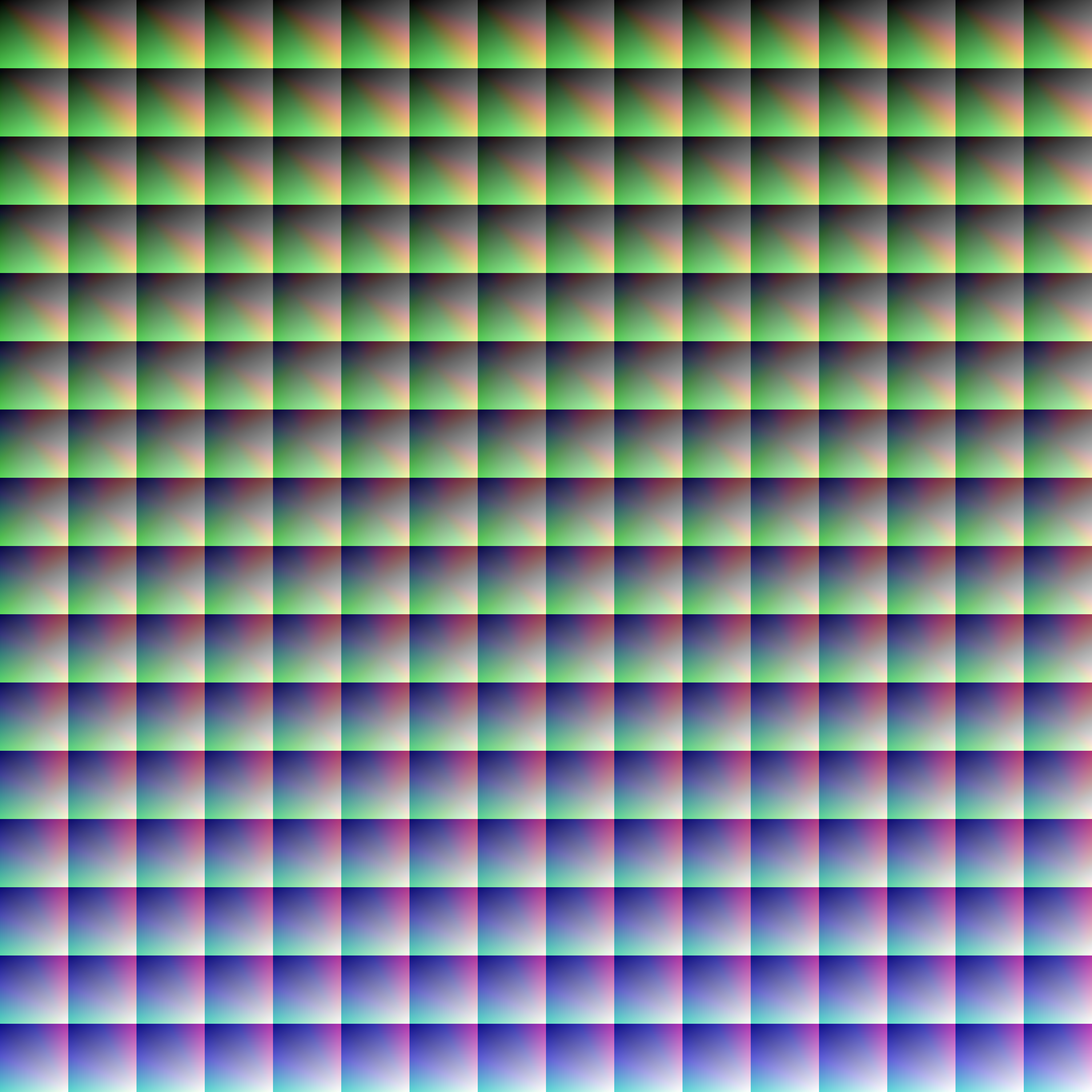 |
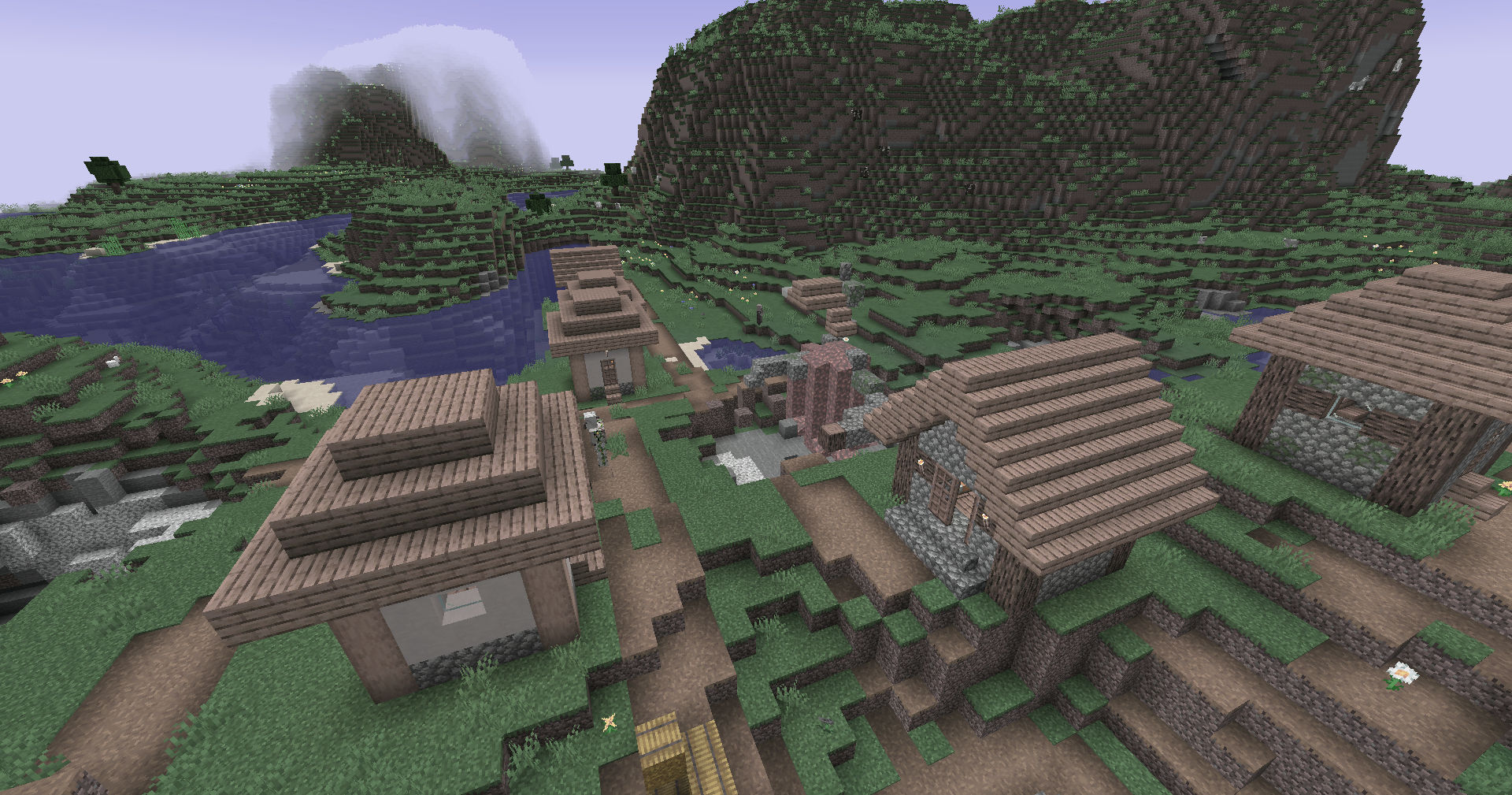 |
Red Isolated 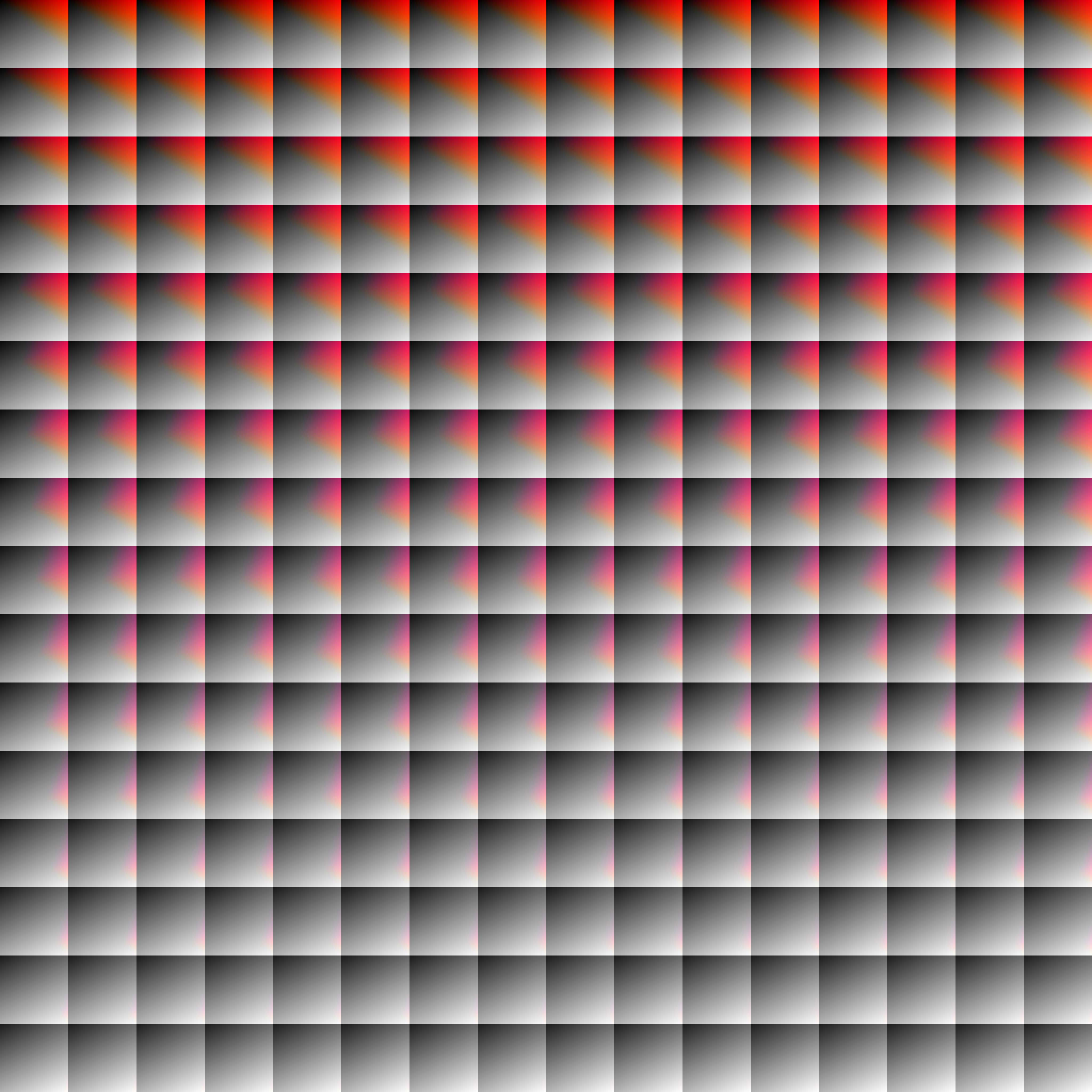 |
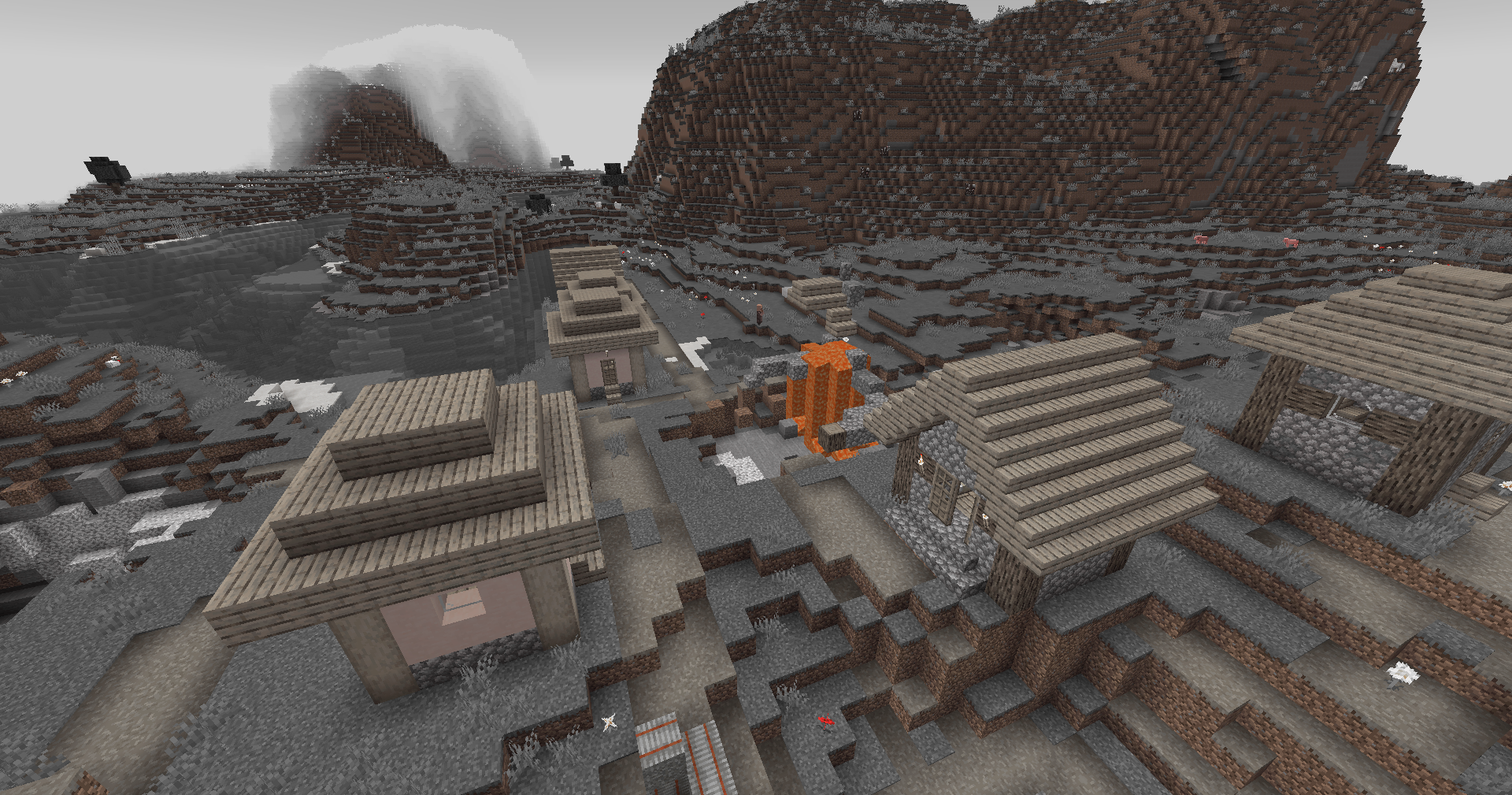 |
Darkened World 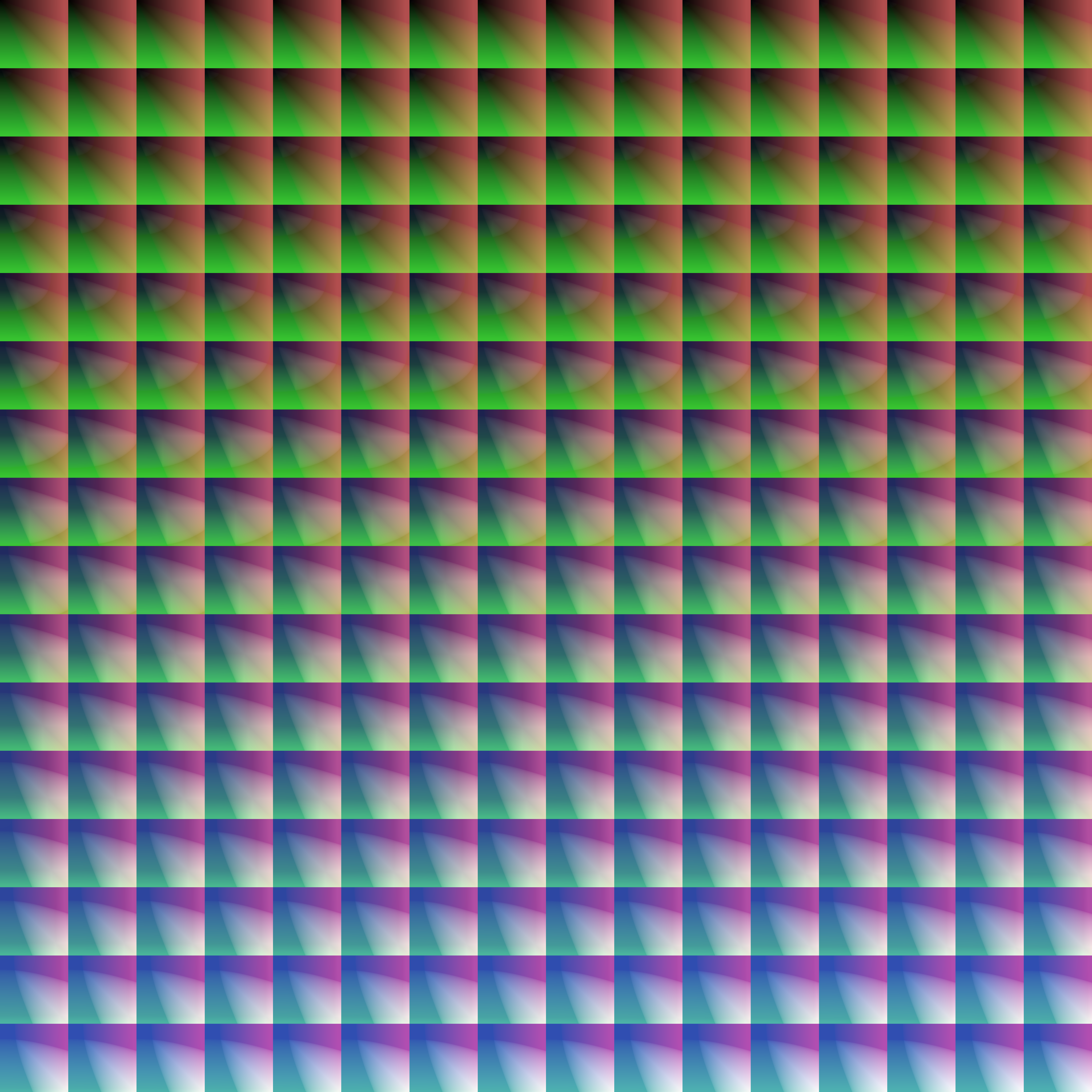 |
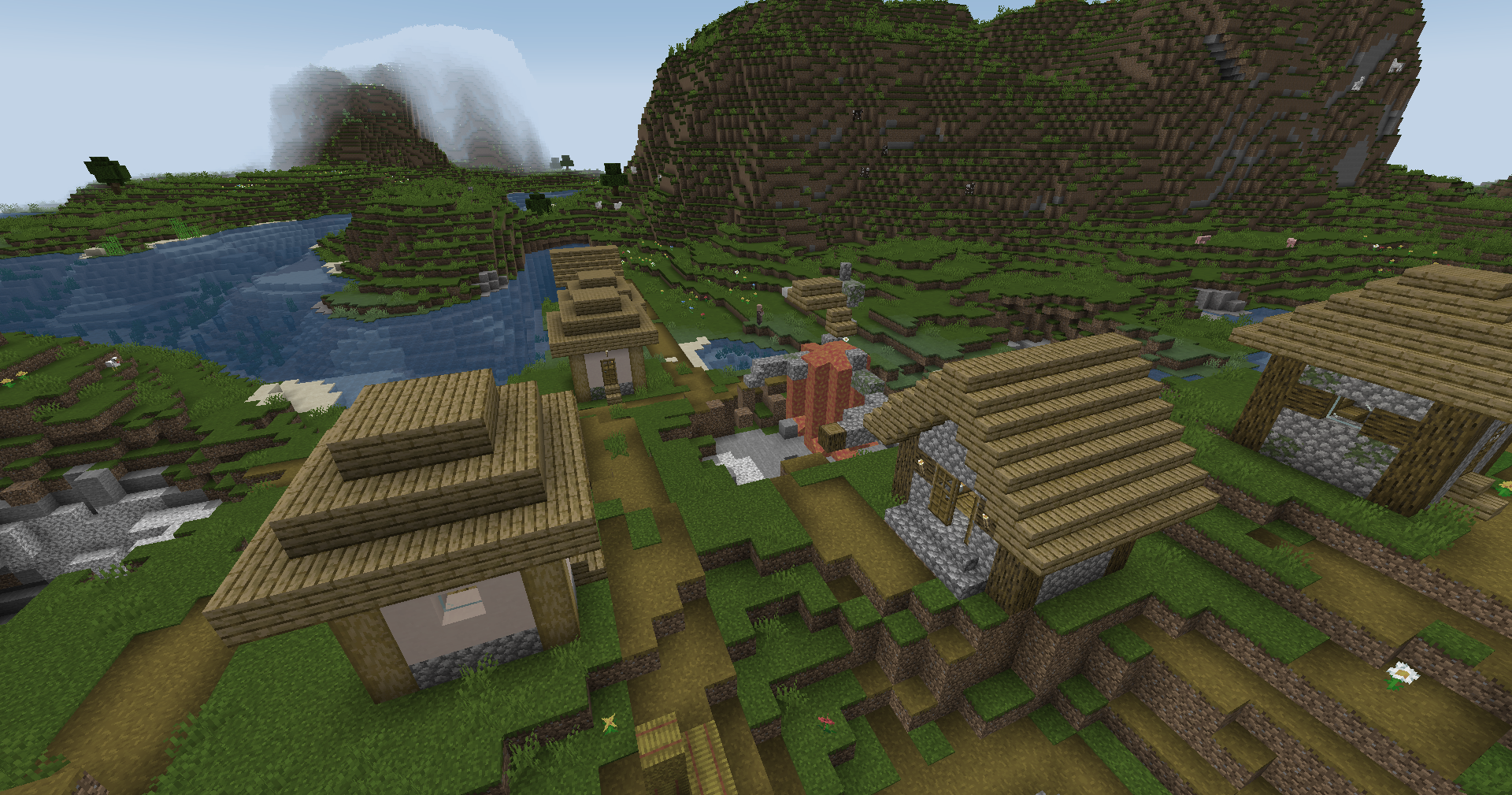 |
Wut 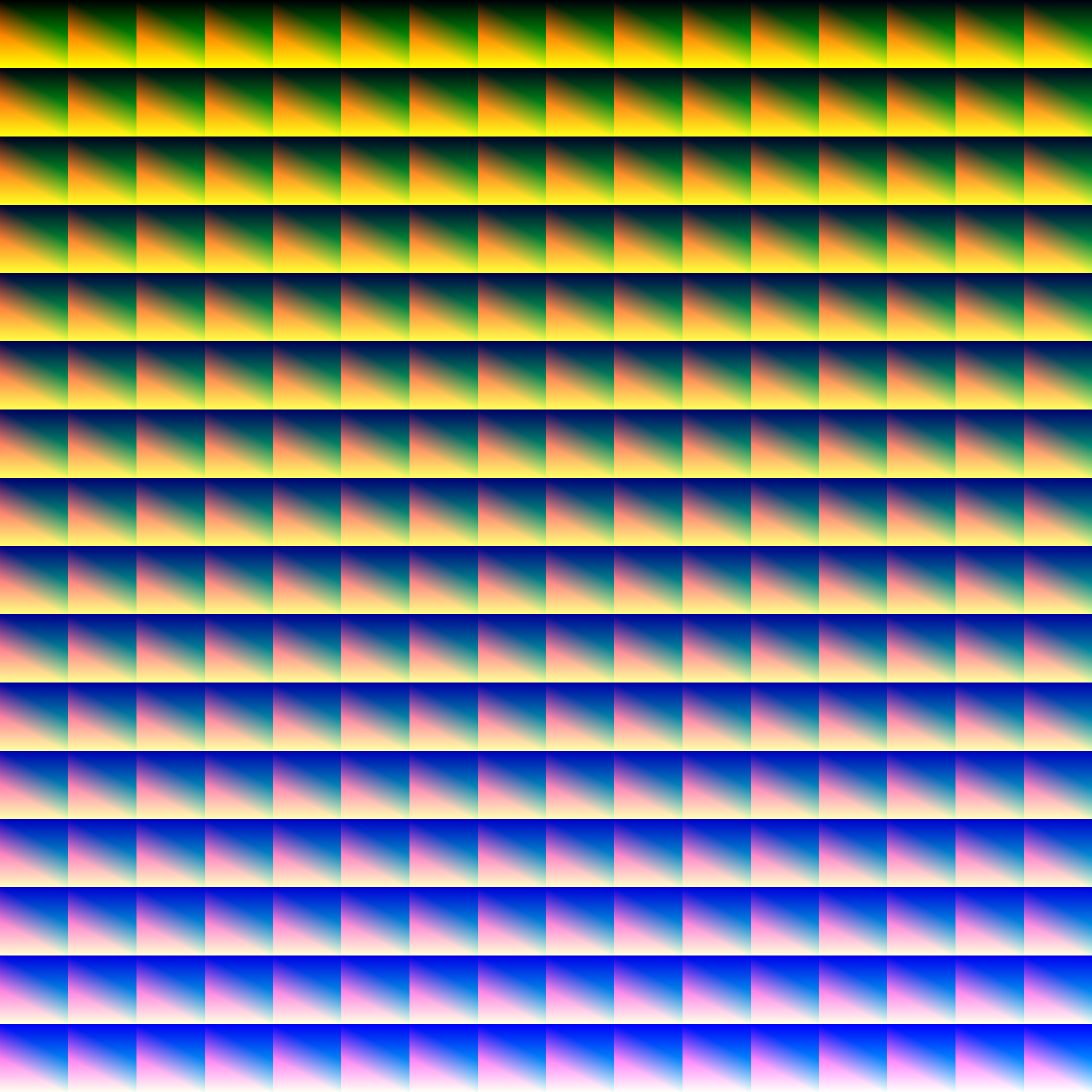 |
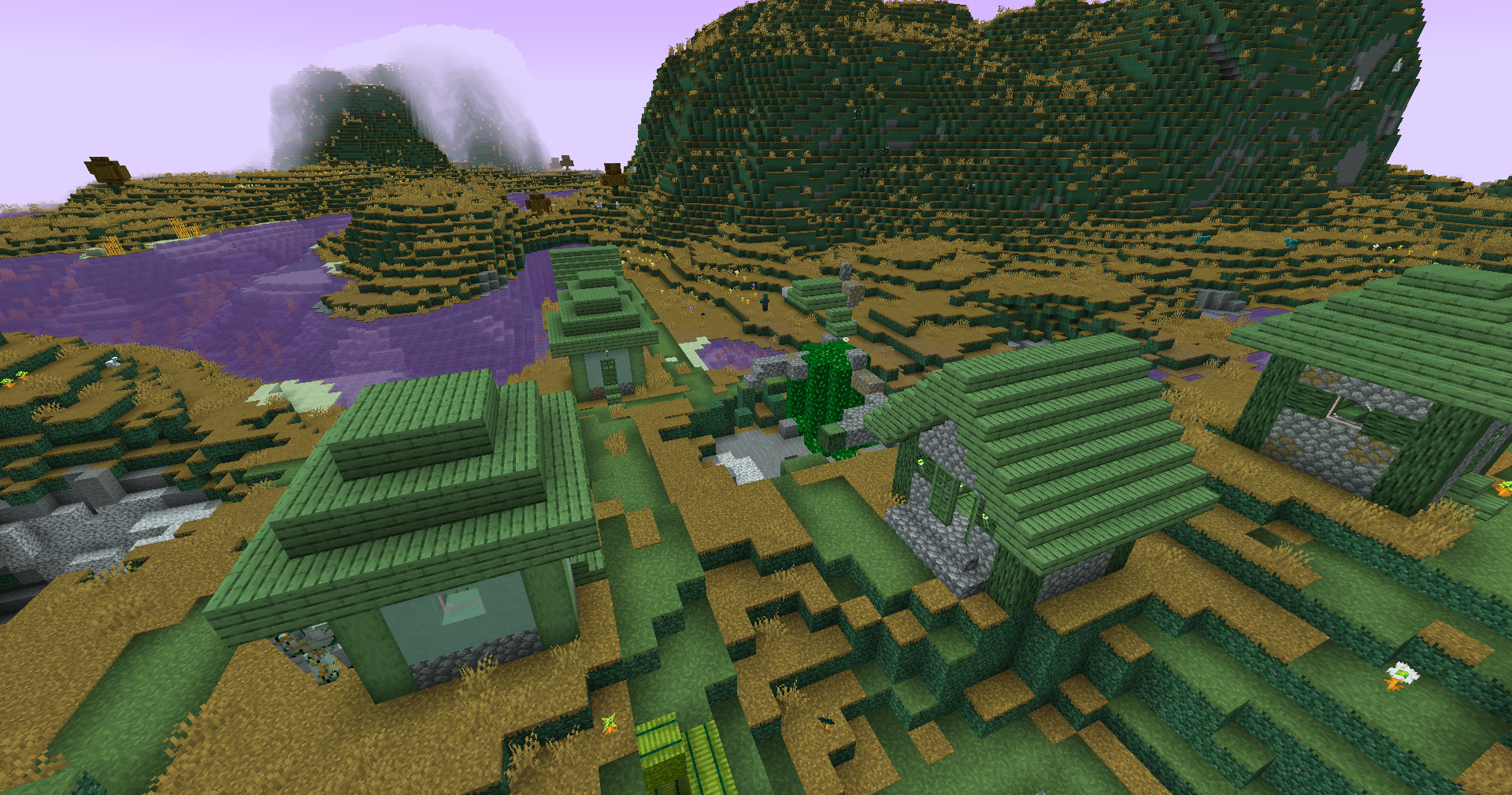 |
Redistribution
常见问题
Zenith’s LUT Shader 支持哪些 Minecraft 版本?
Zenith’s LUT Shader 支持 Minecraft Java 版 1.8.9–1.20.6,共 49 个版本,可用的加载器:Iris / OptiFine。下载时注意选择和你游戏版本一致的文件。
Zenith’s LUT Shader 怎么安装?
光影需要先装 Iris / OptiFine。把下载的 .zip 文件(不用解压)放进游戏目录的 shaderpacks 文件夹,进游戏后在「选项 → 视频设置 → 光影包」里选中它。光影对显卡要求较高,卡顿可以调低光影设置或渲染距离。
ZenithKnight 的其他作品
查看全部 →
Colorful Sheared Sheep
Fixes sheep parity with bedrock, so you can see their color when sheared (Fresh Animations Compatible!)
Zenith’s LUT Shader
Color Lookup Tables

Baby Model Rewind
Return to the pre 26.1 baby entity models

Inventory Flat Pack [Addon]
Flat block icons for those that want a simpler inventory
评论
登录后评论和评分