
Zayko Shaders
Built for quality sometimes at playable performance + Built in PBR, Emissive Textures, and amazing adjustability.
截图


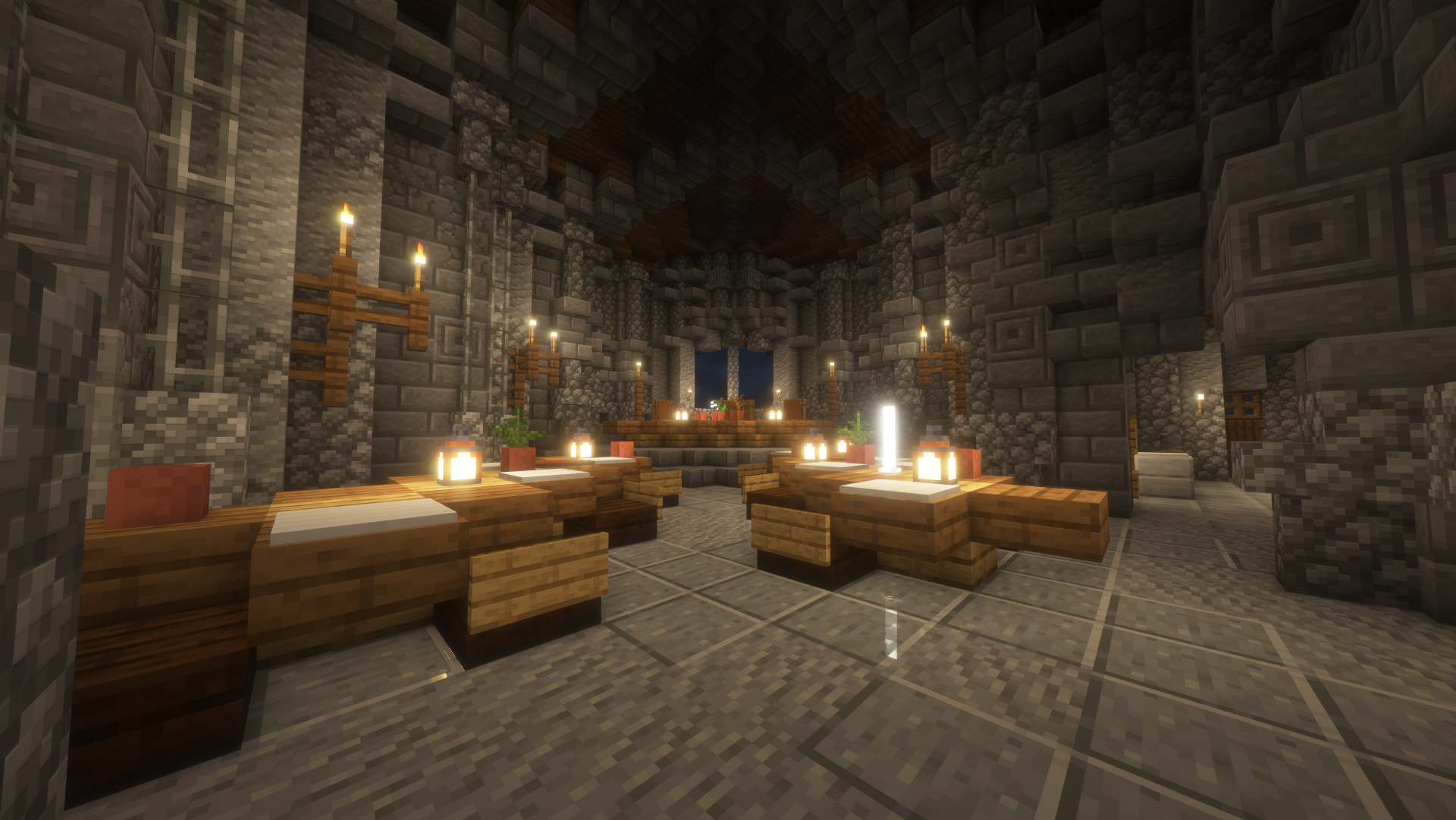
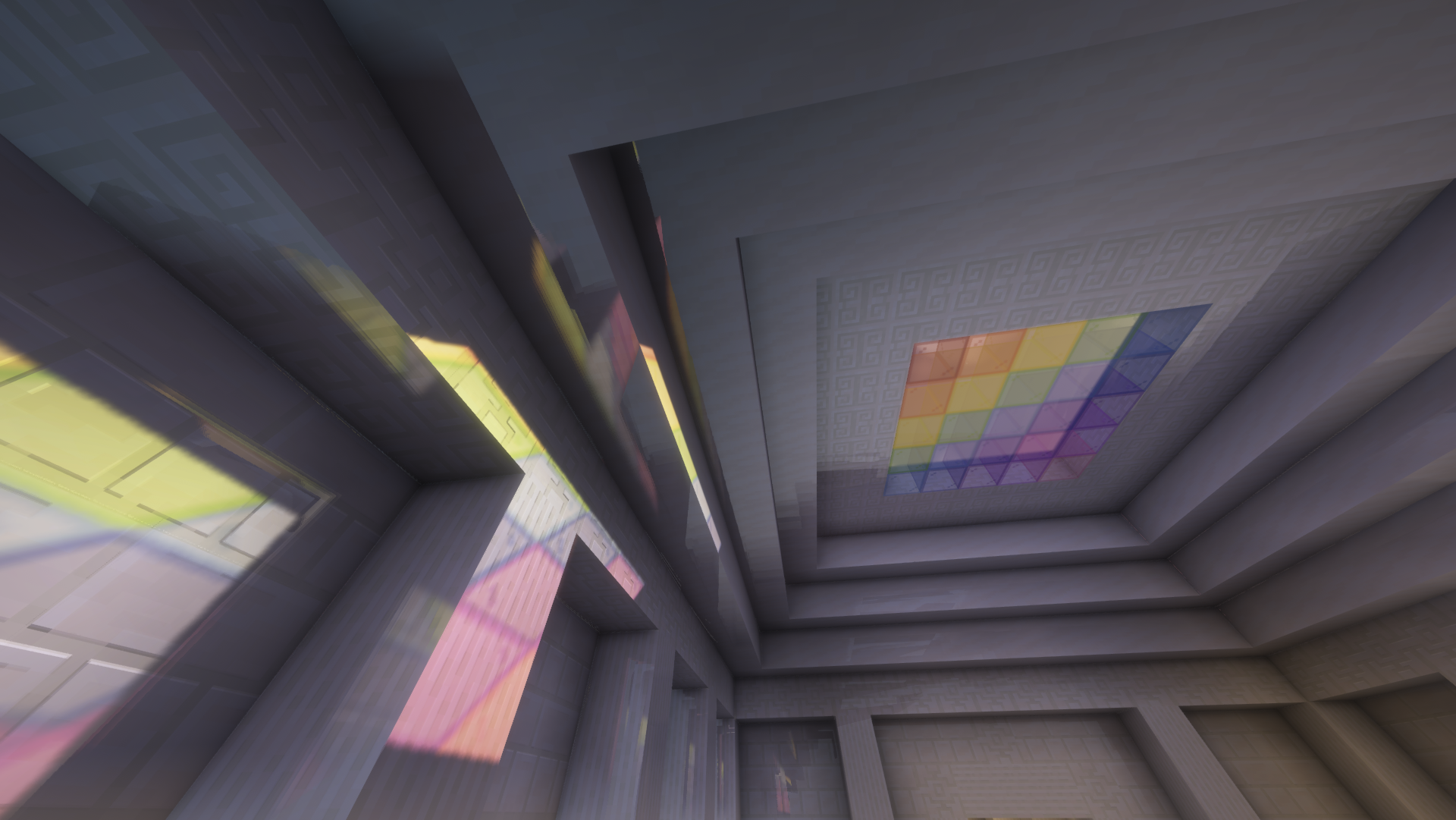
介绍
_9.0 IS OUT! 🥏🌐_

━━━━━━━━━━☆━━━━━━━━━━☆━━━━━━━━☆━━━━━━━━━━☆━━━━━━━━━━

Short About
Zayko is a shader pack for Minecraft Java Edition, designed with an emphasis on detail, excellent quality and optimization. It offers PBR effects, emissive textures for mobs, blocks and items, as well as a wide range of settings: from Low to Ultra. provides a stable frame rate, while allowing you to adjust the settings to suit any requirements.
━━━━━━━━━━☆━━━━━━━━━━☆━━━━━━━━☆━━━━━━━━━━☆━━━━━━━━━━

Zayko Shaders is a shader pack for Minecraft Java Edition with amazing attention to detail, great quality, and the best possible optimisation. Offering a range of amazing quality visuals and ajustable effects, instead of just giving you presets we also give you great ajustability with our shaders, including emmissive textures for mobs and blocks even certain items including PBR thanks to compatablity with Optifine and Iris,and for those who just want a simple click and play without ajusting there are profiles ranging from Very Low to Ultra and it’s build for Keeping a stable framerate with amazing shaders.
━━━━━━━━━━☆━━━━━━━━━━☆━━━━━━━━☆━━━━━━━━━━☆━━━━━━━━━━

if your new or don’t know how to download shaders then were here to help!
Modrith Launcher
Click Install –> Pick an Instence or Create one –> Wait for it to do its magic –> Launch and Enjoy the Shaders!
Natrual Launcher
Download File –> Launch Game with Optifine or Iris –> Options –> shaders –> Open shaderpack folder –> drag and drop the file into the folder –> close folder and click on the shaders in game and enjoy!

Showcase Videos
Even videos where they show off shaders takes time to create which can take away from their personal lives. Originally this only showed our offical showcase but we wanted to support the community. ([email protected] if you want a video added or removed.)
━━━━━━━━━━☆━━━━━━━━━━☆━━━━━━━━☆━━━━━━━━━━☆━━━━━━━━━━
Gamomnia – Shows Zayko at 4:02
━━━━━━━━━━☆━━━━━━━━━━☆━━━━━━━━☆━━━━━━━━━━☆━━━━━━━━━━
yukowara – Shows Zayko at 1:33
━━━━━━━━━━☆━━━━━━━━━━☆━━━━━━━━☆━━━━━━━━━━☆━━━━━━━━━━
FiveNova – Shows Zayko for full video
━━━━━━━━━━☆━━━━━━━━━━☆━━━━━━━━☆━━━━━━━━━━☆━━━━━━━━━━
常见问题
Zayko Shaders 支持哪些 Minecraft 版本?
Zayko Shaders 支持 Minecraft Java 版 1.7.2–26.3,共 84 个版本,可用的加载器:Iris / OptiFine。下载时注意选择和你游戏版本一致的文件。
Zayko Shaders 怎么安装?
光影需要先装 Iris / OptiFine。把下载的 .zip 文件(不用解压)放进游戏目录的 shaderpacks 文件夹,进游戏后在「选项 → 视频设置 → 光影包」里选中它。光影对显卡要求较高,卡顿可以调低光影设置或渲染距离。

评论
登录后评论和评分