YunMeng (云梦) Shaders
A Minecraft shader pack with painterly Guofeng Ink and luminous Xianxia Mist visual styles.
截图
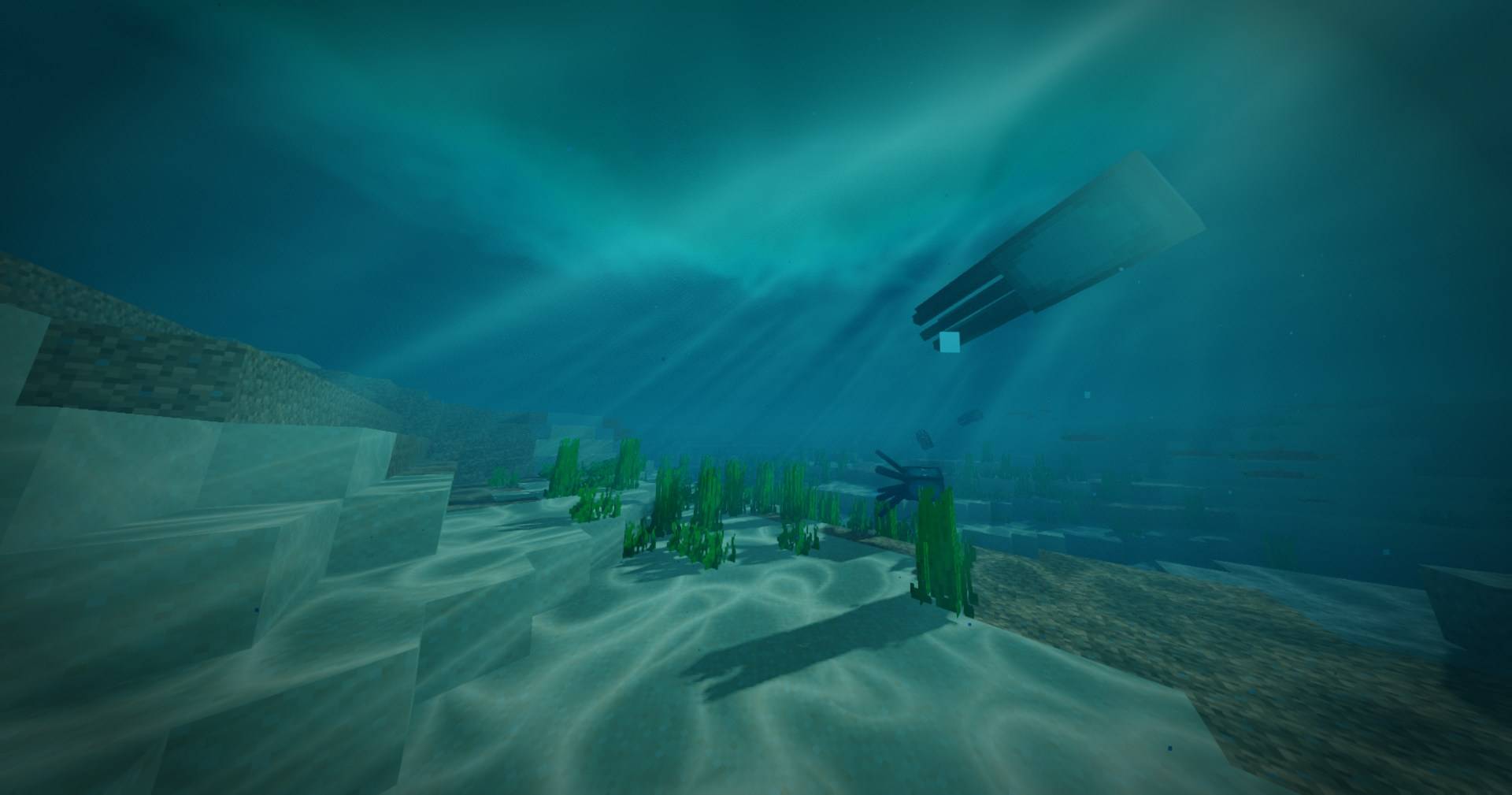
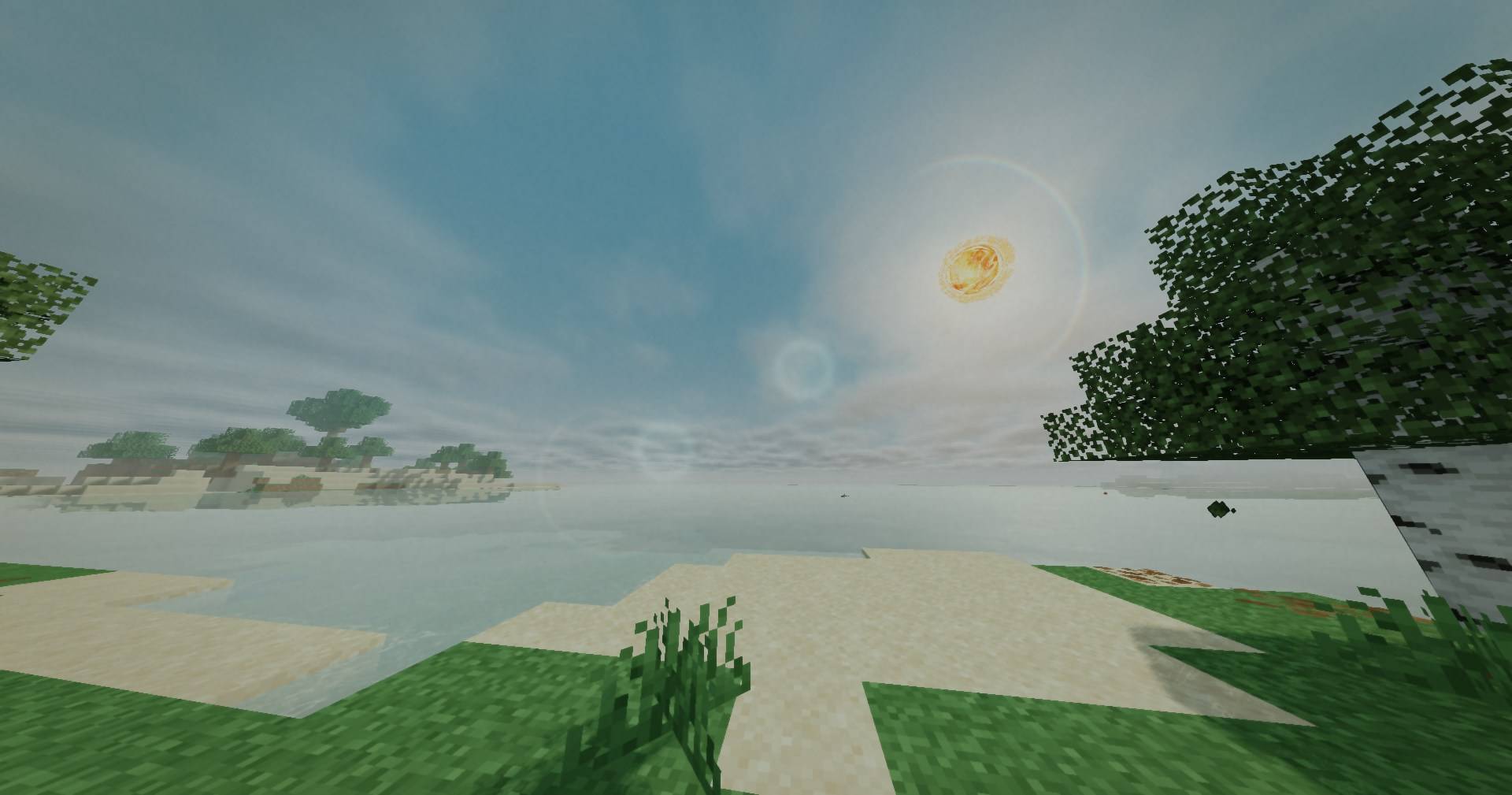
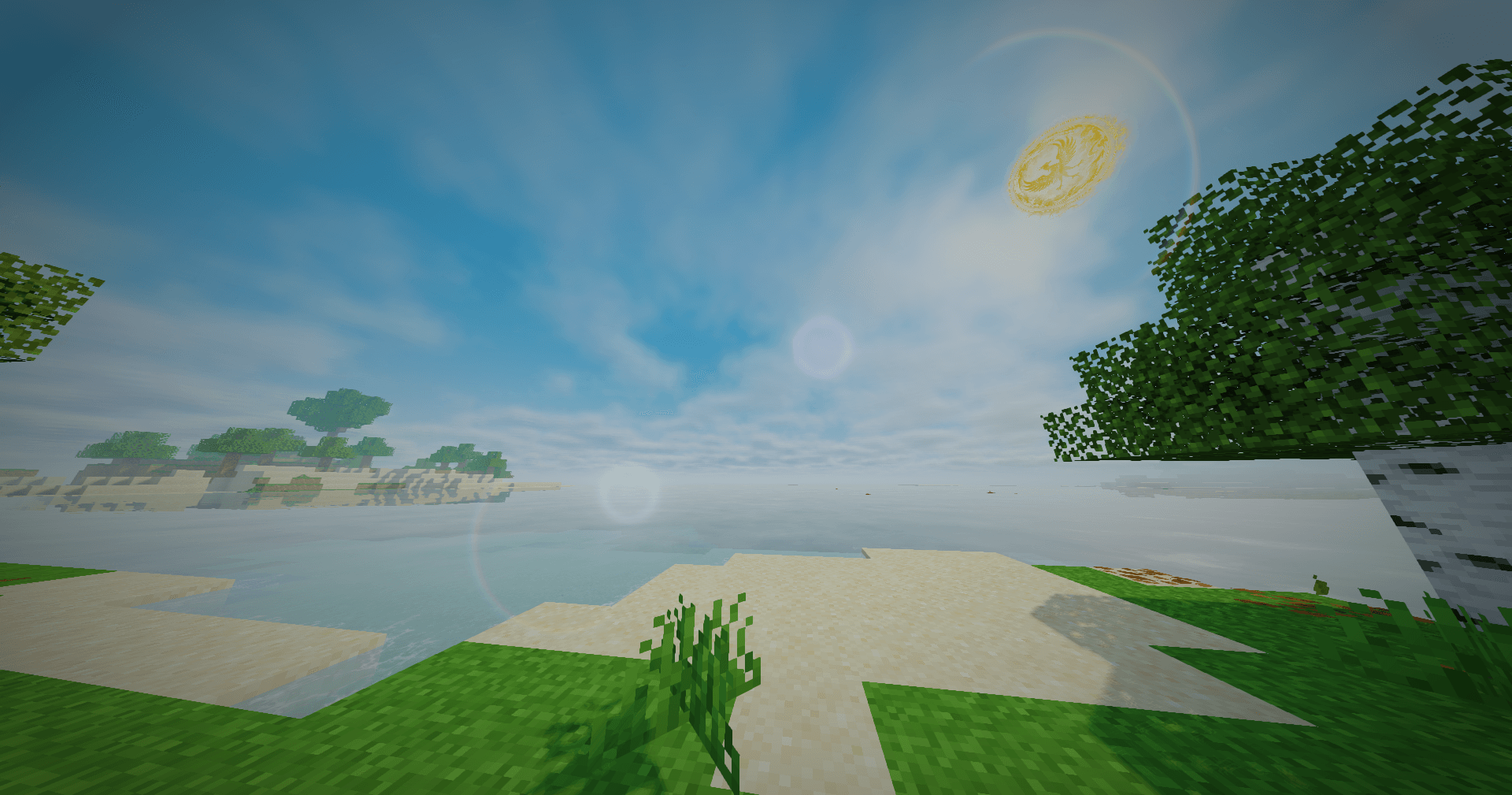
介绍
YunMeng Shaders
Build 6 is almost finished, with many fixes, changes and new features.
Performance benchmarks
Reported average gameplay FPS on an AMD Ryzen 9 7940HS with an NVIDIA GeForce RTX 4060 Laptop GPU:
Tested with Sodium on Fabric 26.3, Fancy graphics, 18-chunk render distance and 16-chunk simulation distance.
| Preset | Average FPS |
|---|---|
| Low | 100+ |
| Medium | 80+ |
| High | 60+ |
| Ultra | Around 40 |
Approximate results; FPS varies with resolution, scene and settings.
YunMeng Shaders (云梦光影) is a Minecraft Java Edition shader pack with two visual styles.
Visual styles
- Guofeng Ink: Soft jade and ink colors, painterly outlines, and paper texture.
- Xianxia Mist: Richer colors, luminous skies, celestial details, and clear water.
The styles are artistic interpretations, not accurate depictions of Chinese culture or mythology.
Features
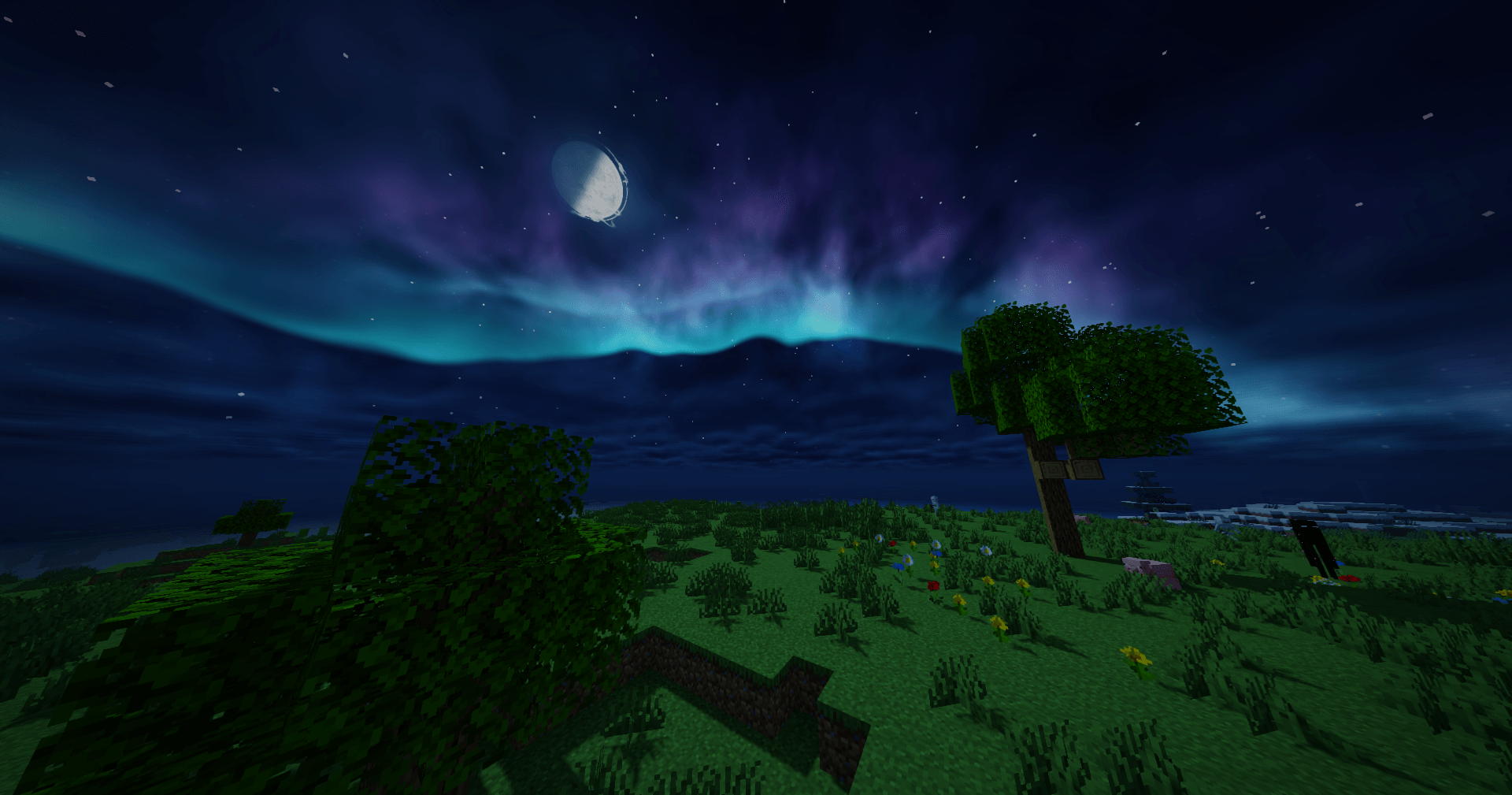
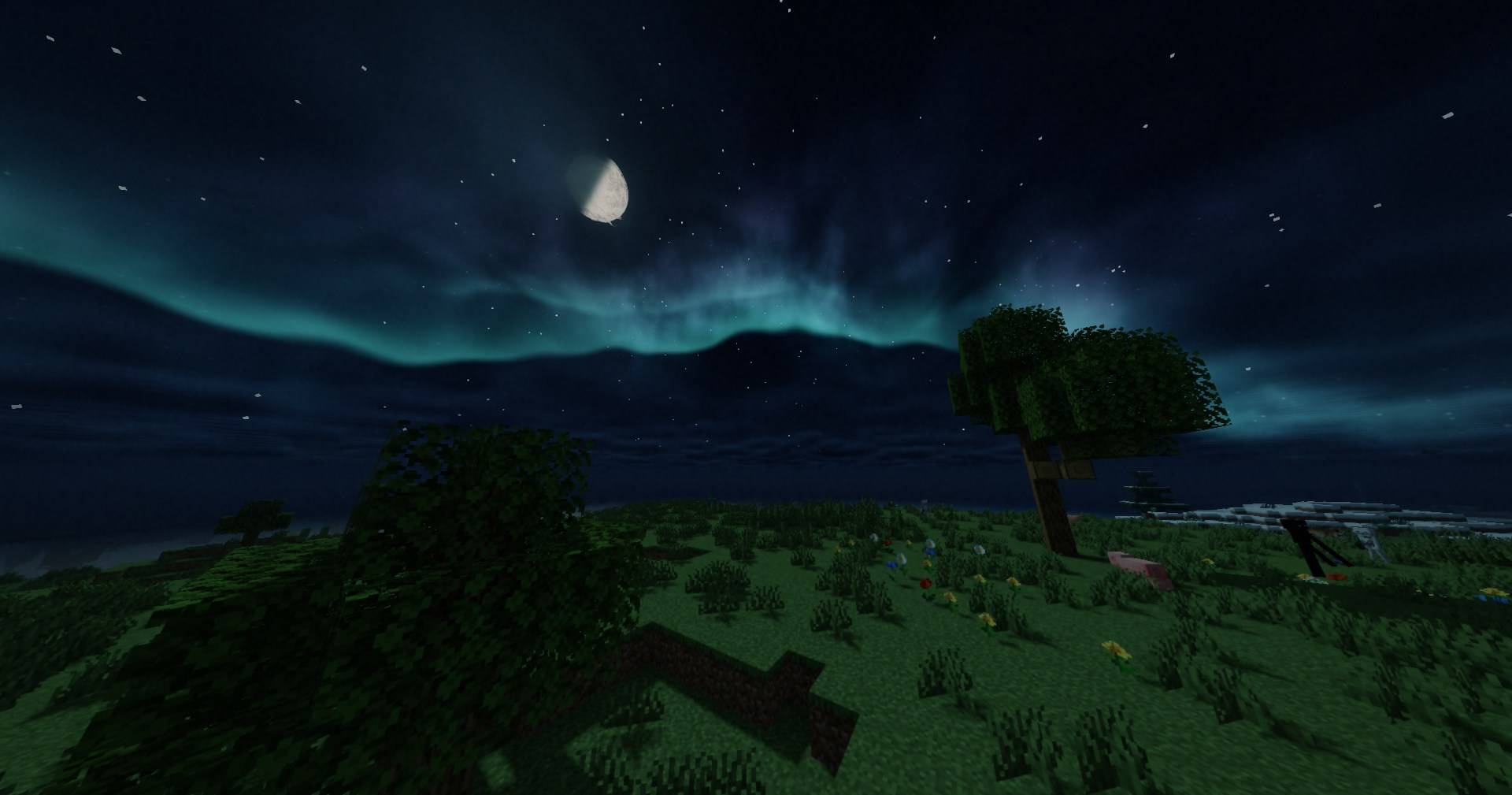
- Dynamic skies, volumetric clouds, valley mist, moon phases, and auroras
- Lighting, shadows, light shafts, and wind-animated foliage
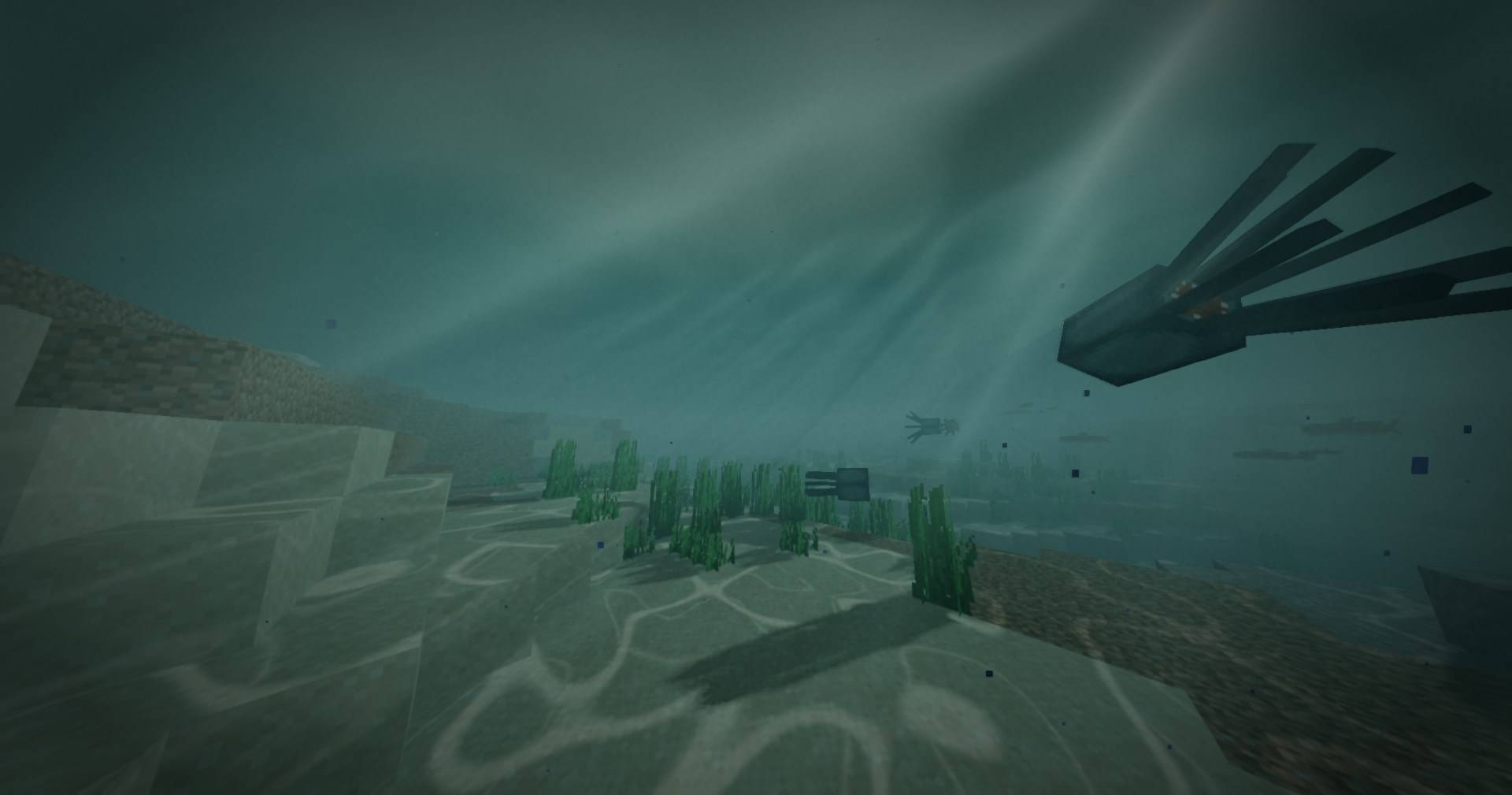
- Water waves, reflections, caustics, and underwater atmosphere
- Sun lens flare, anti-aliasing, camera motion blur, and four quality presets
Installation
Install Iris, place the downloaded YunMeng Shaders ZIP in your shaderpacks folder, then select it in Minecraft’s shader settings. Keep the ZIP intact.
License and source
Original YunMeng code and textures are licensed under GPL-3.0-only. The download includes the full license and third-party credits; third-party material retains its credited terms.
Built with assistance from Gemini and GPT language models.
常见问题
YunMeng (云梦) Shaders 支持哪些 Minecraft 版本?
YunMeng (云梦) Shaders 支持 Minecraft Java 版 26.3,可用的加载器:Iris。下载时注意选择和你游戏版本一致的文件。
YunMeng (云梦) Shaders 怎么安装?
光影需要先装 Iris。把下载的 .zip 文件(不用解压)放进游戏目录的 shaderpacks 文件夹,进游戏后在「选项 → 视频设置 → 光影包」里选中它。光影对显卡要求较高,卡顿可以调低光影设置或渲染距离。

评论
登录后评论和评分