WVP Shader (Wozt Vanilla Plus Shader)
作者:woztgaming
Enhance your Minecraft with vibrant colors, warm lighting, and smooth performance. The ultimate Vanilla+ experience.
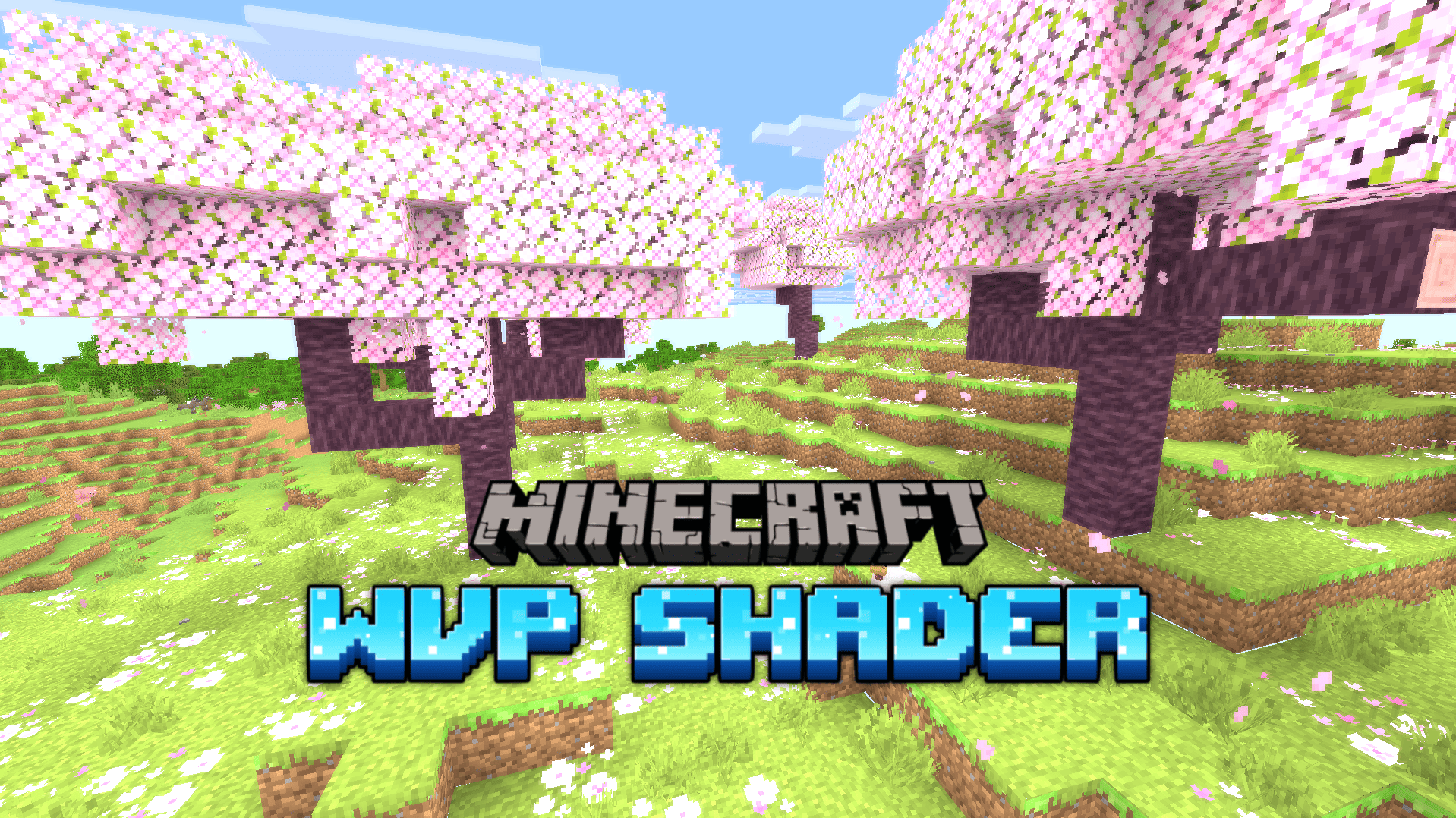
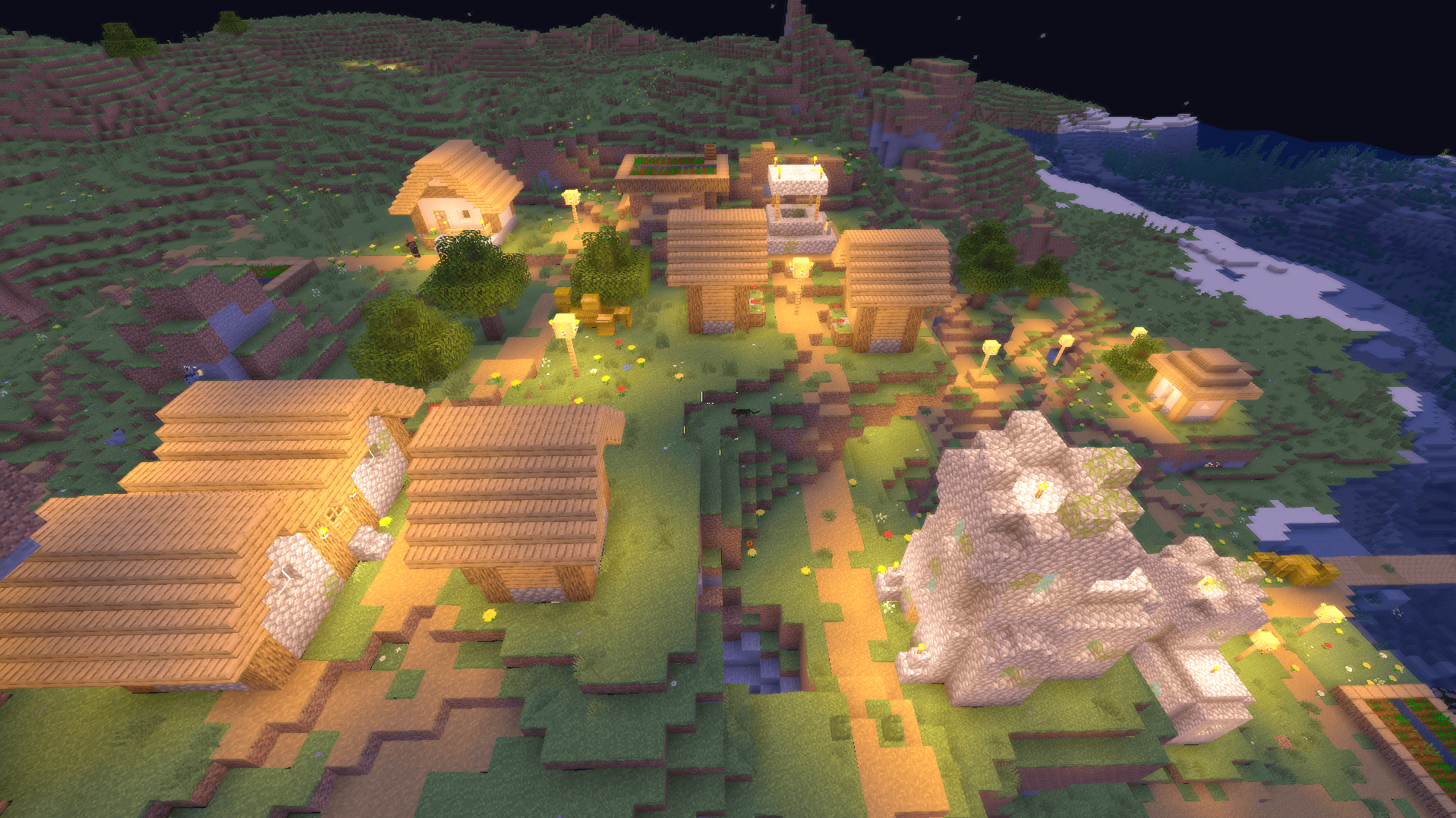
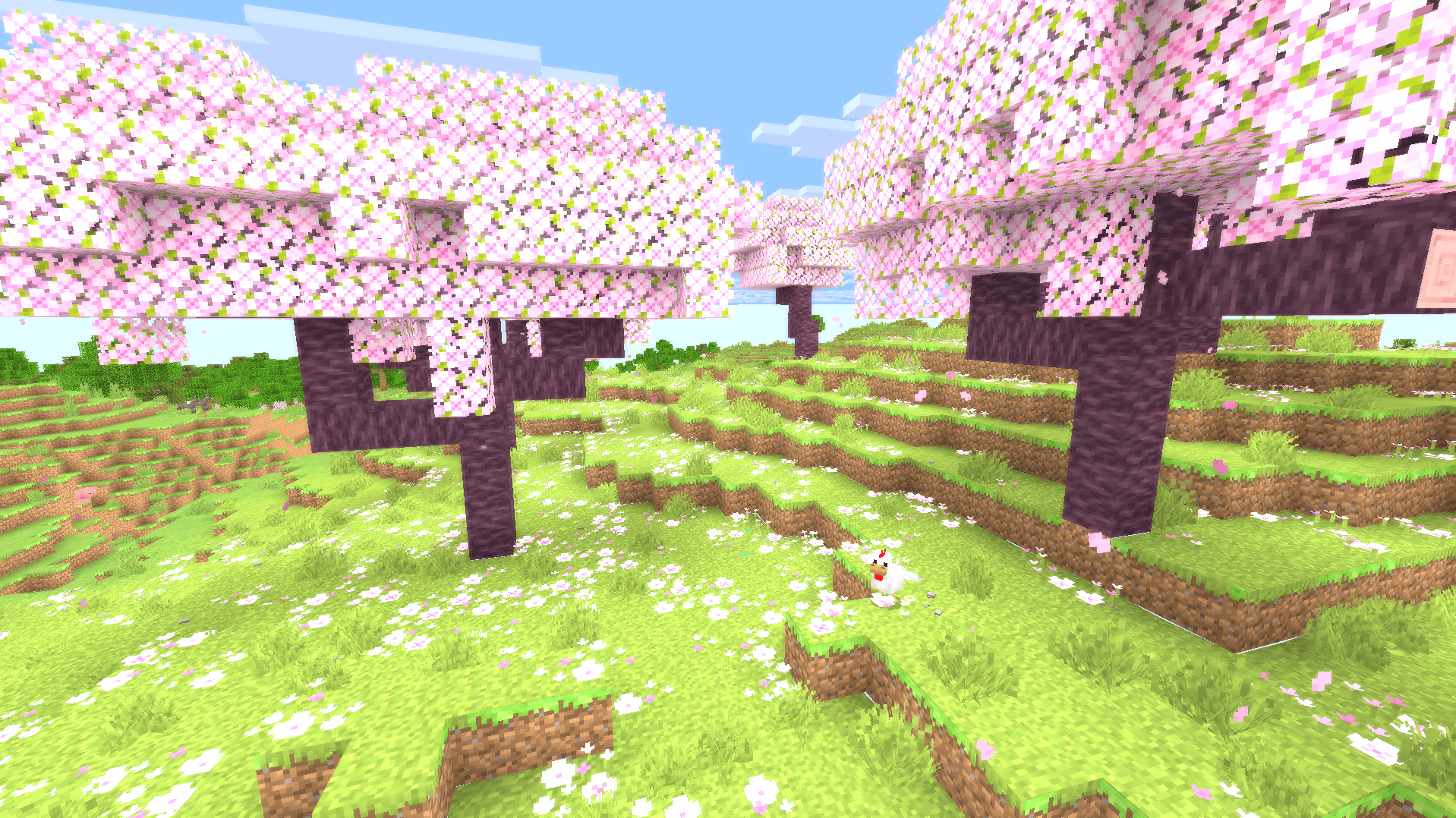
截图
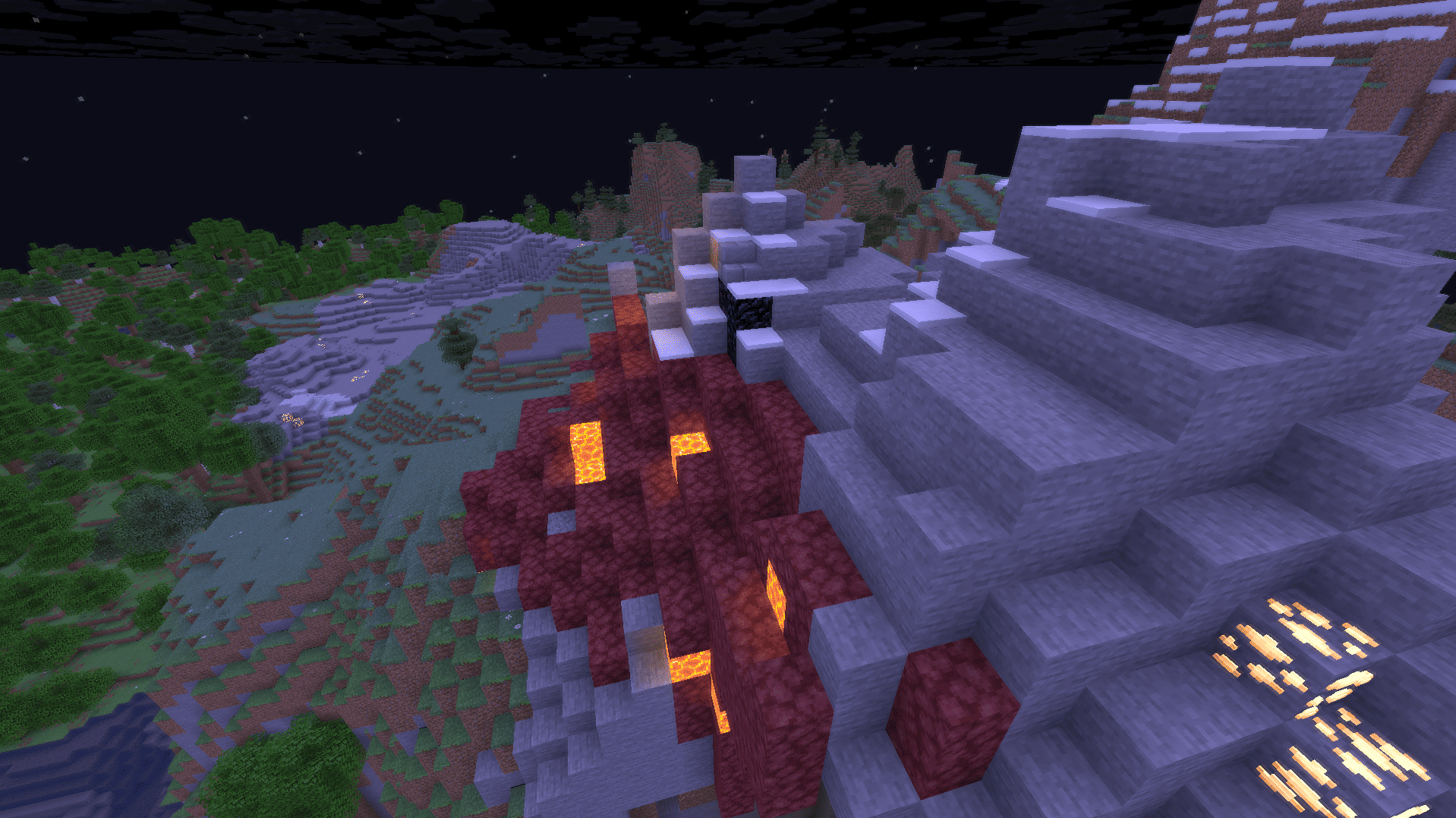
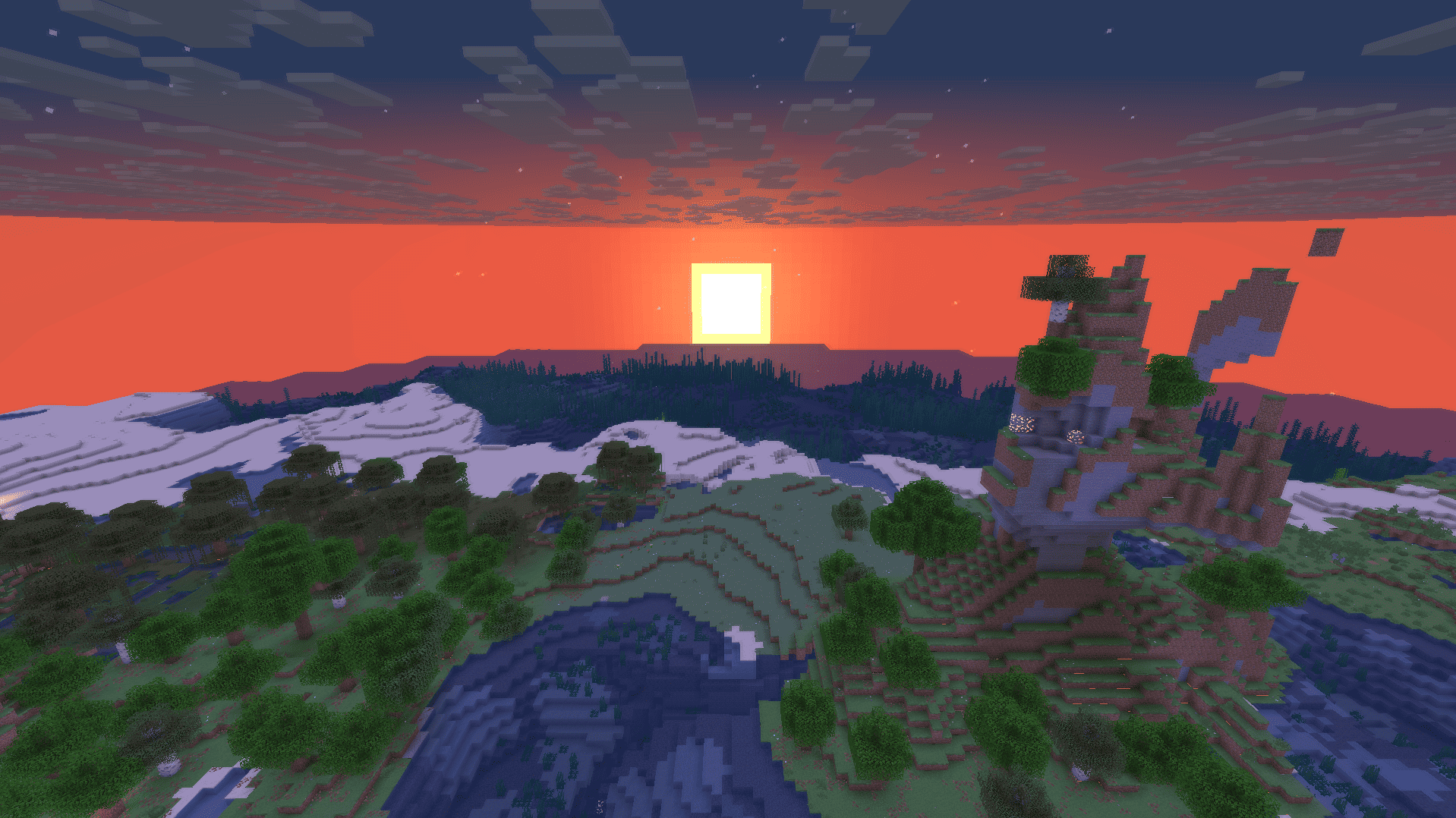
介绍
中文介绍正在准备中,下面暂时显示原文。
WVP SHADER (WOZT VANILLA PLUS SHADER)
Welcome to WVP Shader, a lightweight and performance-friendly Vanilla+ shader designed to enhance your Minecraft world with vibrant colors and cozy lighting while maintaining the classic vanilla aesthetic.
🚀 Perfect for low-end PCs and everyday gameplay!
✨ Features
- 🎨 Vibrant Colors & Cozy Lighting: Enhanced tonemapping for a warm, lively, and immersive atmosphere.
- ☁️ Custom Rounded 3D Clouds: Gorgeous, stylized 3D blocky clouds that fit the Minecraft grid perfectly.
- 🌊 Beautiful Clear Water: Improved underwater visibility and realistic waving water effects.
- 🍃 Waving Foliage: Subtle, natural waving animations for leaves and plants.
- 🚀 Performance First: Highly optimized code. Enjoy high FPS even on integrated graphics!
- 🎮 In-game Quality Profiles: Easily toggle between Potato, Medium, High, and Cinematic presets in the shader options.
🛠️ Installation
- Make sure you have Iris Shader Mod (recommended) or OptiFine installed.
- Download the WVP Shader zip file.
- Drop the zip file into your
.minecraft/shaderpacksfolder. - Enable it in-game via Video Settings -> Shader Packs.
常见问题
WVP Shader (Wozt Vanilla Plus Shader) 支持哪些 Minecraft 版本?
WVP Shader (Wozt Vanilla Plus Shader) 支持 Minecraft Java 版 1.16.5–26.2,共 34 个版本,可用的加载器:Iris / OptiFine。下载时注意选择和你游戏版本一致的文件。
WVP Shader (Wozt Vanilla Plus Shader) 怎么安装?
光影需要先装 Iris / OptiFine。把下载的 .zip 文件(不用解压)放进游戏目录的 shaderpacks 文件夹,进游戏后在「选项 → 视频设置 → 光影包」里选中它。光影对显卡要求较高,卡顿可以调低光影设置或渲染距离。

评论
登录后评论和评分