warmer white shader
A lightweight Minecraft shader that subtly warms the game's colors for a softer, cozier look
截图
介绍
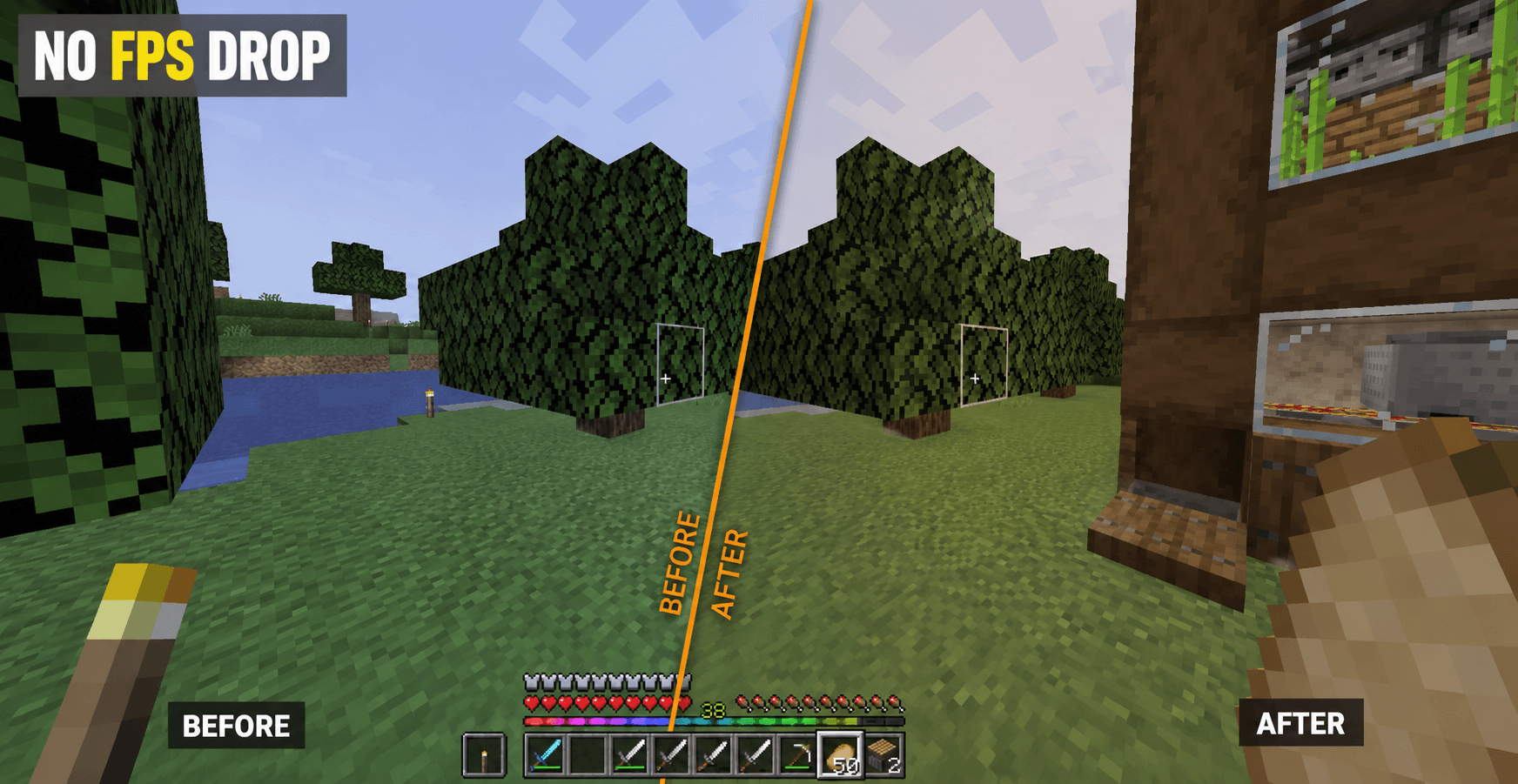
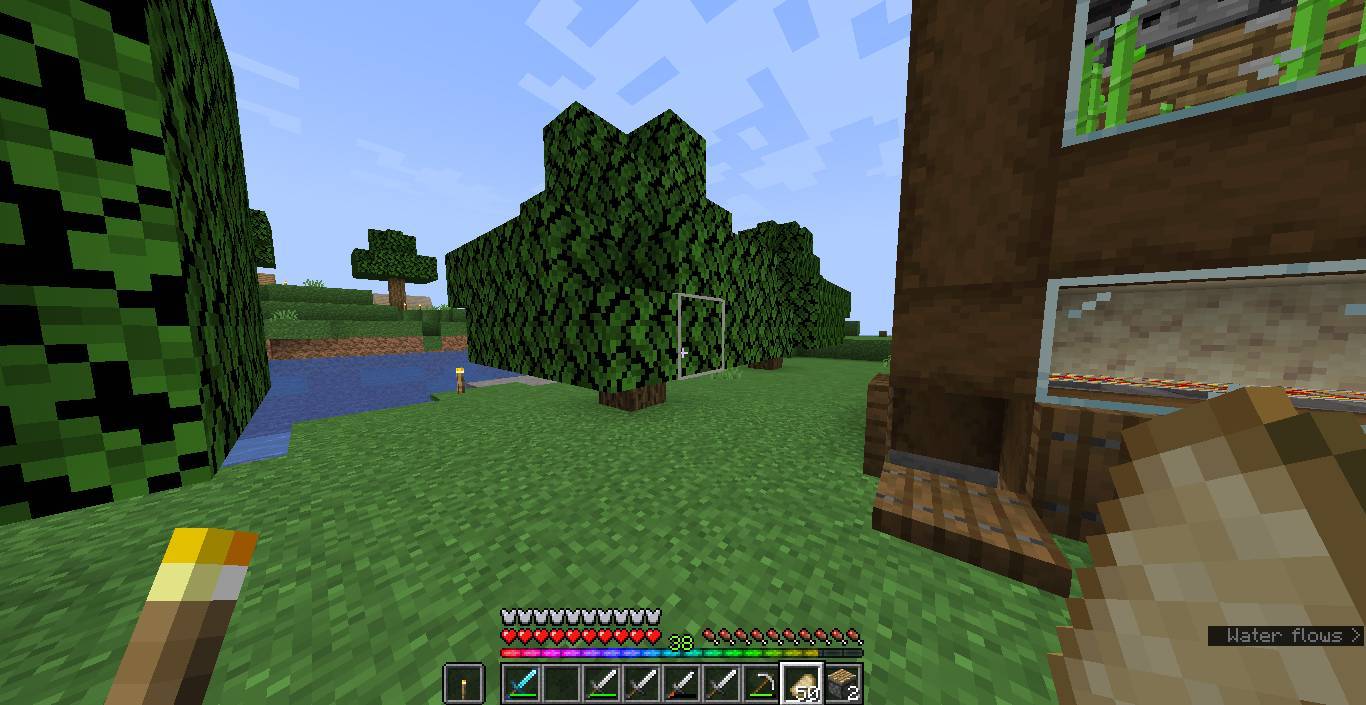
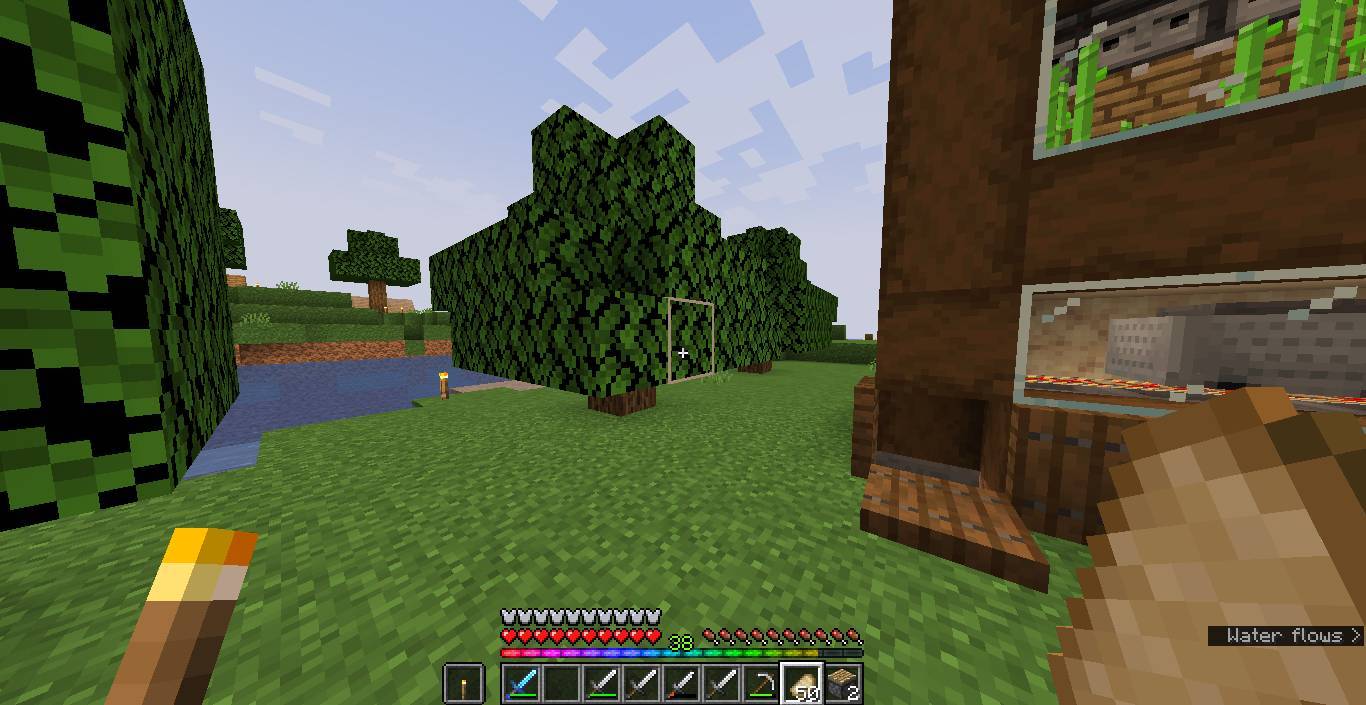
Warmer Warm Shader is a lightweight shader pack for Minecraft (OptiFine) that gently warms the game’s colors while preserving the original vanilla aesthetic.
Unlike large shader packs that add shadows, bloom, reflections, or other post-processing effects, this shader focuses on a single goal: making the world feel just a little warmer and more comfortable without changing the gameplay experience or overall visual style.
Features
- Lightweight and performance-friendly
- Subtle warm color grading
- Preserves the vanilla Minecraft look
- No bloom, shadows, reflections, or other visual effects
- Tested on Minecraft 1.14.4–1.21.11 (OptiFine)
If you’re looking for a simple visual enhancement without the performance cost or dramatic changes of traditional shaders, Simple Warm Shader is a great choice.
The Warmer White Shader Team
常见问题
warmer white shader 支持哪些 Minecraft 版本?
warmer white shader 支持 Minecraft Java 版 1.14–1.21.11,共 42 个版本,可用的加载器:OptiFine。下载时注意选择和你游戏版本一致的文件。
warmer white shader 怎么安装?
光影需要先装 OptiFine。把下载的 .zip 文件(不用解压)放进游戏目录的 shaderpacks 文件夹,进游戏后在「选项 → 视频设置 → 光影包」里选中它。光影对显卡要求较高,卡顿可以调低光影设置或渲染距离。
评论
登录后评论和评分