截图
介绍
The VTXS project was born to challenge the modern graphics trend of smearing everything with TAA and upscaling. The philosophy behind VTXS is that everything stays perfectly sharp, regardless of camera speed.
Screen Space Demo
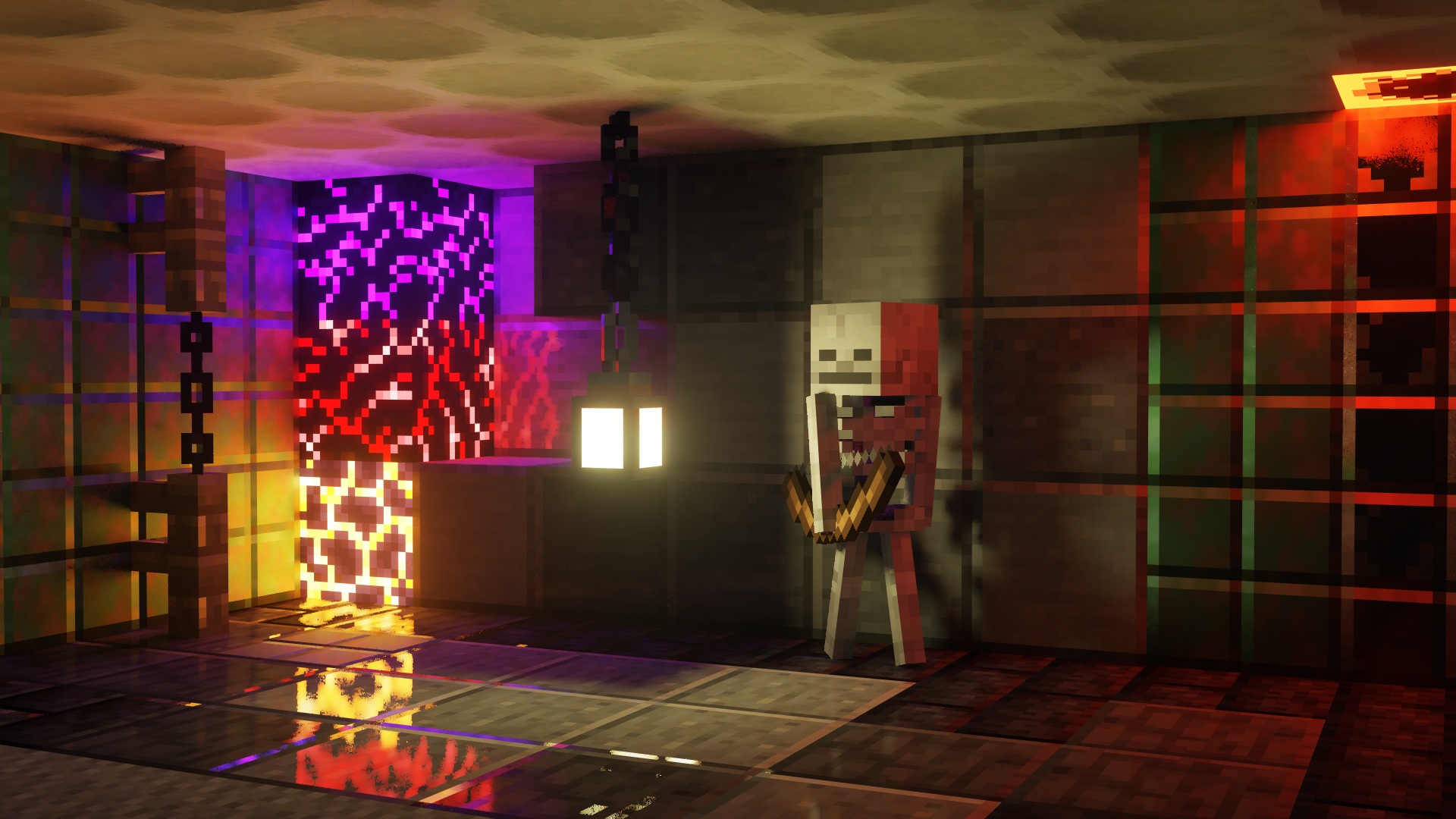
This shader introduces a lighting system developed exclusively for VTXS.
Each emissive pixel visible on screen illuminates the scene and casts shadows.
The noise level is low enough for real time gameplay without requiring denoising. However, a denoiser is still present as an optional feature.
While being a demo this shader is intended to be used for gameplay, so all features necessary for a complete and playable experience are planned.
Implemented Features
- Screen Space Path Tracing
- Physically Based Atmosphere
- Full roughness range specular reflections
- Volumetric clouds
- Godrays
- Subsurface Scattering
- Variable penumbra shadows
- Bloom
- Eye adaptation
- Screen Space Raytraced Refraction
- GBAA Anti-aliasing
Big thanks to jbritain for making vloumetric clouds for VTXS!
It is highly recommended to use a PBR resource pack, as the integrated PBR system is very limited.
The shader now works on Intel GPUs, however, there may still be issues. Please report any issues in my Discord server.
常见问题
VTXS Screen Space Demo 支持哪些 Minecraft 版本?
VTXS Screen Space Demo 支持 Minecraft Java 版 1.19–1.21.11,共 24 个版本,可用的加载器:Iris。下载时注意选择和你游戏版本一致的文件。
VTXS Screen Space Demo 怎么安装?
光影需要先装 Iris。把下载的 .zip 文件(不用解压)放进游戏目录的 shaderpacks 文件夹,进游戏后在「选项 → 视频设置 → 光影包」里选中它。光影对显卡要求较高,卡顿可以调低光影设置或渲染距离。


评论
登录后评论和评分