
截图
介绍
Vice Wave
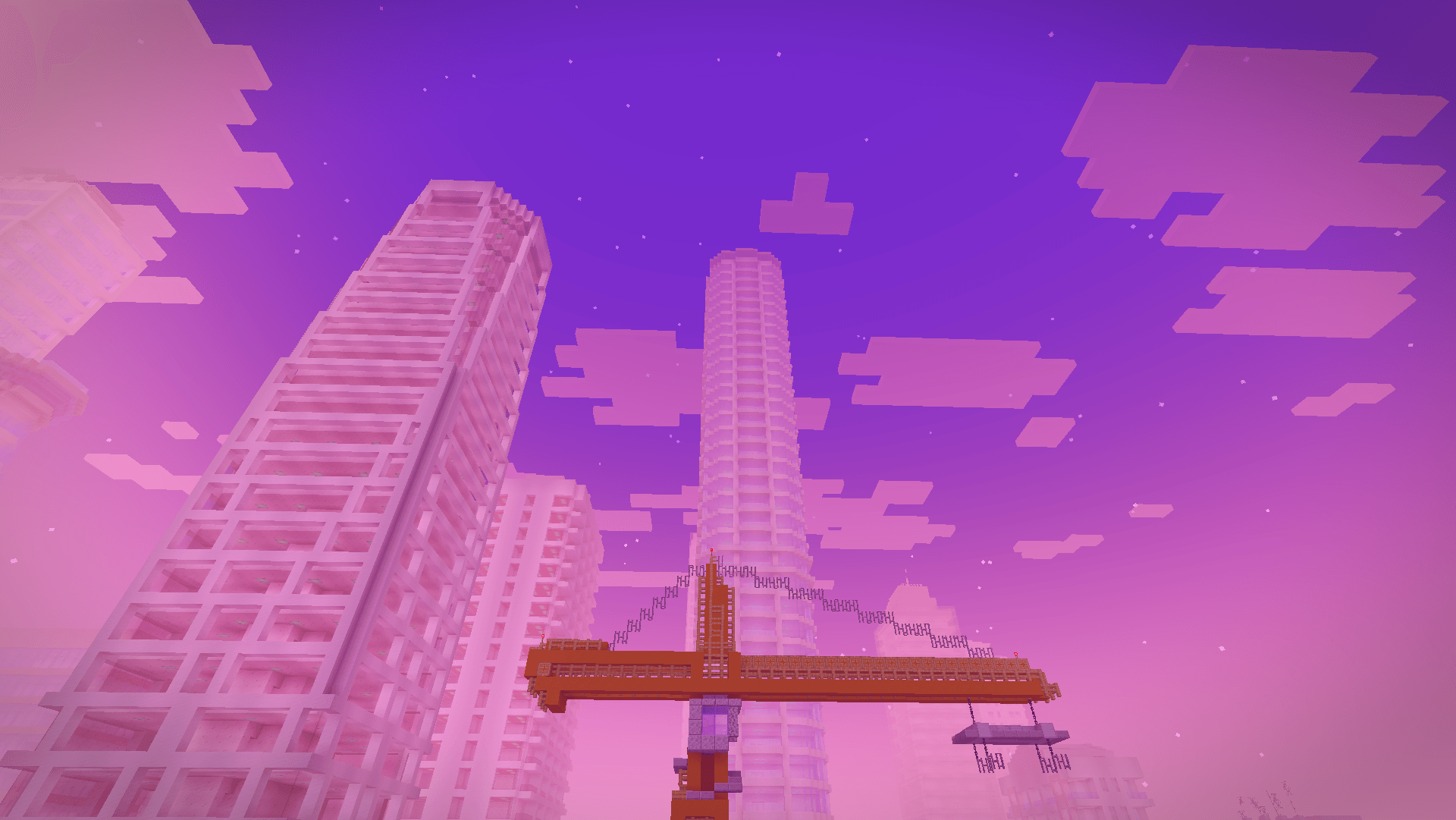
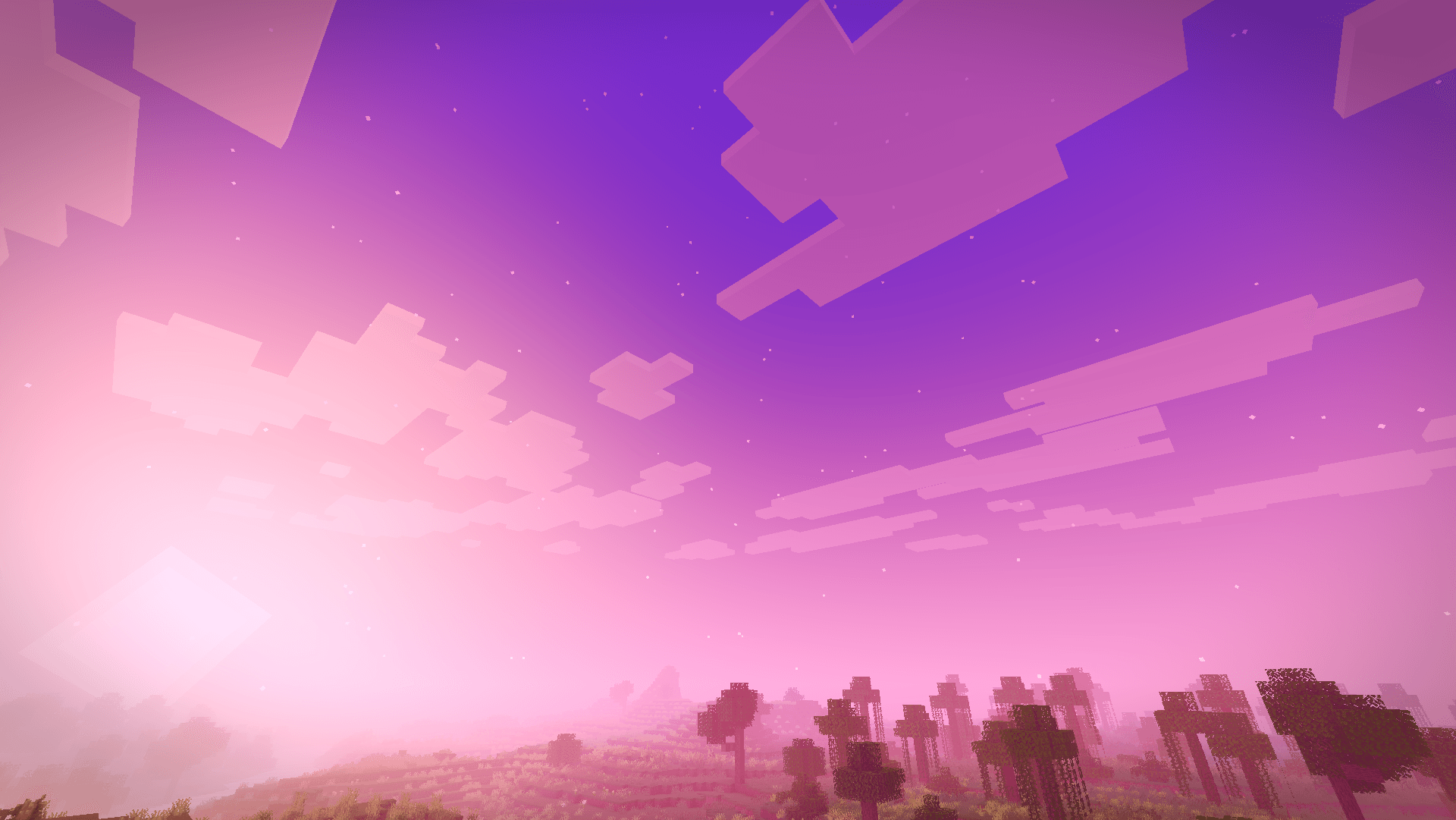
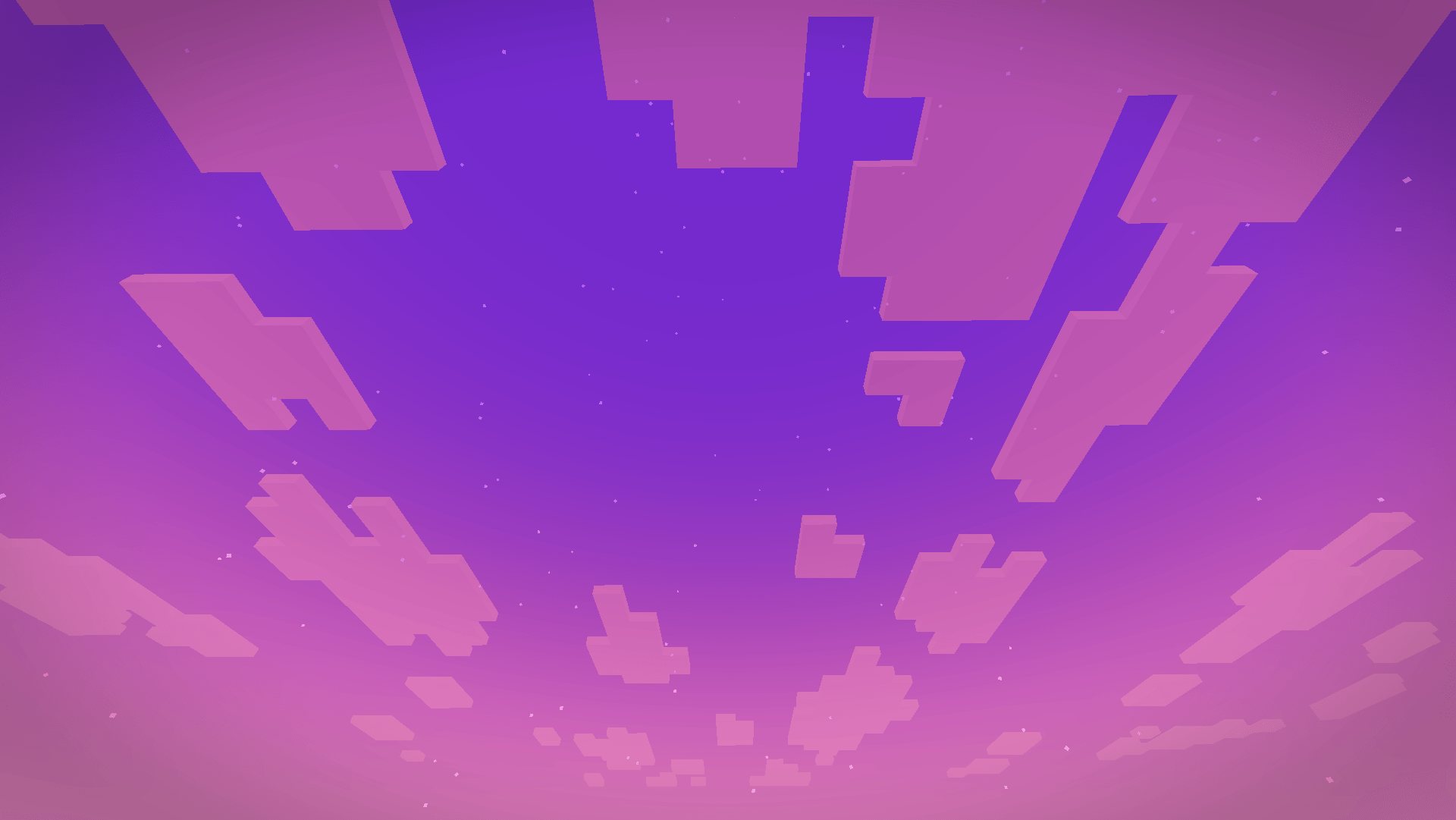
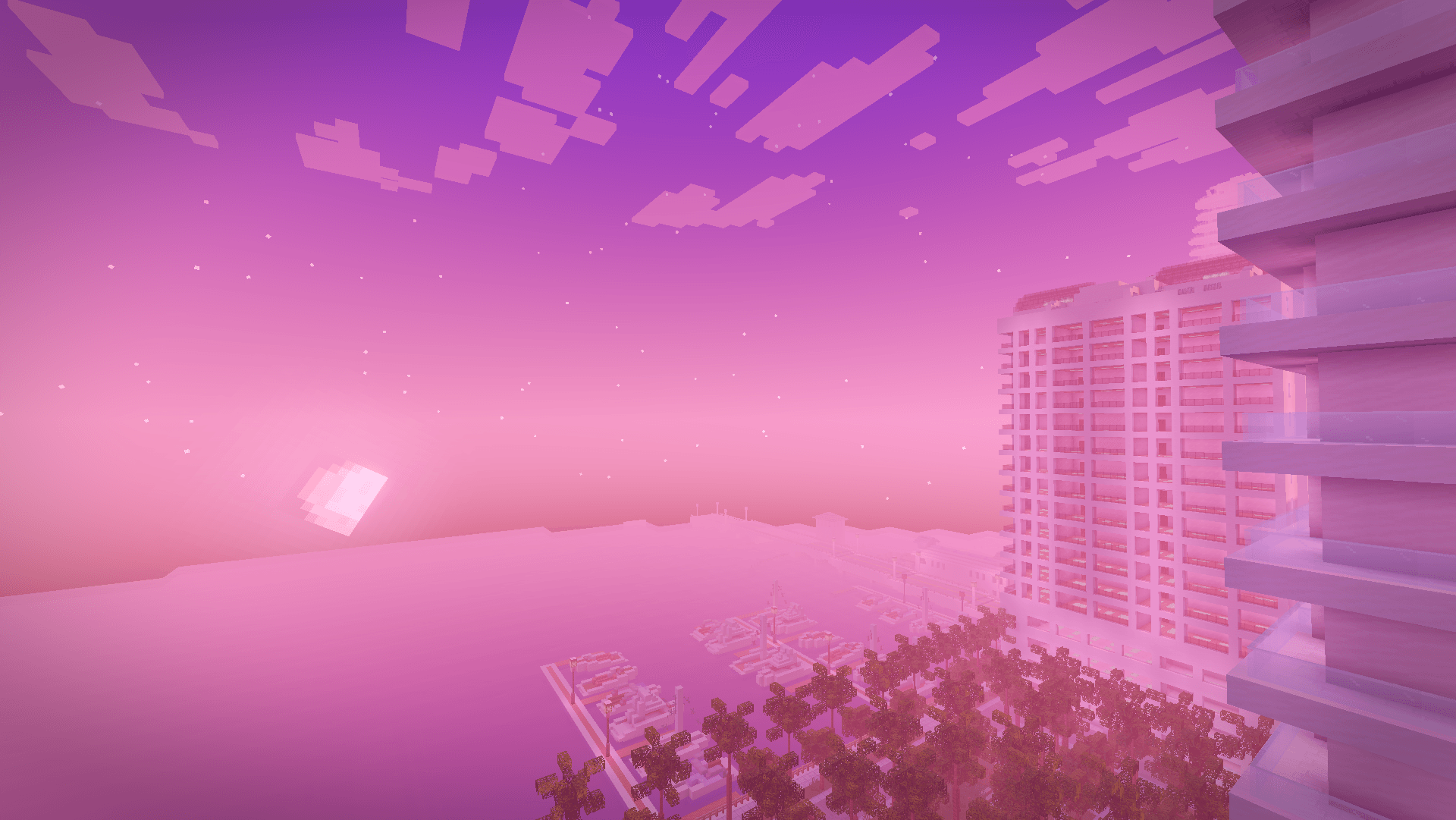
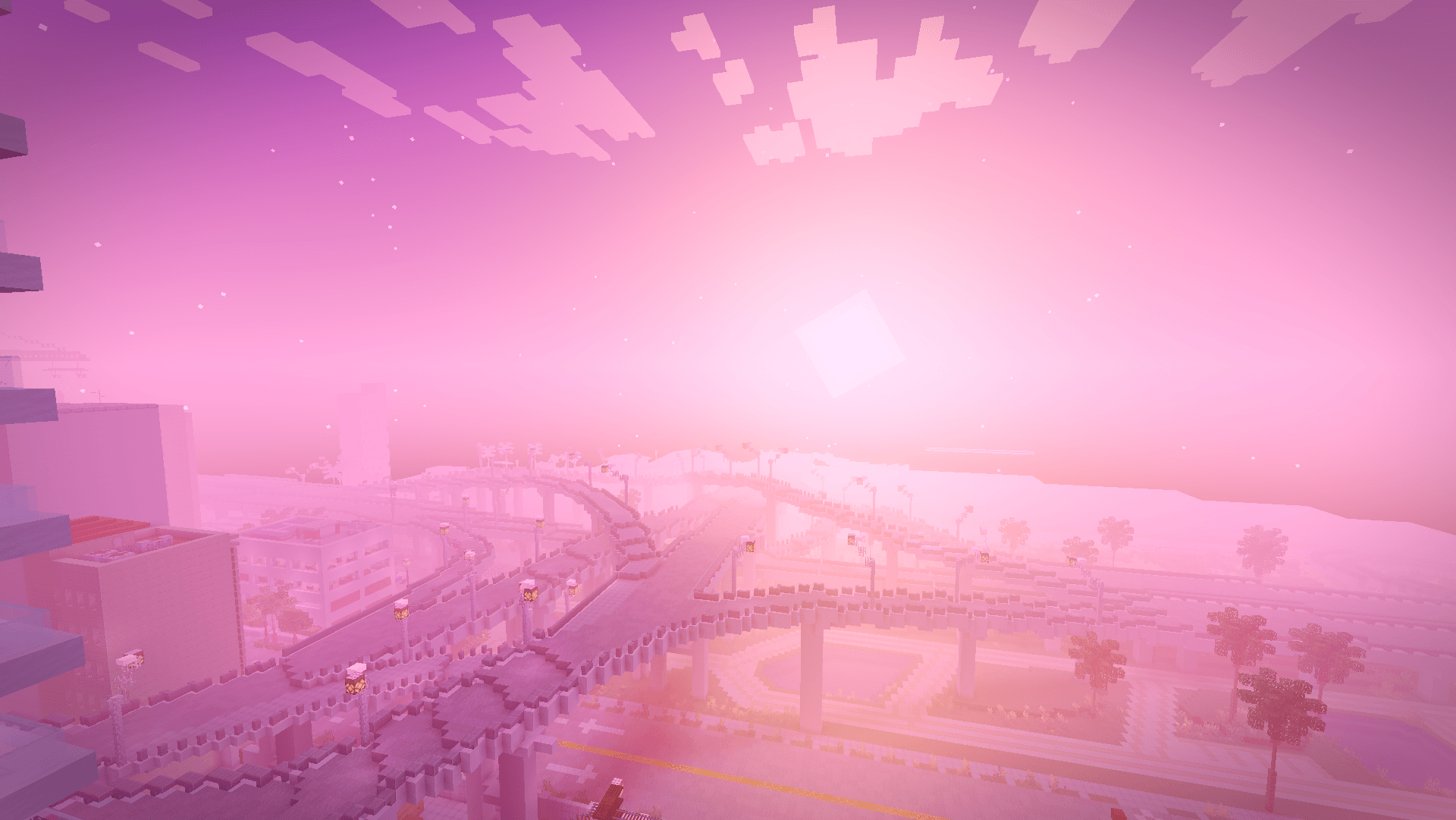
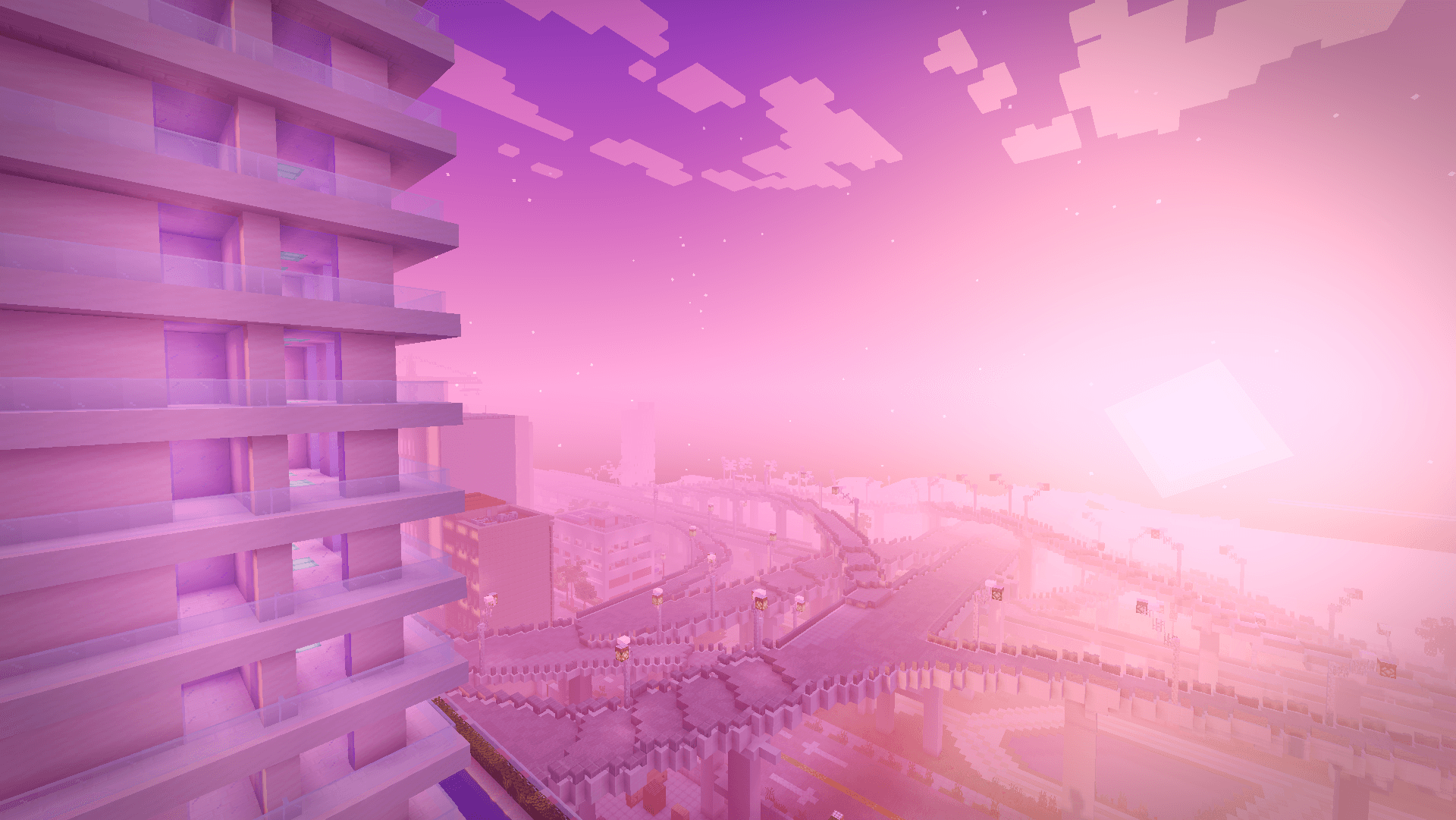
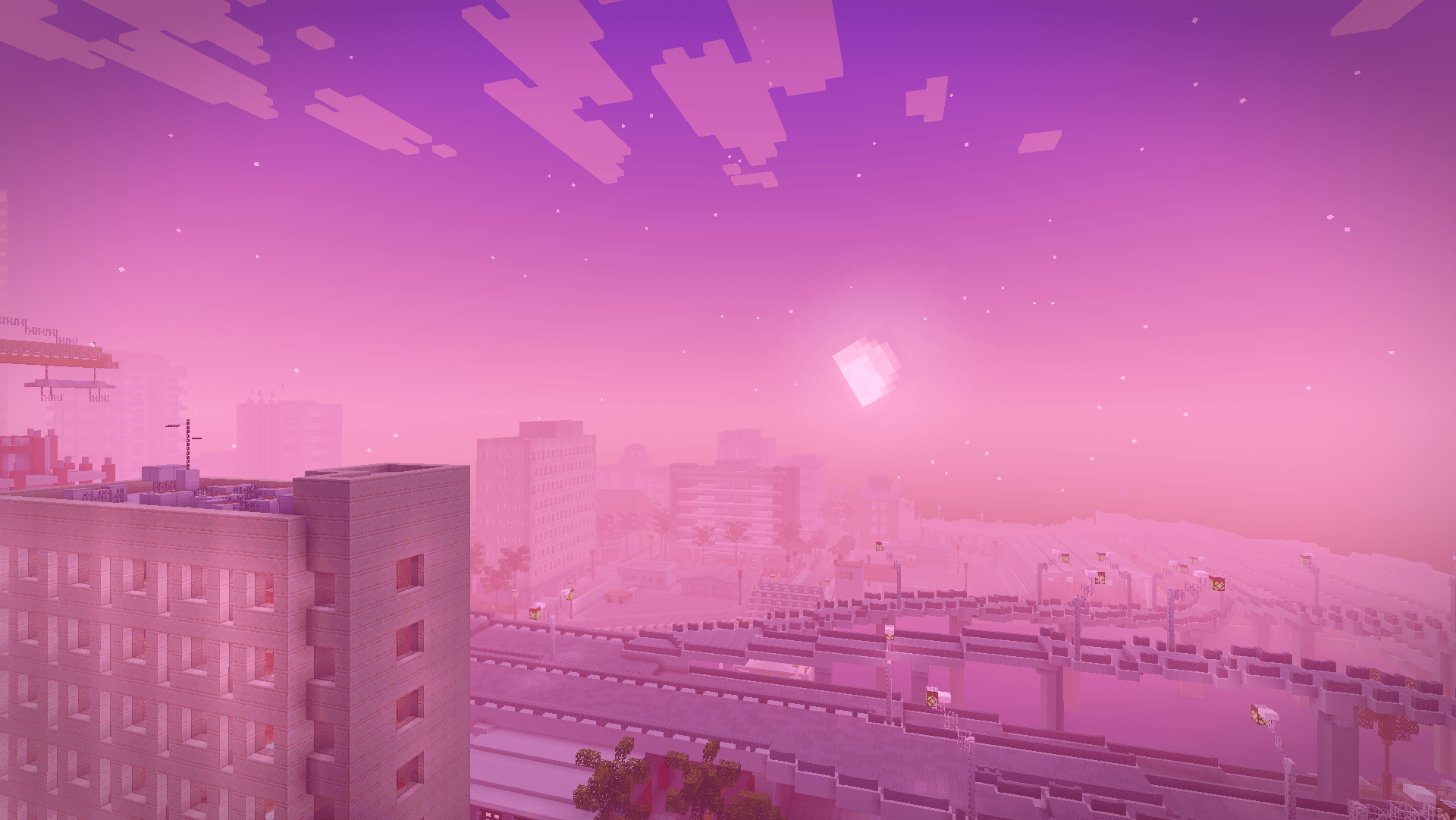
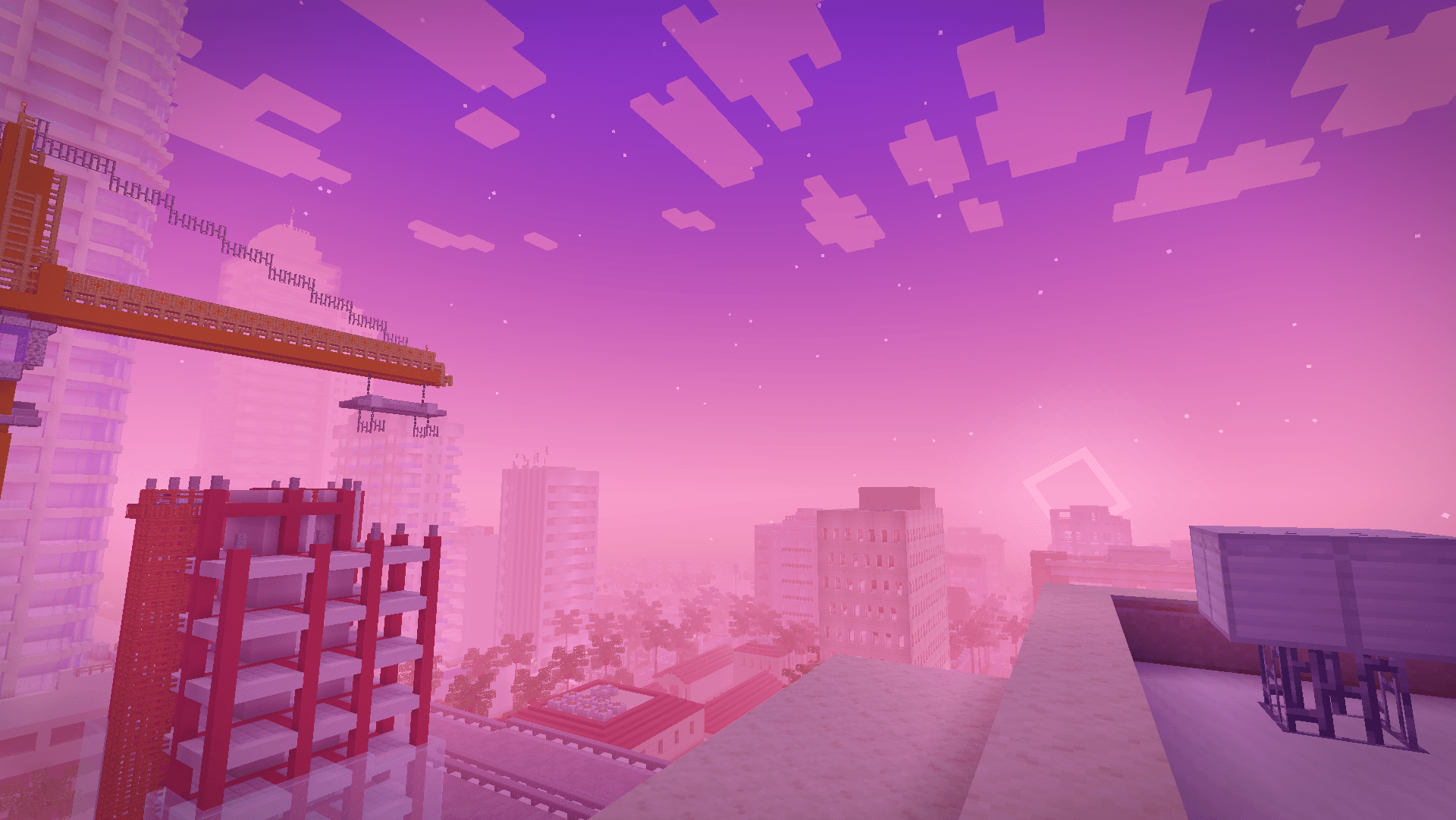
A Miami vice-wave shaderpack inspired by the GTA VI look, blazing pink and orange sunsets, purple-graded nights, soft shadows and neon-colored block light.
Vice Wave is a shaderpack that focuses on atmosphere rather than heavy effects: it keeps vanilla’s readability while pushing the sky, the fog and the lighting toward a retro Miami aesthetic.
Features
- Vice-wave sunsets & sunrises — pink/orange/violet gradients across the sky and fog
- Stylized nights with stars and a subtle purple color grade
- Neon block light — torches, glowstone and lamps project a colored neon light (pink by default)
Settings
Everything is adjustable in Shader Pack Settings:
- Profiles : Low (no shadows/bloom), Medium (default), High (4096 shadows, softer filtering)
- Sky : sunset intensity, sky/night brightness, fog density, stars
- Lighting : enable/disable shadows, shadow softness/resolution/distance, Neon Color (pick the projected light color), neon intensity (0 = plain warm light, 1 = pure neon), block light brightness
- Water : opacity, wave strength, reflections
- Post-processing : bloom, exposure, saturation, contrast, grade strength, vignette, optional chromatic aberration
Installation
- Install Iris (Fabric) or OptiFine.
- Download the Vice Wave
.zipand drop it into yourshaderpacksfolder
(in-game: Options → Video Settings → Shader Packs → Open Shader Pack Folder). - Select Vice Wave in the shader pack list and apply.
Enjoy the sunset.
常见问题
Vice Wave 支持哪些 Minecraft 版本?
Vice Wave 支持 Minecraft Java 版 1.16–26.3,共 40 个版本,可用的加载器:Iris / OptiFine。下载时注意选择和你游戏版本一致的文件。
Vice Wave 怎么安装?
光影需要先装 Iris / OptiFine。把下载的 .zip 文件(不用解压)放进游戏目录的 shaderpacks 文件夹,进游戏后在「选项 → 视频设置 → 光影包」里选中它。光影对显卡要求较高,卡顿可以调低光影设置或渲染距离。
Hangel 的其他作品
查看全部 →
Old Combat Mod
Mod that allows the old combat system with the old animation in Minecraft.

The Fletching Table Mod
This mod makes the unused Fletching Table block useful!

Vice Wave
Vice City Wave Shader, inpired from GTA 6 aesthetic.
评论
登录后评论和评分