
Vertigo
Vertigo is a Minecraft shader pack that distorts visuals with warped motion, dizzying effects, and unsettling atmosphere to make the game feel like a hallucination.
介绍
About
Vertigo Shaders is a shader pack for Minecraft Java Edition built around visual distortion, uneasy atmosphere, and surreal effects that make the game feel unstable in the best way possible. Instead of aiming for realism, Vertigo focuses on warped visuals, motion sickness style camera effects, strange lighting, heavy fog, screen bending, and subtle visual glitches that make normal gameplay feel tense and disorienting.
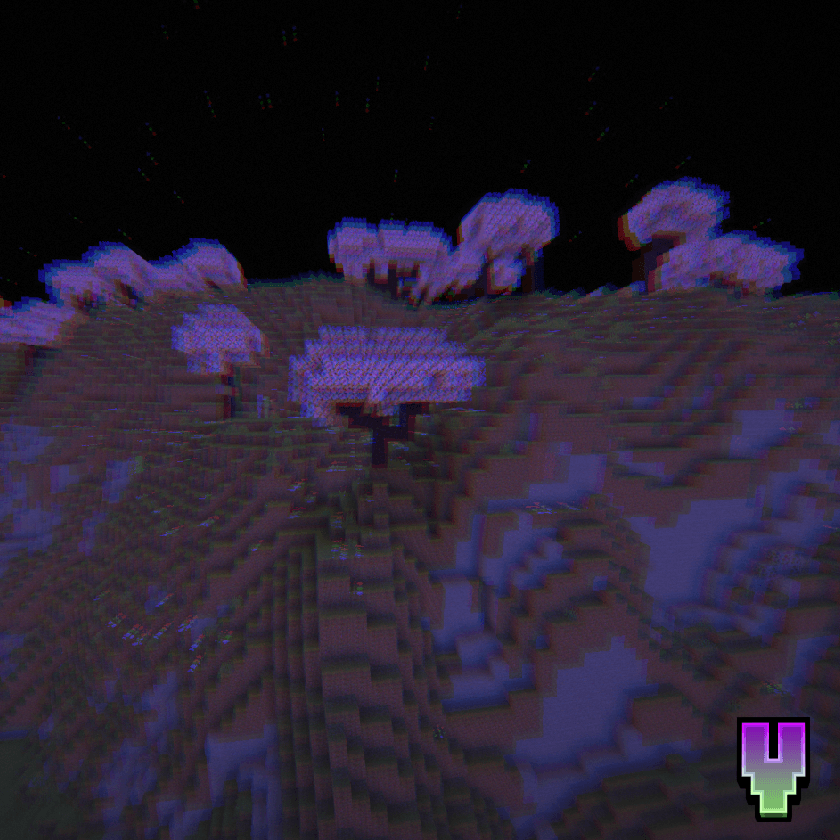
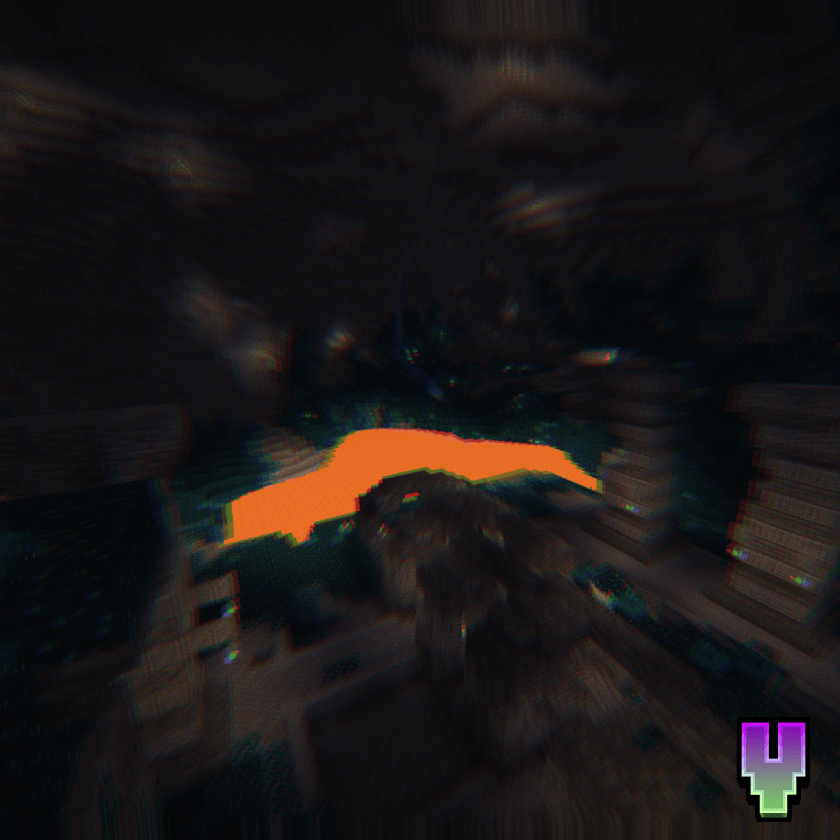
Vertigo includes multiple effects, ranging from blur and screen warping all the way to color shifting and environmental distortion. Nearly every visual effect was designed to make caves darker, nights creepier, and even familiar places feel wrong.
Installation
- First, install the Iris Shaders mod to enable shader packs in Minecraft Java Edition.
- Launch the game and open the Shaders / Shaderpacks menu in Video Settings.
- Open the shaderpacks folder using the button inside the menu.
- Download Vertigo and place the file into the shaderpacks folder. (Do not unzip the file.)
- Return to the game and select Vertigo Shaders from the shader list.
Join my discord!
Watch videos on my YouTube channel!
常见问题
Vertigo 支持哪些 Minecraft 版本?
Vertigo 支持 Minecraft Java 版 1.21.1–26.1.2,共 14 个版本,可用的加载器:Iris。下载时注意选择和你游戏版本一致的文件。
Vertigo 怎么安装?
光影需要先装 Iris。把下载的 .zip 文件(不用解压)放进游戏目录的 shaderpacks 文件夹,进游戏后在「选项 → 视频设置 → 光影包」里选中它。光影对显卡要求较高,卡顿可以调低光影设置或渲染距离。
评论
登录后评论和评分