
VanillAqua Reflections
A simple Minecraft shader focused on realistic water rendering and subtle vanilla visual enhancements.
截图


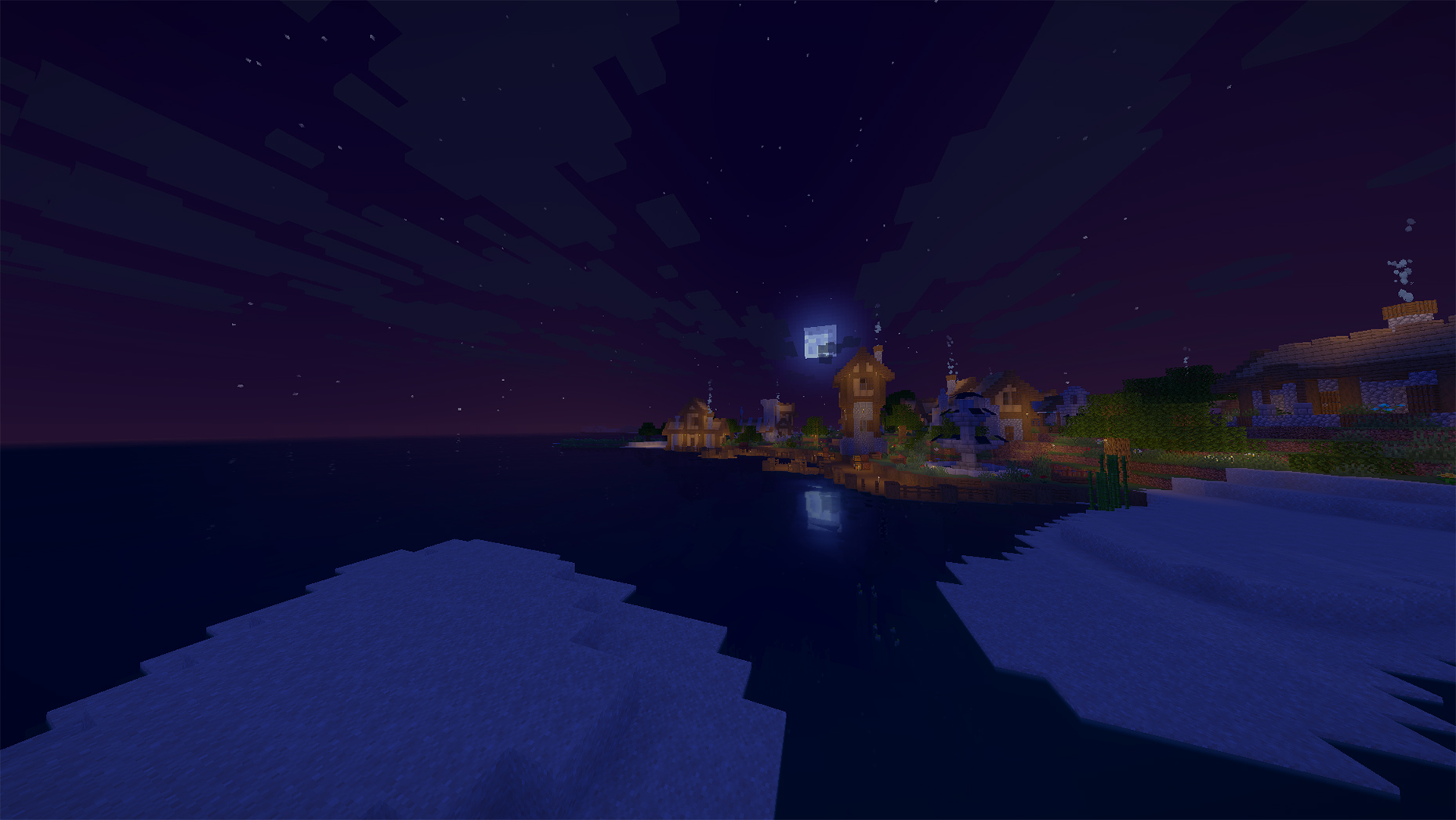

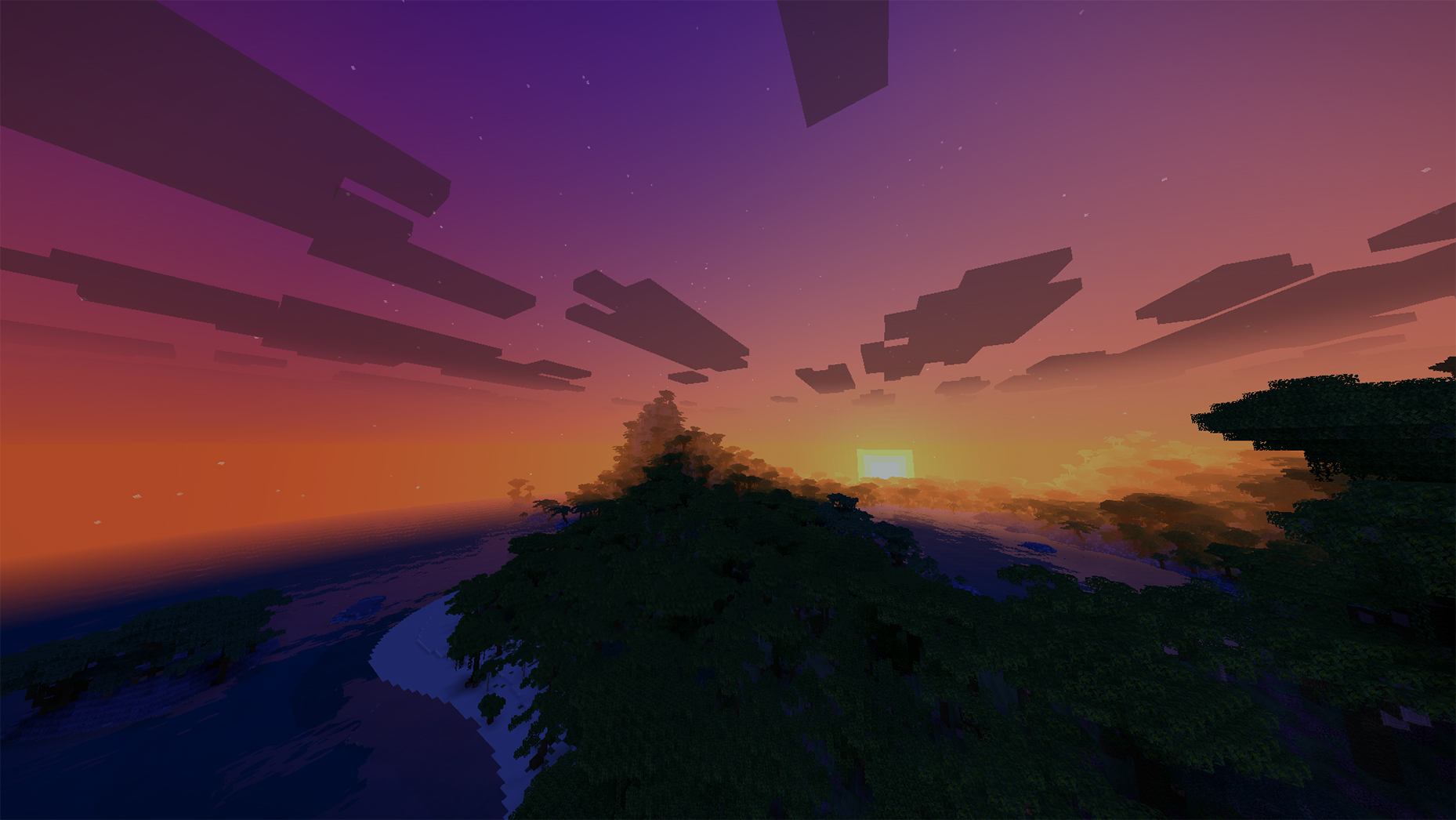
介绍

VanillAqua Reflections upgrades Minecraft’s visuals with a primary focus on realistic, attractive water rendering while preserving the original vanilla aesthetic and maintaining smooth performance.

- Reflection Improvements: Fixed visual bugs and inconsistency issues with water reflections.
- Rainy Day Lighting: Fixed an issue where daytime rain made the world look completely dark like night.
- Mob Lighting: Fixed lighting glitches on mobs to ensure proper visibility in all conditions.

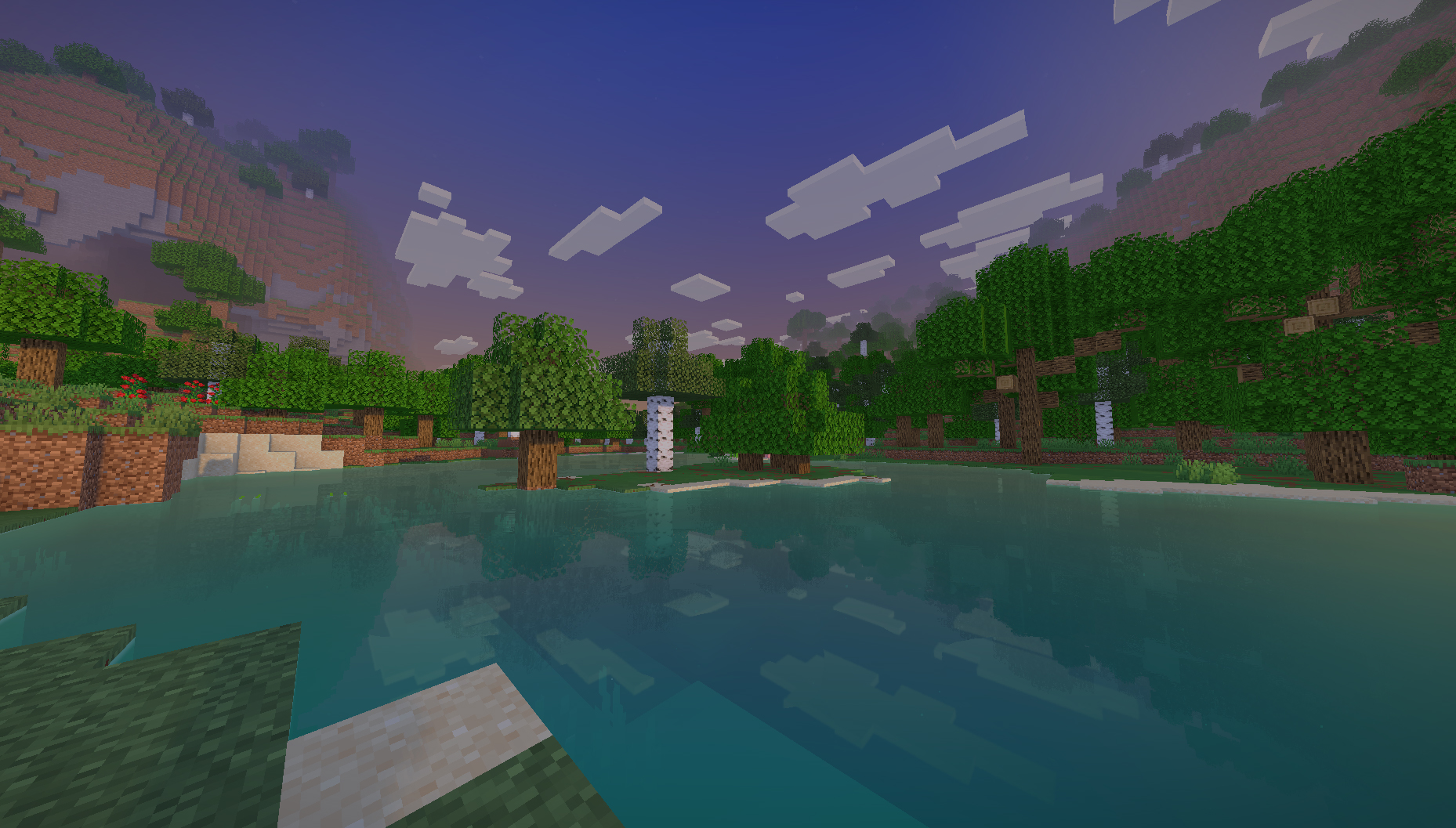
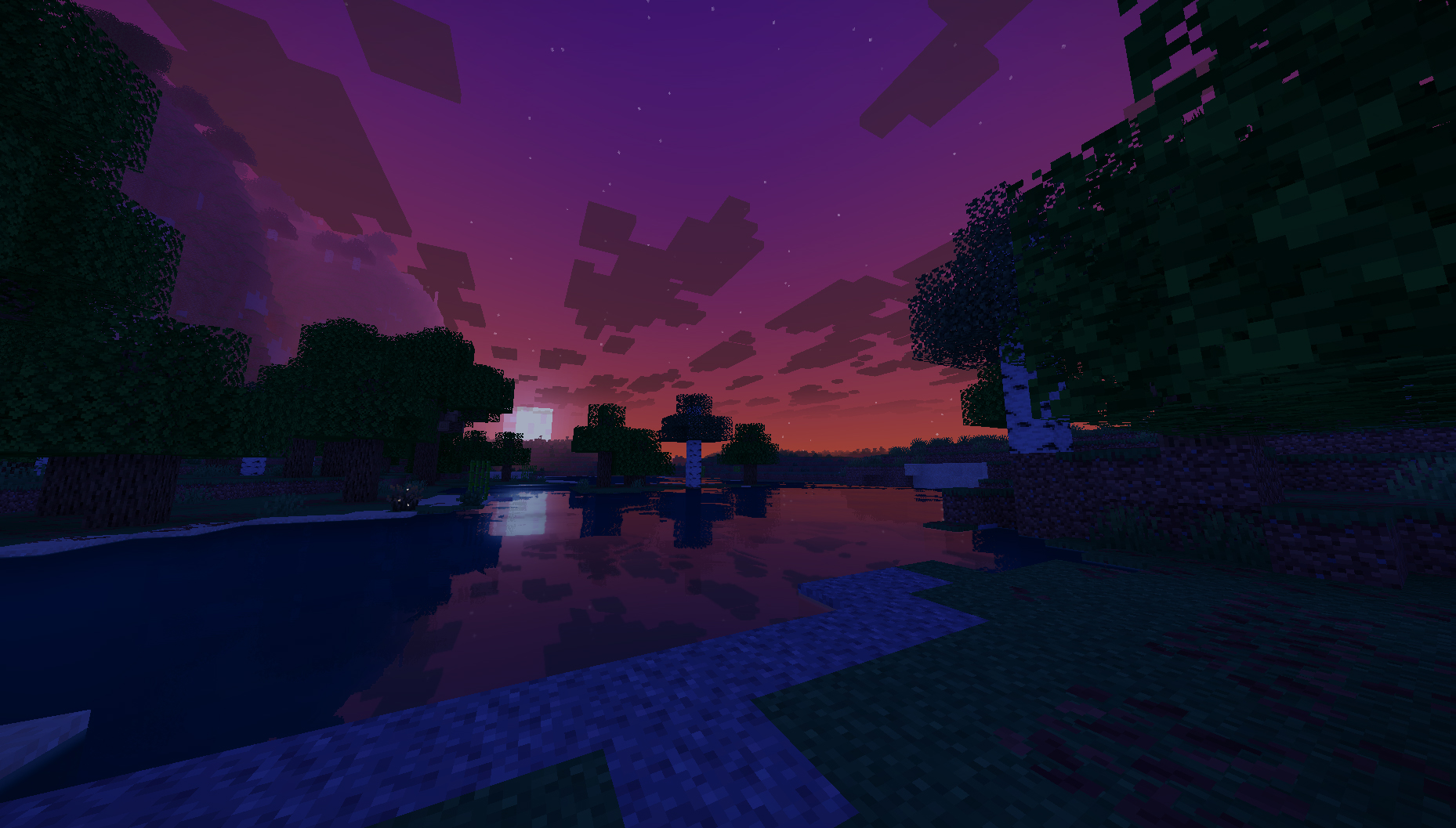
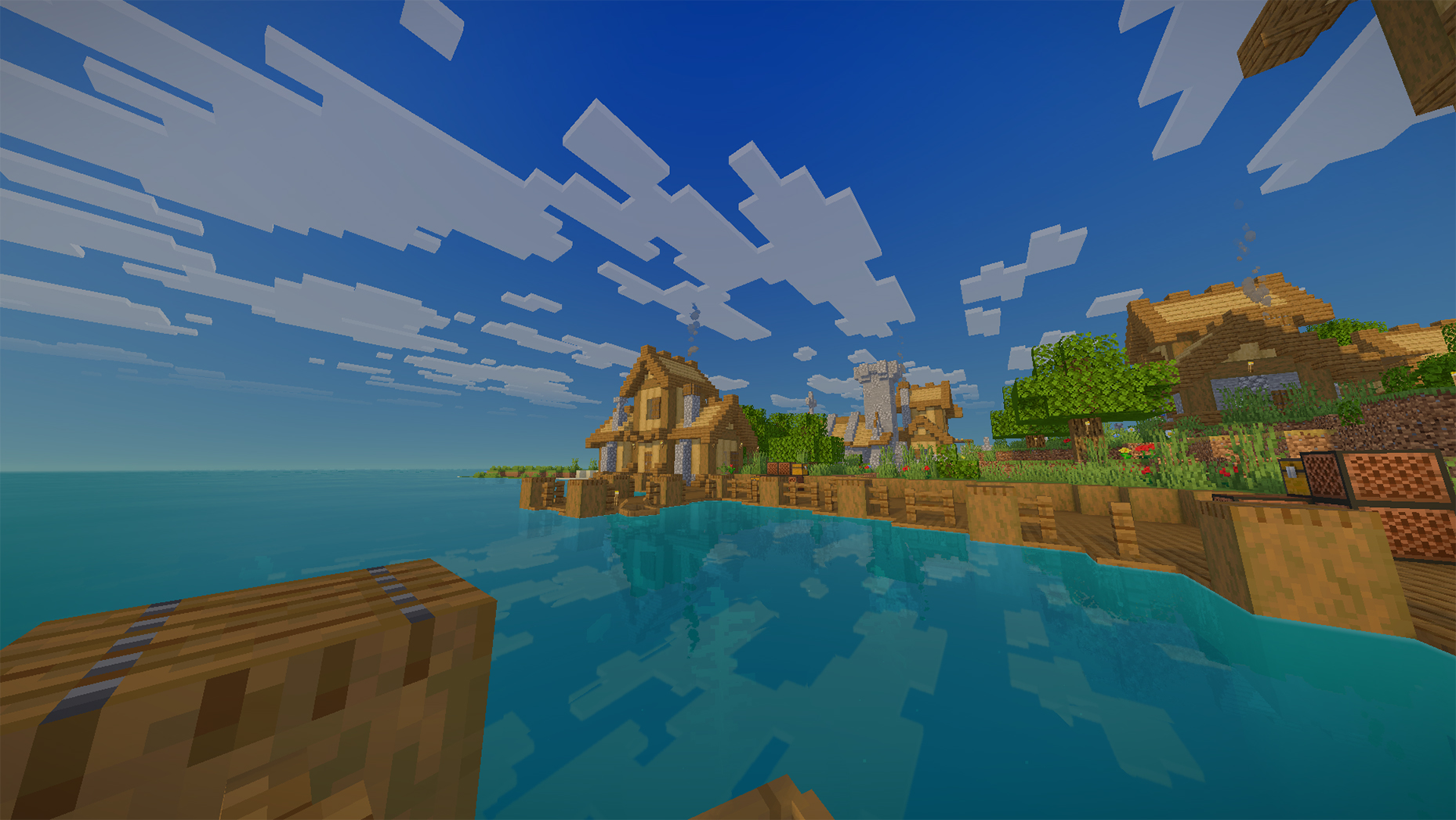
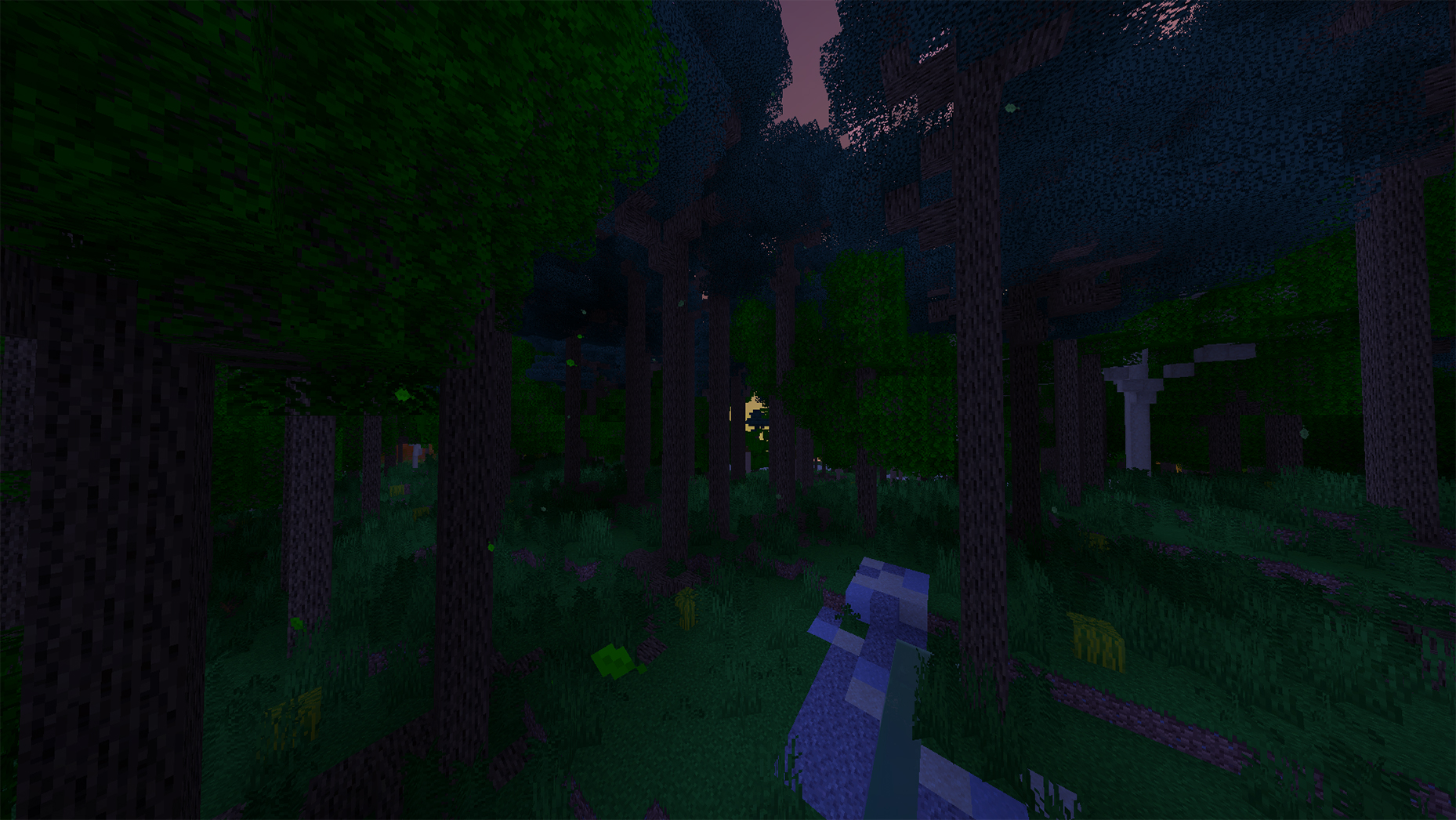
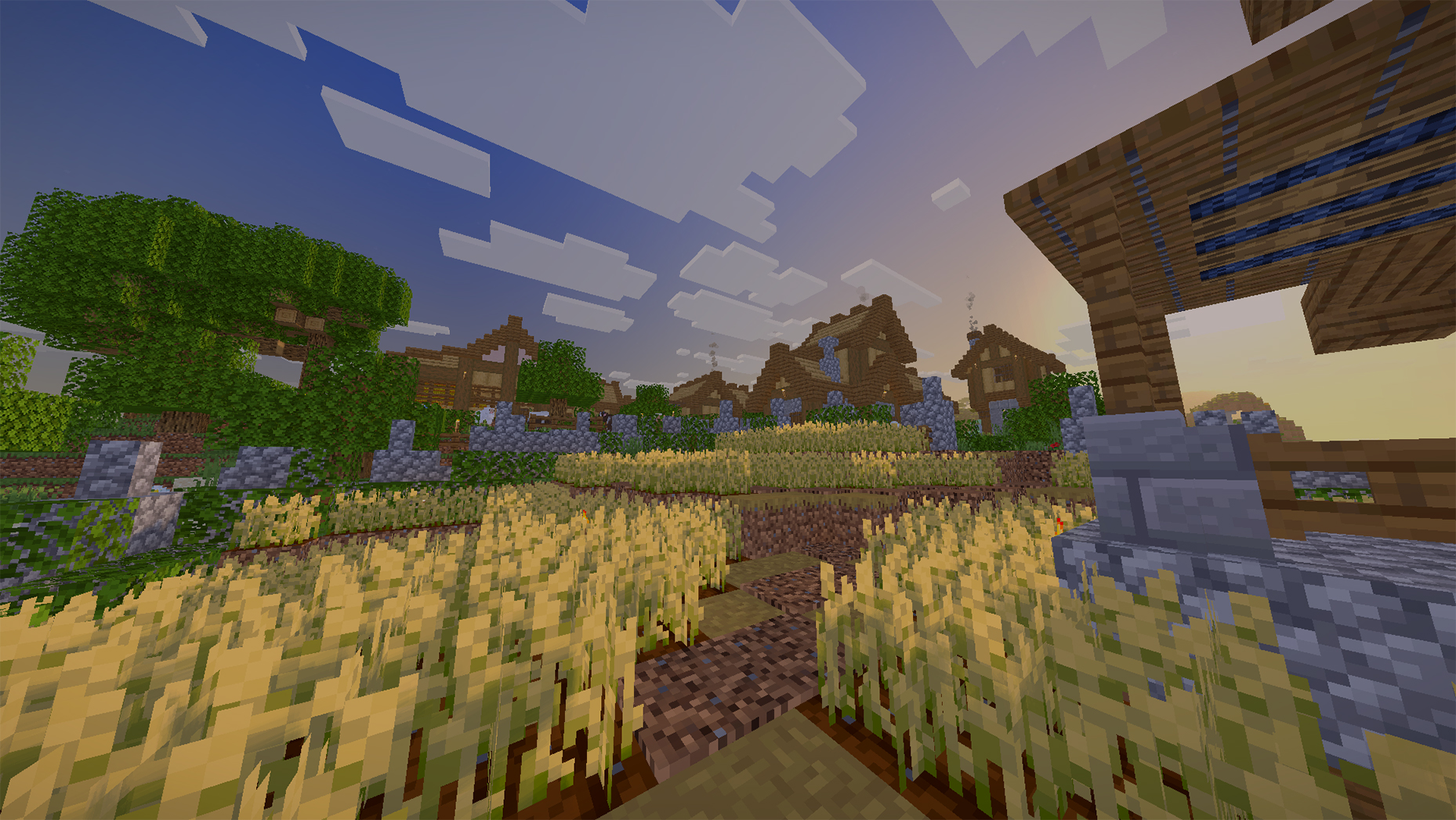
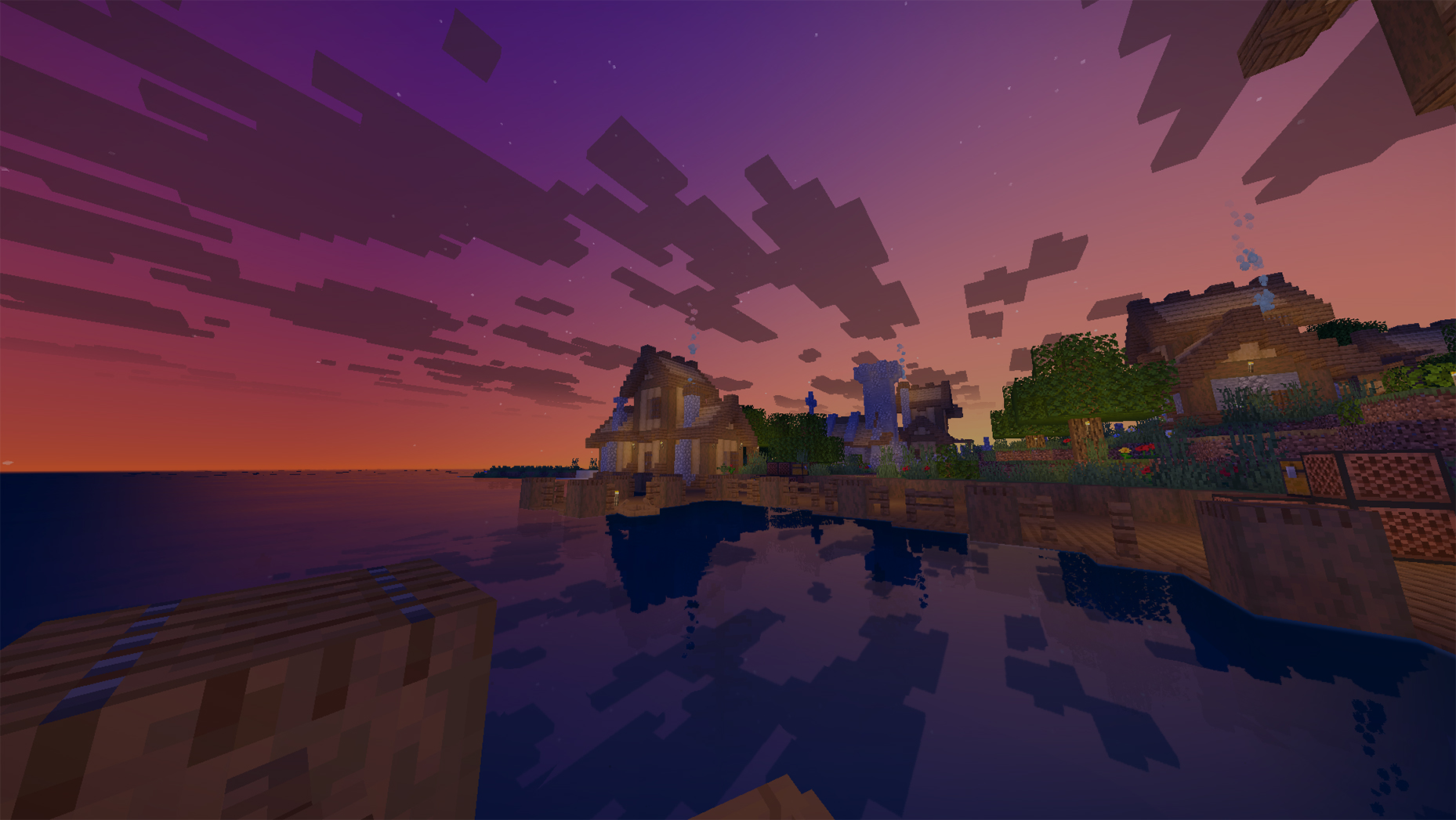
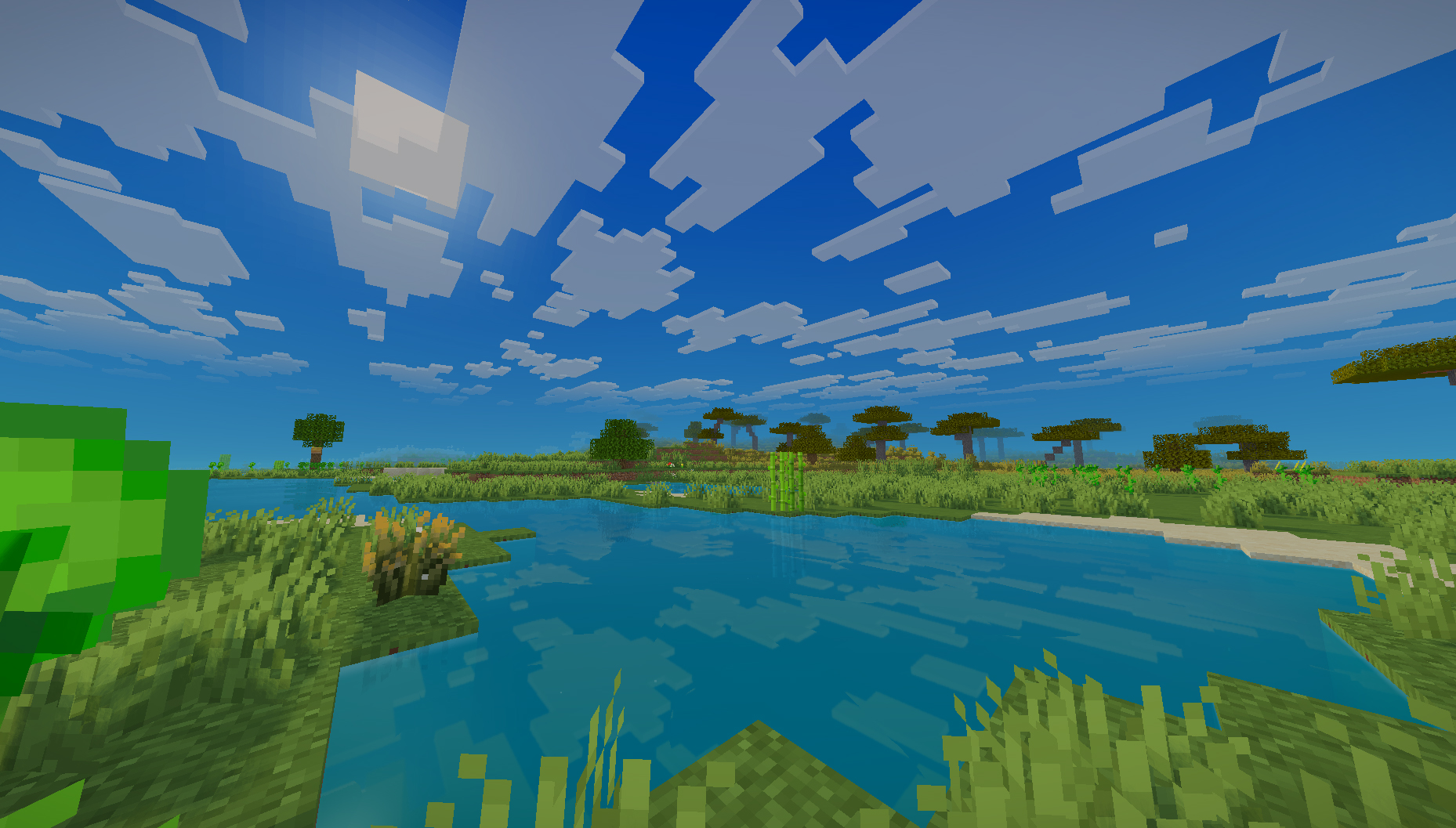
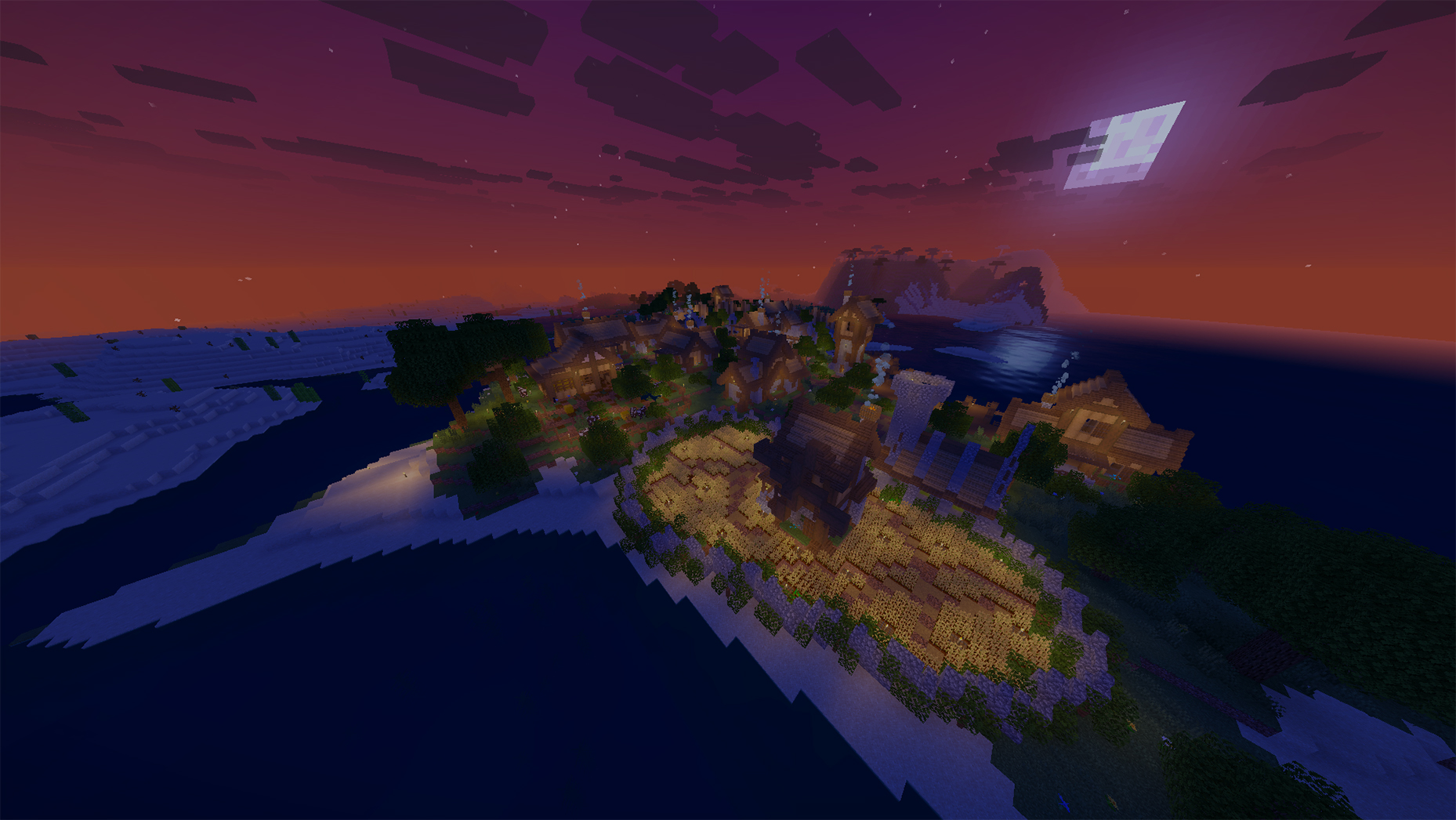
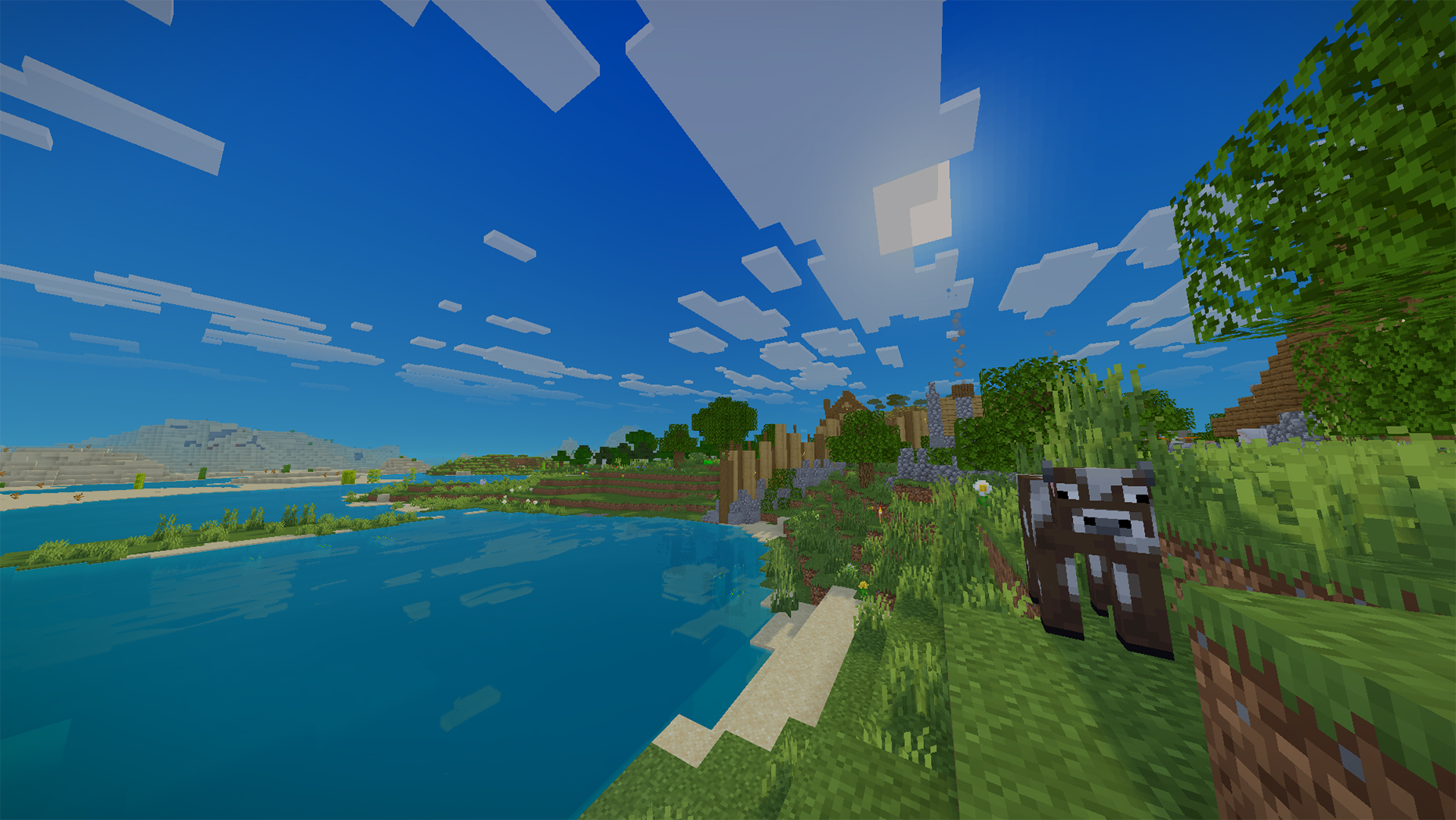
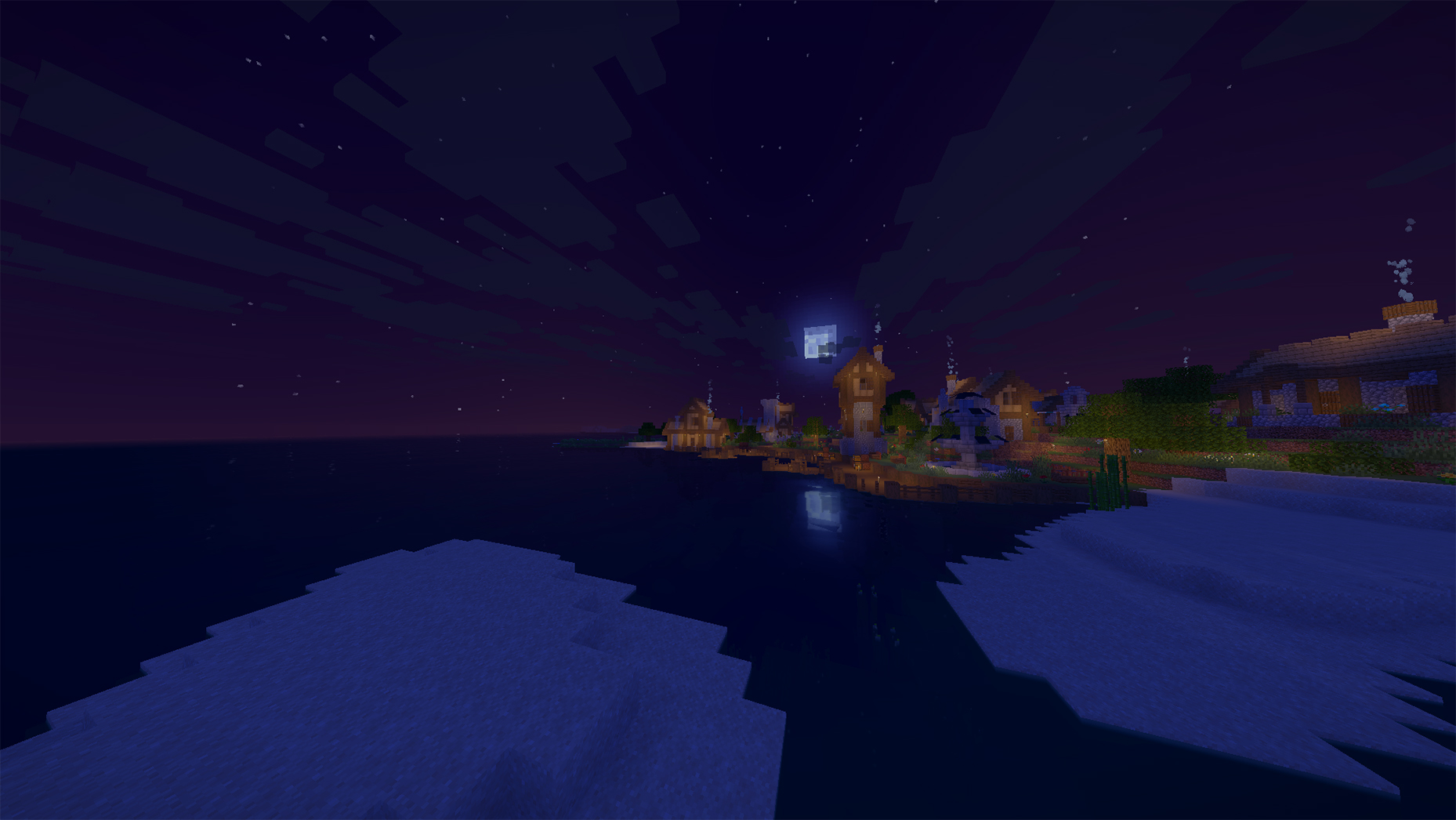
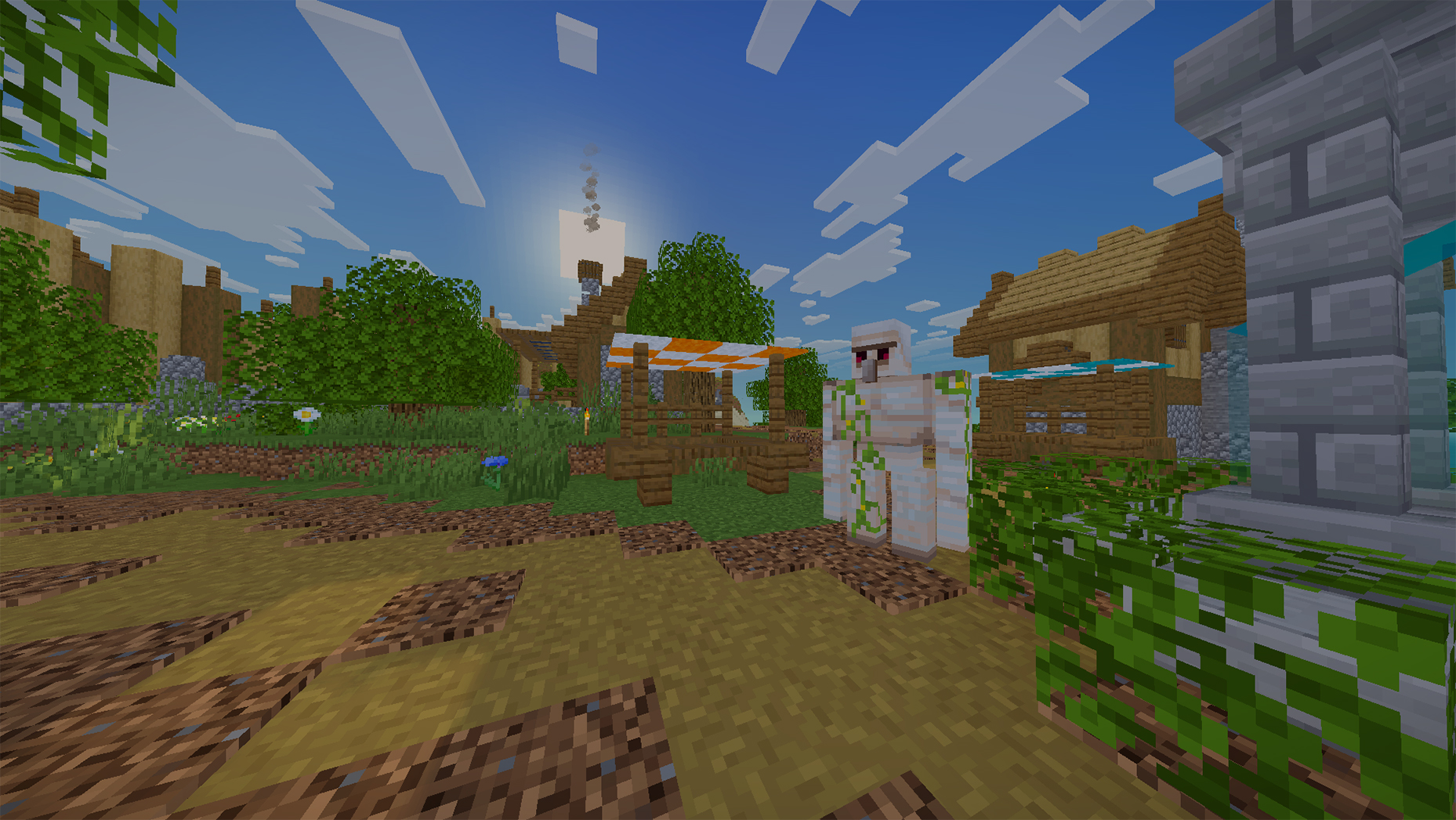
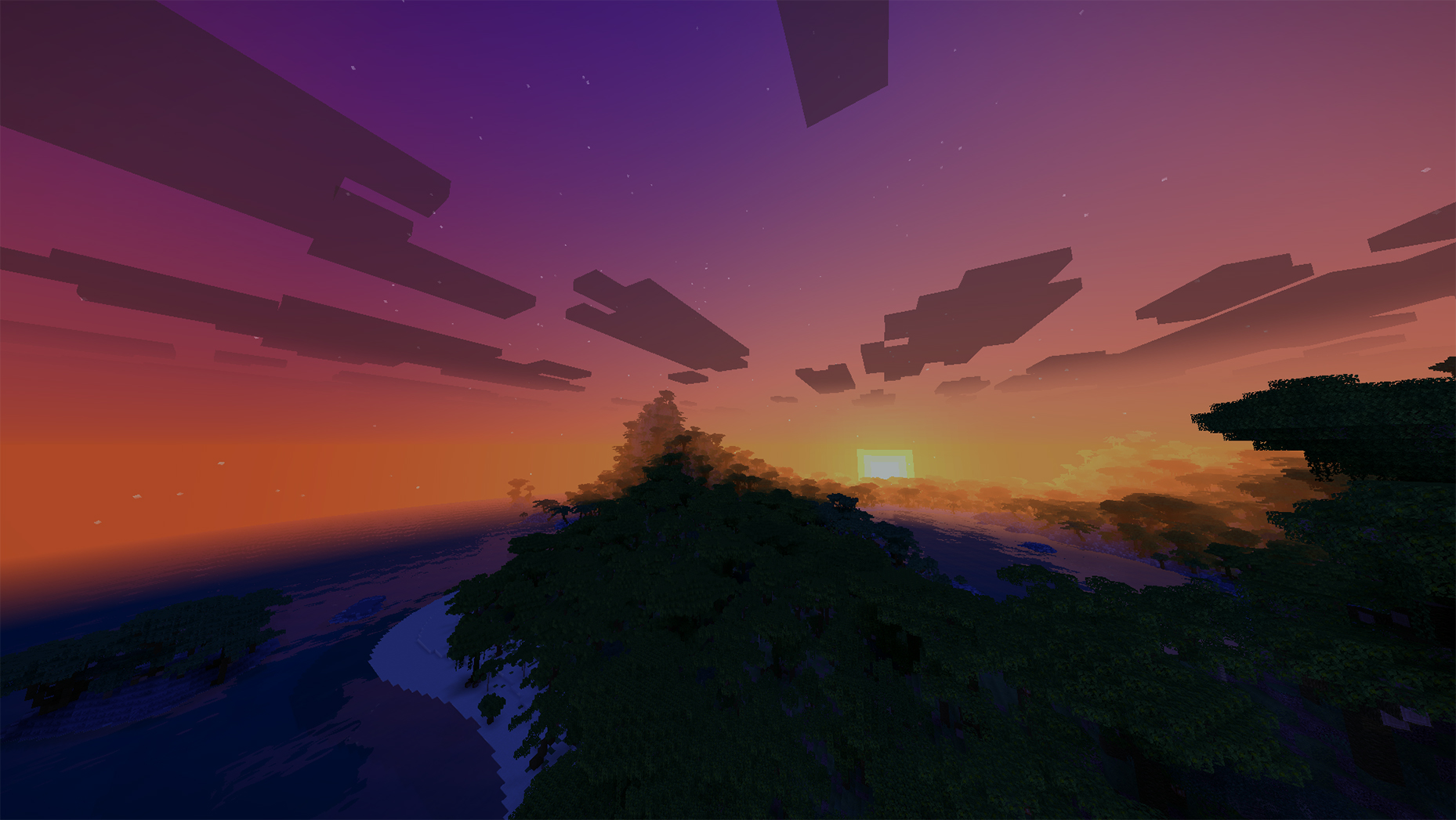
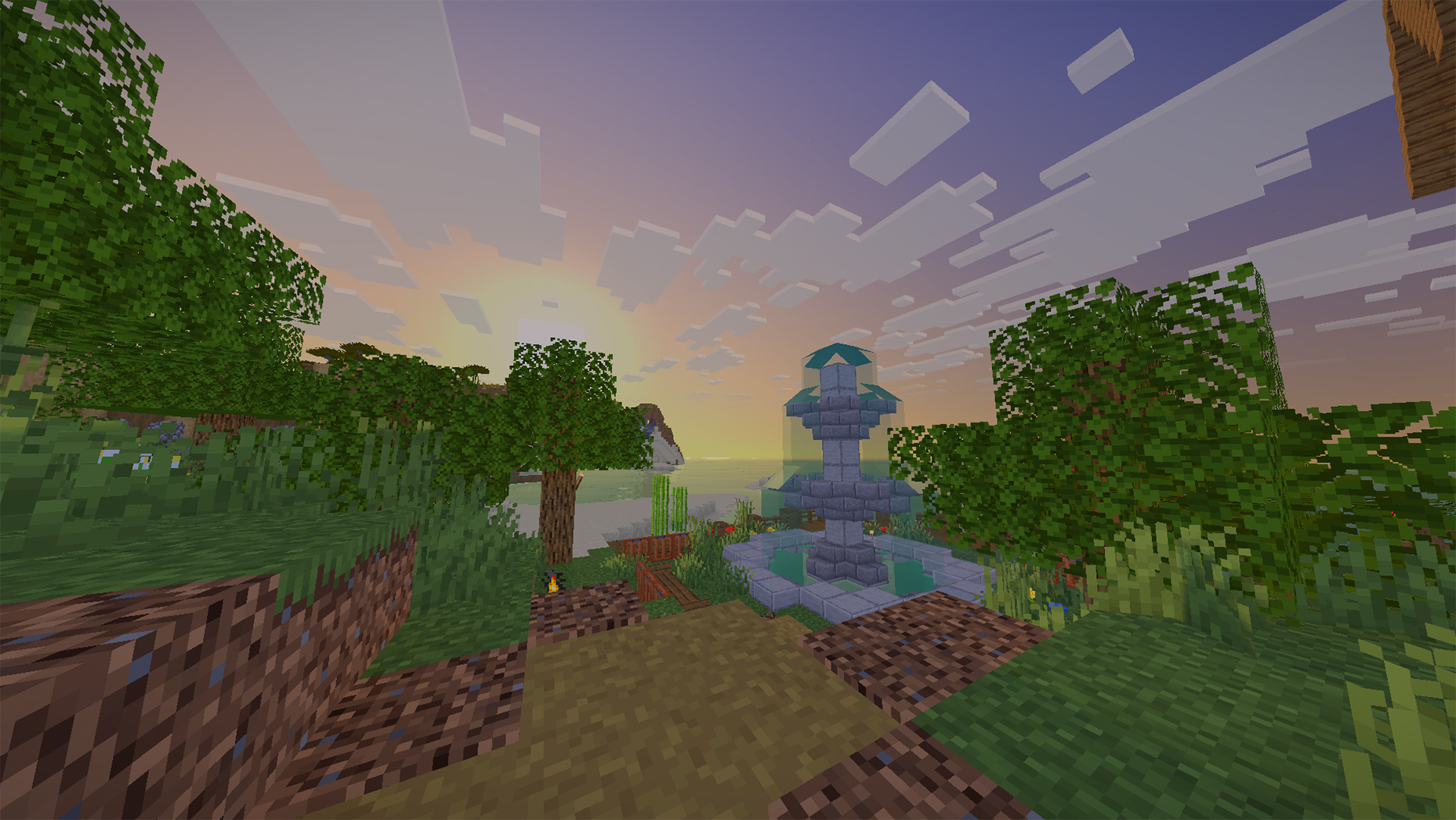

- Realistic Water: A complete water quality overhaul featuring a clean, attractive look that blends seamlessly with the vanilla environment.
- Enhanced Sky & Atmosphere: Improved sky quality, weather visuals, and 3D volumetric clouds matching the native game style.
- Improved Lighting & Shadows: A balanced shading and lighting system that adds visual depth without unnecessary complexity.
- Waving Environment: Subtle foliage and tree leaf sway adding life to the world.

Minecraft Version: 1.20.1+
Shader Loader: Iris Shaders (Recommended) or OptiFine
Minimum GPU: NVIDIA GTX 1650 / AMD RX 570 / AMD Radeon 680M (Integrated)
Recommended GPU (60+ FPS): NVIDIA VanillAqua ReflectionsRTX 3060 / RTX 4060 or AMD RX 6600 / RX 7600
Lower-end GPUs (GTX 1050 2GB): May run the shader, but 60 FPS is not guaranteed.

This shader is a modified project based on Miniature Shader by Mateus A. Kreuch.
Original Author: Mateus A. Kreuch (ukrech)
Original Shader: Miniature Shader
Modifier: in2bubble
Modified Shader: VanillAqua Reflections
License: MIT License
常见问题
VanillAqua Reflections 支持哪些 Minecraft 版本?
VanillAqua Reflections 支持 Minecraft Java 版 1.20–26.3,共 24 个版本,可用的加载器:Iris / OptiFine。下载时注意选择和你游戏版本一致的文件。
VanillAqua Reflections 怎么安装?
光影需要先装 Iris / OptiFine。把下载的 .zip 文件(不用解压)放进游戏目录的 shaderpacks 文件夹,进游戏后在「选项 → 视频设置 → 光影包」里选中它。光影对显卡要求较高,卡顿可以调低光影设置或渲染距离。
in2bubble 的其他作品
查看全部 →
Aurora Fantasy
将Minecraft打造成一个充满魔法奇幻色彩的世界,拥有发光的夜间萤火虫、闪烁的极光、鲜艳的电影级光影以及动态天气。

All-in-One VeinMiner & TreeFelle
The ultimate harvesting utility for veins, trees, and 3x3 excavation—featuring Custom Block Manager (with custom block difficulty modes), Tool Protection, modpack support, and full enchantment compatibility.

Upgraded Iron Chests
Upgradable storage chests from Iron to Netherite and secure Safe Chests. Features single/double sizes, quick-stack buttons, global item search with distance tracking, and full pipe & network mod compatibility.

Aurora Astral
A cosmic-fantasy shader pack featuring animated astral rifts, a colossal planet, and an evolving galactic sky.
评论
登录后评论和评分