
Valtique
Post-processing shaderpack for Iris that adds a film look — sepia, grain, film scratches, letterbox bars, and lens distortion.
截图
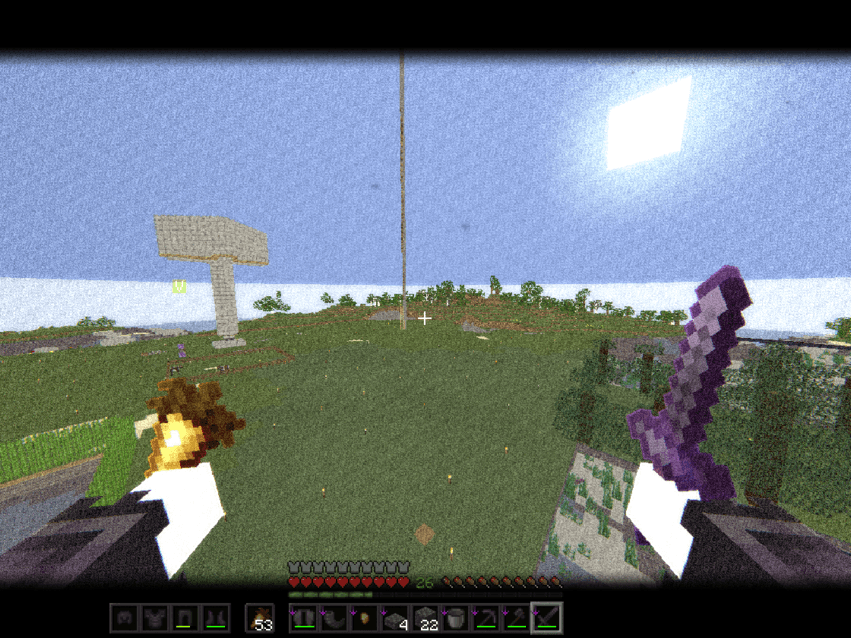
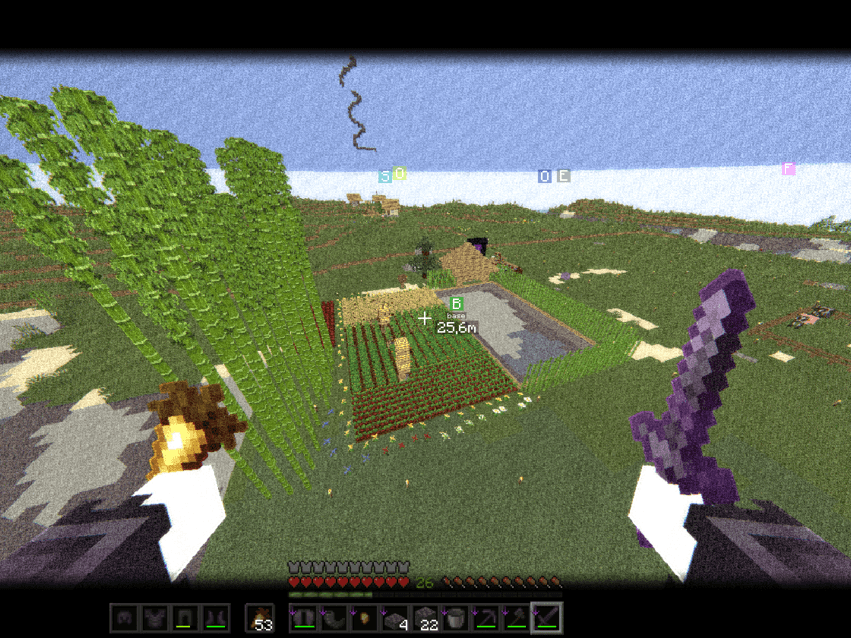
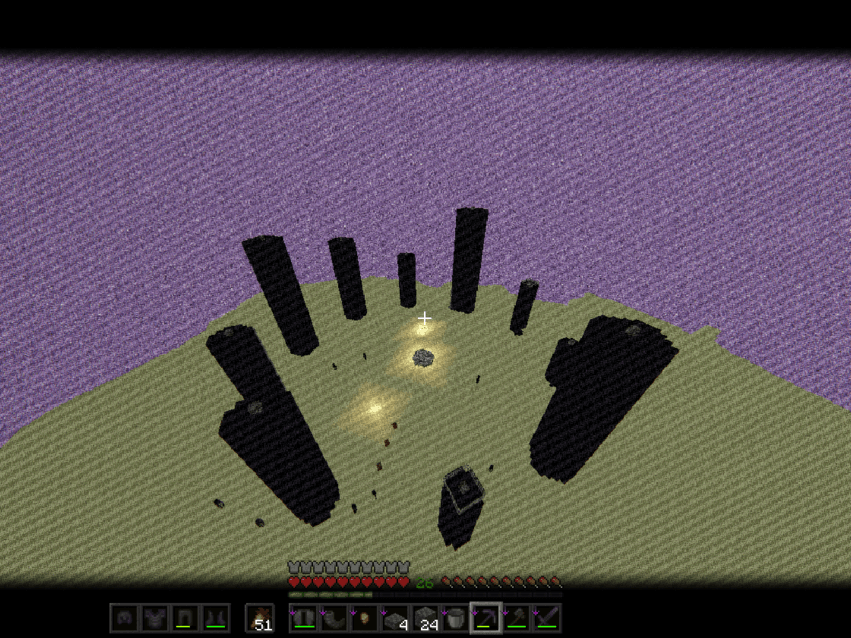
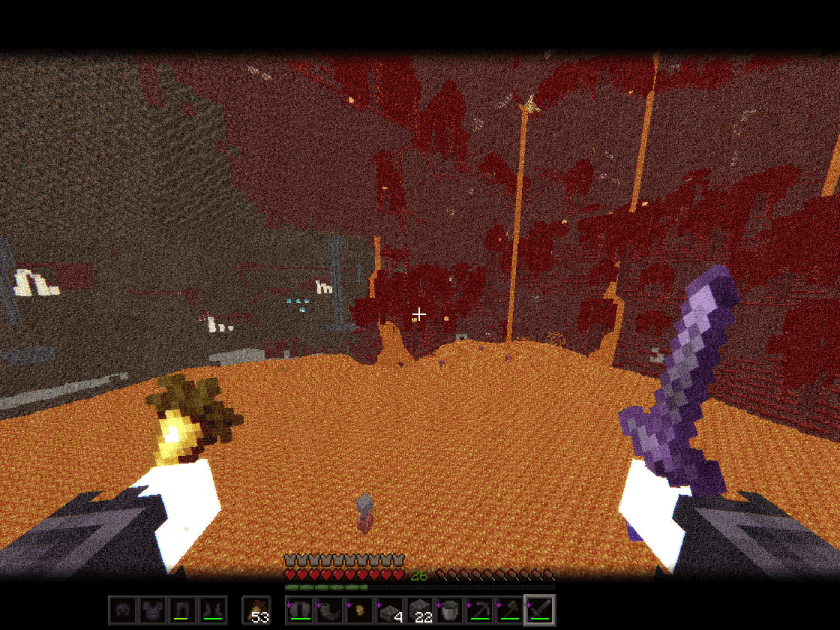
介绍
Valtique is a post-processing shaderpack for Iris that transforms Minecraft’s visuals into a classic cinematic film style.
Bringing old celluloid film aesthetics into your world — sepia tones, film grain, letterbox bars, and hand-drawn outlines, all tunable to your taste.
Features
- 🎞️ Widescreen letterbox bars for that cinematic frame
- 🟤 Faded yellow-brown sepia tone, classic old film color grading
- 📽️ Film grain spread across the whole screen, intensifying toward the edges
- 🔍 Subtle lens distortion reminiscent of vintage cameras
- ⬜ White outline around every block for a stylized edge-detection look
- ✨ Soft light bloom for highlight reflections
Every effect can be fine-tuned through the in-game Shader Pack Settings menu — from grain intensity and letterbox thickness to sepia strength — so you can dial the look anywhere from subtle to full old-film immersion.
Credits
The outline detection logic is copied from Complementary Shaders, credited and licensed under the Complementary Agreement 1.3 (see COMPLEMENTARY_LICENSE.txt in the pack). All other code is original work.
常见问题
Valtique 支持哪些 Minecraft 版本?
Valtique 支持 Minecraft Java 版 1.20.1–1.21.11,共 2 个版本,可用的加载器:Iris。下载时注意选择和你游戏版本一致的文件。
Valtique 怎么安装?
光影需要先装 Iris。把下载的 .zip 文件(不用解压)放进游戏目录的 shaderpacks 文件夹,进游戏后在「选项 → 视频设置 → 光影包」里选中它。光影对显卡要求较高,卡顿可以调低光影设置或渲染距离。
评论
登录后评论和评分