UltraPBR
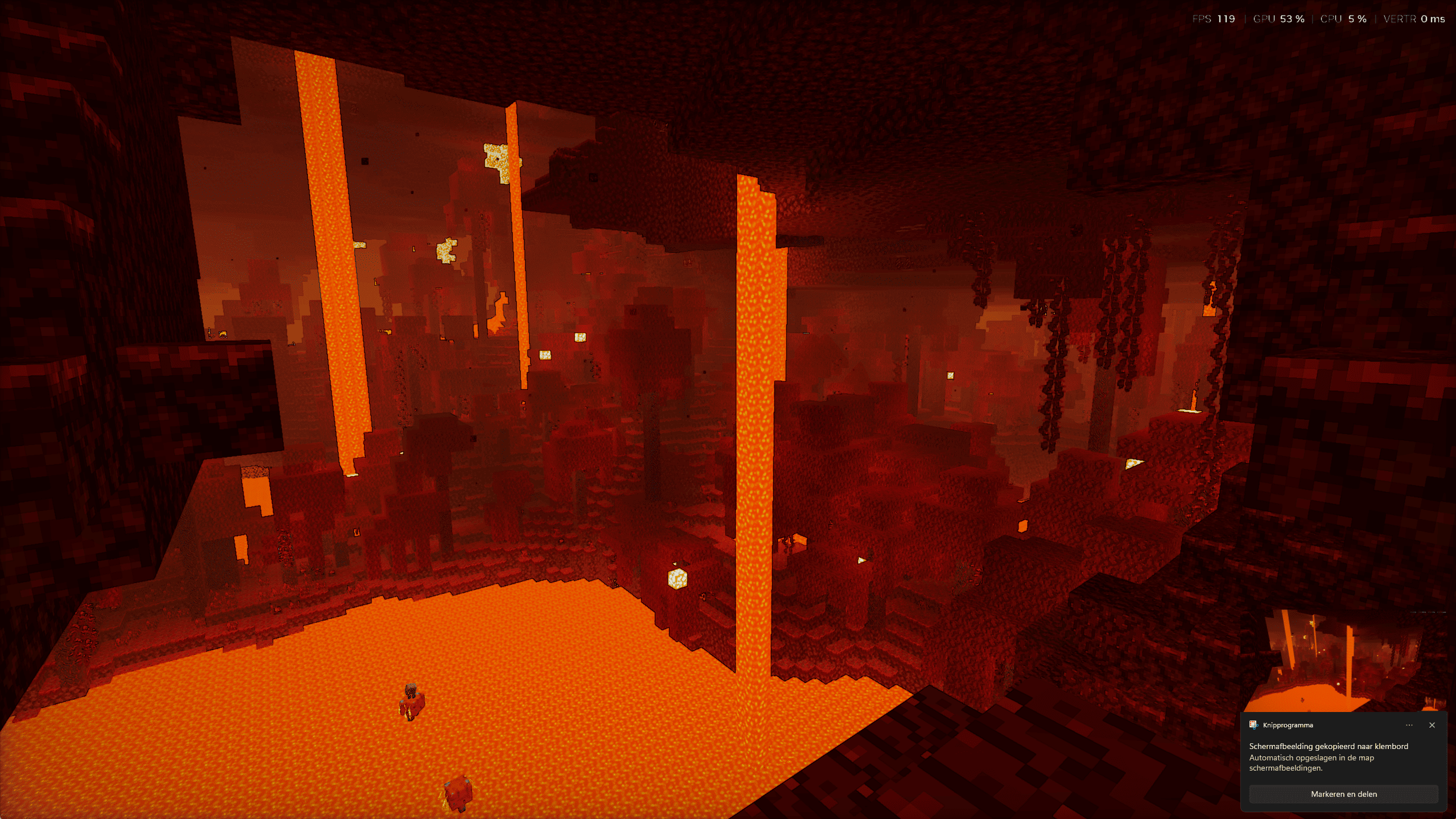
UltraPBR features enhanced lighting, soft shadows, realistic water reflections, vibrant colors, atmospheric fog, beautiful sunsets, and immersive environments to transform your Minecraft world.
截图
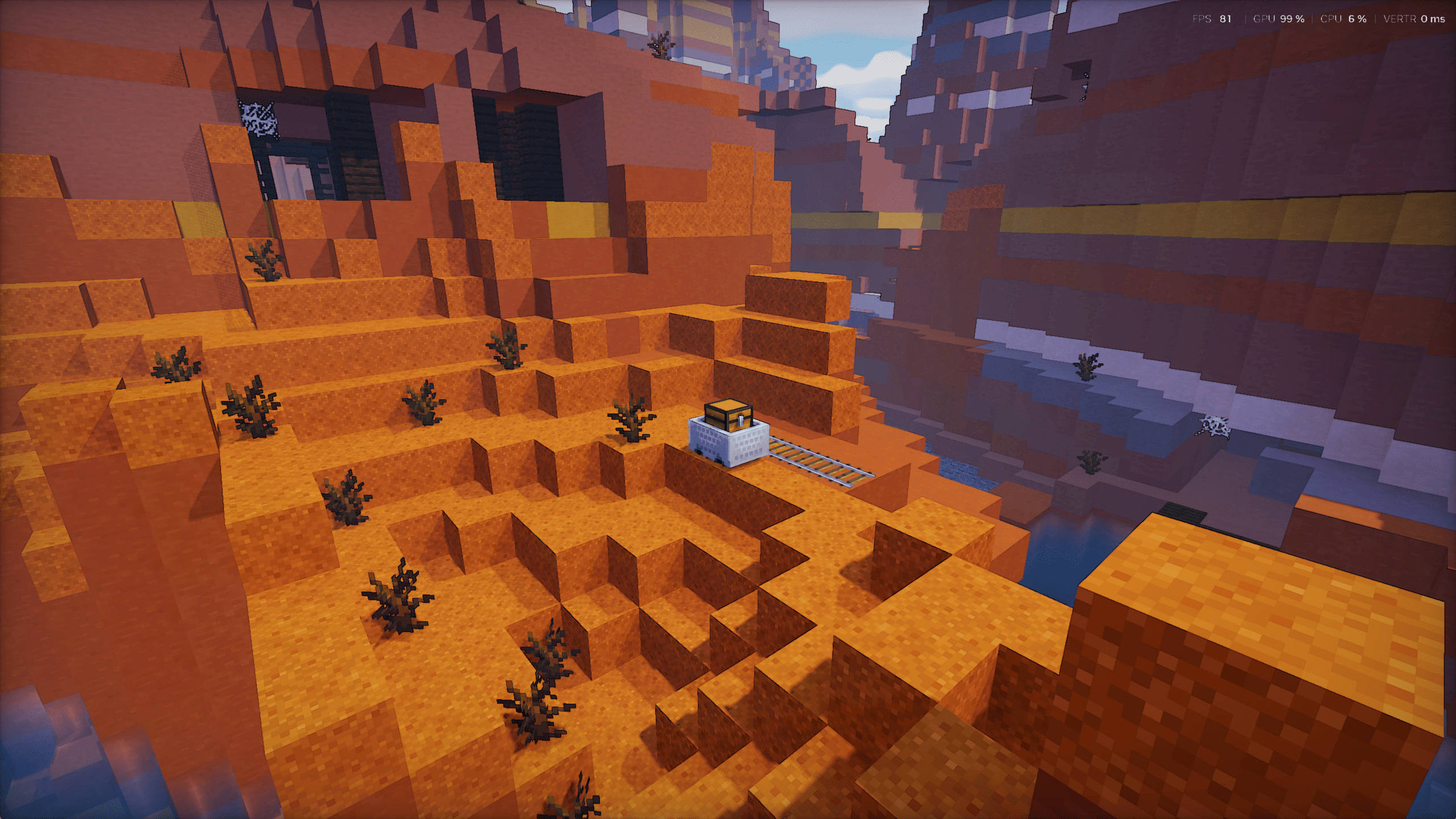
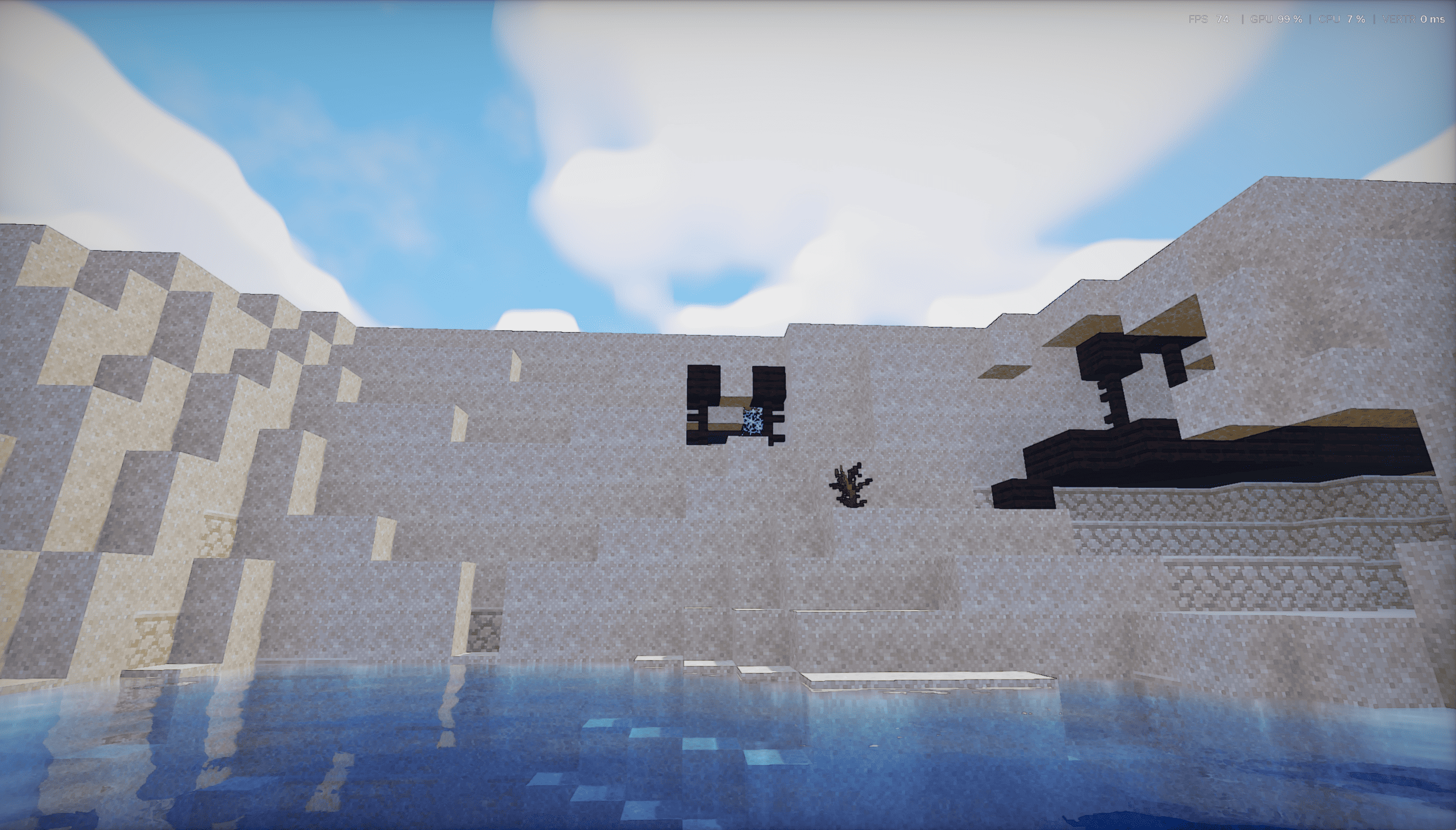
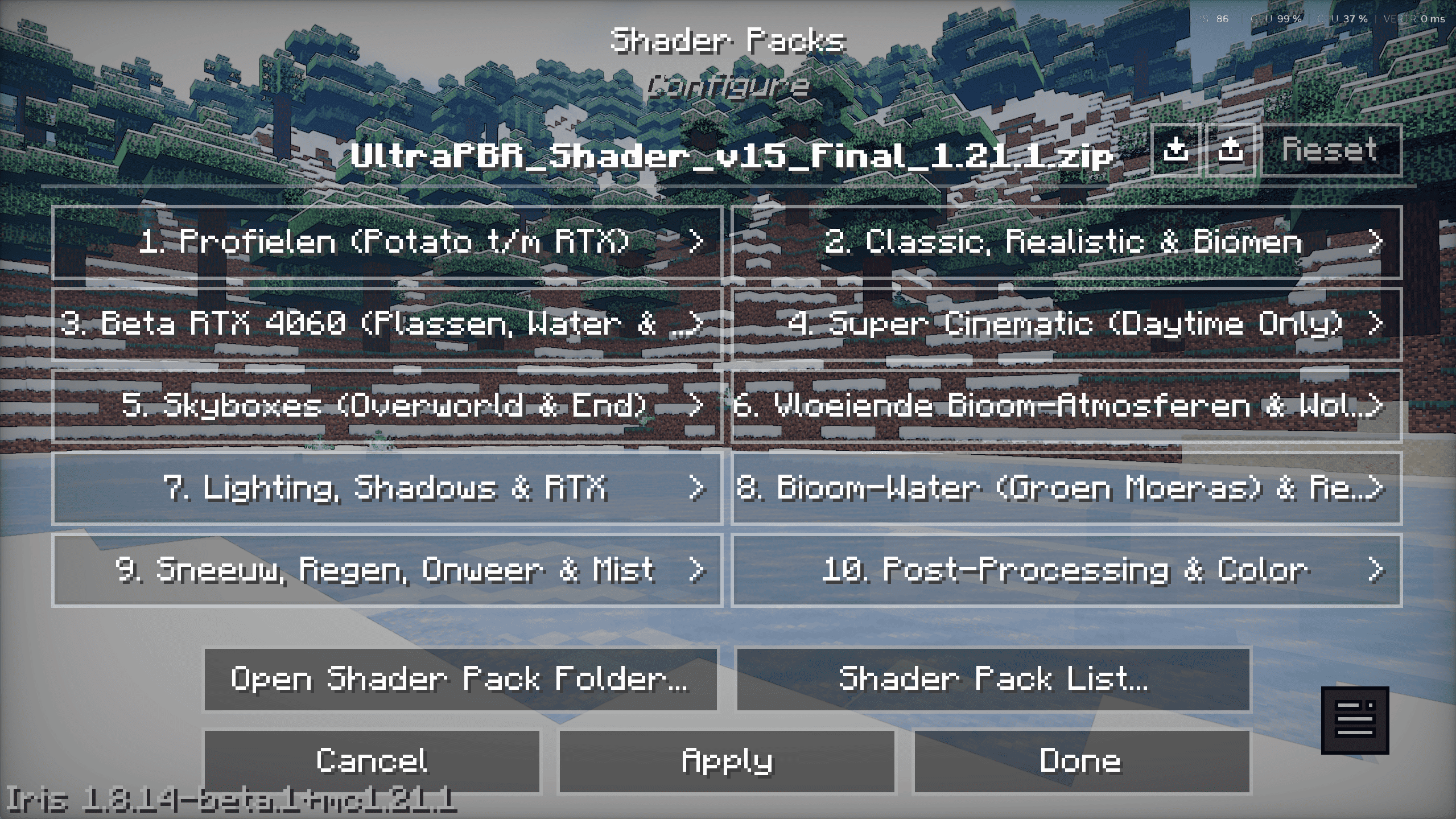
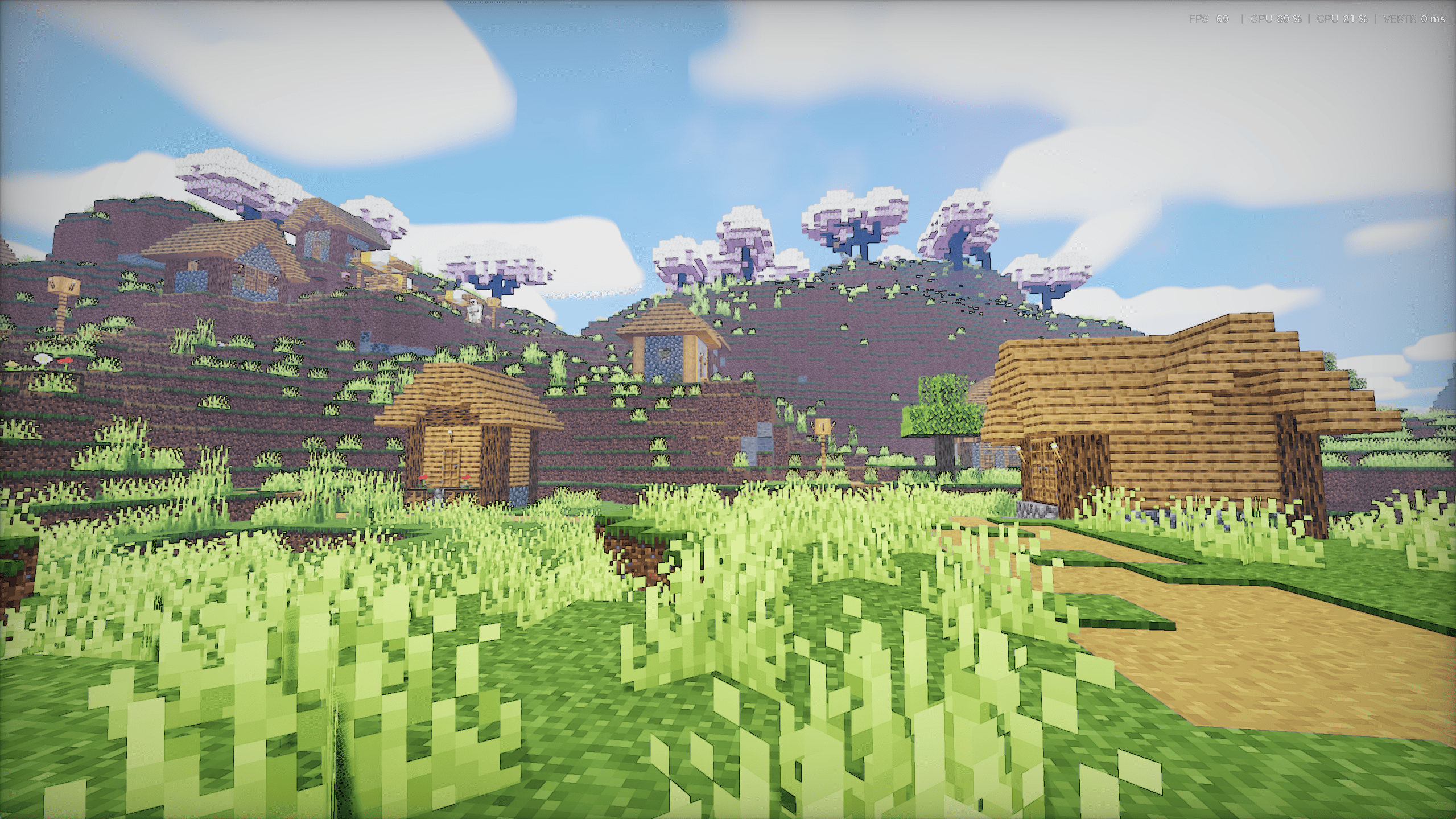
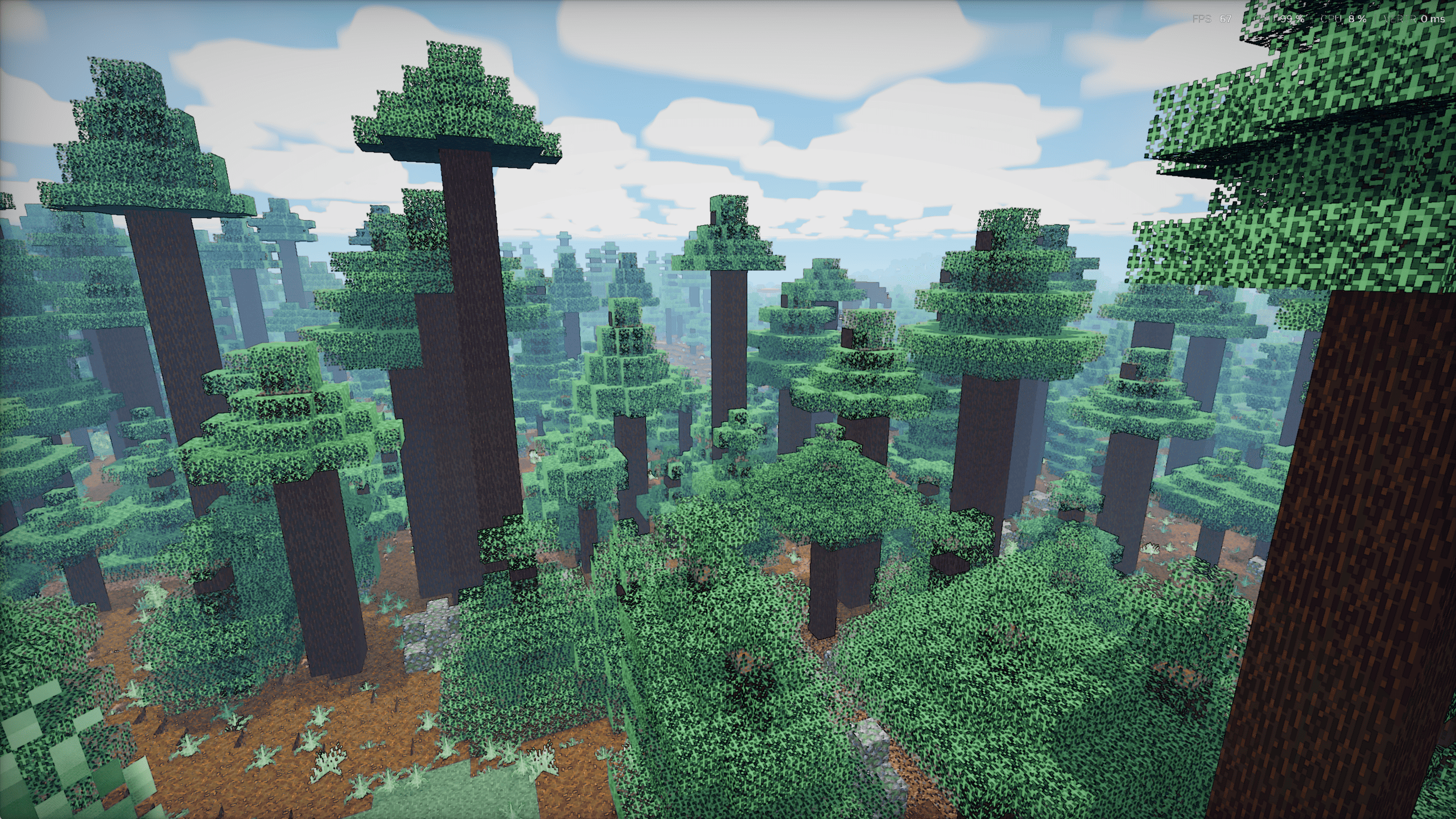
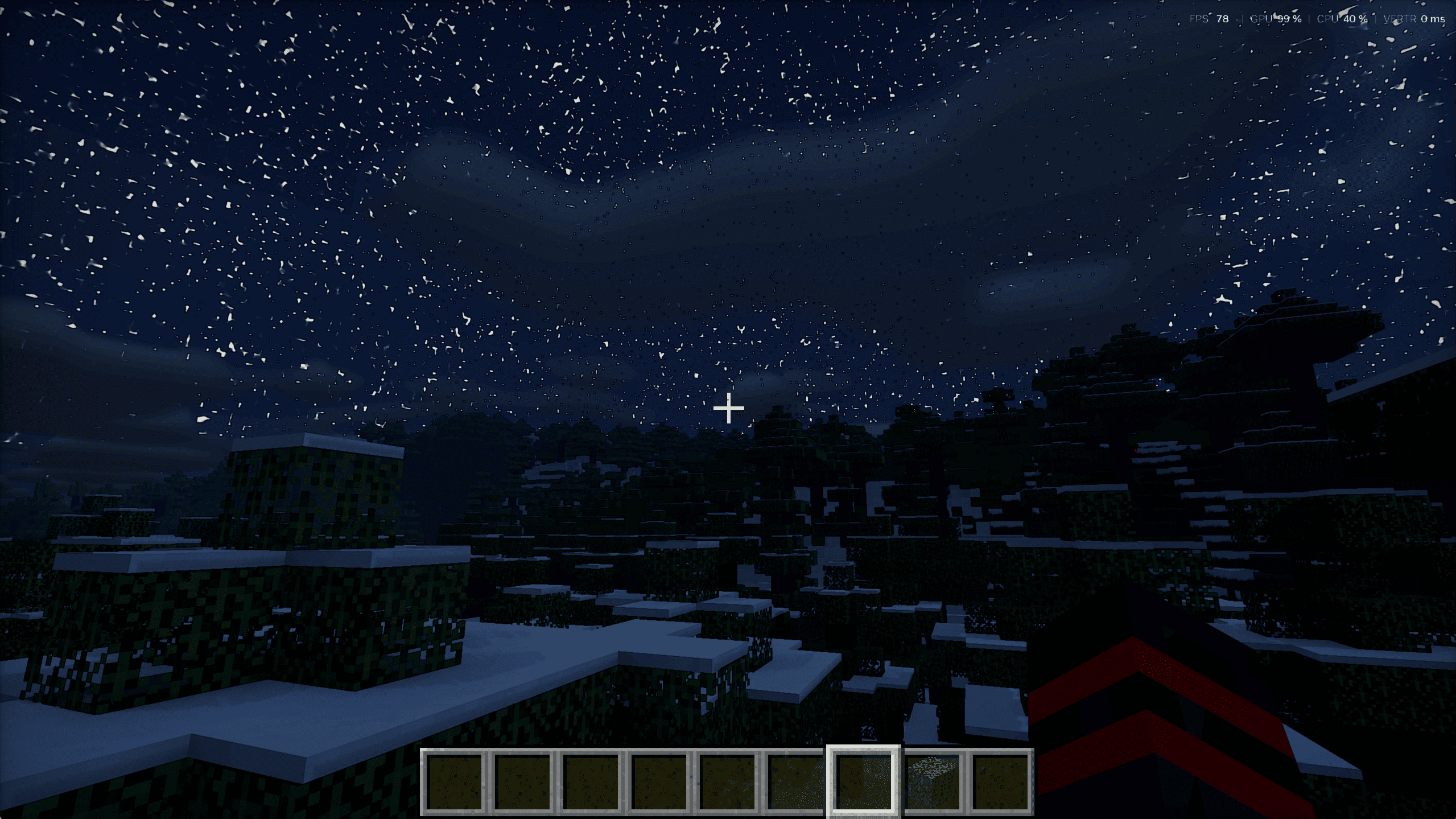
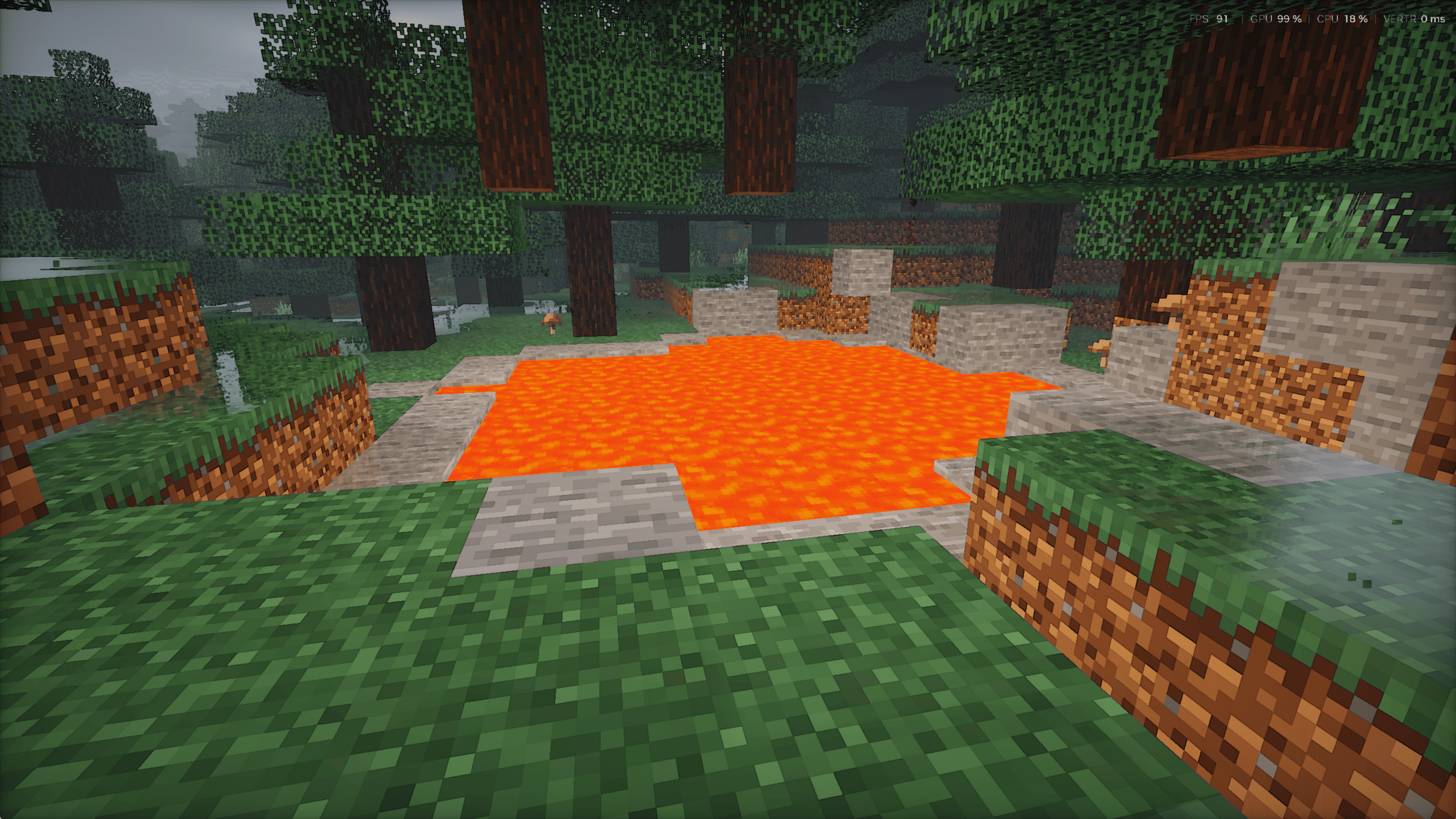
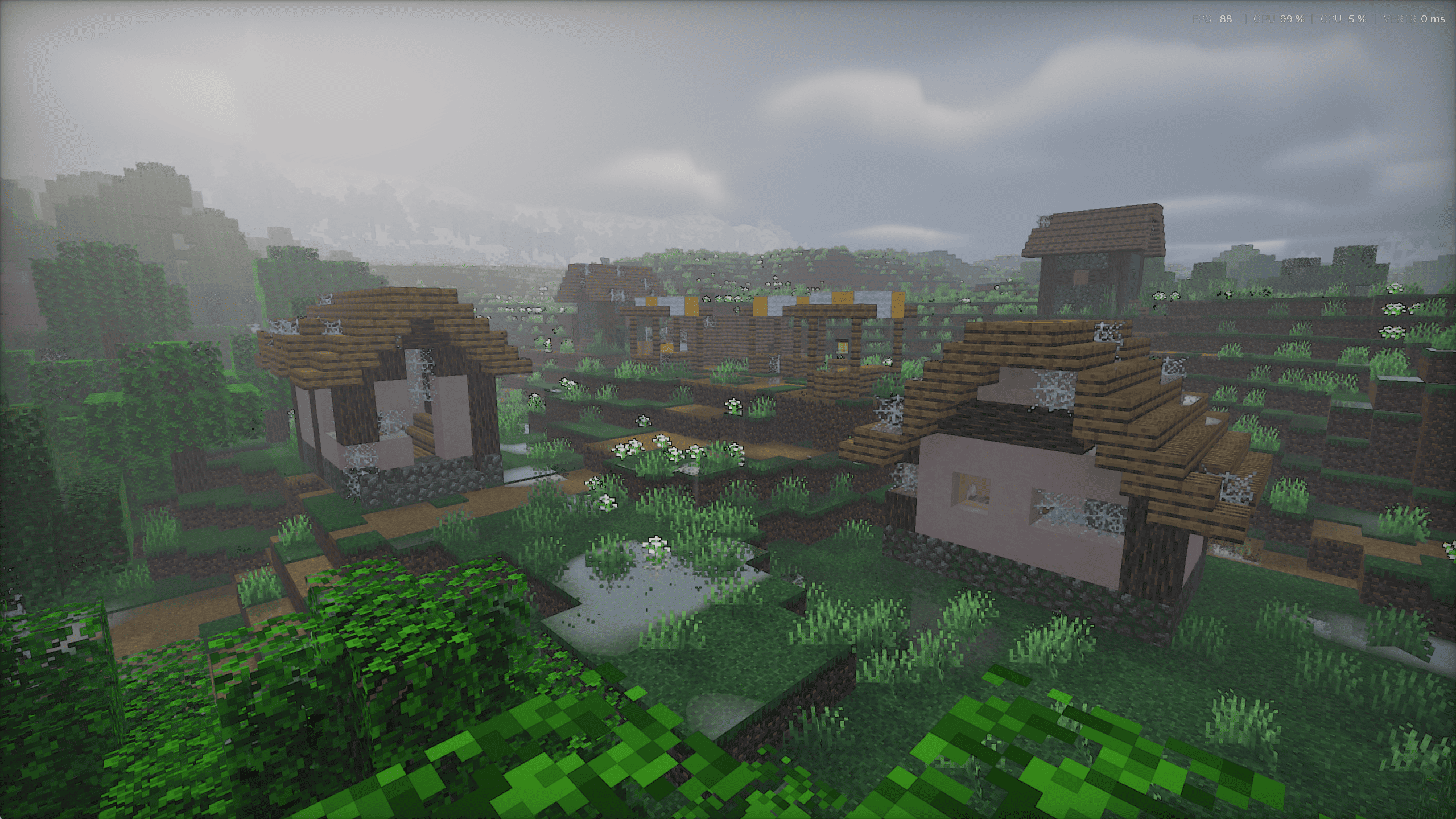
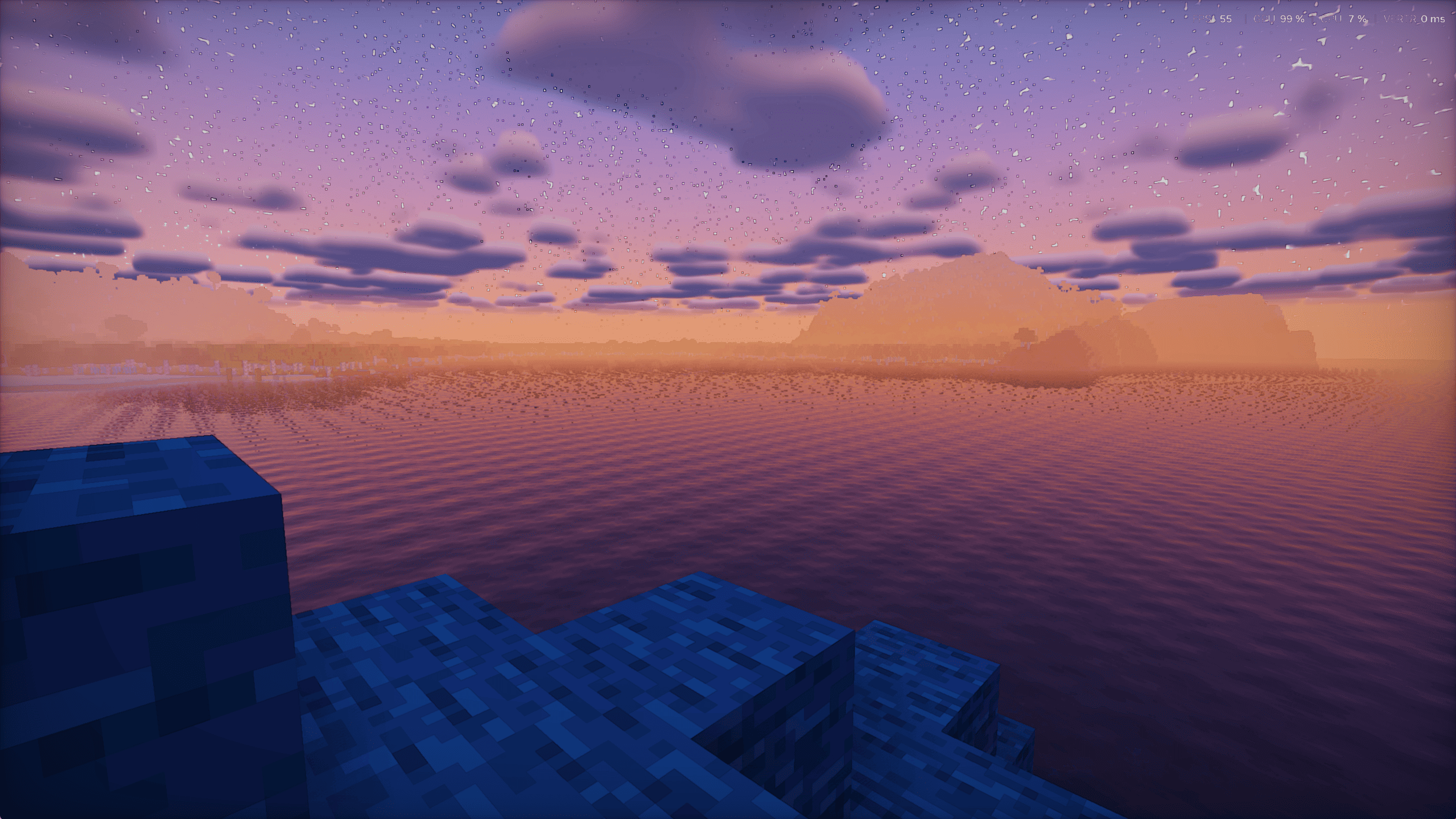
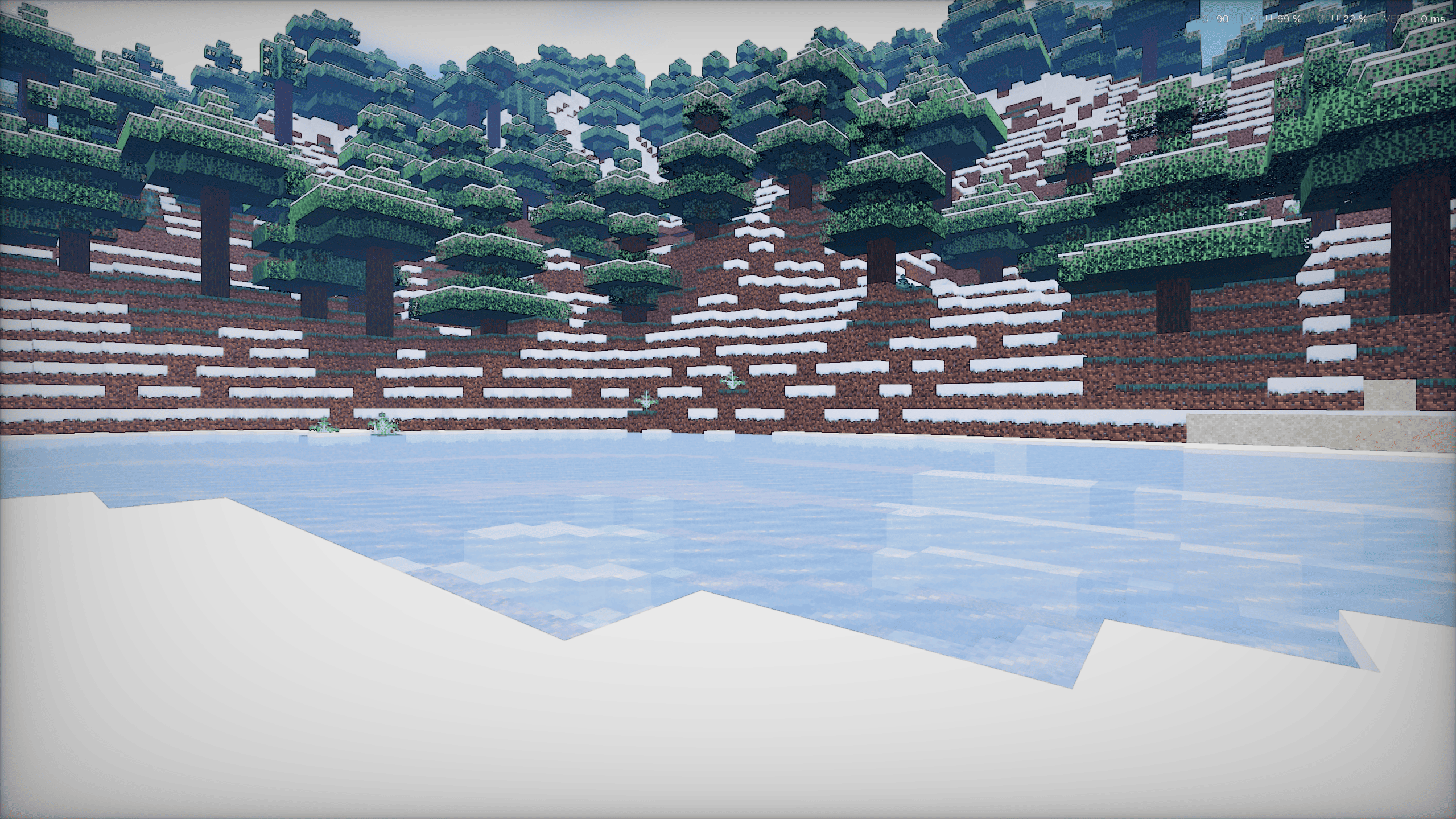
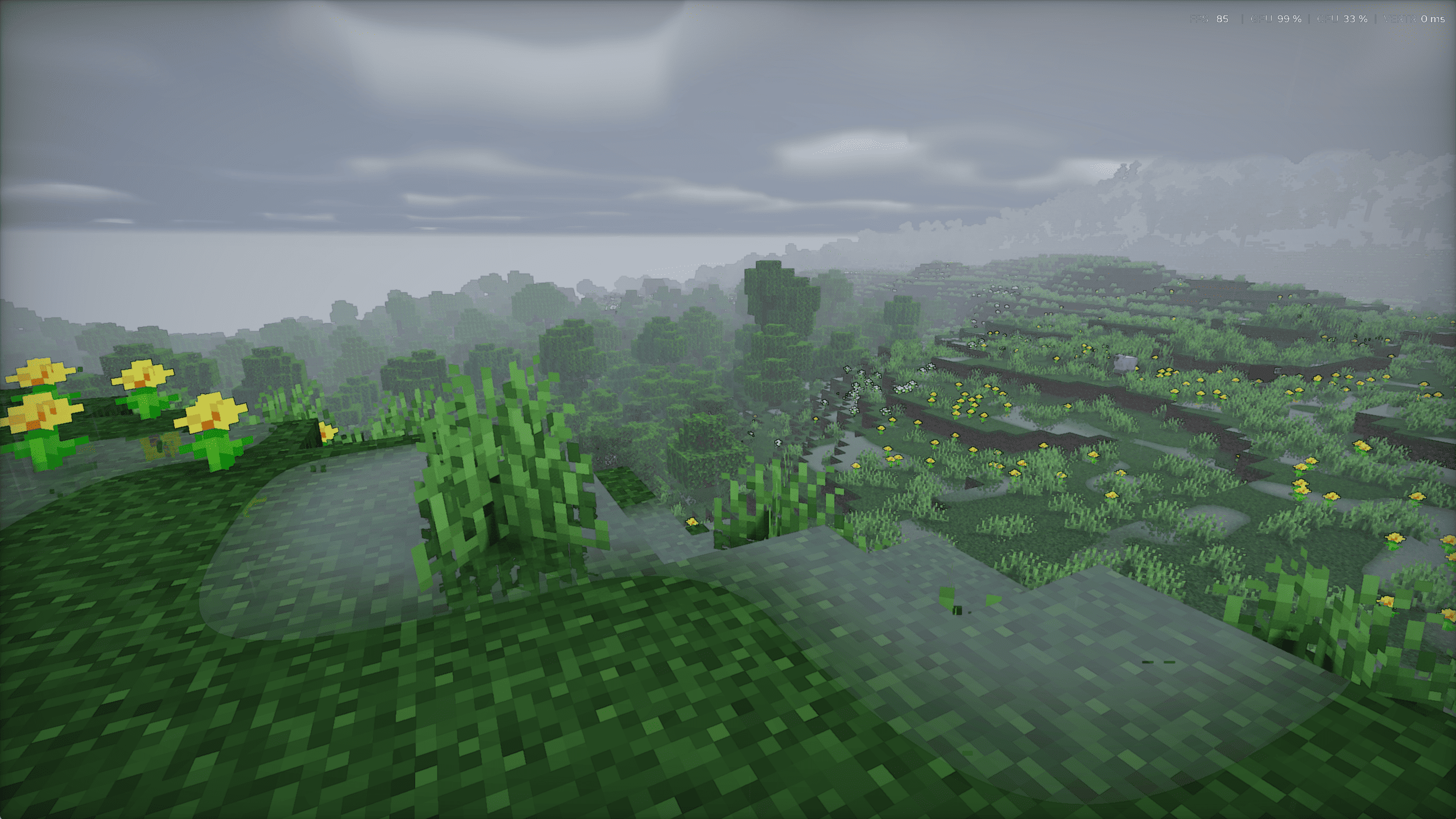
介绍
✨ UltraPBR — A New Level of Visual Realism
Take your Minecraft experience to the next level with UltraPBR, a shader designed to bring your world to life with stunning visuals and a more immersive atmosphere.
🌟 Features
-
🎨 Enhanced visuals and realistic-looking materials
-
💡 Beautiful lighting and atmospheric effects
-
🌿 A more immersive Minecraft world
-
🏞️ Stunning environments for exploration and screenshots
-
✨ A unique visual style created with creativity and AI assistance
🤖 Made with Creativity & AI
UltraPBR is a personal project created by me with the help of AI. I used AI as a tool to help bring my ideas to life and create a shader with its own identity. Every step of this project is part of my journey to explore what’s possible in Minecraft graphics.
🚀 Experience Minecraft Differently
Whether you’re exploring new landscapes, building your dream base, or capturing amazing screenshots, UltraPBR aims to make your Minecraft world feel more beautiful and immersive.
💙 Support the Project
If you enjoy UltraPBR, consider leaving a comment, sharing your screenshots, and letting me know what you think! Your feedback helps me improve the project.
Created by me. Inspired by creativity. Powered by AI.
Welcome to UltraPBR. ✨
常见问题
UltraPBR 支持哪些 Minecraft 版本?
UltraPBR 支持 Minecraft Java 版 1.21–1.21.11,共 12 个版本,可用的加载器:Iris。下载时注意选择和你游戏版本一致的文件。
UltraPBR 怎么安装?
光影需要先装 Iris。把下载的 .zip 文件(不用解压)放进游戏目录的 shaderpacks 文件夹,进游戏后在「选项 → 视频设置 → 光影包」里选中它。光影对显卡要求较高,卡顿可以调低光影设置或渲染距离。
评论
登录后评论和评分