
截图
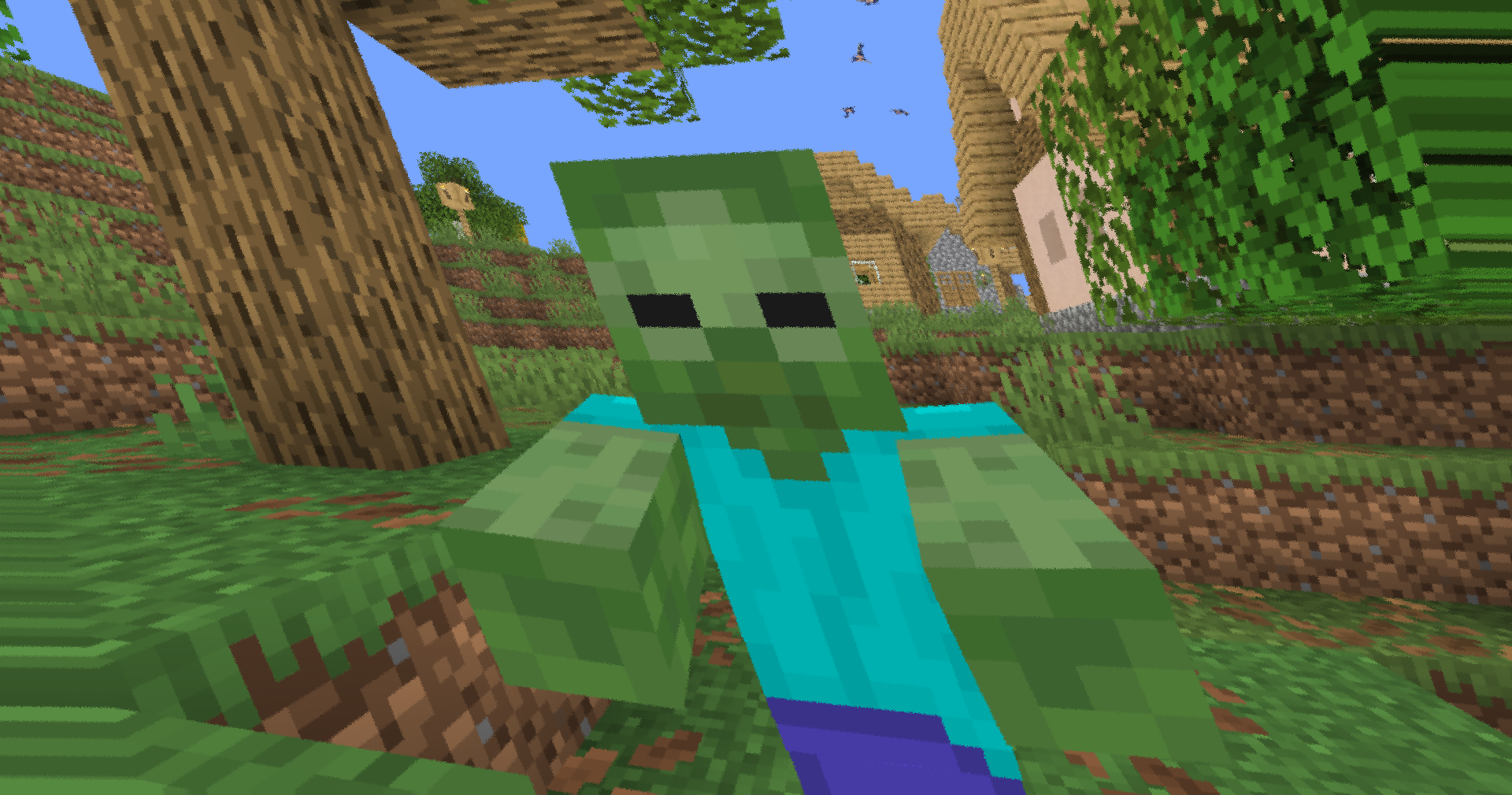
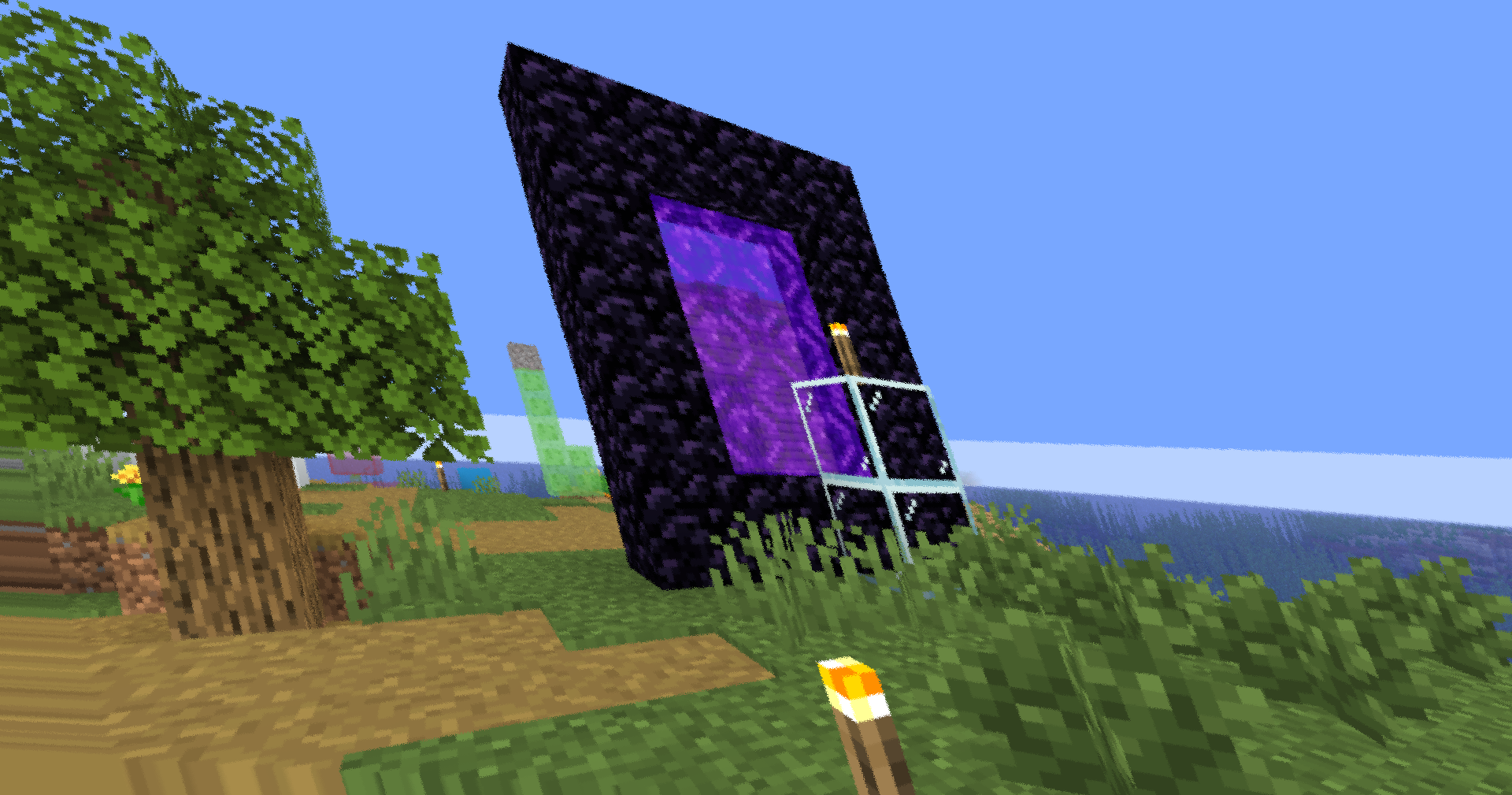


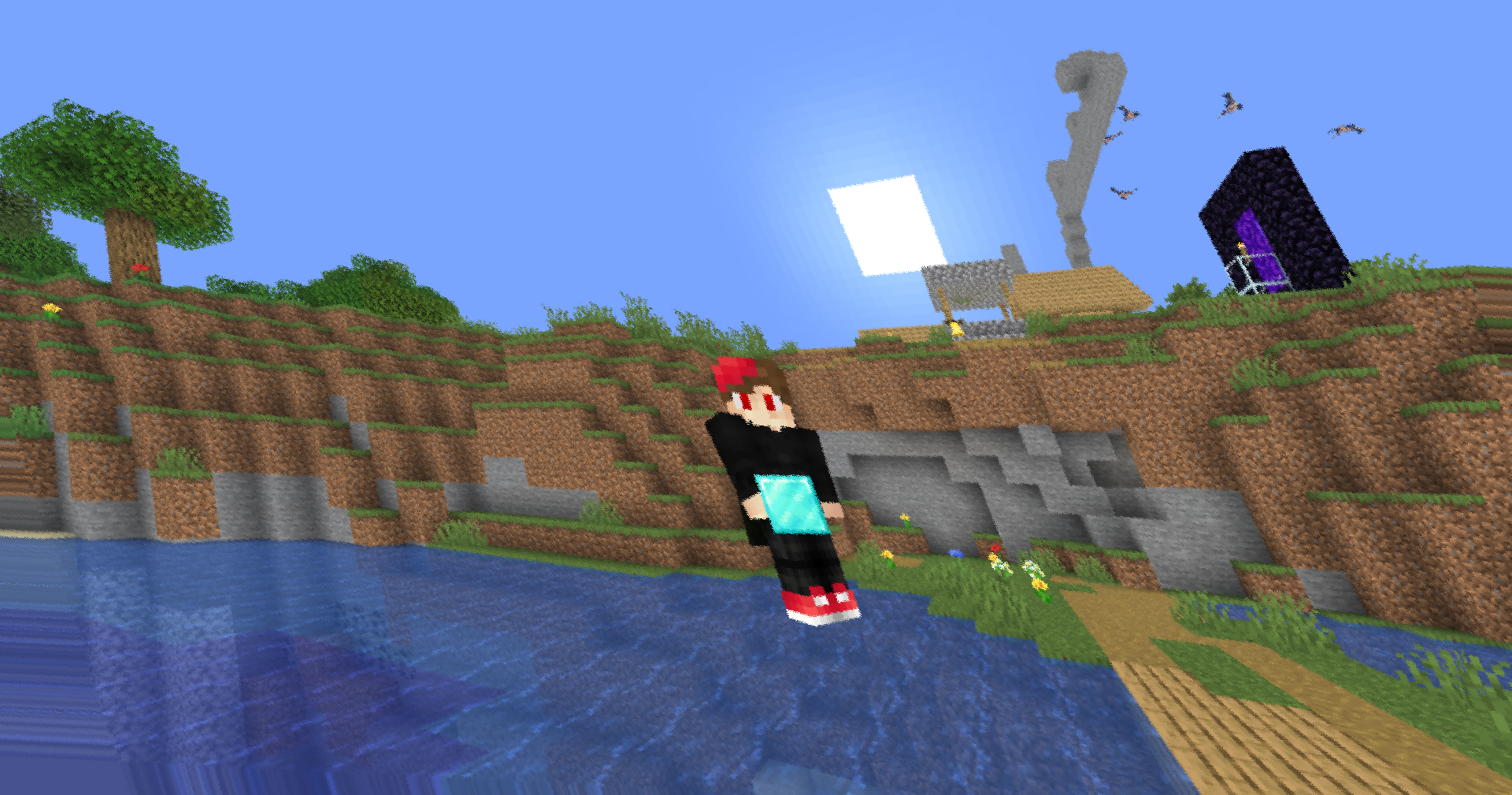
介绍



Subtle instability. Dynamic motion. Zero gameplay impact.
This lightweight post-processing shader adds animated screen distortion, directional skew, and camera-like shake to create a more intense and immersive visual experience. Designed for OptiFine and Iris compatibility, it runs entirely as a fullscreen effect with minimal performance overhead.
–
✨ Features
Animated Screen Skew
A time-varying shear transformation subtly bends the image horizontally and vertically, creating a dynamic sense of movement without becoming distracting.
Micro Camera Shake
Procedural jitter introduces tiny camera movements that make the scene feel less static. Scaled by screen resolution to remain consistent across devices.
Dynamic Rotation
A gentle rolling motion adds natural instability and prevents the effect from feeling mechanically repetitive.
Scanline-Based Distortion
A lightweight horizontal wobble effect simulates slight signal interference and enhances motion intensity during gameplay.
Procedural Noise
Texture-free hash noise drives the shake system, ensuring smooth animation with virtually no additional resource usage.
Safe Edge Handling
UV clamping prevents artifacting and edge stretching on drivers that struggle with out-of-bounds texture sampling.
⚙️ Technical Details
| | |
| ———————- | ————— |
| GLSL Version | #version 120 |
| Shader Type | Post-Processing |
| Pipeline | Composite |
| Performance Impact | Very Low |
| Compatibility | OptiFine / Iris |
🎛️ Included Effects
Animated skew · screen distortion · procedural jitter · micro shake · rotational drift · scanline wobble · edge-safe texture sampling
Built for lightweight cinematic motion and enhanced visual intensity.
常见问题
Skew 支持哪些 Minecraft 版本?
Skew 支持 Minecraft Java 版 1.7.2–26.3,共 84 个版本,可用的加载器:Iris / OptiFine。下载时注意选择和你游戏版本一致的文件。
Skew 怎么安装?
光影需要先装 Iris / OptiFine。把下载的 .zip 文件(不用解压)放进游戏目录的 shaderpacks 文件夹,进游戏后在「选项 → 视频设置 → 光影包」里选中它。光影对显卡要求较高,卡顿可以调低光影设置或渲染距离。
xsoras 的其他作品
查看全部 →
Vanilla Enhanced
一款轻量级光影,带来更真实的光照与更出色的视觉效果。
i hate shadows
Fullbright shader, banished every shadow.👋 You’re welcome.

Cartoony
A shader that makes 3D look like old-school cartoons on caffeine.

Blind
Simulates blindness with noise, pulse, and light distortion effects.
评论
登录后评论和评分