
Silisyum Shader
A Minecraft shader created by combining a few shaders designed to add visual interest to the game, specifically for low-end computers
截图
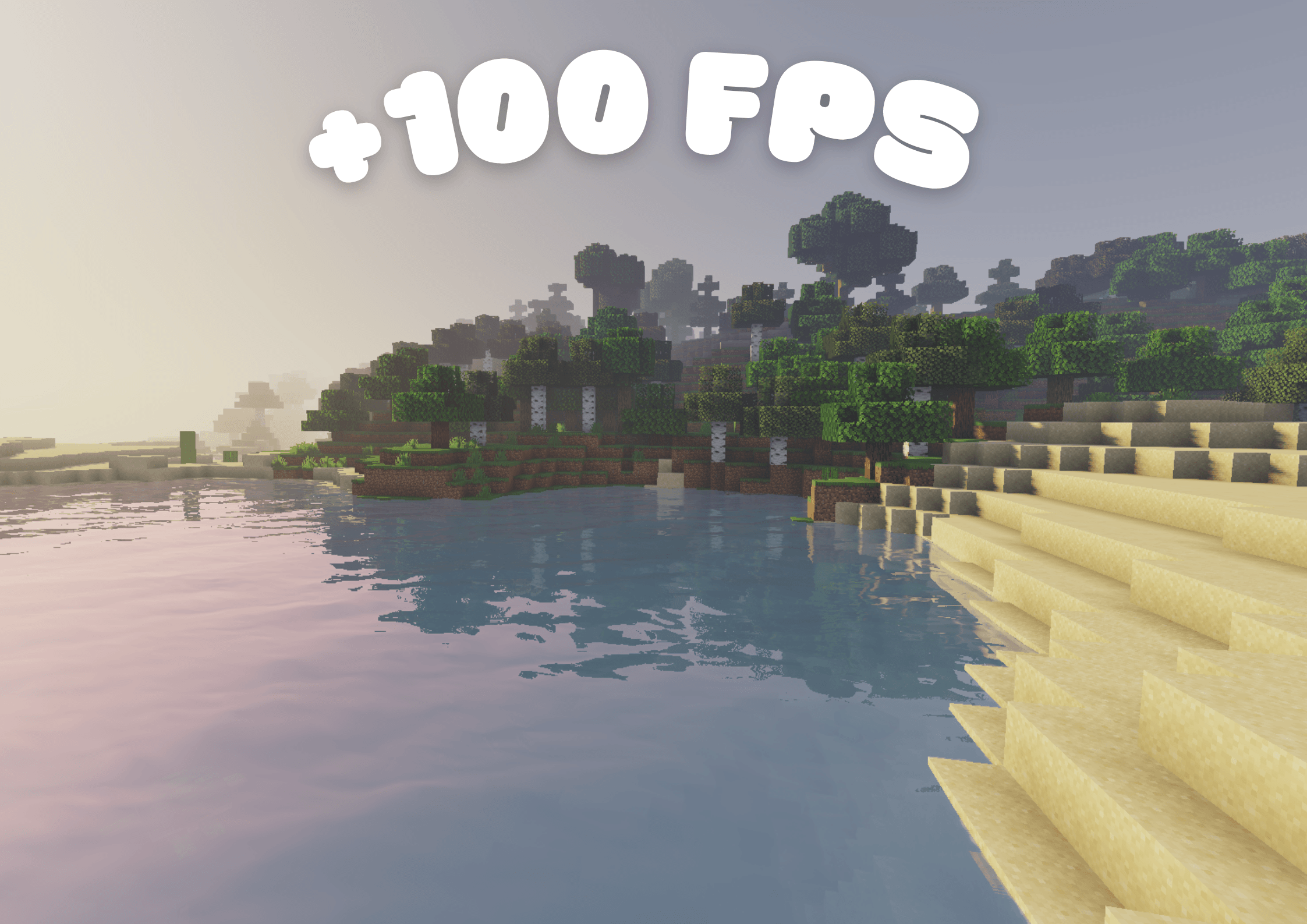
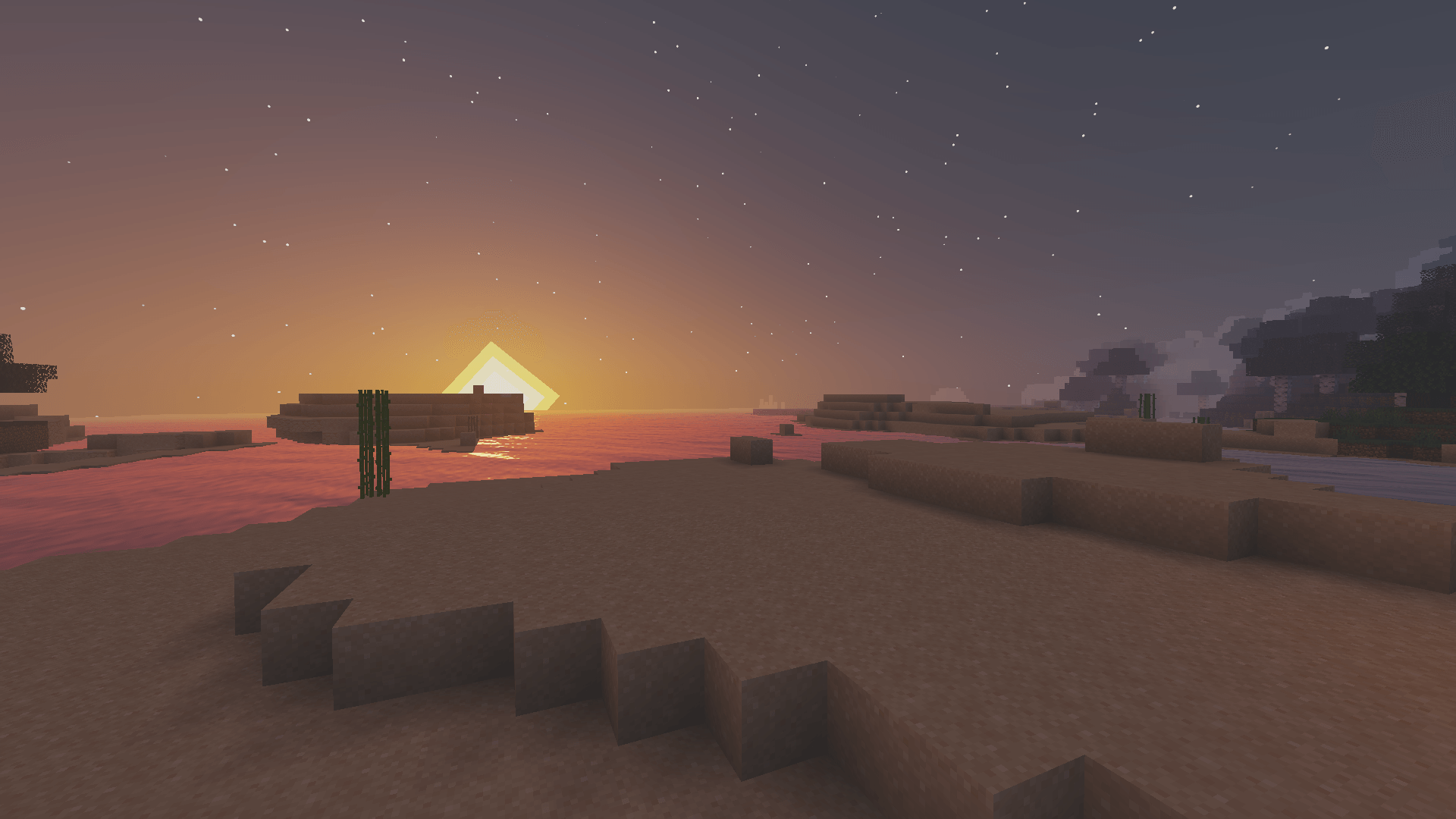
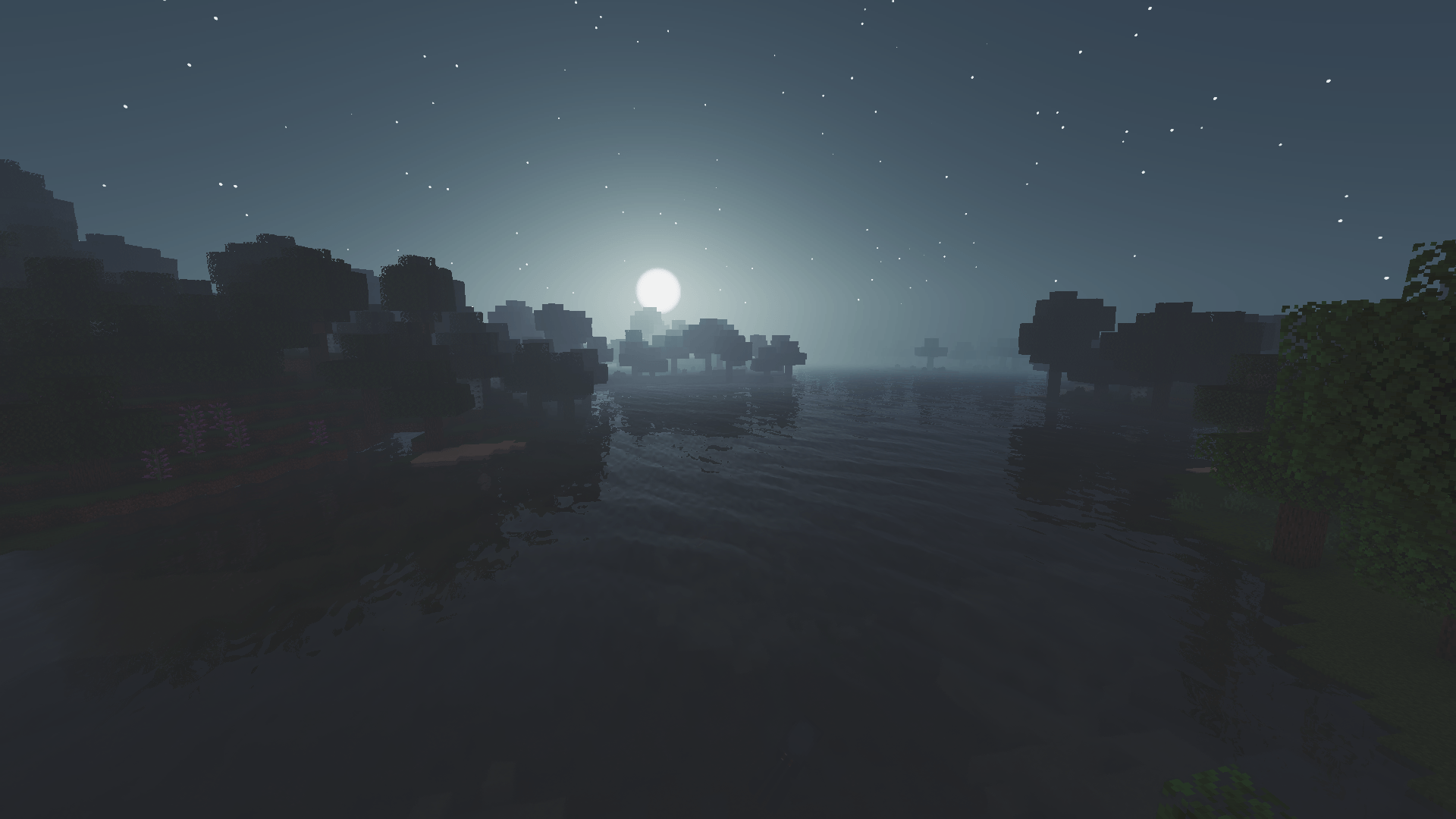
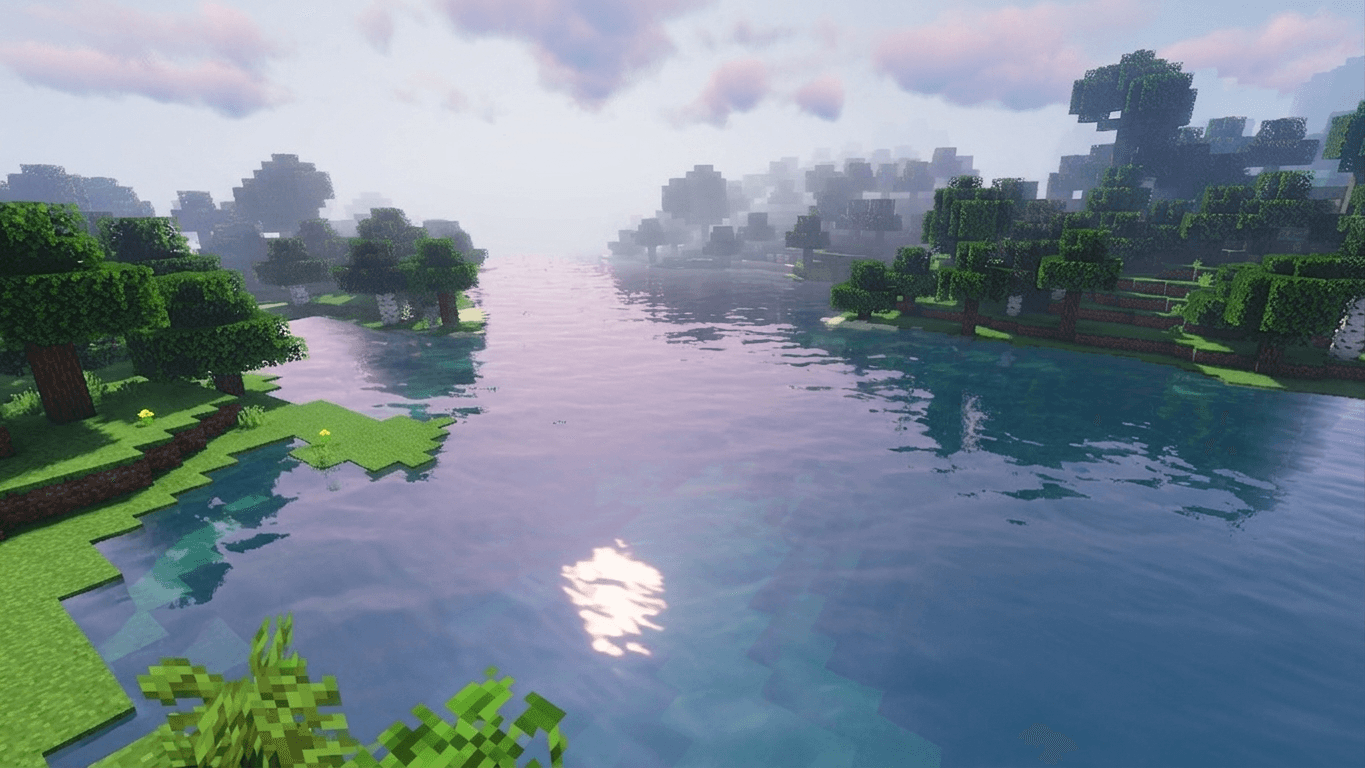
介绍
Silisyum Shader
Silisyum is a performance‑oriented, lightweight yet visually captivating shader pack. Built by combining the strengths of several well‑known shaders with custom enhancements, this pack delivers a seamless experience even on low‑end systems while offering a fresh and atmospheric look.
Features
- Soft pastel color palette for a calm and immersive atmosphere
- Natural lighting and subtle shadow rendering without heavy performance cost
- Gentle water wave animations for added realism, plus light fog and vignette effects for cinematic depth
- Optimized for high FPS, ensuring stable gameplay even on weaker hardware
Why Choose Silisyum?
Silisyum was created to bridge the gap between aesthetics and performance. It avoids the usual trade‑off of sacrificing visuals for speed, offering both in balance. Whether you are running Minecraft on a modest machine or a more powerful setup, Silisyum ensures a consistent, fluid experience. Its design philosophy is simple: keep the game playable while enhancing the world with a unique pastel‑styled atmosphere.
Silisyum is not just another shader; it is the result of carefully blending proven techniques with original ideas, making it lightweight, modern, and distinctive.
Silisyum isn’t a single shader; it’s a mixture of Makeup and Sildur shaders.
常见问题
Silisyum Shader 支持哪些 Minecraft 版本?
Silisyum Shader 支持 Minecraft Java 版 1.19.2–1.21.4,共 3 个版本,可用的加载器:Iris。下载时注意选择和你游戏版本一致的文件。
Silisyum Shader 怎么安装?
光影需要先装 Iris。把下载的 .zip 文件(不用解压)放进游戏目录的 shaderpacks 文件夹,进游戏后在「选项 → 视频设置 → 光影包」里选中它。光影对显卡要求较高,卡顿可以调低光影设置或渲染距离。
评论
登录后评论和评分